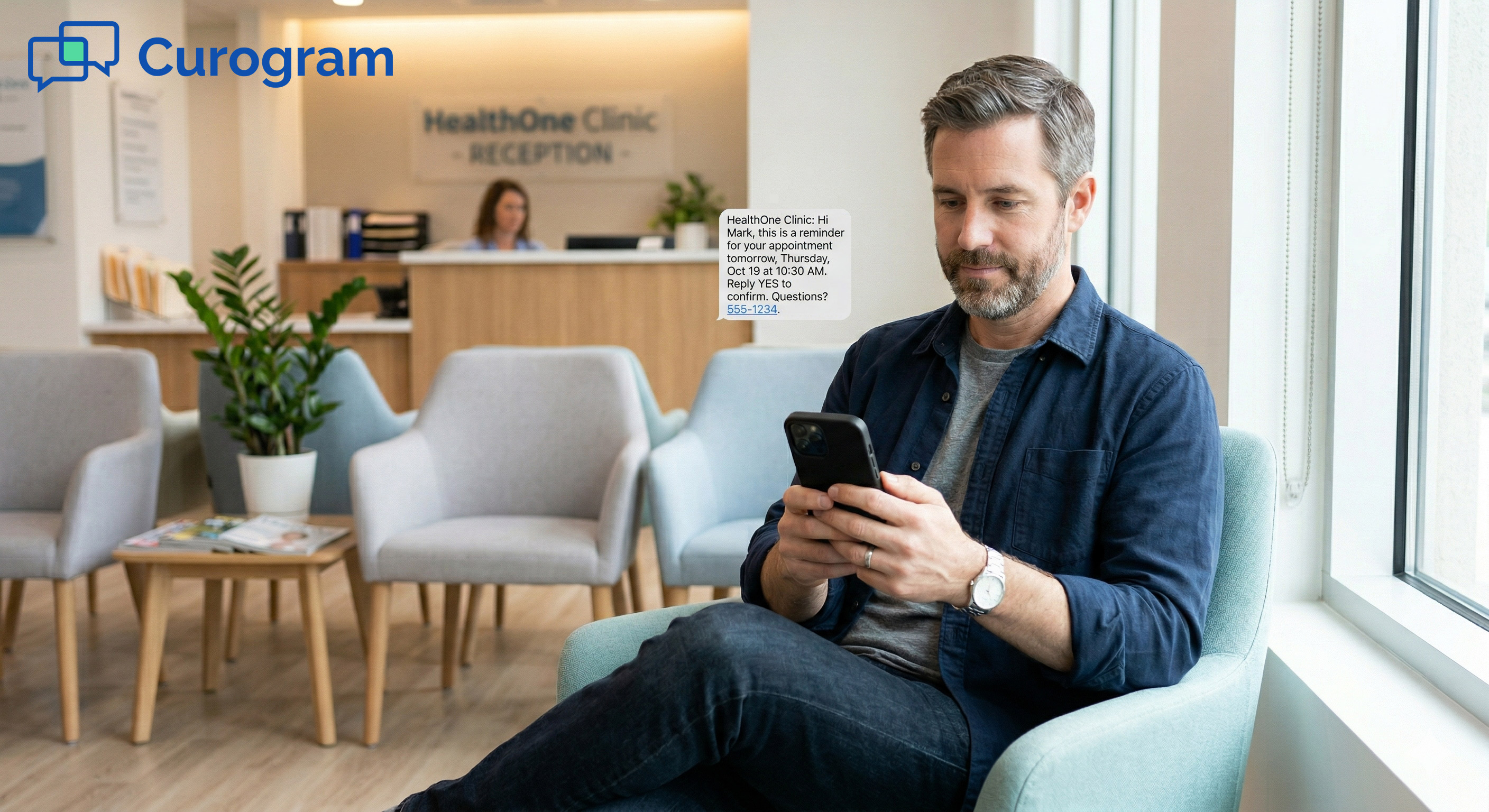
Appointment Reminder Text Messages: Cut No-Shows in Your Practice
Find out how appointment reminder text messages reduce no-shows and what to include in your reminders. Includes templates your practice can use right...
3 min read
Dax Francisco
:
Published
Curogram adds two-way texting to InSync practices: reminders clients can answer, intake forms by text, review requests, recall, text-to-pay and video-visit links. Below are all our InSync guides, grouped by what you want to fix.
InSync runs your clinical record, your schedule and your billing. Curogram handles the conversations around each visit, by text. In behavioral health and therapy practices, many clients never log in to a portal, so those conversations usually land on the front desk as phone calls, voicemails and paper.
Curogram is two-way texting, not a phone system. Clients text your office number, and your team answers from one shared inbox. Reminders go out automatically, and when a client confirms, cancels or misses a visit, that status is written back to InSync. Intake forms go out by text before the visit, and completed forms, insurance cards and ID images reach InSync. The same inbox handles review requests, recall, payment links and video-visit links.
Staff still book and move appointments in InSync, and payments are recorded through your usual billing routine. The guides below are grouped by the job you want done. Start with the group that costs your front desk the most time today.
Confirmations, cancellations and no-shows are written back to InSync. Completed forms, insurance cards and ID images reach InSync. See what the integration covers on the Curogram for InSync page.
A note for substance use disorder programs: If your program is covered by 42 CFR Part 2 (you hold yourself out as providing substance use disorder diagnosis, treatment or referral), automated messages need extra care. Get written, Part 2-compliant consent before sending any automated text. Consider not sending review requests to those patients, or use wording that doesn't reveal the nature of your services. Check your approach with your compliance counsel.
Jump to: Two-way texting and a shared inbox · Appointment reminders and confirmations · Digital intake and forms · Google reviews and local search · Mass messaging, recall and reactivation · Text-to-pay and patient balances · Telehealth
Clients text the office from their own phone, and staff answer from one shared inbox instead of the portal, voicemail or personal phones.
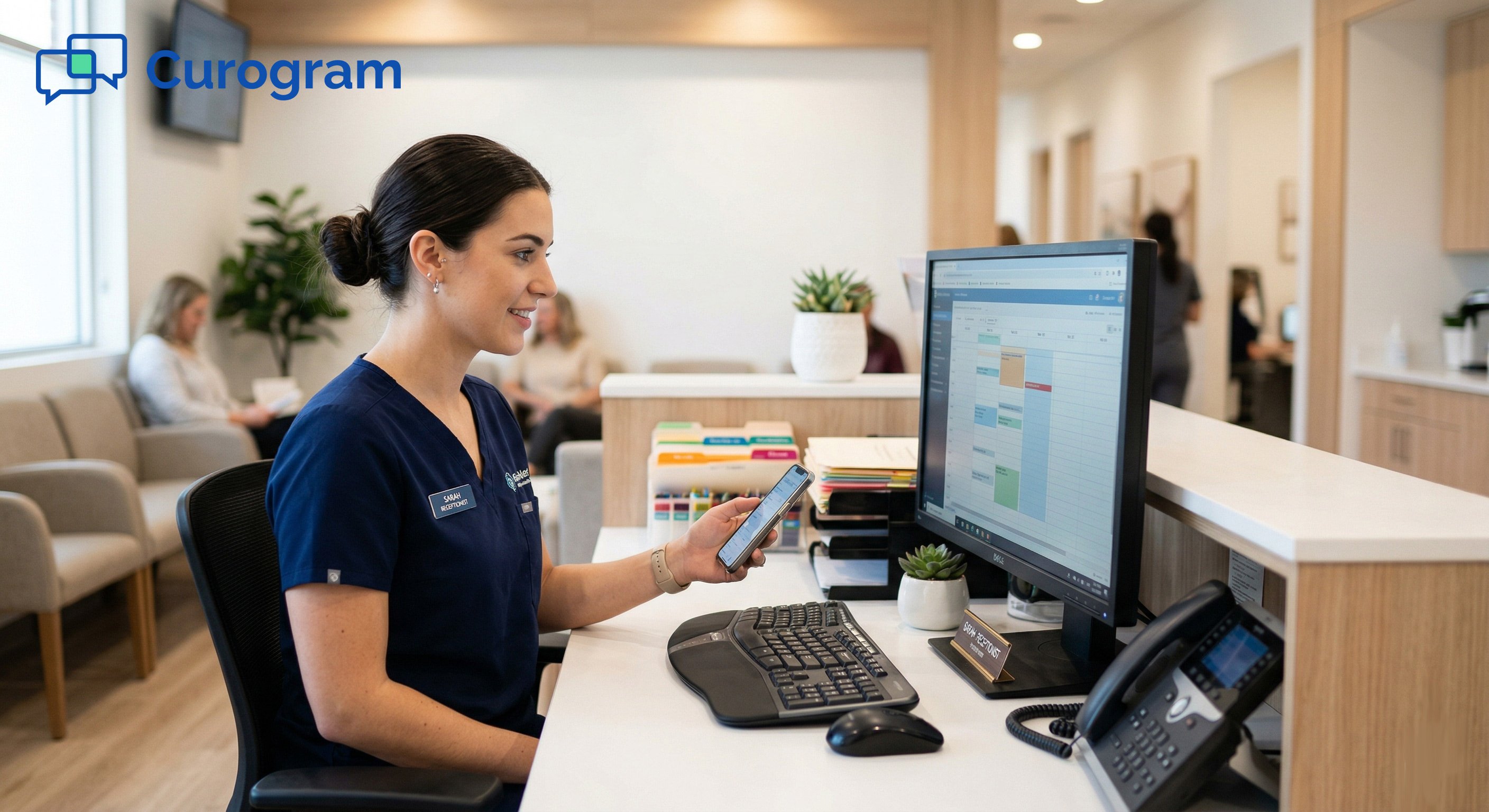
Text reminders clients can answer. Confirmations, cancellations and no-shows are written back to InSync, so the front desk stops making confirmation calls.
Clients complete forms on their phone before the visit. Completed forms, insurance cards and ID images reach InSync.
Every patient gets the same review request, by text, after the visit, so the people who were helped are the ones who show up on Google.
Reach a whole list at once: schedule changes, closures, recall and former clients who could come back. Replies land in the shared inbox, and staff book the visit in InSync.
Clients get a secure payment link by text and pay from their phone. Staff record payments in InSync through the billing routine they already use.
Video-visit links go out by text, so clients join from their phone with no app to download and no portal login.
See how two-way texting fits your InSync workflow in a demo with our team. Book your InSync integration demo.
Find out how appointment reminder text messages reduce no-shows and what to include in your reminders. Includes templates your practice can use right...
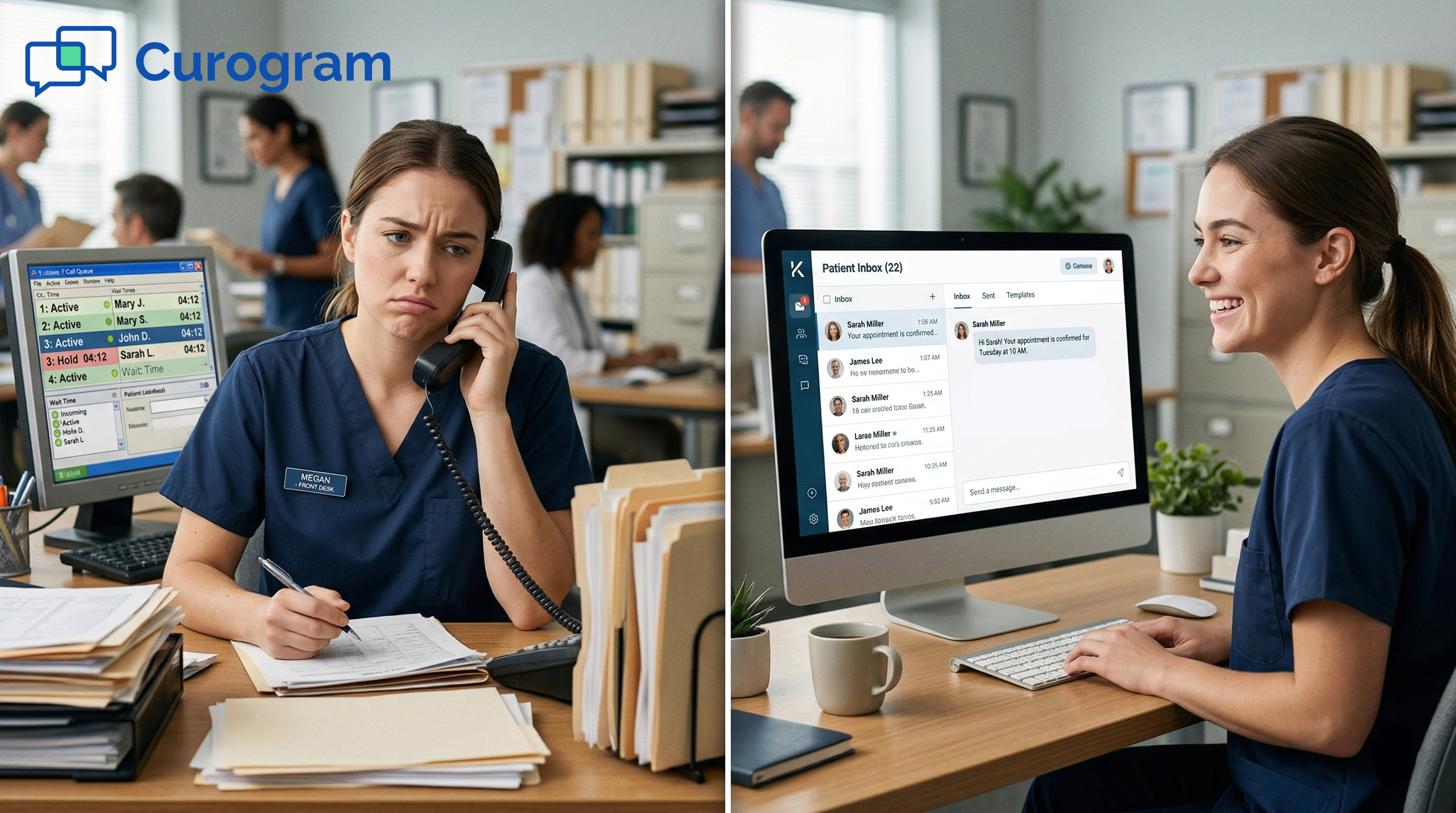
Learn what HIPAA-compliant texting means, why it matters for your medical practice, and what to look for in a secure texting platform. Complete guide.
Medical text messaging is helping practices cut call volume, reduce no-shows, and communicate faster. Here's what it is and how to make the switch.