Skip to the main content.

9 min read

Medical Text Messaging: Why Practices Are Replacing Phone Calls

Medical Text Messaging: Why Practices Are Replacing Phone Calls
💡 Texting elderly patients is practical when you use the right approach. Most adults over 65 now own smartphones, so the real challenge is not access — it is message design. Keep texts short and clear. Use plain words, complete sentences, and always name your practice. Avoid abbreviations and all-caps.

For the best results, set patient preferences at intake and offer a phone call as a backup option. A reliable patient texting system should support two-way messaging, easy opt-in, and HIPAA-compliant delivery. When done right, texting can cut no-shows, speed up confirmations, and improve care — for patients of any age.


Every day, front desk staff pick up the phone to confirm appointments, chase down patients, and leave voicemails that often go unanswered. It is slow, frustrating, and costly. Medical text messaging is changing that.

More practices are moving away from phone calls and switching to text. Patients respond faster, staff spend less time on hold, and the whole communication process becomes simpler.

This guide covers what medical text messaging is, what it can do for your practice, and how to make the switch without disrupting your workflow.


The Problem with Phone Calls in Medical Offices

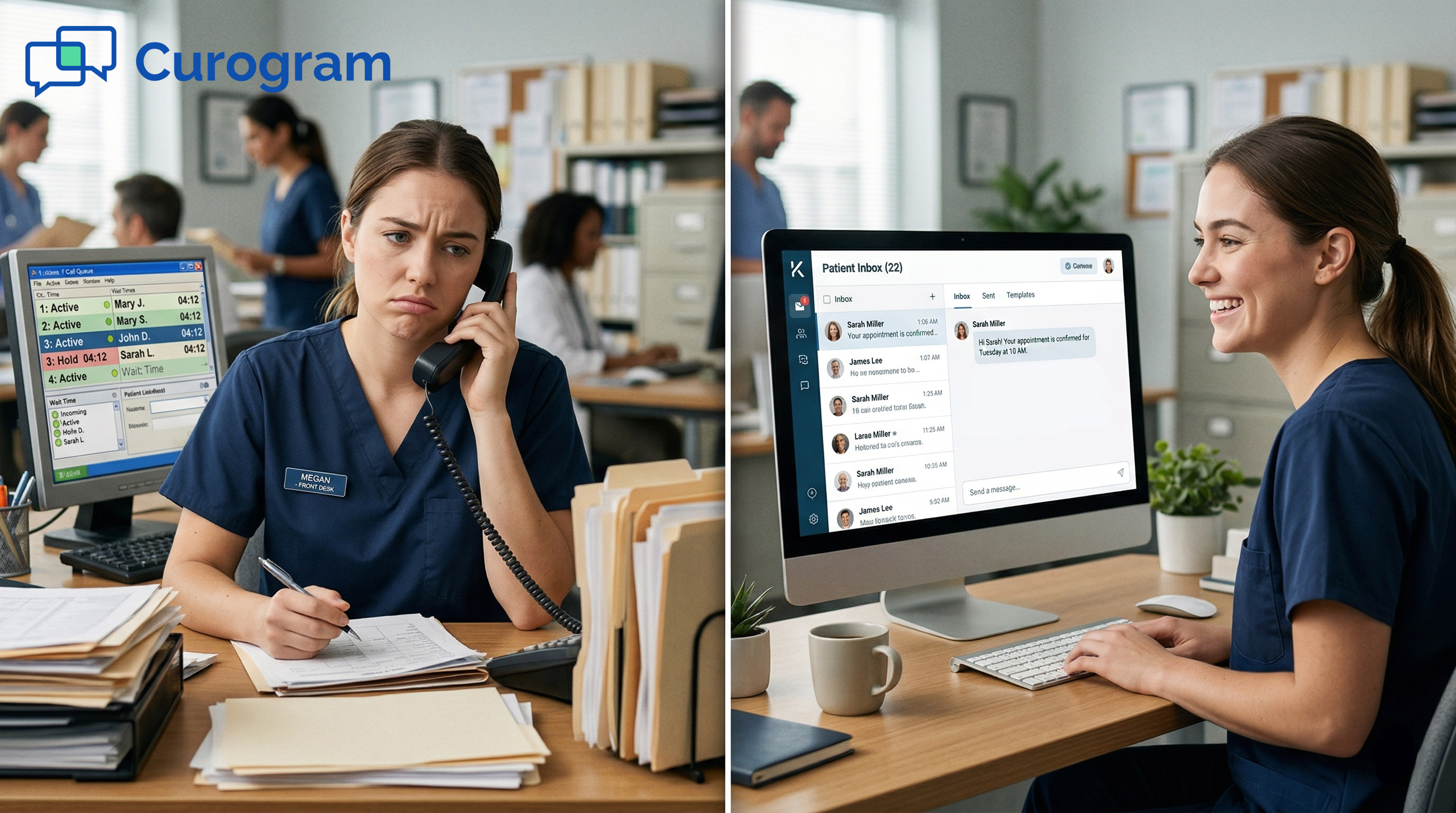
Phone calls are still the default for most medical offices, but they come with real costs. Each unanswered call turns into a voicemail, and each voicemail turns into follow-up work. Staff end up playing phone tag with patients for something as simple as confirming a Tuesday appointment.

Think about how much time your team spends each week on hold or waiting for callbacks. That time adds up fast. And when patients do not confirm, practices are left guessing about no-shows, which means lost revenue and wasted appointment slots.

The frustration is not just on the staff side. Patients are busy. Many prefer not to answer unknown numbers at all. A call that interrupts a meeting or arrives during school pickup often goes ignored, and the appointment confirmation never happens.

Based on our internal data, practices using automated text-based communication confirm over 1,100 appointments per month on average, all without a single staff member picking up the phone. That kind of efficiency is hard to match with a phone-first approach.


What Is Medical Text Messaging?

At its core, medical text messaging is a two-way SMS system that lets a practice and its patients exchange messages through a secure, HIPAA-compliant platform.

It is not the same as texting from a personal phone, and it is not email with a shorter subject line. It is a purpose-built channel designed for healthcare communication.

Healthcare texting platforms handle everything from automated appointment reminders to real-time replies from patients. When a patient texts back to confirm or cancel, the system logs it and can even update the schedule automatically. Staff see all conversations in one place, just like a shared inbox.

Medical texting is different from personal texting in one key way: it keeps protected health information safe. Every message is sent and stored in a way that meets HIPAA standards. Patients get a smooth, familiar experience (it is just a text), but the backend is built for compliance.

It is also different from email because response rates are much higher. Studies consistently show that SMS open rates far exceed email open rates. For time-sensitive healthcare messages, that gap really matters.
 

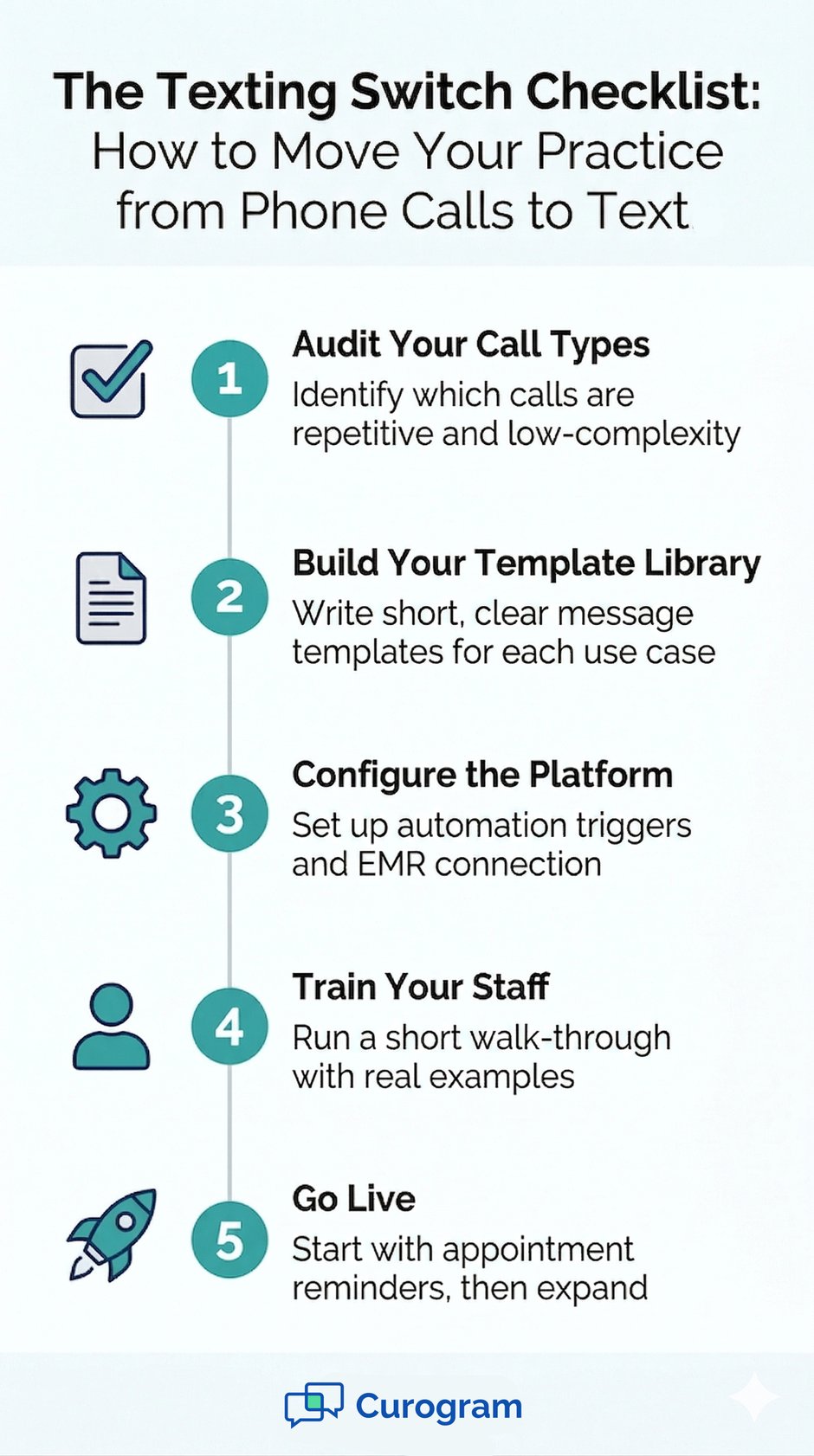
Infographic: 5 steps to switch from phone calls to text, titled 'The Texting Switch Checklist'


The Business Case for Text Messaging for Medical Offices

Switching to text messaging for medical offices is not just a convenience upgrade. There is a clear business case. Fewer no-shows, lower call volume, and faster patient responses all have a direct effect on revenue and staff workload.

Based on our internal research, practices using Curogram's automated reminders and two-way texting see no-show rates that are 53% lower than the industry average.

For context, the industry average no-show rate tends to sit between 10% and 30%. Reducing that number even slightly can mean a meaningful jump in monthly revenue.

Metric

Phone-Call Approach

Medical Text Messaging

No-Show Rate

Industry avg. 10-30%

Up to 53% lower (based on our internal data)

Appointment Confirmation

Manual, time-intensive

Fully automated

Staff Time per Confirmation

Several minutes per call

Near zero (automated)

Patient Response Rate

Low (voicemail often ignored)

High (texts opened quickly)

Revenue Impact

Lost revenue from empty slots

10-20% revenue increase possible


Atlas Medical Center is a real example of what this shift can look like. Their no-show rate dropped from 14.20% to 4.91% in just three months after switching to automated text reminders. That is three times better than the industry average, based on our internal data.

Staff stress also drops. When patients confirm or cancel by text, staff no longer spend hours chasing callbacks. They can focus on tasks that actually require human attention. That is a win for morale and for patient care.

If you want to go deeper on how to set up a system that drives results, the article on patient text messaging best practices walks through the key steps.

What You Can (and Can't) Do with Medical Texting

A good medical texting service handles a wide range of tasks, but it is worth knowing where the lines are. Not every type of healthcare communication belongs in a text thread.

What You Can Do

Text messaging works well for routine, time-sensitive, and one-way or simple two-way exchanges. The following are all solid use cases:

Patient-Facing Tasks

  • Appointment reminders and confirmations
  • Cancellation notices and rescheduling requests
  • Billing notices and payment links
  • Intake forms sent before the visit
  • Post-visit care instructions
  • Recall messages for overdue follow-ups

Office Workflow Tasks

  • Automated responses to common patient questions
  • Internal team messages within the platform
  • Broadcasting general updates to a patient group
  • Review request messages after appointments

What You Cannot Do (Without Extra Safeguards)

Full medical consultations do not belong in a standard text thread. Sharing detailed lab reports, diagnoses, or sensitive clinical information requires a fully encrypted system, not a basic SMS exchange. Most platforms, including a proper medical texting service, will flag or limit this kind of content by design.

It is also not a substitute for urgent care communication. If a patient is in crisis or needs an immediate clinical response, a phone call or in-person visit is still the right path. Text is fast, but it is not always monitored in real time.

To learn more about where the compliance lines sit, the article on HIPAA compliant texting for medical practices explains the rules in plain language.


How Medical Texting Integrates with Your EMR

One of the biggest worries practices have before switching is the idea of managing two systems at once. Text messaging for doctors makes the most sense when it connects directly to the tools already in use, mainly the EMR.

Sync, Not Duplicate

A well-built integration means staff do not enter data twice. When a patient confirms an appointment by text, that confirmation updates the schedule in the EMR automatically. When a new patient fills out an intake form by text, that information flows into the patient record without anyone copying it over by hand.

Real-Time Schedule Updates

When a patient cancels or reschedules via text, the system updates the calendar in real time. Staff can then offer that slot to another patient right away, which reduces gaps in the schedule and helps the practice stay full.

Patient Record Accuracy

Intake and pre-visit forms collected by text arrive as structured data, not paper. That means fewer transcription errors and more complete records before the patient even walks in the door.

Easy to Learn, Easy to Run

Good EMR integration also means a short learning curve. Front desk staff do not need technical training. They see a familiar-looking inbox where all patient texts live, and they respond just like they would in any messaging tool.

Curogram is built this way by design, syncing with existing EMR systems so practices can go live without a long setup process.

Providers also benefit. Text messaging for doctors frees up time that used to go toward phone callbacks and message relay.

When a patient needs to share a quick update or ask a simple question, it happens by text, and the provider (or their team) can respond when it makes sense without interrupting a patient visit. 

How to Transition from Phone Calls to a Medical Messaging System

Switching from a phone-first system to a medical messaging app does not have to happen all at once. A phased approach keeps things manageable and gives staff time to build confidence with the new workflow.

Step 1: Audit Your Current Call Types

Start by tracking what kinds of calls your front desk handles most often. Appointment confirmations, cancellations, billing questions, and prescription refill requests are all strong candidates for text. Complex clinical questions and urgent issues are not. Even shifting 50% of your call volume to text can free up significant staff time.

What to Look For

Look for call types that are repetitive, low-complexity, and time-sensitive. If a call follows the same script every time ("Your appointment is Tuesday at 2 pm, can you confirm?"), it is a good fit for automation by text.

What to Keep as Phone Calls

Keep calls that require judgment, empathy, or back-and-forth problem-solving. New patient onboarding, billing disputes, and any conversation that tends to go off-script should stay on the phone for now.

Step 2: Build Your Template Library

Write out short, clear message templates for each text use case. Reminders, confirmations, cancellation notices, post-visit instructions, and intake form links all need their own template. Keep each one under 160 characters if possible so it sends as a single SMS.

Step 3: Configure the Medical Messaging App

Set up your medical messaging app with your templates, automation triggers, and EMR connection. This is when you decide which messages go out automatically (like reminders 48 hours before an appointment) and which ones staff send manually.

Step 4: Train Staff and Go Live

Most platforms are simple enough that a short walk-through is all staff need. Run a live demo with real examples, let team members practice sending and receiving texts in a test environment, and then go live with one message type at a time. Starting with appointment reminders is usually the easiest entry point.

For a broader view of how patient communication technology works and where text messaging fits in, our article on patient communication platforms is a helpful next read.
 

What to Look for in a Medical Texting Service

Not all medical texting services are the same. Before choosing one, run it through a short checklist to make sure it fits your practice's needs.

Feature

Why It Matters

HIPAA Compliance

Required by law. Your platform must protect PHI at rest and in transit.

EMR Integration

Eliminates double data entry and keeps records current automatically.

Two-Way Messaging

Patients need to be able to reply, not just receive. One-way blasts miss the point.

Ease of Use for Front Desk

Staff adoption depends on a simple, intuitive interface.

Automation Capabilities

Reminders, confirmations, and recalls should run without manual effort.

Transparent Pricing

Look for clear, per-practice pricing, not per-message fees that add up.


Curogram covers all of these. It is a single platform that handles two-way texting, appointment reminders, intake forms, patient recalls, and more, all HIPAA-compliant and integrated with your EMR. It is built specifically for medical offices that want to reduce call volume without adding complexity.   


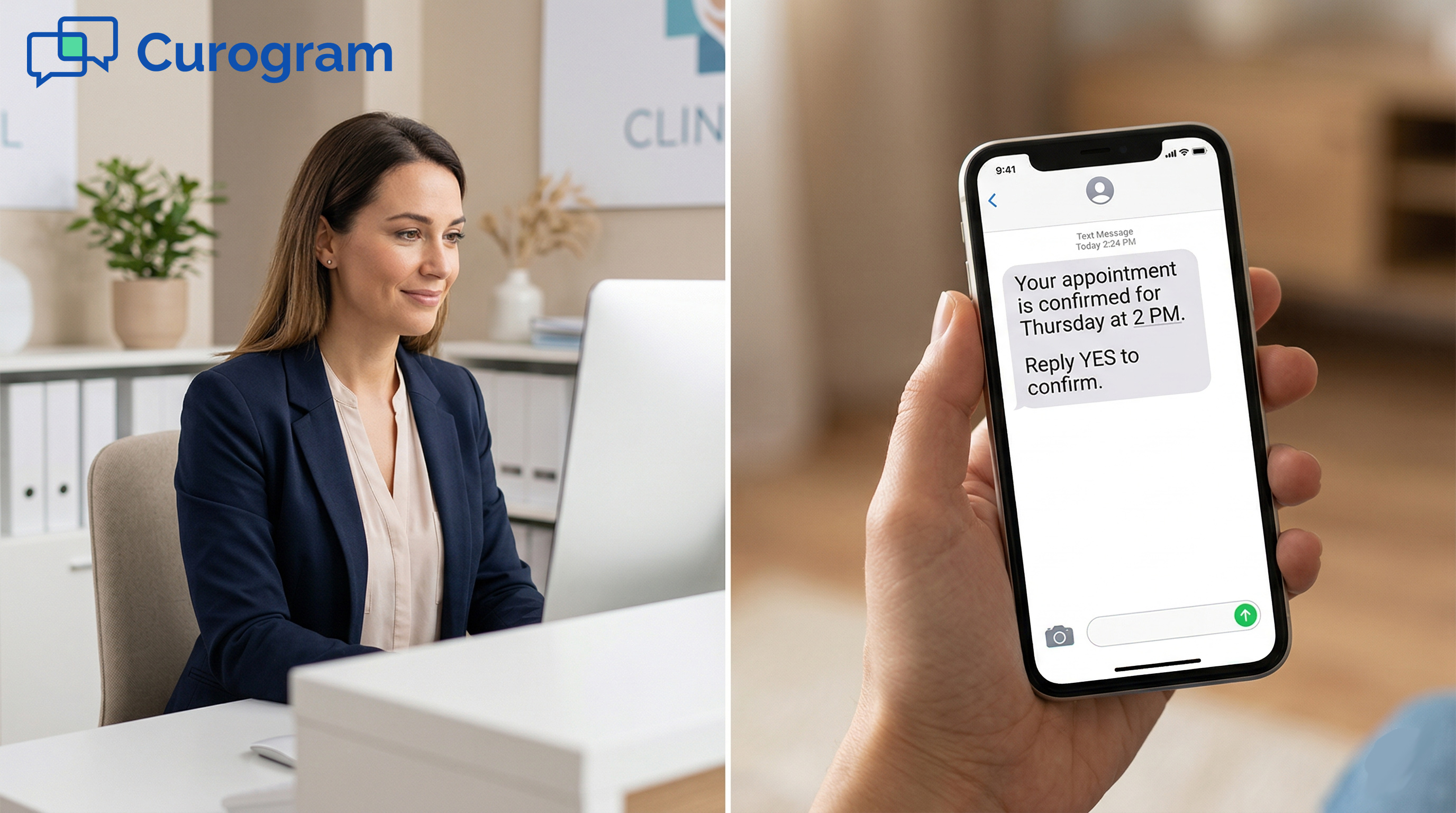
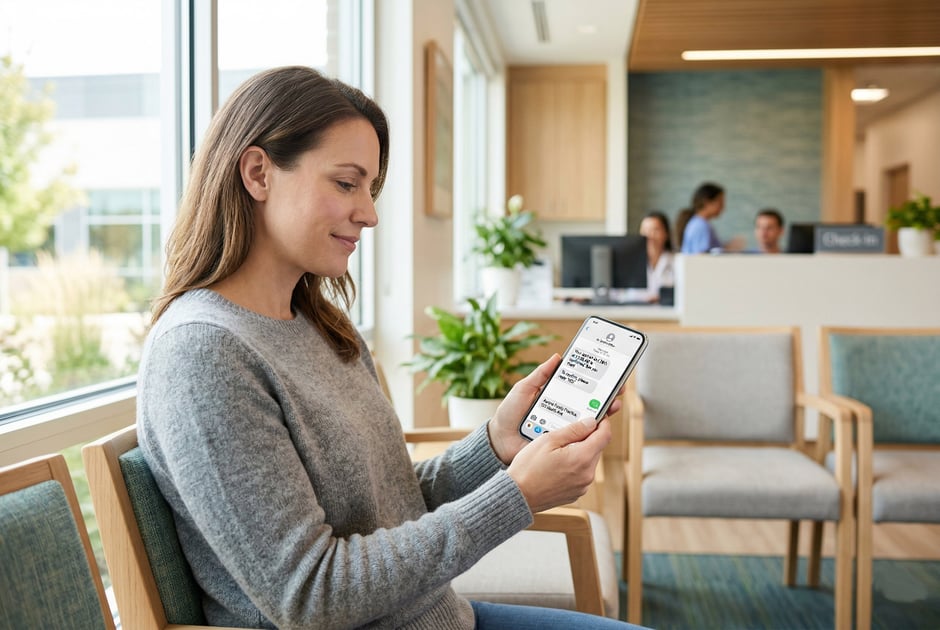
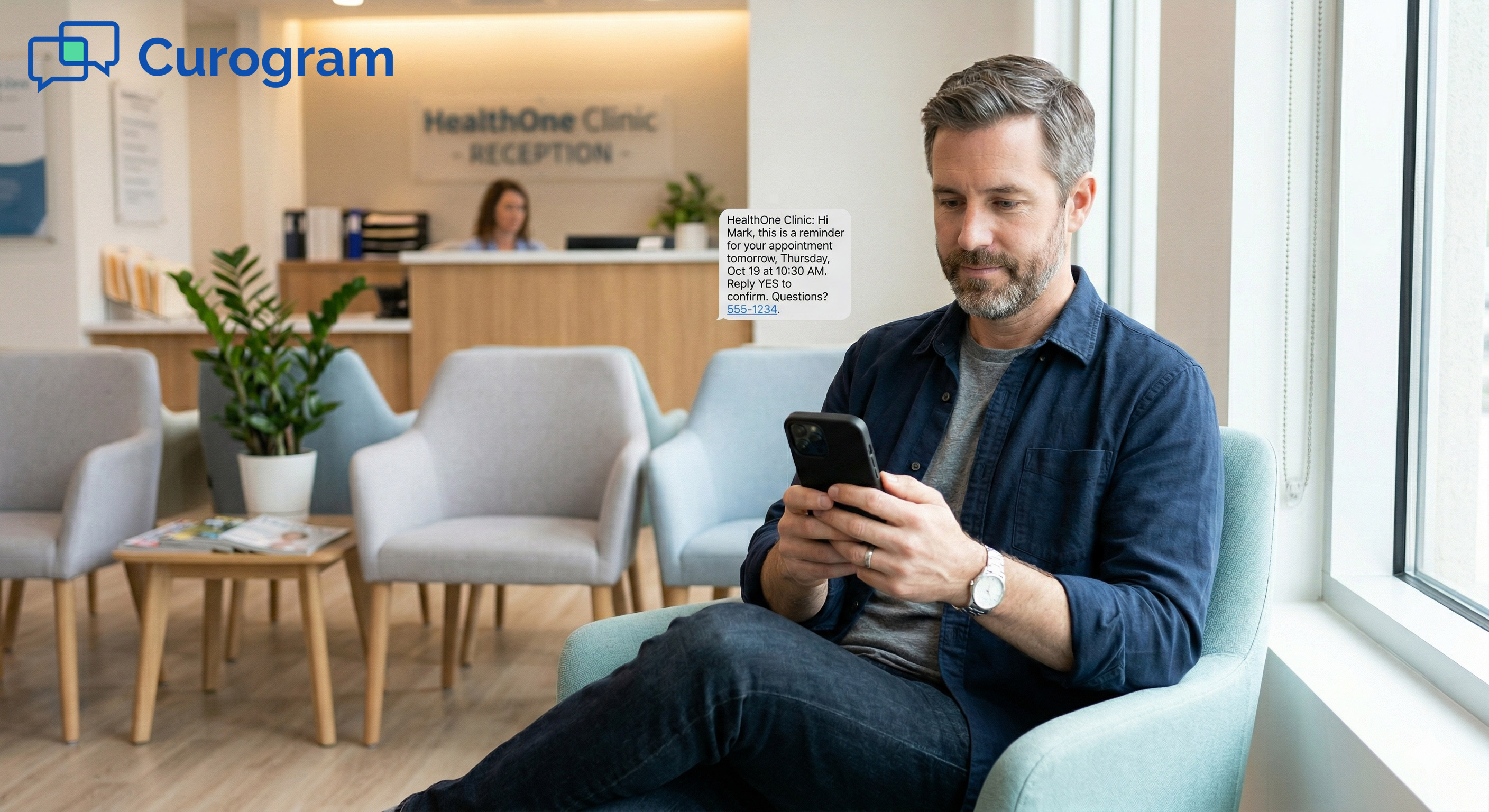
A patient in a waiting room looks at an appointment confirmation text on her phone

Conclusion

Phone calls have been the backbone of patient communication for decades. But they are slow, staff-intensive, and increasingly out of step with how patients prefer to be reached.

Medical text messaging is a practical, proven upgrade. It cuts the back-and-forth of phone tag. It automates tasks that used to eat up hours of staff time. And it gives patients a way to respond that fits into their actual lives.

The results are real. Based on our internal data, practices using Curogram see no-show rates that are 53% lower than the industry average. One practice, Atlas Medical Center, went from a 14.20% no-show rate to just 4.91% in three months. Another confirmed over 1,100 appointments per month automatically, without any added staff effort.

Healthcare texting also does not have to replace the human side of your practice. It handles the routine so your team can focus on the moments that actually need a personal touch.

When a billing question comes in by text, staff answer it. When a patient needs to reschedule, they do it themselves by replying to a reminder. The phone stays free for the calls that matter.

Making the switch is not about overhauling everything at once. Start with appointment reminders. Get your team comfortable. Then expand from there. Most practices see results quickly, and staff tend to wonder why they waited so long.

If your practice is still spending hours each week on confirmation calls and voicemail callbacks, medical messaging is worth a serious look. The tools are ready. The question is whether your practice is.

Cut Call Volume and Communicate Faster — See Curogram in Action.


Frequently Asked Questions

How does medical text messaging keep patient data safe?

A HIPAA-compliant platform encrypts all messages both in storage and during transmission. It also keeps patient data off personal devices and within a secure, access-controlled system.

Unlike personal texting apps, these platforms create an audit trail so your practice can show compliance if ever reviewed. The right service will sign a Business Associate Agreement (BAA) with your practice before you send a single message.

Why do patients respond faster to texts than to phone calls?

Most people carry their phones everywhere, but they do not always answer calls from numbers they do not recognize. A text, on the other hand, can be read and answered in seconds without interrupting a meeting or a family moment.

SMS open rates are much higher than both phone call pickup rates and email open rates. For time-sensitive messages like appointment reminders, that speed matters.

How do practices know which calls can be replaced by texting?

The easiest way is to track call types for one or two weeks and look for patterns. Any call that follows a set script, such as confirming an appointment or sending a payment link, is a good candidate for text automation.

Calls that require back-and-forth problem-solving, clinical judgment, or emotional support should stay on the phone. Most practices find that 50% or more of their daily call volume can move to text.

How long does it take to set up a medical texting service?

Setup time depends on the platform and how complex your EMR integration is, but most practices can go live within a few days to a couple of weeks. Curogram, for example, is built to sync with existing EMR systems without a long technical process. Staff training typically takes just a short walk-through because the interface is designed to look and feel like a familiar messaging tool.

How does two-way texting reduce no-show rates?

When a patient gets a reminder by text and can confirm or cancel with a single reply, they are far more likely to take action than if they receive a voicemail. That one small step, from passive reminder to active confirmation, makes a big difference.

Based on our internal research, practices using two-way automated reminders see no-show rates that are 53% lower than the industry average. Patients who confirm are also more likely to show up because they made a conscious choice to do so.