

12 min read
PF Patient Intake Forms | Complete on Your Phone via Text Link
Jo Galvez
:
March 23, 2026
Patients receive a text link 24 to 48 hours before their visit, tap it, and finish their forms in under two minutes. The form opens right in the phone's browser, pre-populated for returning patients.
When they walk in, check-in takes seconds. This approach replaces the old paper-and-clipboard process that forces patients to arrive 15 to 20 minutes early just to fill out the same forms they completed last year. It works for every patient, whether or not they use a portal.
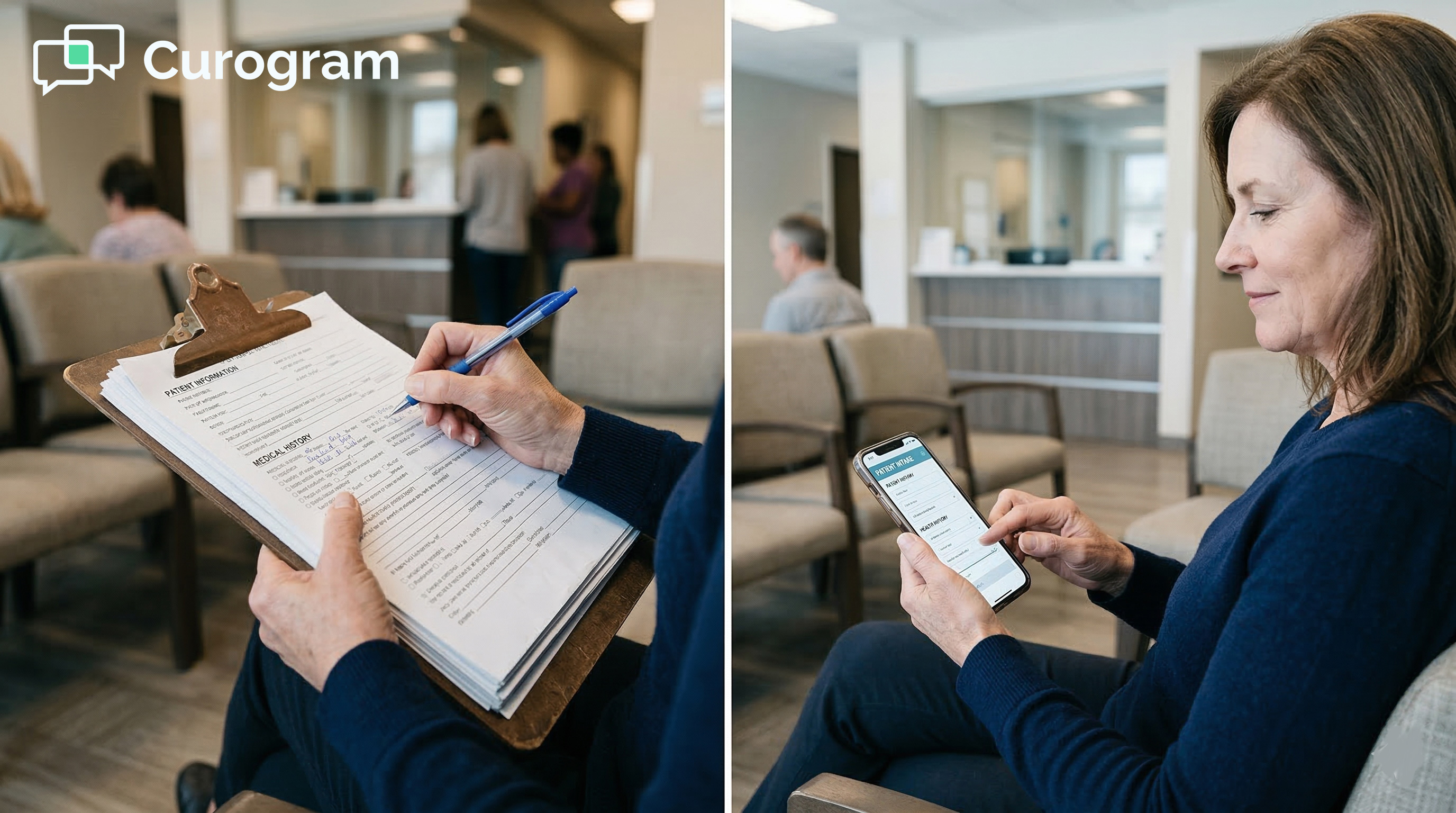
You arrive on time for your doctor's appointment. The front desk person smiles and hands you a clipboard. Nineteen pages. A pen. And a chair.
This is still how millions of patients start their visits at small medical practices. Even in 2025, paper intake is the default at many clinics running on Practice Fusion.
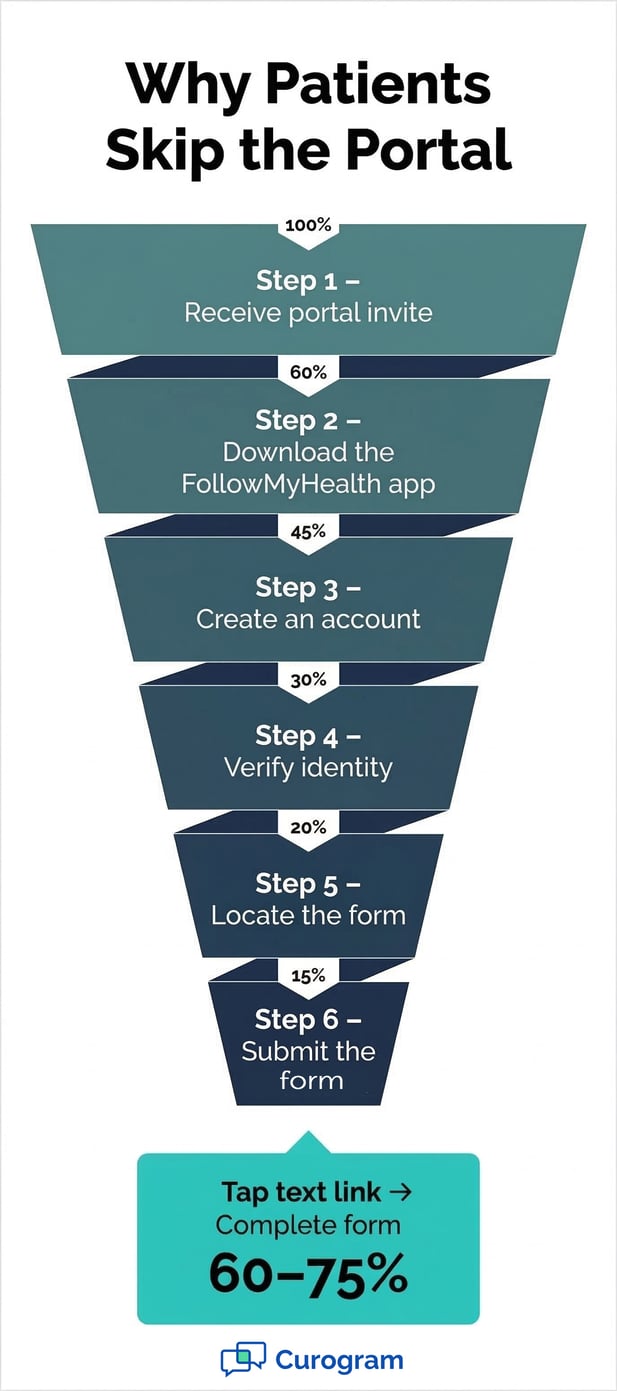
The Patient Fusion portal does exist, but most patients never set it up. It requires downloading the FollowMyHealth app, creating an account, and verifying your identity, all before you can even see a form.
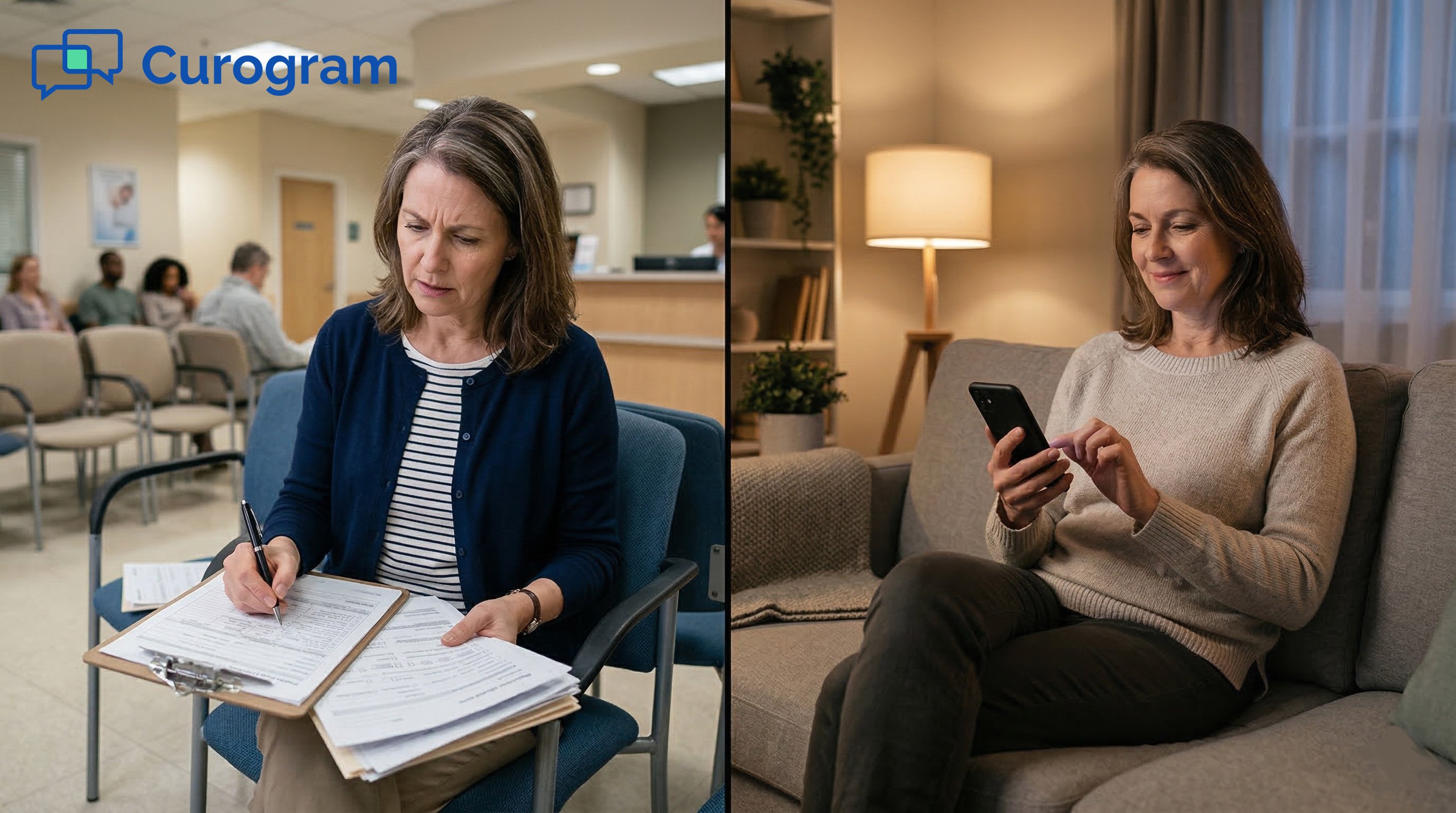
The result? Patients arrive 15 to 20 minutes early just to fill out the same information they wrote last year. And the year before that.
Curogram's Two-Minute Intake changes this. It sends patients a text link before their appointment. They tap it, complete the form on their phone in under two minutes, and walk in ready to be seen.
No app. No portal. No clipboard. Just a text link that works on any smartphone.
This article walks through how it works, why paper and portal intake fall short, and what the shift to digital check-in actually looks like for patients at small Practice Fusion practices.
The Villain: The Clipboard Greeting
Paper intake has been the default at small medical offices for decades. Even as technology has improved, many small practices have not moved away from it. Understanding why this still happens, and what it costs patients, is the first step toward fixing it.
Why Paper Intake Persists at Practice Fusion Clinics
Most small practices on Practice Fusion do have access to Patient Fusion, the built-in patient portal. But access and adoption are two different things.
The portal requires patients to download the FollowMyHealth app, create an account, verify their identity, and navigate a form interface that many find confusing. For busy patients, that process is easy to skip, so most do.
Practices also face a staff challenge. Setting up and managing portal invitations takes time. If patients do not complete digital forms ahead of time anyway, there is little incentive to invest in the workflow. So the clipboard stays.
The Patient's First Interaction Sets the Tone
When a patient walks in and receives a clipboard, it signals something. It says the practice has not updated its process. Patients notice this, even if they do not say it out loud.
The dentist down the street sends a text link. The urgent care across town lets patients register on their phone. The experience at the clipboard practice feels dated by comparison.
First impressions are not just about the waiting room decor or the receptionist's greeting. The intake process itself is part of the first impression. And right now, paper is losing that comparison.
The Hidden Time Cost for Patients
The clipboard is not just a minor inconvenience. It adds real time to every visit. Patients are told to arrive 15 to 20 minutes early, not for their appointment, but for paperwork.
They write their name, address, insurance, medical history, medications, allergies, and emergency contacts, often for the second or third time that year.
For returning patients, this feels redundant. For patients with limited mobility or poor eyesight, it feels like a barrier. For patients with language challenges, it can feel like a test. None of this has anything to do with clinical care, yet it defines how the visit begins.
Why the Patient Fusion Portal Falls Short
The portal option solves the paper problem in theory. In practice, it creates a different set of problems. The barrier to entry, which requires an app download and account setup, is too high for most patients at small practices.
Portal-based intake at Practice Fusion practices typically achieves completion rates under 15%, based on our internal data. That means more than 85 out of every 100 patients still walk in without having completed their forms. The clipboard does not go away. It just becomes a backup that never gets retired.
Who Gets Left Behind by Portal-Only Solutions
Portal intake tends to work well for younger, tech-comfortable patients who use health apps regularly. It does not work as well for older adults, patients in rural areas with slower internet connections, or patients who simply do not want to manage another app on their phone.
Small practices often serve diverse communities with varying levels of tech access. A digital intake solution that only works for a portion of the patient base is not really a solution. It is a workaround that still leaves most patients holding a clipboard.
The Feature: The Two-Minute Intake
The goal of the Two-Minute Intake is simple: get patients to complete their forms before they arrive, without asking them to jump through hoops.
The approach strips away every barrier that has made digital intake unreliable in the past. No app. No portal. Just a text link.
The Text Link That Replaces the Clipboard
Between 24 and 48 hours before the appointment, the patient receives a text message. It is short and clear: please complete your check-in forms before your visit, with a link to tap.
The patient taps the link. A form opens directly in their phone's browser. No download prompt. No login screen. No account creation.
The form is built for mobile use. Fields are large and easy to tap. Dropdowns replace open text fields where possible.
Checkboxes, auto-fill, and progress indicators guide the patient through each section. Most patients finish in under two minutes.
What Happens When Patients Arrive
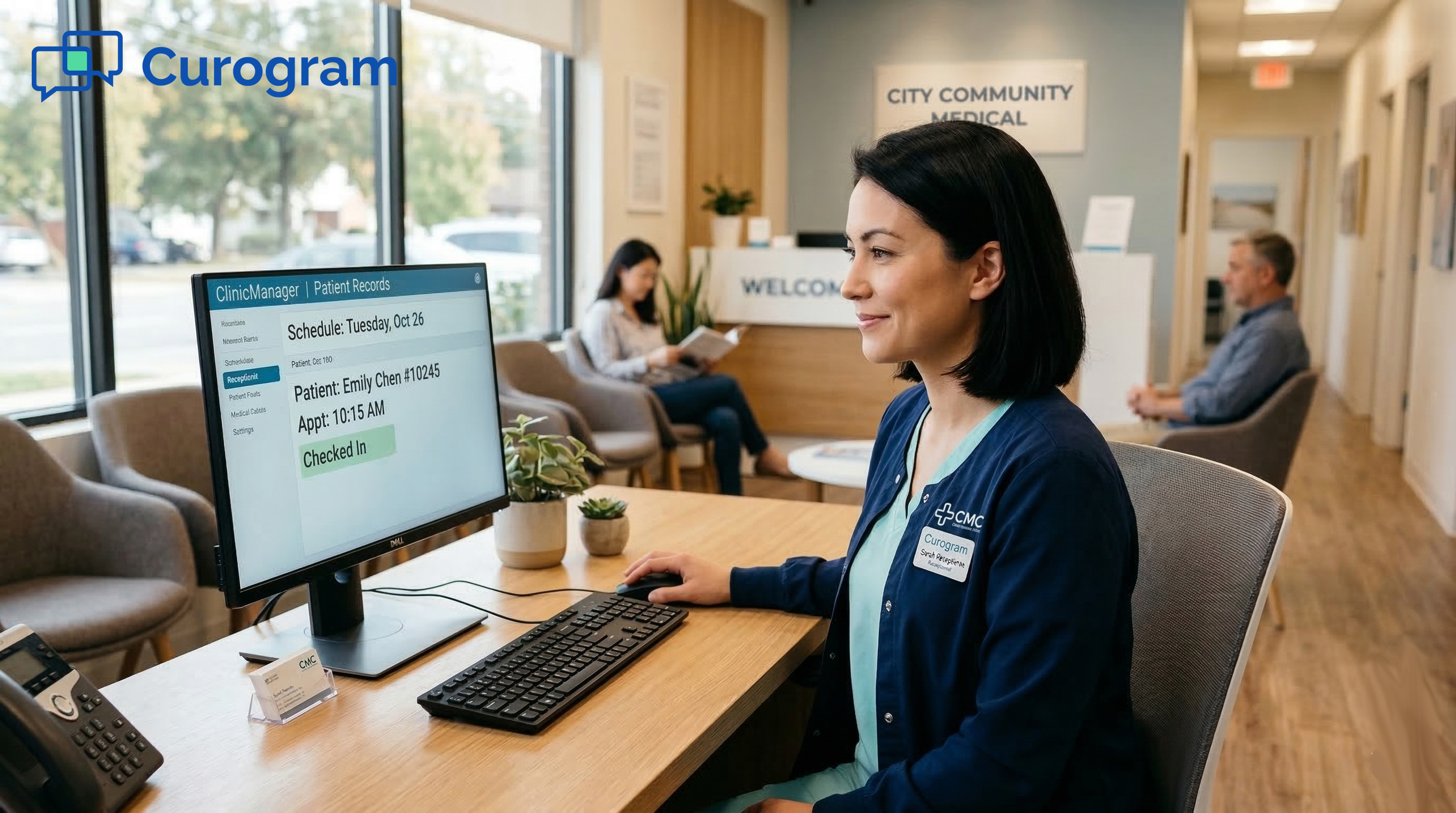
When a patient who has completed their forms walks through the door, the check-in process changes completely. Instead of receiving a clipboard, they tell the front desk their name.
The staff confirms the forms are on file. The patient takes a seat. That interaction can take under 30 seconds.
This is not just a time-saving for the patient. It also frees up front desk staff. They spend less time managing paper intake, answering questions about forms, and re-entering handwritten data into the system. The check-in process becomes a smooth handoff instead of a bottleneck.
Returning Patients Get a Fast-Track Experience
For returning patients, the form pre-populates with their existing information. Instead of starting from scratch, they are asked only what has changed since their last visit.
Has your insurance changed? Have your medications changed? Most returning patients complete this update in 30 to 45 seconds.
This transforms the intake experience from a chore into a quick confirmation. Patients feel seen. Their time is respected.
The practice gets accurate, updated information without asking anyone to fill out 19 pages of forms they already submitted last year.
Key Features of the Two-Minute Intake
Beyond the basic flow, the Two-Minute Intake includes several features that make it practical for a wide range of patients and practice types.
- Bilingual forms: intake can be sent in the patient's preferred language, reducing barriers for non-English speakers.
- E-signature support: HIPAA acknowledgments, financial agreements, and consent-to-treat forms are all signed digitally on the patient's phone before they arrive.
- No app required: the form opens in a standard mobile browser, so no installation or account is needed.
- Works for all smartphone users: any patient who can receive and tap a text link can complete the form, regardless of age or tech experience.
Here is how the Two-Minute Intake compares to paper and portal-based intake:
|
Paper / Portal Intake |
Two-Minute Intake (Curogram) |
|
|
Check-in time |
15-20 min |
Under 2 min |
|
App download needed? |
Yes (FollowMyHealth) |
No |
|
Portal login needed? |
Yes |
No |
|
Pre-visit completion rate |
Under 15% |
60-75% |
|
Returning patient time |
Full re-intake |
30-45 sec update |
|
Accessible for all patients? |
Limited |
Yes |
|
E-signature support? |
No |
Yes |

The Narrative: Mrs. Okafor Checks In Without the Clipboard
Numbers tell part of the story. But the real impact of digital check-in shows up in individual patient experiences. This is what that looks like in practice.
Who Mrs. Okafor Is
Mrs. Okafor is 58 years old and works as a home health aide in suburban Houston. She has been a patient at a small two-provider family medicine practice on Practice Fusion for three years. She has a smartphone but has never downloaded the FollowMyHealth app.
When asked about the portal, she said, "I do not know what that is. I just go to the doctor."
She represents the majority of patients at small practices, capable with her phone, just not interested in downloading another app or setting up another account for one doctor's office.
What Check-In Used to Look Like
In previous years, Mrs. Okafor arrived 20 minutes early for her annual wellness visit. She was handed the clipboard. She filled out the same forms she had filled out the year before.
Her name, her address, her insurance, her medications, her allergies.
"Every year, same forms," she said. "Same address, same insurance, same everything. But they make you write it all again."
Last year, she arrived on time instead of early, and the intake process pushed her actual appointment back by 25 minutes.
She did not complain to the staff. She just scheduled her next visit at a different time, hoping things would go faster.
What Check-In Looks Like Now
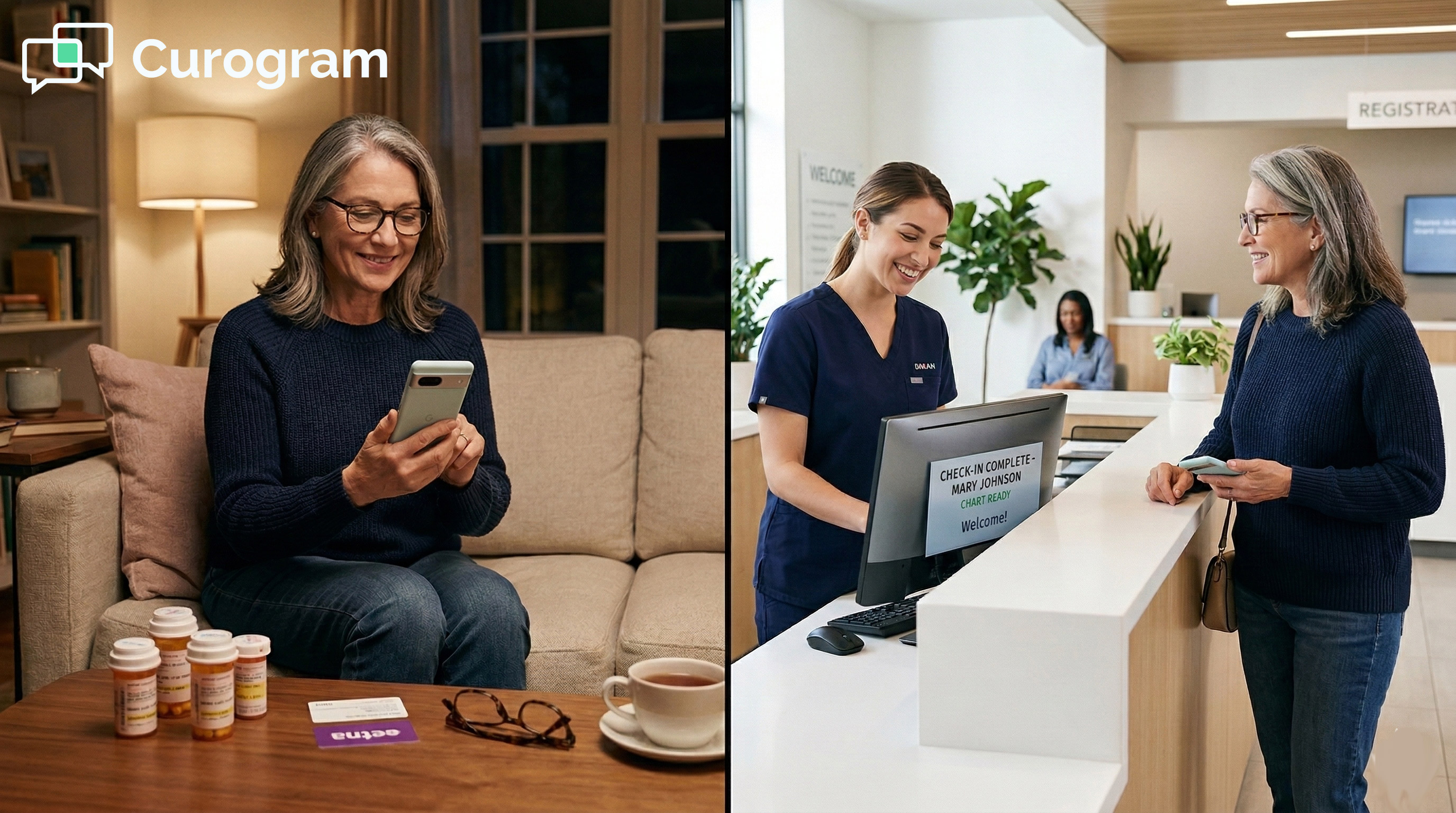
This year, Mrs. Okafor received a text the evening before her visit. She tapped the link while watching TV. The form opened on her phone. Her name, address, and insurance were already filled in.
She confirmed her medications had not changed, updated her pharmacy, and signed the consent forms with her finger on the screen. Total time: about 90 seconds.
The next morning, she arrived at her scheduled time, not 20 minutes early. She walked up to the desk: "I am here for my 10:30."
The response: "We have everything, Mrs. Okafor. Have a seat." She was in the exam room within 3 minutes of arriving.
What Mrs. Okafor Said After
At the end of her visit, she told the doctor: "This was the best visit I have ever had. Not because of anything medical. Because I did not have to fill out those forms."
When asked if she would use the portal instead, she laughed. "What portal? I just tapped the link."
Her story captures something important. The friction in the old process was not about willingness. Mrs. Okafor was happy to complete her intake forms. She just needed a process that matched how she already uses her phone. A text link did that. A portal did not.
The easiest path is the one patients actually take. Text-based intake meets patients where they already are.
Why This Matters for Practice Decision-Makers
The patient experience argument is clear. But for practice owners and office managers evaluating whether to change their intake process, the case goes beyond patient comfort. It touches operational efficiency, staff time, and how the practice competes for patient loyalty.
Intake Is Part of Your Practice's Brand
Every touchpoint a patient has with your practice shapes how they feel about it. The intake process is one of the earliest and most consistent of those touchpoints.
A clipboard greeting, every single visit, communicates that the process has not been updated. A text link that pre-populates their information communicates the opposite.
Patients talk to each other. They compare their healthcare experiences the same way they compare restaurants or haircuts.
When a patient says, "my doctor's office still makes me fill out paper forms," that is a reputation signal. Not a catastrophic one, but a signal nonetheless.
The Accessibility Argument Is Stronger Than It Looks
Many practices assume that digital intake will not work for older or less tech-savvy patients. The opposite tends to be true when the right format is used.
A text link does not require any app knowledge, account creation, or navigation of a web portal. If a patient can read and respond to a text message, they can complete the Two-Minute Intake form.
Portal-based intake reaches the minority of patients who proactively set up accounts. Text-linked intake reaches the vast majority, including older adults, patients with limited English, and patients who simply prefer not to manage more apps. The reach is broader by design.
Staff Time Adds Up
Paper intake creates downstream work that practices often do not fully account for. Staff must re-enter handwritten data into Practice Fusion, sometimes deciphering unclear handwriting. Incomplete forms require follow-up calls.
Consent forms get misplaced and must be reprinted. None of this is visible on a time sheet, but it adds up across every patient visit every day.
When patients complete digital forms before arrival, the data flows directly into the system. Fields are validated. Signatures are stored.
Staff time shifts from data entry to actual patient support. Based on our internal research, practices that move to digital intake confirm over 1,100 appointments per month with far less manual effort.
The Competitive Picture
Patients today have choices. In most markets, there is more than one family medicine practice, more than one urgent care, more than one specialist in any given specialty. The intake experience is one of many factors patients weigh when deciding where to go and whether to return.
The practices that earn patient loyalty tend to be the ones that make every part of the visit feel easy. Intake is an easy win. It does not require a clinical upgrade or a staff overhaul. It just requires replacing the clipboard with a text link.
Patient Experience Metrics
Switching to digital check-in is not just a quality-of-life improvement. It is a measurable operational change. Tracking the right metrics helps practices understand what is working and where there is still room to improve.
Pre-Visit Form Completion Rate
This is the most direct measure of whether digital intake is working. It tracks the share of patients who complete their forms before arriving at the office. Portal-based intake at Practice Fusion practices typically sees completion rates under 15%.
Text-linked digital intake, like the Two-Minute Intake, typically reaches 60 to 75% pre-visit completion, based on our internal data.
A high pre-visit completion rate means fewer patients arriving at the front desk with forms still to fill out. It means shorter check-in lines. It means the first few minutes of each patient's visit are spent seated, not writing.
Tracking by Channel Matters
Measuring overall form completion is useful, but tracking completion by channel is more actionable.
How many patients completed via text link, versus the portal, versus paper at the front desk? This breakdown shows where patients are actually engaging and where the drop-off is happening.
If 60% of patients complete via text link and another 10% use the portal, that is 70% pre-visit completion. If the remaining 30% still arrive with forms to fill out, the practice can look at that group and ask what they have in common, whether it is the timing of the text, patient age, or language preference.
Check-In Time as a Patient Experience Signal
Check-in time is straightforward to track and directly tied to patient satisfaction. With paper intake, the average check-in time runs 15 to 20 minutes.
With pre-completed digital intake, that drops to under 5 minutes. The patient feels the difference immediately.
Tracking check-in time over a 30 to 60 day period after switching to digital intake gives practices a clear before-and-after comparison.
If times are not dropping, it may indicate that text links are being sent too late or that certain patient segments are not receiving them.
Form Data Quality
Paper forms produce inconsistent data. Handwriting varies. Fields get skipped. Phone numbers are entered in different formats. Insurance IDs are misread. Staff then spend time cleaning this data or calling patients to confirm details.
Digital forms with validated fields fix most of this. Phone numbers auto-format. Required fields must be filled before submission. Insurance IDs are entered clearly.
The data that flows into Practice Fusion from digital intake is more complete and more accurate from the start.
Here is a summary of how key metrics compare between paper and digital intake:
|
Metric |
Paper/Portal |
Digital Intake |
Impact |
|
Pre-visit form completion |
Under 15% |
60-75% |
Higher |
|
Check-in time |
15-20 min |
Under 5 min |
Faster |
|
Patient satisfaction score |
Moderate |
High |
Better |
|
Form data accuracy |
Variable |
High (validated fields) |
More reliable |
Replace the Clipboard with a Text Link
The clipboard has been the default welcome mat for patients at small medical practices for a long time. It was never a great experience. It was just the only option available.
That is no longer true. Curogram's Two-Minute Intake gives Practice Fusion clinics a way to send patients a text link, let them complete their intake forms on their phone in under two minutes, and walk into the office ready to be seen. No app. No portal. No 19-page form with a pen that barely works.
Patients already complete forms on their phone for their dentist, their vet, and their car service. There is no reason their doctor's office should be the exception.
The impact goes beyond convenience. Pre-visit form completion rates reach 60 to 75% with text-linked intake. Check-in time drops from 15 to 20 minutes to under 5 minutes.
Form data quality improves. Staff time shifts away from data entry. Patients start every visit feeling that their time was respected.
Mrs. Okafor did not need the portal. She needed a text link. Most of your patients are the same way.
Schedule a demo to see how the Two-Minute Intake works for your practice. Your patients are already tapping links on their phones. Let them tap one for check-in, too.
Frequently Asked Questions
Curogram sends patients a text link 24 to 48 hours before their appointment. When they tap the link, a mobile-optimized form opens directly in their phone's browser. No app download is needed. No account is required. The form works on any smartphone with a standard web browser.
Most patients will not download a new app or create a portal account just to complete intake forms. When the barrier is too high, patients skip the process and arrive at the office with forms still to fill out.
A text link removes that barrier entirely. Patients complete the form on their phone the night before, walk in, and are seen faster, which directly improves how they feel about the visit.
For patients who have visited the practice before, the intake form pre-populates with their existing information. They are only asked about changes since their last visit, such as updated medications or a new insurance plan. Most returning patients finish this update in 30 to 45 seconds. It feels like a quick confirmation rather than starting over from scratch.
Portal-based intake requires patients to download an app, create an account, and verify their identity before they can see any form. Many patients, especially older adults and those less comfortable with apps, stop at one of these steps.
A text link skips all of that. Any patient who can tap a text message and fill in a few fields on their phone can complete the form, which makes text-based intake far more inclusive.
When patients arrive with their forms already done, check-in becomes a quick name confirmation instead of a 15 to 20-minute paper-filling session. Staff spend less time re-entering handwritten data, chasing down incomplete forms, or reprinting consent pages. That time can be redirected toward patient support and other tasks that actually require human attention.