
How Practice Fusion Texting Can Reduce Phone Calls with One Inbox
 Jo Galvez : Mar 17, 2026, 1:00:00 PM
Cut clinic phone calls by 50% with Practice Fusion texting. Curogram’s one-inbox workflow replaces Updox and faxes in one simple screen.
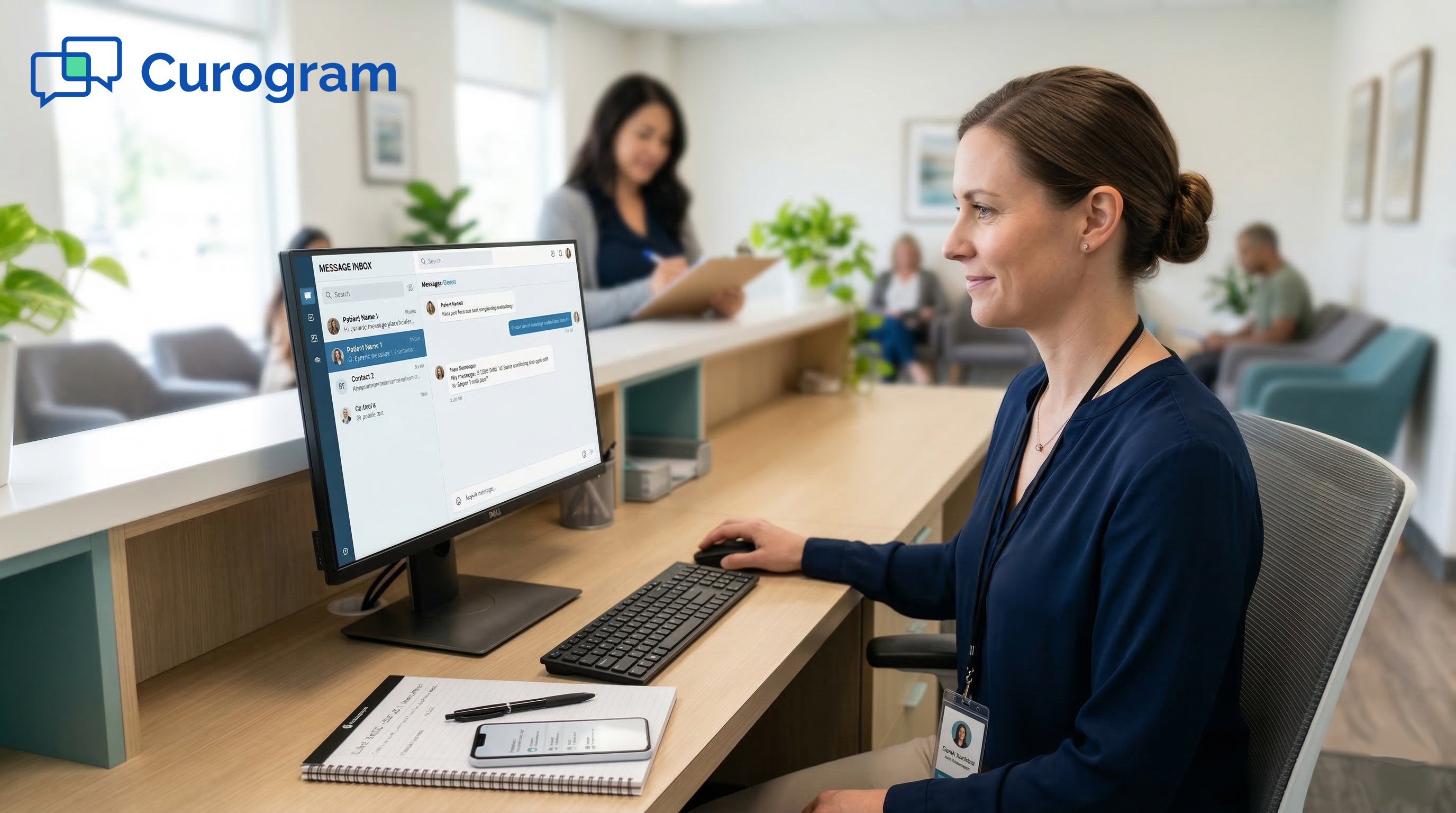
Your front desk staff answers the phone all day. A patient calls to confirm an appointment. Another calls for a refill. A third wants to ask about a bill.
Each call takes 3 to 5 minutes. Multiply that by 80 calls a day, and you have a team that never stops talking on the phone.
Here is the part that stings: none of this is clinical work. It is all communication. And most of it could be handled by text.
Small practices on Practice Fusion know this pain well. The EHR handles charting and prescribing just fine. But patient communication? That falls to a patchwork of tools that were never meant to work together.
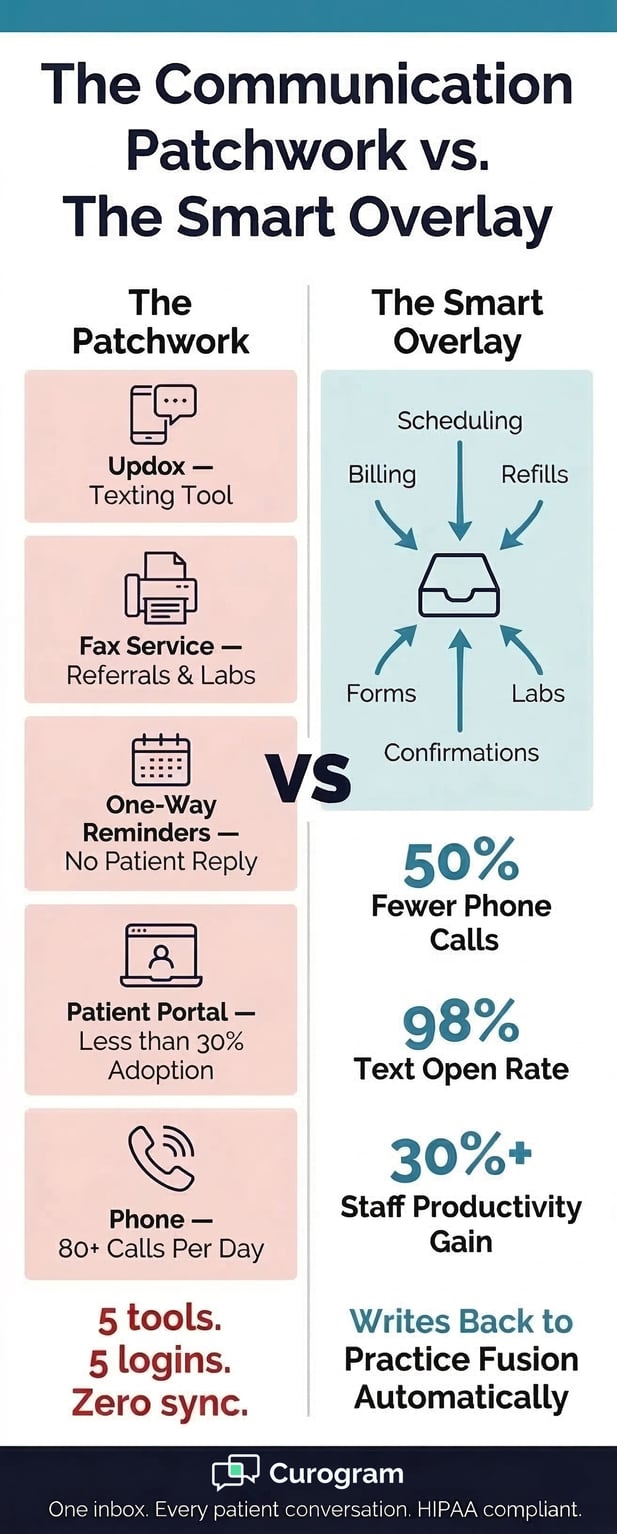
Updox for texts. A fax line. A one-way reminder system. The Patient Fusion portal that most patients ignore. And the phone, always ringing.
The result is a mess. Patient data lives in five places. Messages fall through the cracks. Staff burn out. And the practice pays more for its communication tools than for the EHR itself.
There is a better way. Curogram's Smart Overlay layers on top of Practice Fusion as the communication system the EHR was never built to be.
It brings true Practice Fusion 2-way HIPAA texting to small clinics, replaces the patchwork with one inbox, and writes every conversation back to the chart.
This article walks through how it works, what it costs, and what real practices have seen after making the switch.
Practice Fusion was built for clinical work, not patient communication. That gap has forced small practices to bolt on tool after tool.
Over time, the cost of those tools adds up, often surpassing what the practice pays for the EHR itself.
Practice Fusion earned its reputation by keeping things simple. Cloud-based charting. Easy prescribing. No server room required.
For a solo provider or a small clinic, it delivered on that promise. But the platform was designed around clinical tasks, not patient conversations.
The built-in option is the Patient Fusion portal, powered by FollowMyHealth. To use it, patients must download an app, create an account, and remember a login.
At small practices, portal adoption rarely tops 25 to 30%. That means 70% or more of patients are not using it at all.
So the practice fills the gap with outside tools. Updox for texting when it cooperates. A separate fax service for labs and referrals.
A one-way reminder system that fires off appointment alerts patients can't reply to. And the phone for everything else.
Each tool adds a monthly fee. Each tool adds another login to remember. Each tool creates a separate place where patient data lives.
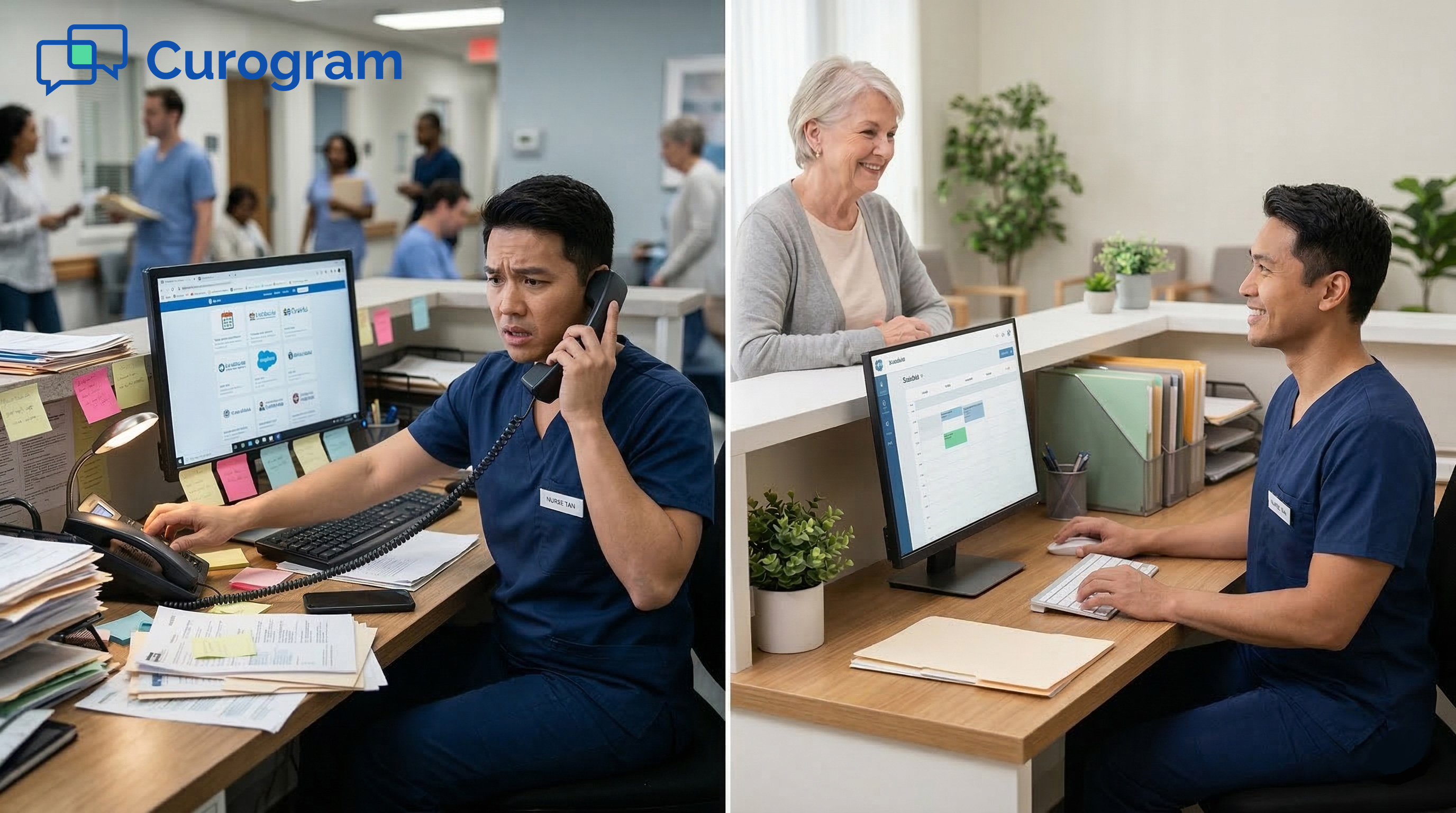
Staff toggle between screens all day, looking for the message that came in through one channel while answering a call that came in through another.
Updox users report another issue: outages. When the platform goes down, there is no backup. Patients who try to reply to one-way reminders get no response. It is what some office managers call the "black hole" where patient messages disappear.
And none of these tools write back to Practice Fusion. Confirmed appointments have to be updated manually. Intake forms arrive as flat PDFs that staff retype into the chart. Data entry becomes a second job on top of patient care.
The math is hard to ignore. When you add up Updox, fax, reminders, and the staff hours spent managing all of them, many small PF practices spend more on communication overhead than on the EHR subscription itself. They chose Practice Fusion for its simplicity. The patchwork took that simplicity away.
Typical Communication Patchwork at a Small Practice Fusion Clinic
|
Tool |
Purpose |
Key Problem |
|
Updox |
HIPAA texting |
Recurring outages, one-way limits |
|
Fax service |
Referrals, pharmacy |
Separate system, no EHR sync |
|
One-way reminder |
Appointment alerts |
Patients can't reply |
|
Patient Fusion portal |
Secure messaging |
Less than 30% patient use |
|
Phone |
Everything else |
80+ calls per day, staff burnout |
Curogram's Smart Overlay is not another tool to bolt onto Practice Fusion. It is the communication layer that replaces all the others.
One platform handles every patient message, syncs with the EHR, and keeps data in one place.
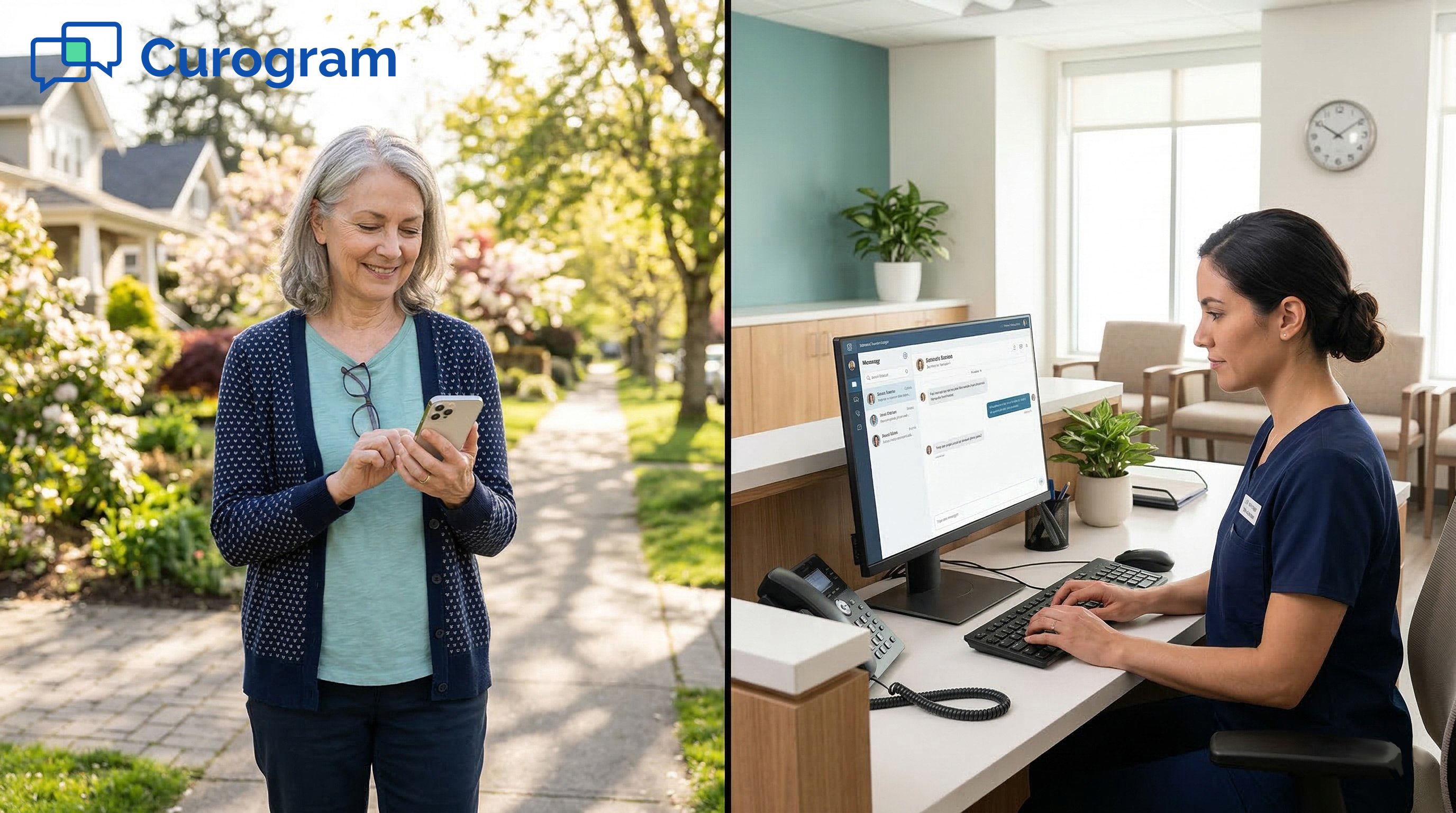
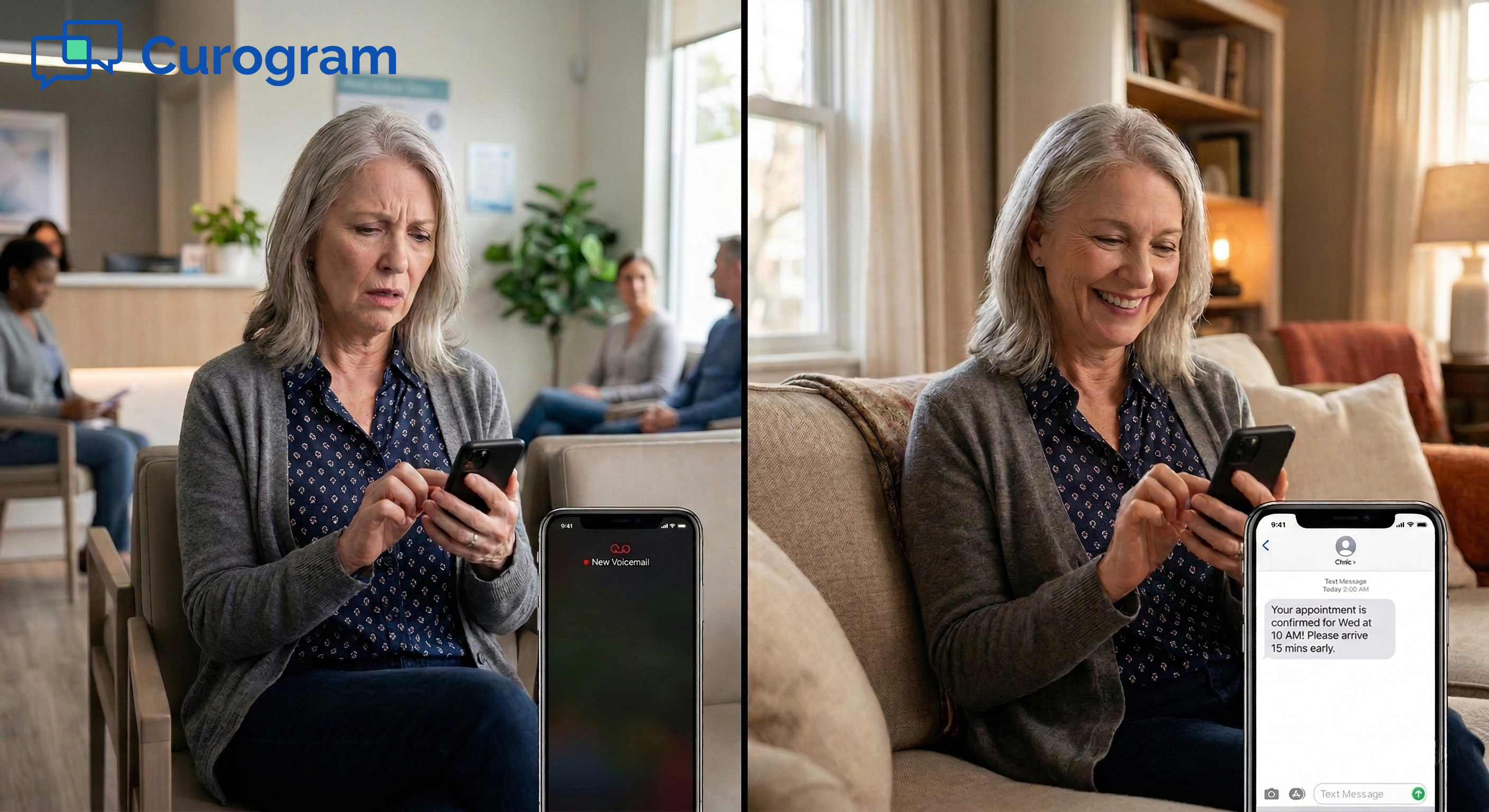
When a patient texts the practice, they use the messaging app already on their phone. No app download. No portal login. No new account to create. The message lands in Curogram's inbox, and a staff member replies in real time.
The conversation is fully encrypted and HIPAA compliant. From the patient's side, it feels like texting a friend.
From the staff side, it looks like a clean inbox where every message is tied to the right patient record.
Patients can text to schedule an appointment, confirm a visit, ask a billing question, request a refill, or submit a form. Every type of communication that used to come through the phone can now come through text instead.
The unified inbox is the core of how the Smart Overlay cuts down on noise. Every patient message, from every channel, arrives in one place.
Staff stop jumping between Updox, the fax queue, the portal dashboard, and the phone system.
This change alone has a visible effect. Based on our internal data, practices using Curogram see phone call volume drop by up to 50%.
For a clinic fielding 80 or more calls a day, that means roughly 40 fewer calls. At 3 to 5 minutes per call, that is several hours of staff time reclaimed every day.
Staff can now spend that time greeting patients, handling clinical support, or working on tasks that actually require a human conversation. The inbox does not create more work. It removes work that should not have been there in the first place.
New team members learn the inbox in under 10 minutes. There is no complex setup, no multi-day training, and no need for an IT department. For small practices with lean staff, that matters.
Patchwork vs. Smart Overlay: A Side-by-Side Comparison
|
Feature |
Communication Patchwork |
Curogram Smart Overlay |
|
Number of logins |
5+ |
1 |
|
2-way texting |
Limited (Updox) |
Yes, for all message types |
|
EHR write-back |
None |
Automatic to Practice Fusion |
|
Patient app required |
Yes (portal) |
No |
|
Outage risk |
High (Updox) |
Single stable platform |
|
Staff training time |
Multiple tools to learn |
Under 10 minutes |
Adding a texting tool that does not sync with Practice Fusion just creates another data silo. The write-back feature is what makes the Smart Overlay different from every other communication add-on on the market.
When a patient replies to an appointment reminder by text, the confirmed status updates inside Practice Fusion. No one has to open the EHR, find the appointment, and change it by hand. The sync happens in real time.
Intake forms are sent to patients as a text link before their visit. The patient fills out the form on their phone. When they submit it, the data goes directly into Practice Fusion fields. Not a flat PDF that lands in a folder. Not a scan that someone rekeys. The actual structured data, in the right place, ready for the provider.
This write-back feature addresses the most common concern from Practice Fusion users when they look at communication tools: "Will it actually talk to my EHR, or is it just another disconnected add-on?"
The answer is clear. It writes back.
Without write-back, every confirmed appointment is a manual update task. Every submitted form is a retyping job.
Every billing message that comes in through a separate tool has to be cross-referenced with the patient record.
Those small tasks add up fast. A front desk team at a 3-provider practice might spend 2 to 3 hours per day on data entry that could be automated. That is time not spent on scheduling, clinical support, or patient check-in.
The write-back also reduces the risk of errors. When staff retype intake data from a PDF, mistakes happen.
A wrong date, a skipped field, a missed allergy. When the data comes in through a structured form tied to the record, those errors go away.
For small practices that chose Practice Fusion because it reduces complexity, the write-back feature extends that philosophy to communication. Less manual work. Fewer systems to manage. One source of truth for every patient interaction.
For budget-minded Practice Fusion practices, the financial case for switching is simple. The patchwork is already costing more than most owners realize. The Smart Overlay replaces it at a lower total cost.
Take a typical small Practice Fusion clinic. It pays a monthly fee for Updox. It pays for a fax service. It pays for a one-way reminder tool. And it pays for staff hours to toggle between all of them.
Each tool seems affordable on its own. But when added together, the monthly total often exceeds what the practice pays for Practice Fusion itself. That is a hard number to ignore when a single platform can replace all of them.
Curogram consolidates those costs into one subscription. Most small PF practices find that the switch saves money from the first month. The savings come not just from fewer subscriptions, but from the staff time reclaimed when there is only one inbox to manage.
Based on our internal research, practices using Curogram cut inbound phone call volume by up to 50%. For a clinic that fields 80 or more calls a day, that is roughly 40 fewer calls. Each call takes 3 to 5 minutes. That adds up to 2 to 3 hours of staff time every single day.
Staff productivity increases by 30% or more, based on our internal data. That does not mean the team works harder. It means they spend less time on low-value tasks and more time on work that actually moves the practice forward.
Patient retention matters too. A patient who can't get a quick response often calls the urgent care down the street instead.
A practice that replies by text within seconds keeps that patient. In small-practice economics, the lifetime value of one retained patient far exceeds the cost of a texting platform.
Text messages also have a 98% open rate, compared to portal messages that go unread for days.
When the practice sends a billing reminder or a follow-up by text, the patient actually sees it. That alone can shorten the payment cycle and reduce the volume of unpaid balances.
Monthly Cost Snapshot: Patchwork vs. Smart Overlay
|
Cost Category |
Patchwork (Typical Small Clinic) |
Smart Overlay (Curogram) |
|
Texting tool (e.g., Updox) |
Monthly fee |
Included |
|
Fax service |
Monthly fee |
Included |
|
Reminder tool |
Monthly fee |
Included |
|
Staff time managing tools |
2-3 hrs/day |
Reduced significantly |
|
Total platforms to manage |
3-5 tools |
1 platform |
|
EHR write-back |
None |
Automatic |

Real results tell the story better than any feature list. Here is how one small Practice Fusion practice went from a broken patchwork to a single, working communication platform.
A 3-provider family medicine practice in suburban Sacramento had been running on Practice Fusion for six years. The office manager, Diana, handled patient communication with two front desk staff members.
Her monthly communication stack included Updox, a fax service, a one-way reminder tool, and the Patient Fusion portal. Fewer than 20% of her patients used the portal. Her front desk team fielded more than 85 calls a day and spent most of their shifts on the phone.
When Updox went down, and it did so regularly, there was no backup. Patients who replied to one-way reminders got silence. Diana knew the tools were not working together. Patient data lived in five different places. Messages fell through the cracks.
"We were spending more on communication tools than on Practice Fusion itself. And none of them talked to each other. I had patient data in five different places."
Diana activated Curogram as the Smart Overlay for Practice Fusion. On the same day, she cancelled Updox and the separate reminder service. Her front desk staff learned the Curogram inbox in under 10 minutes.
Patients received texts from the practice's existing number. They started conversations naturally, just as they would with anyone else.
Scheduling requests, billing questions, refill inquiries, and appointment confirmations all came in through one inbox.
Within six weeks, phone call volume dropped by more than half. Based on our internal data, that kind of reduction is consistent across similar-sized practices. The front desk team, freed from constant phone duty, re-engaged with patients arriving in the office.
"I got my front desk back. My staff greets patients instead of answering phones all day. And I'm paying less than before."
Diana's monthly communication costs dropped because one Curogram subscription replaced three separate tools. The Patient Fusion portal became a non-issue. Patients preferred texting, and the practice preferred it too.

For small practices, compliance is not just a legal checkbox. It is a matter of patient trust. Any texting tool that touches patient health information must meet HIPAA standards. The Smart Overlay was built with that requirement at its core.
Every text conversation through Curogram is encrypted and HIPAA compliant. Curogram signs a Business Associate Agreement (BAA) with every practice. That means patient data is protected under the same standards that apply to clinical records.
Most texting solutions built for healthcare require patients to use a secure portal or app to receive protected health information. Curogram does not.
Patients use their phone's native messaging app. The encryption and compliance happen on the back end, without requiring any extra steps from the patient.
This matters most for small practices with diverse patient groups. Older adults, non-tech users, and patients who refuse to install another healthcare app can all still receive and reply to messages. The practice stays compliant without limiting who it can reach.
Curogram manages TCPA-compliant opt-in and opt-out workflows automatically. Patients can reply STOP at any time to opt out of text messages. The system logs that request and stops sending.
For practices without a dedicated compliance team, this automation is critical. Managing opt-outs manually across hundreds or thousands of patients is error-prone and time-consuming. Curogram handles it in the background.
The practice does not need to track who opted in, who opted out, or when the last consent was recorded. That data is managed within the platform. If a compliance question ever comes up, the records are there.
Small practices often worry that adding a patient communication tool opens them up to new compliance risk. With the Smart Overlay, the opposite is true. Replacing informal text threads or unencrypted channels with a HIPAA-compliant platform reduces risk, not increases it.
Switching to a new communication platform is only worthwhile if you can see the results. These are the numbers practice owners and office managers should track after activating the Smart Overlay.
The first thing to watch is daily inbound phone call volume. Track it for two to three weeks before activation, then again in the first six weeks after. The target is a 50% reduction as patients shift to texting for scheduling, billing questions, and refill requests.
Staff productivity is harder to measure but just as important. Estimate how many hours per day your team spends managing patient communication before the switch. After activation, compare that number.
Based on our internal research, practices typically see a 30% or greater increase in staff productivity once a unified inbox replaces five separate tools.
Track how often patients respond to appointment reminders and outreach messages. With a patient portal or phone-based outreach, response rates tend to be low and slow.
Text messages have a 98% open rate, based on our internal data. Most patients respond within minutes.
Higher response rates mean fewer no-shows. Based on our internal research, practices using Curogram's automated reminder system have seen no-show rates drop from above 14% to under 5% in as little as three months. That is roughly three times better than the industry average.
Key Metrics to Track After Smart Overlay Activation
|
Metric |
Before Activation (Typical) |
After Activation (Target) |
|
Daily inbound calls |
80+ |
40 or fewer (50% drop) |
|
Text message open rate |
Low (portal/email) |
98% |
|
Staff time on comms |
3-5 hrs/day |
1-2 hrs/day |
|
No-show rate |
~14% |
Under 5% |
|
Staff productivity gain |
Baseline |
30%+ improvement |
|
Monthly tool costs |
3-5 subscriptions |
1 subscription |
Appointment confirmation volume is another useful data point. Based on our internal data, one clinic confirmed over 1,100 appointments per month after switching to automated texting confirmations. Before Curogram, that same process required manual follow-up calls that took hours each week.
Finally, track monthly communication costs. Add up every tool you cancelled after activating Curogram and compare that total to the single Curogram subscription. Most small PF practices see a net reduction in cost from the first month.
Curogram connects to Practice Fusion to bring true 2-way HIPAA texting, automated reminders, digital intake forms, and payment collection into one inbox.
Every patient conversation writes back to the chart, and the patchwork of outside tools finally goes away.
Book a Demo to see the Smart Overlay in action. Your EHR handles the clinical side. Let Curogram handle the conversation.
 Jo Galvez : Mar 17, 2026, 1:00:00 PM
Cut clinic phone calls by 50% with Practice Fusion texting. Curogram’s one-inbox workflow replaces Updox and faxes in one simple screen.
 Jo Galvez : Mar 17, 2026, 2:00:01 PM
Cut clinic phone calls by 50% with Practice Fusion texting. Curogram’s one-inbox workflow replaces Updox and faxes in one simple screen.
 Jo Galvez : Mar 9, 2026, 10:00:01 AM
Patients at eCW networks text their clinic directly with Curogram. No download, no portal login, no hold time. HIPAA-compliant SMS that writes to eCW.