

That gap is costly. Patients who can’t text their provider call instead — or don’t follow up at all. No-shows rise. Revenue drops. Staff get buried in phone calls.
Curogram fills that gap. It adds HIPAA-compliant, 2-way SMS to any Office Ally setup without replacing your existing tools. Practices using Curogram see over 75% appointment confirmation rates and 53% fewer no-shows, based on our internal data. Setup takes minutes. Results show up fast.
You chose Office Ally because it made sense. Free practice management. Affordable charting. A portal for patients. Smart decisions for a small practice. But there is one thing Office Ally never gave you: a way to text your patients.
Think about how people communicate today. They don’t want to call. They don’t want to log into a portal. They want to send a quick text and get a reply. That’s it. And right now, your practice can’t do that.
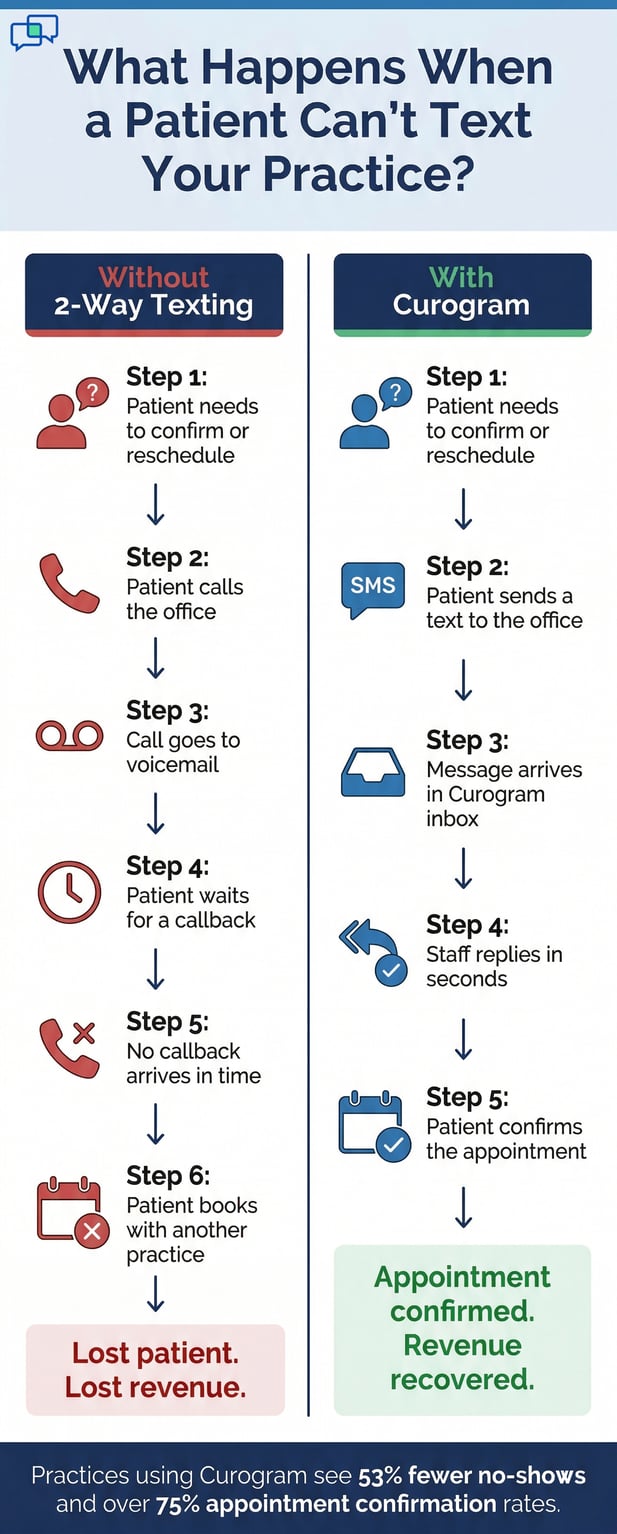
That missing feature costs more than most providers realize. A patient calls to reschedule but gets voicemail. They don’t leave a message. They book somewhere else. That’s revenue gone. And it happens every day.
Office Ally patient texting is not a built-in feature. Practice Mate handles your schedule. EHR 24/7 handles your charts. Reminder Mate sends one-way alerts. None of these gives patients a way to text back. That silence is the problem.
This article covers why that gap hurts your practice, what 2-way HIPAA-compliant text messaging actually looks like in a real clinical setting, and how practices just like yours have filled the gap without switching software.
You don’t need to overhaul your EHR. You don’t need a big budget. You just need the one channel your patients already prefer. Let’s get into it.
The Villain: The Phone That Won’t Stop Ringing
Office Ally is a genuinely useful platform. But it was built around scheduling, billing, and charting. Patient communication was never the focus. That becomes a real problem the moment your practice gets busy, and the phone starts ringing during patient care.
The Free EHR’s Missing Piece
Practice Mate is free. EHR 24/7 costs $44.95 a month. Patient Ally is included at no charge. That’s hard to beat for a solo practitioner or a small clinic watching every dollar.
But none of those tools gives you a text conversation with a patient. Reminder Mate sends automated reminders.
Patient Ally provides portal messaging. Neither one lets a patient text your office and get a reply. That is the missing piece.
Most Office Ally users do not realize the gap until it starts costing them. The first sign is usually voicemail overflow. The second sign is no-shows. The third sign is new patients who called once, got no answer, and went elsewhere.
Small practice HIPAA texting through Office Ally simply does not exist in the platform. That is not a flaw in the software.
It was just never designed for two-way text communication. But patient expectations have changed.
What Reminder Mate Actually Does
Reminder Mate sends outbound reminders to patients before their appointments. It is automated, reliable, and useful. But it only goes one way.
If a patient wants to confirm, cancel, or ask a question, they have to call. That call often goes to voicemail. That voicemail often goes unanswered for hours.
What Patient Ally Actually Does
Patient Ally is a portal. Patients can view records, fill out forms, and send messages through their account. But portal adoption is low. Fewer than 30% of patients use it regularly.
The rest pick up the phone or simply do not follow up at all. For most small practices, Patient Ally is an underused tool, not a communication solution.
The Solo Practitioner Trap
Here is a scene that plays out in solo practices every single day. A chiropractor is working with a patient in the treatment room. The office phone rings. There is no front desk. No one picks up.
The caller is a patient asking about tomorrow’s appointment. They wait for a callback. An hour passes. No reply. They call the practice down the street and book there instead.
That one missed call just cost the practice a patient and roughly $150 in revenue. Multiply that across a week, and the number gets painful fast.
This is the solo practitioner trap. You are the provider and the front desk at the same time. The phone puts those roles in direct conflict.
Text messaging solves that. Patients send a text, and you reply between patients at your own pace.
The Scheduling Conflict That Costs You
A physical therapist seeing five patients back-to-back cannot answer the phone. Every missed call is a missed chance to confirm, reschedule, or onboard a new patient.
A solo PT with a 20% no-show rate loses 3 to 5 patients per day at $100 to $200 per session. That is up to $1,000 a day in empty slots. Over a month, that figure can reach $20,000.
The Add-On Irony
To get better patient engagement, many Office Ally practices buy Reminder Mate, add Intake Pro, and use Patient Ally. Three separate tools. Three separate costs.
And still no simple text conversation. The “free” EHR starts to come with a growing stack of paid add-ons that still cannot do what patients most want: text back.
Office Ally Communication Tools at a Glance
|
Tool |
What It Does |
2-Way Texting? |
Cost |
|
Practice Mate |
Scheduling and billing |
No |
Free |
|
EHR 24/7 |
Clinical charting |
No |
$44.95/month |
|
Reminder Mate |
Automated one-way reminders |
No |
Paid add-on |
|
Patient Ally |
Patient portal access |
No (portal only) |
Free |
|
Curogram |
2-way HIPAA text messaging |
Yes |
Monthly subscription |

The Guide: The Text Channel Your Free EHR Is Missing
Adding 2-way text messaging to an Office Ally practice does not mean rebuilding your workflow. It means adding the one channel that connects everything you already use. Here is what that looks like in practice.
The Solution: Curogram’s Role in Your Office Ally Setup
Curogram does not replace Practice Mate, EHR 24/7, or Reminder Mate. It works alongside them. It adds the communication layer that lets patients text your practice directly.
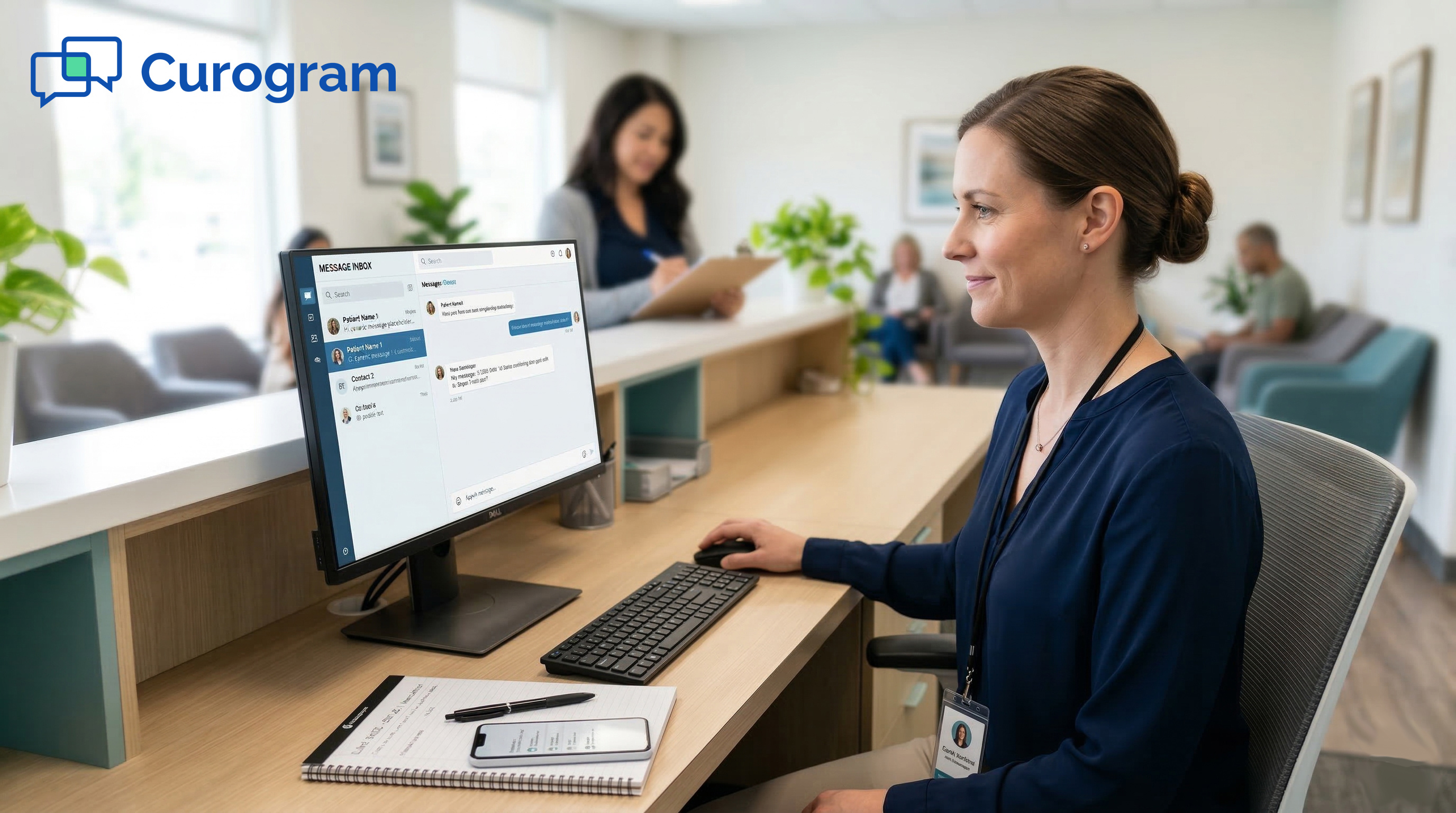
When a patient texts your office number, the message appears in Curogram’s dashboard. Staff or the provider can reply from the same screen. No switching apps. No forwarding messages. No phone calls for routine questions.
For practices already using Office Ally, the setup is straightforward. You keep every tool you have. You just add the text channel that ties them together.
This is what Office Ally 2-way texting HIPAA compliance actually looks like in practice. Every message is encrypted. Every conversation is tied to a patient record. And every exchange meets the same compliance standards as your clinical notes.
HIPAA Compliance Built In
Consumer texting apps like iMessage or WhatsApp are not HIPAA-compliant. Using them to discuss patient health puts your practice at legal risk. Curogram is SOC 2 Type II certified and provides a Business Associate Agreement with every practice.
Every message is encrypted end-to-end. You get all the simplicity of texting with none of the compliance risk.
No App Required for Patients
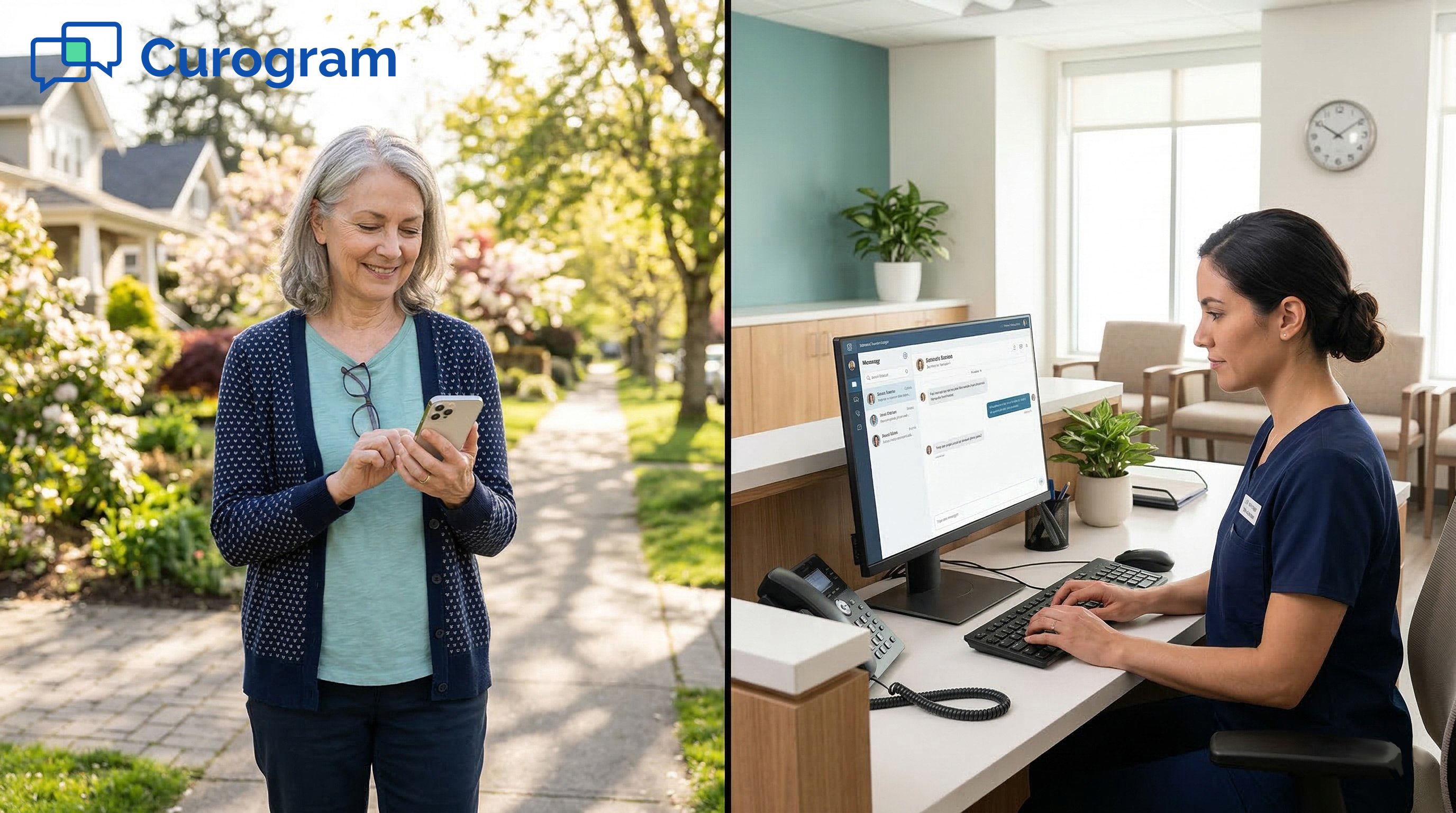
Patients do not need to download an app. They do not need to create a portal login. They text from their regular phone number and get a reply in the same thread.
That frictionless experience is exactly why text response rates are higher than portal message response rates. Patients actually reply.
The Unified Practice Text Inbox
One of the biggest pain points for solo practitioners is scattered communication. Voicemails in one place. Portal messages in another.
Phone callbacks spread across the day. Curogram replaces that with a single inbox.
Every patient text conversation lives in one dashboard. Appointment questions, reschedule requests, insurance inquiries, and intake follow-ups all appear in the same place. You can see which conversations need a reply and which are resolved.
For a solo practitioner with no front desk, this is the difference between reactive and proactive communication. Instead of checking three voicemails and two portal inboxes, you glance at one screen.
Practice Mate patient text messaging through Curogram also means your team is never caught off guard. New patient inquiries come in as texts.
Existing patients confirm or reschedule through the same thread. The whole conversation is logged and searchable.
Asynchronous Texting Fits Clinical Workflows
Unlike a phone call, a text does not demand an immediate response. You reply between patients, during a break, or after your last appointment.
Patients send their message and go back to their day. You respond when you have a moment. That rhythm fits a clinical practice far better than live phone management.
EHR 24/7 and Practice Mate Stay Intact
Your charting in EHR 24/7 and your scheduling in Practice Mate do not change. Curogram sits alongside them as the patient-facing communication layer.
EHR 24/7 patient communication through notes and records stays internal. Curogram handles the external text channel that patients actually use. The two systems complement each other rather than compete.
How Curogram Complements Each Office Ally Tool
|
Office Ally Tool |
What It Handles |
What Curogram Adds |
|
Practice Mate |
Scheduling and billing |
Text-based appointment updates from patients |
|
EHR 24/7 |
Clinical documentation |
Patient-facing text channel (separate from records) |
|
Reminder Mate |
Outbound automated reminders |
Inbound replies and 2-way conversations |
|
Patient Ally |
Portal access and records |
Instant text channel with no login required |
The Success: Free EHR. Text-First Communication. Full Schedule.
Numbers tell the story better than descriptions. Practices that switch to text-first communication with their patients see real changes in their schedules and their bottom line. Here is what that looks like.
What the Metrics Show
Based on our internal data, Curogram clients average over 75% appointment confirmation rates and no-show rates that are 53% lower than the industry average.
That is not a marginal gain. For a solo practice, it is the difference between a full schedule and a half-empty one.
Atlas Medical Center reduced its no-show rate from 14.20% to 4.91% in just three months after adding automated 2-way text reminders. That is three times better than the industry average, based on our internal research.
For a solo chiropractor seeing 20 patients a day, a 53% reduction in no-shows means 2 to 4 additional confirmed visits daily. At $150 per visit, that is up to $600 a day in recovered revenue. Curogram pays for itself well within the first week.
Revenue gains go beyond just filled slots. Based on our internal data, practices using Curogram report a 10 to 20% increase in revenue as each recovered appointment feeds directly into profitability.
The Covina Arthritic Clinic Example
Covina Arthritic Clinic used Curogram to automate appointment confirmations. The result was over 1,100 confirmed appointments per month, processed automatically, based on our internal data.
That volume would have required several full-time staff members to handle manually. Instead, it happened in the background while the clinical team focused on patients.
The 40% Response Rate Lift
Patients who receive text reminders respond to them. Patients who get a phone call during work hours often cannot.
Practices using Curogram report 40% higher patient response rates compared to phone-only communication. That lift alone changes the entire rhythm of a practice’s week.
From Phone Tag to Text Thread
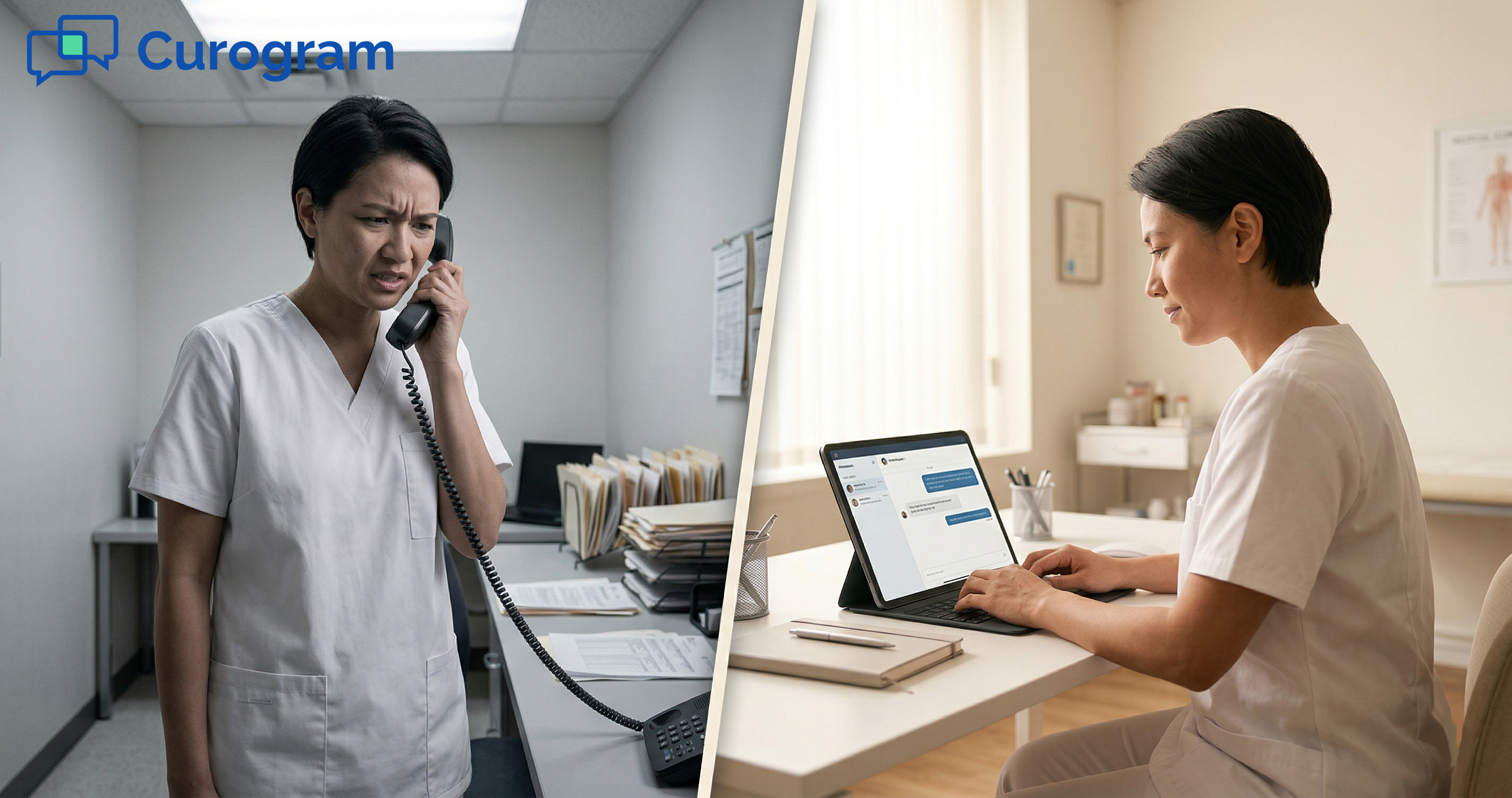
The shift is not just about numbers. It changes how the practice feels day to day. The phone stops ringing for routine communication. Patients confirm by text. Reschedules happen in a thread, not a back-and-forth of missed calls.
A solo mental health provider using Office Ally Reminder Mate alternative texting through Curogram described it this way: instead of spending 30 minutes returning calls between sessions, they spend 5 minutes scanning their text inbox and replying where needed.
That reclaimed time adds up. Over a five-day work week, a solo provider can recover 2 to 3 hours that were previously spent on phone management.
Office Ally Patient Ally portal texting upgrade through Curogram also means patients who would never log into a portal are now reachable.
Text reaches patients where they already are. Portal messaging reaches patients who opt in. The two are not interchangeable.
The New Patient Experience
A new patient inquiry used to mean a missed call, a voicemail, a callback attempt, and sometimes a second missed connection.
With Curogram, a prospective patient texts your number and gets a reply within minutes. That faster first touchpoint converts more inquiries into booked appointments.
The Daily Workflow Reset
Here is what a day looks like with Curogram in place. The provider finishes their morning block and checks their inbox. Three patients confirmed via text. One rescheduled from Tuesday to Thursday without a phone call.
A new patient question came in and was answered in under a minute. The afternoon schedule is solid. The phone has been quiet. That is what text-first practice management looks like.
Complete Your Free EHR With the Communication It’s Missing
Office Ally made a smart promise to small practices: powerful tools at a price that makes sense. Practice Mate for scheduling. EHR 24/7 for charting. Patient Ally for records access. That promise holds.
But patient communication has moved. Patients text. They do not call. They do not log into portals. And right now, your Office Ally setup cannot meet them where they are.
That gap is the problem. Curogram is the fix.
Adding Curogram to your Office Ally setup gives you a real text inbox, HIPAA-compliant 2-way conversations, and a confirmation channel that patients actually use.
No replacement of your existing tools. No complex setup. No new EHR to learn.
You were smart to save on your EHR. Now see how affordable modern patient communication can be. Practices using Curogram report confirmed schedules, fewer no-shows, and less time on the phone, often from the very first week.
Schedule a demo to watch phone call volume drop while patient confirmations rise.
Frequently Asked Questions
HIPAA requires that any tool handling patient health information must encrypt that data and operate under a signed Business Associate Agreement. Curogram is SOC 2 Type II certified and provides a BAA to every practice. All messages are encrypted, and the platform is built specifically for healthcare. Patients text from their regular phone while the practice manages all conversations through a secure, compliant dashboard.
Patients treat portal messages like email. They check them eventually, but not urgently. Texts arrive on the lock screen and feel immediate. Studies consistently show SMS open rates above 90%, while portal message engagement rates are far lower. Patients who do not use Patient Ally regularly will still respond to a text within minutes.
Curogram’s inbox is designed for solo practices. All incoming texts land in one dashboard that the provider can check between patients. Replies take seconds, not minutes. Because texting is asynchronous, there is no pressure to respond in real time. Most solo practitioners find that texting replaces several phone calls rather than adding new tasks.
Patients miss appointments when they forget or when rescheduling feels like an effort. A text reminder is easy to act on. Patients can confirm with one word or reschedule in a short reply. That low-friction response reduces both forgetfulness and avoidance. Based on our internal data, practices using Curogram see no-show rates drop 53% below the industry average.
Reminder Mate sends automated reminders outbound. That is useful. But when a patient wants to reply, confirm with a note, or ask a scheduling question, Reminder Mate has no reply channel. Curogram adds that reply channel. It is the inbound half of the conversation that Reminder Mate was never designed to handle. The two tools work well together: Reminder Mate sends the alert, and Curogram handles the response.