


9 min read

Office Ally Reputation Management | Automated Google Reviews

Office Ally Reputation Management | Automated Google Reviews
💡 Office Ally has no built-in reputation management tools. It does not send review requests, track patient feedback, or connect to Google in any way. For solo practitioners and small practices, this is a real problem. Most new patients search online before booking. They compare ratings and review counts.

A practice with 12 reviews loses to one with 200, even if the care is better.
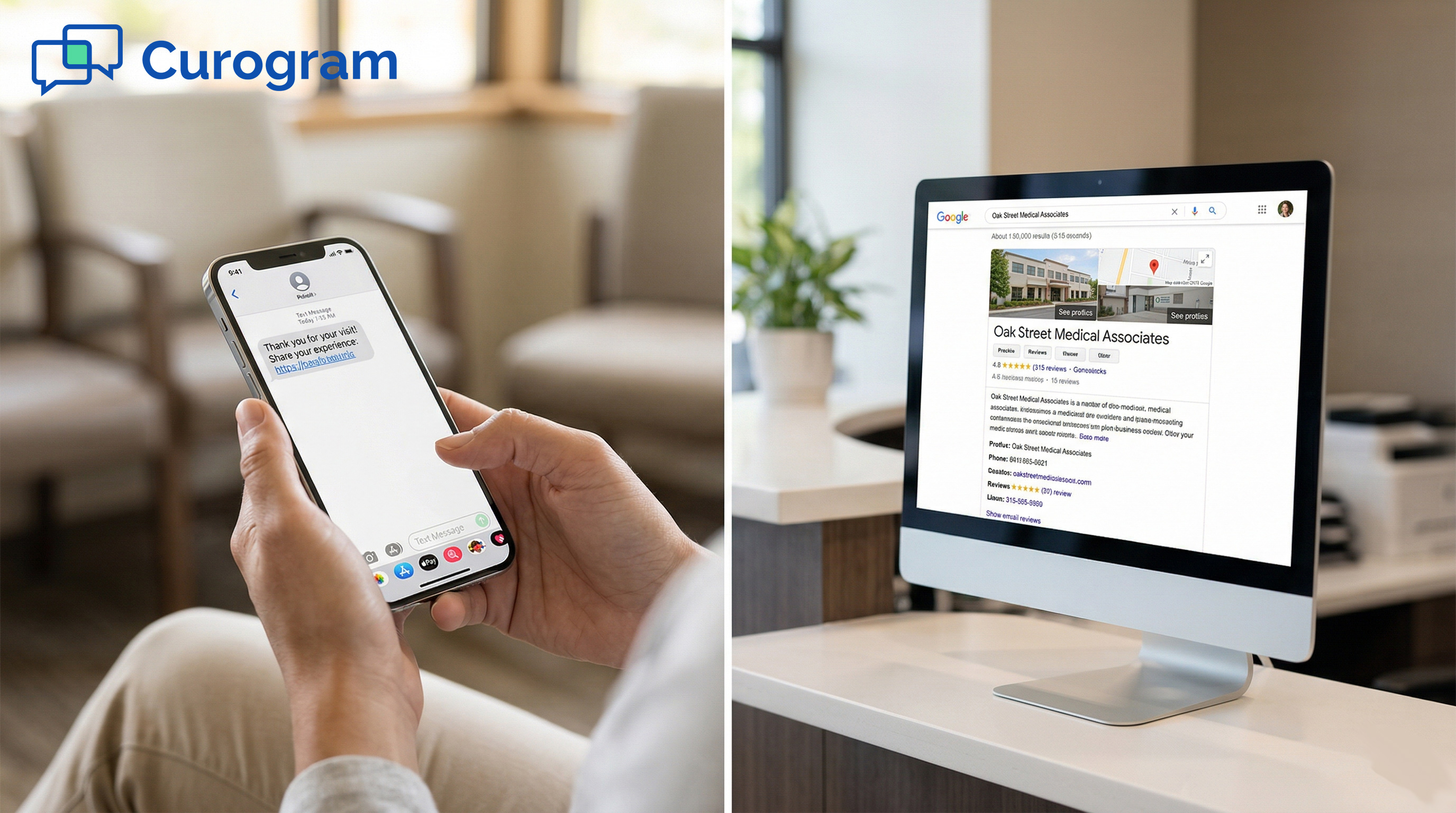
Curogram solves this by sending automated text messages after each visit. Patients get a simple link to leave a Google review. No staff effort needed.

Based on our internal data, one multi-location practice gained 1,064 five-star reviews in just 3 months. For Office Ally users, Curogram acts as the review engine that the platform never included.

Your patients trust you. They come back. They refer their friends. But if someone searches for a chiropractor or physical therapist in your area, they might never find you. Not because your care is lacking. Because your Google profile has 12 reviews. And the practice down the street has 200.

This is the quiet cost of using Office Ally without a review strategy. Office Ally reputation management Google reviews automated text request patient acquisition local search is a gap that affects thousands of small practices. The platform is solid for billing and scheduling. But it has no tools to help you build an online presence.

That matters more than ever. Most people check Google before they call a clinic. They look at star ratings and review counts. A high number of recent reviews signals trust. A low number raises doubt. And when two practices are side by side in search results, patients almost always choose the one with more reviews.

The good news: you don't need to chase reviews manually. You don't need to remind your front desk. And you don't need to switch away from Office Ally. You just need one tool that runs quietly in the background after every visit.

That's what this article covers. We'll look at why Office Ally practices struggle with online visibility, what a real review system looks like, and what happens when one is actually running.

The Villain: The Visibility Crisis

Most Office Ally users don't think of reviews as a business problem. They think of them as a nice bonus. But in local health search, reviews are infrastructure.

They are the reason new patients choose one clinic over another. This section looks at why the gap exists and why it keeps growing.

The Search Result That Decides Everything

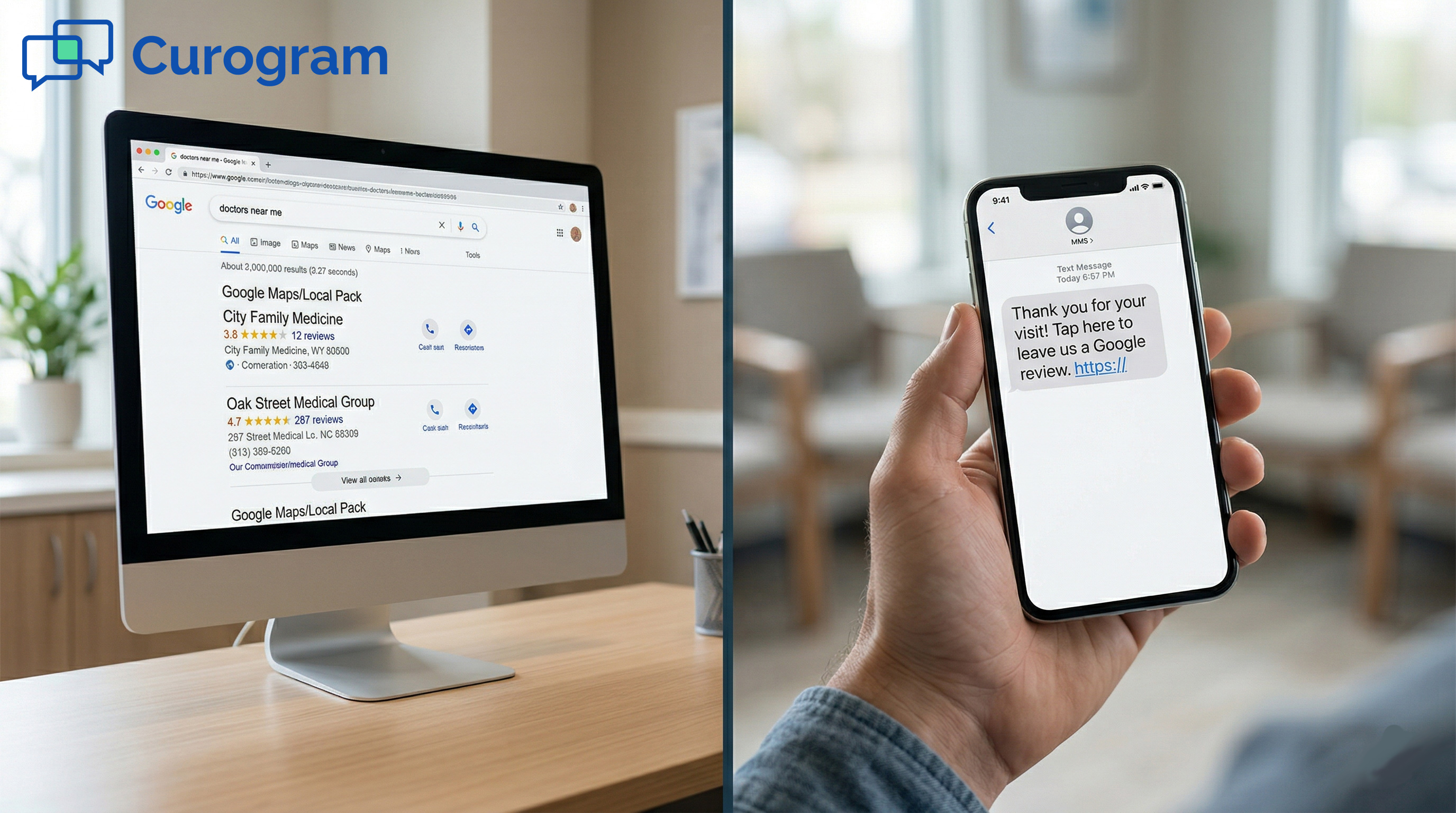
Picture this: a patient searches 'chiropractor near me.' Two results show up. One has 287 reviews and a 4.8-star rating. The other has 12 reviews and a 4.0-star rating.

The second practice has been open for eight years. The first opened last year. The patient picks the one with more reviews. They almost always do.

87% of consumers read online reviews for local businesses before making a decision. For healthcare providers, that number is likely even higher. Patients are trusting a stranger with their health. They want proof that others have had good experiences. A small review count doesn't say 'new practice.' It says 'unknown.'

Office Ally has zero tools to change this. No automated review prompts. No patient feedback workflows. No connection to your Google Business Profile. If you are relying on Office Ally alone, your online reputation is growing by chance, not by design.

Why Review Count Matters More Than Star Rating

A practice with 200 reviews at 4.6 stars will often outperform one with 12 reviews at 5.0 stars. Patients trust volume. A single perfect score with few reviews can look staged. A large number of varied, honest reviews look real.

Google's local search algorithm also rewards practices that collect reviews consistently over time.

This means the longer a practice goes without a review strategy, the harder it becomes to catch up. A competitor who starts collecting reviews today has a head start that compounds each month.

The Platform Gap That Nobody Mentions

Office Ally's Practice Mate handles scheduling well. EHR 24/7 covers charting. But neither product touches patient feedback or online reputation.

This isn't a flaw, exactly. These tools were built for clinical and administrative work. The gap is just rarely talked about.

Small practice Google review generation automated tools exist precisely because EHR platforms like Office Ally were not designed for this.

Reputation management requires a different kind of workflow: post-visit, patient-facing, and tied to the moment when feedback is most likely.

The Silent Majority Who Never Leave a Review

Most of your patients are happy. Some are very happy. But happy patients do not spontaneously write Google reviews. They mean to. They forget. Life gets in the way. The moment passes.

Dissatisfied patients, on the other hand, are far more likely to act. They feel motivated. So without a system to prompt satisfied patients, your review profile skews negative, or it just stays thin.

This is the core problem. It's not that your patients don't care. It's that they need to be asked, at the right time, through the right channel. Without that system, every checkout is a missed opportunity.

The Real Cost of Not Having Reviews

A solo PT practitioner might spend $200 to $400 to bring in each new patient through traditional marketing channels such as referrals, events, or ads. A Google review costs nothing and works for months or years. One detailed five-star review can influence dozens of prospective patients over time.

The practice with 287 reviews isn't spending more on marketing. They just have a system. An automated text that goes out after every visit. A direct link to their Google profile. And patients who respond because they were asked at the right moment.

Patient Acquisition: Traditional vs. Google Reviews

Method

Cost Per New Patient

Duration of Impact

Effort Required

Paid ads / events

$200 – $400

Short-term

High

Referral programs

$50 – $150

Medium-term

Medium

Google reviews (automated)

Near zero

Long-term

Low (once set up)


Healthcare Google review infographic showing 12 vs 287 star comparison


The Guide: The Review Engine Your EHR Forgot

There's a simple reason some practices grow their review count fast while others stay stuck: one has a system, the other doesn't.

This section explains how automated review requests work, what makes them effective, and how they fit into an existing Office Ally setup.

What an Automated Review Request Actually Does

Curogram sends a text message to each patient after their visit. The message is short. It thanks them for coming in and includes a direct link to the practice's Google Business Profile. The patient taps the link, writes a few sentences, and submits. Done.

No front desk involvement. No manual follow-up. No forgotten requests. The practice continues using Practice Mate for scheduling and billing, and EHR 24/7 for charting. Curogram runs in the background, turning each patient visit into a review opportunity.

This is what Office Ally Patient Ally reviews; alternative tools are often compared to. Patient Ally offers some basic communication tools, but it has no automated review request workflow tied to Google. Curogram is built specifically for this.

The Text That Gets Results

Timing matters. A text sent the evening after a visit, or the next morning, reaches patients when the experience is still fresh. The message is warm, not pushy.

It thanks the patient and gives them an easy path to share feedback. Most patients respond positively because they were asked at the right moment through a channel they already use.

The conversion rate for well-timed review request texts typically falls between 10% and 15%. For a practice seeing 20 patients a day, that's 10 to 15 new reviews each week.

Smart Routing for Negative Feedback

Not every patient will want to leave a five-star review. Curogram's system can route patients who express concerns to an internal survey first. This gives the practice a chance to address the issue before it shows up publicly.

This approach doesn't hide negative feedback. It just gives practices the chance to fix real problems. And practices that respond to concerns quickly tend to build more trust, not less. Consumers are often skeptical of a perfect 5.0 score with few reviews. A thoughtful response to criticism can actually strengthen a profile.

How the Workflow Fits Office Ally

One of the most common concerns is whether a new tool will disrupt the existing setup. It won't. Curogram works alongside Practice Mate without replacing it.

When a patient checks out through Practice Mate, the review request goes out automatically. No staff task. No manual trigger.

The same is true for chiropractor Google reviews via Office Ally setups. Whether you're a solo chiropractor, a multi-provider PT clinic, or a mental health practice, the workflow is the same: patient visits, text goes out, review arrives. Over time, the Google Business Profile fills in.

Office Ally online reviews patient feedback was never part of the platform's design. Curogram fills that role cleanly, without requiring a switch in EHR or billing software.

Why Text Works Better Than Email

Email open rates in healthcare average around 20% to 30%. Text message open rates are closer to 98%. Patients are far more likely to see a text, click a link, and follow through.

The format is also familiar. Most people have written a review on their phone before. A text that links directly to the review page removes every step that might cause them to give up.


The Success: 12 Reviews to 200. Invisible to Undeniable.

Knowing that a system exists is one thing. Seeing what it does in practice is another. This section covers real outcomes from practices that have used automated review requests, and what those results mean for a solo or small practice starting from a low review count.

What Happened When One Practice Turned It On

Based on our internal data, one multi-location practice grew from 993 total Google reviews to 8,159 in about 16 months. In just the first 3 months of using Curogram's automated review workflow, they collected 1,064 new five-star reviews.

That's not a slow build. That's a shift in how prospective patients see the practice.

90% of the reviews they received were five-star ratings. These weren't bought or manufactured. They came from patients who were asked at the right moment. The practice didn't change its care. It changed its system.

Multi-Location Practice: Review Growth Over Time

Timeframe

Total Reviews

New Reviews Added

Start (Aug 2023)

993

Baseline

3 months in

~2,662

1,669+

6 months in

~4,771

2,109+

16 months in (Dec 2024)

8,159

7,166+ total

Source: Based on our internal data

What This Looks Like for a Solo Practice

A solo chiropractor seeing 20 patients a day and working five days a week has 100 review request opportunities each week. At a 10% conversion rate, that's 10 new reviews per week. In one month, that's 40. In three months, that's more than 120 new reviews added to a profile that may have had 12 to start.

The Google Business Profile changes fast. Local search ranking improves. New patient inquiries increase. The practice that was invisible in search is now showing up, and the review count gives new patients a reason to click.

The Shift From Reactive to Systematic

The biggest change isn't the number of reviews. It's the mindset shift. Before: the practice waits for referrals, hopes for word-of-mouth, and leaves its online presence to chance. After: every visit feeds the system. Every review builds visibility. Every search leads to the profile.

Small practice Google review generation automated tools make this shift possible without adding to the front desk workload. The staff doesn't need to remember to ask. The system handles it.

Why the Care Finally Matches the Reputation

Many solo practitioners have been providing excellent care for years. Their patients love them. But their Google profile has 12 reviews from three years ago. The care and the online reputation don't match.

Automated review requests close that gap. The profile starts to reflect what's actually happening inside the practice.

New patients see real stories from real patients. They choose the practice not because of ads or referrals, but because the evidence is right there on Google.

When the Numbers Start to Move

Most practices notice a change within the first two to four weeks. At 10 to 15 new reviews per week, the count climbs steadily. Within three months, a practice that started with 12 reviews can have 150 or more.

The velocity depends on patient volume and how quickly patients respond. But because the system runs without manual effort, reviews accumulate consistently even during busy weeks. There are no gaps caused by staff forgetting to ask.

Real stock photo of a chiropractor in an office viewing a rising Google star rating

Build the Online Reputation Your Care Deserves

Office Ally does a lot of things well. It handles scheduling through Practice Mate. It manages charting through EHR 24/7.

But it has no tools for reputation management. No review requests. No patient feedback workflows. No Google connection.

For small practices competing in local search, that gap is costly. A practice with 12 Google reviews loses to competitors with 200, even when the care is better. This isn't about the quality of care. It's about visibility.

Curogram fills this role. It works alongside your existing Office Ally setup. After each visit, a text goes to the patient. The patient clicks, leaves a review, and your Google profile grows. No manual effort. No disruption to your workflow.

The goal isn't to trick anyone into leaving a review. It's to make it easy for the patients who already had a good experience to say so publicly. That's what turns 12 reviews into 200. And 200 into the kind of profile that brings in new patients every week.

See how Curogram completes your Office Ally setup. Schedule a demo and find out how most practices add 40 to 60 new Google reviews in their first quarter.


Frequently Asked Questions

How does automated review collection work with Office Ally?

Curogram connects to your patient visit workflow in Practice Mate. After a patient checks out, Curogram sends a text with a direct link to your Google Business Profile review page. The patient taps the link and leaves a review. No staff action is needed, and nothing changes in your existing Office Ally setup.

Why do text-based review requests work better than asking in person?

Asking patients in person can feel awkward, and it puts the burden on your front desk staff to remember. A text arrives at the right moment, after the visit, when the experience is still fresh. Patients can respond on their own time with no pressure. Text messages also have a much higher open rate than email, which means more patients actually see the request.

How long does it take to see a real increase in Google reviews?

Most practices see new reviews within the first two weeks. At a 10% to 15% conversion rate, a practice seeing 20 patients per day can add 10 to 15 new reviews each week. Within three months, it's common to go from a handful of reviews to well over 100. The exact pace depends on patient volume and response rates.

Why does the number of reviews matter more than just the star rating?

Patients trust review volume. A practice with 200 reviews at 4.6 stars often feels more credible than one with 5 reviews at 5.0 stars. Google's local search algorithm also factors in review count and consistency over time. More reviews, collected regularly, signal that a practice is active and trustworthy.

How does Curogram handle patients who have had a negative experience?

Curogram's system can route patients who express concerns to a private internal survey before they're invited to leave a public Google review. This gives the practice a chance to address the issue directly. It doesn't suppress feedback. It just creates space to resolve problems first, which often results in better outcomes for both the patient and the practice.