9 min read

Office Ally Patient Reviews Via Text | Higher Response Rate

Office Ally Patient Reviews Via Text | Higher Response Rate
💡 Most Office Ally practices have tried review cards, emails, and portal messages. None of them work well. Patients skip them, forget them, or never see them at all. Text messages are different. They have a 98% open rate and land on a device that patients check all day long.

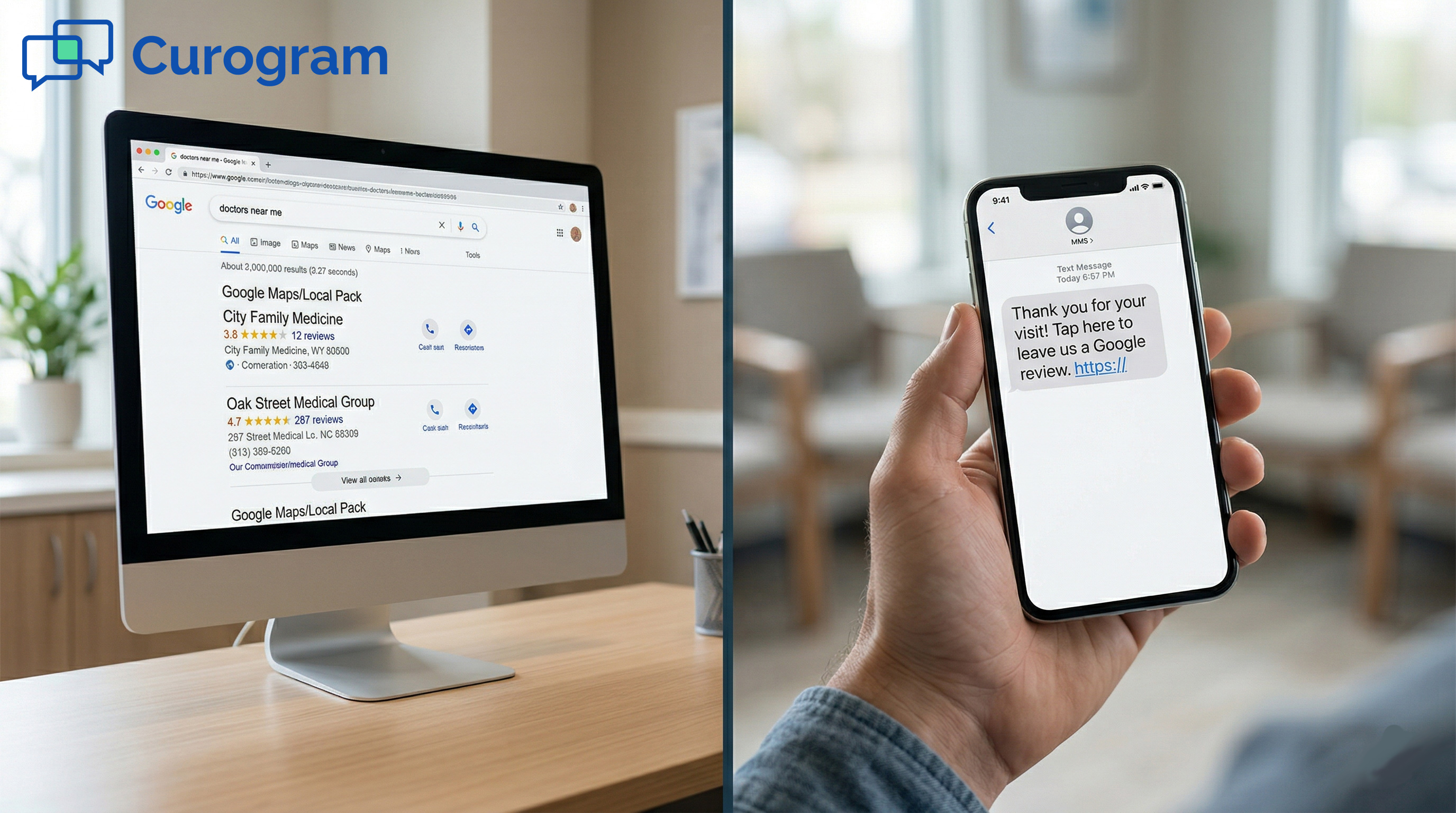
An Office Ally patient review request text message sent right after a visit can turn a satisfied patient into a Google review in under a minute. Curogram automates this process. It sends a text with a direct Google review link within hours of a visit.

Practices using this approach see 10-15% response rates — compared to 1-2% for email. That gap adds up fast. A practice that once had 12 reviews can reach 200 in a matter of months.

You ask. They don't respond. Sound familiar?

Your front desk hands out review cards at checkout. You send follow-up emails. Maybe you even added a link to your Patient Ally portal. And still, your Google Business Profile sits at a dozen reviews while the practice down the street has hundreds.

It is not that your patients are unhappy. Most of them leave your office feeling good. The problem is not the ask. It is where and when you are asking.

Review cards get buried under mail. Emails land in crowded inboxes and disappear. Portal messages go unseen because most patients never log in after their first visit. Each of these channels adds steps between a patient's good experience and the review you need.

Text messages work differently. People check their phones over 90 times a day. A text review request sent a couple of hours after a visit catches a patient while the memory is still fresh. The gratitude is real. The action is easy. One tap takes them straight to Google.

This is what Curogram does for Office Ally practices. It fits into the workflow you already have, sends review requests through the channel patients actually use, and does it automatically. No extra staff tasks. No chasing patients down.

This article breaks down why the old channels fail, how a text-based approach works, and what kind of results you can expect. If your online reputation has been stuck for a while, the fix might be simpler than you think.

The Villain: The Review Card Nobody Uses

Practices put real effort into asking for reviews. Cards, emails, portal messages — they try. But effort in the wrong channel does not produce results. To fix the problem, it helps to understand why each method falls short.

Why Printed Cards and Emails Fall Flat

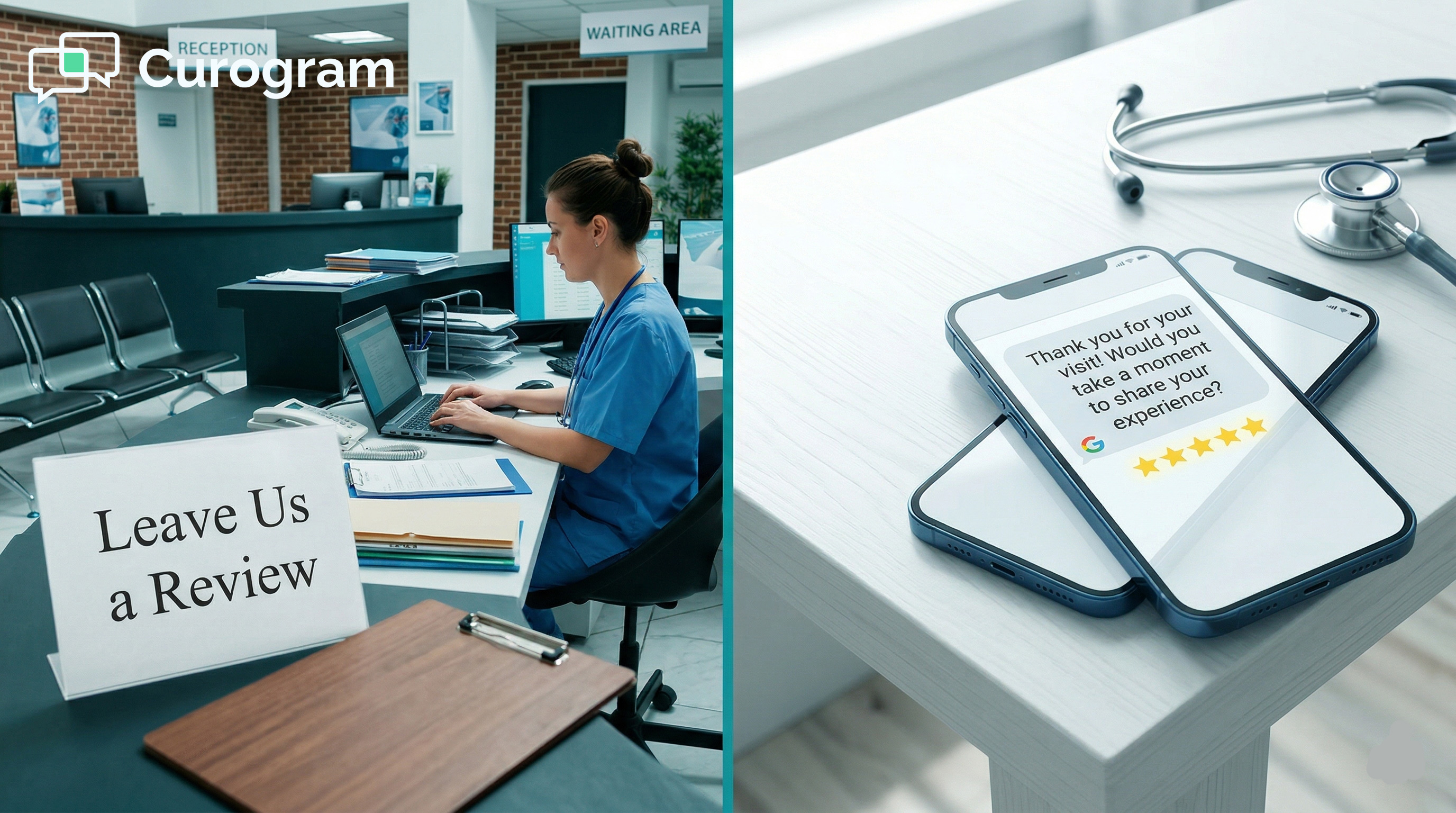
A stack of review cards sits at the checkout counter. The front desk mentions them when they can. Patients smile, take one, and slip it into a bag or pocket.

By the time they get home, the card is under a pile of mail. By the next morning, it is in recycling.

The card asks too much. The patient has to remember the request, find the card, open Google, search for the practice, and write something.

That is five or six steps between wanting to help and actually doing it. Most people do not make it through.

The Email Open Rate Problem

Post-visit emails run into similar walls. A patient's inbox already has dozens of messages waiting. Healthcare emails see open rates of around 20-25% on a good day.

Even for those who do open the message, clicking a link, signing into Google, and writing a review takes more focus than most people have in a busy day. The moment passes. The review does not happen.

What Makes Portal Requests Even Harder

Portal adoption at small practices sits between 20-40%. The patients most likely to leave a glowing review are often the least likely to have an active portal account.

Asking them to log in just to leave feedback is an extra barrier they will not bother with. The channel and the behavior simply do not match.

The Timing Problem That Most Practices Miss

Even practices that use the right channel can still miss the window. The timing of a review request matters as much as the method.

A patient who just had a great adjustment or a breakthrough session is emotionally ready to say something positive. Wait three days, and that feeling has faded.

An email that arrives the next afternoon competes with a full inbox and a busy schedule. A card taken home loses its context by dinner. The best time to ask for a review is within a few hours of a positive visit, before the momentum fades.

Why The Emotional Window Closes Fast

Patients respond when the experience is still vivid. The chiropractic patient whose back pain finally eased. The therapy patient who had a real breakthrough.

The parent who saw their child hit a PT milestone. In those hours after the visit, they would be glad to share that story. Miss the window, and the moment is gone.

The Compounding Cost Of Low Review Volume

Every missed review is a missed signal to Google. Local search rankings respond to review volume and recency. A practice that has not received a new review in months looks stagnant.

Potential new patients searching Google Maps will often skip it in favor of a practice with more recent feedback. Low review counts cost practices new patient traffic every day.


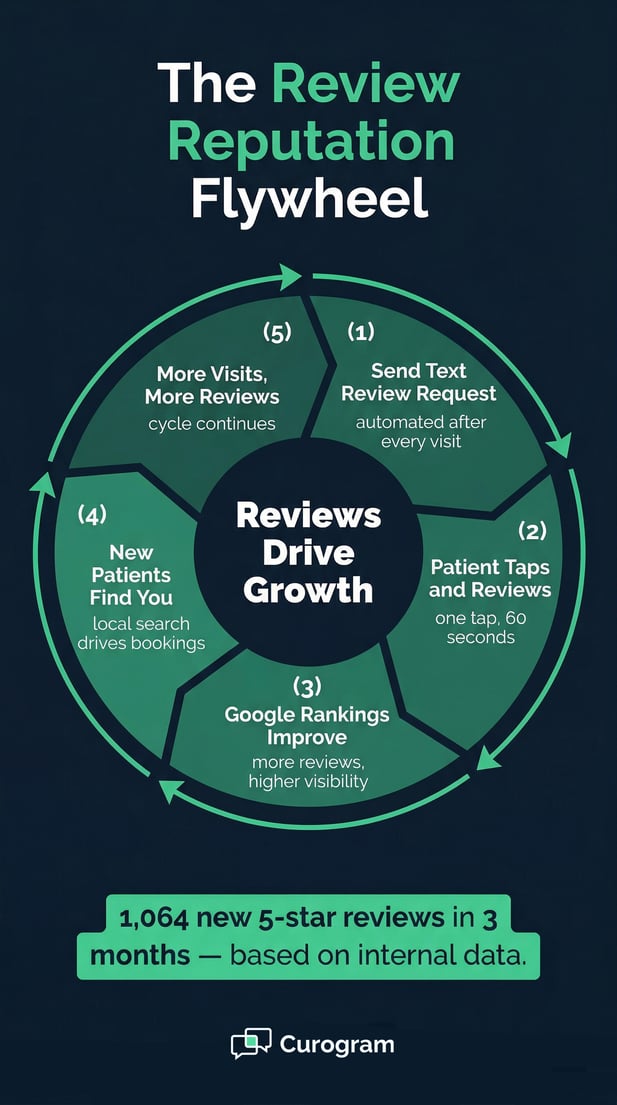
Infographic explaining the Curogram Review Reputation Flywheel for growth

The Guide: The Review Request Patients Actually Respond To

The fix is not complicated. It comes down to sending the right message, through the right channel, at the right time. Text does all three. Here is how it works in practice.

How a Text Review Request Works

Curogram sends an automated text a few hours after a patient's visit. The message is short, personal, and direct.

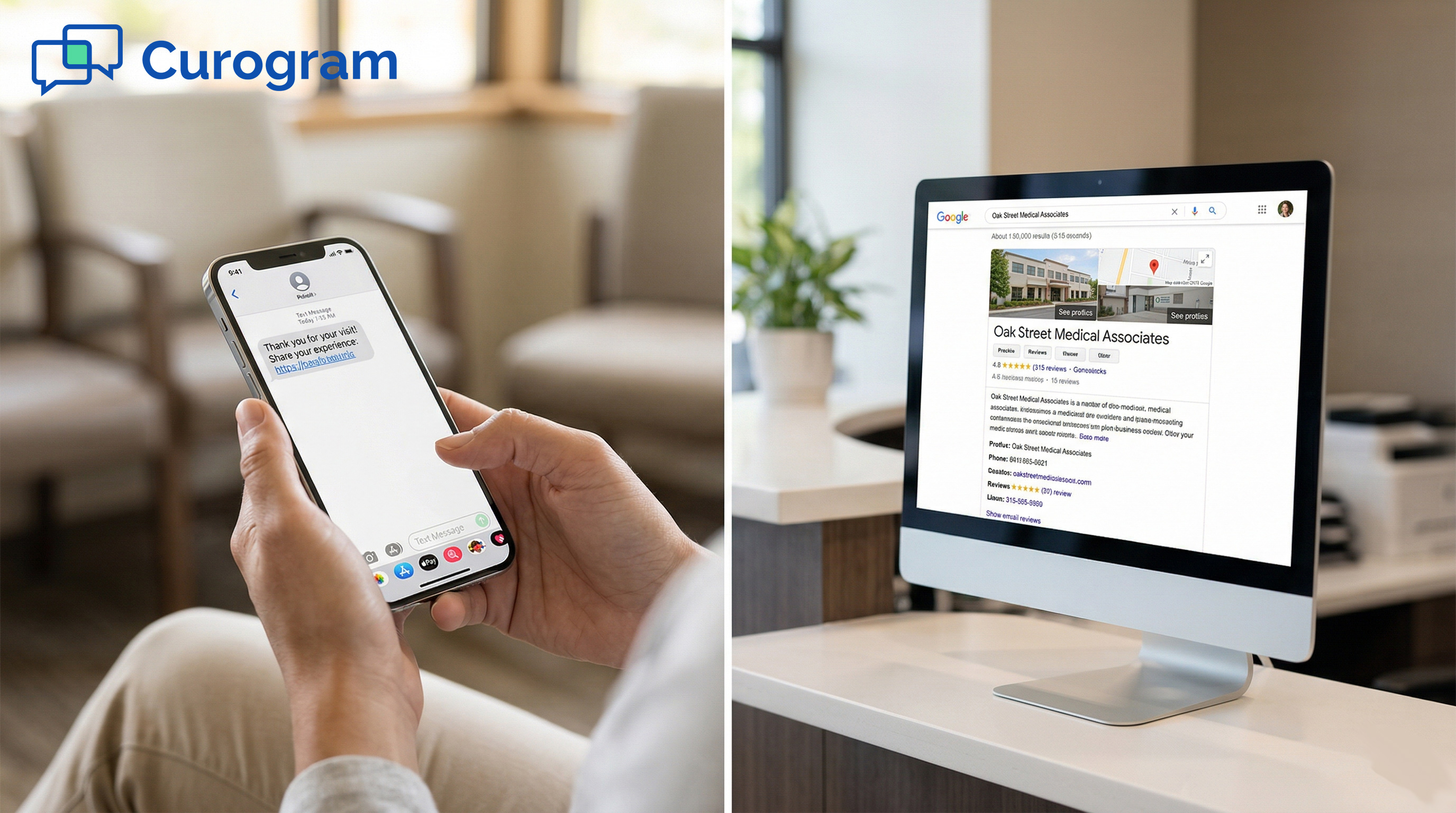
It thanks the patient by name, invites them to share their experience, and includes a link that takes them straight to the Google review page for the practice.

No searching. No navigating. The patient taps the link, writes a few words, and posts. The whole thing takes about a minute.

That low-friction path is the reason text-based review requests see a patient review response rate via text SMS of 10-15%, while email rarely clears 1-2%.

What The One-Tap Flow Looks Like

When a patient taps the link in the text, they land directly on the Google review input screen. The practice is already selected. There is nothing to search for and no extra steps. For a patient who just had a good experience, that simplicity turns gratitude into action. They type a few sentences, hit post, and it is done.

Why The Timing Makes The Difference

A text that arrives two hours after a visit lands while the patient experience review is still fresh. The relief from a good adjustment. The calm after a productive session. The pride of a milestone reached. Text review automation catches patients in that window. Other channels miss it almost every time.

How Curogram Fits Into Your Existing Setup

One thing that holds practices back is the idea that adding a new tool means adding new work. Curogram is designed to fit around what you already do, not replace it.

For Office Ally practices, Curogram integrates with your existing workflow. The review request text goes out automatically after each visit.

It sits alongside your other post-visit messages, like appointment confirmations or care reminders, so it feels like a natural part of how your practice communicates.

No Extra Staff Tasks Required

Your front desk does not need to remember to send anything. The system handles it. Once the workflow is set up, review requests go out on their own. Staff can focus on patient care and front desk tasks without adding another step to their day.

The Patient Experience Stays Cohesive

Patients receive a smooth, consistent set of messages after their visit. The review request does not feel like a separate ask from a separate system.

It feels like a natural follow-up from a practice that pays attention. That tone matters. A message that feels caring and personal gets a much better response than one that feels automated and detached.

Review Channel Comparison

Channel

Avg. Open Rate

Est. Response Rate

Steps to Complete

Printed Card

N/A

Near 0%

5-6 steps

Email

20-25%

1-2%

3-4 steps

Patient Portal

Low (20-40% adoption)

Near 0%

4-5 steps

Text (SMS)

98%

10-15%

1 tap


The Success: Texted. Tapped. Reviewed.

Numbers tell the story. When practices switch from cards and emails to text-based review requests, the results are not marginal. They are significant. Here is what that shift looks like in practice.

What a 10-15% Response Rate Actually Means

At first, 10-15% might not sound impressive. But compare it to the near-zero return from counter cards or the 1-2% that email manages on a good day, and the gap becomes clear.

A practice that sees 20 patients a day sends 20 review request texts. At a 10% response rate, that is 2 new reviews per day. Over a week, that is 10-15 new reviews.

Over a month, 40-60. Based on our internal data, one multi-location practice generated 1,064 new 5-star reviews in just three months using Curogram's automated text workflows.

From Invisible To Top-Rated

The math compounds quickly. A solo chiropractor with 12 reviews can reach 100 in a few months. That is not just a bigger number.

It is a higher position in local search results. More visibility in Google Maps. More new patients finding the practice before they find a competitor.

What 90% Of New Patients Do Before Booking

Based on our internal research, 90% of new patient leads check a Google Business Profile before visiting a practice's website. Reviews are the first thing they see.

A profile with dozens of recent, positive reviews builds trust before a patient ever calls. A stale profile with a handful of old reviews signals the opposite.

From Hoping to Hearing

Most practices in the early stages of managing reviews are stuck in a hoping phase. They hope a satisfied patient will remember to leave a review.

They hope the card made it home. They hope the email was not ignored. Automated text review requests replace hope with a reliable system.

When a practice stops relying on chance and starts using a consistent channel, the Google Business Profile becomes active.

New reviews come in each week. Recent patient stories are visible to anyone searching. The profile starts working as a growth tool instead of a forgotten listing.

The Self-Reinforcing Review Cycle

More reviews bring better local search rankings. Better rankings bring more patients. More patients mean more visits, more texts, and more reviews. The cycle builds on itself.

A practice that was barely visible at 12 reviews can become the top-rated option in its area, simply by asking through a channel that gets a response.

A Real Scenario: Friday Afternoon

A solo chiropractor checks their Google Business Profile on a Friday afternoon. Three new reviews have come in since Monday. One patient describes how the adjustment fixed their morning stiffness.

Another mentions the easy scheduling and friendly texts. A third says they found the practice through Google and are glad they did.

None of this required any staff effort that week. It happened because the system was running.

Review Growth Snapshot: Text vs. Traditional Channels

Metric

Cards / Email

Text (SMS via Curogram)

Avg. Response Rate

0-2%

10-15%

New Reviews / Month (20 pts/day)

1-3

40-60

Reviews in 3 Months (multi-location)

Minimal

1,064 (5-star)

Staff effort required

Manual ask

Fully automated


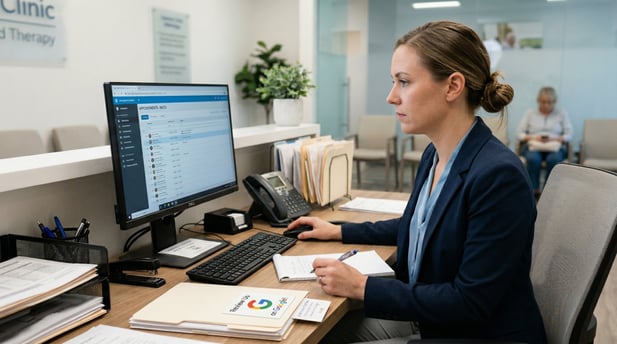
Clinic receptionist working at desk with a visible 'Review Us on Google' card

Ask Via Text. Get Reviews. Grow Your Practice.

The channel you use to ask for reviews matters more than how often you ask. Text works. Everything else falls short.

Patients do not ignore review requests because they do not care. They ignore them because the request arrives in the wrong place at the wrong time. A printed card requires too many steps. An email competes with a full inbox. A portal message sits unseen behind a login screen.

Text cuts through all of that. It meets patients where they already are — on their phones, minutes after a visit, while the experience is still on their mind.

Patient Ally handles your portal communication. Email is useful for newsletters. Curogram is built for your reviews — the text-first request that reaches patients at the right moment and turns their satisfaction into something public and lasting.

If your Google Business Profile has been quiet, this is a straightforward fix. Set up automated text review requests, and the system does the rest.

No new staff responsibilities. No complex workflows. Just a message that goes out after every visit and a response rate that builds your reputation month by month.

Schedule a demo to see how Curogram completes your Office Ally setup. Your patients already want to say great things about you. Give them the easiest way to do it.


Frequently Asked Questions

Why do patients respond to texts but not to emails or review cards?

Texts arrive on a device that patients check all day, usually within minutes of the message being sent. Emails pile up and get skipped. Cards require patients to act later, on their own, from memory. A text review request is immediate, simple, and low-effort — all things that drive a response. The closer the ask is to the visit, the higher the chance of follow-through.

How does a Google review request text make the review process easier?

The text includes a direct link to the Google review page for the practice. When the patient taps it, the page is already loaded with the practice selected. There is nothing to search for and no extra navigation. Patients go from tap to posted review in about a minute, which is why the patient review response rate via text SMS is so much higher than other methods.

Why does timing matter so much for a patient experience review request?

The emotional pull of a good visit fades fast. A patient who just felt real relief from a treatment or had a meaningful session is primed to share that experience. Send the request a few hours later, and that feeling is still fresh. Wait a day or more, and the window has closed. Patient experience review text automation sends the request at the right moment so that the response rate stays high.

How does Office Ally patient feedback via text fit into an existing practice workflow?

Curogram connects with your Office Ally setup and sends review texts automatically after each visit. There are no manual steps for staff. The message goes out as part of the same post-visit communication flow patients already receive. From the patient's view, it feels like a natural part of how the practice stays in touch, not a separate system asking for a favor.

Why does a small practice patient review text strategy matter for local search?

Google uses review volume and recency as signals for local search rankings. A practice with few or outdated reviews ranks lower in Google Maps results, which means fewer new patients find it. A consistent stream of fresh reviews, driven by automated text requests, keeps the profile active and visible. For small practices competing in a local area, that visibility is a direct driver of new patient growth.