
9 min read

Telehealth Staff Setup | Text Link vs. App

Telehealth Staff Setup | Text Link vs. App

💡 Veradigm EHR staff telehealth workflow video visit setup text solves the pre-visit bottleneck caused by FollowMyHealth's portal-based approach.        

Staff often lose 10–15 minutes per patient walking them through app downloads, logins, and audio tests before the actual visit begins.     


Curogram replaces that friction with a one-tap SMS video link. Patients tap the link and enter a HIPAA-compliant video call in their browser. No app. No password. No pre-visit phone call.


For multi-location practices, this approach drives no-shows 53% lower than industry average while freeing staff hours every week for real clinical prep.


It's 8:47 a.m. Your front desk coordinator just scheduled eight telehealth visits for the morning block.

The phone rings. A patient can't find the FollowMyHealth app in her app store.

Two minutes later, another one calls. He can't remember his portal password.

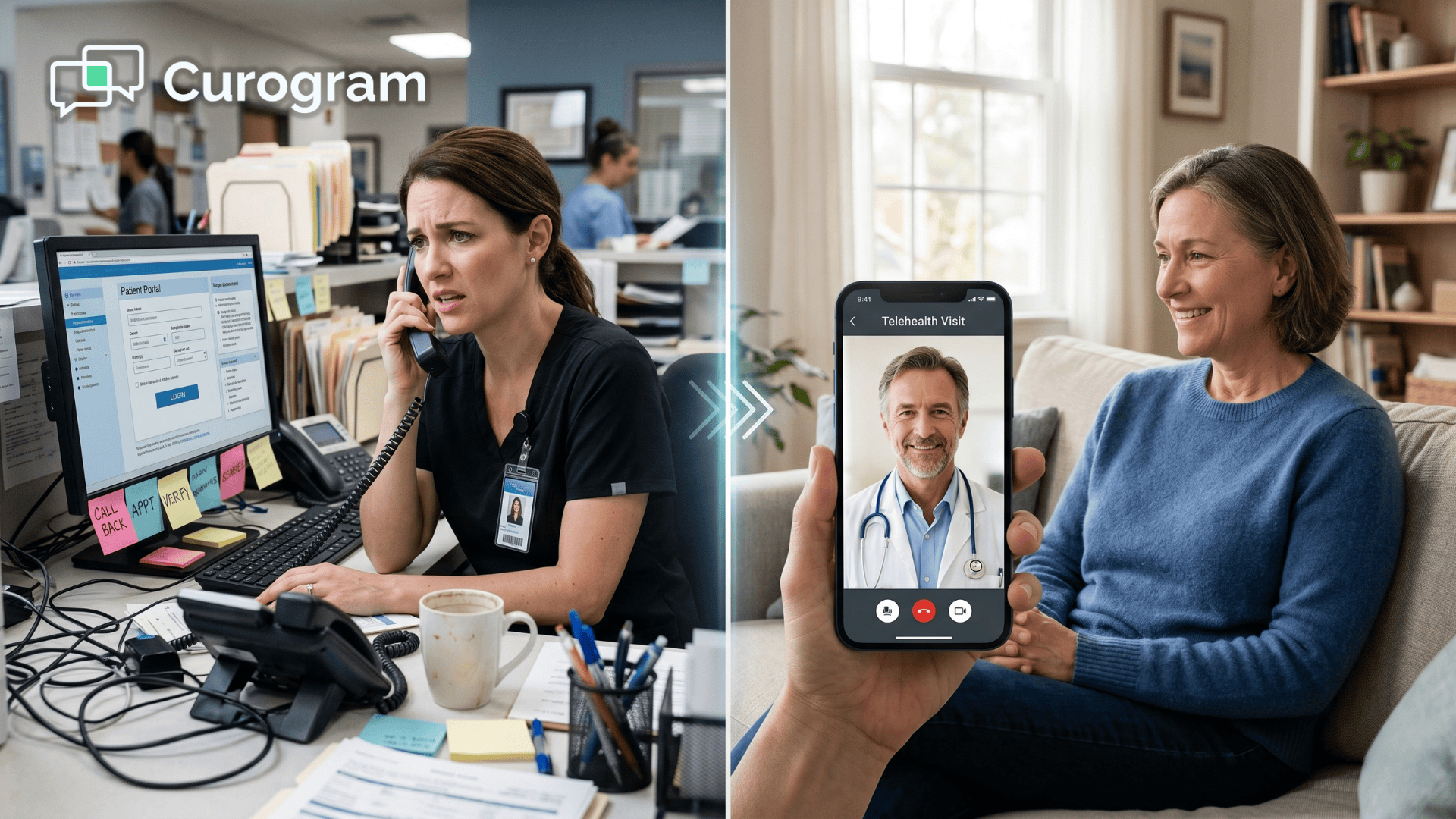
By 9:15, your staff member has walked three patients through app downloads, reset two logins, and coached one older patient through her microphone settings. The first provider is now running 12 minutes behind.

No one has actually started a visit yet.

This is the silent tax of the Veradigm EHR staff telehealth workflow video visit setup text problem. Your EHR is doing exactly what it was built to do. Your portal is working.

And yet your team is burning hours every week on tech support calls that happen before care even starts.

It sounds simple. It isn't.

Most medical practice staff video visit troubleshooting Veradigm issues don't come from the software itself.

They come from the gap between a patient who wants a quick virtual visit and a portal that expects them to enroll, remember credentials, and install something new.

Think about the math for a moment.

If your team handles 50 telehealth visits per week, and each one eats 10–15 minutes of pre-visit troubleshooting, you're losing 8 to 12 staff hours weekly. That's a full shift. Every week.

There's a cleaner way to run this.

One that keeps your Veradigm EHR at the center of the workflow but removes the app barrier entirely. Let's walk through why today's setup fails, and what a text-first alternative looks like in practice.

Why the Pre-Visit Tech Support Call Is Draining Your Front Desk

The Portal Was Built for Engaged Patients, Not Every Patient

FollowMyHealth is a strong platform for patients who are already enrolled. It handles scheduling, records, messaging, and video in one place. Your IT team made a smart call years ago when they picked it.

But here's the catch.

Portal adoption across ambulatory practices sits somewhere between 20% and 35%.

That means two out of every three patients you serve haven't enrolled, haven't downloaded the app, and likely never will.

So when your staff schedule a virtual appointment in Veradigm, they're not really booking a telehealth visit. They're booking a telehealth visit plus an onboarding session.

What This Actually Looks Like at the Front Desk

Picture your morning.

A patient is booked for a 9:30 video visit. At 9:15, she calls in. She can't find the app. You guide her through the app store. She finds it, downloads it, then hits a login screen she doesn't remember creating.

You reset her password. She logs in. The video test fails because her microphone is muted at the system level.

It's now 9:35. The provider is waiting. The next patient is already in a queue behind her. Your staff member is five minutes from her first bathroom break of the day and she's been on the phone since 8:50.

Multiply this by three or four patients a morning. That's the reality of telehealth staff workflow burden across most mid-market practices today — aligning with broader patient access priorities data showing ongoing strain on scheduling and front desk operations

The Hidden Cost You're Probably Not Tracking

Let's put real numbers on this. For a multi-location practice running 100 telehealth visits per week, pre-visit troubleshooting quietly eats into both staff time and revenue.

20 hours

Staff time lost every week to pre-visit tech support calls in a 100-visit practice.

That's the equivalent of half a full-time employee.

Every single week. And it doesn't include the morale cost of a team that spends mornings doing tech support instead of patient care.

For every practice we see running FollowMyHealth without a text-based layer on top, a version of this cost is sitting in the schedule. It just hasn't been calculated yet.

Where Most Workarounds Still Leave You Short

The Usual Band-Aids

Some practices try to fix this by sending portal reminder emails a day before the visit.

Others assign one staff member as the "telehealth concierge." A few have even built printable one-page guides for patients.

These help a little. They don't fix the core issue.

20–35%

Typical patient portal adoption rate across ambulatory practices. The other two-thirds of your panel will never enroll, no matter how many reminders you send.

Why Documentation Alone Won't Save You

The core issue is that the patient is still being asked to download an app, make an account, and test hardware before a visit that should take 15 minutes — despite industry-wide investments in patient engagement capabilities that haven’t translated into consistent patient adoption

No amount of documentation changes that friction — especially for:

  • Older patients unfamiliar with app stores or portal logins.
  • Parents handling pediatric visits while juggling other kids.
  • Patients using older smartphones or low-storage devices.

Even your best-written guide can't walk a patient through all three barriers in real time. You need a different on-ramp — one that meets patients where they already are.

How Curogram Changes the On-Ramp

A Text. A Tap. A Visit.

Here's the alternative flow with Curogram.

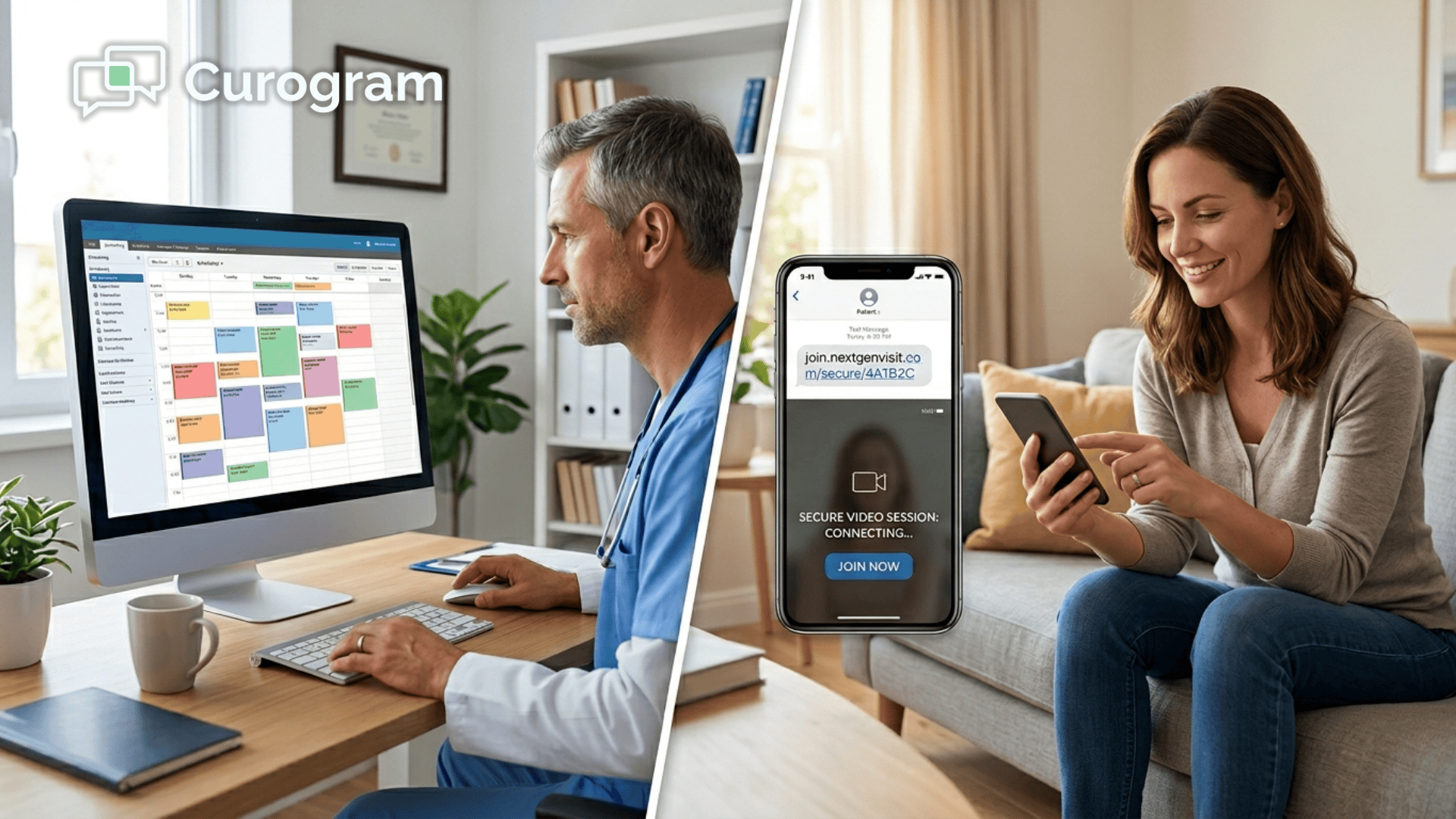
Your staff schedule the telehealth appointment in Veradigm EHR just like they do today.  That appointment data syncs to Curogram through the open API.

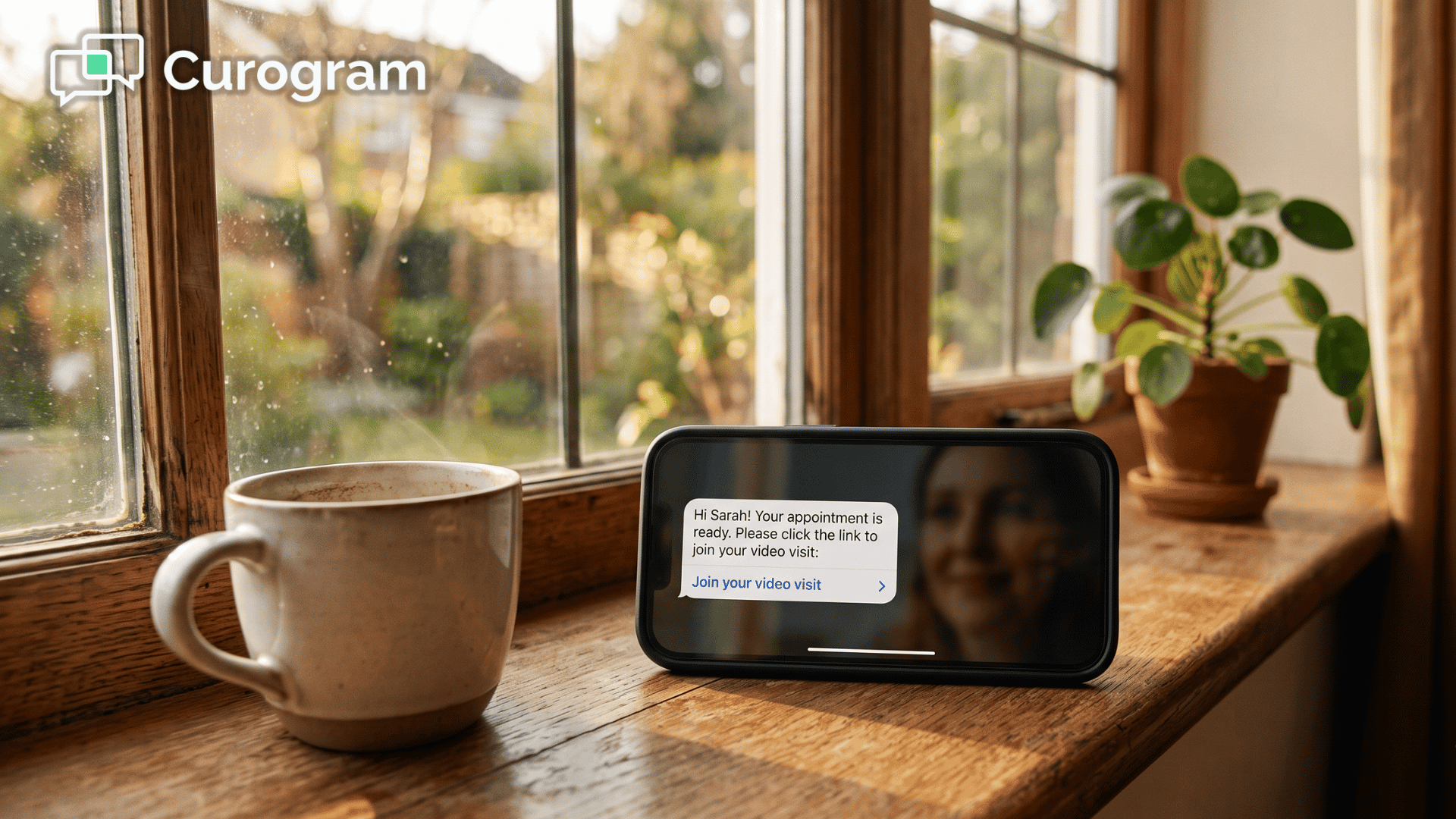
At the right moment, the patient gets a text. One message. One link.

They tap it. A HIPAA-compliant video call opens in their browser. No app download. No portal login. No password to remember.

That's the full telehealth patient onboarding staff time EHR flow, compressed into a single tap.

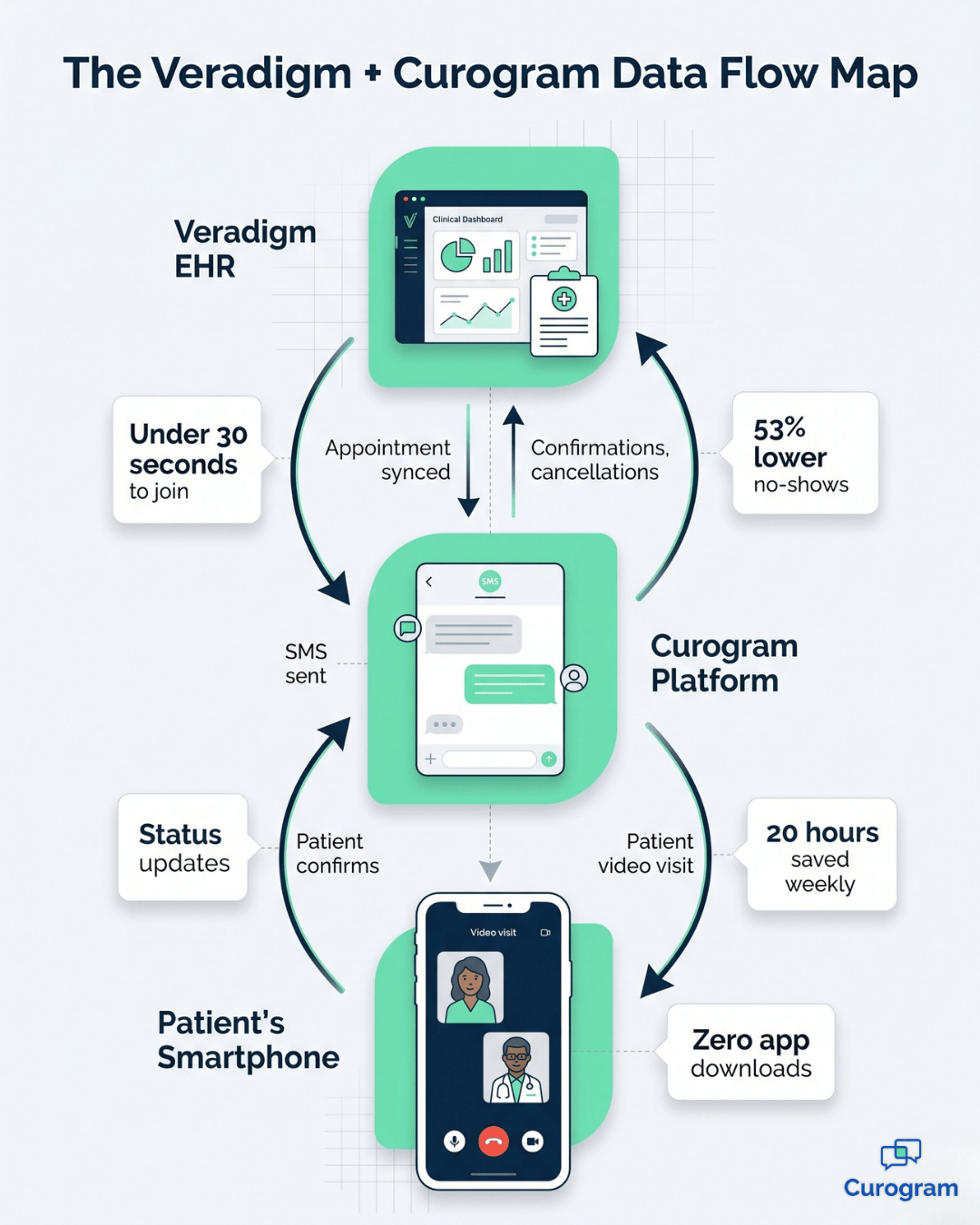
Veradigm EHR and Curogram data flow infographic showing SMS video link telehealth workflow.

Why Browser-Based Works Where Portals Don't

Nearly every modern smartphone has a browser that can handle secure video. Nothing to install. Nothing to update. The patient goes from text to face-to-face with their provider in under 30 seconds.

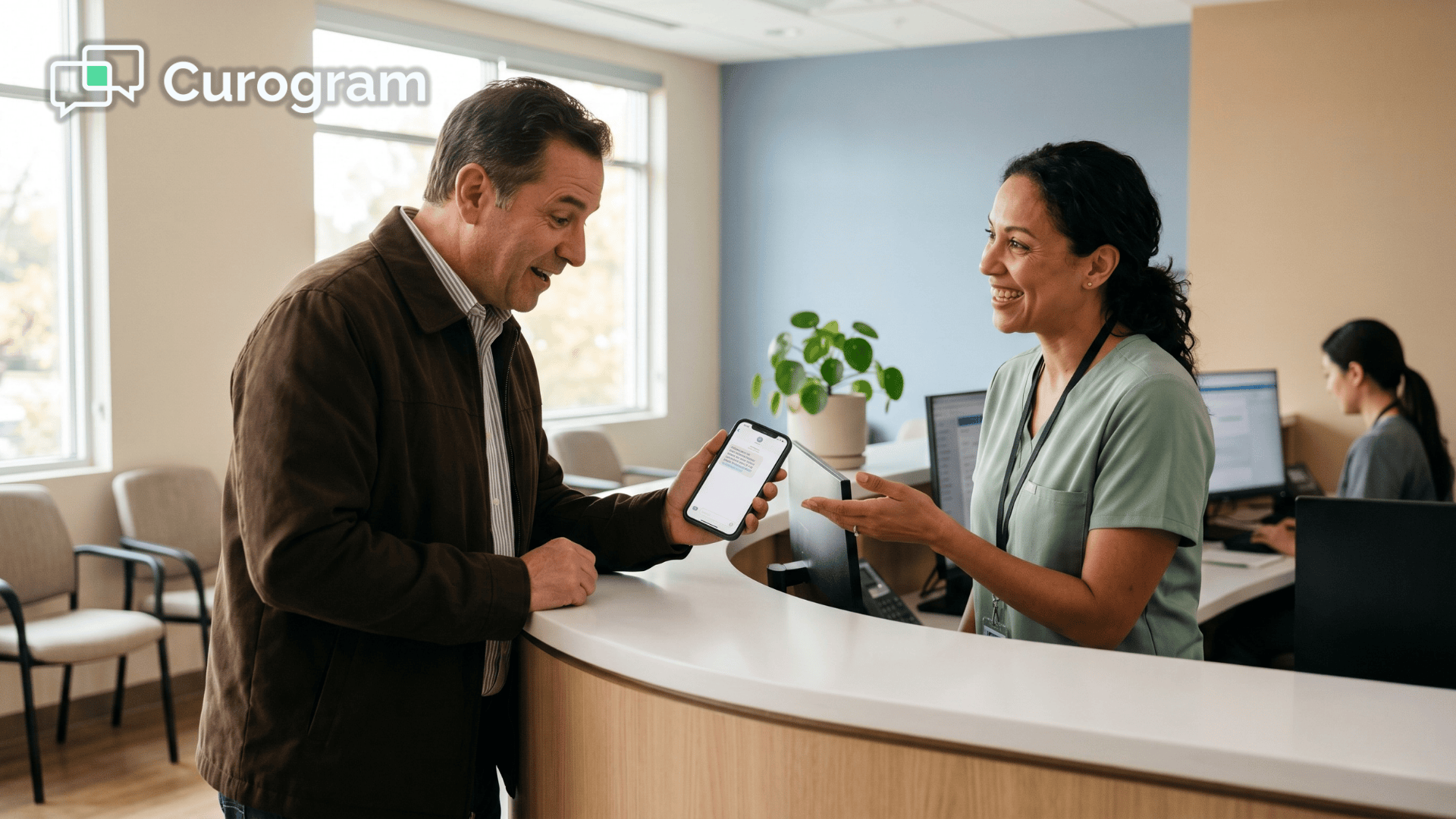
For patients, it feels like clicking any other link in a text. For your staff, the pre-visit support call just… disappears.

This is the Veradigm video visit staff setup automation model. Instead of training every patient to use a portal, you meet them where they already are — in their messages app.

It Plays Well With FollowMyHealth

This isn't a rip-and-replace. For patients who love FollowMyHealth and actively use it, nothing changes. Keep that experience.

For the 60–80% of your panel who never enrolled, Curogram's text-first approach reaches them without asking them to join anything new.

Portal for the 30% who want it. Text for the 70% who don't. Full coverage, no duplication.

How It Plugs Into Your Existing Veradigm Workflow

Where the Data Flows

Here's the simple version of the front desk telehealth scheduling text link workflow:

  • Staff book the telehealth visit inside Veradigm EHR.
  • Curogram pulls the appointment details through the API.
  • A confirmation text with the video link goes to the patient automatically.
  • The patient confirms, reschedules, or cancels by texting back.
  • That response syncs back to the Veradigm schedule.

Your team never leaves the workflow they already know. No double data entry. No switching between dashboards.

If you manage multiple clinics, the same setup deploys across every location at once.

Built-In Confirmation Tracking

Staff can see confirmation status before the appointment window opens. If a patient hasn't confirmed by 24 hours out, your team knows exactly who to follow up with — and the follow-up is another text, not another phone call.

This turns no-show management from a guessing game into a visible, trackable queue.

HIPAA Compliance, Handled

The video infrastructure is HIPAA-compliant by design. All transmissions are encrypted end-to-end.

Curogram signs a Business Associate Agreement with every practice.

The text message itself only contains the appointment time and a unique, secure video link. No names, no diagnoses, no chart notes.

That keeps the SMS layer low-risk from a compliance standpoint while still giving patients a one-tap experience.

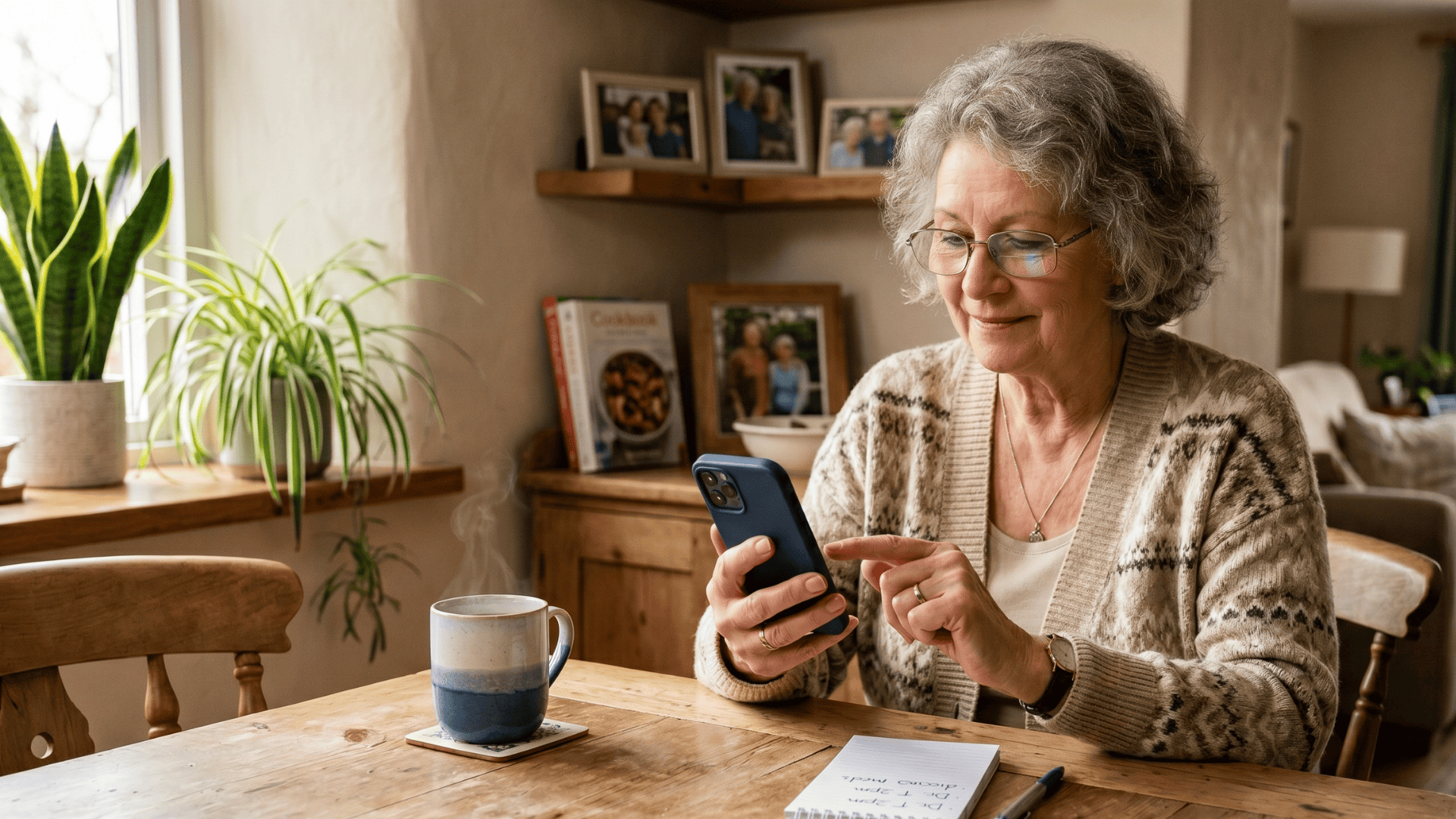
Older patient at home tapping a Curogram telehealth text link on smartphone to start a video visit.

What the Numbers Look Like Once the Friction Is Gone

No-Shows Drop, Confirmations Climb

Practices using text-based appointment confirmations with embedded video links typically see confirmation rates above 75%.

No-show rates drop from the 10–15% range down to under 7%.

53% lower no-shows

Text-first telehealth practices run no-show rates 53% below the industry average for virtual visits.

For context, that's 53% lower than the industry average for virtual visits.

In real terms, a practice doing 100 video visits per week reclaims around 5 additional completed visits every week just from the no-show reduction alone.

Hours Back on the Clock for Your Team

Take that same 100-visit practice. Cutting pre-visit support from 12 minutes per patient down to near zero returns about 20 staff hours per week.

That's the equivalent of half a full-time employee — freed up for work that actually moves the practice forward:

  • Chart prep and pre-visit history reviews.
  • Patient callbacks and follow-up coordination.
  • Insurance verification and eligibility checks.

For your team, it means mornings don't start in crisis mode. For your patients, it means the visit actually starts on time.

The Revenue Math

Here's a clean way to think about it.

Fewer no-shows means more completed visits. More completed visits means more billable encounters.

Fewer support calls means lower staff cost per visit.

$60,000+ per year

Combined annual impact for a 100-visit-per-week practice — from recovered revenue, reduced no-shows, and staff hours redirected to real clinical work.

Stack those three effects on a 100-visit-per-week practice, and the annual impact lands somewhere north of $60,000 in recovered revenue and cost savings. Practices with more locations compound that figure across every site.

Healthcare everywhere! Launch a pervasive telehealth platform that's easy for both providers and patients with Curogram.

This is why the shift isn't really about telehealth. It's about unlocking operational capacity your team already has.

From Tech Support to Patient Care

Where Your Stack Leaves a Gap

Your Veradigm EHR was designed for clinical workflows. FollowMyHealth was designed for patients who want a full digital experience.

Neither of them was designed for the moment when your front desk has to troubleshoot an app download five minutes before a visit.

That gap is where operational hours disappear. And that gap is exactly what a text-first layer is built to close.

What Changes When the Friction Is Gone

When the pre-visit tech support call goes away, your team stops being technical support and goes back to being clinical support. That's a different practice.

A calmer one. A faster one. One where the first patient of the day gets the same attention as the last.

For pediatric clinics juggling parents with toddlers on their laps, geriatric practices serving patients who don't use smartphones often, and subspecialty groups running tight back-to-back schedules — the same principle applies.

Remove the app barrier and virtual care actually works for everyone on your panel, not just the tech-savvy few.

Ready to Get Your Mornings Back? Let's Walk Through It Together

If your staff are spending 10 or more hours a week helping patients access video visits, the math is already on your side.

A text-first layer pays for itself inside the first month, and the downstream gains — fewer no-shows, faster starts, calmer mornings — keep compounding from there.

Start with a simple audit this week.

Ask your front desk to track pre-visit support time for five business days. Note how many calls come in, how long each one takes, and how often a scheduled visit gets cancelled because the patient couldn't get into the app.

That single number will tell you more about your Veradigm EHR staff telehealth workflow video visit setup text problem than any consultant report.

Most practices are surprised by how big it is.

You'll see how appointments sync, how the patient experience feels on a phone, and how many staff hours the switch actually frees up across your practice. If the numbers don't land for your specific volume, you'll know quickly.

Your EHR is already doing its job. Your portal is already doing its job. The missing piece is the on-ramp that meets patients in the one place they always open — their text messages.

Schedule a Demo with Curogram and we'll walk through a real multi-location telehealth flow, show you exactly where the text link replaces the pre-visit call, and map the integration points with your Veradigm setup. 


Frequently Asked Questions

Is a text-link video call HIPAA-compliant? Do we need BAA coverage?

Yes. Curogram's video infrastructure is HIPAA-compliant by design, with end-to-end encryption and full coverage for protected health information in motion. Curogram also signs a Business Associate Agreement with every healthcare practice, so your BAA requirements are covered. The text message itself only includes the appointment time and a unique video link — no patient identifiers, no clinical information — which keeps the SMS layer itself low-risk from a compliance standpoint.

What if a patient calls in sick or needs to reschedule the telehealth visit?

Curogram is connected directly to the Veradigm EHR scheduling system. If a patient texts "cancel" or calls the office, staff can update the appointment status in the EHR and Curogram automatically adjusts the SMS queue. You can also pause or reschedule from the Curogram staff dashboard. With two-way texting, patients can even text back to confirm, cancel, or request a new time — and the update syncs back to Veradigm without manual entry.

Do we have to discontinue FollowMyHealth? Can we use both systems together?

You absolutely can run both. Curogram is complementary to FollowMyHealth, not a replacement. For patients who actively use the portal, nothing changes. For the 60–80% of your panel who never enrolled, Curogram's text-first approach finally reaches them. The working model we see most often is simple: portal for the 30% who want it, text for the 70% who don't. Together, you cover your full patient population with no redundancy and no retraining for staff.

How long does it take to roll Curogram out across multiple locations?

Most multi-location practices are live within two to four weeks, not months. Because Curogram pulls directly from Veradigm EHR through the open API, there's no manual data migration or parallel scheduling system to maintain. Staff training usually takes under 30 minutes per team member since the workflow sits inside the EHR they already use every day. For groups with 5 or more locations, deployment happens across all sites at once rather than one clinic at a time, so your team doesn't spend months in a pilot phase before seeing real results.

What happens if a patient doesn't have a smartphone or strong cell signal?

The text link works on any device that can open a browser, including older phones, tablets, and laptops. Patients don't need the latest hardware — just a modern browser and a basic internet connection. If a patient's signal is weak at home, they can join from a Wi-Fi connection at a family member's house or a local library without needing to reinstall anything. For the small number of patients who truly can't do video, staff can flag the appointment in Veradigm and switch it to a phone visit — the workflow handles both without extra setup.