8 min read
NextGen Telemedicine Workflow | Launch Video Visits from the Schedule
Aubreigh Lee Daculug
:
April 7, 2026
The patient receives a text link, taps it, and joins the visit in their browser — no app, no portal login required.
For operations managers and clinical leaders at large ambulatory NextGen Enterprise organizations, this eliminates the tech friction that causes telehealth no-shows.
The result: telehealth that runs as reliably and predictably as an in-person visit — because the patient's only job is to tap a link.
It's 2:00 PM. A clinician is sitting at their workstation, chart open, ready for a scheduled telehealth appointment.
At 2:05, there's no patient on screen. At 2:07, the front desk phone rings.
"I can't get the app to work."
A medical assistant spends the next 12 minutes walking the patient through a download, a login, a forgotten password.
By the time the patient actually joins the visit, there are 8 minutes left in the appointment slot.
What was supposed to be a 15-minute follow-up consumed 30 minutes of staff time and delivered less than half the care.
And this isn't a one-off. It happens multiple times a day. Across a 50-location NextGen Enterprise network, that adds up to hundreds of lost visit minutes every week — and a growing number of clinicians who simply stop offering telehealth because it creates more work than it saves.
Here's what makes this problem so frustrating:
The patients aren't refusing virtual care.
They want the convenience. They're just being stopped by the technology standing between them and their doctor.
A NextGen staff telemedicine workflow that forces patients through app downloads and portal logins is setting visits up to fail before the clinician even clicks "join."
The barrier isn't clinical. It's operational. And it's entirely solvable.
This article breaks down why telehealth dropout happens, what it actually costs your practice, and how a schedule-triggered approach to launching video visits from the NextGen schedule changes the outcome — for clinicians, staff, and patients alike.
The fix isn't a new strategy. It's a simpler workflow.
When Telehealth Goes Wrong Before It Even Starts
Most practices assume telehealth no-shows happen because patients forget their appointments or don’t prioritize virtual care. Best practices—and the data—tell a different story.
Patients miss telehealth visits because they can't get connected. Not because they don't want to.
The typical pre-visit chain looks like this — and every step is a potential dropout point:
- Receive a confirmation email with setup instructions
- Download a telehealth app (if the phone has storage)
- Create an account and set a password
- Navigate the patient portal to locate the visit link
- Successfully join before the appointment window closes
For older patients, those in lower-income brackets, or anyone with a basic smartphone, even one broken step ends the visit. The patient doesn't call to explain. They just don't show up.
For clinicians, every telehealth dropout means a wasted slot they can't recover. They were ready. The chart was open. The patient just never made it through the technology.
After enough of these experiences, clinicians stop offering virtual visits for anything beyond the most tech-comfortable patients. Telehealth adoption plateaus — not because the care model failed, but because the setup model did.
What Dropout Actually Costs a Multi-Location Practice
The revenue math is straightforward. If a practice loses just three telehealth visits per day across a network due to technical failure, and each visit is worth $150, that's $450 lost daily.
Over 250 working days, that's $112,500 in annual revenue that simply evaporates — not from clinical issues, but from a broken onboarding experience.
Add in the staff time spent on tech support calls — an average of 10–15 minutes per incident — and the cost climbs further. A 10-location network losing 30 staff hours per week to patient tech support is burning through real labor dollars on a problem that shouldn't exist.
Even a conservative scenario tells the story.
Three failed visits per day at $150 each is $450 in daily lost revenue — or $112,500 a year. At five failed visits per day, that climbs to $187,500 annually.
Stack 20 tech support calls a day at 10 minutes each, and your staff are losing over 800 hours a year walking patients through downloads and logins.
These aren't worst-case numbers. For many multi-location NextGen Enterprise organizations, this is already the operational reality.
The Clinician Resistance Problem
There's a downstream consequence that operations leaders often underestimate: clinician burnout from telehealth friction.
After enough failed connections, late-joining patients, and calls routed through the front desk, physicians stop recommending virtual visits.
The Medical Director who championed the telehealth rollout starts hearing the same feedback from colleagues:
"It takes longer than just seeing them in person."
"Patients can't figure it out."
"I'm not IT support."
That frustration is valid.
And it signals something important:
The problem isn't clinician resistance to telehealth. It's clinician resistance to a broken workflow.
When a staff telemedicine for NextGen adds friction instead of removing it, the technology works against the very adoption it was supposed to drive.
A Smarter Way to Launch: How Schedule-Triggered Video Works
The core insight behind Curogram's approach is simple. The patient's ability to join a telehealth visit should not depend on their ability to navigate technology.
When the launch mechanism is a text link — something any patient with a cell phone can tap — the technical barrier drops to near zero.
No app. No account. No portal. Just a tap and a live video connection.
Here's how it works inside the NextGen workflow clinicians already use.
The Launch Sequence, Step by Step
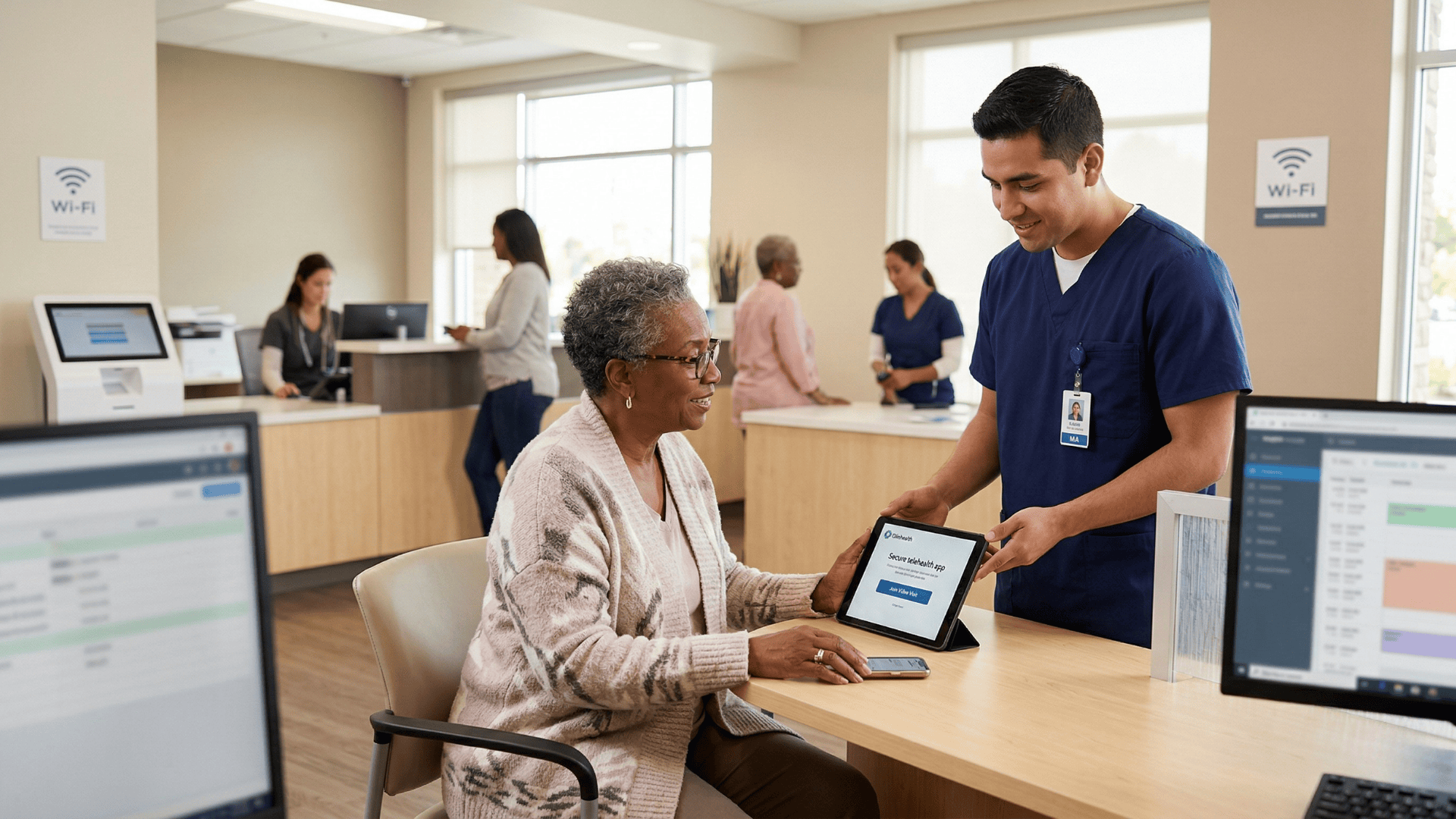
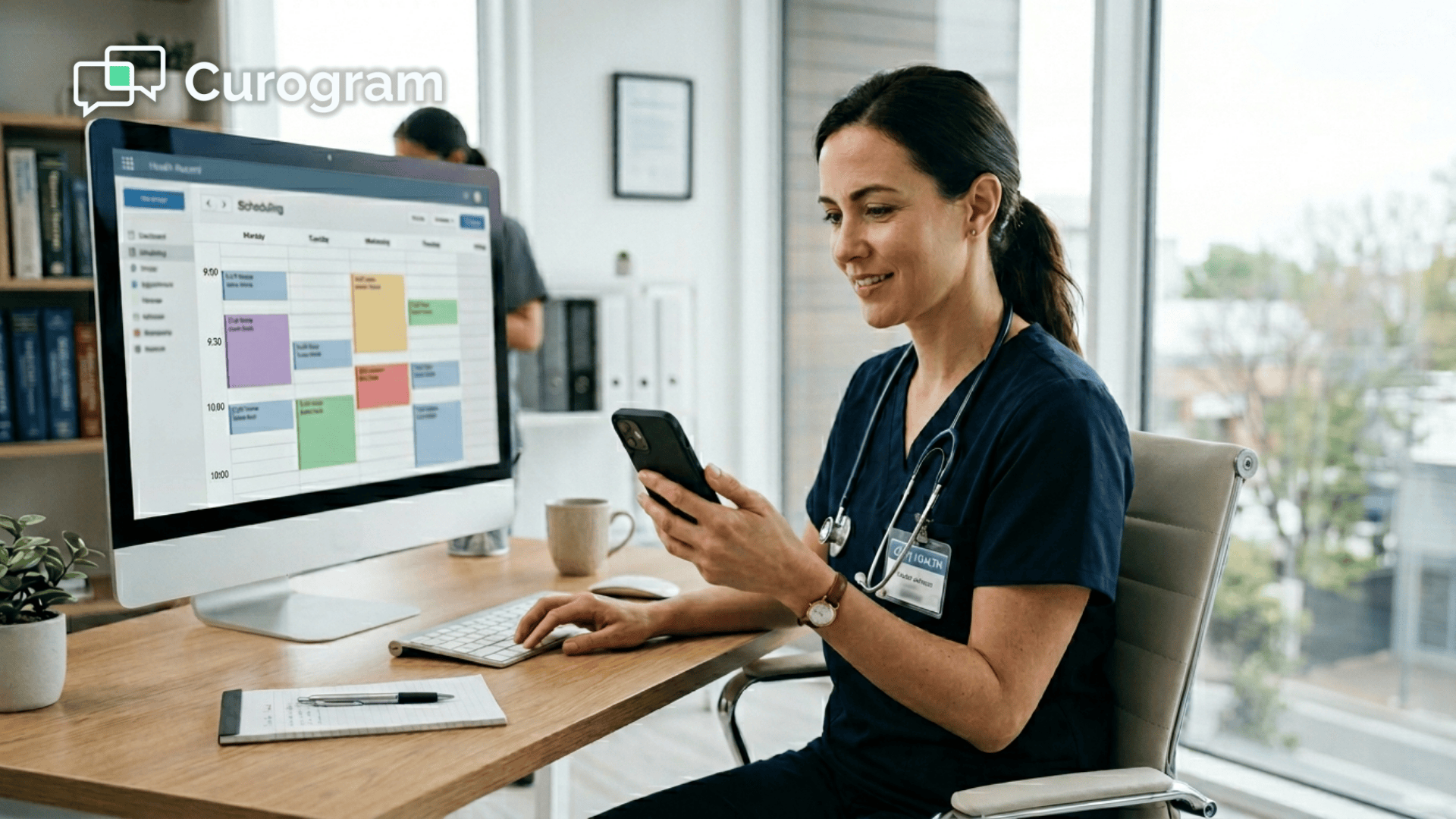
When a telehealth appointment reaches its scheduled time, the clinician or a medical assistant clicks "launch video" from the NextGen schedule view.
Curogram immediately sends a text message to the patient's mobile phone with a secure video link.
The patient taps the link. The video opens in their browser. The clinician sees the patient on screen.
The full launch sequence — from clinician click to patient connection — takes under 10 seconds.
There's no separate telehealth platform to install. No portal handoff. No staff tech support call. The visit begins the way every visit should: on time, with the clinician and patient face to face.
How the Workflow Fits Into Existing NextGen Operations
This isn't a replacement for NextGen Enterprise. It works alongside it.
Telehealth appointments are scheduled normally in NextGen PM using a telehealth visit type. At the appointment time, the launch is triggered from within the schedule — a workflow that feels identical to checking in an in-person patient.
For your team, the familiar parts stay familiar:
- Scheduling happens in NextGen PM as usual, using a telehealth visit type
- Documentation flows through NextGen Enterprise EHR with standard KBM templates
- Billing captures the appropriate CPT codes and modifiers — no new process required
For IT directors, this is a significant operational advantage.
There is no separate telehealth application to deploy, maintain, update, or troubleshoot across dozens of locations. The video capability is part of the Curogram platform already integrated into the NextGen environment.
The staff telemedicine workflow for NextGen becomes invisible. And when the technology is invisible, adoption becomes a clinical decision — not a technology decision.
The Role of the Telehealth Readiness Dashboard
Operations managers at large ambulatory organizations need more than just a working workflow. They need visibility into how that workflow performs across the network.
Curogram's Telehealth Readiness Dashboard gives operations leaders real-time data on telehealth performance by location and provider.
At a glance, you can see:
- Video visit completion rates by site and clinician
- Connection success rates — the % of launched visits where the patient successfully joins
- Average time from launch to patient connection
- Visit duration trends across the network
Location-level comparison quickly surfaces which sites are hitting strong telehealth utilization and which need operational support.
That data makes it possible to set realistic utilization targets, identify training opportunities, and demonstrate telehealth ROI to organizational leadership with confidence — not estimates.
For a multi-location NextGen Enterprise network trying to standardize telehealth across every site, this kind of visibility is not a nice-to-have. It's how you manage at scale.
What Changes When the Technology Gets Out of the Way
When patient-side friction is removed from the telehealth workflow, the ripple effects go further than just better connection rates.
The Visit Types That Finally Go Virtual
Clinicians who previously avoided offering virtual visits begin recommending telehealth for appointment types where it actually makes clinical sense — because the workflow is now reliable enough to trust.
That typically means:
- Medication management and prescription follow-ups
- Chronic care check-ins for established patients
- Post-surgical consultations that don't require physical examination
- Behavioral health sessions
- Routine follow-ups after lab results
That shift is meaningful. It moves telehealth from a "technology initiative" managed by IT into a standard clinical delivery channel managed by operations.
The conversation inside the organization changes:
Instead of asking "how do we get patients connected?" teams start asking "which visit types should we prioritize for virtual delivery?"
Network Consistency Across Demographics
One of the most persistent challenges for large ambulatory organizations is uneven telehealth adoption across locations.
A site serving a younger, urban demographic might achieve 30% telehealth utilization. A site serving Medicare-heavy or rural populations might barely reach 5%.
The gap isn't a reflection of clinical need or patient willingness. It's a reflection of who can navigate the technology.
When the patient's only requirement is the ability to tap a text link, demographic barriers to telehealth shrink significantly. Elderly patients, patients without smartphones, patients in areas with limited internet connectivity — all of them can receive a text.
Many of them cannot navigate a portal.
This is how a staff telemedicine workflow for a NextGen Enterprise multi-location organization finally achieves consistency.
Not by solving a technology problem at every individual site. By removing the technology problem at the patient level entirely.
The Long-Term Revenue Picture
When video visit completion rates increase and telehealth no-show rates drop to levels comparable with in-person visits, the financial impact compounds quickly.
A 10-location practice that moves telehealth no-show rates from 20% to 6% — a realistic outcome when friction is removed — recovers significant visit volume.
If each location runs 15 telehealth slots per day, that's 21 recovered visits per day across the network. At $150 per visit, that's $3,150 recovered daily, or roughly $787,500 annually.
And that's before accounting for reduced staff labor costs, improved provider capacity utilization, and the downstream revenue from patients who might have disengaged entirely after a failed connection experience.
Telehealth that actually works is not just an operational upgrade. It's a revenue strategy.
Stop Losing Visits to Downloads and Logins
The telehealth no-shows filling your schedule aren't from patients who don't want virtual care. They're from patients who couldn't get through the technology.
That's a solvable problem — and the solution is already inside the NextGen workflow your team uses every day.
Curogram's Schedule-Triggered Video Launch lets clinicians initiate HIPAA-compliant video visits directly from the NextGen schedule with one click. The patient gets a text, taps the link, and joins.
No app. No portal. No support call. The visit happens.
For operations managers and clinical leaders at large ambulatory NextGen Enterprise organizations, this is how telehealth finally performs like the efficient care delivery channel it was supposed to be. Staff launch video visits from the NextGen schedule.
Clinicians focus on care. Patients tap a link and see their doctor.
The Telehealth Readiness Dashboard gives you real-time visibility into completion rates, connection success, and utilization across every location — so you can set targets, spot gaps, and show leadership what's actually working.
It doesn't matter if your patients are 30 or 75. Urban or rural. Tech-comfortable or not. A text message reaches nearly everyone. A portal doesn't.
If your network is ready to launch telehealth that runs as reliably as an in-person visit — without rebuilding your NextGen workflows — the next step is straightforward.
Schedule a demo with Curogram today. See how the Schedule-Triggered Video Launch works inside your NextGen environment, and find out what recovering your telehealth visit volume means for your bottom line.
Frequently Asked Questions
Yes. The video launch can be initiated by any authorized staff member with access to the NextGen schedule through Curogram. Medical assistants can send the video link to the patient, confirm that the patient has connected, and then hand off the session to the clinician — similar to how MAs room patients before in-person visits. This keeps the clinician focused on care delivery rather than video setup, which is exactly where their attention should be.
If the patient doesn't tap the video link within a configurable time window, Curogram can send an automated follow-up text: "Your video visit with [Dr. Name] is ready — tap to join." If the patient still doesn't connect, staff are notified through the Curogram dashboard and can reach out by text or phone. The link remains active for the full duration of the appointment window, so patients who are a few minutes late can still join without needing a new link to be generated.
Curogram's video platform supports one-on-one clinician-patient video visits, which covers the vast majority of telehealth use cases in ambulatory care. For organizations that require multi-party video — such as interpreter services or family conferences — the platform's capabilities should be discussed during an Enterprise Assessment to confirm alignment with specific clinical workflows.
No. Telehealth appointments are scheduled normally in NextGen PM using a telehealth visit type — the same scheduling process your staff already follows. The only change is what happens at visit time: instead of directing the patient to an app or portal, the staff member clicks "launch video" in Curogram, and the patient receives a text link. Everything downstream — documentation in NextGen EHR, billing with the appropriate CPT codes — stays the same.
Yes. Curogram's video visits are HIPAA-compliant. The text link directs the patient to a secure browser-based video connection, not an unsecured external platform. The visit itself occurs over an encrypted connection, and no protected health information is transmitted via SMS. For practices navigating HIPAA compliance as part of their telehealth rollout, Curogram's compliance documentation is available during the Enterprise Assessment process.