10 min read

Fix OncoEMR Oncology Staff Telehealth Workflow With Text Link Setup

Fix OncoEMR Oncology Staff Telehealth Workflow With Text Link Setup
💡 Telehealth shouldn't add work to your nursing staff's plate. With Curogram, oncology patients join video visits by tapping one text link. Here's what the setup looks like in practice:
  • No app downloads or portal logins for patients
  • Cuts 15+ minutes of pre-visit tech support per appointment
  • Works alongside OncoEMR scheduling and patient data
  • HIPAA-compliant and SOC 2 Type II certified
  • Frees nursing staff for symptom triage and care coordination
This setup turns telehealth into a true workflow win. Staff focus on care, not tech support calls.

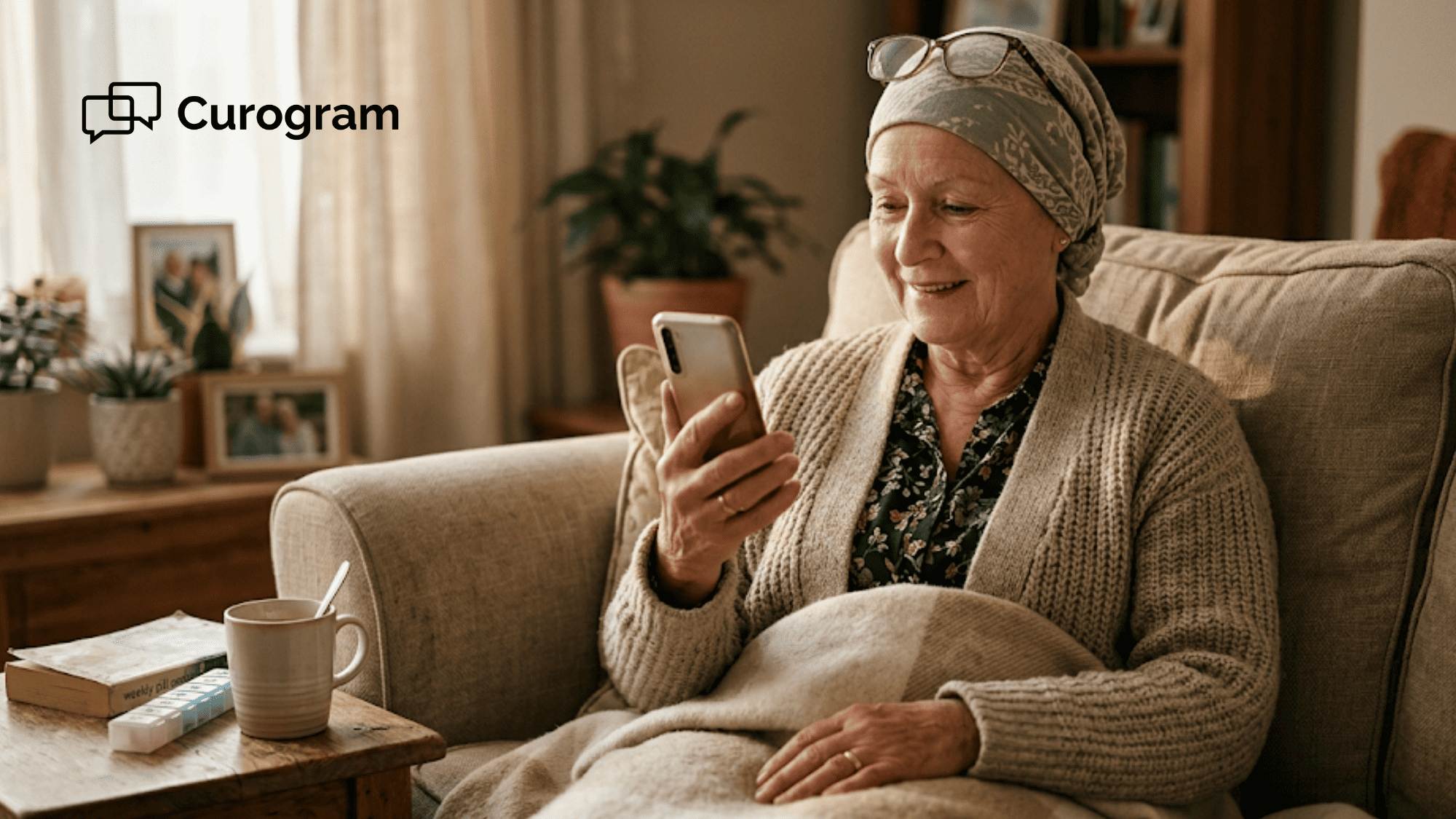
The phone rings five minutes before Mr. Patterson's video visit. He's 68, just finished his third chemo cycle, and can't find the link your nurse sent. Your staff member spends 18 minutes walking him through password resets and app downloads. The visit starts late, and your nurse is already drained.

This is the daily reality for oncology practices using OncoEMR. The OncoEMR oncology staff telehealth workflow video visit text link setup is broken. Patients can't navigate portals while feeling sick. Staff become unpaid IT helpers instead of clinical caregivers.

Community oncology clinics handle 10 to 15 video visits per day. That adds up to over two hours of daily phone troubleshooting. Multiply that by five workdays, and you lose more than 25 staff hours per month. None of those hours are billable, and none of them move treatment forward.

The fix isn't a better portal. It isn't more training, either. It's removing the portal step entirely. Curogram pairs with OncoEMR to send patients one text link they tap to join.

No login. No download. No pre-visit support call. Just a 10-second tap-and-join experience that turns every patient into someone who shows up on time.

This article shows how a text-link video visit changes the staff workflow. We'll cover what makes the current setup so painful for nurses. We'll see how a one-tap link clears the friction in seconds. And we'll show what happens when staff stop fixing tech and start coordinating care.

If your team is tired of the 15-minute support call before every video visit, this is for you. There's a simpler way to run oncology telemedicine, and it starts with the channel patients already use every day. Let's break down what's broken, what works, and what changes for your team.

The Villain: The Tech Support Call Before the Appointment

OncoEMR is built for clinical workflow, not patient-facing telehealth. CareSpace, the patient portal, doesn't offer strong video visit tools. The CareSpace telehealth limitation staff workaround forces clinics into messy choices.

Staff either send patients external Zoom links with no security context. Or they push patients through a second portal like Willowglade. Both routes break the workflow.

External links have no audit trail and don't sync with the EHR. Portal-based options demand patient signup, login details, and ongoing portal use. For an oncology population where the average age at diagnosis is 66, that's a steep climb.

The Agitation: A Staff View

Your nurse books a post-chemo check-in for Thursday. She knows what's coming. The patient will need to download an app, set up portal credentials, test audio and video, and click the right link.

By Wednesday, the patient calls the front desk in panic. The Flatiron Health oncology telehealth staff burden shows up in this exact moment. Your front desk staff spends 15 to 20 minutes on the phone.

They reset passwords. They explain how to find the telehealth tab. They walk the patient through audio settings on a tablet they barely use. None of that work counts as care.

Across 10 to 15 video visits per day, this becomes 2.5 hours of daily phone time. That time is unbillable. It's also lost for good.

The Bottleneck

OncoEMR staff video visit troubleshooting portal calls hit your nurses, not just front desk staff. Nurses who should be triaging chemo side effects instead become tech support. They explain why the portal logged the patient out.

They guide elderly patients through screen-sharing setups. Each delay frustrates the patient. Each delay pushes back the next appointment.

Each delay also adds to oncology staff burnout, which is already a major retention issue in community clinics. Over a month, that's 25-plus hours of clinical time lost to setup tasks.

The Reality for Oncology Staff

Here's how one nurse described it:

"I know Mr. Patterson is 68. He's managing fatigue and nausea from his last chemo round. He can't easily reset a portal password while feeling that sick. But that's what the system asks of him."

"So every Tuesday when we book his Thursday visit, I know what's coming. I'll spend 20 minutes on the phone with him before the call starts."

This isn't a one-off. It's the model. The portal-first approach assumes patients can self-serve through tech setup. Oncology patients often can't.

The result is a system that pushes the work onto staff who already have full plates. Nurses didn't sign up to be IT support. They signed up to take care of cancer patients.

Why The Workaround Doesn't Scale

Some practices try to solve this with pre-visit "tech check" calls. The clinic books a 15-minute slot two days before the actual visit. A nurse calls the patient, walks them through setup, and tests the link.

It works, sort of. But now you've doubled the staff time per visit. You've also added a second appointment to track and document.

Others print PDF guides with screenshots. Patients lose the printout. They forget which step they're on. They call the front desk anyway. The workaround becomes its own problem.

The truth is simple. As long as patients must log into something or download something, your staff will spend time fixing it. The villain isn't the patient. It isn't the portal. It's the belief that telehealth needs a setup phase at all.

The Guide: The Zero-Setup Video Link

Curogram replaces the portal step with a single text link. Your staff books the video visit in Curogram's dashboard. The platform sends the patient a text message at the right time.

The patient taps the link and joins the call in their phone's browser. No app. No login. No password.

The whole process takes 10 seconds for the patient. For staff, the setup time drops from 25 minutes (15 minutes of support plus 10 minutes of patient confusion) to under 30 seconds.

The Feature

Curogram's text-link video visits work for any oncology video appointment. Post-chemo check-ins. Survivorship visits. Palliative care talks. Lab result reviews. The same link format works for all of them.

When a nurse books the visit, Curogram sends two text messages by default. One goes out the day before. The other goes out 10 minutes before the start. Each text contains the same link.

If the patient misses the first text, they have a backup. If they need to rejoin after a dropped call, they tap the same link again.

This is community oncology telehealth setup automation in action. The system handles reminders, link delivery, and waiting room flow. Staff just confirm the patient joined. There's nothing to set up on the patient side, ever.

The Integration

Curogram works alongside OncoEMR, not on top of it. Your appointment list lives in OncoEMR. Your treatment notes stay in OncoEMR. Curogram pulls in the appointment context and runs the communication layer.

The oncology front desk telehealth scheduling text process now looks like this. Your scheduler books the appointment in OncoEMR. They flag it as a video visit in Curogram. The text link goes out automatically based on the appointment time.

There's no double-entry. No portal reset. No app push. Clinical documentation continues in OncoEMR after the visit.

Curogram keeps a HIPAA-auditable archive of every text-link delivery and visit confirmation. Compliance teams can pull a record on demand without extra work from the clinical team.

Why This Matters for Oncology Staff

Oncology nurses handle a heavy load of patient communication. They triage symptoms between visits. They explain medication side effects. They coordinate follow-up care.

The simpler the tool, the more time they have for those conversations. A text-link video visit changes the math. A 30-minute appointment stays a 30-minute appointment. It doesn't balloon to 45 minutes because of setup.

Patients show up on time. Nurses come in prepared, not frazzled from a phone troubleshooting call. For post-chemo check-ins, this matters even more.

Patients are tired. They're often dealing with cognitive fog from treatment. Asking them to navigate a portal at that moment isn't reasonable. A text link is.

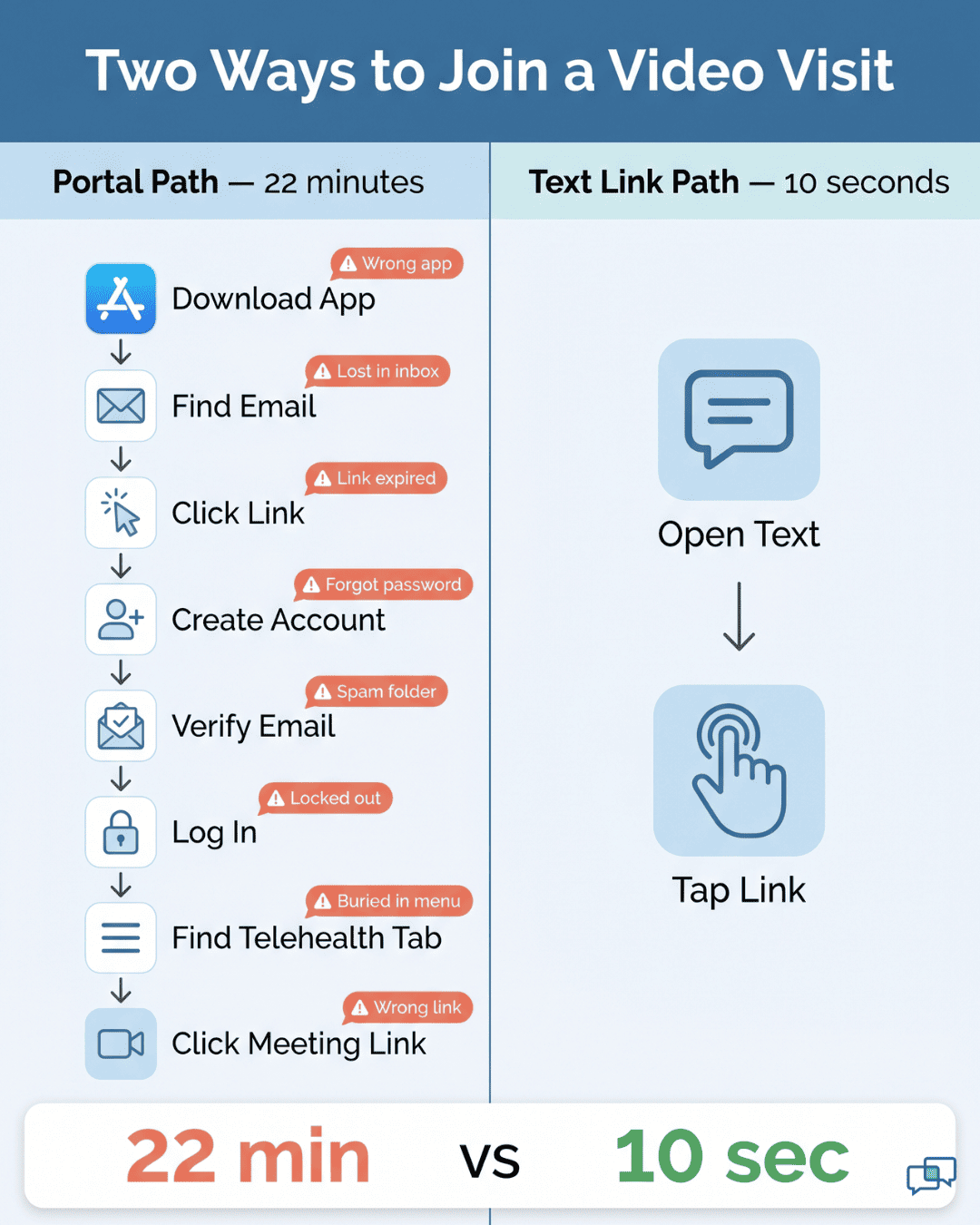
Flowchart showing portal telehealth failure points versus a simple two-step text-link patient journey

What Staff Stop Doing

Once a text-link workflow is in place, here's what your staff stops doing:

  • Walking patients through app downloads
  • Resetting portal passwords by phone
  • Explaining how to find the telehealth tab
  • Sending follow-up emails with screenshots
  • Booking pre-visit tech check calls

Here's what they start doing instead:

  • Reviewing the patient's recent lab work before the call
  • Preparing teach-back materials for medication changes
  • Checking in on adherence and symptom logs
  • Coordinating with the care team about treatment changes

The shift sounds small. In daily practice, it's huge. Nurses report feeling more like clinicians and less like help desk staff.

That's not a small win in oncology, where burnout drives turnover. The guide isn't a fancier portal. It isn't a better app. It's the choice to remove the setup step entirely.

The Success: Telehealth That Works For Your Workflow

Numbers tell the story best. Covina Arthritic Clinic moved from 369 confirmed appointments per month to over 1,300 using text-link engagement. That's a 3.5x jump in scheduled visits actually showing up. The same pattern shows up in oncology practices that switch to text-link video visits.

Why does the number climb? Because the friction is gone. When patients receive a tap-to-join link, they don't need to plan ahead or find a portal login. The visit just happens.

For oncology patients managing chemo schedules and side effects, this is the difference between joining the visit and skipping it. A patient who feels nauseous doesn't have the energy to call the front desk for help. But they can tap a text link.

Practices that track no-show rates see a clear drop after switching. A common pattern: video visit no-shows fall from 18% to under 7% within the first three months. The reason is simple. The link is in the patient's text inbox, not buried in a portal they signed up for once and never used again.

The Shift: From Tech Support to Clinical Communication

Your staff's role changes. They stop coordinating tech and start coordinating care. That's the real win.

Before the text-link switch, a typical Thursday morning looks like this. Your front desk fields four pre-visit support calls before lunch. Two nurses each spend 30 minutes walking patients through portal setups. The first three video visits start late. Notes get backed up.

After the switch, the same Thursday morning runs differently. The front desk handles only one tech-related call. Both nurses log in five minutes early to review labs. Every visit starts on time. Notes are filed before the next patient sits down.

The staff workflow changes in five concrete ways:

  • Pre-visit calls drop from 4-6 per day to under 1
  • Average visit duration falls back to the booked time
  • Documentation happens during or right after the visit
  • Nurses get back 2 to 3 hours of clinical prep time per week
  • Front desk staff handle scheduling, not troubleshooting

Each one sounds minor. Together, they reset the rhythm of the day.

The Outcome: Video Visits Without Support Calls

Here's what 10 to 15 weekly video visits look like once a text-link system is running. No pre-visit support calls. No password resets. No "I can't find the meeting" moments.

Patients tap the link and the visit starts. For staff, the workflow is just as clean.

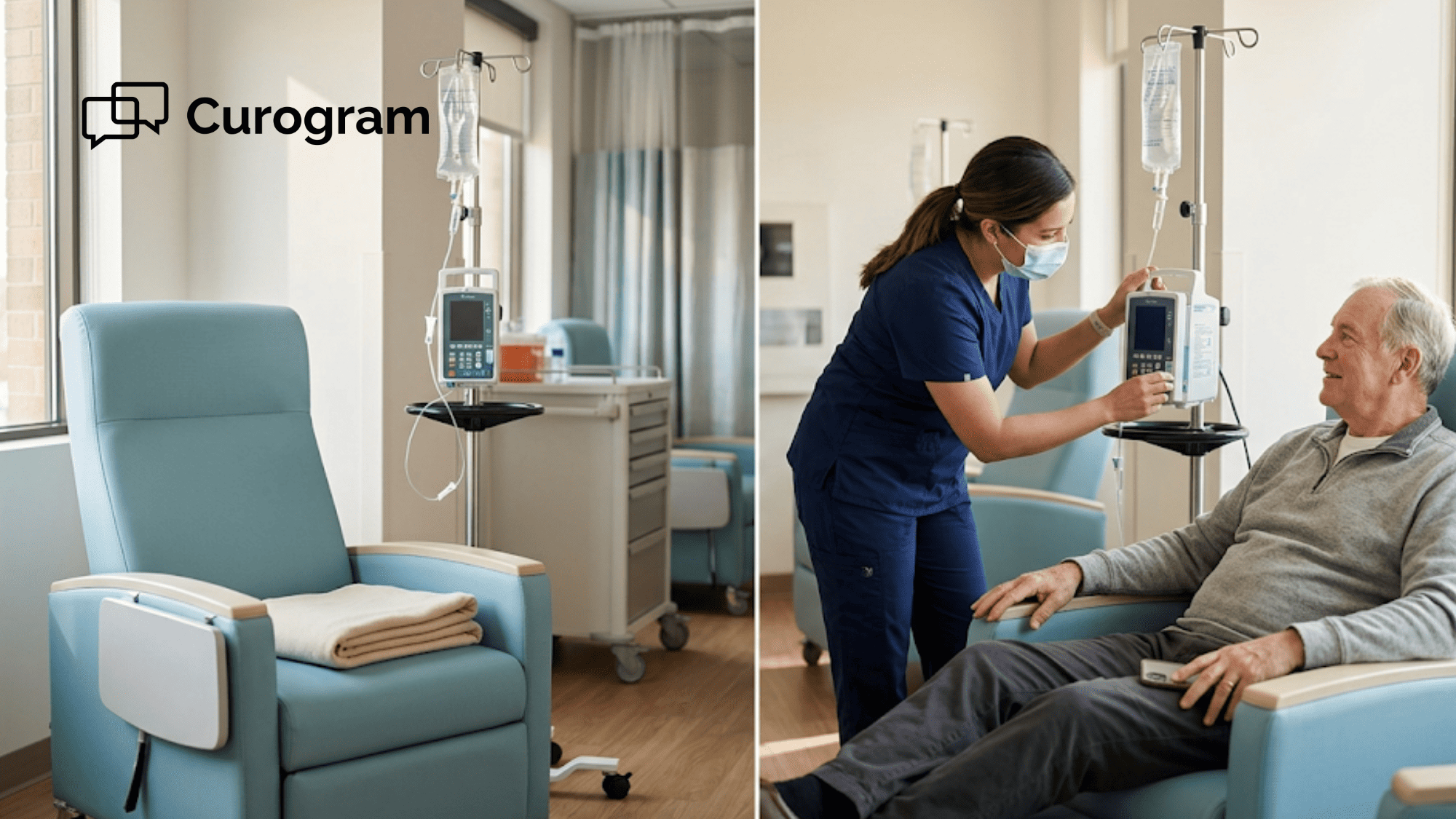
The scheduler books the visit in OncoEMR. Curogram sends the text. Five minutes before start time, the nurse opens the visit dashboard and sees the patient is already in the waiting room. The visit happens. Notes go into OncoEMR. Done.

For patients, the workflow is even cleaner. They get a text. They tap the link. They see their nurse on screen. That's it. There's nothing to set up, install, or remember.

This is what telemedicine is supposed to be. A clinical tool that fits the workflow, not a tech project that runs alongside it.


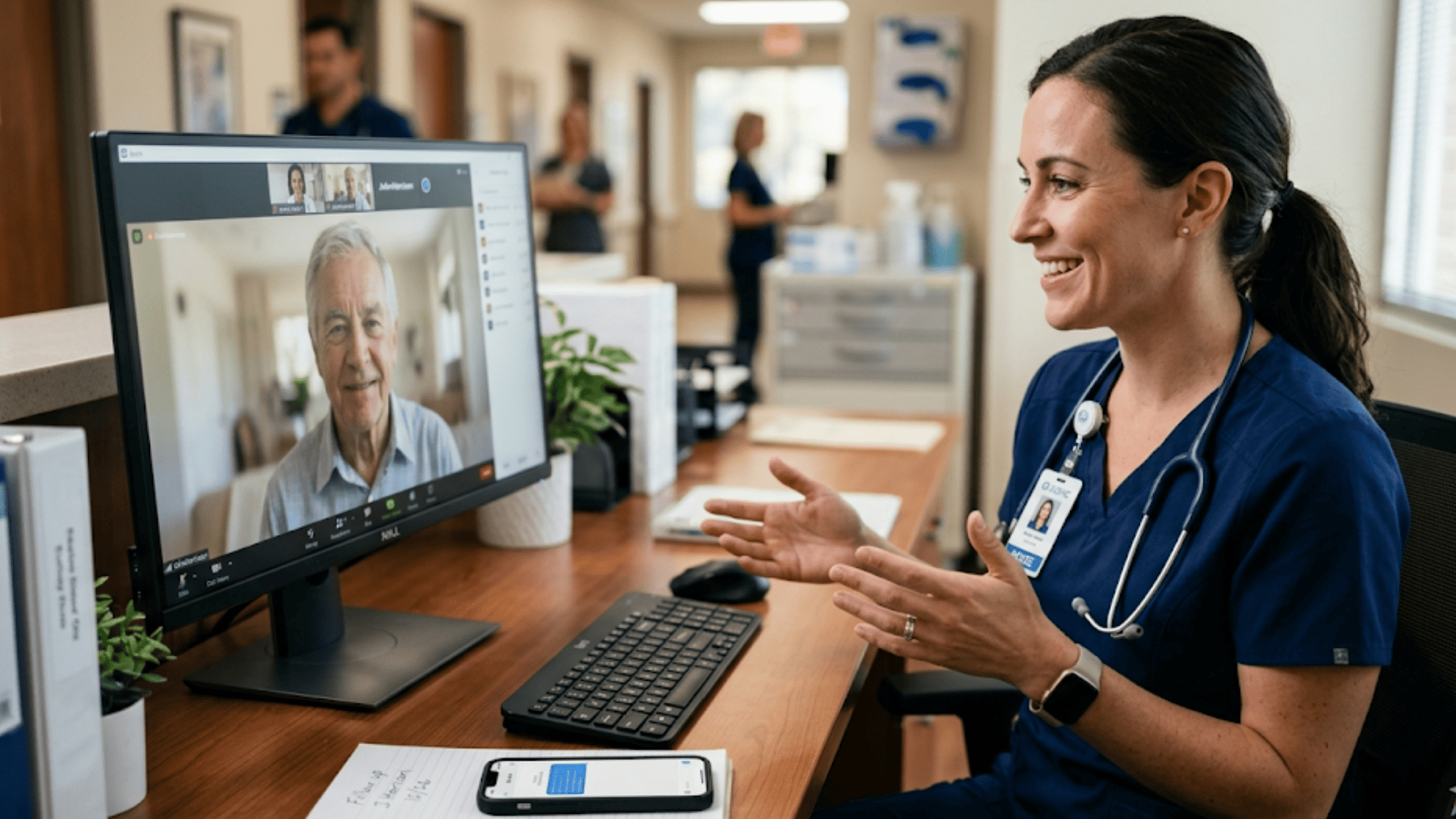
Oncology nurse running a text-link video visit with a patient from her clinic workstation
Why Curogram Replaces Portal-Based Telehealth for Oncology Practices


Curogram was built around a simple premise: patient communication should match how patients actually communicate. That means SMS, not portals. For oncology practices using OncoEMR, this design choice solves the biggest staff burden in telemedicine — the pre-visit tech support call.

Here's what makes Curogram different. The platform pairs with OncoEMR through a lightweight integration. It pulls your appointment data, manages the text-link video visit layer, and keeps a HIPAA-auditable archive of every patient touch. Your clinical workflow stays in OncoEMR. The communication layer lives in Curogram.

Practices choose Curogram for three reasons that show up daily:

  • Patients join video visits with zero setup, even if they've never used telemedicine before
  • Staff stop fielding portal support calls and reclaim hours of clinical prep time each week
  • Compliance teams get full audit trails without extra documentation work

Curogram is HIPAA-compliant and SOC 2 Type II certified. End-to-end encryption protects every visit. Your BAA review will go smoothly because the security setup is already built for healthcare.

The platform also handles 2-way texting, appointment reminders, intake forms, and patient surveys. All of it runs from the same SMS-first design. Telemedicine is one piece of a larger communication workflow.

Practices that adopt Curogram for video visits often expand into the rest of the platform within a quarter. The same simplicity that works for telehealth works for everything else.

For oncology practices specifically, Curogram is built around the realities of an older patient base. SMS works. Apps don't. Portals don't. By starting with the channel patients already use every day, Curogram removes the biggest barrier to engagement.

That's why community oncology clinics keep choosing it as their telehealth and patient communication layer.

Conclusion: Telemedicine That Respects Your Time

Oncology telemedicine works only if it doesn't drain staff time on setup. The portal-first model fails this test daily. The text-link model passes it.

OncoEMR handles your clinical work. It manages treatment regimens, staging, and clinical notes. Curogram handles the communication layer that keeps patients engaged with that clinical work. Together, they turn telemedicine from a tech problem into a workflow tool.

The shift is concrete and measurable. Your nurses stop spending 15 to 20 minutes per visit on tech support. Patients stop missing video appointments because they can't find the link. Front desk staff stop dreading Thursday morning rush hour.

The clinic runs the way you designed it to run. If your team is logging 25-plus hours per month on pre-visit troubleshooting, that's time you can claim back. Not by hiring more staff. Not by buying a fancier portal.

You claim it back by removing the setup step entirely and letting patients tap one link to join. That's the whole change.

See exactly how your nurses can swap portal troubleshooting for clinical prep time. Book a demo and walk through the staff workflow with our team.


Frequently Asked Questions

How does Curogram's telemedicine integrate with our OncoEMR scheduling and patient lists?
Curogram pulls your OncoEMR patient roster and appointment schedule into its dashboard. Staff schedule the visit, and the system sends the text link automatically. Clinical notes stay in OncoEMR while Curogram archives the visit confirmation.
Why do text-link video visits work better than portal-based telehealth for oncology patients?
Oncology patients are often older and managing chemo fatigue or cognitive effects. Portal logins, app downloads, and password resets create real barriers. A text link skips all of that, so patients can join the visit in 10 seconds.
How does Curogram protect patient data during text-link video visits?

Curogram is HIPAA-compliant and SOC 2 Type II certified. Every video visit uses end-to-end encryption, and each text link is unique to one patient and one visit. Audit logs are stored in HIPAA-auditable systems for compliance reviews.

What happens if a patient loses their text link or needs to rejoin a dropped call?

The same text link works for the entire visit window. If the patient drops off, they tap the link again to rejoin. Curogram also sends a backup reminder text, so the link is always available in their inbox.

How does Curogram's telehealth handle patients who prefer phone calls over video visits?

Staff can switch a video visit to a phone call from the same Curogram dashboard. The system logs the visit type, and clinical notes still flow back into OncoEMR. The text-link option stays open if the patient changes their mind later.