11 min read
How Tebra Patients Join a Video Visit from a Text Message
Mira Gwehn Revilla
:
April 7, 2026
- Curogram sends patients a text link before the visit
- Patients tap the link and join from their phone's browser
- No account setup or portal login is needed
- Works for elderly patients, parents, and first-time users
- The visit connects through a HIPAA-compliant video call
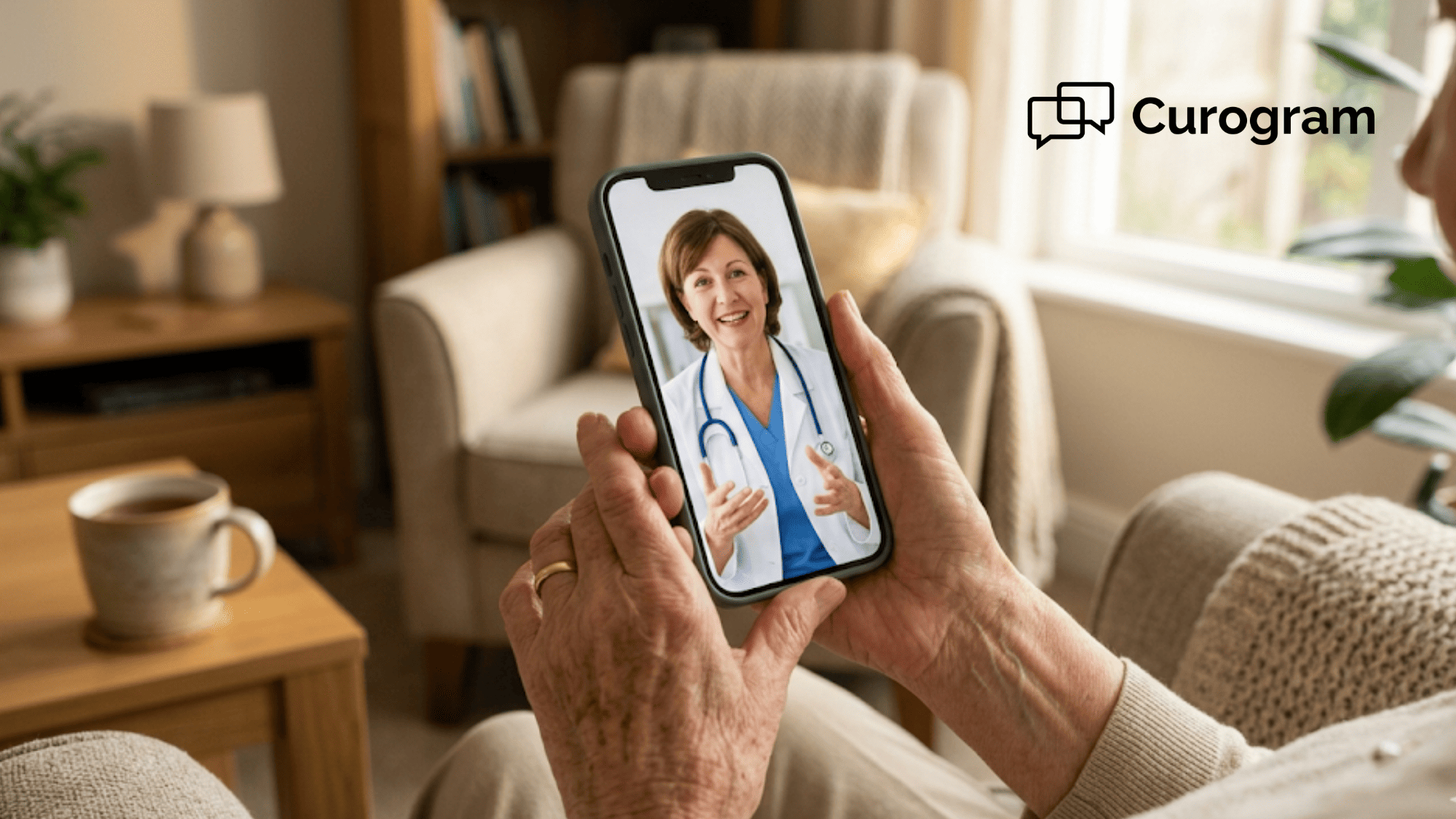
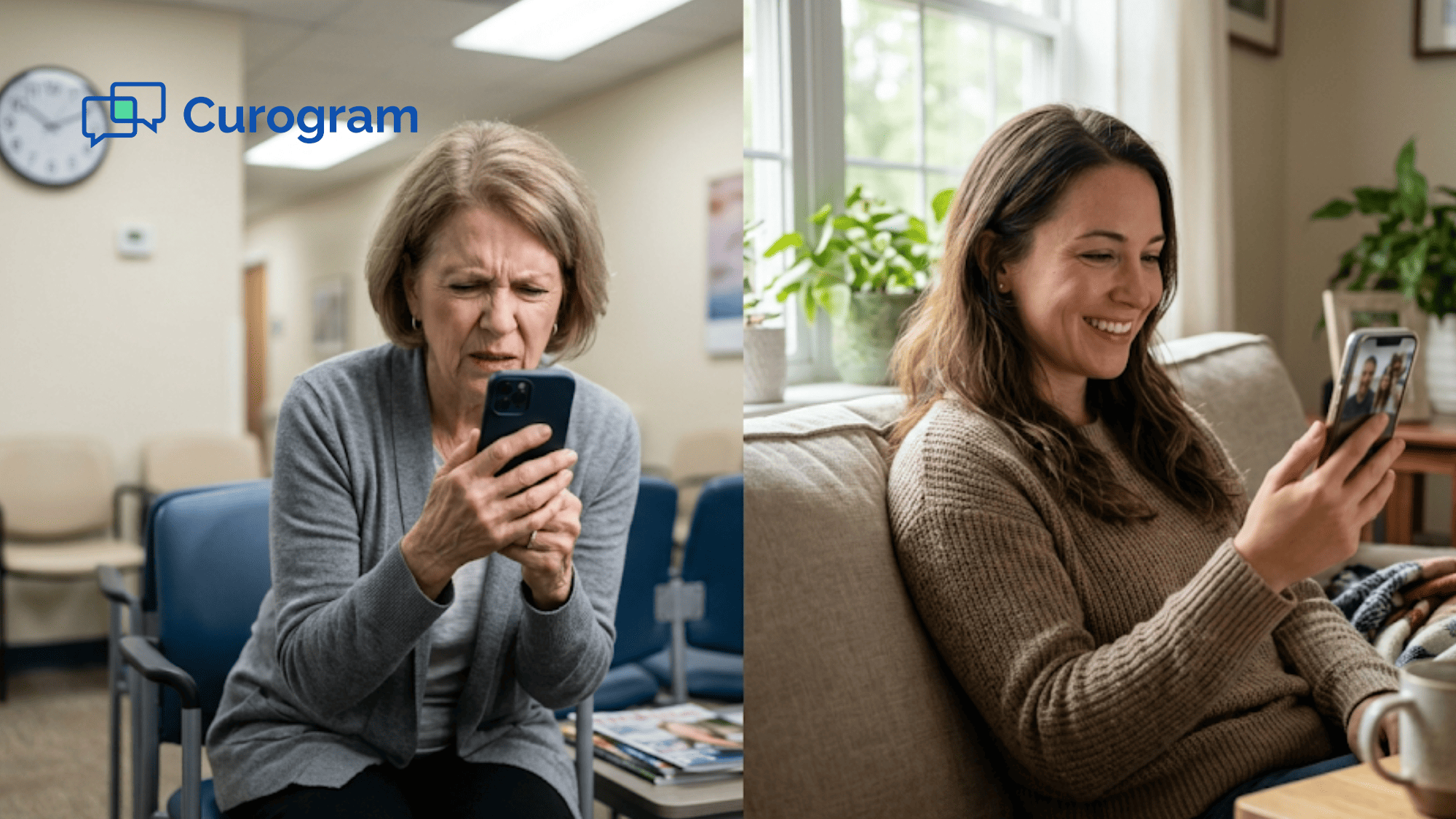
Picture this. A 78-year-old woman sits at her kitchen table, ready for her video visit. She clicks the link from her doctor's office. A login screen pops up. She doesn't know the password. She tries three times. She gives up. She calls the office and waits on hold instead.
This story plays out every day. Patients want to see their doctors from home. But the portal login screen stands in the way.
Tebra's telehealth works well for patients who know their portal details. The video quality is solid. The virtual waiting room runs smooth. But for the patient who forgot a password? Or the parent juggling two kids during a sick visit? The portal becomes a wall.
The patient experience around telehealth friction and portal login barriers is one of the biggest reasons people skip their virtual visits. It's not the technology itself that fails — it's the door that won't open.
This is the gap Curogram fills. Instead of asking patients to log in, Curogram sends them a text. One link. One tap. The video opens right in their phone's browser. No app to download. No portal to log into. No steps to figure out.
For Tebra practices with 1 to 20 providers, this changes everything. The elderly patient who gave up on the portal? She joins from a text. The parent at work? He does a sick visit for his child during lunch. The new patient who never set up an account? She sees her doctor anyway.
This article walks through why portal-based entry blocks patients, how a text-based video visit solves it, and what happens when every patient can join their visit with one tap on their phone.
The Villain: The Visit They Can't Join
Telehealth was supposed to make things easier. See your doctor from your couch. Skip the drive. Skip the waiting room. But for many patients, the promise fell short — not because of the visit itself, but because of the steps to get in.
Tebra's portal-based entry expects the patient to have a login. They need an account, a password, and the know-how to find the virtual visit inside the platform. For patients who are good with tech, this takes a minute. For everyone else, it's a dead end.
Here's what that looks like in real life. A patient gets a reminder about their video visit. They click the link. A login screen appears.
They don't know their password. They click "Reset." The email takes five minutes. The visit started three minutes ago. By the time they get in — if they get in at all — the provider has moved on.
Who Gets Blocked the Most?
The patients who need telehealth most are often the ones who can't get past the login.
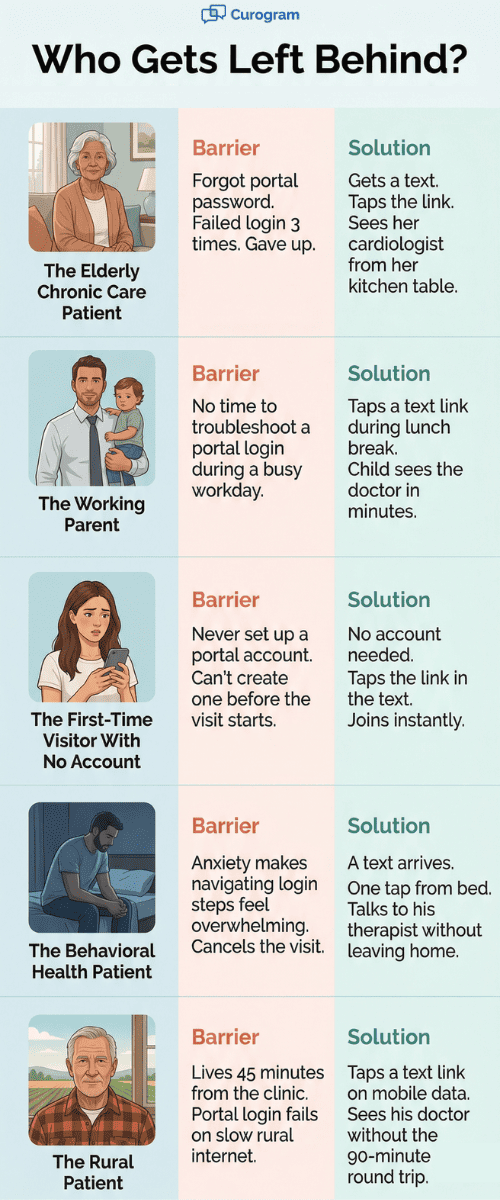
Think about an elderly patient who sees a heart doctor every month. That patient drives 30 minutes for a 10-minute check-in. A video visit would save them an hour of travel. But the portal login stops them cold.
Or think about a parent with a sick toddler. The child has an ear ache. The parent can't bring three kids to the clinic for one visit. A video visit is the perfect fix — until the portal says "Enter your password."
Patients in rural areas face this too. They may live 45 minutes from the nearest clinic. A video visit saves them half a day. But the portal login barrier keeps them from ever joining.
Elderly patient telehealth access often depends on simplicity. When you add steps like app downloads, portal logins, and account creation, you lose the patients who stand to benefit the most.
What Happens When Patients Can't Get In
When a patient fails to join their video visit, one of three things happens.
Some call the office and switch to an in-person visit. This fills up the physical schedule with visits that should have been virtual. It defeats the purpose of offering telehealth in the first place.
Some try to reschedule. But there's no promise the login will work next time. The same issue waits for them again.
And some just don't come back. They skip the visit. They skip the care. They drift away from the practice.
Based on our internal research, practices using automated text-based tools see over 75% appointment confirmation rates. But that only matters if the patient can actually get into the visit once they confirm it.

The Story Patients Tell
Here is what sticks with patients: the last thing that went wrong. If they tried a video visit and hit a login wall, that becomes their story about telehealth.
"I tried the video visit thing. It didn't work."
The video quality might be great. The doctor might be ready. But the patient judges the whole thing by whether they could get in. One bad entry turns into a bad view of all virtual care.
For a practice trying to grow its telehealth program, every failed login is a lost chance to build trust. And for patients who had one bad time, asking them to try again is much harder than giving them a simple way in from the start.
The Guide: The Visit Without the Drive
Curogram solves this with the simplest tool patients already use every day: a text message.
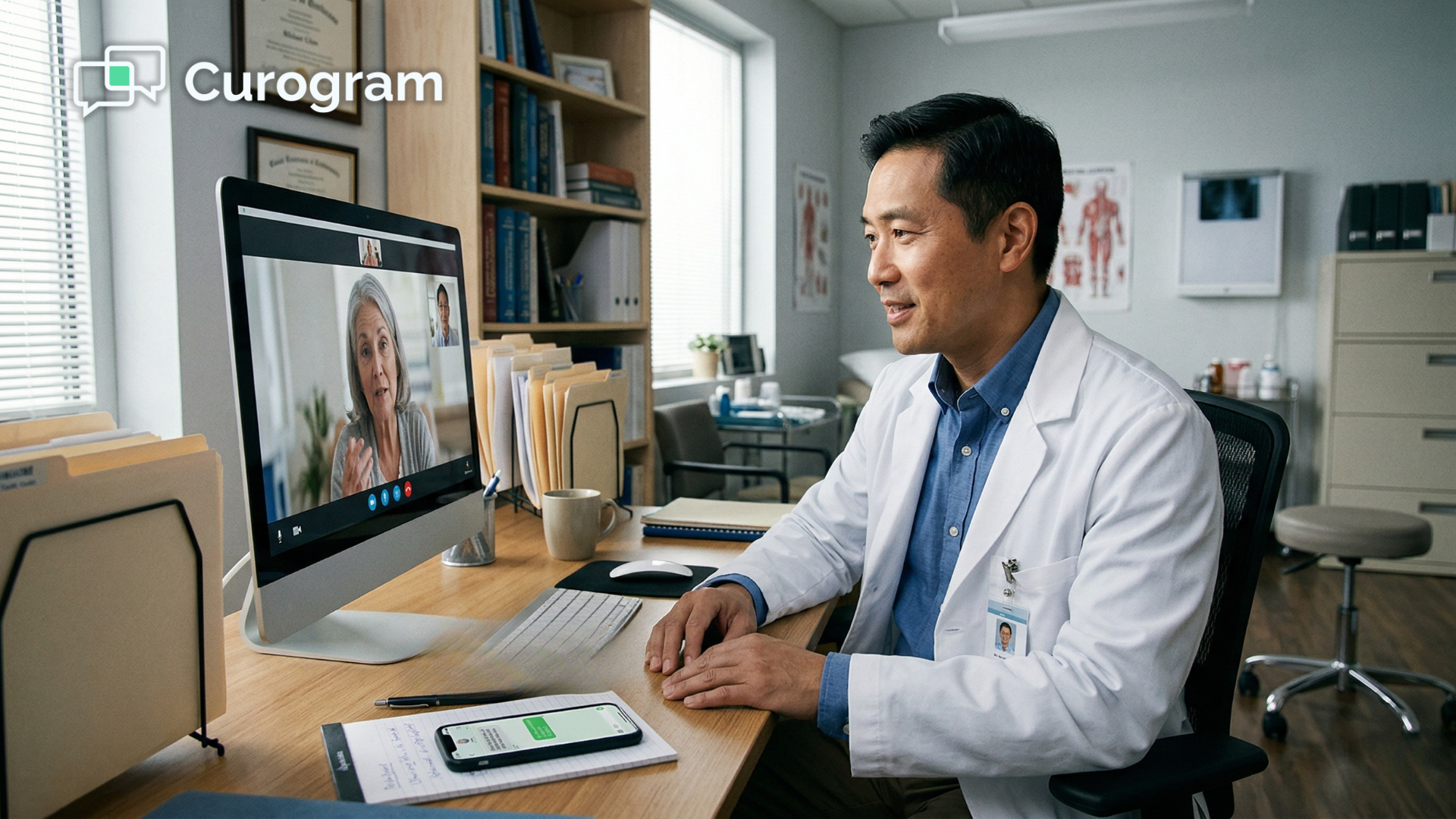
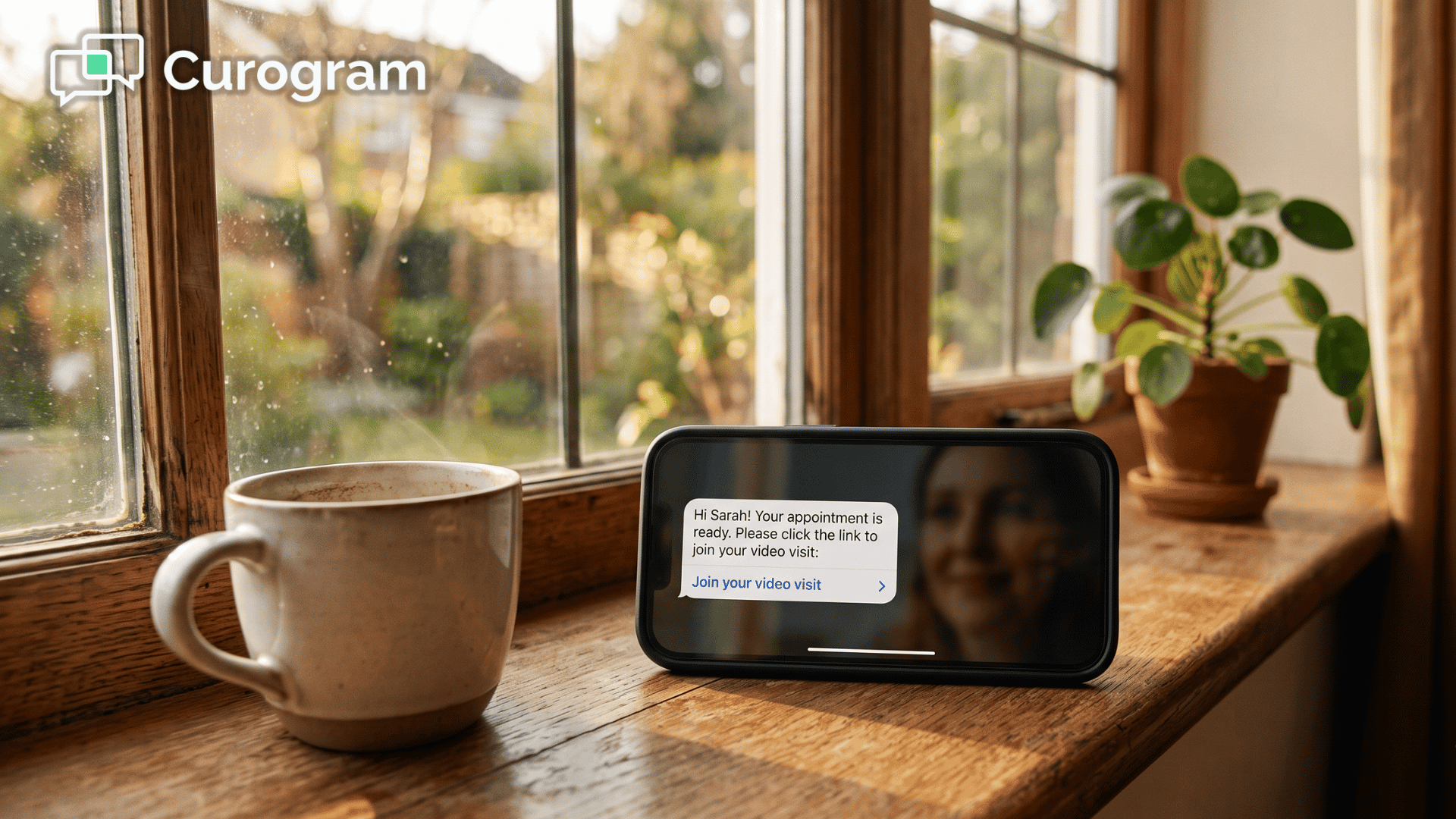
Before the visit starts, the patient gets a text. It says something like: "Your video visit with Dr. Smith is in 15 minutes. Tap here to join." At the time of the visit, the patient taps the link. Their phone's browser opens a secure video call. They see their doctor. That's it.
The whole process — from text to face-to-face — takes one action from the patient. A tap.
How the One-Tap Entry Works
Curogram uses browser-based video that runs on the patient's mobile phone browser. There is no app to download. Nothing to install. Nothing to update. The patient doesn't need to create an account or log into a portal.
The only thing the patient needs to do is tap a link and allow camera access. If they can do that, they can join a Tebra patient video visit via text message with no app, no download, and no portal login.
This opens telehealth to people it used to shut out. The 82-year-old with a basic phone and a browser. The parent holding a child with one hand. The patient with anxiety who needs to see a therapist from home.
A video visit text link with no app download works in any mobile browser. There's nothing to set up, nothing to remember, and nothing that can go wrong on the patient's side — as long as they have a phone and a signal.
One Text Thread, One Full Visit
Curogram's video visit doesn't exist in a separate app or portal. It fits right into the text thread the patient already uses.
Think about the patient's full journey. They confirmed the appointment in this text thread. They filled out intake forms in this thread. Now they join the visit from this same thread. After the visit, they can even pay through text.
The patient never has to switch apps, open emails, or log into a portal. One text thread carries the whole visit from start to finish. That kind of flow makes the patient experience feel seamless and simple.
Who This Helps Most
Text-based video visits are built for the patients who need the most help getting in.
Patients with low tech skills use the same texting they use every day. There is no learning curve. If they can read a text and tap a link, they can see their doctor.
Patients with limited English can follow a simple tap-to-join flow. They don't need to read through portal menus or account setup screens.
Patients with chronic conditions who see their doctor often benefit from skipping the drive each time. A patient with heart failure, diabetes, or high blood pressure can do routine check-ins from their living room.
Patients in rural areas gain the most. Instead of driving an hour for a 10-minute visit, they tap a link and connect in seconds.
The text link doesn't care about age, tech skill, or whether the patient has a portal account. It reaches every patient the same way.
The Success: Care Without Barriers
When you remove the login wall, patients actually show up. That's the shift practices see when they move to text-based video visits.
Text messages have a 98% open rate. That means nearly every patient sees the link to their visit. Compare that to email-based reminders, which sit unopened in cluttered inboxes. Or portal messages, which the patient has to log in to read — which is the problem in the first place.
When joining a video visit is as simple as tapping a text, visit rates go up. And the biggest gains come from the groups that were blocked before: elderly patients, first-time users, and people who never set up a portal account.
The Numbers That Matter
Based on our internal data, Curogram clients see over 75% average appointment confirmation rates through automated texting. One practice — Atlas Medical Center — cut their no-show rate from 14.20% down to 4.91% in just three months. That's 3 times better than the industry average.
Now apply that logic to video visits. If the patient confirms the visit and then can't get past the login, the confirmation means nothing. But when the entry point is a text link, the patient who confirms is the patient who shows up.
Here's a quick look at how text-based entry stacks up against portal-based entry:
|
Factor |
Portal-Based Entry |
Text-Based Entry |
|
Needs account setup |
Yes |
No |
|
Needs password |
Yes |
No |
|
Needs app download |
Often |
No |
|
Works on any phone |
No |
Yes |
|
Entry steps for patient |
3–5 steps |
1 tap |
|
Risk of login failure |
High |
None |
The fewer steps between the patient and the visit, the more patients complete their visits.
From "I Can't Get In" to "That Was Easy"
The patient's story about telehealth changes when you remove the barrier.
Before: "I tried the video visit and it didn't work."
After: "I got a text, tapped the link, and saw my doctor from my couch."
That shift matters more than most practices realize. When a patient has a good first experience with telehealth, they ask for more virtual visits. Telehealth stops being a backup plan and becomes a preferred choice for visits that don't need a physical exam.
Think about what this means for a practice's schedule. When patients prefer virtual visits, the physical schedule opens up. The practice can see more patients each day — some in person, some on video. Revenue grows because more slots get filled.
Based on our internal research, practices using Curogram's tools see a 10–20% increase in revenue from recovered appointments alone. Each visit that would have been missed is now care delivered and income earned.
Real Outcomes at a Real Practice
Here's what this looks like in action. A 6-provider Tebra practice offers both primary care and behavioral health. They turn on Curogram's text-based video visits.
Within 60 days, the behavioral health team notices something. Their highest-barrier patients — the ones who missed virtual visits most often — now complete visits on a regular basis.
An 82-year-old patient with heart failure joins her first video visit after failing to log into the portal three separate times. She taps a link and sees her cardiologist from her kitchen table.
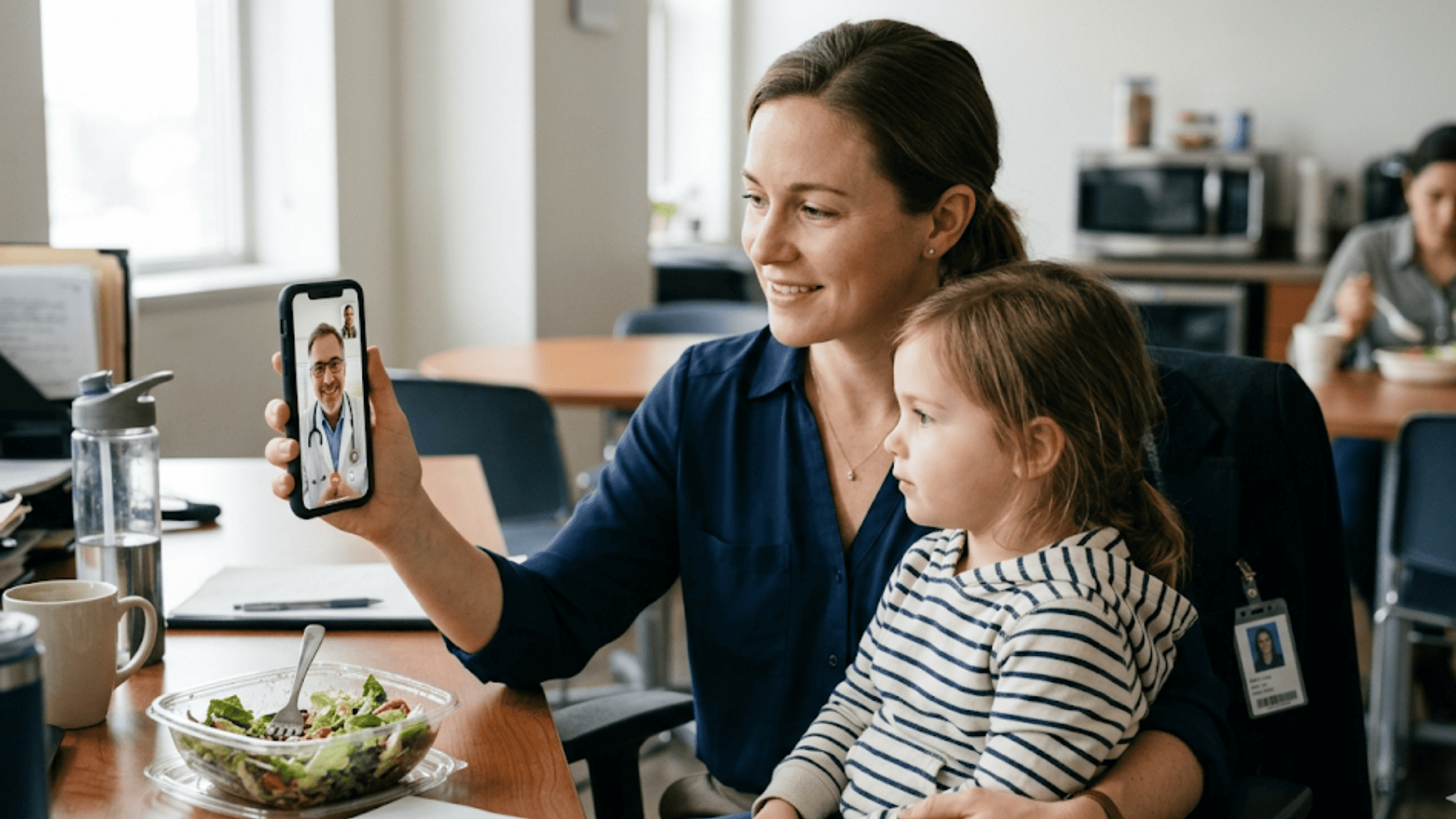
A working mother with two young children takes her 4-year-old to a sick visit — from her office, during her lunch break. She doesn't need to leave work. She doesn't need to load three kids in the car. She taps a link and the doctor checks her child's ear on screen.
A patient managing depression completes a therapy session from his bedroom. He didn't have to leave the house. He didn't have to face a crowded waiting room. He tapped a link and talked to his therapist.
Each of these patients got care they would have missed. Not because the doctor wasn't free, but because the old entry process had too many steps. One tap from a text message fixed that.
Why Behavioral Health Benefits the Most
Behavioral health patients face a unique challenge. For many, the act of leaving the house is part of the problem they're trying to solve.
A patient with severe anxiety or depression may cancel an in-person visit because the thought of going out feels too hard.
Portal-based telehealth doesn't fully fix this. The patient still has to find the login, enter a password, and navigate a platform. If they're already in a low moment, even those steps can feel like too much.
A text link meets them where they are. They're in bed. They get a text. They tap the link. They talk to their doctor. The barrier between "I need help" and "I'm getting help" drops to almost zero.
For Tebra practices that offer behavioral health, this is a major win. The patients who need the most help staying in care are the ones who benefit the most from a one tap video visit join from a text message.

How Does Curogram Make Telehealth Work for Every Patient?
Curogram was built with one idea in mind: if a patient can read a text, they should be able to see their doctor.
Most telehealth platforms assume the patient is ready and able to log in. They assume the patient has an account. They assume the patient knows how to navigate a portal. But those assumptions leave out a huge chunk of people who need care.
Curogram removes every one of those assumptions. The patient gets a text. They tap a link. The video opens in their phone's browser. They see their provider. No app, no portal, no credentials. That's it.
This isn't just a simpler version of the same process. It's a different process entirely. Instead of pulling the patient through a portal, Curogram pushes the visit to the patient. The visit comes to them — not the other way around.
For Tebra practices, this means their telehealth offering works for every patient, not just the ones with portal access. It means the 82-year-old with heart failure and the 4-year-old with an ear ache both get seen the same way: through a text.
Curogram also keeps everything in one place. The appointment reminder, the intake form, the video link, and even the payment — all in one text thread. The patient doesn't jump between apps or screens. They stay in one place, and the practice delivers a full visit cycle without friction.
Based on our internal data, Curogram helps practices confirm over 1,100 appointments per month on average through automated texting. When you pair that with text-based video visits, the result is a system where patients confirm, show up, and complete their care — all from their phone.
That is what telehealth should look like. Not a test of the patient's tech skills. A path to their doctor that's as easy as reading a text.
Conclusion: See Your Doctor with a Tap
Telehealth should be the easiest way to see a doctor. Not the hardest.
Portal logins, app downloads, and forgotten passwords turn what should be simple into something patients dread. The visit isn't the problem. The door is.
Curogram changes the door. Instead of making patients log into a portal, Curogram sends them a text with a secure video link. They tap the link. They see their doctor. No login. No download. No barrier.
For Tebra practices, this matters more than it sounds. Every patient who can't get into a video visit is a missed visit, missed revenue, and a lost chance to build trust. Every patient who joins with one tap is care delivered and a relationship that grows stronger.
The patients who gain the most are the ones who were shut out before. The elderly patient who can't remember her password. The parent who doesn't have time to troubleshoot. The new patient who never made a portal account. Curogram gives each of them the same simple path: a text and a tap.
Tebra gives your practice the clinical tools — scheduling, records, billing. Curogram gives your patients the door. When that door opens with a single tap, telehealth works the way it was meant to. Care without walls, without friction, without barriers.
Your patients want to see you. They just can't get past the login screen. One text changes that. Every patient who joins a video visit is care delivered, revenue earned, and trust built.
Give your patients the one-tap door to care. Schedule a demo now to find out how many more visits your practice could complete each week.
Frequently Asked Questions
Absolutely. The video visit link can be sent to any phone number associated with the patient’s account — including a parent’s phone for pediatric visits or an adult child’s phone for elderly family members. The caregiver taps the link, hands the phone to the patient (or holds it for them), and the visit proceeds.
Many behavioral health patients face anxiety or depression that makes leaving home hard. A text link removes every extra step, so the distance between needing care and getting care shrinks to a single tap.
Curogram uses encrypted, browser-based video that meets HIPAA standards. The secure link opens a protected video session without storing data on the patient's phone or requiring a third-party app.