10 min read
Eliminate Manual Intake Re-Entry at Your Tebra Front Desk
Mira Gwehn Revilla
:
April 2, 2026
- Staff toggle between the intake form and the Tebra chart, copying data by hand
- This manual re-entry takes 5–10 minutes per patient
- A 30-patient day can cost the front desk 2–4 hours of lost time
- Curogram sends a text link so patients fill out a form that writes straight to chart fields
- No portal login, no app download, no staff re-entry needed
Your front desk team didn't sign up to be data entry clerks. But that's the job when Tebra intake forms don't sync the way they should.
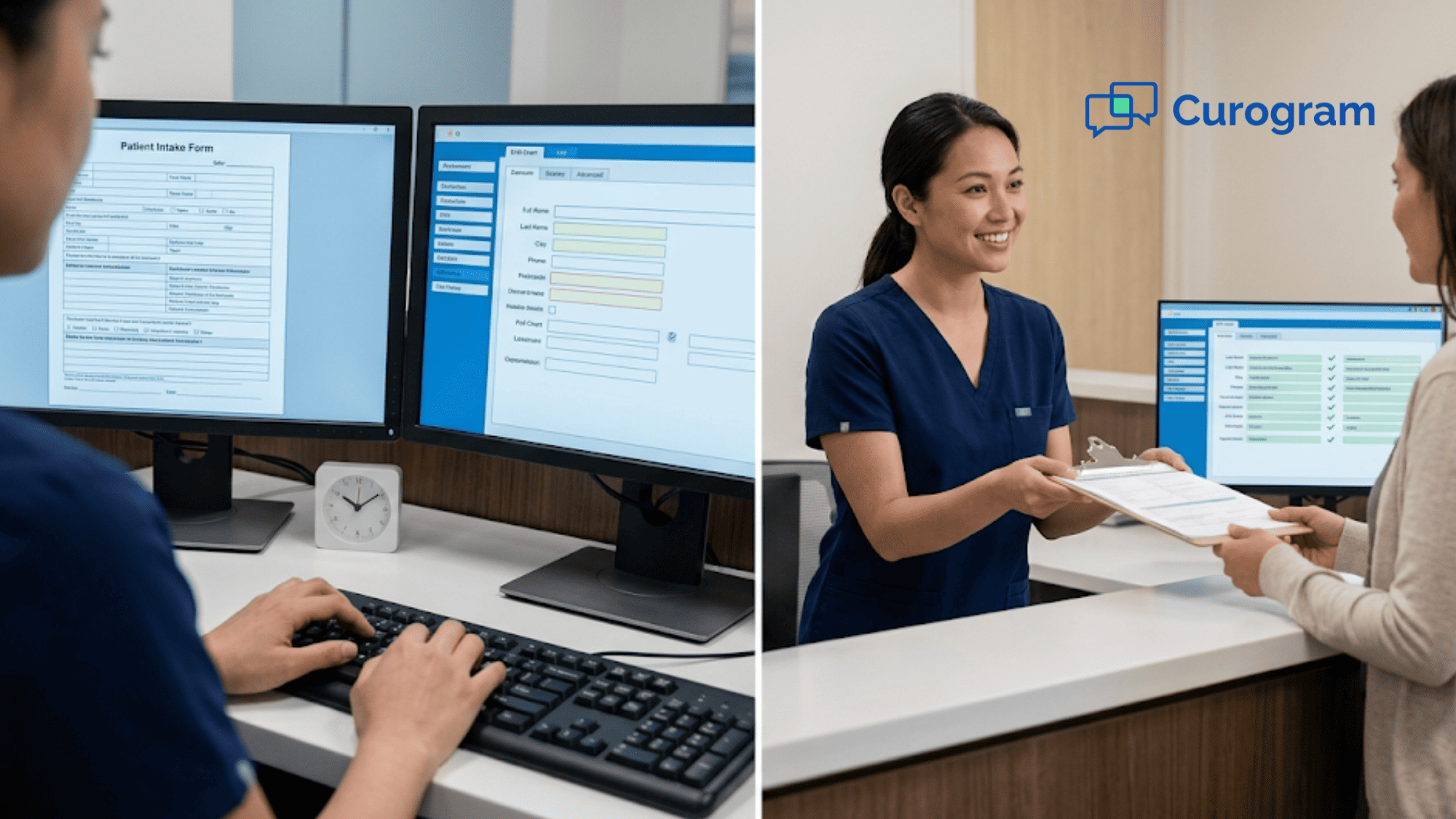
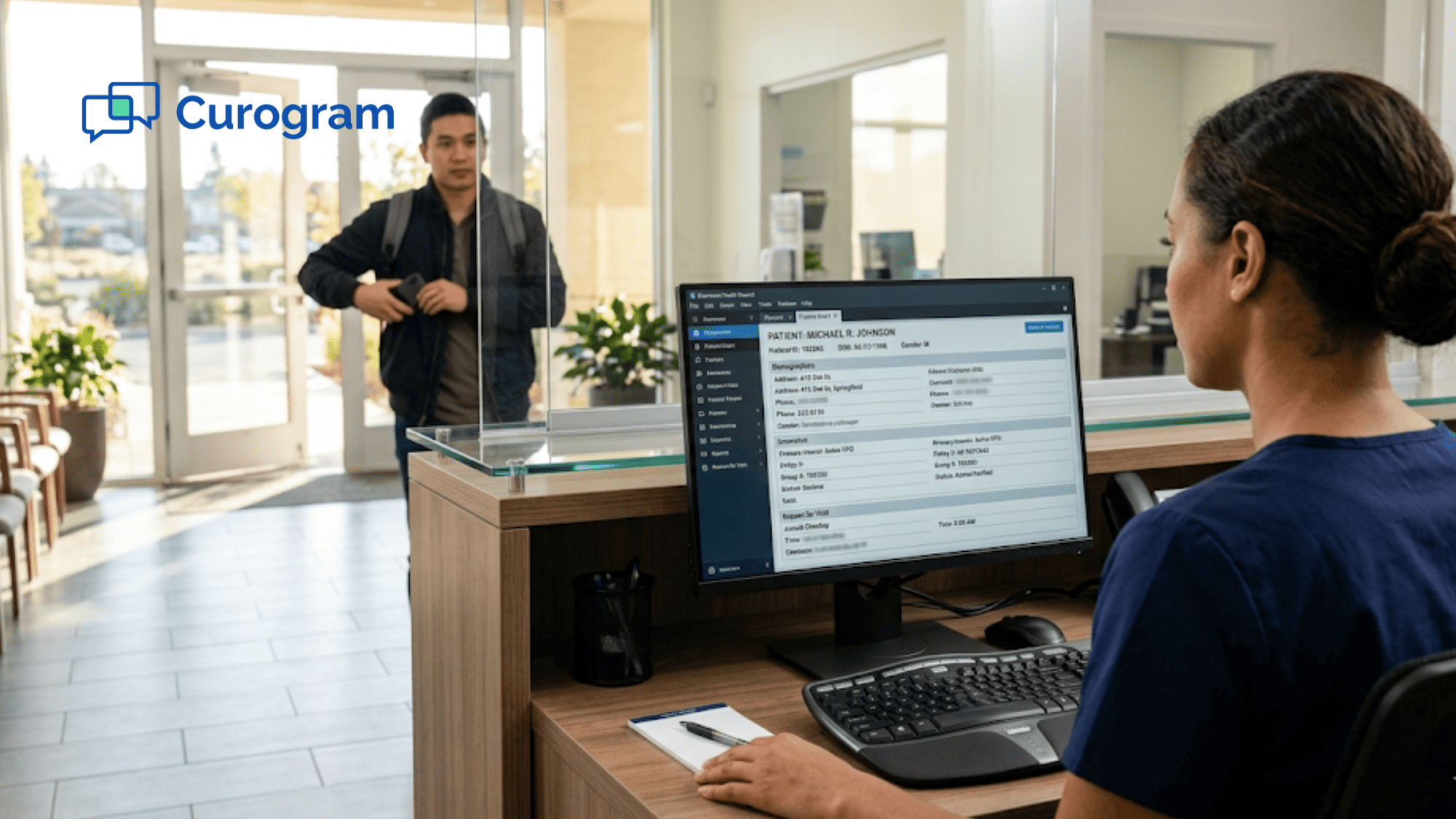
Here's the scene. A patient walks in. Your staff opens the intake form on one screen and the Tebra chart on another. Then they start copying — name, date of birth, insurance, pharmacy, chief complaint. Field by field. Patient by patient. All day long.
This is what we call "The Double Screen." It's the gap between what digital intake promises and what your front desk staff live through every day. The forms are digital, sure. But the data still needs a human to move it from point A to point B.
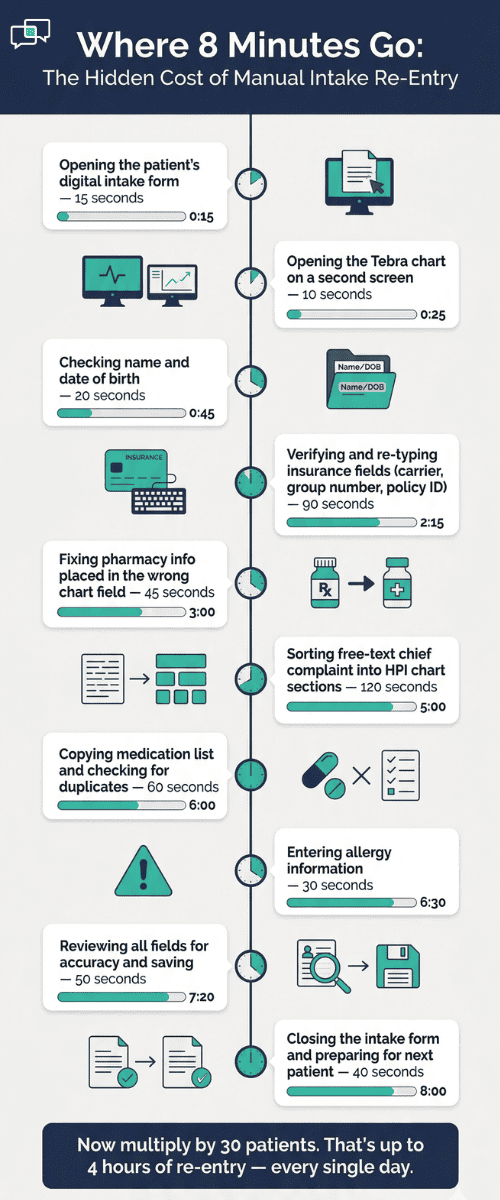
That daily grind eats up 5–10 minutes per patient. For a practice seeing 30 patients a day, that adds up to 2–4 hours of pure data entry. That's time your staff could spend on phone calls, follow-ups, or greeting patients with a smile.
Curogram's Zero-Entry Check-In closes that gap. It sends patients a text link before their visit. They tap, fill out a form on their phone, and the data writes straight to Tebra's chart fields. No portal login. No app download. No re-entry.
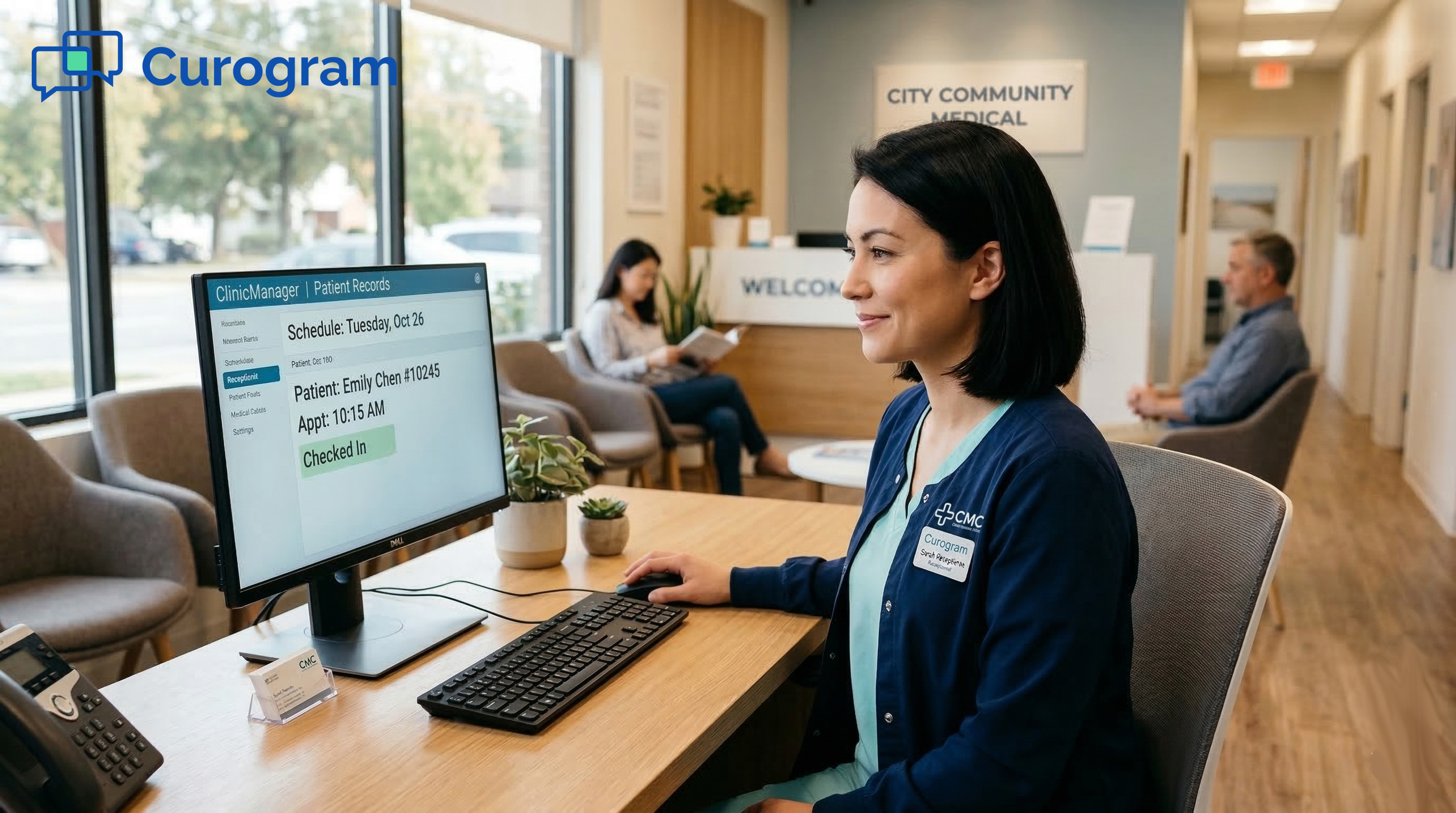
The front desk role shifts from typing data into the chart to simply checking that the chart is correct. A 5-minute task becomes a 30-second review.
In this article, we'll break down exactly how the double screen problem drains your staff, why Tebra intake form sync issues lead to daily workarounds, and how a structured form write-back can eliminate the double screen workflow for good.
The Villain: The Double Screen
Tebra's digital intake is a real step up from paper clipboards. Patients fill out their info online before the visit. The data is supposed to land in the chart. But "supposed to" and "actually does" are two different things.
The issue isn't that Tebra lacks digital intake. It's that the sync between what patients submit and what shows up in chart fields is hit or miss. A group number doesn't land. A pharmacy shows up in the wrong spot.
A chief complaint comes through as a block of free text that no one can sort quickly. When that happens, the front desk becomes the go-between — the human bridge between the form and the chart.
What the Daily Workflow Looks Like
A patient arrives. The front desk opens their intake form on one screen. They open the Tebra chart on the other. Then they start checking, field by field.
Name? Good. Date of birth? Good. Insurance? The group number is blank — type it in. Pharmacy? Wrong field — copy it over. Chief complaint? It's a wall of text that needs to be split into the right sections.
Five to ten minutes later, that one patient is done. But there are 24 more to go.
Multiply that by a full day of patients, and your front desk has spent 2–4 hours doing the exact work that digital intake was built to remove. That's not a small thing. For a practice with 25–40 patients per day, the front desk data entry time per patient in Tebra adds up fast. Over a week, it can total more than a full workday lost to manual data entry.
Cost Beyond Time
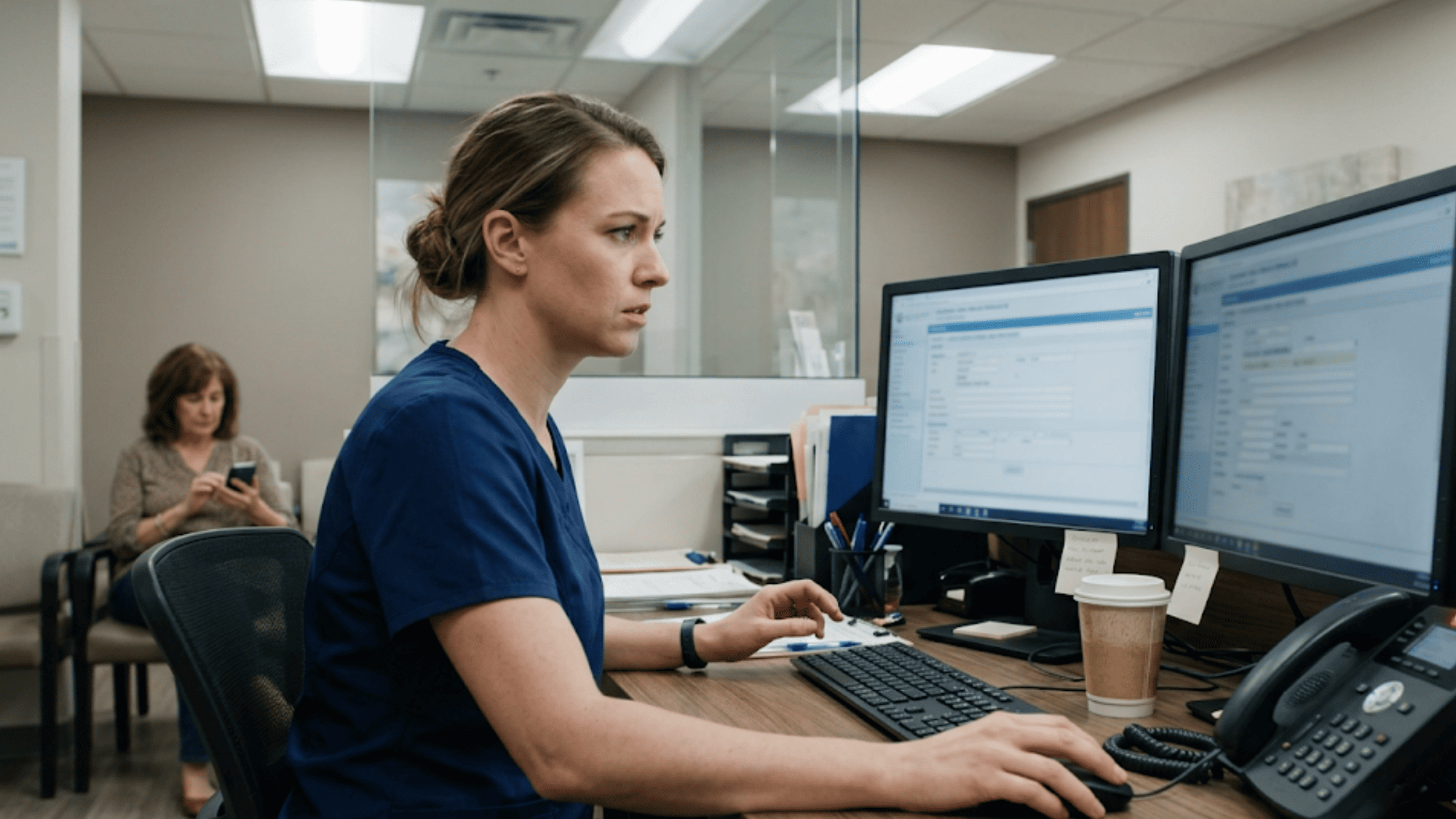
Manual intake re-entry creates a chain of delays. Patients wait longer at check-in. Providers start late because the chart isn't ready. Staff who should be picking up calls, scheduling follow-ups, or checking on prior approvals are stuck in a copy-paste loop.
Based on our internal data, front desk teams using 2-way SMS tools see a 30%+ bump in daily output. Re-entry work is one of the biggest drains on that output.
|
Task |
Time per Patient |
Daily Total (30 patients) |
|
Manual intake re-entry |
5–10 min |
2.5–5 hours |
|
Chart review (no re-entry) |
30 sec–2 min |
15–60 min |
|
Time saved per day |
— |
2–4+ hours |
The hardest part? The problem is invisible to anyone who isn't at the front desk. The practice owner checks the dashboard and sees "digital intake: active." The feature is on. The forms are live. Patients are filling them out. On paper, everything works.
But the person sitting at that desk, toggling between two screens 30 times a day, knows the truth. The digital intake manual transcription into EHR chart fields is still happening — just on a screen instead of on paper.
Office managers feel this gap most. They know the workflow is broken. But it's hard to explain because the system technically works. The forms exist. Patients use them. The data just doesn't land where it should, so the staff have to fix it by hand, every single time.

The Guide: The Zero-Entry Check-In
So what does it look like when intake data actually flows into the chart — without anyone touching it?
Curogram's Zero-Entry Check-In sends a text link to patients 24–48 hours before their visit. The link arrives in the same text thread as their reminder. The patient taps the link, fills out a form on their phone in 2–3 minutes, and the data writes to Tebra's chart fields on its own.
No portal login. No email buried in a spam folder. No app to download. The form lives where patients already are — their text messages.
Why Text Works Better Than Portals
Think about your own phone habits. If someone sends you a text with a link, you'll likely tap it. If someone sends you an email asking you to log into a portal, create a password, and then fill out a form — you might do it later. Or never. SMS open rates sit around 98%, and that number shows up in real-world intake results.
Based on our internal research, practices that switch from portal or email forms to text-based forms see a major jump in how many patients finish intake before they arrive.
The Key: Structured Field Mapping
This is the part that makes Curogram's intake different from a basic digital form. Each field on the form — insurance carrier, group number, pharmacy, medications, chief complaint — maps to a specific field in the EHR.
When a patient types in their insurance info, it goes to the insurance field. When they list their symptoms, the data maps to the right chart section.
This isn't a PDF that staff have to read and re-type. It's not a free-text blob they need to sort by hand. It's data going to the right place, in the right format, without anyone in between.
Working Alongside Tebra
Curogram doesn't replace Tebra's charting. It feeds data into it. Providers and staff open the same Tebra screens they always use. The only difference is that the fields are already filled in. There's no new platform to learn, no second dashboard to check, and no change to how your team charts or documents visits.
Based on our internal data, front desk staff can learn the Curogram system in under 5 minutes. That means your team can start using it the same day, with no long training or setup.

Different Visit Types Get Different Forms
A new patient at a primary care practice needs different info than a dermatology referral or a pediatric well-visit. Curogram lets you set up forms by visit type and specialty. The system picks the right form for each visit and sends it out on its own.
Your front desk doesn't have to guess which form to use or sort through the wrong responses. The staff workflow around digital forms becomes hands-off from start to finish.
This is where the structured form write-back starts to eliminate the double screen workflow entirely. The front desk no longer needs to serve as the middleman between what the patient typed and what the chart needs.
The Success: From Transcription to Verification
When intake data lands in the chart before the patient walks in, the entire front desk workflow shifts. Staff stop copying. They start checking.
The Numbers Tell the Story
SMS-based intake forms get filled out at much higher rates than portal or email forms. That 98% open rate on text messages isn't just a stat — it turns into real intake completions.
The Tebra intake completion rate from portal vs text delivery shows a clear gap. Practices that rely on portal links or email often see pre-visit intake completion hover around 40%. Switch to text, and that number can jump to 85% or higher.
That jump matters because every form completed before the visit is one less patient the front desk has to chase, re-enter data for, or hand a clipboard to in the lobby.
Here's a side-by-side look at a typical check-in:
|
Step |
Before (Manual Re-Entry) |
After (Zero-Entry Check-In) |
|
Patient arrives |
Open intake form + chart side by side |
Open chart only |
|
Insurance check |
Copy group number from form to chart |
Already there — verify |
|
Pharmacy |
Move from wrong field to right field |
Already mapped — verify |
|
Chief complaint |
Read free-text, sort into chart sections |
Already in the right fields |
|
Time per patient |
5–10 minutes |
Under 2 minutes |
|
Daily total (30 patients) |
2.5–5 hours |
15–60 minutes |
That shift from re-entry to review changes the daily flow of the practice.
A Real Scenario
Picture a 6-provider Tebra practice. They run a mix of primary care, internal medicine, and allergy. Before switching to text-based intake, they used Tebra's built-in portal forms. Completion rates sat around 40%.
That meant more than half of patients showed up without a filled-out form. The front desk spent the first hour of every morning going through overnight form submissions and manually entering data into charts.
After turning on Curogram's Zero-Entry Check-In, things changed within 60 days. Pre-visit intake completion jumped to 85%+. Front desk data entry time per patient dropped from about 8 minutes of re-entry to under 2 minutes of review.
Two staff members who used to spend each morning fixing intake data were now free to work on referrals and insurance checks.
The data entry wasn't just reduced. It was gone.
Where the Reclaimed Time Goes
When you give back 2–4 hours of daily time to a front desk team, the ripple effect is big. Here's what practices tell us their staff do with that time:
- Answer patient calls faster (based on our internal data, Curogram helps reduce phone call volume by as much as 50%, and the combo of texting plus faster pickups keeps patients happier)
- Process referral paperwork same-day instead of backlogging it
- Confirm insurance coverage before the patient arrives
- Follow up on open balances using text-to-pay
- Greet patients warmly instead of staring at a screen
The gain isn't just speed. It's morale. Front desk staff who aren't trapped in a re-entry loop feel more engaged with their work. They get to do the parts of the job they were hired for — helping patients, not copying data.
How This Works Across Specialties
Different practices have different intake needs. A pediatric well-visit captures growth data, vaccine history, and school forms.
A dermatology referral needs the referring provider's notes, the reason for the visit, and current medications. A multi-specialty group needs all of the above, plus the right form going to the right patient at the right time.
Curogram handles this with custom forms tied to visit types. When a new patient visit is booked in Tebra, the system sends the new patient form.
When a follow-up is booked, a shorter form goes out. The front desk doesn't have to pick, send, or track which form went where. It's done for them.
This multi-specialty fit matters because intake sync issues and staff workarounds in Tebra tend to get worse as the number of form types grows.
More forms means more chances for data to land in the wrong field. With structured mapping, the risk of field errors drops no matter how many form types you run.
The Safety Side
Patient data in healthcare has to stay secure. Some staff worry that sending forms by text means private info floating around unsecured. That's not the case here. Curogram is SOC 2 Type II certified and fully HIPAA compliant.
The text message holds a link — not the data itself. Patients fill out the form through a secure, encrypted connection. Data moves to the EHR through Curogram's protected pipeline. All data stays encrypted in transit and at rest.
Why Curogram Built the Zero-Entry Check-In for Front Desk Teams
Curogram didn't build this feature in a lab. When the founders designed the first version of the platform, they sent their developers to sit alongside front desk staff inside real clinics — primary care, cardiology, dermatology, imaging, and more.
Those engineers watched staff toggle between screens dozens of times a day. They saw the copy-paste loop. They heard the sighs when insurance data didn't land, when a pharmacy showed up in the wrong field, when a chief complaint came in as a wall of text. They lived the problem before they wrote a single line of code.
That's why Curogram's intake works the way it does. Every design choice came from watching what the front desk actually deals with — not from guessing at it from a product roadmap.
The result is a tool that does three things well. First, it reaches patients through text, which gets far more responses than portal links or email.
Second, it maps each form field to the right chart field, so data lands where it belongs. Third, it fits into the Tebra workflow without adding new steps, screens, or logins for staff.
Based on our internal data, Curogram helps practices cut phone call volume by up to 50% and boost staff output by more than 30%. The Zero-Entry Check-In adds another layer to that gain by removing one of the most time-heavy tasks on the front desk.
The goal was never to replace Tebra. It was to fill in what Tebra leaves out — the data pipeline between the patient's phone and the provider's chart. When that pipeline works, the front desk stops being a data entry station and starts being a patient service hub.
Conclusion: Check-In Without the Data Entry
Tebra gave your practice digital forms. That was a real step forward. But digital forms alone don't solve the intake problem if the data still needs a human to move it into the chart.
Curogram's Zero-Entry Check-In adds the missing piece — the data flow. Text delivery gets the form in front of the patient. Structured mapping gets the data into the right chart fields. The front desk moves from typing to checking.
The way to think about it is this: Tebra is for your clinical records and scheduling. Curogram is the pipeline that fills those records before the patient arrives. The EHR holds the data. The Zero-Entry Check-In puts it there.
If your staff are still toggling between two screens to copy intake data, that's a problem you can fix today. Not with more training. Not with faster typing. With a system that writes data to chart fields on its own.
The practices that make this switch don't just save time. They change how the front desk works every single day. Staff answer calls faster. Referrals get processed the same morning. Insurance gets checked before the patient sits down. The whole flow of the day shifts because the biggest time drain is gone.
Your front desk team has better things to do than re-type what a patient already typed.
Stop re-typing what patients already typed. Schedule a demo to see how Curogram writes intake data straight to your Tebra chart fields.
Frequently Asked Questions
Text messages have a 98% open rate. Patients tap a link — no login, no password, no app needed. This removes the friction that causes patients to skip portal forms.
The text holds a secure link, not patient data. Forms are filled through an encrypted connection. Curogram is SOC 2 Type II certified and HIPAA compliant, with encryption in transit and at rest.
Staff can resend the text link at check-in or hand the patient a tablet with the same form. Data still writes to chart fields the same way — no manual re-entry needed either way.