12 min read
Why OncoEMR Patients Need Text Communication, Not Portal App Download
Mira Gwehn Revilla
:
April 30, 2026
- Median cancer diagnosis age is 66, and chemo side effects make portal navigation hard.
- CareSpace sends one-way alerts; patients cannot reply inside the portal.
- Text has a 98% open rate and a 2–5 minute reply time.
- Curogram runs alongside OncoEMR as a HIPAA-compliant, SOC 2 Type II texting layer.
- No login, no app, and no password resets for patients.
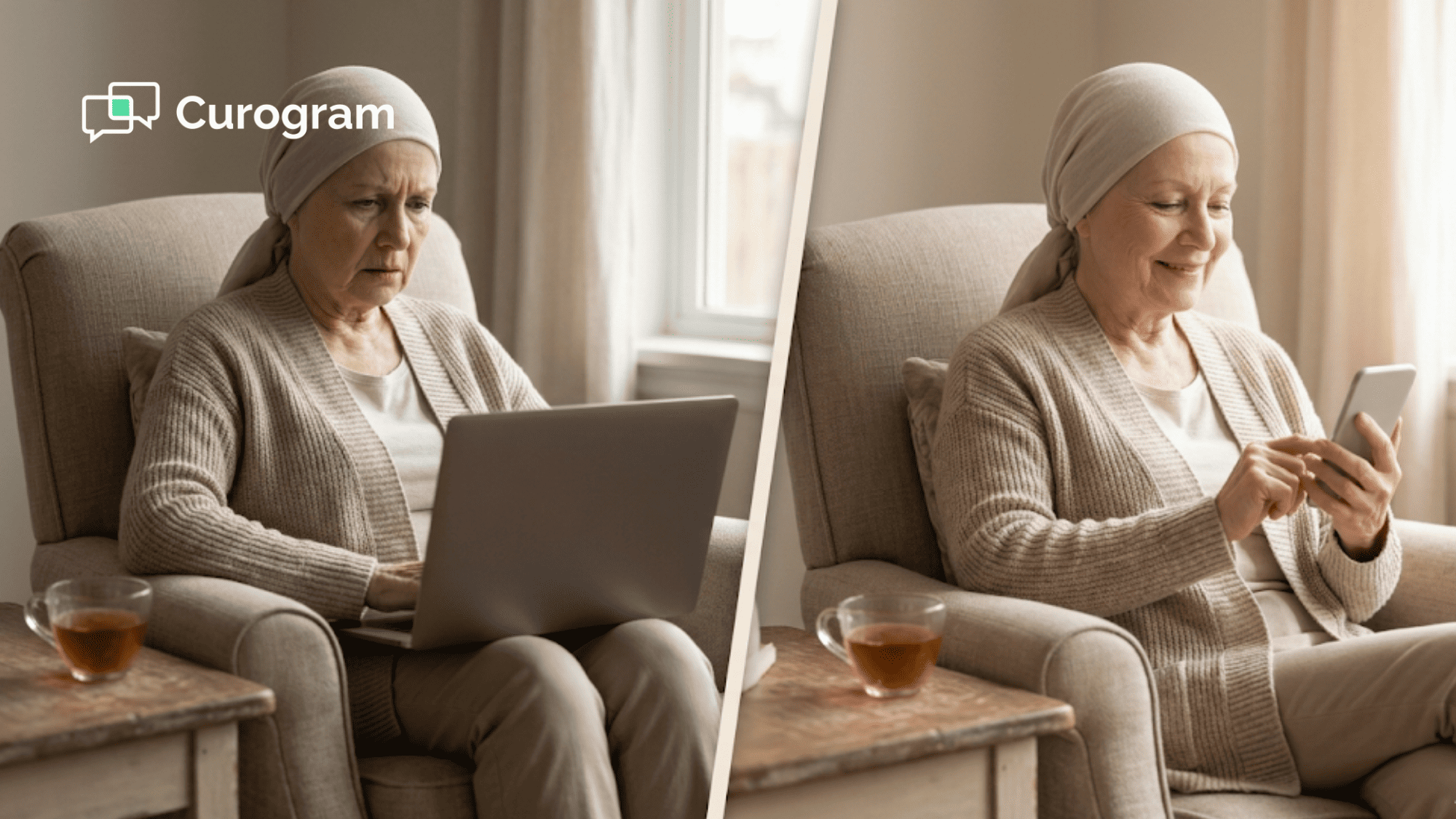
Picture a 68-year-old patient on day three after chemo. She feels tired, queasy, and foggy. Her phone buzzes with a CareSpace alert about her lab results. She tries to log in. The password is wrong, the security question is blurry, and the loading wheel spins.
This is the daily reality for many OncoEMR patients. They are asked to manage passwords, navigate tabs, and hunt for messages, all while managing cancer. The portal was not built for people in active treatment. It was built for clinicians.
Here is the deeper issue. When patients finally open a CareSpace message, they cannot reply inside it. The portal sends one-way alerts. So patients call the office, wait on hold, or send an email that takes a day to answer. That delay can stall chemo scheduling and raise stress.
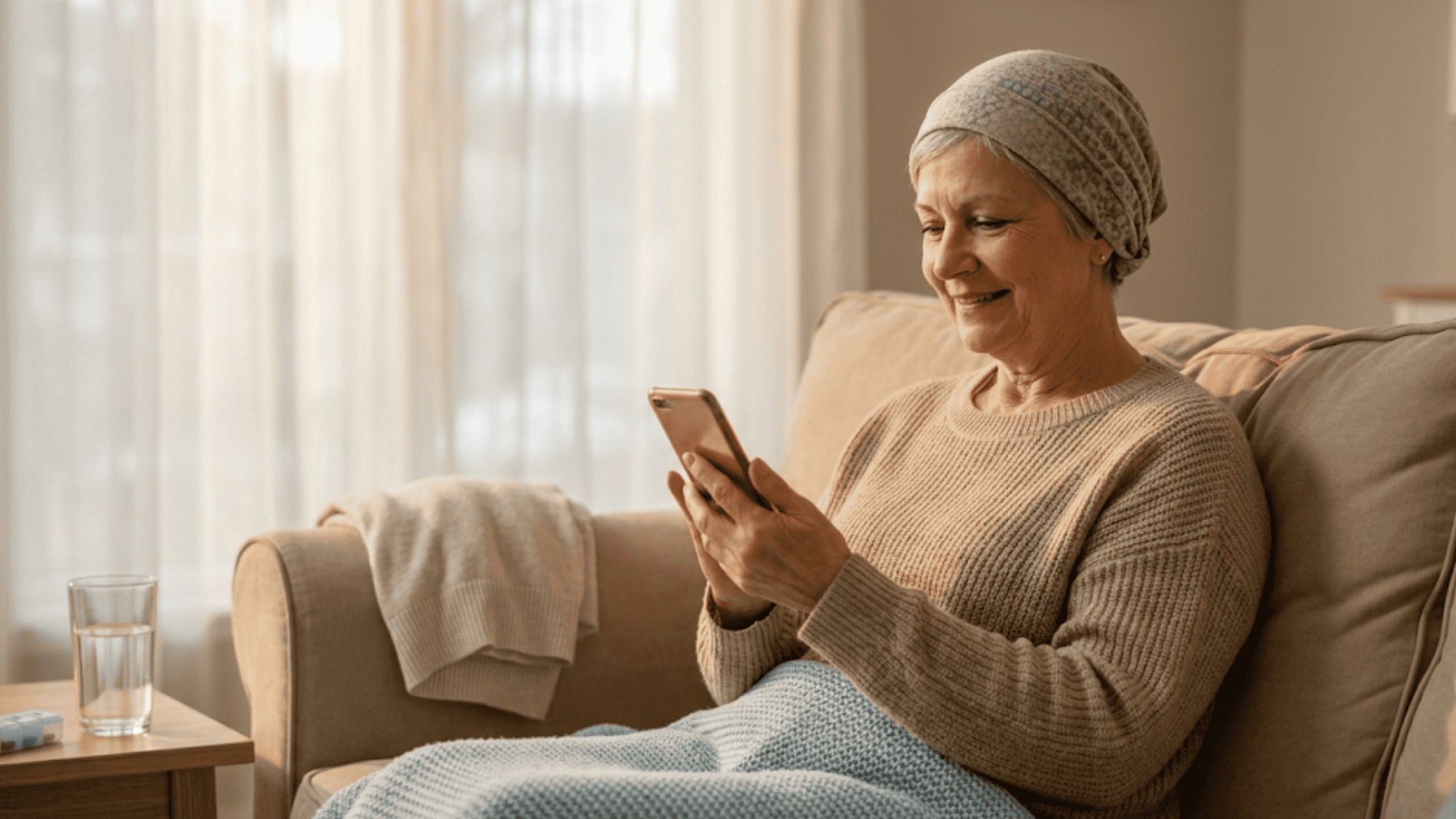
Text changes the whole picture. Patients already read texts. They do not need an app or a login. A quick "Yes" reply confirms an appointment. A short question gets a same-day answer from the care team. This is the kind of care coordination that fits a chemo cycle, not fights it.
That is where Curogram comes in. It is a HIPAA-compliant, SOC 2 Type II texting layer that works with OncoEMR. It does not write back to the chart. It sits alongside it as a pure communication tool. The care team texts, the patient texts back, and the thread stays secure and logged.
In this article, we will look at why CareSpace falls short for cancer patients. We will also show how two-way text fits their lives. You will see real numbers, clear examples, and simple next steps for any oncology practice ready to improve patient contact.
The Villain: The Portal That Doesn't Fit the Patient
CareSpace is a solid patient portal. It holds records, notes, and alerts. But portals were not made for cancer care. They were made for general visits, refills, and light messaging. When you layer chemo, fatigue, and an older patient base on top, the portal becomes a wall. Let's look at why.
Portal Login Friction During Treatment
Chemo brings brain fog, nausea, and deep fatigue. Every extra step drains the patient. To read a CareSpace alert, a patient opens a browser, types a username, recalls a password, answers a security prompt, waits for loading, clicks the right tab, and finds the message. That is seven steps for one note.
Imagine doing that at 2 a.m. while feeling sick. A text, by contrast, arrives and opens in one tap. No login. No tabs. No friction. For elderly oncology patient text-first engagement, this gap matters more than any feature list. The win is simple: less effort when the patient has the least energy.
One-Way Notifications With No Reply Path
CareSpace can send alerts. What it cannot do is let the patient reply inside the same thread in a clean, two-way loop. So the flow breaks. The patient sees "Your lab results are ready" but has questions. She cannot ask inside the portal. She calls the office instead.
Here is a real example. A patient sees her WBC is 3.2 and wonders if chemo is still on for Tuesday. In the portal, she has no reply button. She calls, waits on hold for 14 minutes, and the nurse has to pull the same chart the patient just read. Two-way text skips all of that. The patient types her question into the same thread, and the nurse answers in minutes.
This is the Flatiron Health patient portal barrier oncology teams run into every day. Messages flow out. Questions pile up on the phone lines. Staff burn out repeating the same information.
No Real-Time Care Coordination
Oncology moves fast. A lab value on Monday can shift Wednesday's chemo plan. Email takes hours or days. Portal inboxes are checked less often than texts. The patient waits in the dark, unsure if chemo is on or off.
Text has a 98% open rate and a 2–5 minute reply window. That speed matters when a patient is sick, scared, and trying to plan the week. A cancer patient text messaging no app workflow gives the care team a fast lane for urgent notes. No login, no delay.
Age and Accessibility Barriers
The median cancer diagnosis age is 66. Many patients over 65 use one or two apps, not ten. They may not recall portal passwords. They may skip the portal after one bad login. That is not a tech failure on their part. It is a fit problem.
Text is universal. Every mobile phone handles SMS. No download, no setup, no new login. This is the CareSpace patient navigation difficulty that drives practices to add text as a second channel. It does not replace the portal. It meets the patient where they already are.
Here is a quick side-by-side view to make the gap clear:
|
Task |
CareSpace Portal |
Text |
|
Steps to read a message |
7+ |
1 |
|
Reply in same thread |
No |
Yes |
|
Open rate |
20–30% |
98% |
|
App or login needed |
Yes |
No |
|
Reply time |
Hours to days |
2–5 minutes |
The portal is fine for stable patients. It is a poor fit for people deep in a chemo cycle.
The Guide: The Text Message That Meets You Where You Are
Now let's flip the view. What does two-way text look like from the patient side during chemo? It is short, clear, and built around the patient's day. No logins. No apps. Just a thread the patient already knows how to use. Here are four ways it works in real practice.
Appointment Confirmations Without Login
A text arrives on Monday morning. "Hi Maria, confirming chemo on 3/28 at 9 a.m. Labs needed by 3/27. Can you make it? Reply Y or N." Maria taps "Y" and puts her phone down. The reply lands in the care team's queue. The front desk sees it in seconds.
That is one tap instead of a browser, a login, and three clicks. Based on our internal data, practices using Curogram see a confirmation rate above 75%. That is a huge lift over phone tag or email chains. For oncology patient communication simplified, this is the cleanest win.
Lab Results With Clarity
Instead of a one-way alert, the care team sends a short, clear text. "CBC is back. WBC 4.8, HGB 11.2. Green light for chemo on 3/28. Questions? Reply here." The patient reads it, feels relieved, and sees the plan in plain words.
If she has a question, she types it. "Does WBC 4.8 mean I could get sick from germs?" The oncology nurse replies in the same thread within minutes. The patient gets a real answer in plain language, not a chart value with no context. This is the kind of clarity chemo patients need after a long day of infusions.
Medication and Side Effect Check-Ins
Between visits, the care team can send a short check-in. "How is the nausea from your last cycle? Any meds not working?" The patient replies, "Zofran helps a bit. Still queasy at night." The nurse flags it, and the oncologist adds a second anti-nausea med before the next visit.
This is hard to do with a portal. Most patients will not log in to fill out a symptom form. They will type a quick text reply. That small change creates a feedback loop the practice never had before. It also gives the patient a sense that the team is paying attention between visits.
.png?width=1080&height=1350&name=Why%20OncoEMR%20Patients%20Need%20Text%20Communication%2c%20Not%20Portal%20App%20Download-mid2%20(1).png)
Completely Secure and HIPAA Compliant
Some patients worry that text is less safe than a portal. The opposite is true with the right platform. Every Curogram text is encrypted in transit and at rest.
Each message is logged, time-stamped, and audit-ready. The system is SOC 2 Type II certified, which is a strict security standard used by top SaaS firms.
No generic SMS carrier touches the data in a way that breaks HIPAA rules. The thread lives inside Curogram's compliant system, not in a public SMS gateway.
For the practice, this means fewer compliance worries. For the patient, it means health data stays private, just like it would in the portal itself.
Here is how these four uses map to patient needs during chemo:
|
Patient Need |
Portal Response |
Text Response |
|
Confirm a chemo date |
Log in, find tab, click confirm |
Reply "Y" |
|
Understand lab results |
Read numbers, call for meaning |
Ask in same thread, get reply in minutes |
|
Report side effects |
Fill out a form (rare) |
Short text reply |
|
Feel safe with data |
Portal login protects access |
Encrypted, logged, SOC 2 Type II |
Text is not a downgrade from the portal. For cancer care, it is often the better tool.
The Success: Goal Ideas and Proof
Good ideas need proof. The case for text-first oncology communication is strong, and the numbers back it up. Based on our internal research at Curogram, the results speak for themselves.
Let's walk through the data points that matter most for an oncology practice thinking about adding a text layer to OncoEMR.
98% Text Open Rate
Patients open text messages. They almost always do, and they do it fast. The 98% open rate for SMS is widely reported across healthcare and consumer research. Compare that to 20% to 30% for email and even lower for portal alerts that sit unread for days.
For oncology, this changes the math. A message about a delayed chemo infusion needs to reach the patient before she leaves home.
A note about a lab recheck needs to land before the day slips by. Text hits the phone, the patient reads it, and the care team can plan. Email and portal alerts just cannot match that speed.
Here is a simple view of the gap:
|
Channel |
Open Rate |
Typical Reply Time |
|
Text (SMS) |
98% |
2–5 minutes |
|
|
20–30% |
Hours to a day |
|
Portal message |
10–30% |
Days or never |
|
Phone call |
Varies, high hold time |
Same day if reached |
For a chemo patient with limited energy, the channel she actually opens is the channel her care team should use.
75% or Higher Confirmation Rate
Based on our internal data, Curogram clients see an average appointment confirmation rate above 75%. That number stands out. Most practices using phone calls alone see far lower response rates, with staff spending hours on voicemails and callbacks.
Think about what a 75% confirmation rate means for a busy oncology clinic. If a practice has 200 chemo visits a week, a confirmed schedule for 150 of them means less guesswork.
Infusion chairs can be planned. Pharmacy can prep the right doses. Labs can be drawn at the right time. No-shows drop, and the day runs smoother.
Two-way text also gives patients an easy "No" or "Reschedule" path. If a patient feels too sick to travel, she can text back in seconds.
The slot can be offered to another patient the same day. That single change protects revenue and helps the next patient get care faster.
More Than 1,100 Monthly Appointments Confirmed
Covina Arthritic Clinic, a Curogram client, confirms more than 1,100 appointments per month through text.
Their internal chart shows a climb from 369 confirmed appointments in May 2024 to 1,310 in a later peak month. This is not a pilot. It is a steady workflow change that held up month after month.
For an oncology practice, this pattern is a preview of what is possible. Chemo schedules are tight. Infusion time slots are expensive to leave empty.
A confirmed appointment is money in the bank and a patient who gets care on time. Scaling that kind of result across even a single oncology site can reshape the week.
Here is how 1,100 monthly confirmations might break down in an oncology setting:
|
Appointment Type |
Estimated Monthly Volume |
|
Chemo infusions |
~500 |
|
Lab draws before chemo |
~300 |
|
Follow-up office visits |
~200 |
|
Imaging or scans |
~100 |
|
Total confirmed |
~1,100 |
Each confirmed slot is a patient who will likely arrive on time, ready for care. Each one also saves staff minutes that add up to hours across the month.
No-Show Reduction That Protects Revenue
Based on our internal research, Curogram clients see no-show rates that are 53% lower than the industry average. One client, Atlas Medical Center, cut no-shows from 14.20% to 4.91% in just three months. That is a 3x improvement over the typical industry result.
For oncology, this matters in a different way than for a primary care clinic. A missed chemo visit is not just a missed slot.
It can delay the full treatment cycle. It can shift lab timing, pharmacy mixes, and even next week's imaging. A no-show rate under 5% keeps the whole plan on track.
Fewer no-shows also means more revenue per chair. Based on our internal data, practices using Curogram see a 10% to 20% revenue lift from recovered appointments. For a mid-sized oncology practice, that can add up to six figures a year. The cost of adding a texting layer is small next to that kind of gain.
Recall Messages That Bring Patients Back
Oncology care does not end at the last chemo cycle. Survivorship, imaging, and lab checks run for years. Many patients drift after active treatment ends. A simple text recall can bring them back at the right time.
Based on our internal data, 35% of patients who received a text recall scheduled an appointment within a month. One multi-location client saw 1,240 patients booked from recall texts alone. That is a huge number of catch-up visits that would otherwise have slipped.
For oncology, this is a direct quality-of-care win. Survivors who skip scans miss early signs of recurrence. Patients who miss maintenance visits may lose ground on side-effect control. A recall text keeps them engaged without adding burden to the front desk.
Reviews That Build Practice Reputation
Text also helps after the visit. One Curogram client used automated post-visit surveys tied to Google Reviews. The result: 90% of their patients left 5-star reviews, and the practice gained 1,064 new 5-star reviews in just three months.
Oncology patients are often the most loyal voices a practice has. They have lived through hard days with the care team. A simple text survey after a visit gives them a chance to share that gratitude in public. That feedback pulls in new patients and builds the practice's name in the local market.
Taken together, these numbers paint a clear picture. Two-way text is not a nice-to-have for oncology. It is a core channel that protects the schedule, the revenue, and the patient's peace of mind.

How Curogram Turns OncoEMR Patient Texting Into a Care Advantage
Here is the simple version of what Curogram does for an OncoEMR practice. It gives the care team a HIPAA-compliant, SOC 2 Type II texting layer that works without forcing patients into the portal. That is the core win. The rest of the value flows from there.
Start with the front desk. Appointment reminders go out on autopilot. Patients reply with a tap. Based on our internal data, the confirmation rate runs above 75%. Staff no longer spend their morning on voicemail chains. They get real-time answers and can fill slots fast when someone reschedules.
Now move to the clinical side. Nurses can text lab results in plain words, not just numbers. Patients can ask follow-up questions in the same thread. The oncologist or nurse replies in minutes. This cuts the back-and-forth that usually eats hours across the week.
Survivorship care also gets a lift. Recall texts bring back patients who missed scans or follow-ups. Based on our internal data, 35% of patients who get a recall text book an appointment within a month. For an oncology practice, that keeps survivors engaged and protects revenue at the same time.
On security, Curogram checks the boxes that matter. Every text is encrypted. Every thread is logged. The platform is SOC 2 Type II certified, which is a strict bar most generic SMS tools cannot meet. HIPAA compliance is built in, not bolted on.
And the setup does not break OncoEMR. Curogram runs alongside the chart, not inside it. No risky integrations. No long rollout. Most practices are live in days. For a cancer care team already stretched thin, that low lift is what makes the change possible.
Conclusion: Cancer Care Communication Built for Patients
Your care team wants to reach you fast and clear. CareSpace is a patient portal, which is one kind of tool. Text is something else. It is patient communication, and it is built for the way people actually use their phones.
When your oncology practice adds a HIPAA-compliant texting layer like Curogram, the difference shows up right away. No portal login. No app to download. No password to reset at 10 p.m. on a rough chemo night. Just a short, clear thread with your care team.
The OncoEMR oncology patient text communication no portal app download model is not a gimmick. It is a fit for the real life of a cancer patient. Chemo is hard. Fatigue is real. Cognitive side effects are common. A simple text meets you where you are.
Practices that make the switch see real gains. Fewer no-shows. Faster confirmations. More recalls that pull patients back for survivorship care. And patients feel heard, because their questions get answered in minutes, not days.
If you are a patient, talk to your care team at your next visit. Ask them to text you instead of sending portal alerts. If they do not use a secure texting platform yet, share Curogram as an option they can explore.
If you are a practice manager or oncologist reading this, the path is short. A few days of setup can change how your patients feel about every chemo cycle. It can protect your schedule and your revenue at the same time.
Your cancer patients deserve communication that fits their treatment, not adds to it. Book a demo and watch how two-way text removes friction for every chemo patient on your schedule.
Frequently Asked Questions
Bring it up at your next visit or call the front desk. Say you would like to get reminders, lab notes, and check-ins by text. Give them your mobile number and opt in. Most practices will update your contact preference the same day.
Text is already on every mobile phone. There is no app to install and no login to remember. The median cancer diagnosis age is 66, so many patients prefer a tool they already know. Text removes the tech barrier during a hard time.
Most Curogram threads see a reply in 2 to 5 minutes during office hours. Urgent questions reach the care team fast because text has a 98% open rate on the staff side too. Compare that to portal messages, which can sit for a day or more.