11 min read
DrChrono Telehealth Setup Made Easy: No Staff Training Needed
Mira Gwehn Revilla
:
April 16, 2026
- Staff spend 5–10 minutes per visit helping patients with app downloads and login issues
- Front desk teams lose 40–100 minutes daily on telehealth visit staff troubleshooting
- Curogram sends a one-tap text link — no app, no account, no setup
- Video opens in the patient's browser on any device
- Providers launch visits from their iPad in one click
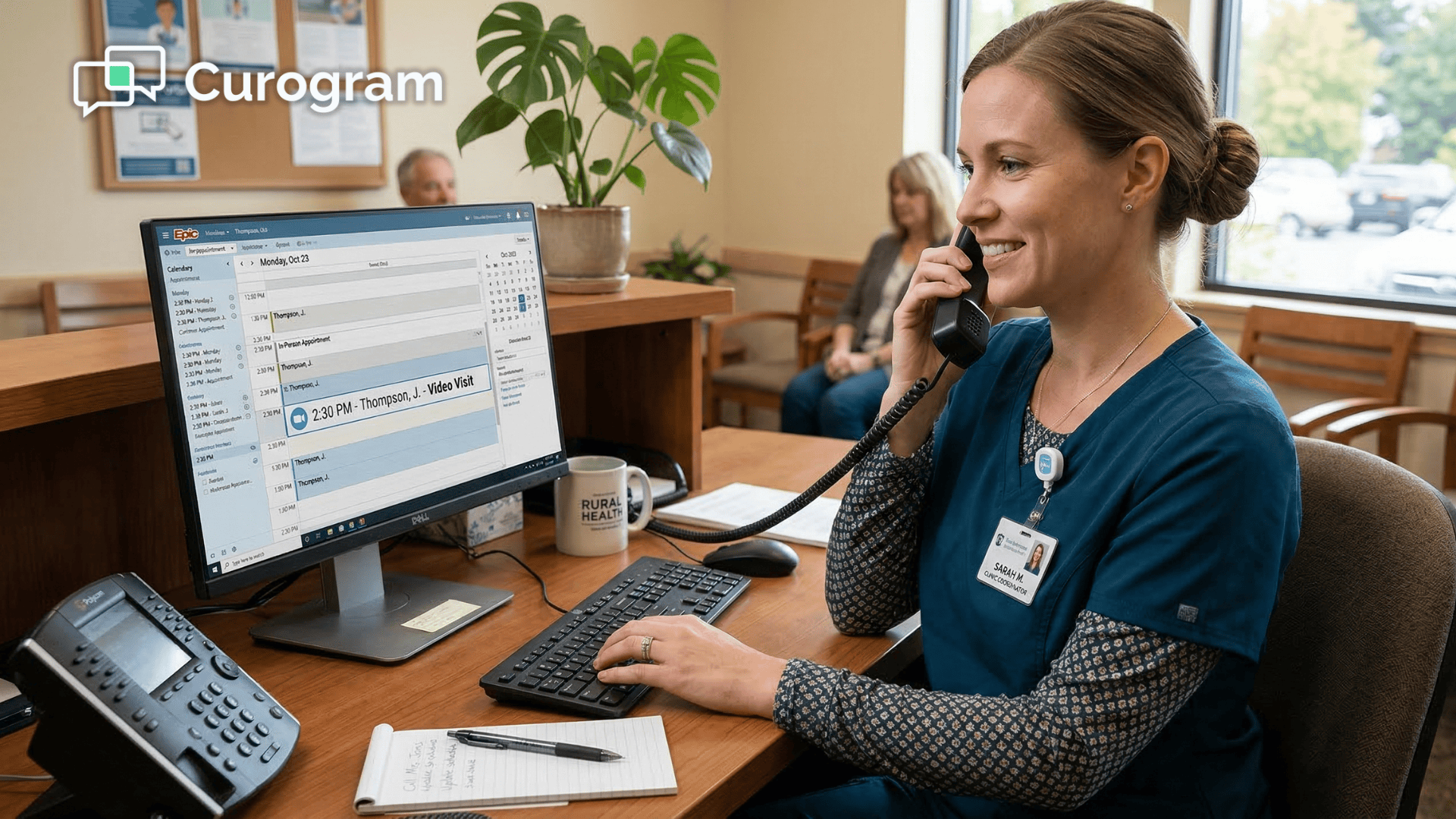
Your front desk was hired to greet patients, manage the schedule, and handle intake. So why are they spending half their morning walking patients through app downloads and broken video links?
That's the hidden cost of most DrChrono telehealth setups. The clinical side works great — the iPad, the chart, the camera. But the patient side? It's a mess of logins, downloads, and "Can you hear me now?" calls that eat up your team's day.
For every video visit your practice runs, your staff may spend 5–10 minutes on tech support before the call even starts. Multiply that by 8–10 visits a day, and you're looking at 40–100 minutes of lost time. That's time your team could spend on billing, patient check-in, or same-day scheduling.
This problem hits solo providers the hardest. When you're the only clinician and the only staff, every minute counts. You can't afford to pause charting so you can help a patient find the mute button.
The fix isn't more training. It isn't a better user manual. It's a simpler workflow. One that removes the tech burden from both your staff and your patients.
That's where DrChrono telemedicine workflow simplification comes in. With the right tool, your team doesn't need to learn a new system. Your patients don't need to download an app. And your front desk never has to double as an IT helpdesk again.
In this article, we'll walk through the real cost of tech support calls before every visit. Then we'll show you how a zero-setup approach to video visit management can give your staff their time back — starting on day one.
The Villain: The Tech Support Call Before Every Visit
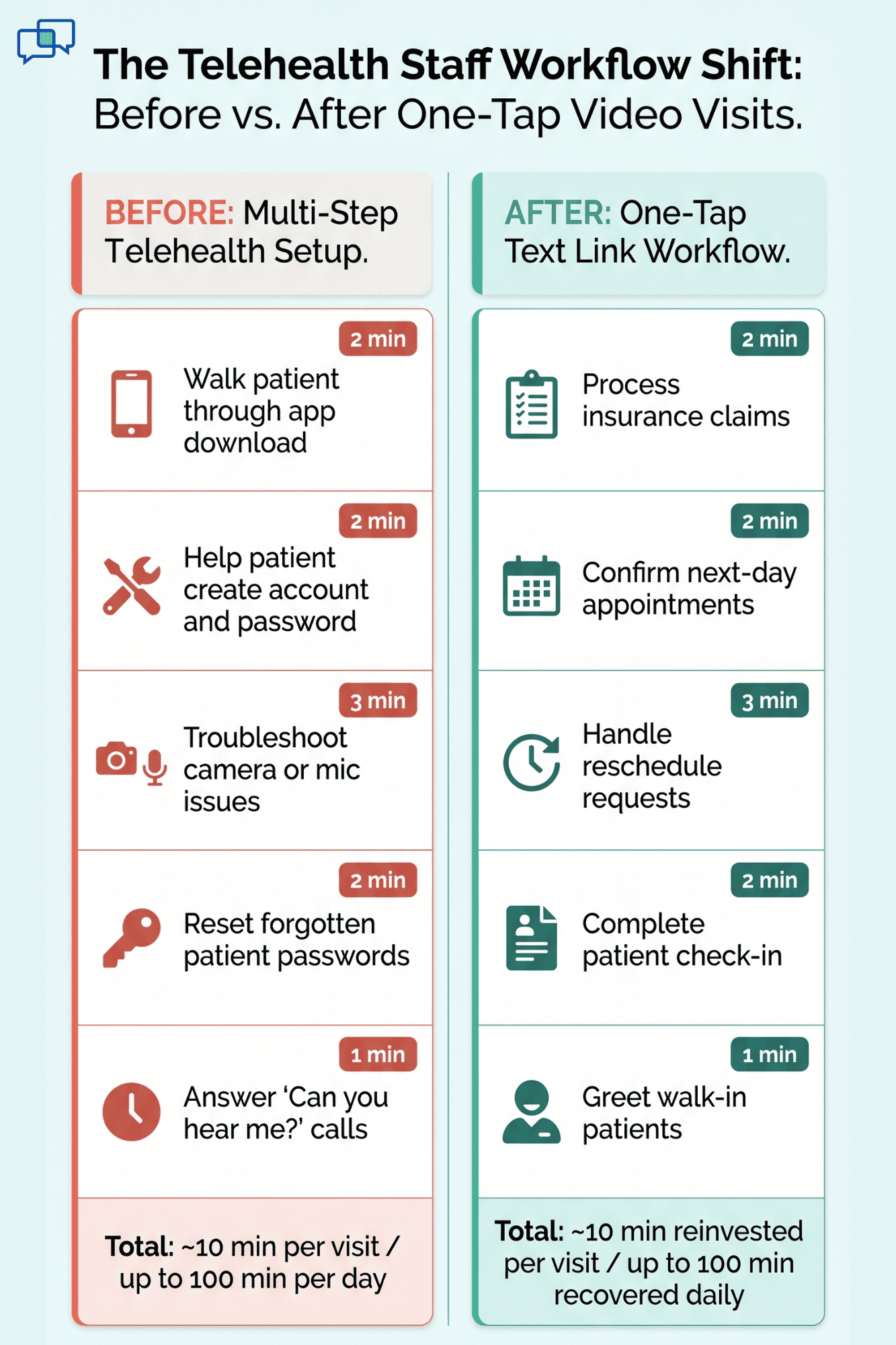
Here's what a typical telehealth visit looks like at most DrChrono practices today. The patient gets a link or an email. They're told to download an app. Then they need to create an account, set a password, and test their camera and mic. If anything goes wrong — and it often does — they call your office.
That's where the real problem starts.
The 5–10 Minute Pre-Visit Scramble
Each telehealth patient needs help before the call begins. They can't find the app in their app store. They forget their password. Their camera shows a black screen. Their mic doesn't work.
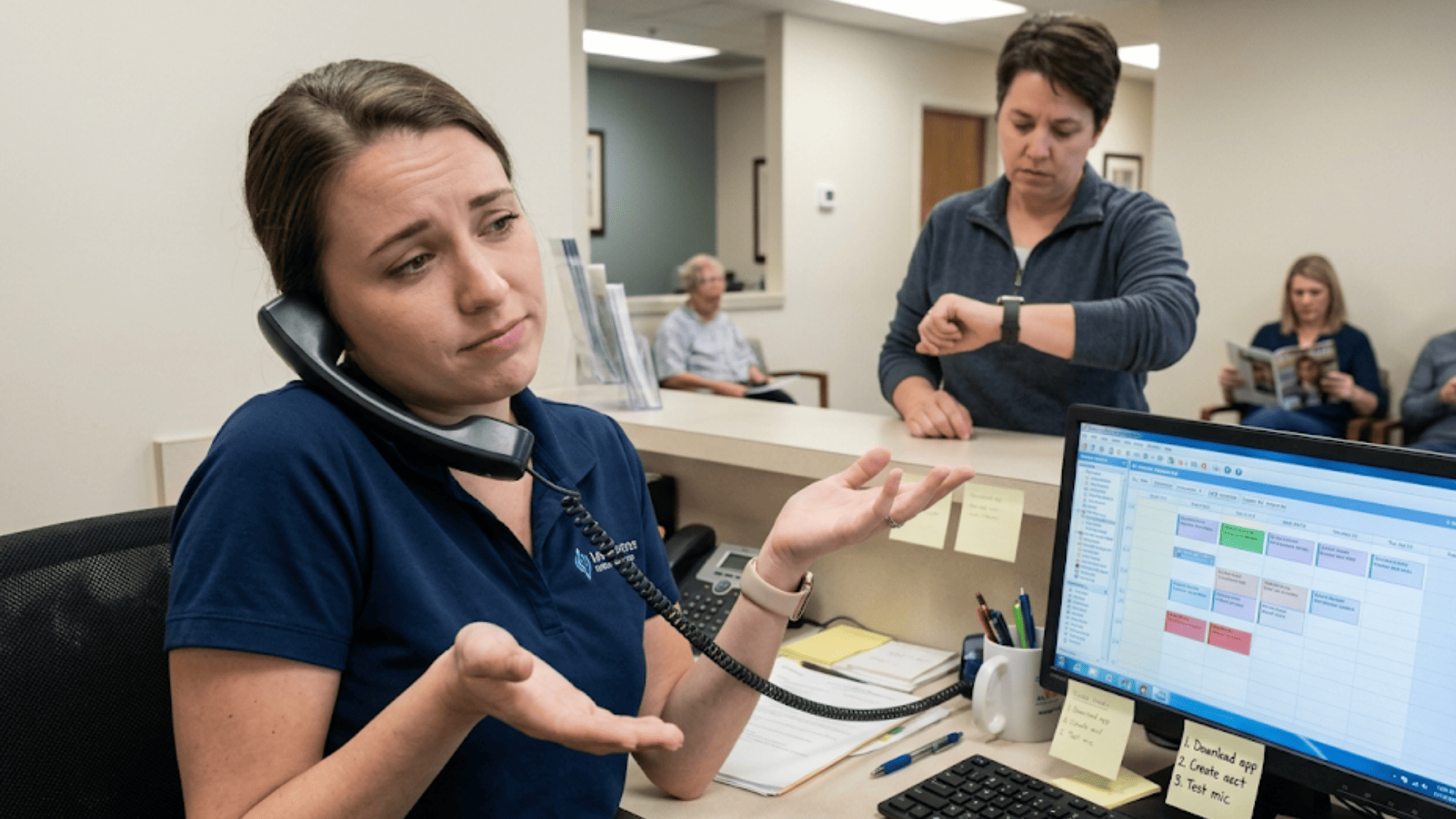
Your front desk person picks up the phone. "Try closing the app and opening it again." "Go to settings, then allow camera access." "Can you hear me now?"
This takes 5–10 minutes per patient. Now picture a day with 8–10 video visits. That's 40–100 minutes your staff spends on reducing support calls for video visits that never should have needed support in the first place.
Here's what that time loss looks like in a real day:
|
Daily Telehealth Visits |
Minutes Lost Per Visit |
Total Daily Time Lost |
|
5 visits |
5 min |
25 min |
|
8 visits |
7 min |
56 min |
|
10 visits |
10 min |
100 min |
That's up to nearly two hours a day spent on tech support — not patient care.
Staff Become the IT Helpdesk
Your office manager didn't sign up to be a tech support agent. But that's what happens when your telehealth platform needs patients to jump through hoops before a visit.
The front desk stops handling check-ins and billing. Instead, they guide patients through settings, screen prompts, and browser issues. The mood shifts. Staff get frustrated. Patients arrive to the call stressed and rushed. Visit quality drops.
Based on our internal research, practices using two-way texting tools like Curogram reduce phone call volume by as much as 50%. That means half the calls your staff handles today could go away — if the workflow didn't force patients to call in the first place.
Portal Fatigue and Patient Drop-Off
Whether a practice uses Updox or another platform on top of DrChrono, the patient journey is indirect. Links get buried in email. Portals ask for ID checks, consent forms, and multi-step logins — all before a 15-minute follow-up.
For a mental health patient joining a quick check-in, this kind of friction is enough to trigger a no-show. For a PT patient doing a range-of-motion review, it's a reason to cancel and just come in person.
Solo Practitioners Feel It Most
In a solo practice, the provider is the staff. You're charting on your iPad, managing the schedule, and fielding patient calls about broken video links — all at the same time.
Every minute spent on telehealth visit staff troubleshooting is a minute taken from your next patient. You chose DrChrono because the iPad telehealth staff workflow was simple and mobile. But a clunky video visit process works against that promise.

The Guide: Zero-Setup Launch
What if the entire pre-visit tech scramble just didn't exist? No app. No login. No camera test. No phone call to the front desk.
That's how zero-setup video calling for medical practices works with Curogram.
One Tap from the iPad
Here's the workflow. The provider opens their DrChrono chart on the iPad. They click "Send Telehealth Link." The system creates a unique, HIPAA-safe video link and sends it as a text to the patient's phone.
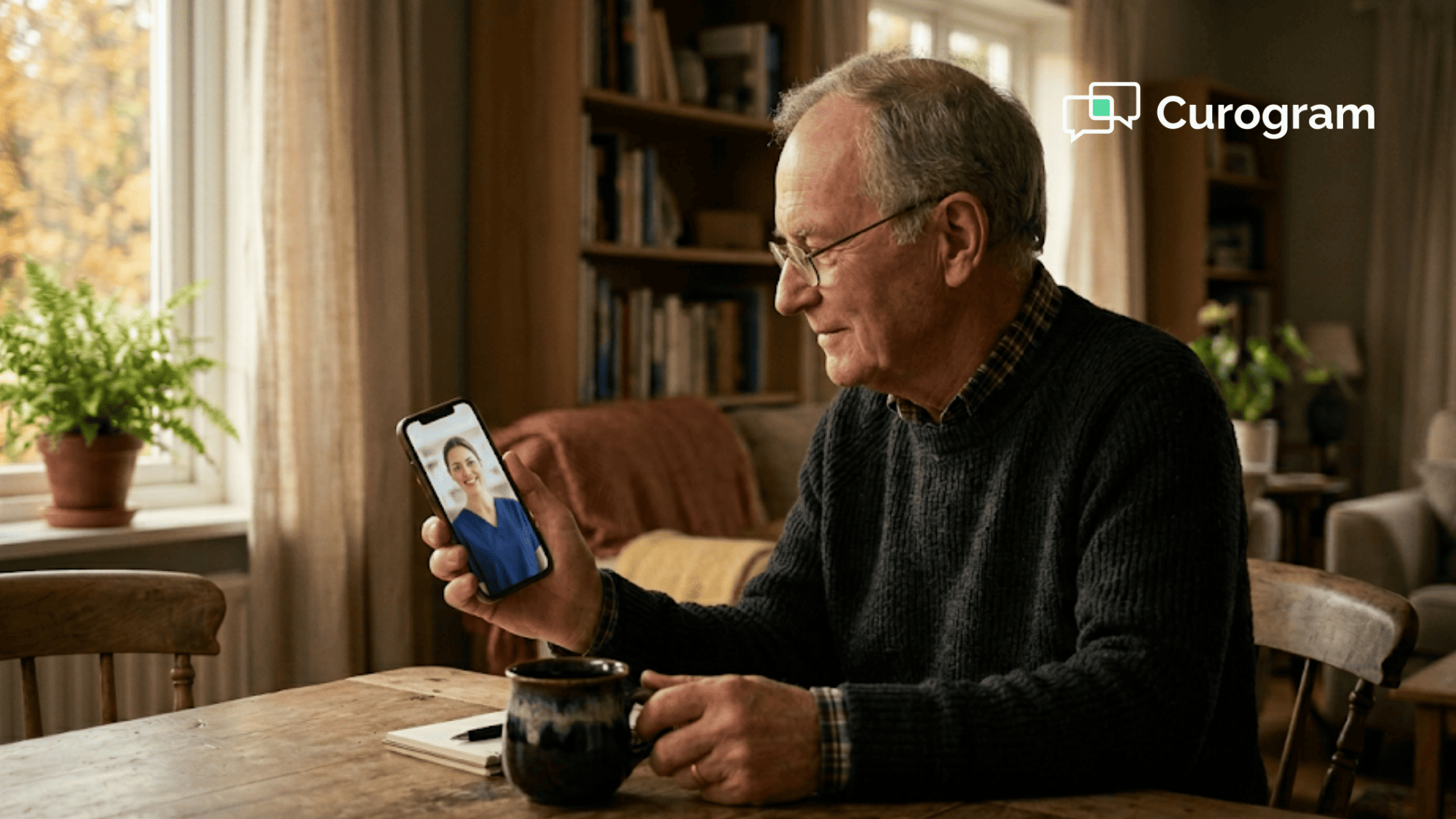
The patient gets a message: "Your visit with Dr. Smith is at 2 PM. Tap here to join." They tap. The video opens in their phone's browser. No app store. No account. No password.
The provider sees the patient on screen. The visit starts on time. That's it.
For practices running back-to-back video visits, this removes the 5–10 minute pre-visit delay for every single call. Your DrChrono telehealth training for staff drops to near zero because there's almost nothing to learn.
Zero Patient Tech Support
Since the video call runs in a standard web browser, there's nothing to install. It works on iPhones, Android phones, old iPads, laptops, and desktop PCs.
If a patient has a mic issue, the browser shows a simple prompt: "Your mic isn't working — tap here to fix." The patient resolves it in seconds, not a five-minute phone call to your office.
Think about what that means. Your staff isn't on the phone walking someone through audio settings. They're greeting the next patient, filing claims, or handling a schedule change.
Based on our internal data, practices that switch to text-based workflows boost staff output by more than 30%. When you remove the tech barrier, your team can focus on the work that matters.
Staff Time Goes Back to Patient Care
The 40–100 minutes that used to go toward pre-visit tech calls now goes back to the schedule. Your office manager handles intake, billing, and follow-ups. Your front desk greets patients without being pulled into tech support.
For solo providers, this time goes straight back to clinical work. You chart faster. You stay on schedule. You finish the day without the drain of IT calls.
How It Works Across Different Specialties
The beauty of this workflow is how well it fits different practice types.
For chiropractors, you can offer telehealth intake calls and post-visit check-ins — like pain updates and exercise form reviews — without any tech setup for your team.
For physical therapists, virtual PT follow-ups for range-of-motion checks and home exercise coaching become easy. Staff manage the schedule instead of fixing video feeds.
For mental health providers, secure text-based check-ins and video visits work with zero patient friction. This matters most for patients who are already used to texting with your office.

The Success: Operational Workflow Shift
The switch from a clunky telehealth setup to a one-tap video link isn't just about saving a few minutes. It changes how your practice runs. Staff roles shift back to where they belong. Patients show up on time. Providers start calls without delays.
Let's break this down with real numbers and real impact.
40–100 Minutes Recovered Every Day
The math is simple. If your practice runs 8–10 telehealth visits a day and each one needs 5–10 minutes of tech support, that's 40–100 minutes of lost staff time.
With a one-tap text link, that number drops to zero.
Here's what that looks like over a week and a month:
|
Time Frame |
Low End (40 min/day) |
High End (100 min/day) |
|
Per Week (5 days) |
200 min (~3.3 hrs) |
500 min (~8.3 hrs) |
|
Per Month (20 days) |
800 min (~13.3 hrs) |
2,000 min (~33.3 hrs) |
At the high end, you're getting back more than 33 hours a month. That's close to a full work week. For a small practice, that could mean the gap between needing to hire someone and not.
Think of it this way. If your front desk person earns $18 per hour, 33 hours of recovered time saves roughly $594 a month. Over a year, that's more than $7,100 — just from cutting pre-visit tech calls.
From IT Helpdesk Back to Schedule Manager
When staff stop fixing tech issues, they return to their real job. The front desk handles check-ins, greets walk-ins, and manages the flow of the day. The office manager focuses on billing, claims, and follow-ups.
This shift matters more than it sounds. Staff burnout is a real threat in small practices. When your team spends the day on calls they can't resolve — "Try restarting the app," "Did you allow mic access?" — it wears them down.
Based on our internal research, Curogram helps reduce phone call volumes by as much as 50% and boosts staff output by over 30%. That's not just a time win. It's a morale win.
Your team was hired to manage patients, not manage software. Getting them back to that role makes the whole practice run smoother.
Higher Visit Quality, Lower No-Show Rates
When a patient can join a video call with one tap, two things happen. First, they're more likely to show up. Second, they arrive calm and ready — not stressed from 10 minutes of tech issues.
No-shows are one of the biggest revenue drains in any practice. Based on our internal data, Curogram's no-show rates are 53% lower than the industry average. One client, Atlas Medical Center, cut their no-show rate from 14.20% to 4.91% in just three months.
When patients don't have to fight with an app or portal, the friction that causes no-shows goes away. The visit starts on time. The provider doesn't waste the first few minutes on "Can you see my screen?" The full session goes to actual care.
For mental health visits, this matters even more. A patient who is already anxious shouldn't have to battle a login screen before a session. A clean, simple entry point makes a real impact on visit quality and patient trust.
What This Looks Like in Practice: A Day in the Life
Let's compare two versions of a Tuesday at a solo chiropractic practice.
Before (with a standard telehealth platform):
8:30 AM — First telehealth patient calls. Can't find the app. Staff walks them through the download. Visit starts 8 minutes late.
9:15 AM — Second patient's camera isn't working. Staff spends 6 minutes on the phone. Patient gives up and reschedules.
10:00 AM — Third patient joins on time but mic is muted. Provider spends 3 minutes fixing it.
By lunch, the provider is behind by 20+ minutes and has already lost one visit.
After (with Curogram's one-tap text link):
8:30 AM — First patient gets a text link, taps it, and joins in the browser. Visit starts on time.
9:15 AM — Second patient taps the link. Video opens. No issues.
10:00 AM — Third patient is already in the video room when the provider logs in.
By lunch, the provider is on schedule and has seen every patient.
Revenue Impact Beyond Time Savings
Recovered time doesn't just reduce stress. It drives revenue. Every minute your staff isn't on a tech call is a minute they can spend on tasks that bring in money.
For example, a front desk person with 30 extra minutes a day can:
- Process 2–3 extra insurance claims
- Confirm 5–10 next-day visits
- Handle 1–2 reschedule requests that save a slot from going empty
Based on our internal data, practices using Curogram's tools see a 10–20% boost in revenue. Each saved visit slot adds to the bottom line. And when your platform also confirms over 1,100 visits per month like it did for Covina Arthritic Clinic, that's real, steady cash flow your practice can count on.
The platform efficiency gain isn't just about telehealth. It's about what happens when your entire video visit management process stops bleeding time and starts running clean.
How Curogram Turns Your iPad Into a One-Tap Telehealth Command Center
Most telehealth add-ons treat the iPad like an afterthought. They bolt on a video tool and hope your staff can figure out the rest. Curogram takes the opposite approach.
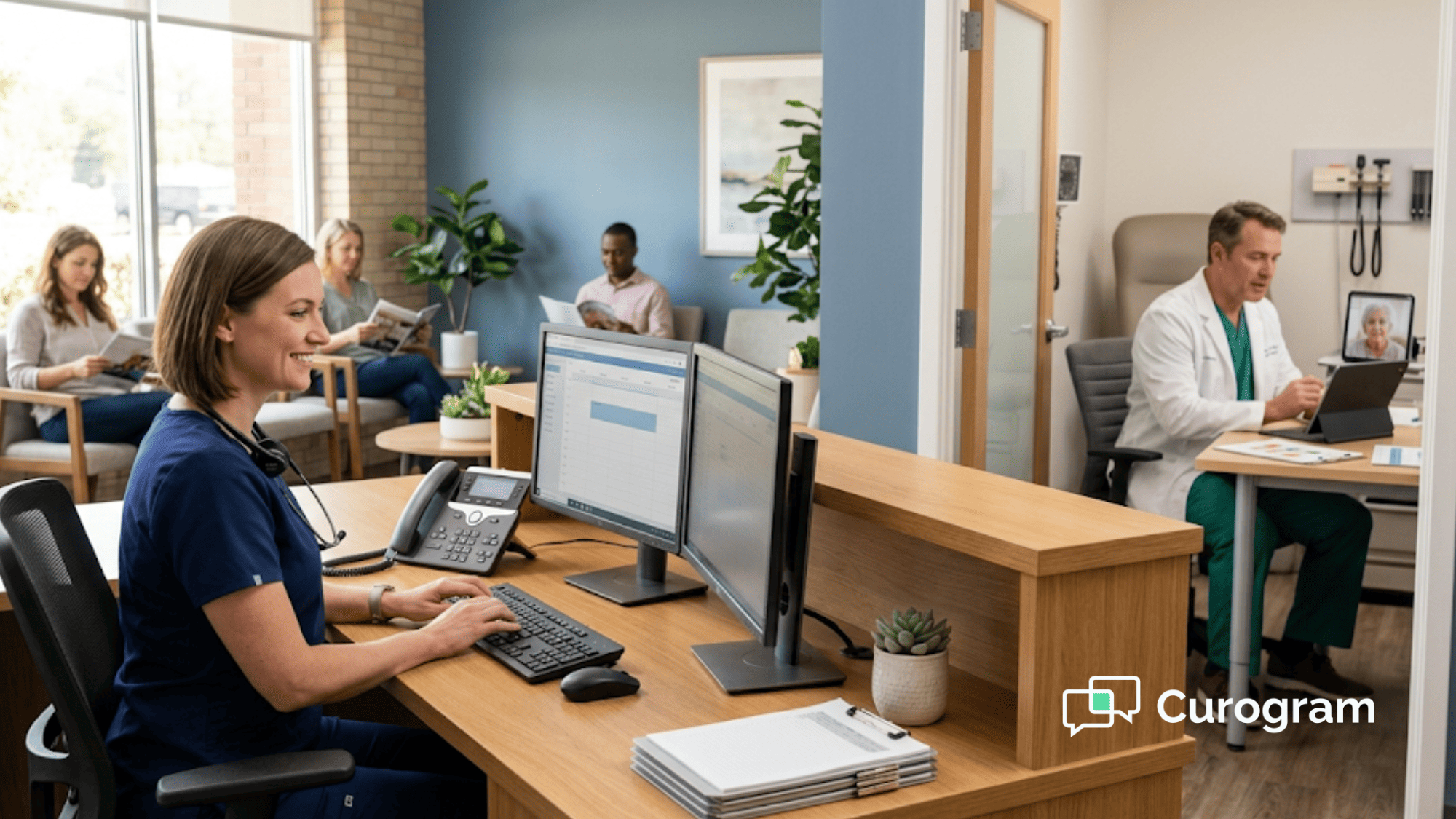
Curogram was built to work with the way DrChrono practices already operate. Your provider opens the patient chart on their iPad. They tap "Send Telehealth Link." The patient gets a text and joins the video in their browser. That's the entire DrChrono telehealth setup staff workflow.
There's no extra portal to log into. No second app for your staff to learn. No new dashboard to check between visits. The video visit management process lives inside the tools your team already uses every day.
What makes this different from Updox or other bolt-on platforms is what doesn't happen. Patients don't download anything. Staff don't train on a new system. Providers don't switch between screens.
Based on our internal data, Curogram's staff training takes as little as 10 minutes. Most practices go live the same day they sign up. And because the video link goes out by text — the same channel patients already use for reminders and payment links — the experience feels natural, not forced.
For practices that want to do more than video, Curogram also handles two-way texting, online forms, payment links, and review requests — all from the same platform. It's not just a telehealth tool. It's the hub that ties your patient communication together.
If your iPad is the center of your clinical day, Curogram makes it the center of your telehealth day, too.
Conclusion: Making Telemedicine Work for Your Practice
Telemedicine should make your practice faster, not slower. It should save your team time, not create more tech support calls. But that's exactly what happens when your platform needs patients to download apps and navigate portals before every visit.
Updox and other tools charge extra for telehealth and still add friction. Patients fumble with logins. Staff field calls about broken links. And by the time the visit starts, everyone is behind schedule. The tool meant to help your practice is quietly draining it.
Curogram takes a different path. It launches video visits through text — the same channel your patients already use for reminders and payments. No app downloads. No portal logins. No mic checks over the phone. The workflow is seamless. The staff time is recovered.
Here's how it works. The provider clicks "Send Telehealth Link" in DrChrono. The patient gets a text with a one-tap link. Video opens in the browser. The call starts on time. Staff go back to the schedule. This is how telemedicine should feel.
The practices that get the most from telehealth aren't the ones with the fanciest tools. They're the ones that removed the friction. When your staff doesn't have to play IT support, they focus on patient care and revenue tasks instead. When your patients can join a visit in seconds, they actually show up.
Whether you run a solo clinic or a multi-provider office, the shift starts with one simple change: making the video visit as easy as sending a text.
Your front desk has better things to do than walk patients through app downloads. Request a demo and see how Curogram launches video visits with one tap — no training, no setup, no wasted time.
Frequently Asked Questions
Yes. Each provider can send their own telehealth links from their DrChrono iPad at the same time. The system assigns unique video rooms for each call, so two providers can be running back-to-back telehealth visits on the same account without any conflict. For multi-provider practices, this means better scheduling flexibility and lower platform costs.
Beyond direct staff wages, each delayed visit pushes back your whole schedule. A 7-minute delay per visit across 10 visits means over an hour lost — plus the revenue from patients who cancel out of frustration.
Each video link is unique, single-use, and encrypted. The patient doesn't need an account because the link itself is the secure entry point. It expires after the visit ends, so there's no open access to protect.