
.jpg) Mira Gwehn Revilla
Mira Gwehn Revilla
1 min read
Fill Intake by Text: Skip the Clipboard
 Jo Galvez : Jul 3, 2026, 11:00:00 AM
💡CollaborateMD patient intake forms by text no clipboard let patients finish their forms on the phone before they arrive.They fill demographic,...
A new patient calls to book a first visit. Your team sends a CureMD portal invite so they can fill out forms early. But the patient never makes an account. They show up cold, and out comes the clipboard again.
This is the quiet gap in most CureMD workflows. The portal is built for people who already have a login. But new patients hold the most forms to complete. And they usually have no account yet, so the timing works against you.
So the paperwork moves backward. Staff print packets, hand over pens, then re-key each page into CureMD by hand. One new-patient packet can run 15 to 19 pages. Across a busy morning, that buries the front desk fast.
There is a simpler path. CureMD intake forms via text link without portal account let patients skip the login for good. They tap a link on their phone and finish intake in minutes. Nothing to download, no password to reset.
That small change fixes a big bottleneck. Patients fill out forms on their own couch, the night before. Submissions arrive in one place before anyone walks in. Your team starts the day ready instead of chasing paper.
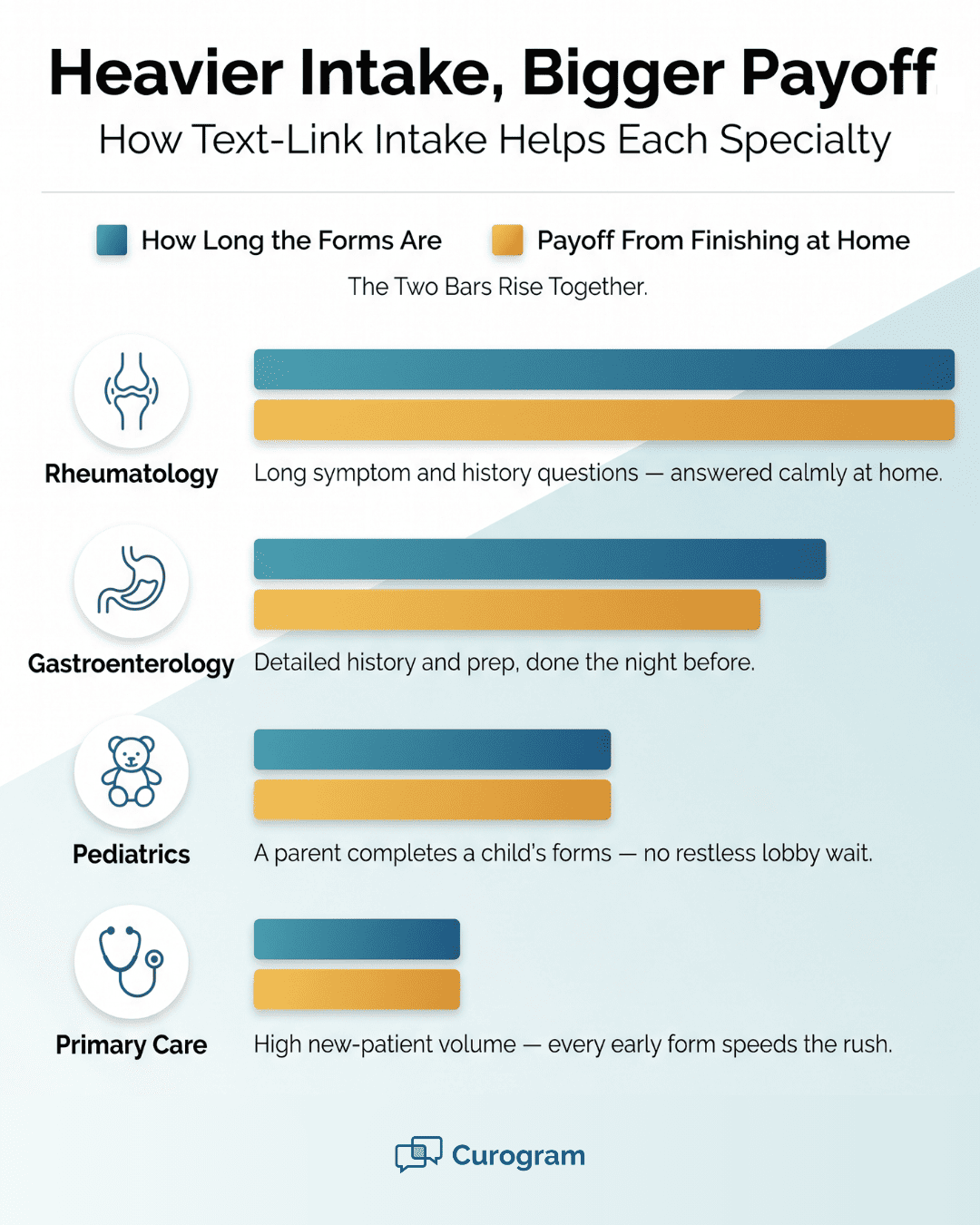
Who feels this most? Practices with heavy new-patient volume and long forms. Think primary care, pediatrics, and specialties like rheumatology. For them, saved minutes at the front desk count.
The good news is that the fix is small and low-risk. You simply add a text channel next to CureMD. The patients it missed now have an easy way in.
This guide shows where CureMD's portal intake stops short. It walks through how a text layer reaches the patients the portal cannot. You will see how paperless intake alongside CureMD speeds up check-in. Best of all, it hands your waiting room back its flow.
CureMD's Patient Portal is a capable tool. It collects intake, consent, and health history well. But it does this for one group only: patients who have made an account and logged in. That single rule creates the CureMD portal intake form limitations most front desks feel every day.
Think about who actually needs to fill out the most forms. It is the brand-new patient. They have no chart, no history on file, and no account yet. The portal was built for people already inside your system, so the newest patients fall right through the gap.
A new patient books a visit and gets a portal invite by email. Creating the account means a username, a password, and a few verification steps. Many patients stall at that screen or skip it completely.
Some never see the invite at all. It lands in a spam folder or gets lost under other email. Others start the signup, hit a snag, and give up. The end result is the same: no forms done before the visit.
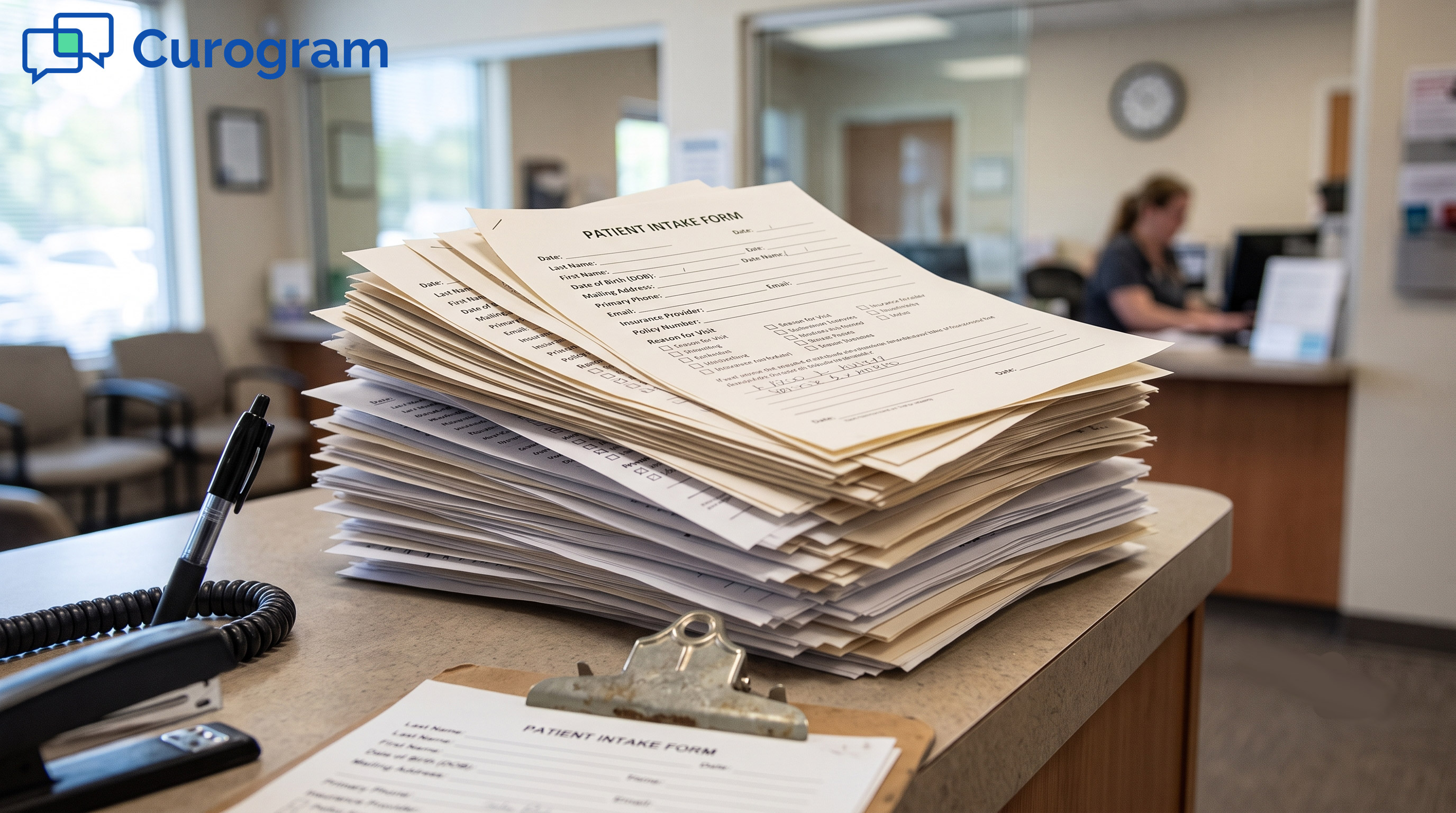
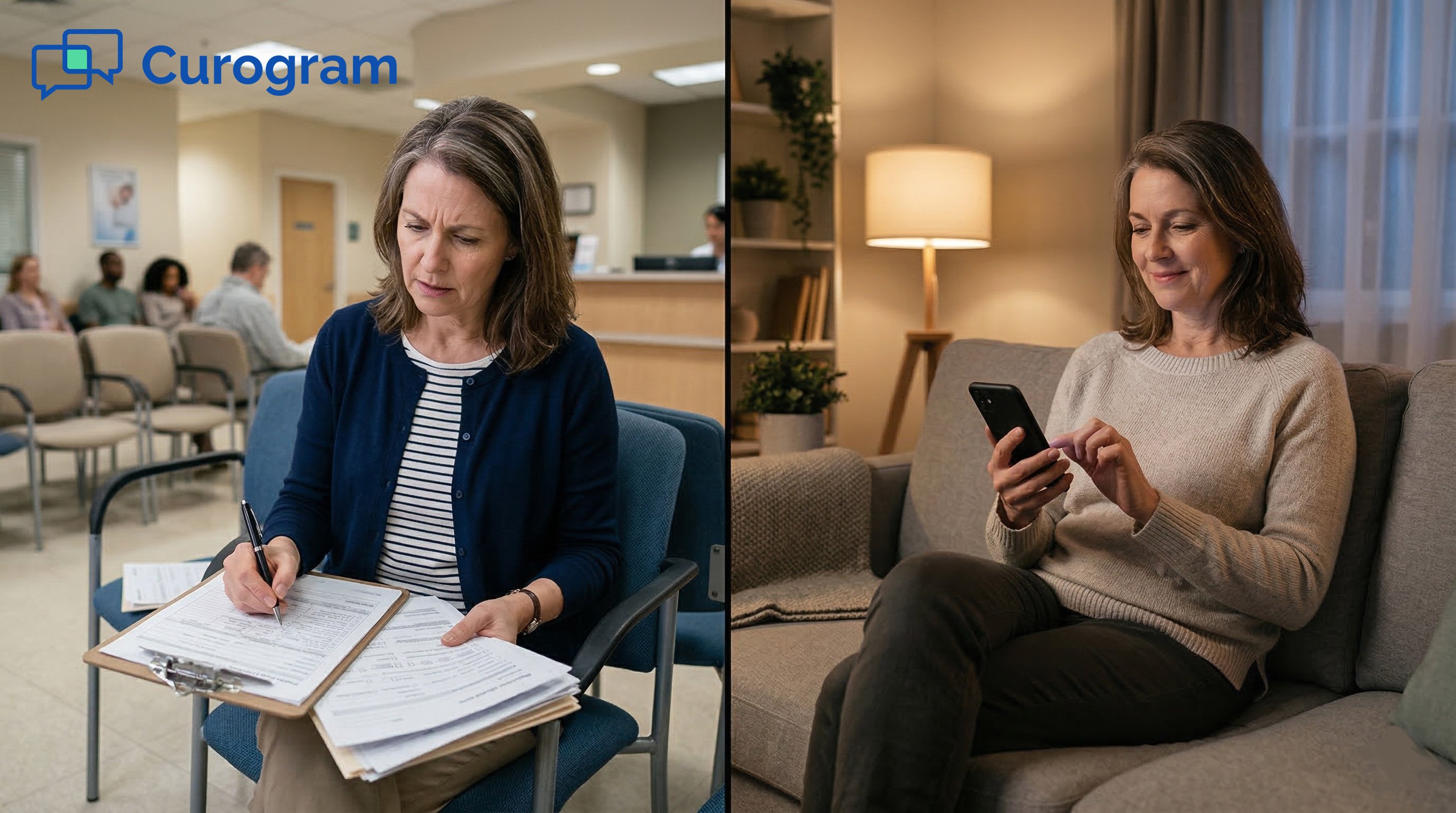
So they arrive with nothing done. The clipboard comes back out at the front desk. Now the patient fills paper in a crowded lobby while others wait behind them. The whole line slows down.
Then comes the part that costs your team the most. Staff take that stack of paper and type every field into CureMD by hand. This is the "double-touch" problem: capture the data once on paper, then enter it a second time on a screen.
A single intake packet can run 15 to 19 pages. Picture that repeated across ten new patients in one morning. The math is simple and painful.
|
Task |
Per patient |
Per 10 new patients |
|
Pages printed |
15–19 |
150–190 |
|
Manual data entry |
~10 min |
~100 min |
|
Patient wait added |
8–12 min |
Lobby backs up |
The figures above illustrate a typical paper workflow, not a measured result.
Hand-typing raises the odds of a wrong birth date, a missing allergy, or a skipped consent line. Each of those errors can stall billing or, worse, affect care. Clean data matters, and paper works against it.
Picture one small slip. A digit in the date of birth gets swapped during entry. Now the claim bounces, and someone has to call the patient to fix it. One rushed keystroke turns into a week of back-and-forth.
Re-typing forms is dull, repetitive work. It pulls your best people away from patients and phones. Over time, that grind wears a team down and drives turnover.
Paper carries a privacy risk as well. A clipboard left on a counter shows one patient's details to the next. Stray pages pile up and must be stored or shredded. Every sheet of paper is one more place health data can slip.
There is a patient-side cost too. Filling long forms in a busy waiting room feels like a chore. People rush, leave blanks, and hand back half-finished pages. Staff then chase the missing details, which adds even more delay.
Text-based patient intake for CureMD removes this whole loop. When forms reach the patient by text, there is no login wall to climb. The patient does not need to remember a password or dig up the invite email.
That is the real limit of portal-only intake. It serves your returning patients and misses your newest ones. And the newest ones are exactly the group with the heaviest paperwork. Until you reach them on a channel they already use, the clipboard keeps winning.
The fix is not to replace CureMD. The fix is to add a layer that reaches patients where they already are: their text messages. Curogram acts as that layer, sitting alongside CureMD and filling the exact gap the portal leaves open.
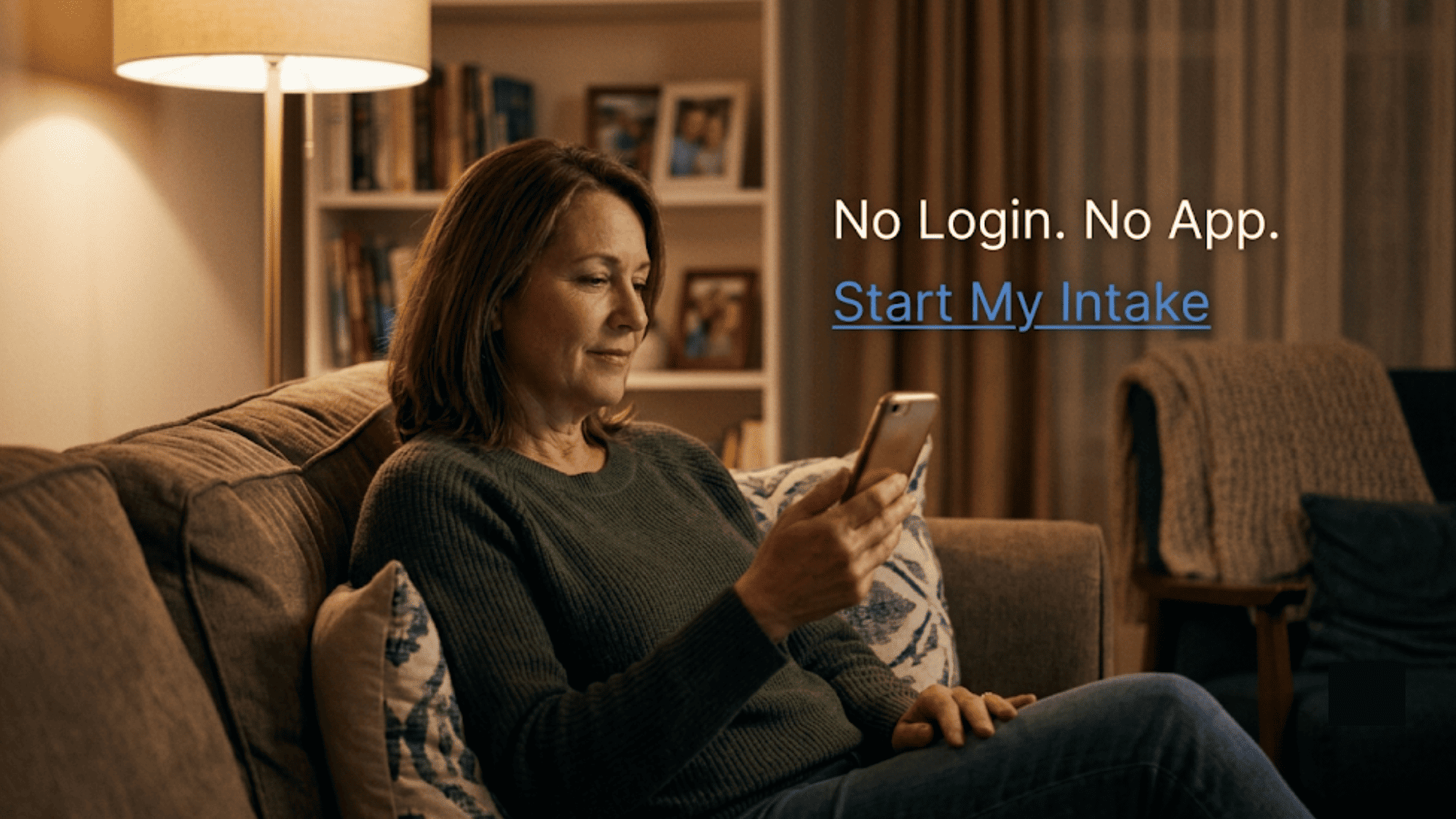
Instead of an account invite, the patient gets a simple text. The message holds one secure link. They tap it, and the intake form opens right in their phone browser. There is no app to install and no login screen to pass.
The flow is short by design. Your team sends the intake link, often with the appointment reminder. The patient opens it and fills out intake, consent, and health history. They do this on the same screen they text friends from.
When they hit submit, the form is done. This is what CureMD digital intake with no login looks like in practice. The barrier that stopped new patients is simply gone. A first-time patient can finish forms the same day they book.
It helps to compare the two paths side by side. The difference is not small.
|
Step |
Portal invite |
Text link |
|
First action |
Create an account |
Tap a link |
|
Password needed |
Yes |
No |
|
App or download |
Sometimes |
Never |
|
Typical finish rate |
Low for new patients |
High |
Electronic patient forms for CureMD go out as that single text link. The patient sees clean, mobile-friendly fields, not a scanned PDF pinched to phone size. Because the form is built for a small screen, people actually finish it. Skip logic hides questions that do not apply, so the form stays short.
Why does a text beat an email invite? Open rates tell the story. People read texts within minutes, while invite emails sit unopened for days. A form that is easy to open is a form that gets done.
The patient view is plain and quick. Fields are large, and the keyboard fits the answer type. A phone number field brings up the number pad, for example. Progress saves as they go, so a pause does not wipe their work.
The form feels like any other quick task on a phone. There is no clunky login and no tiny print to fight. That ease is exactly why more patients reach the end. A form people can finish is a form that gets finished.
Every submission is captured as structured data, not loose paper. It lands in one place for your staff to review before the visit. So the team is not sorting through a clipboard pile at check-in. The answers are typed and legible from the start.
Now, a fair question: does it flow straight into CureMD? Here we stay honest. How much of that data writes into CureMD fields depends on the integration path open to your practice. In a demo, we show you exactly what that looks like today.
Even where staff still transfer some fields, the work changes shape. They read clean, typed answers on a screen instead of squinting at handwriting. That alone cuts errors and speeds up CureMD pre-visit forms completion. Nobody is deciphering a rushed scrawl anymore.
There is another quiet win before the visit. Staff can scan submissions early and spot gaps. Maybe a consent is missing or an insurance field is blank. A quick text fixes it before the patient even arrives.
Not every practice has the same intake load. The longer and more complex the forms, the more this layer helps. A few examples make the point clear.
The pattern holds across all of them. When forms are hard, filling them at home in a calm moment wins. A crowded waiting room is the worst place to recall your surgery dates or your full medication list.
Timing shapes how many forms come back done. The sweet spot is a day or two before the visit. That is often when the appointment reminder goes out, so the link can ride along with it. The patient gets one text that confirms the visit and opens intake.
A gentle nudge helps too. If the form is not done, a short follow-up text can go out the day before. There is no shame in a reminder, and patients rarely mind. The goal is simply forms finished before arrival, not a chase at the counter.
There is a trust angle too. Patients often worry about sending health details by text. Curogram's forms are HIPAA-compliant and encrypted under a signed BAA. The link is secure, and the data is protected the whole way through.
This is the heart of text-based patient intake for CureMD. You keep CureMD as the chart of record. You add a friendly front door that any patient can open in seconds. The portal still serves the patients who like it, and the text link catches everyone else.
The result is paperless intake alongside CureMD that meets patients on the device already in their hand. No login. No download. Just a link, a few taps, and a form that is done before the visit starts.
When intake moves off the clipboard and onto the phone, the whole front desk changes. The daily grind of printing, handing out, and re-typing forms fades away. Your team stops reacting to paper and starts the day prepared.
Start with the clearest win: no more re-keying 15 to 19 pages per new patient. That manual data entry was pure overhead. Cutting it frees staff for work that actually helps patients.
There is a paper cost too. Fewer printed packets mean less spend on paper, ink, and clipboards. It is a small line item on its own. But it adds up across a full year of new patients.
The bigger prize is time in the lobby. Because intake is done before arrival, check-in becomes a quick hello. It is no longer a paperwork session at the counter. Patients who finish CureMD pre-visit forms completion at home simply walk in ready.
Compare the two mornings side by side.
|
Moment |
The Locked Clipboard |
The Walk-In-Ready Practice |
|
Patient arrives |
Handed a clipboard |
Greeted and seated |
|
Front desk task |
Print, collect, re-type |
Confirm and check in |
|
Data quality |
Handwritten, error-prone |
Typed, clean, complete |
|
Lobby flow |
Backs up during rush |
Keeps moving |
That shift is the point of this whole approach. You move from a desk buried in paper to a desk that greets people. Staff spend their energy on patients, not on transcription. The mood at the front changes with it.
Typed answers beat rushed handwriting every time. Fewer wrong dates and missing fields mean fewer billing snags. It also means fewer follow-up calls to fix bad information later.
You can watch the shift in real numbers. Track how many patients finish intake before they arrive. As that share climbs, your lobby time drops with it. It is a simple metric that shows the change is working.
The patient feels the difference too. Their first touch with your practice is calm, not a clipboard shoved across a counter. A smooth start shapes how they judge the whole visit. That good first impression can even show up in your reviews.

The core tool behind this workflow is Electronic Patient Forms. It turns your intake packet into a mobile-friendly form that any patient can open by text. There is no portal account, no app, and no login to slow them down.
Here is how it fits your day. Your team sends the form as a secure text link, often with the appointment reminder. The patient taps the link and completes intake, consent, and history on their own phone. When they submit, the answers arrive as clean, structured data for your staff.
The design choices matter for real completion rates. The form scales to a small screen, so patients are not pinching and zooming. Skip logic hides questions that do not apply, which keeps the form short. Required fields catch blanks before the patient submits, so you get fewer half-done pages.
The tool also fits how patients already behave. Almost everyone opens a text within minutes. But far fewer open an email that same day. Meeting people where they already look lifts completion.
Security sits at the center of it all. Every form is HIPAA-compliant and encrypted under a signed BAA. Consent and health details travel through a protected link, not an open text thread. Patients get an easy tool, and you keep the safeguards care demands.
It also plays well with CureMD rather than fighting it. Submissions are centralized for review before the visit. How much writes back into CureMD fields follows the path open to your practice. We show you exactly what that looks like in a demo.
The payoff is simple. New patients who once stalled at a portal login now finish forms in minutes. Your front desk starts each visit with clean data already in hand. The clipboard stays in the drawer, and the waiting room finally moves.
CureMD collects intake well, but only from patients already inside the portal. Your newest patients need a different door.
That gap is not a flaw in CureMD. It is simply what a portal is built to do. Portals serve people who log in, and brand-new patients have not logged in yet. So the heaviest paperwork keeps landing on the clipboard.
Think of it this way. CureMD is built for your chart and your records. Curogram is built for their phone and their moment. One holds the data of record, while the other is the intake link patients actually finish.
The cost of the gap is real and daily. Printed packets, hand-typed pages, and a lobby that backs up at the rush. Every one of those is a task your team should not have to own.
Closing the gap does not mean ripping anything out. You keep CureMD exactly as it is. You add a text layer that reaches the patients the portal misses. The result is more forms done and fewer clipboards handed out.
The change is easy to start and easy to feel. Staff notice it the first busy morning. Patients notice it the moment they skip the clipboard.
Picture the better morning. Patients arrive with intake already complete. The front desk greets them instead of stalling them. Your data is clean, your line moves, and your team breathes.
Stop re-keying paper by hand. Schedule a demo to see how completed intake lands as clean, structured data before the patient arrives.
1 min read
Jo Galvez : Jul 3, 2026, 11:00:00 AM
💡CollaborateMD patient intake forms by text no clipboard let patients finish their forms on the phone before they arrive.They fill demographic,...
1 min read
Jo Galvez : Mar 23, 2026, 8:00:02 AM
💡 Practice Fusion patient intake forms powered by Curogram let patients fill out all check-in paperwork on their phone before they arrive. No app...

1 min read
.jpg?width=30&name=square-formal-photo%20(1).jpg) Mira Gwehn Revilla : Jun 2, 2026, 10:00:01 AM
Mira Gwehn Revilla : Jun 2, 2026, 10:00:01 AM
💡 Digital intake forms that work with Cerbo EHR practices skip the portal login entirely. Patients fill them out by text on any phone. Key benefits...