
 Carylee Gali
Telemedicine in Tennessee: Rules and Regulations | Blog
 Michael Hsu : 6/18/20, 10:37 AM
Telemedicine in Tennessee follows rules that have changed five times since 2015. Learn the current licensing, prescribing, and coverage requirements...
Most practices don't avoid telehealth because they doubt it works. They avoid it because they assume the setup will be expensive, technical, and slow.
That assumption is costing them patients.
Here's what actually happens on the ground. A patient joins a video visit, the screen freezes twice, the audio cuts out, and everyone spends six minutes troubleshooting instead of talking about care. The patient doesn't blame their WiFi. They blame your practice.
That is the real risk of ignoring the technical requirements for telehealth. Not a failed rollout. A quiet drop in trust, one visit at a time.
The good news is that the list is shorter than you'd expect. You need five things, and you and your patients probably already have three of them sitting on a desk or in a pocket. Nobody needs to be technical. Nobody needs a server room.
What you do need is to check each requirement before you go live instead of discovering the gap mid-visit.
This guide walks through all five telehealth technical requirements, what each one means for your staff and your patients, and how to confirm you're ready. You'll get plain benchmarks to test against, a realistic look at what tech problems cost in staff time, and the one requirement that carries legal weight if you get it wrong.
Let's start with the requirement everything else depends on.
Perhaps the most vital requirement of telehealth is access to the internet. Without the internet, telehealth is not possible.
Telehealth is synonymous with the traditional way of going to a physician, except without the need to travel and spend time in a waiting room. With telehealth, patients can get healthcare services remotely with working technological devices (e.g., smartphone, tablet, computer) that have access to the internet.
Physicians and patients need a fast and secure internet connection to guarantee that the video and audio quality transmit smoothly for a successful telehealth consultation. Otherwise, a poor internet connection results in low video and audio quality, and may even stop working during a consultation, which a patient may equate to a mediocre medical practice.
Two internet connection factors may contribute to the delivery of healthcare services online:
Before a telehealth consultation, it is crucial to test the internet speed of both the physician and patient. To achieve a satisfactory video consultation experience, you should have a minimum of 10 Mbps for download speed and 5 Mbps for upload speed. Internet speed is vital to avoid video lags during the consultation.
Test internet speed on both ends before you rely on it. Free tools like speedtest.net give you a reading in seconds.
Here's what different speeds look like in practice:
| Connection | Download | Upload | What you'll experience |
|---|---|---|---|
| Below minimum | Under 10 Mbps | Under 5 Mbps | Freezing, lag, dropped calls |
| Workable floor | 10 Mbps | 5 Mbps | Clear video with occasional blur |
| Comfortable target | 25 Mbps or more | 10 Mbps or more | Smooth video and audio throughout |
The floor is 10 Mbps down and 5 Mbps up. That's enough for a clean visit. Anything below it, and you'll spend part of every appointment apologizing for the picture.
If the internet speed is not fast enough, an ethernet cable may be a viable option to connect to the internet router. Although most devices connect to the internet via WiFi, this connection sometimes can be unreliable due to bad reception or interference.
Also, physicians and patients may use the mobile network on their smartphones, but it is important to note that streaming video uses a significant amount of data. If you or your patients choose to use a smartphone, make sure you’re in a location with a strong signal for the best connection.
Even though telehealth is an innovative solution for healthcare delivery, it is not a technological platform that operates unassisted.
Most telehealth systems such as Curogram provide round-the-clock tech support included in their services. The support team provides answers to questions and concerns regarding software, hardware, and other technical problems. The professional training the technical support staff receives guarantees they can properly assist healthcare providers using a telehealth program in their practice.
During the implementation of the telehealth platform, the technical support staff works on configuring the system according to the organization’s needs and preferences. To achieve a successful transition, physicians and their medical team must know how to use the software and ask questions to the support staff when in need of clarification or further information.
Before your first telehealth visit, walk through this list once. It takes five minutes and prevents most of the problems that derail early appointments.
Most tech failures during telehealth visits trace back to something on this list going unchecked. Five minutes now saves a scramble later.
Selecting telehealth software is crucial for healthcare providers. The system must adhere to HIPAA rules and regulations to prevent violations of the distribution of patient health information (PHI) and avoid abuse in healthcare delivery.
Curogram ensures all communication between physicians, patients, and medical staff is secure and HIPAA-compliant. Popular video conferencing tools such as FaceTime and Zoom are not HIPAA-compliant by default.
Apple’s FaceTime is a covered entity of HIPAA and is considered a healthcare provider’s business associate (BA). A BA needs to enter into a business associate agreement (BAA) to ensure that a healthcare provider’s HIPAA-defined responsibilities for protecting and securing electronic PHI transfers to the BA as well. The agreement guarantees that FaceTime will adhere to the HIPAA rules to protect sensitive patient data.
The same agreement goes with Zoom as a third-party app when in use to transmit electronic protected health information (ePHI).
While FaceTime and Zoom may be a possibility for video conferencing, additional telehealth software features, like those Curogram has,
Are important too, such as:
Health information and patient data can be transferred in multiple ways; we can’t stress enough how important it is to have a HIPAA-complaint system like Curogram for telehealth software.
Choosing hardware for telehealth technical requirements is easy; healthcare providers and patients are likely to use the technology in their everyday lives already.
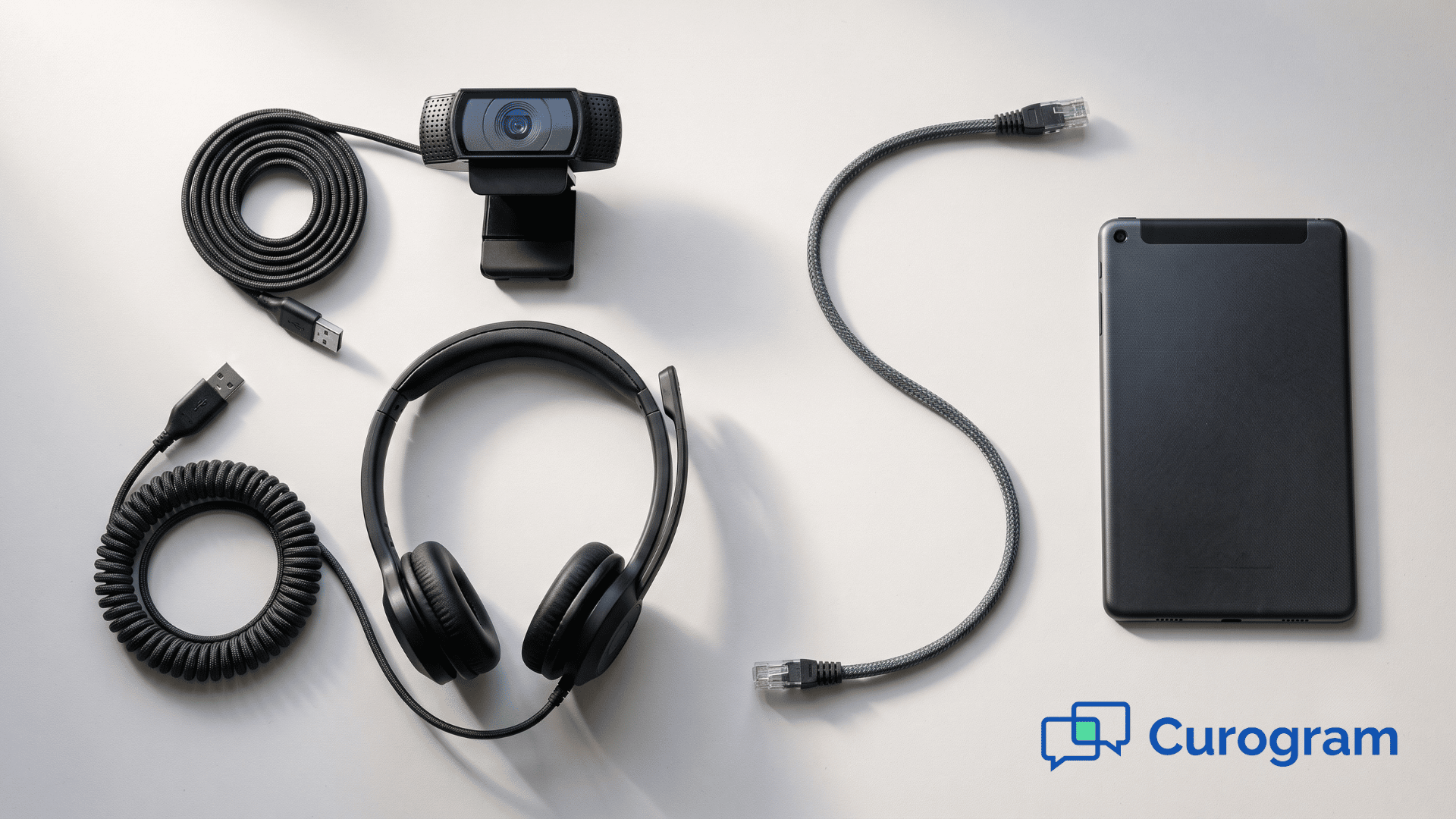
Almost every smartphone or tablet has a built-in camera/microphone with advanced features. However, some patients still use an older version of a desktop computer or laptop with no camera but can still plug in an external camera. Fortunately, plenty of external cameras are available on the market, and there are inexpensive units with quality features.
A digital camera is an essential tool in telehealth to allow physicians to virtually meet their patients in a face-to-face manner. When physicians see their patients, even on an electronic screen, it makes the patients feel like they are in a healthcare setting.
Audio quality matters more than video quality, and practices consistently underestimate this. A patient who mishears a dosage instruction can end up taking the wrong amount of medication. That's a clinical risk, not a convenience issue.
Phones and tablets handle this well on their own. On a computer, use built-in microphones and speakers, or add headphones with an inline mic. Noise-cancelling options cut background sound in a busy office.
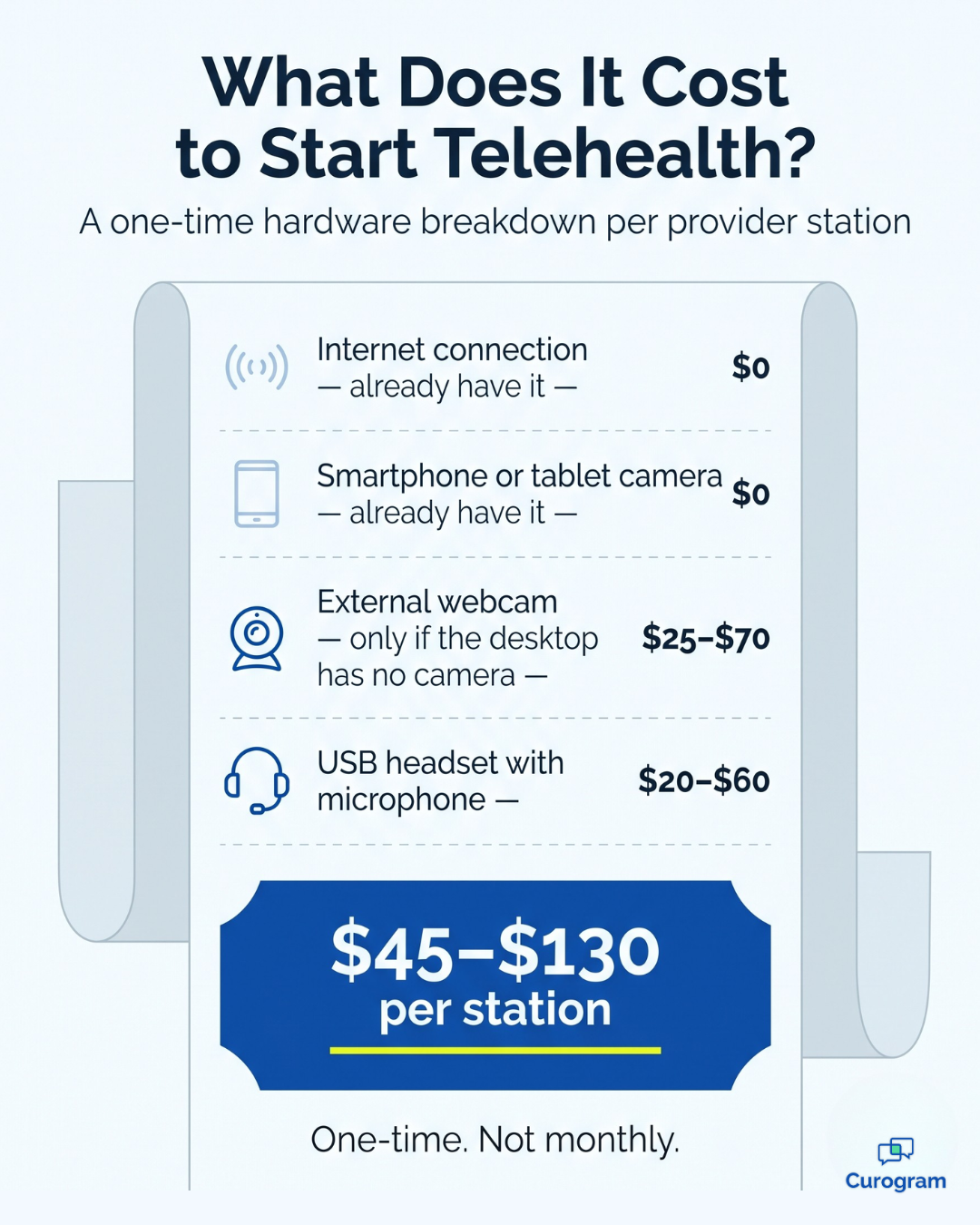
Budget-wise, this is the cheapest requirement on the list.
Here's a realistic range for a single workstation:
| Item | Typical one-time cost | Notes |
|---|---|---|
| External webcam | $25–$70 | Only needed if the computer has no built-in camera |
| USB headset with mic | $20–$60 | Noise cancelling costs slightly more |
| Total per station | $45–$130 | One-time, not monthly |
For most practices, outfitting two or three provider stations lands under $400 total. Compare that to the revenue from a single recovered appointment and the math takes about a second.
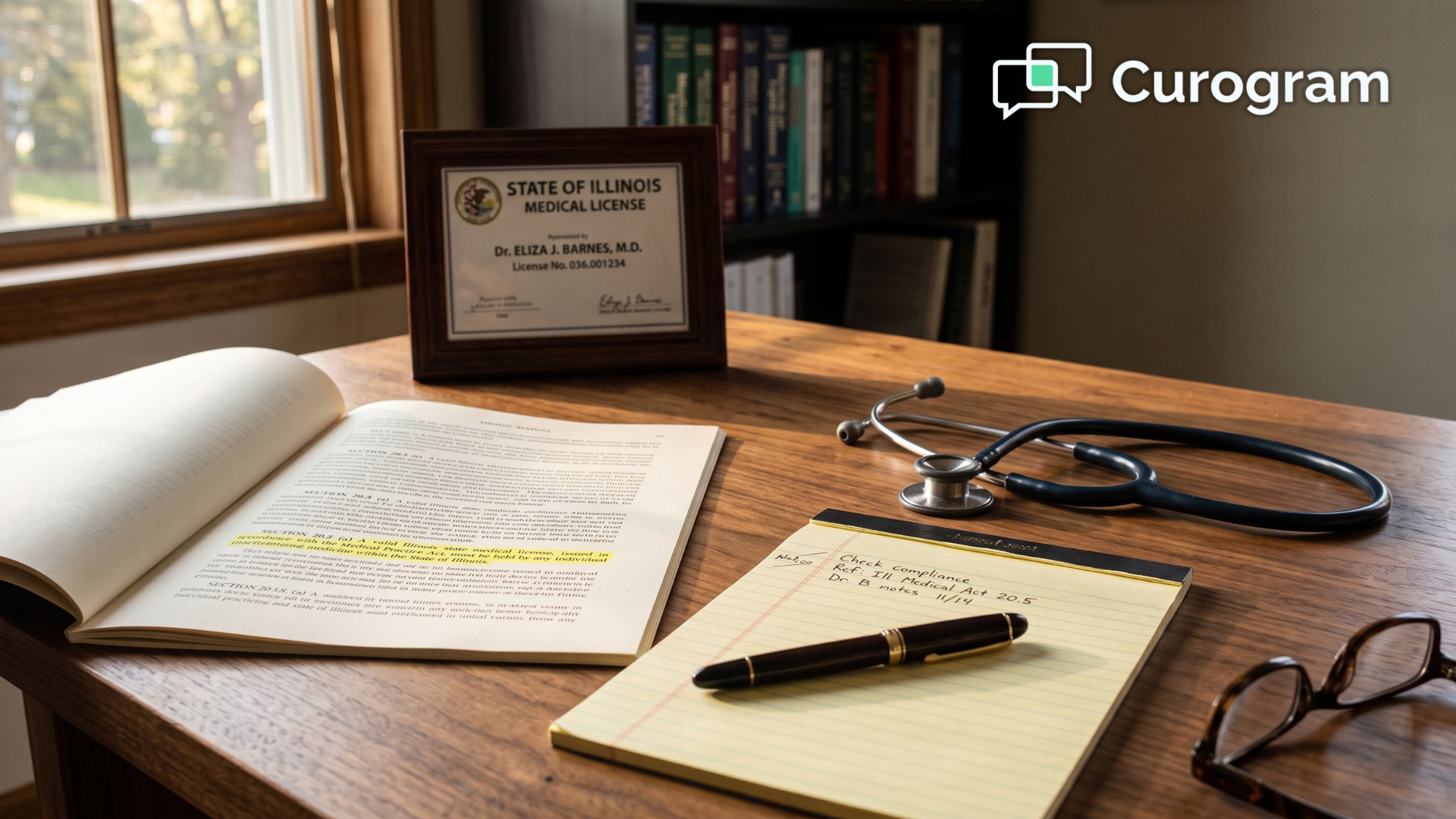
Healthcare providers can deliver telehealth services across state lines, depending on rules set by state and federal policies. But for many states, to practice telehealth, healthcare practitioners must get certified first.
Healthcare workers must know how to approach telehealth and use adequate tools, proper communication channels, and correct Current Procedural Terminology (CPT) codes. These codes are medical terms created to make a uniform standard when referring to a wide range of medical services.
To obtain a telehealth certification, healthcare practitioners need to meet specific qualifications proposed by the state of their medical practice.
Some of the most common requirements in the majority of states for telehealth certification are:

As mentioned, each state has its own rules and regulations on telehealth certification. Healthcare practitioners need to check first for the complete telehealth certification requirements in the state they are practicing.
Reliable technology is the foundation of every telehealth program. Not the most advanced technology. The most reliable.
That distinction matters, because it's what makes this whole list manageable. Telehealth can support remote patient monitoring (RPM) and full EHR integration, but none of that demands technical expertise from you or your patients. A stable connection, working hardware, secure software, real support, and current certification cover it.
Look at the list again and count what you already have. Internet: yes. A phone or computer with a camera: yes. That's three of five requirements met before you've spent a dollar.
The two that take real work are the software and the certification. One protects your patients. The other protects your license. Neither should be rushed, and neither takes as long as most practices assume.
Your patients are already comfortable online. They shop, bank, and message from the same device they'd use to see you. Meeting them there costs far less than losing them to a practice that already has.
To achieve the technical requirements for telehealth, all you need are some of the most common technology applications today. Your patients are already on the internet, and with millions of healthcare providers and patients immersing themselves in the advantages of remote, technology-driven health services, consider giving Curogram, a comprehensive telehealth solution, a try today. You won’t regret following the telehealth trend when it adds value to your practice.
Ready to see what that looks like in your practice? Book a Curogram demo and walk through a HIPAA-compliant telehealth visit from both sides, provider and patient, before you commit to anything.
 Michael Hsu : 6/18/20, 10:37 AM
Telemedicine in Tennessee follows rules that have changed five times since 2015. Learn the current licensing, prescribing, and coverage requirements...
 Michael Hsu : 6/11/20, 8:56 AM
The best guide to practicing telemedicine in Illinois. Experts break down how to stay compliant and take your telehealth business to the next level.
 Michael Hsu : 6/5/20, 8:30 AM
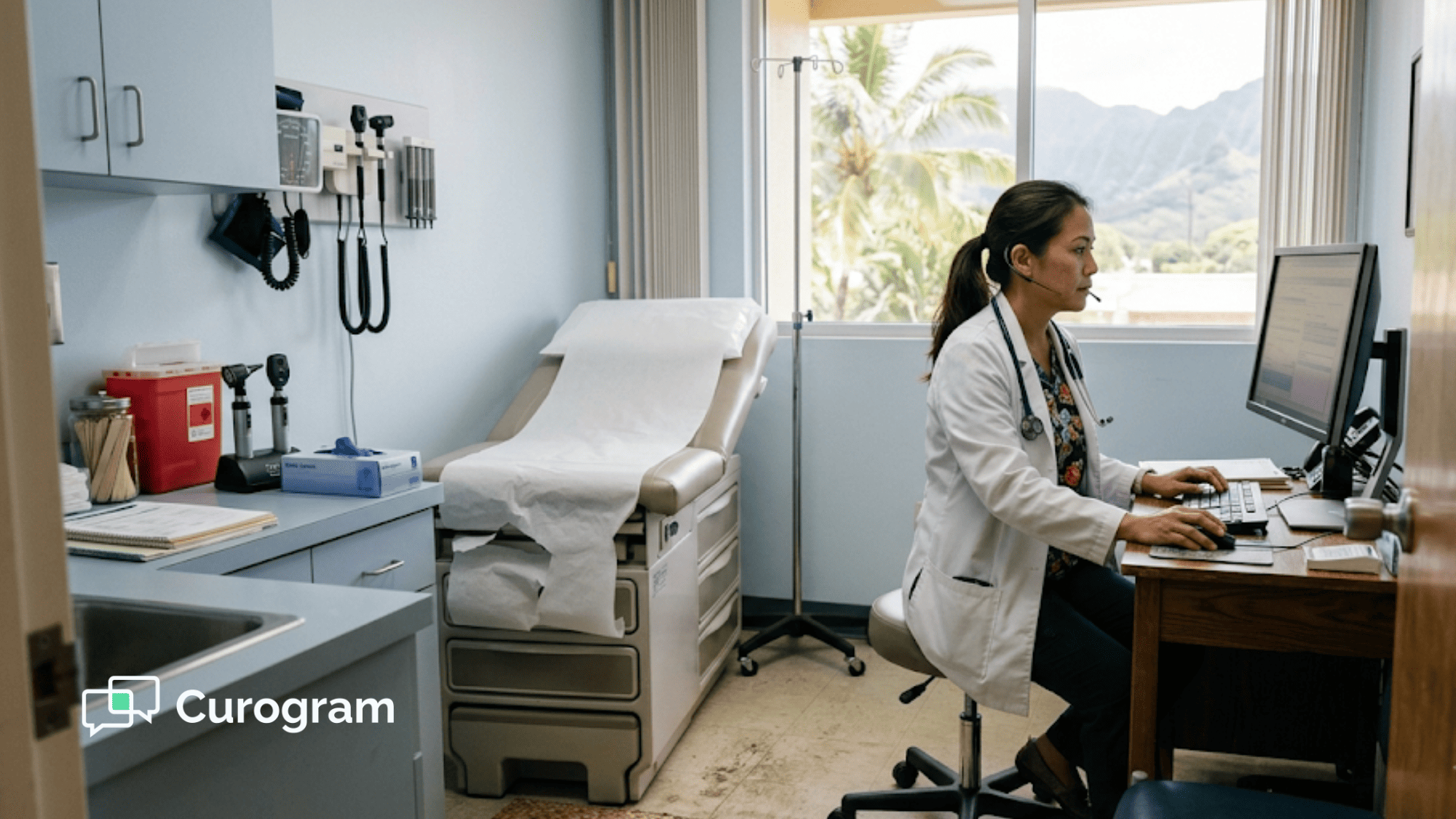
Telemedicine in Hawaii no longer requires an in-person visit first. Learn the current licensing, prescribing, and reimbursement rules for your...