
No App Telehealth for Prime Clinical | Barrier-Free Care
💡 Reducing telehealth no-shows at Prime Clinical practices starts with removing tech barriers. When patients must download an app, create an...
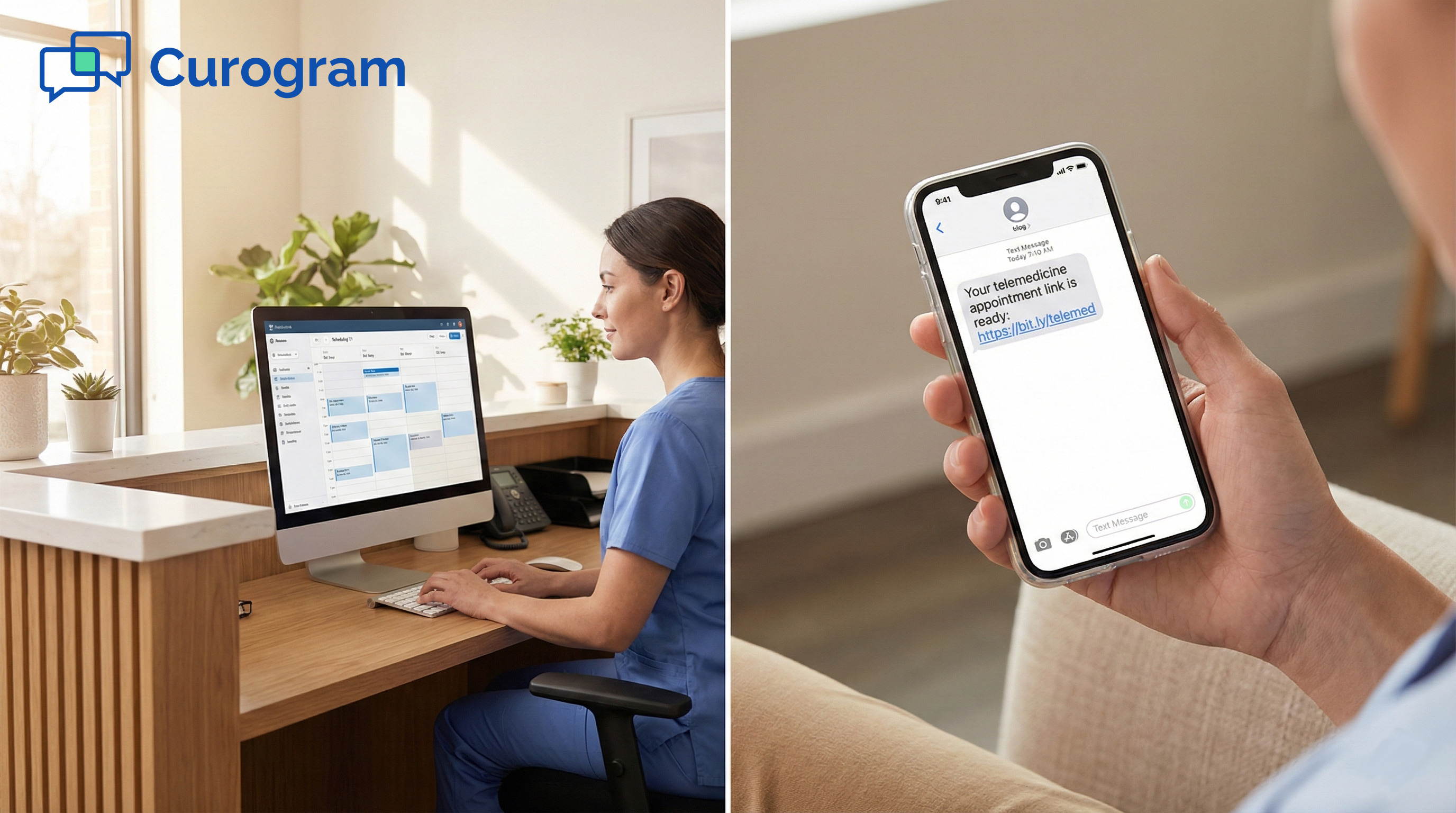
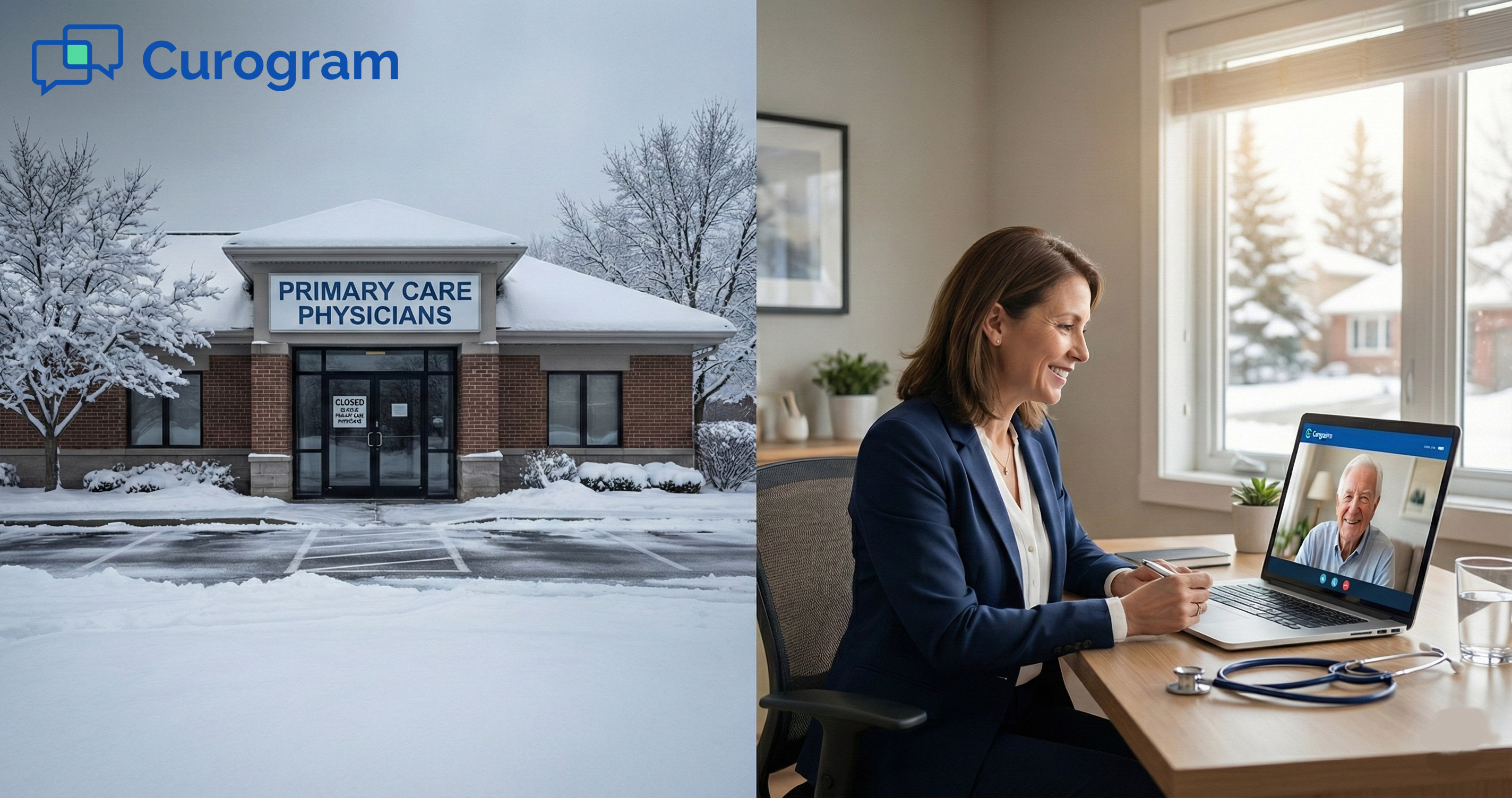
It's 6 AM, and the snow is piling up fast. Roads are shut down. Your front desk won't make it in. And your schedule has 25 patients booked for the day.
In most clinics, this means one thing: a total loss. No visits, no revenue, no way to catch up. The phones ring off the hook as patients call to ask what's going on.
Staff scramble to push visits to next week, which is already packed. It's a mess that can take days to sort out.
But what if you didn't have to close at all? What if you could flip a switch and move every visit online in a matter of minutes?
That's the idea behind telehealth for inclement weather in Prime Clinical. Instead of losing the day, you keep it running. Your provider works from home. Your patients stay on schedule. And your bottom line stays intact.
With Curogram's mass messaging tools and its tie-in to Prime Clinical Intellect, you can convert appointments to telehealth with a single broadcast text.
Patients get a link. They click it at their visit time. The provider meets them on video. With that, they still get the care they need, and you still get business on a snow day.
This isn't just a nice backup plan. It's a real shift in how smart practices handle bad weather, power outages, and other sudden closures. Think of it as medical practice disaster recovery that works in real time.
In this guide, we'll break down the true cost of a lost day, walk you through the step-by-step workflow, and show you how providers can stay flexible from any device.
Whether you deal with harsh winters or the random storm, this process helps you maintain patient volume during closures and protect your revenue every time.
Closing your doors for a day might feel like a minor setback. But the numbers tell a very different story. A single snow day can cost your practice thousands of dollars and create a ripple effect that lasts for weeks.
Let's look at the real math behind a lost day, the chaos it causes for your schedule, and the toll it takes on your patients.
Most Prime Clinical practices see between 20 and 30 patients per day. If your average visit brings in $150 to $200, a single closure can wipe out $3,750 to $5,000 in revenue. That's money you'll never get back.
It's not just one day's worth of income. Many of those patients won't rebook at all. Studies show that up to 20% of cancelled visits are never made up. That means every snow day chips away at your long-term revenue, too.
The direct hit is easy to see. No patients walk through the door, so no claims go out. Your staff still gets paid. Your rent doesn't pause. Your fixed costs stay the same while your income drops to zero.
For a small practice, even two or three lost days per year can add up to $10,000 or more in missed revenue. Larger groups with many providers feel the impact even harder.
Without a plan for Prime Clinical remote revenue continuity, these losses just pile up.
Beyond the day's lost income, there are costs you can't see right away. Patients who don't rebook may seek care elsewhere. Some may leave your practice for good if they feel let down by the short-notice cancellation.
There's also a trust factor. When a patient takes time off work for their visit and then gets a last-minute text saying "we're closed," it hurts the bond. Keeping your schedule active, even by video, shows that you value their time.
The Scheduling Nightmare
Pushing 25 patients to the next open slot sounds simple in theory. In practice, it's a logistical mess.
Next week's schedule is already full. Fitting in an extra day's worth of visits means double-booking, longer wait times, and burned-out staff.
This is where the real disruption lives. It's not just the money; it's the domino effect on your whole operation.
Staff spend hours on the phone trying to rebook. Providers run behind all week. The stress builds up fast.
When you try to squeeze 25 extra visits into the next few days, something has to give. Wait times grow. Patient satisfaction drops. Staff get stretched thin trying to manage the overflow.
A mass reschedule to video visits avoids this problem entirely. When you move the day online instead of pushing it forward, next week stays clean. Your team can breathe. Your patients don't wait.
The Patient Perspective
Think about it from the patient's side. They took a half-day off work. They arranged child care. They drove through bad roads only to find out the office is shut. Or worse, they get a text at the last minute.
These patients aren't just upset about the visit. They're upset about the wasted effort. Offering a virtual option shows respect for their time and keeps the care on track. It's a much better outcome for everyone.

Now that you know the cost of doing nothing, let's walk through the fix. Curogram makes it possible to move your entire day online in under five minutes. No panic, no chaos, no lost revenue.
Here's how the virtual switch workflow plays out, step by step, from the moment you know the roads are bad to the last video visit of the day.
It all starts early in the morning. The provider checks the roads, the weather report, or maybe the power is out at the office. Either way, the call is made: we're working from home today.
This decision can happen as late as 7 AM and still leave plenty of time. The key is that you don't need to cancel anything. You're not closing; you're shifting.
The earlier you decide, the smoother it goes. Patients get more notice. Staff have time to prep. But even if the call comes late, the workflow still works.
Think of this step as the trigger. Once the provider says "work from home," the rest of the process kicks off in minutes.
The big mindset shift is this: a closed office doesn't have to mean a closed schedule. In the past, bad weather meant mass cancellations. Now, it means a quick pivot to telehealth for inclement weather in Prime Clinical.
That pivot keeps your day alive. Patients stay booked. Providers stay productive. Revenue keeps flowing.
Steps 2 Through 4: Filter, Broadcast, and Execute
Once the decision is made, your staff logs into Curogram and filters for the day's visits by provider. This takes seconds. The system pulls the full list from Prime Clinical Intellect, so there's no manual work.
Next comes the broadcast. Staff sends one mass text to every patient on the list. The message might say: "Due to inclement weather, Dr. Smith is moving all visits to telehealth today. Reply YES to confirm, and we will text you a link at your scheduled time."
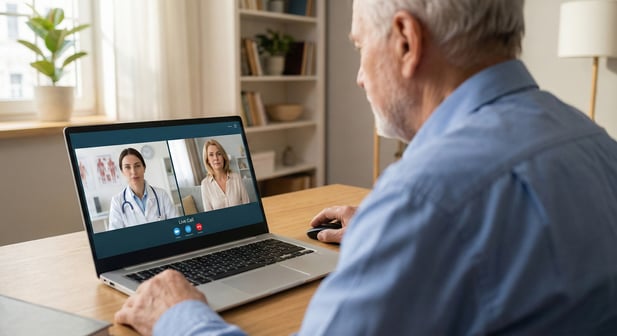
As patients reply YES, the staff simply clicks the video icon next to each name when their time slot arrives. The provider joins from home on their laptop, tablet, or phone. It's that simple.
This is where Curogram stands out. Instead of calling 25 patients one by one, you send one message that reaches all of them at once. Replies come back fast, and your staff can see who's in and who's not in real time.
It's a textbook example of medical practice disaster recovery done right. One action, one message, and your whole day is saved.
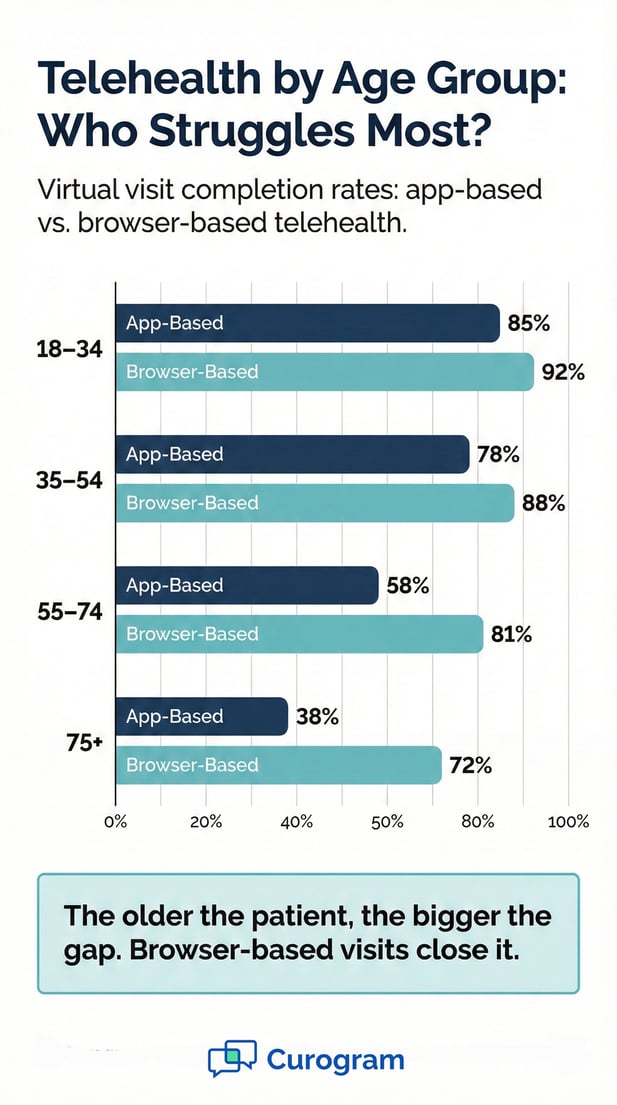
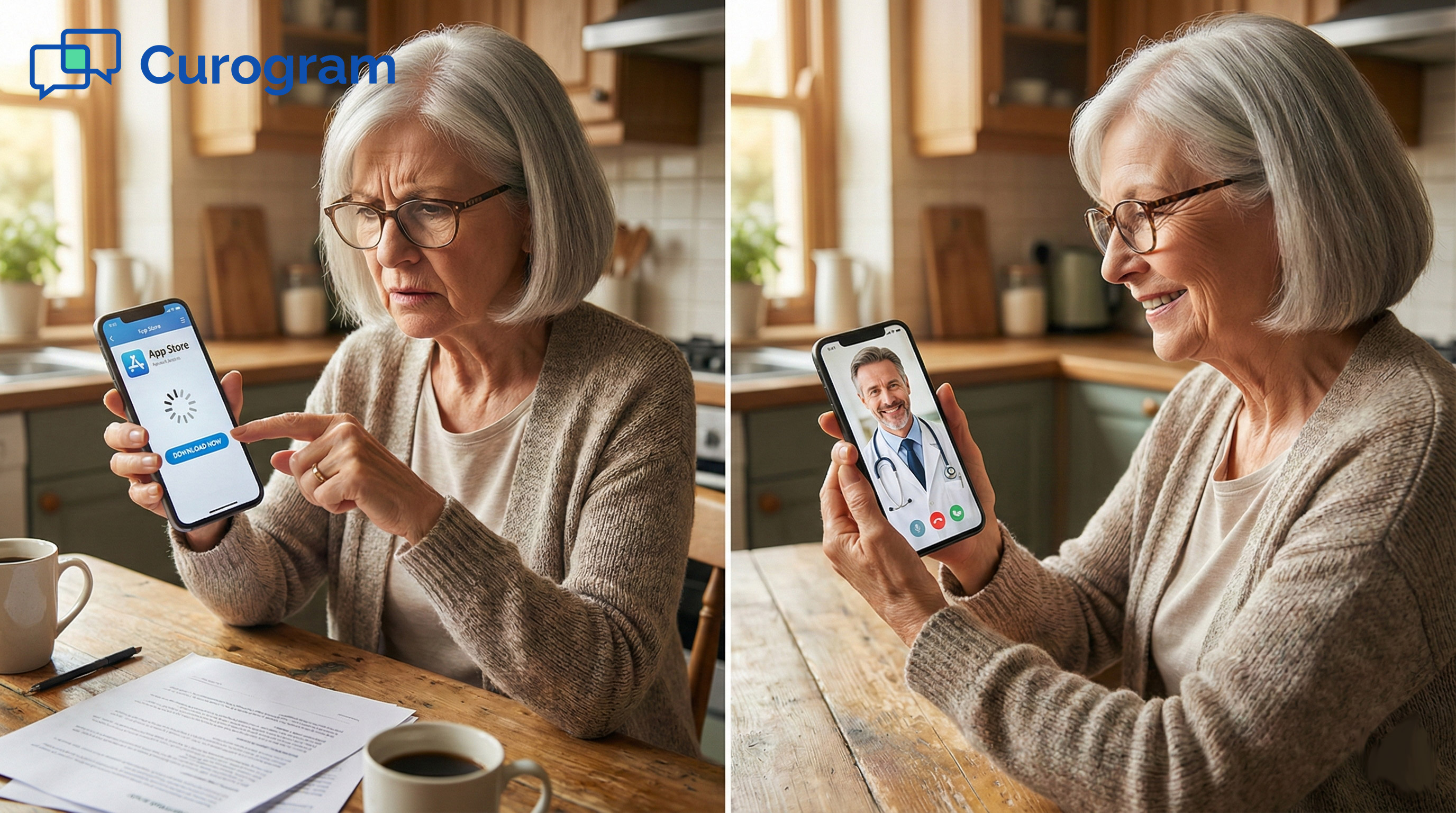
Patients don't need to download an app or make an account. They get a link by text. They tap it. The video starts in their browser. That's it.
This no-app approach means even your least tech-savvy patients can join. It removes the biggest barrier to virtual care: the setup. When you convert appointments to telehealth this way, almost everyone says yes.
The workflow above shows how staff handle the patient side. But what about the provider? One of the biggest concerns during a closure is how the doctor will connect, chart, and stay productive from home.
Curogram is built to make this easy. Because it runs in the cloud, providers can work from almost any device, anywhere. Here's how that works in practice.
The Anywhere Access
Curogram runs in a standard web browser. That means your provider doesn't need special software, a VPN tunnel, or IT support to get started. They just open their laptop, go to the site, and log in.
This works on a home desktop, a tablet on the couch, or even a phone in a pinch. The platform adapts to the screen size. Video, chat, and the patient queue all load right there in the browser.
For providers who are used to only working at the office, this is a game changer. There's no waiting for IT to set up remote access. There's no fumbling with a VPN that doesn't connect. It just works.
Because the video visits happen inside Curogram, not on a third-party app, everything stays HIPAA compliant. Patients click their link. The provider clicks the video icon. The call begins. It's secure, simple, and fast.
Device Freedom
Some providers prefer a big screen. Others like the ease of a tablet. Curogram works on all of them. The only real need is a stable internet link and a camera.
This kind of device freedom matters on snow days. The provider might not have their full home office set up. Maybe they're at a family member's house or even in a hotel during a trip. As long as they have a browser, they can see patients and keep the day on track.
Many Prime Clinical servers live on-site at the office. When the office shuts down, that server might be unreachable. This is a real problem if the provider needs to access charts before each visit.
With Curogram, the video call side doesn't depend on the local server at all. The provider can conduct the visit, take notes on a local device, and sync everything into Prime Clinical Intellect later when the office reopens. The care happens now; the admin can wait.
Charting and Documentation
A common worry is: "How do I chart if I can't reach the EMR?" This is a fair point. Prime Clinical Intellect may or may not be reachable from home, depending on your setup.
But the solution is simpler than you think. The provider can take notes during the visit on any device. A notepad, a Word doc, a voice memo. Whatever works. Then, when the office reopens and the server is back online, they enter or dictate those notes into the system.
If your practice does have remote desktop access set up, even better. The provider can chart in real time from home.
But the beauty of this workflow is that it doesn't require that. The visit still happens. The patient still gets care. And the chart catches up within a day or two.
For practices with a remote desktop connection, the provider can chart as normal. They log into the office system, open the patient's record, and type their notes during or right after the call.
This is the ideal setup. But again, it's not required. The whole point of the virtual switch is that care comes first. Whether you chart now or later, the patient gets seen, and the visit gets billed.
Catching Up on Admin After the Storm
When the office reopens, the provider brings their notes and enters them into Prime Clinical Intellect. This might take an extra 30 to 60 minutes, depending on the number of visits. But compare that to losing $5,000 in revenue. The trade-off is clear.
Some practices use voice dictation tools to speed this up. The provider records a quick summary after each virtual visit, then transcribes it later.
This hybrid approach keeps things moving on the snow day and makes the follow-up admin light and fast. It supports a model of Prime Clinical remote revenue continuity that works under any conditions.

The weather is the one thing no practice can control. But losing revenue to a snowstorm? That's now a choice, not a given.
Bad weather used to be a liability. A day of cancelled visits, lost income, and unhappy patients. But when you have a plan to mass reschedule to video visits in minutes, the story changes.
Instead of a loss, the snow day becomes a chance to offer something better: care from the comfort of home.
Patients don't fight the roads. Providers don't risk the commute. And your revenue stays where it belongs, on the books.
Patients appreciate the option. They don't want to cancel any more than you do. When you offer a virtual visit as a backup, most people say yes. It shows your practice cares about their time and their health.
Providers benefit too. Instead of a lost day at home with nothing to show for it, they stay productive. They see patients, earn revenue, and keep their schedule on track.
This workflow isn't just for snow days. It works for power outages, flood warnings, a provider with a mild cold who can't come into the office, or any other sudden disruption. The process is the same every time: decide, filter, broadcast, execute.
That kind of readiness is what medical practice disaster recovery looks like in the real world. Not a thick binder on a shelf, but a fast, tested process that works when you need it.
With telehealth for inclement weather in Prime Clinical, you can maintain patient volume during closures and keep your practice strong no matter what comes your way.
Protect your bottom line. See the Workflow to learn how to pivot to virtual in under 5 minutes.
Most practices can make the switch in under five minutes. Staff filter the day's visits in Curogram, send one mass text, and patients start confirming right away. The provider logs in from home and begins seeing patients at their regular times.
Curogram's mass messaging feature lets staff send a single broadcast text to every patient on the day's schedule. The message includes a clear note about the closure and an option to confirm a virtual visit. Replies come back in real time, so staff can track who's in.
Rescheduling overloads your next week and leads to longer wait times for everyone. Up to 20% of cancelled patients never rebook at all. Keeping visits on schedule through telehealth protects your revenue and avoids the domino effect on your calendar.
Providers can take notes on any device during the visit and enter them into Prime Clinical Intellect once the office reopens. If remote desktop access is available, they can chart in real time. Either way, the patient gets seen and the visit gets billed.
It gives your practice a tested, repeatable process for any sudden closure, not just snow. Whether it's a power outage, a flood, or a sick provider, the same four steps apply. This keeps revenue steady, and patients are cared for no matter what happens.
💡 Reducing telehealth no-shows at Prime Clinical practices starts with removing tech barriers. When patients must download an app, create an...
💡 Virtual care efficiency for Oracle Health networks improves patient access and reduces wasted provider time. Efficient telehealth workflows help...
💡 Telehealth for Meditab IMS practices breaks down access barriers that keep patients from getting the care they need. Virtual visits remove the...