


8 min read

Text-to-Pay for Prime Clinical | Collect Faster & Cut Costs

Text-to-Pay for Prime Clinical | Collect Faster & Cut Costs
💡 Text-to-pay for Prime Clinical Systems lets medical practices send secure payment links to patients by SMS.

Instead of mailing paper bills, your office sends a text with a link. The patient clicks, verifies their date of birth, and pays with a credit card or Apple Pay.

This approach cuts statement costs by up to 75% and helps reduce A/R days from weeks to hours. About 50% of text-based balances get paid within 24 hours.

Curogram connects with Prime Clinical Intellect and On-Line Power to read patient balances and trigger these messages. All payment data flows through a PCI-DSS secure gateway, so card details never touch your staff's hands.

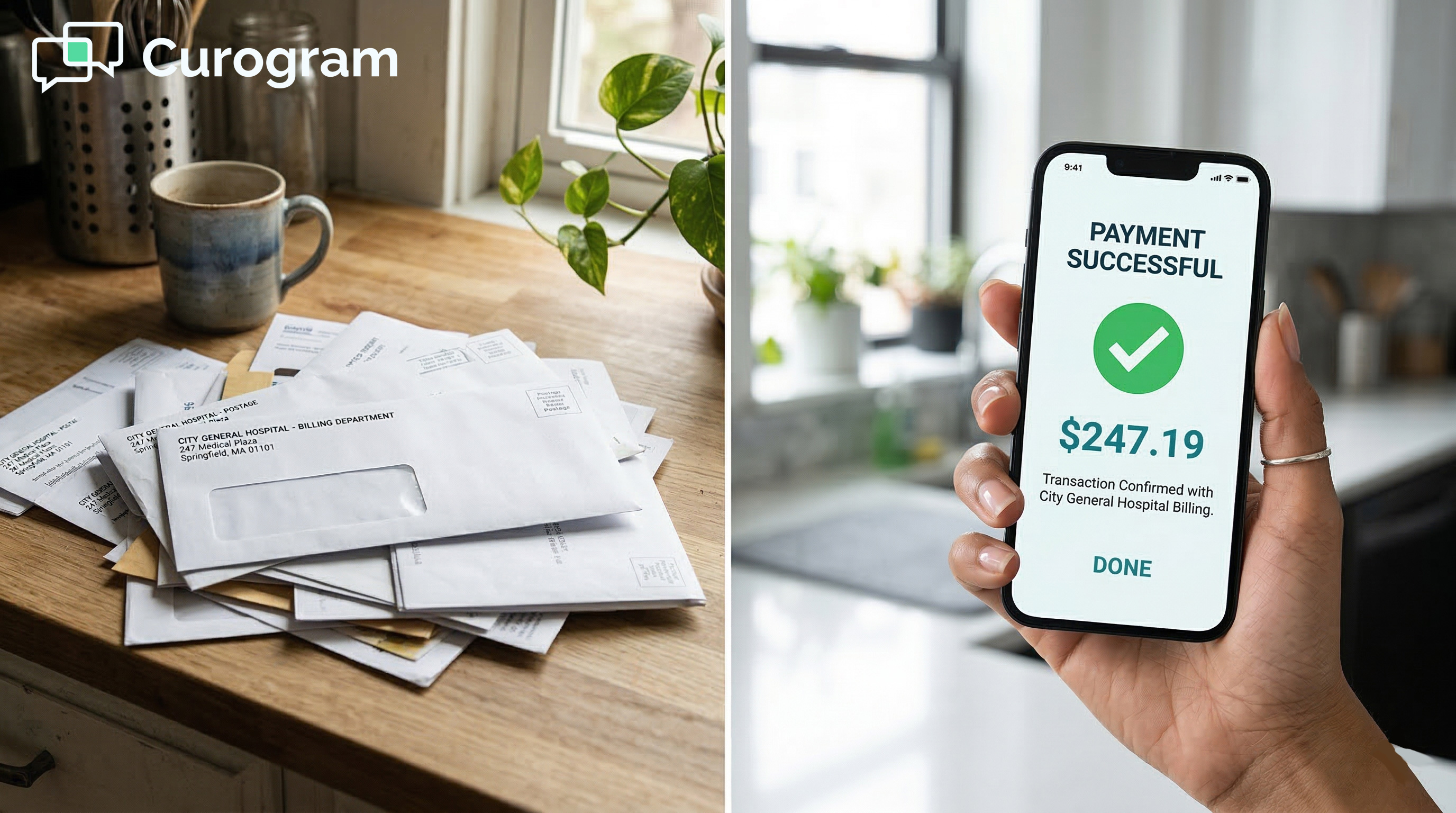
Your billing team prints the statement. They fold it, stuff it in an envelope, and drop it in the mail. Then they wait. Days turn into weeks. Weeks turn into write-offs. Sound familiar?

This is the cycle that drains cash from medical practices across the country. Paper bills cost real money to send.

Worse, many patients never even open them. The result is slow Prime Clinical patient collections and rising accounts receivable that choke your cash flow.

But what if you could skip the mailbox and land a bill right on a patient's phone? That's the idea behind text-to-pay for Prime Clinical Systems.

Instead of printing and mailing, your practice sends a short SMS with a secure link. The patient taps, confirms their identity, and pays in under a minute.

Curogram makes this possible by linking directly with Prime Clinical Intellect and On-Line Power. The system reads each patient's balance, fires off a text, and collects the payment through a safe, encrypted gateway. No paper. No stamps. No waiting.

The numbers tell the story. Practices that switch to SMS bill payment for their medical practice see about 50% of balances paid within 24 hours.

Statement costs drop by as much as 75%. Staff members stop chasing unpaid bills and start working on tasks that actually grow the practice.

This article walks you through the full picture. You'll learn why paper statements hold you back, how the text-to-pay workflow runs step by step, and what kind of results to expect. If your goal is to reduce A/R days with Prime Clinical, keep reading.

The Villain: The Snail Mail Bottleneck

Prime Clinical does a great job tracking charges, payments, and ledger data. But once the claim is done and the patient owes a balance, most offices fall back on the same old routine: print, fold, mail, and hope for the best. That's where the trouble starts.

The Paper Anchor

Your practice runs on tight margins. Every dollar counts. Yet the process of mailing a single statement eats into your bottom line more than most people realize.

What Each Statement Really Costs

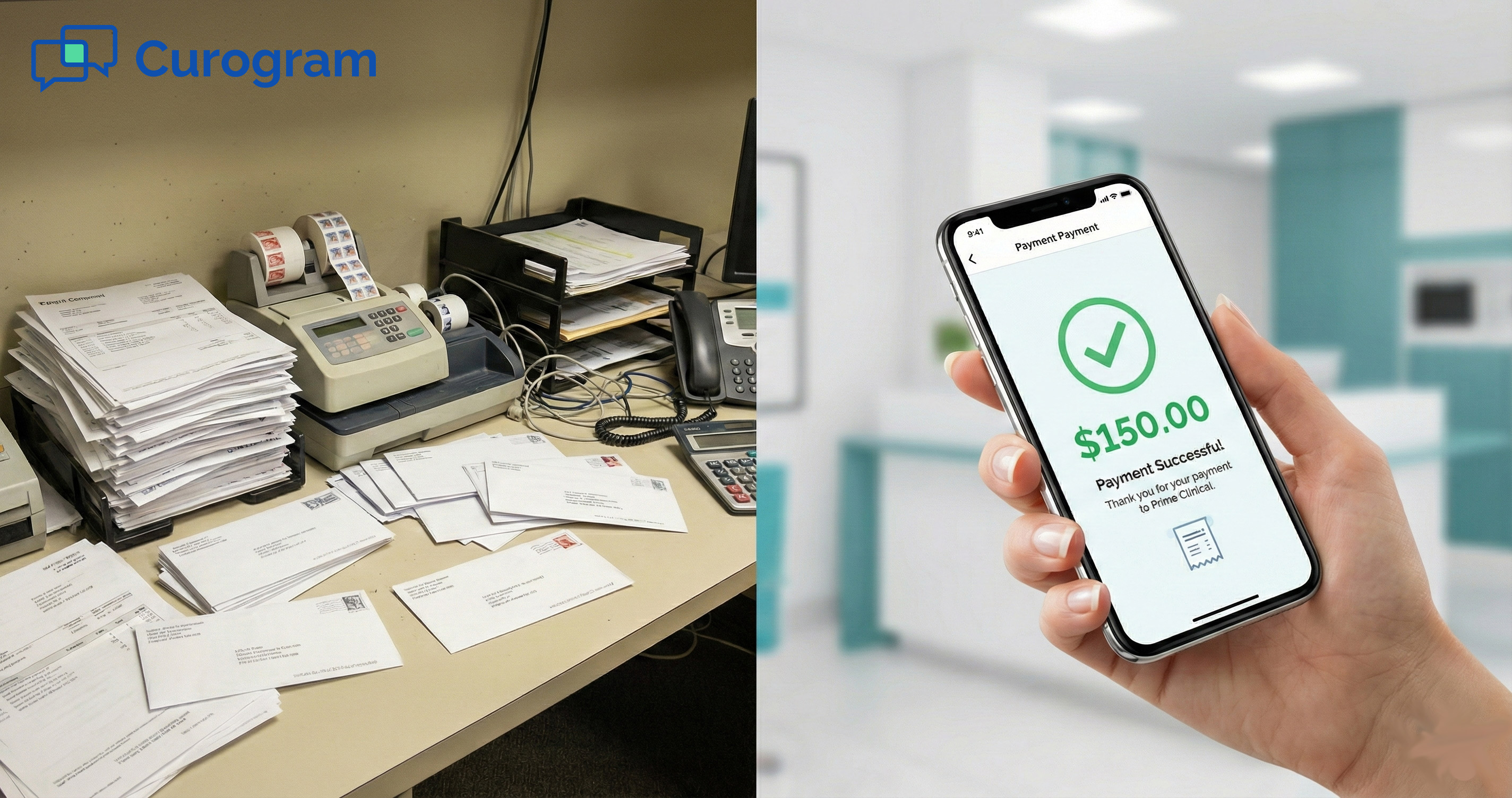
Add up the paper, ink, envelope, postage, and labor. A single mailed statement runs about $3.00. If your office sends 1,000 bills a month, that's $3,000 just to ask patients to pay you.

That $3.00 only covers the first attempt. Many practices send two or three rounds before giving up. The cost doubles or triples fast.

The Hidden Labor Drain

Someone on your team has to print the batch, check addresses, and stuff envelopes. That takes hours each week. Those hours could go toward denial follow-ups or posting payments instead.

When your staff spends time on paper tasks, higher-value billing work falls behind. The ripple effect slows your entire revenue cycle.

The Ignored Pile

Even when the statement reaches the patient's mailbox, there is no promise it gets opened. Paper bills compete with junk mail, flyers, and catalogs. Most end up in a stack on the counter.

Why Patients Don't Open Paper Bills

People today manage most of their lives on a phone. Banking, shopping, and even doctor visits happen on a screen. A paper bill feels out of place.

Younger patients in particular may ignore anything that arrives by mail. They expect a digital option and move on when they don't see one.

The Real Cost of Being Ignored

Each day a bill sits unread, your A/R ages. After 90 days, the odds of collecting drop sharply. You spent money to mail a bill that no one looked at. That's lost revenue on top of wasted postage.

It's fair to ask: why keep spending money to send bills that no one reads? There's a better path, and it starts with meeting patients where they already are, on their phones.

The Guide: Modernizing Collections for Prime Clinical

Replacing paper with mobile payment integration doesn't mean throwing out your current system.

It means adding a faster layer on top of Prime Clinical that reaches patients in seconds, not weeks. Here's how the workflow looks from start to finish.

How the Text-to-Pay Workflow Runs

The process is simple and mostly hands-off for your staff. Curogram handles the heavy lifting once it connects to your Prime Clinical system.

Reading the Balance and Sending the Text

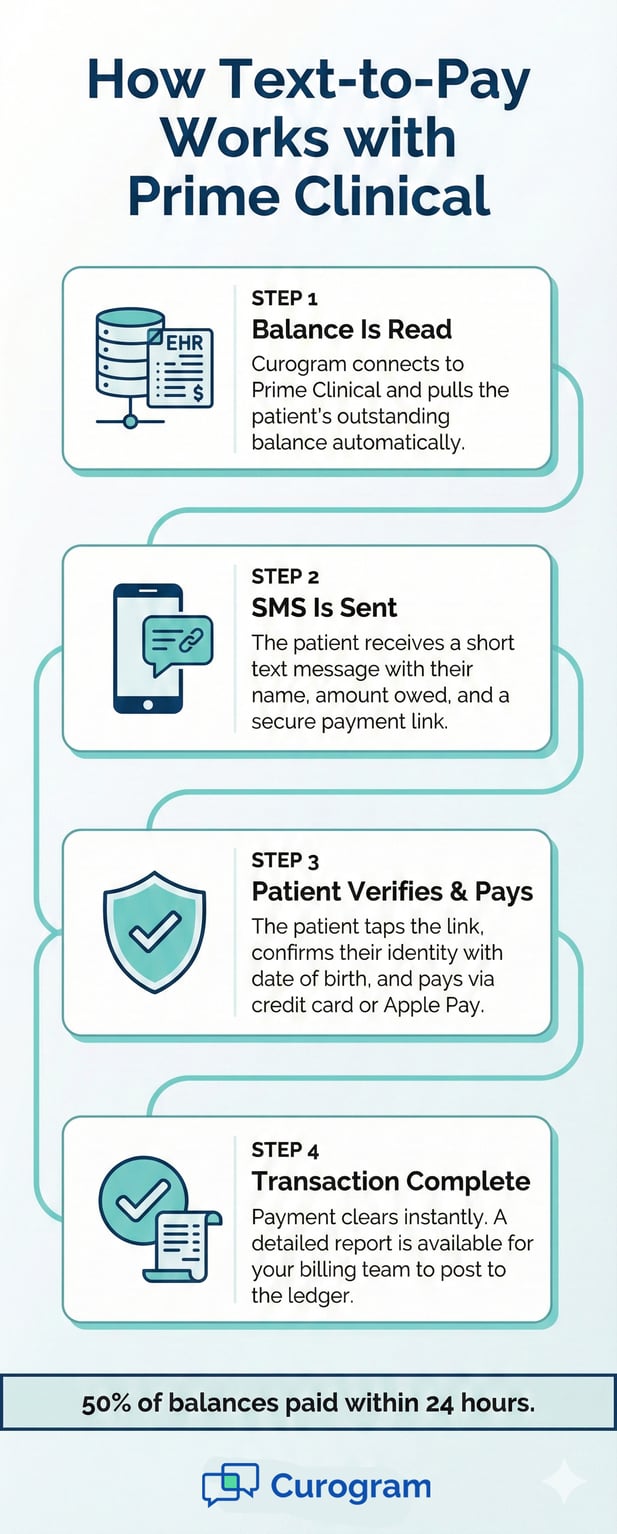
In the first step, Curogram reads the patient balance from Prime Clinical. It pulls the amount owed and the patient's phone number.

It sends an SMS that says something like: "Hi [Name], your balance is $50. Click here to pay securely."

The message is short and clear. There's no medical detail in the text itself. Just a name, an amount, and a secure link. This keeps things clean and private.

Patient Clicks, Verifies, and Pays

When the patient taps the link, they land on a secure page. They verify their date of birth for identity checks. Then they choose to pay with a credit card, debit card, or Apple Pay.

The whole thing takes less than a minute. No login to remember. No check to write. No trip to the post office. The payment clears, and the loop is closed.

The Security Layer That Protects Everyone

Handling payments by text might sound risky. But the system is built with strong guards in place to keep card data safe and meet all rules for patient privacy.

PCI-DSS Compliance and Encryption

All card data runs through a PCI-DSS-compliant gateway. That means the numbers are encrypted from the moment the patient types them. No card info ever sits on a sticky note at the front desk.

This is a big upgrade over the old way, where staff might take card numbers over the phone and jot them down. With electronic patient statements, the risk of data leaks drops close to zero.

HIPAA-Friendly by Design

The text message itself holds no protected health details. No procedure codes, no visit dates, no diagnosis info. All of that stays behind a secure login that opens only after the patient proves who they are.

This design means your practice can send SMS payment links with full confidence. The patient gets a nudge to pay, and their private health data stays locked down.

Infographic of text-to-pay workflow for Prime Clinical and Curogram EHR integration

The Success: Paid in Minutes, Not Months

Numbers don't lie. When you move from paper to text, the speed of payment changes in a big way. Here's what the data shows for practices using text-to-pay for Prime Clinical Systems.

Speed and Cost Results

The two metrics that matter most are how fast you get paid and how much it costs to collect. Both shift in your favor the moment you go digital.

50% Paid Within 24 Hours

Paper bills take 30 to 45 days just to reach a patient and get a response. Text messages land in seconds. About 50% of patients who get a text-to-pay link settle their balance within a single day.

That speed means your practice can reduce A/R days with Prime Clinical by weeks, not just a few days. Cash hits your account while the visit is still fresh in the patient's mind.

75% Drop in Statement Costs

If you mail 1,000 bills per month at $3.00 each, that's $3,000. Switch most of those to text, and the cost falls by roughly 75%. That's about $2,250 saved every month, straight to your bottom line.

Over a year, the savings add up to $27,000 or more. For a small or mid-size practice, that's real money you can put toward staff, gear, or growth.

Staff Time and Focus

Cost and speed are only part of the story. The way your team spends their day changes, too, when you move away from paper-based collections.

Fewer Collection Calls

No one on your staff enjoys calling patients about unpaid bills. Those calls are awkward and often end with no payment at all. When patients pay through a text link, the call volume drops fast.

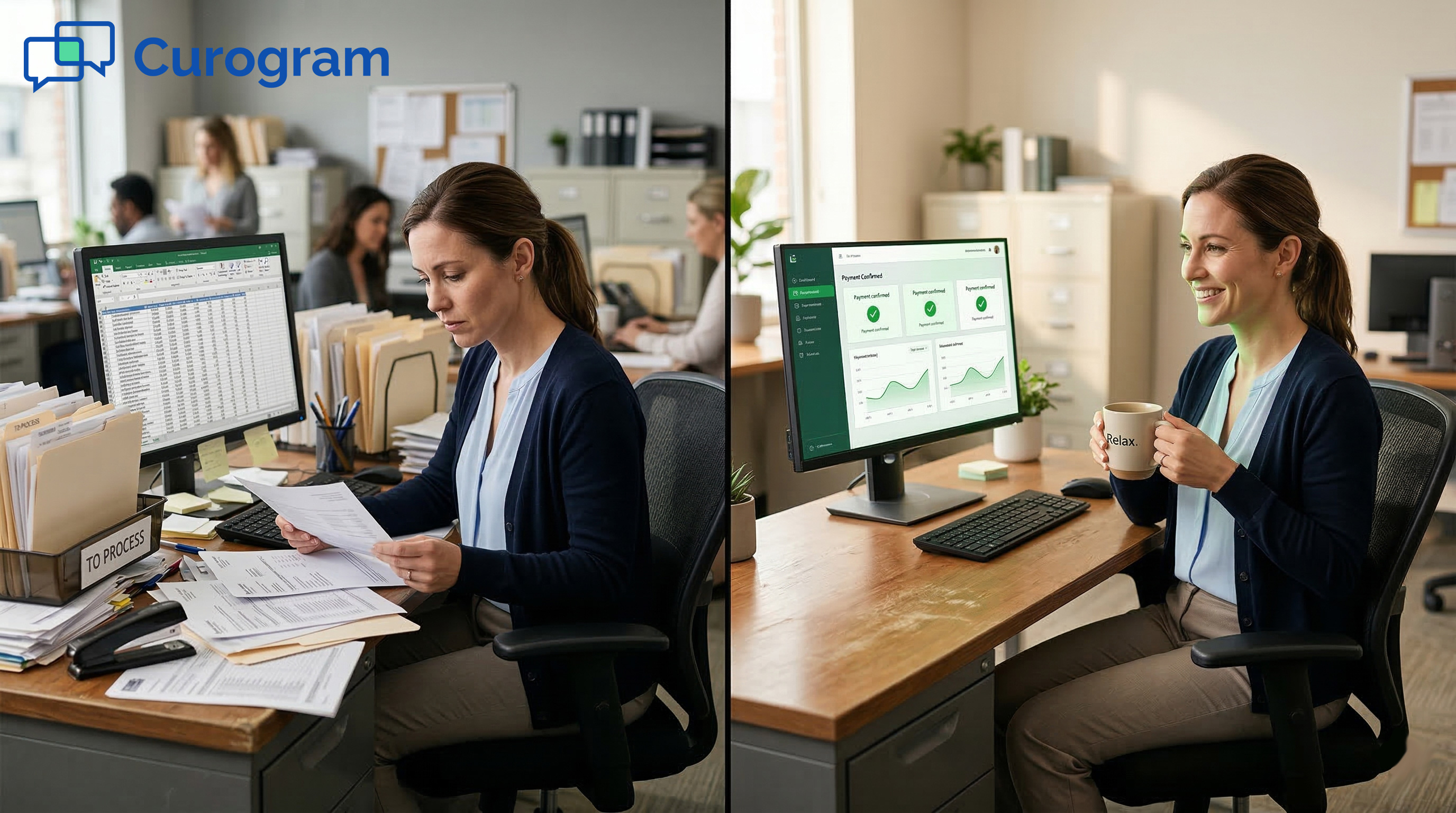
Your billing team can stop chasing small balances and shift their time to high-level tasks like denial appeals and payer follow-ups.

Better Use of Billing Talent

A skilled biller should not spend hours stuffing envelopes. With text-to-pay handling the routine balances, your team is free to tackle the hard stuff. Denials, appeals, and complex claims need a human touch.

This shift does more than save time. It helps your practice close revenue gaps that have a much bigger impact than any single patient balance.


Frequently Asked Questions for Prime Clinical Users

Switching to a new payment method brings questions. Below are the ones we hear most from practices that use Prime Clinical Intellect and On-Line Power.

Does the payment post to Prime Clinical on its own?
This is one of the first things billing staff want to know. The good news is that the reporting is clear and fast.

Curogram gives your team a detailed report of every payment collected. The report shows the patient name, amount, date, and method. Your billing staff can use it to post payments to the ledger in Prime Clinical with ease.

In some cases, the gateway setup allows for closer to real-time posting. The exact flow depends on which payment gateway your practice selects.

Because every transaction is logged, there's a clear paper trail, even though no actual paper is involved. Audits and end-of-month reports stay clean.

Your billing staff won't need to guess which patient paid what. Each text-to-pay record ties back to a specific balance.

Is it HIPAA-compliant to text a bill?
Patient privacy is the top concern for any medical practice. Here's how the system handles it.

The SMS itself contains only the patient's first name and a dollar amount with a link. No diagnosis codes, visit dates, or treatment details appear in the message.

All sensitive data lives behind a secure page. The patient must verify their identity, usually with a date of birth, before they see any health-related billing details.

Because the text is just a prompt, not a full statement, it fits within HIPAA rules. Your practice can feel confident that electronic patient statements handled this way meet current standards.

If patients have billing questions after they click the link, they can reply by text. This keeps the conversation in a HIPAA-compliant channel instead of an open phone line.

What if the patient can't pay the full amount?
Not every patient can settle their full balance in one shot. The system accounts for this.

You can set the system to accept partial payments. This way, a patient who owes $500 can pay $100 now and come back for the rest later. Collecting something is always better than collecting nothing.

You can also link patients to a payment plan page. This gives them a clear path to pay off the balance over time, which helps keep accounts out of collections.

When patients have a fast, simple way to pay part of a bill, fewer accounts go to a third-party agency. That protects your patient relationships and keeps more money in-house.

The goal is to remove every barrier between the patient and the payment. Flexible options do exactly that.


Medical billing coordinator working efficiently in a modern, paperless healthcare office

Stop Mailing, Start Collecting

The old way of collecting patient balances is slow, costly, and easy to ignore. Text-to-pay for Prime Clinical Systems changes the game by putting a payment link in the one place patients always check: their phone.

The case for switching is built on simple math. Faster payments, lower costs, and less wasted staff time add up to a stronger bottom line.

With 50% of balances paid within 24 hours, your cash flow becomes far steadier. You can plan with more confidence when money arrives in days, not months. The ability to reduce A/R days with Prime Clinical is one of the biggest wins a practice can score.

SMS bill payment for your medical practice also means fewer follow-up rounds. One text often does the job that three mailed statements couldn't.

A 75% cut in statement costs frees up budget every single month. Over a year, the savings alone can fund new tools, extra staff hours, or practice upgrades.

And because your billing team spends less time on rote tasks, their focus on high-value work drives even more revenue back into the practice.

If your practice uses Prime Clinical and you're tired of the paper chase, the path forward is clear. A modern mobile payment integration is the fastest way to close the gap between sending a bill and getting paid.

Curogram offers a live demo where you can see the full workflow. Watch how the system reads a balance from Prime Clinical, sends the text, and collects the payment in real time.

There's no long contract and no complex setup. Most practices are up and running within days.

Ready to move from snail mail to instant collection? Schedule a demo to see how text-to-pay works with your Prime Clinical setup.

How to Solve Unpaid Balance for Osmind Clinics with SMS Payments

How to Solve Unpaid Balance for Osmind Clinics with SMS Payments

💡 Clinics using Osmind EMR can boost their Osmind EMR ROI for patient payments by switching from paper billing to secure SMS payment links....

Read More
How to Modernize the Osmind Interventional Psychiatry Patient Payments

How to Modernize the Osmind Interventional Psychiatry Patient Payments

💡 Patient payments for Osmind can be faster and simpler with secure text-to-pay tools. Curogram lets mental health clinics send one-click payment...

Read More
How to Enhance the Patient Experience for Osmind Practices | Curogram

How to Enhance the Patient Experience for Osmind Practices | Curogram

💡 Clinics using Osmind can boost patient satisfaction with frictionless medical billing for Osmind through mobile-first payment links.Curogram's...

Read More