

13 min read

PF Staff Telemedicine | 1-Click Video Visit Launch, Zero Tech Support

PF Staff Telemedicine | 1-Click Video Visit Launch, Zero Tech Support
💡 The Practice Fusion staff telehealth workflow can become a daily source of friction when Updox is part of the picture.

Staff must log into a separate system, compose manual invitations, and help patients reset portal passwords just to start a video visit. That extra work often leads to no-shows, wasted time, and staff pulled away from higher-priority tasks.

Curogram's one-click video visit launch removes those steps. Staff schedule telemedicine appointments directly inside Practice Fusion. When appointment time arrives, an automated text with a secure join link goes out to the patient. No portal. No app download. No password reset.

For small clinics looking for a practical Updox replacement that reduces follow-up calls and cuts no-show rates, this workflow makes a measurable difference.

This article explains how the one-click launch works and what real results look like for small Practice Fusion practices.

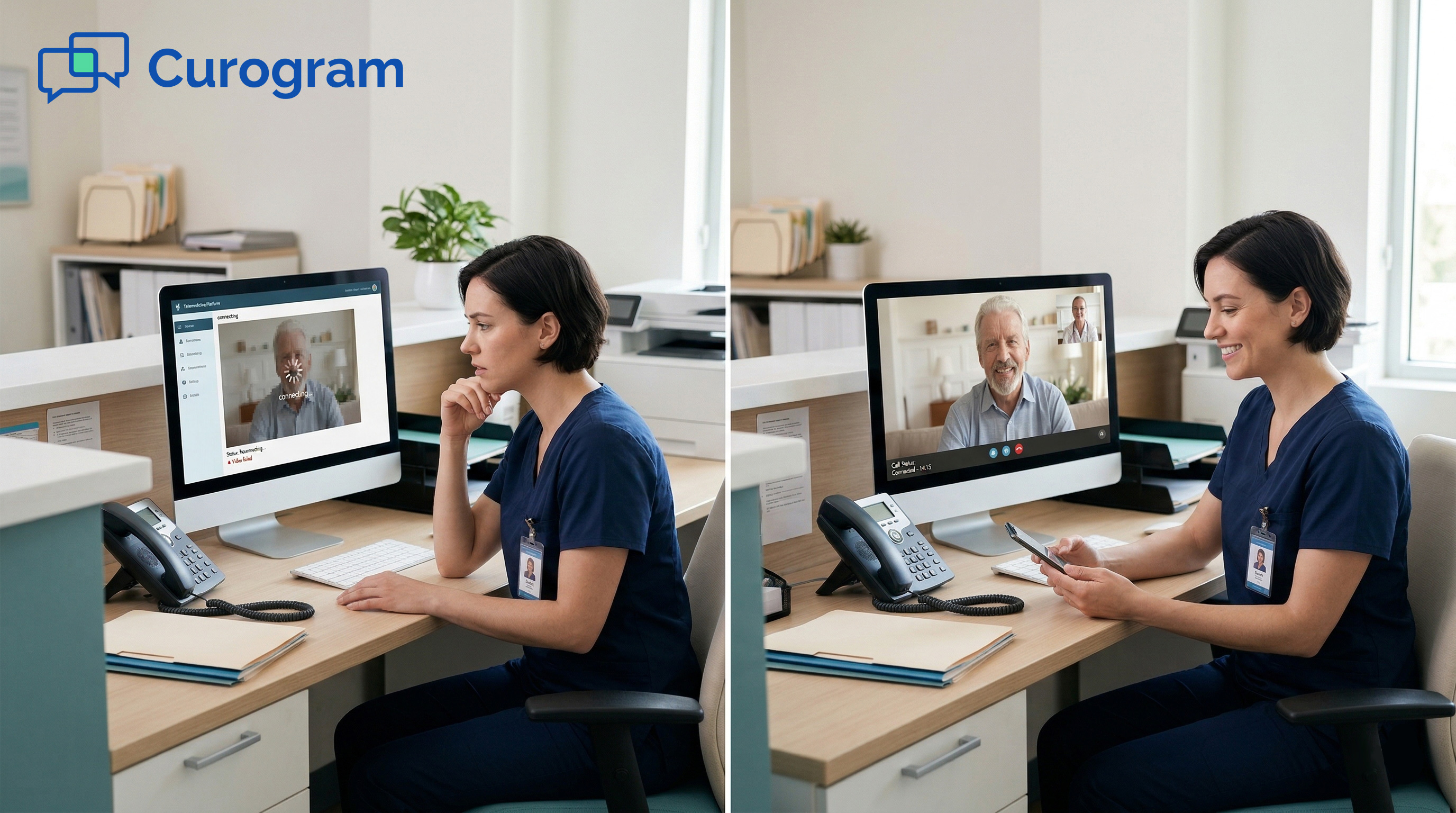
You scheduled the telemedicine visit. You sent the invitation. Now the patient is calling because they cannot figure out how to log in.

For office managers at small Practice Fusion clinics, this is a familiar story. Telemedicine was supposed to save time and give patients an easier way to connect with their provider. But when the workflow is broken, virtual care creates more work, not less.

The problem usually starts with the tool stack. Practice Fusion manages your appointment book, clinical notes, and patient records.

But when a video visit is scheduled, that visit lives inside Updox. Staff have to leave the EHR, open a separate system, find the patient record, compose an invitation, and send it manually.

When patients cannot log in, the front desk becomes tech support.

A patient who never got the invite. A parent who forgot the portal password. A grandparent who does not know how to download the app.

Each of these turns into a support call. That call takes 15 to 20 minutes. And at the end, the visit often converts to a phone call anyway.

This is not a small inconvenience. For a team already managing scheduling, insurance, billing, and incoming calls, losing 2 to 4 hours a week on telemedicine troubleshooting is a real operational cost.

There is a better way. This article walks through why the standard Updox approach creates so much drag, how Curogram's one-click launch changes the daily workflow, and what a small pediatric practice experienced after making the switch. If your team spends more time troubleshooting telemedicine than using it, keep reading.

The Villain: The Telemedicine Support Burden

Many small practices turn on Updox telemedicine because it is the easiest option for Practice Fusion users. But "available" does not always mean "simple."

The moment a video visit is scheduled, staff step outside their normal workflow and into a separate system with its own rules. That shift is where the trouble starts.

A Workflow That Lives Outside Practice Fusion

When a patient books a telemedicine visit, it appears in the Practice Fusion appointment book just like any other visit.

But that is where the shared workflow ends. Getting the patient into the actual video room requires a completely separate set of steps.

Staff must log into Updox, locate the patient record, compose an invitation, and send it manually. That is at least four extra actions before the visit even begins. For a front desk team handling 50 or more appointments a week, those extra steps add up fast.

The issue is not that the steps are hard. It is that they are invisible. The schedule shows the visit. But staff have to remember to do something extra, outside the system they are already in, for the visit to actually work.

The manual invitation problem

Updox does not send telemedicine invitations automatically when a visit is scheduled in Practice Fusion. That gap puts the responsibility squarely on staff.

If the invitation is not sent, the patient has no way to join the visit. If it goes out late, the patient may not see it in time.

Staff end up tracking which telemedicine appointments still need manual invitations, on top of everything else they already manage. One hectic morning is all it takes for a visit to fall through the cracks.

One system for the schedule, another for video visits

Practice Fusion and Updox are separate platforms. They do not share a single, connected workflow. Staff manage the appointment schedule in one place and telemedicine access in another.

For a small practice with limited staff, this split creates daily errors, delays, and missed details. It is not just inconvenient.

It is a consistent source of drag that slows the team down during the hours when speed matters most.

When Patients Cannot Get In

Even when the invitation is sent correctly, patients must log in through the Updox portal to access their video visit. That step blocks more patients than most practices expect.

Portal-based telemedicine has a well-known drop-off problem. Patients forget passwords. They lack the app. Their browser is not compatible. Any of these issues can prevent them from joining, and each one becomes a support call for someone on your team.

The password reset spiral

When a patient calls in because they cannot log in, a staff member has to help. That means walking them through a password reset, guiding them through portal navigation, and staying on the phone while they try to access a system they have used once or twice at most.

Each call takes 15 to 20 minutes. And after all that time, the visit may not happen anyway.

The real cost of a failed login

One failed telemedicine login is not just a patient inconvenience. It is a lost appointment, a wasted time slot, and up to 20 minutes of staff time. Portal-based telemedicine systems see completion rates as low as 40 to 50%, based on our internal data.

For a practice scheduling 20 video visits a week, that means up to 10 missed visits and the follow-up calls, reschedules, and extra documentation that come with them.

That time does not come from nowhere. It comes from the other tasks your team should be focused on.

The Feature: The One-Click Launch

Curogram's one-click video visit launch was built to solve the exact problems that make the standard Updox setup hard to manage.

It does not require staff to learn a new system, navigate a second platform, or remember to manually send invitations. The entire workflow stays inside Practice Fusion from start to finish.

How It Works Inside Practice Fusion

The core idea is simple. Staff schedule a telemedicine visit the same way they schedule any other appointment. They pick a time, set the visit type, and add any notes. That is it. Everything else is handled automatically.

There is no separate login for telemedicine. No queue to check. No invitation to compose. The appointment goes into the schedule, and the automation takes over from there.

Scheduling stays in one place

When a video visit is booked in Practice Fusion, Curogram picks it up automatically. No staff action is needed to connect the appointment to the telemedicine system. The visit type tells the system what to do next.

This keeps the entire appointment workflow in one place. Staff do not need to switch between systems or remember to trigger a separate step. The Practice Fusion schedule remains the single source of truth.

Automatic reminders do the heavy lifting

At appointment time, or a configurable number of minutes before, Curogram sends the patient a text message. That message includes a direct link to the video room.

Staff do not send it manually. The same automation that handles appointment reminders also handles the telemedicine link.

For small practices, this is a meaningful shift. One automated text replaces a manual Updox invitation, a reminder call, and a potential support conversation.

What Patients Experience

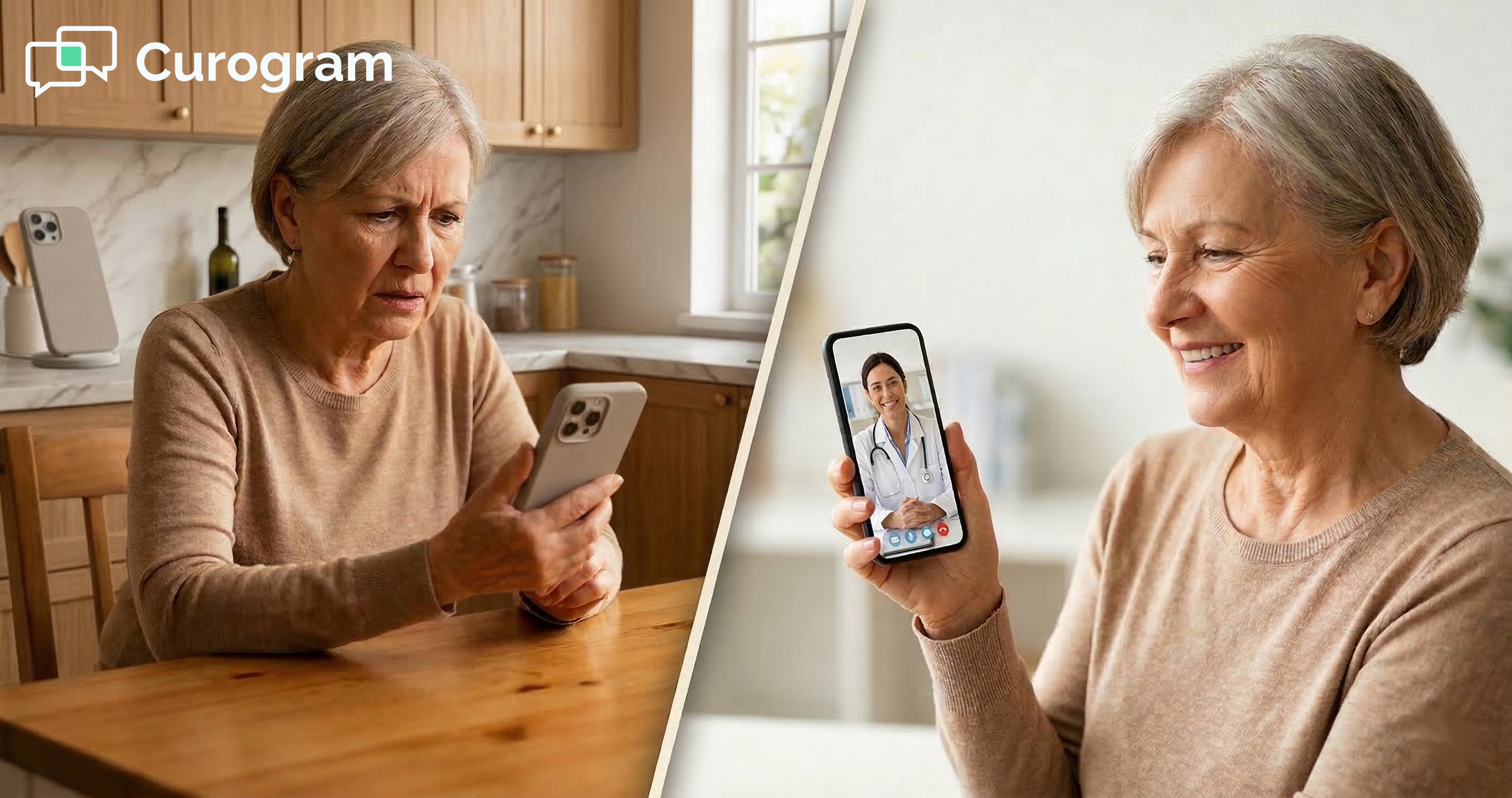
From the patient's side, joining a video visit takes about 30 seconds. They receive a text. They tap the link. They are in the video room with their provider.

There is no portal login. No account to create. No app to download. The friction that causes 40 to 60% abandonment in portal-based systems simply does not exist here. Patients show up because showing up is easy.

A link, not a login

The telemedicine link Curogram sends is secure and single-use. Patients do not need an account to use it. They do not need to remember a password. They do not need to have used the system before.

This single change eliminates the most common reason telemedicine visits fail. Patients who would have called in confused about the portal just tap a link instead.

No app, no account, no friction

Portal-based telemedicine requires patients to have the right app, the right browser, and the right login credentials. Text-link telemedicine removes all three barriers. Any smartphone that can receive a text can join the visit.

For older patients, for parents managing sick children, and for anyone who has struggled with a patient portal, this is a fundamentally easier experience. Less friction for patients means fewer calls for staff.


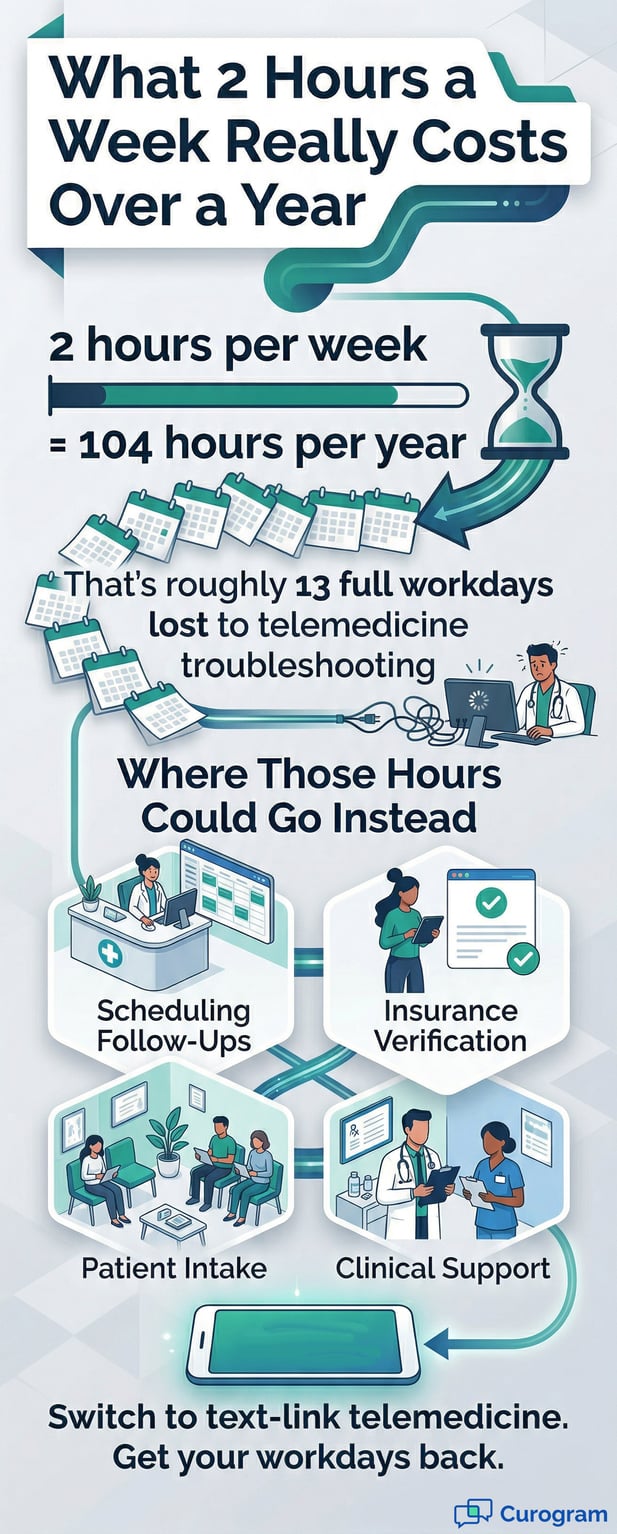
Infographic showing 13 workdays lost yearly to telemedicine troubleshooting issues

The Narrative: How Miguel Stopped Spending 2 Hours per Week on Telemedicine Support

It is easy to talk about workflow improvements in the abstract. It is more useful to see what they look like in practice.

At Sunny Pediatrics, a two-provider clinic in suburban Arizona, the shift from Updox to Curogram text-based telemedicine had a clear and immediate effect on how the office manager spent his time.

The Problem Miguel Faced Daily

Miguel manages scheduling, insurance verification, patient communication, and clinical support for two providers. The practice serves 600 or more active pediatric patients and runs 80 to 100 appointments a week. His plate was already full before telemedicine entered the picture.

When Updox telemedicine was activated, his role quietly expanded. He became the point person for telemedicine invitations, portal access, and patient tech support. None of that was in the original job description.

Tech support was never in the job description

Miguel found himself fielding calls from parents asking how to log in to the Updox portal. He was walking people through password resets.

He was explaining how to access the portal on a mobile device and answering questions about why they needed an account at all.

Each call averaged 20 to 30 minutes. And most of them ended with Miguel converting the telemedicine visit to a phone call anyway, because the video setup proved too difficult for the patient to navigate.

Telemedicine that cost more time than it saved

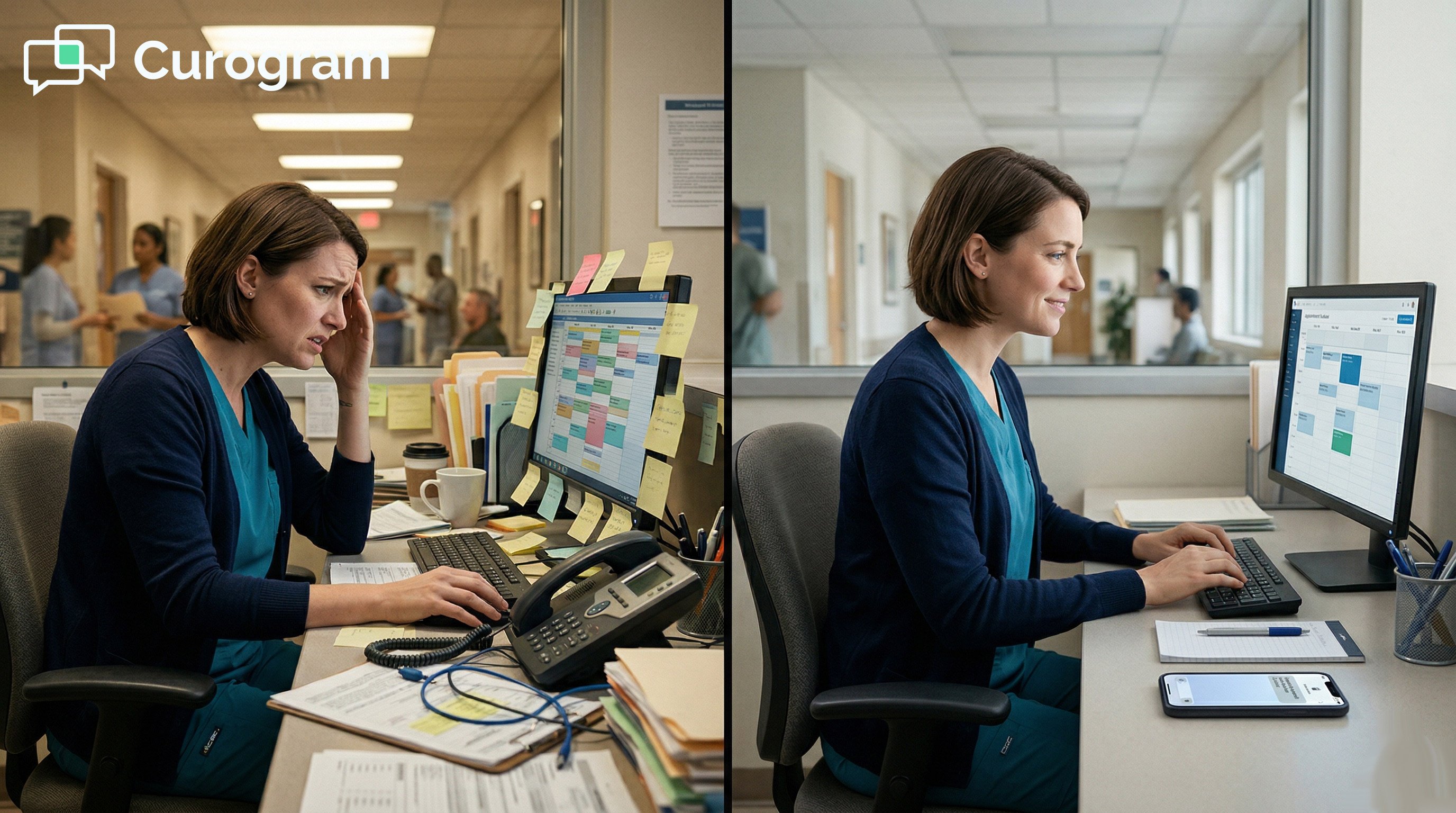
Before long, Miguel was spending an estimated 2 hours per week managing telemedicine support calls alone. The feature that was supposed to make care more accessible was becoming a recurring drain on his time and focus.

As he put it, he felt like he was running a tech support desk instead of managing a pediatric practice. The telemedicine feature existed, but operationally it created more work than it saved.

What Changed After Switching to Text-Based Telemedicine

When Curogram's text-based telemedicine was integrated, the change was immediate. Parents still scheduled telemedicine visits through the online portal.

But when appointment time arrived, Curogram automatically sent a text: "Your visit with Dr. Patel is ready. Join now: [link]."

Miguel did not have to do anything. The link was sent automatically. The patient experience was frictionless. And the phone stopped ringing with telemedicine support questions.

Zero support calls in the first month

In the first month after switching, Miguel received zero telemedicine support calls. Not fewer. Zero. Parents did not call asking how to log in because there was no login. They did not ask about downloading an app because there was no app.

They received a text, tapped a link, and were in the visit. The telemedicine support burden simply disappeared.

From 50% to 88% video visit completion

The impact showed up in the numbers too. With Updox, Sunny Pediatrics had roughly a 50% video visit completion rate. With Curogram text-link telemedicine, that rate jumped to 88%, based on our internal data.

That means more patients got virtual care instead of missing their visits. It also means more scheduled appointments generated revenue, with fewer reschedules and no-shows pulling the team away from other work.

Why It Matters for Practice Decision-Makers

Miguel's experience is not unique to pediatric practices. It reflects a pattern that shows up in small clinics across specialties. Office managers and front desk staff are stretched thin.

Adding a telemedicine tool that lives outside the EHR and requires manual management does not expand the team's capacity. It redirects it toward lower-value work.

Staff Bandwidth Is Already Stretched

Small practices typically run with a lean team. Front desk staff handle incoming calls, appointment scheduling, insurance verification, billing follow-up, and patient intake. That is a full workload before any additional platform management is added.

When a telemedicine tool requires separate logins, manual invitation steps, and active patient support, it pulls from bandwidth that was already committed. Something has to give. Usually, it is the work that directly supports patient care.

Every system switch has a price

Each time a staff member toggles between Practice Fusion and a separate telemedicine system, they break their workflow. That context switch costs time, even if each individual switch feels small. Multiply that across 20 video visits a week and the cumulative cost becomes hard to ignore.

For a small clinic with two or three staff members, those interruptions are not abstract productivity losses. They are real coverage gaps during the busiest hours of the day.

Administrative work grows when tools do not fit

When tools do not connect well, staff build workarounds. They create manual tracking systems. They develop habits to catch the steps that automation should handle. Each workaround takes time to maintain and is one more thing that can break.

This is the real cost of a disconnected tool in a small Practice Fusion workflow. It is not the tool itself. It is the overhead it creates around it, every single day.

The Updox Gap in Small Practices

Updox is a capable platform for practices that have the staff and capacity to manage it. But for small clinics, the disconnect between Practice Fusion and Updox creates a workflow gap that is hard to close without adding workload.

Patient communication, telemedicine access, and appointment management should live in one connected system. When they do not, the gaps land on the people who can least afford to fill them.

Two systems mean two points of failure

When telemedicine requires a second platform, there are now two places where something can go wrong. Practice Fusion can run smoothly while Updox is down.

A patient can exist in one system but not the other. The appointment can be booked correctly, but the telemedicine invitation never sent.

Each of these scenarios creates a problem for staff to resolve, often in the middle of an already busy morning.

What real integration looks like

Real integration means the telemedicine workflow runs through the same system that manages the schedule, the patient record, and the communication log.

There is one place to look, one system to log into, and one set of automations doing the work.

For small practices, that kind of integration is not a nice-to-have. It is the difference between a telemedicine program that runs smoothly and one that requires constant manual attention.


Operational Metrics: Measuring the Telemedicine Support Effect

Changing your telemedicine workflow is only as valuable as the results it produces. The good news is that the impact of switching from a portal-based system to a text-link approach shows up quickly and in measurable ways. These are the numbers worth tracking before and after you make any change.

Metrics to Watch After You Switch

Not every operational improvement is easy to quantify. But telemedicine workflow changes tend to produce clear, trackable results. The metrics below give you a before-and-after picture that is hard to argue with.

They also help you communicate the value of the change to providers and administrators who want to see evidence before they commit.

Telemedicine support call volume

Track how many calls your team receives each week about portal logins, password resets, app downloads, and "how do I join?" questions. With text-link telemedicine, this number should drop to near zero within the first few weeks.

Each call that disappears is 15 to 20 minutes of staff time recovered. That is a direct, real-time measure of what the workflow change is giving back to your team.

Video visit completion rate

Measure the share of scheduled telemedicine appointments that patients actually attend. Portal-based systems typically see completion rates of 40 to 50%. Text-link telemedicine, based on our internal data, regularly achieves 85% or higher.

Higher completion means more revenue from the visits you already scheduled, and fewer staff hours spent on rescheduling no-shows.

Measuring Staff Time and Revenue Impact

Beyond individual metrics, it helps to look at the full picture of how your telemedicine workflow affects team capacity and practice revenue. Two areas stand out as the most important to measure.

Small shifts in workflow time and completion rates add up faster than most practices expect. Seeing the combined effect makes a stronger case for change than any single data point.

How much time is telemedicine actually costing?

Start by estimating the total hours your team spends each week on telemedicine-related tasks. Include manual invitation steps, portal support calls, rescheduling no-shows, and any documentation for visits that did not happen.

For a two-provider practice, that total is often 2 to 4 hours per week. After switching to text-link telemedicine, track the same number. The difference is the time your team gets back every single week.

More completions mean more revenue

Higher visit completion rates translate directly to revenue. A practice moving from 50% to 85% completion on 20 video visits a week generates an estimated additional $1,400 in monthly revenue. That figure is based on 35% more visits completed at a $200 average visit value.

The scheduling volume stays the same. The revenue goes up. That is the compounding effect of a workflow that actually works.

Telemedicine Workflow Comparison

Metric

Portal-Based (Updox)

Text-Link (Curogram)

Video visit completion rate

40% to 50%

85% to 88%

Staff time on telemedicine support

2 to 4 hours/week

Near zero

Telemedicine support calls

5 to 10 per week

0 to 1 per week

Monthly revenue gain (20 visits/wk)

Baseline

~$1,400 additional


Patient smiling while using a mobile telemedicine link for a stress-free virtual visitEliminate Telemedicine Support Work, Keep the Revenue
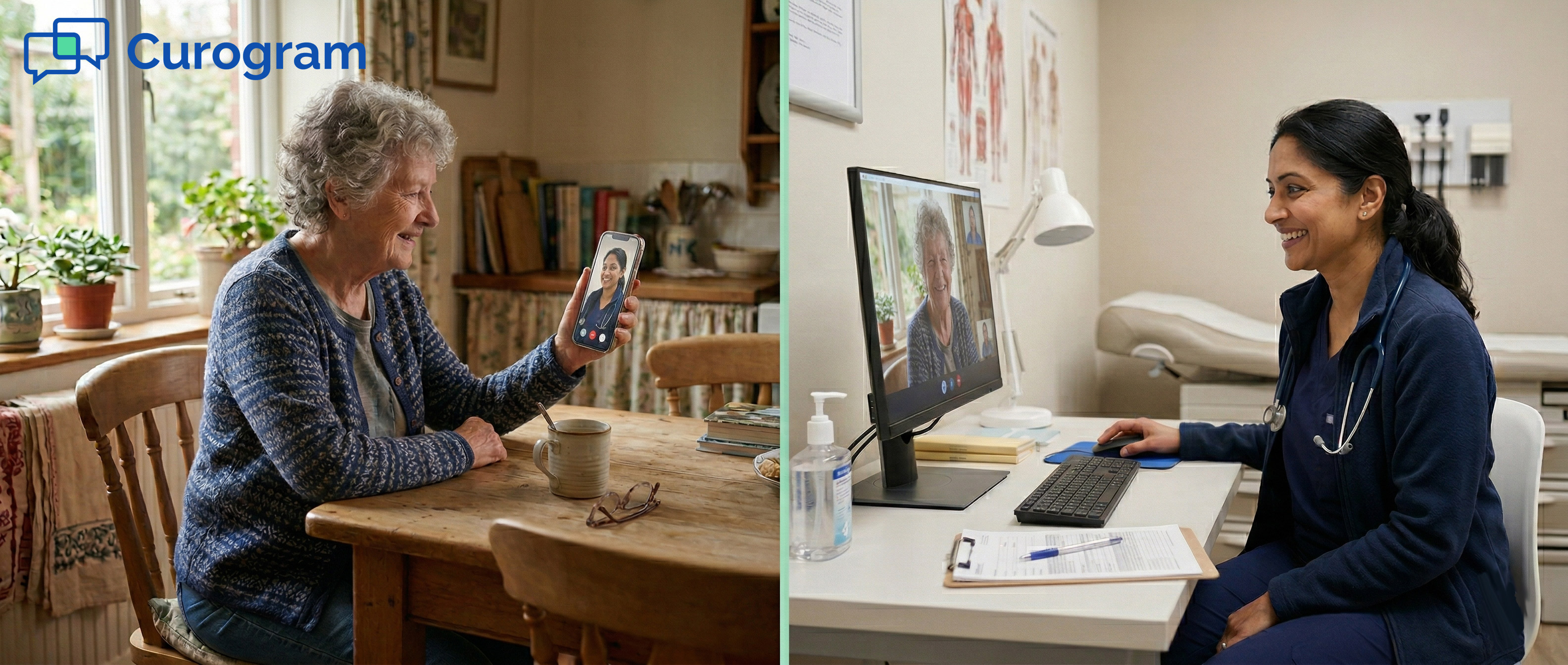
Telemedicine should reduce the burden on your team, not add to it. If your staff are spending more time troubleshooting video visits than conducting them, the current setup is not working. The fix does not require a new system to learn. It requires one that fits the workflow your team already uses.

The goal is simple: staff schedule the appointment in Practice Fusion, the patient gets a text, and the visit happens.

No second login. No manual invitation. No support call. That is the standard a good telemedicine integration should meet.

Curogram's one-click launch meets that standard. It connects directly to Practice Fusion, sends automated text reminders with a secure video link, and requires nothing extra from staff once the visit is on the books.

When the telemedicine support burden is gone, your team gets those hours back. For a two-provider practice, that is typically 2 to 4 hours a week redirected to scheduling, clinical support, and the tasks that actually serve patients.

As Miguel at Sunny Pediatrics put it: "Telemedicine was supposed to save us time. With Updox, it cost us time. With this, it actually does what we wanted."

The best workflow improvements are the ones your team barely notices because they just work. Staff schedule the visit the same way they always have. The automation handles the rest. Patients show up. Visits happen. Revenue is collected.

That is what a practical Updox replacement looks like for a small Practice Fusion clinic. Not a new system to learn. Just a better version of the one you already use.

Schedule a demo to see Curogram's one-click telemedicine launch inside Practice Fusion.

Frequently Asked Questions

How does text-link telemedicine reduce follow-up calls for office staff?

When patients join a video visit through a text link, they do not need a portal login, an app, or a password. That removes the most common reasons patients call the office before a telemedicine visit.

Staff no longer have to walk anyone through password resets or explain how to navigate an unfamiliar portal. The result is fewer inbound calls and more time for the tasks that actually move the practice forward.

Why does the Updox telemedicine workflow create more work for staff?

Updox lives outside Practice Fusion, which means staff must log into a separate system to manage telemedicine invitations. The manual steps required to compose and send each invitation add up across multiple visits every week.

When patients cannot access the portal, staff become the default support line. For small teams, this extra workload can easily consume 2 to 4 hours per week that could be used elsewhere.

How does Curogram integrate with Practice Fusion's scheduling workflow?

Curogram connects directly to Practice Fusion so that video visits appear in the appointment book just like any other visit type. When appointment time arrives, Curogram automatically sends the patient a text with a secure join link.

There is no second system for staff to manage, no manual invitation step, and no portal for patients to navigate. The entire workflow stays inside the tools your team already uses every day.

Why is video visit completion rate important for small practices?

Video visit completion rate tells you what share of scheduled telemedicine appointments actually happen. When patients cannot access a portal, they miss their visit, which means lost revenue, extra staff time on rescheduling, and a patient who did not receive the care they needed.

Based on our internal data, switching from a portal-based system to text-link telemedicine can improve completion rates from around 50% to 88% or higher. That gap has a direct and measurable effect on monthly revenue.

How quickly does the telemedicine support burden decrease after switching?

Most practices see a sharp drop in telemedicine support calls within the first few weeks of switching to a text-link system. Because patients no longer need to log in, the most common support triggers simply disappear.

Based on our internal data, some practices report receiving zero telemedicine support calls in their first month with text-link telemedicine. The improvement is typically noticeable within the first week of active use.