

7 min read

End Double-Touch Intake: Notenetic Paperwork on Autopilot

End Double-Touch Intake: Notenetic Paperwork on Autopilot
💡 A paperless intake workflow for a Notenetic behavioral health practice lets clients complete forms on their phone, then drops a Notenetic-ready PDF into one dashboard — no scanning, no re-uploading.  

The fix targets "double-touching": moving the same form between systems by hand, the top administrative redundancy on healthcare front desks. 

Some practices manage up to 19 pages of paper per client.  

Curogram sends forms by secure SMS link and captures them as chart-ready PDFs. River Valley Family Health Center cut phone calls 24%, freeing coordinators from the scanner.  


Your intake coordinator did not take this job to run a scanner.

She came to support clients. To greet the nervous first-timer. To calm a crisis call. Instead, a chunk of her week vanishes into a quiet, invisible task: scanning paper forms, opening Notenetic, and uploading the same pages she just collected by hand.

It happens with every new client.

Every release of information. Every updated consent. Nobody on your leadership team sees the hours add up, because the work hides in plain sight.

The industry has a name for this drag. It is called "double-touching" — moving the same form between systems by hand. Across healthcare front desks, it ranks as the number one administrative redundancy. Some behavioral health practices manage up to 19 pages of paper per client.

Here is the part that stings.

Notenetic already stores your intake documents and consent forms well. The platform is not the problem. The gap sits in how forms reach clients and how they come back — the portal logins, the email photos of phone screens, the missing pages someone has to chase.

So your team patches that gap with a pile of tools. Jotform for the form, DocuSign for the signature, paper for the walk-ins, and email or the portal for everything else.

Each tool handles a single slice of intake, and not one of them talks to the next. The handoffs between them are exactly where pages go missing.

A paperless intake workflow for a Notenetic behavioral health practice closes that gap a different way. Forms go out by secure text link, clients fill them in on their own phones, and a finished, Notenetic-ready PDF lands in one shared dashboard. No clipboard, no scanner, no chasing.

This article shows how that single shift hands your coordinators their week back.

The Hidden Cost of Touching Every Form Twice

Double-touching sounds minor. It isn't.

The cost is real, and it shows up in four places your reports rarely capture.

The workflow no one tracks

A new client fills out a clipboard, hands it back, and the real work begins. Your coordinator scans each page, opens the chart in Notenetic, and uploads the file.

Sometimes she re-keys the same fields by hand. Multiply that by every intake, and you have hours a week that never appear on a dashboard.

The Notenetic gap

Notenetic handles intake documents and consent forms well inside the platform. The friction lives around them. Portal logins block clients who just want to fill out a form, and email attachments arrive as blurry photos of a phone screen. Paper has to be scanned, and missing pages have to be chased.

The pile of tools

Many practices juggle Doximity, Jotform, DocuSign, paper, and Notenetic all at once. Each tool covers one step, and the handoffs between them create the gaps.

For substance use programs, 42 CFR Part 2 adds real pressure, since form content cannot leak into a shared inbox or an unencrypted attachment.

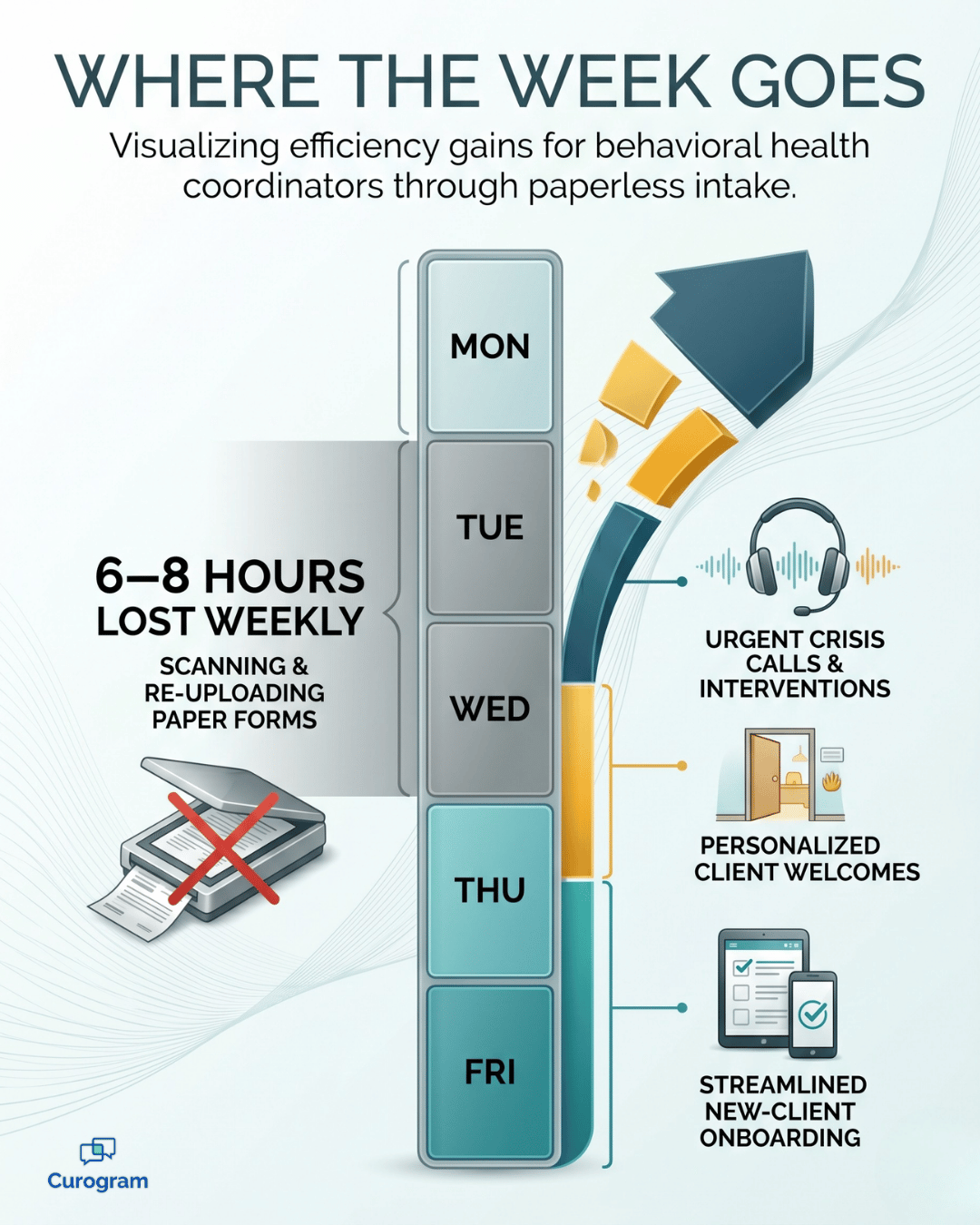
Infographic of an intake coordinator's week reclaimed from scanning via paperless Notenetic intake

The coordinator cost

Here is the math that matters.

A coordinator who spends 6 to 8 hours a week on the scan-re-upload intake step loses nearly a full workday every single week.

That is a full day not spent triaging crisis calls or welcoming walk-ins. Spread across a year, those lost hours pile up — and burnout and turnover usually follow.

This is the price of double-touching data in your EMR. It stays invisible until you add it up.

One Channel Your Coordinators Actually Control

So what replaces the patchwork?

One channel your coordinators control from start to finish.

Curogram works as the intake coordinator's force multiplier. It runs as a parallel layer next to Notenetic, so there is no migration and no risk to your chart of record. Your team still schedules, documents, and bills inside Notenetic.

The only thing that changes is the part that used to take five tools.

Curogram's Secure Electronic Patient Forms drive behavioral health practice paperwork automation through a single SMS channel.

Intake coordinator guiding a new client down a bright behavioral health clinic hallway

Here is the Notenetic intake coordinator workflow, start to finish:

  • Your coordinator sends a form by secure text link, right from the Curogram inbox.
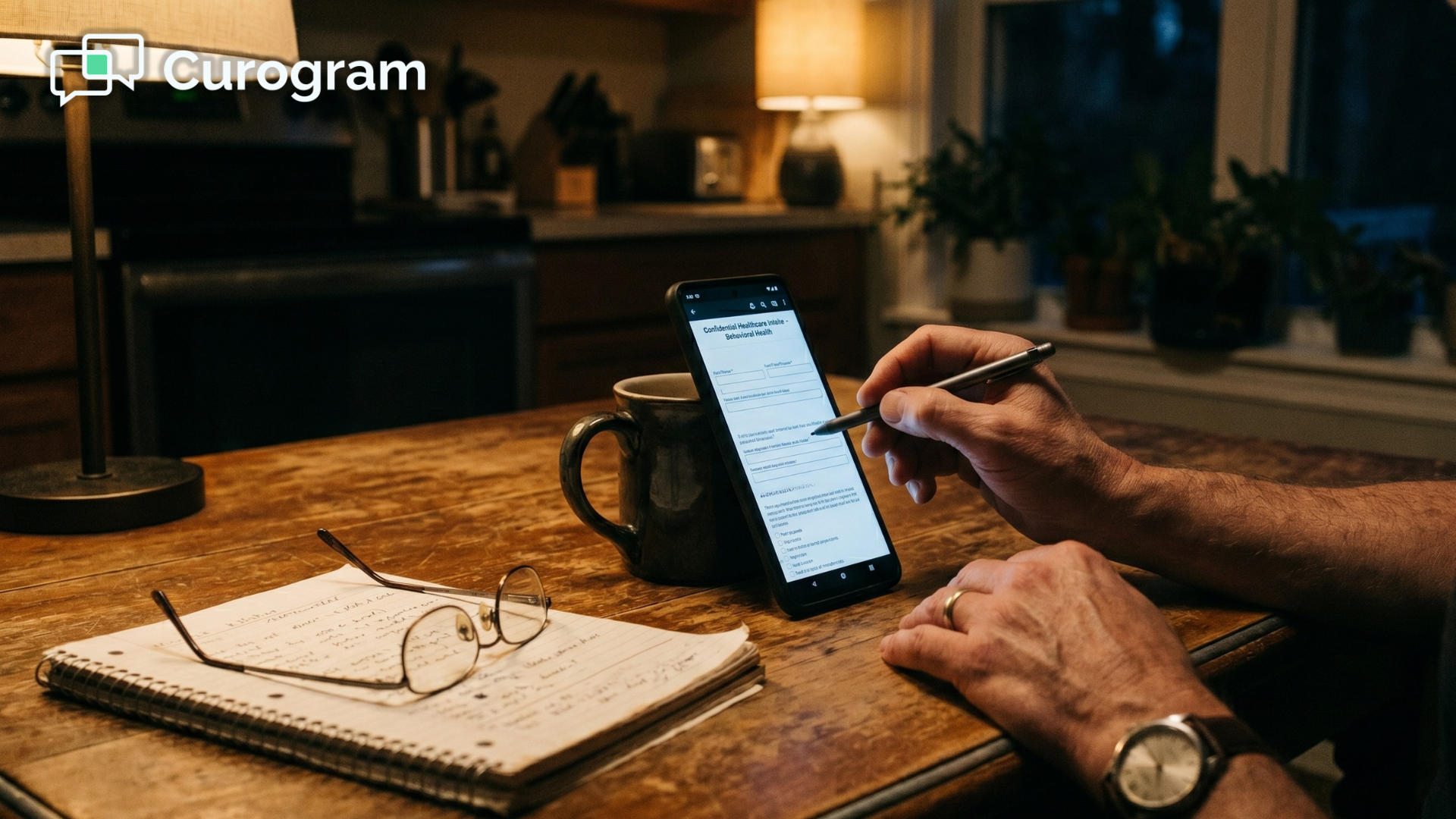
  • The client opens the link and completes the form on their phone — no app, no portal login.
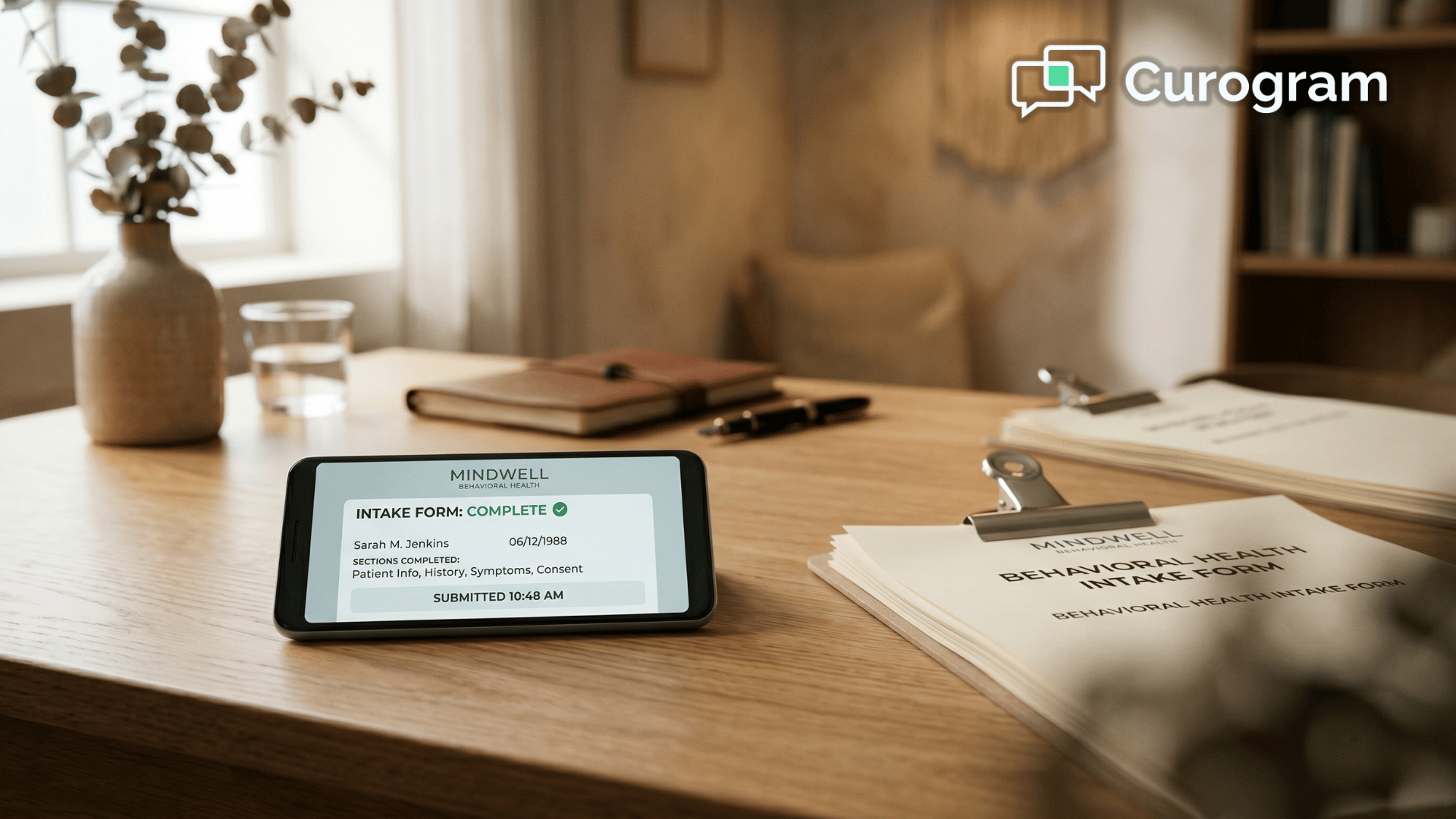
  • The finished form lands in the Curogram dashboard as a Notenetic-ready PDF, with the structured data captured alongside it.
  • Your coordinator attaches the PDF to the Notenetic chart in one action.

That is the whole loop. No scanner. No re-keying. The five-tool scramble collapses into one channel.

A quick word on the architecture. Notenetic has no public API, so there is no deep write-back. That sounds like a limit, but it is the right fit here.

You skip the integration headaches entirely, and the completed PDF simply attaches to the chart — the same way you would attach any document, minus the scanning.

Kill the clipboard! Streamline intake and decrease wait times with Curogram's mobile-friendly online forms.  

This approach fits intake-heavy work especially well. Substance use programs get safer 42 CFR Part 2 distribution, and trauma-focused practices let clients complete weighted assessments at home. Group therapy enrollment sends the same packet to many clients at once.

For any team leaning on therapy practice intake automation, that is a lot of friction removed.

What Changes When Intake Arrives by Text

Numbers tell part of the story. The daily experience tells the rest.

River Valley Family Health Center reduced phone call volume by 24% on Curogram. A meaningful slice of that drop is the intake chatter that simply stops — the "which form do I fill out," "where do I send it," and "did you get my paperwork" calls.

When the form arrives by text and comes back complete, those calls never get made.

That 24% is not just a quieter phone. For a busy front desk, it means hours handed back to the people answering. As River Valley's COO Jessica Sweet described it, her staff shifted from answering machines to coordinating patients. The job grew back into the role it was meant to be.

Think about what that looks like on a normal Tuesday.

A new psychiatry client completes 18 pages of forms on her phone the night before her visit. Your coordinator opens the dashboard at 8 AM, attaches the PDF packet to the Notenetic chart in one action, and moves on to the next client. No scanner, no lost hour.

This is where Notenetic admin efficiency stops being a buzzword and starts showing up in the schedule. When the scan-re-upload step disappears, your coordinator gets that 6-to-8-hour block back every week.

Here is where those hours tend to go:

  • Crisis calls answered in real time, not after the scanner finishes.
  • Warm, unhurried welcomes for clients who walk in nervous.
  • New-client onboarding that finally gets the attention it deserves.

None of that fits on a clipboard. It is the work your coordinators came to do, and it only happens when the busywork stops eating their week.

The shift is simple to describe: one channel, zero re-keying. The text goes out, the form comes back, and the PDF attaches in a single click.

For your team, the front desk finally measures the right thing — not how many forms got scanned, but how many clients showed up ready.

Get Your Front Desk Out of the Mail Room

Here is the simplest way to see it.

Notenetic stores your forms. Curogram delivers and captures them. Together, they remove the most invisible drag in behavioral health front-desk work.

Think of it as a clean division of labor. Notenetic holds your clinical record — the chart, the schedule, the billing. Curogram handles their completed paperwork — the part that lives on a client's phone until it is done.

That pairing is what lifts your coordinators out of the mail-room role and back into the clinical-support role they signed up for.

The change is not abstract. It is the difference between a coordinator hunched over a scanner and a coordinator greeting the next new client. It is 6 to 8 hours a week, returned. It is a phone that rings less because the "where's my form" calls have stopped.

So change the question you ask your front desk.

Stop measuring success by how many forms got scanned this week. Start measuring it by how many new clients arrived first-session-ready, with their paperwork already in the chart.

That is a better job for your team and a better first visit for your clients. It also makes the front desk feel less like a bottleneck and more like a welcome.

You do not have to overhaul anything to get there. Curogram runs quietly alongside Notenetic, with no migration, no IT project, and no long-term contract. You can send your very first intake form by text today and watch the scan-re-upload step disappear in a single afternoon.

Ready to see it with your own caseload and your own forms? Schedule a Demo built for behavioral health, and we will show you exactly how Curogram works inside your practice — one channel, zero re-keying, and a front desk that finally gets its whole week back.


Frequently Asked Questions

How does this stay compliant if our practice serves substance use treatment clients?

Curogram is HIPAA-compliant, SOC 2 Type II certified, and signs a Business Associate Agreement with every practice. The text itself only carries a secure link, while the form content lives behind that link, encrypted at rest and in transit. For 42 CFR Part 2 substance use records, an SMS link is materially safer than an email attachment. The form sits behind a per-client secure URL instead of arriving as visible content in a shared inbox.

Will our coordinators have to learn a second platform alongside Notenetic?

Curogram is intentionally lightweight, and most coordinators are productive within their first shift. The interface is built around a shared SMS-style inbox, not a clinical platform that competes with Notenetic. Your coordinators keep scheduling, documenting, and billing inside Notenetic. Curogram simply replaces the patchwork of Jotform, DocuSign, paper, and email attachments with one channel.

Notenetic doesn't have a public API — what happens to the completed forms?

The completed form lands in the Curogram dashboard as a structured, Notenetic-ready PDF, ready to attach to the chart in a single action. This is the right architecture for Notenetic specifically: no deep write-back, no migration, and no chart-of-record risk. The multi-step scan-and-re-upload routine practices use today collapses into one attachment step.

What about clients who don't have a smartphone or aren't comfortable with text?

Most clients complete forms by text without trouble, since the link opens in any phone browser with no app and no login. For anyone who can't, the paper option still works exactly as it does today, so your coordinator scans only the rare exception instead of every intake. You can also hand a client a tablet at the front desk to fill out the same mobile form on-site. The goal is to shrink the scanner pile to a handful of edge cases, not force every client down one path.

Can we use our existing intake forms, or do we have to rebuild everything?

Your current forms are the starting point, so there is no need to redesign your intake from scratch. Curogram turns your existing forms into mobile-friendly versions that capture structured data alongside the form image. Updates stay simple too — when a consent or policy changes, you adjust the form once and every future client gets the new version. None of your clinical questions or required fields have to change.