10 min read

Secure Messaging for Lytec | Protecting Staff Privacy & Sanity

Secure Messaging for Lytec | Protecting Staff Privacy & Sanity
💡 Secure text messaging for Lytec staff workflows keeps patient data safe and shields your team from burnout. When front desk staff use personal phones to text patients, they put protected health information at risk and blur the line between work and home.

Curogram replaces that risky habit with a HIPAA-compliant shared inbox that ties into Lytec. Staff sends and receives texts from the main office number, and every message is encrypted and logged.

The shared inbox means any team member can pick up a thread if someone is out. When the shift ends, staff log out and leave work behind.

This setup removes the shadow workflow of personal device texting, brings SOC2 Type II security to your practice, and helps you hold on to your best people by reducing front desk burnout.

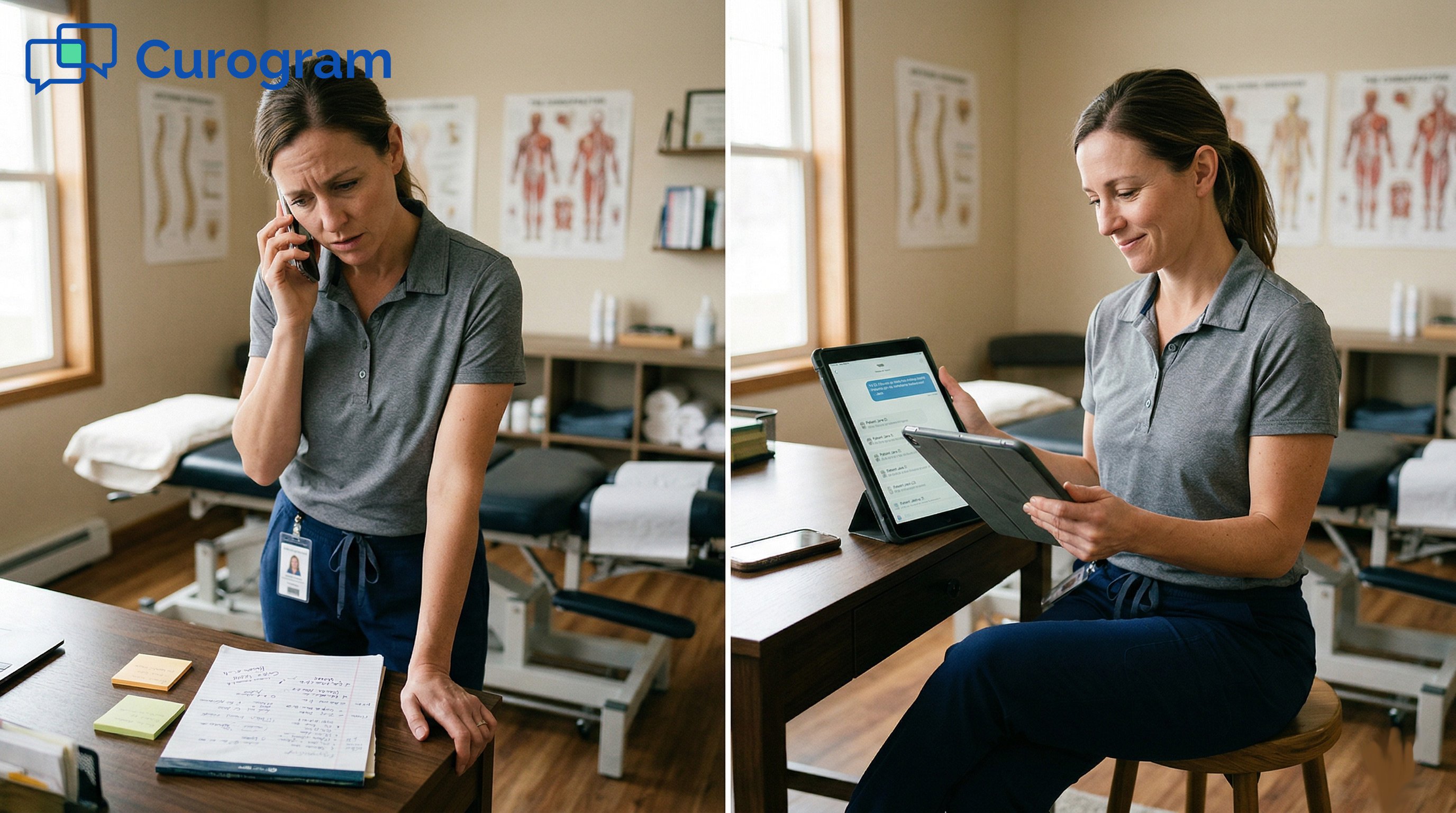
It is 6:47 p.m. on a Tuesday. Your front desk lead is at the dinner table when her phone buzzes. A patient wants to know if the lab results are in. She did not give out her cell number on purpose.

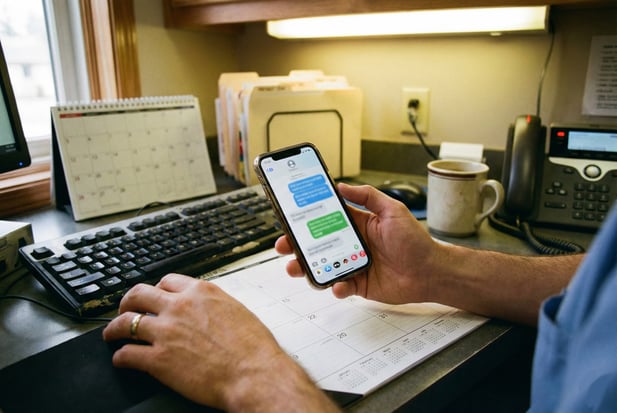
But last week, the office phone rang five times with no answer, so she texted the patient from her own device just to get things done.

Now that the patient has her personal number, they text whenever they want.

This scene plays out in medical offices every single day. Staff members are not acting out of spite. They are trying to keep the schedule full, get people confirmed, and close the loop on open tasks.

The office landline goes to voicemail more than anyone likes to admit. Patients rarely call back. So the front desk does what feels fastest. They pull out their own phone and fire off a quick text.

The problem is that this shortcut creates real risk. Protected health information lands on a device with no encryption, no audit trail, and no way to control who sees it.

The HIPAA risks of personal devices are well known, yet the habit persists because staff feel they have no other choice.

Beyond the legal side, there is a human cost. When patients have your personal number, work follows you home. It follows you to bed. It follows you on vacation. Reducing front desk burnout starts with one basic step: giving your team a tool that keeps work at work.

That is exactly what secure text messaging for Lytec staff workflows is built to do. Curogram layers a professional texting channel on top of your Lytec practice management system.

Staff texts patients from the office number; every message stays encrypted. When the day is over, they log out and walk away. No personal phones needed. No late-night patient texts. No liability hiding in someone’s back pocket.

The Villain: The Shadow Workflow

Every practice has one. A quiet, unofficial channel where staff handle patient messages outside the system. It is not written in any policy manual. No one trained for it.

But it exists because the tools in place do not match the pace of modern patient care. Understanding how this shadow workflow starts is the first step toward stopping it.

Why Staff Reach for Their Own Phones

Front desk teams juggle dozens of tasks each hour. They confirm visits, collect copays, scan forms, and answer the phone. When a patient does not pick up the office line, the job still needs to get done.

The Voicemail Dead End

Patients screen calls from unknown numbers. Studies show that nearly 80% of calls from businesses go unanswered. A voicemail might sit for days. Staff cannot wait that long when a slot needs to be filled by morning. So they text from a personal device because it works.

This is not laziness. It is a broken process. The practice has not given them a way to stop using personal phones for work. Until there is a secure option baked into the daily routine, staff will keep finding shortcuts.

Tasks That Cannot Wait

Think about what the front desk handles in a single day: appointment reminders, balance follow-ups, pre-visit paperwork, and lab result alerts. Each one needs a fast reply. When the only texting option is a personal cell phone, that is what gets used.

The staff member might even create a separate contact card labeled “work only.” It does not matter. The moment PHI crosses that device, the line has been crossed.

The HIPAA Time Bomb

Using personal devices to discuss patient matters is one of the fastest ways to trigger a HIPAA violation. The data is not encrypted. There is no log. And if that phone is ever lost, stolen, or shared, the fallout can be severe.

What Counts as Protected Health Information

PHI is not limited to medical records. A patient’s name paired with an appointment date counts. A text that says “Your labs are ready” sent to the wrong number counts. Even a screenshot of a message thread can become evidence in a breach case.

Every text on a personal phone is a potential liability event. The HIPAA risks of personal devices grow each day that an unsecured channel stays open.

The Real Cost of a Breach

Fines for HIPAA violations range from $100 to $50,000 per incident. A pattern of careless texting can push that total into the millions. Beyond money, a breach can damage trust with patients and stall Lytec practice management efficiency for months while your team deals with audits.

An ounce of prevention here is worth far more than a pound of cure.

The Never-Ending Shift

The personal phone problem goes beyond compliance. It strikes at the heart of work-life balance. When a patient has a direct line to a staff member, the shift never really ends.

When Work Follows You Home

A confirmation text at 9 p.m. A billing question on a Saturday. A cancellation notice at dawn. Staff who share their number become the default point of contact at all hours.

Over time, this wears them down. It is one of the top reasons clinics struggle with staff retention tools that actually work.

The Turnover Trap

Burned-out employees leave. Replacing a trained front desk team member costs time and money.

It takes weeks to train someone new on Lytec, insurance rules, and office flow. When good people quit because the job never stops, the whole practice feels the hit.

The shadow workflow is not just a tech problem. It is a people problem. And it demands a real fix.


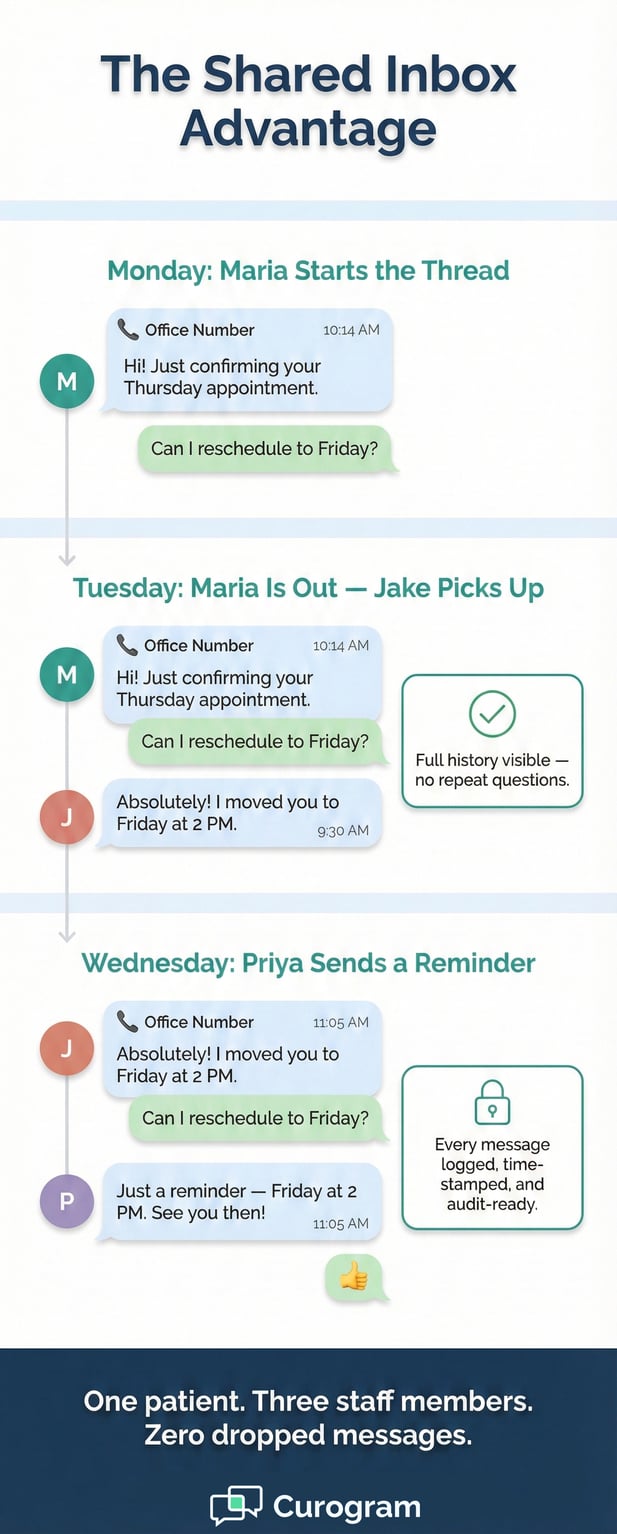
Infographic: The Shared Inbox Advantage for medical office messaging

The Guide: Professionalizing Communication

Fixing the shadow workflow does not mean adding more rules. It means giving staff the right tool so the workaround is no longer needed.

Curogram brings a business texting layer that sits on top of your Lytec system, turning scattered personal messages into one clean, shared channel.

Business Texting That Uses the Office Number

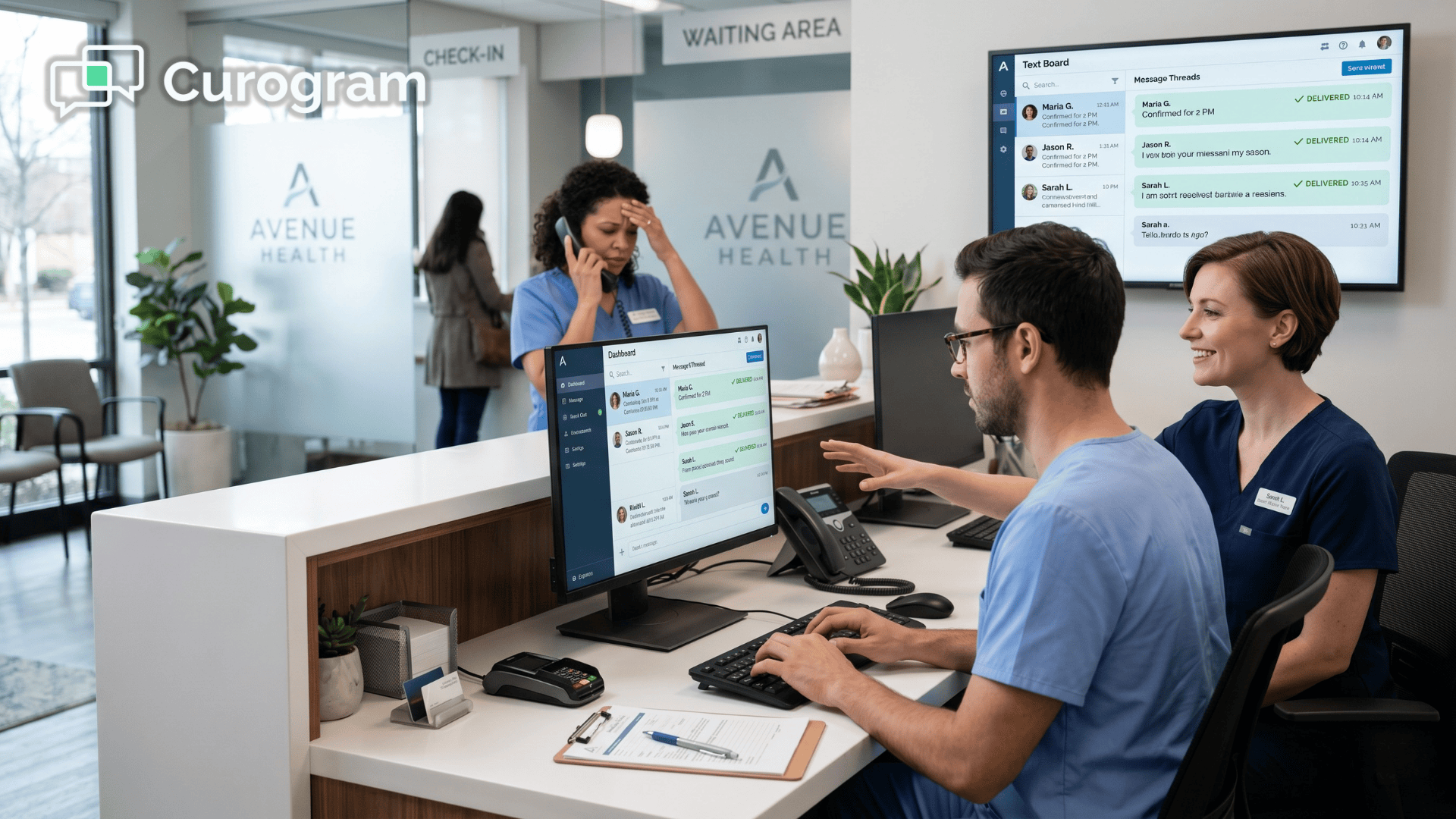
Curogram lets your team send and receive texts through the practice’s main phone line. Patients see the number they already know and trust. Staff work from a computer or the Curogram app on a shared office device. No personal cell phone is involved at any point.

How It Works Day to Day

A staff member opens the Curogram dashboard, types a message, and hits send. The patient gets a text from the office number.

Replies flow back into the same dashboard. It feels as simple as normal texting, but every message is encrypted and stored in a HIPAA-compliant environment.

This setup supports secure text messaging for Lytec staff workflows without any change to the patient experience. From the patient’s side, it looks and feels like a regular text.

No App Download for Patients

One reason staff turn to personal phones is that patient portals are clunky. Patients do not want to log into an app just to confirm a visit.

Curogram removes that barrier. Patients reply to a plain text message. There is nothing to install and nothing to remember.

That simplicity drives response rates up and takes pressure off the front desk.

The Team Inbox

A personal phone is a single point of failure. If that staff member calls in sick, no one else can see the thread. Curogram solves this with a shared inbox that the whole team can access.

No More Dropped Conversations

Say Maria handles a patient’s billing question on Monday. On Tuesday, Maria is out. When the patient replies, another team member sees the full history and picks up right where Maria left off. Nothing is lost. Nothing falls through the cracks.

This kind of continuity is rare in small practices. It is one of the features that makes Curogram a genuine staff retention tool because it shares the load instead of putting it all on one person.

Built-In Accountability

Every message in the shared inbox is time-stamped and tied to a user. Office managers can see who sent what and when. This is helpful for training, for quality checks, and for any compliance review. The audit trail lives inside the system, not on a personal device.

That level of visibility is a core part of Lytec practice management efficiency. It keeps the workflow transparent and fair.

Leaving Work at Work

The boundary between work and personal life should be a wall, not a suggestion. Curogram makes that wall easy to build.

Log Out and Disconnect

When the shift ends, staff log out of the Curogram dashboard. They do not take patient messages home. They do not get texts on their personal phone at midnight. The work stays at the office where it belongs.

This single feature goes a long way toward reducing front desk burnout. Staff can recharge, show up fresh the next day, and stay in the job longer.

Protecting Personal Phone Numbers

With Curogram, staff never share their personal number with a patient. The office number handles all outbound and inbound texts. If a staff member leaves the practice, no patient contact info goes with them, and no patient still has their cell number.

That clean break protects the employee and the practice at the same time.


The Success: Retaining Your Best Staff

Hiring good front desk staff is hard. Keeping them is even harder. High turnover is one of the biggest drains on a medical practice, both in dollars and in patient trust.

When your team has the right tools, they stay longer, work smarter, and deliver better care. Here is what that looks like in practice.

Cutting the Administrative Burden

Most front desk staff spend a large chunk of the day on the phone. They call, leave a message, wait, call again. Curogram flips that cycle by putting the conversation in text form where patients actually respond.

Fewer Calls, Faster Replies

Practices that adopt two-way texting often see phone volume drop by as much as 50%. That is not a small change.

It means fewer hold queues, less time on redials, and more room for the front desk to focus on the patients standing right in front of them.

A quick text confirmation takes seconds. A phone call can take five minutes or more when you factor in hold time and voicemail. Multiply that across dozens of patients each day and the savings add up fast.

More Time for High-Value Tasks

When staff are not glued to the phone, they can do the things that truly move the practice forward. They can verify insurance, prep charts, greet patients warmly, and handle complex cases that need real attention.

This shift from reactive phone tag to proactive task work is a game changer for Lytec practice management efficiency. The front desk becomes a hub of action, not a call center.

A Happier, More Stable Workforce

Staff satisfaction is not just a feel-good metric. It ties directly to patient outcomes, review scores, and the bottom line. When your team feels supported, everything runs smoother.

Phone Tag Is the Number One Stressor

Ask any front desk worker what drains them the most. Odds are, chasing patients by phone is at the top of the list.

Missed calls, full voicemail boxes, and repeat dial attempts create a cycle of frustration that grinds people down by lunch.

Removing that cycle does more for morale than any pizza party ever will. When staff can resolve a task with a single text instead of three calls, they feel in control of their day. That sense of control is one of the strongest staff retention tools a practice can offer.

Lower Turnover Saves Real Money

The cost of replacing one front desk employee can run between $3,000 and $7,000 when you add up recruiting, onboarding, and lost output during ramp-up. For a small practice, that is a serious hit. If you lose two or three people a year, the total can rival the cost of a full software subscription.

Investing in tools that make daily work easier is one of the simplest ways to slow that revolving door. It shows staff that leadership cares about their experience, not just patient throughput.

A Full Audit Trail Inside Lytec

Compliance is not just about avoiding fines. It is about building a culture where data handling is clean, clear, and automatic. Curogram makes that easy.

Every Message Logged and Searchable

Every text sent through Curogram is stored with a time stamp, sender ID, and patient record link. If a question comes up about what was said to a patient, the answer is a quick search away. No digging through personal phones. No “he said, she said.”

This audit trail is ready for any internal review, external audit, or legal inquiry. It brings SOC2 Type II security into the everyday texting workflow and keeps the practice on solid ground.

Syncing with the Lytec Patient Record

Messages can be printed or synced to the patient chart inside Lytec. That means the provider sees the full picture before walking into the exam room. No surprises. No gaps in the timeline.

When every conversation lives inside the system, the whole care team benefits. Front desk, clinical staff, and providers all work from the same set of facts. That kind of alignment is what turns a good practice into a great one.

A documented, searchable record also protects the practice if a patient dispute ever arises. The proof is right there in the system, not buried on a personal device that may have been wiped or traded in.

reducing-phone-tag-in-lytec-medical-practices---mid-stock

Protecting the People Who Care

Your staff shows up every day to keep the practice running. They greet patients, manage the schedule, chase down answers, and put out fires before anyone else even knows there is smoke. They deserve tools that respect their time and protect their privacy.

No software replaces a skilled front desk team. But the right software makes their job doable without burning them out.

When you stop using personal phones for work and give staff a proper channel, you send a clear message: we value you.

HIPAA compliance and staff well-being are not separate goals. They go hand in hand. A secure texting system shields patient data and shields the people who handle it every day. It removes the HIPAA risks of personal devices while giving your team the breathing room they need.

When staff know they can log out at the end of the day and truly disconnect, they come back stronger.

Turnover drops. Morale rises. Patients get better service from people who are rested and focused.

That is the real return on investing in staff retention tools that work.

Give your team the tools they need to do their job without giving away their personal number or their peace of mind.

Curogram integrates with Lytec to bring secure text messaging for Lytec staff workflows into your daily routine, no complicated setup, no steep learning curve.

Schedule a Demo to see how Curogram creates a safe, professional boundary for your Lytec team.


Frequently Asked Questions

How does Curogram prevent staff from needing to use personal phones at work?

Curogram gives your team a dashboard where they send and receive texts using the office phone number. Patients never see a personal cell number, and staff never need to use their own device. The entire conversation happens inside a secure, HIPAA-compliant platform tied to your Lytec system.

Why is texting patients from a personal phone a HIPAA risk?

Personal phones lack encryption, audit trails, and remote wipe features. If a device is lost or shared, any patient information on it becomes an uncontrolled breach.

Even a simple text like “your results are ready” paired with a name can count as exposed PHI under HIPAA rules.

How does the shared inbox help when a staff member is absent?

The Curogram shared inbox stores every conversation in one place that all authorized team members can view. When someone is out sick or on leave, another person picks up the thread with full history. No message gets lost and no patient waits for a reply that never comes.

Why does reducing phone tag matter for staff retention?

Phone tag is one of the biggest sources of daily stress for front desk workers. Chasing patients through calls that go to voicemail eats up hours and drains morale. Replacing that cycle with quick text exchanges frees up time and gives staff a greater sense of control over their workload.

How does Curogram fit into an existing Lytec setup?

Curogram integrates directly with Lytec so there is no need to rip out what you already have. Messages sync with the patient record, and staff can be trained in minutes. The platform layers on top of your current practice management workflow with minimal disruption.


Reducing Call Volume with HIPAA-Compliant Texting in Allscripts PM

Reducing Call Volume with HIPAA-Compliant Texting in Allscripts PM

💡 Secure patient communication in Allscripts cuts phone chaos while keeping patients valued. By using HIPAA-compliant texting, you can: Shift...

Read More
How NextGen Clinics Improve Patient Communication w/ Text Messaging

How NextGen Clinics Improve Patient Communication w/ Text Messaging

💡 NextGen clinics can improve their patient communication with secure text messaging. It comes down to secure, compliant, and efficient workflows....

Read More
Efficient Patient Communication for Prime Clinical: The Unified Inbox

Efficient Patient Communication for Prime Clinical: The Unified Inbox

💡 Efficient patient communication for Prime Clinical Systems starts with one change: bringing every message into a single inbox. When phone calls,...

Read More