End Double Entry at Your eCW Front Desk | Digital Intake
💡 Digital intake forms for eClinicalWorks front-desk staff replace the old scan-and-retype routine with information that arrives already typed. ...
7 min read
Aubreigh Lee Daculug
:
July 7, 2026
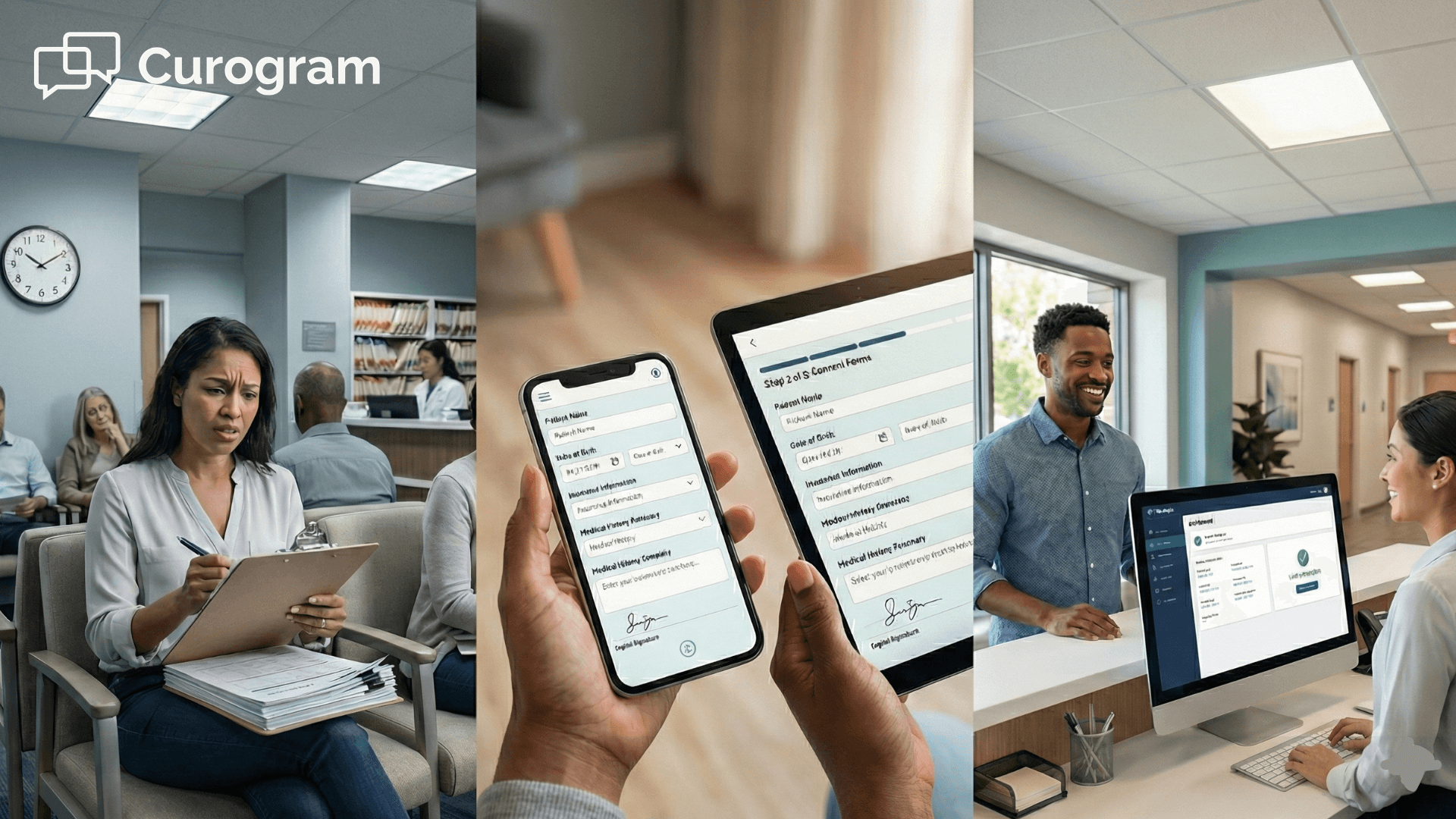
A new patient walks up to your front desk, and you hand them a clipboard with a pen on a string and a stack of forms twelve to nineteen pages deep. They find a seat and start writing while the line behind them slowly grows.
It sounds like a small problem. It rarely stays that way for long.
That clipboard is where your intake data goes to hide. eClinicalWorks keeps a detailed chart, but only after a staff member types the information into the system. Until that happens, the patient's history sits on paper in the waiting room, completely cut off from your records.
So your team does what it always does. Your staff scan every page and retype it into eCW, squinting at messy handwriting and fixing errors after the fact. Every new patient quietly turns into another data-entry job.
Here is the part that really stings.
Manual entry takes eight to twelve minutes for each patient. Illegible or incomplete forms then add another five to ten minutes of provider work, spent re-asking questions the patient already answered by hand.
Multiply that across a full daily schedule and the cost adds up quickly. It becomes hours every week, lost to repetitive typing that nobody on your team ever wanted to do.
The frustrating truth is that the paperwork is rarely the real problem. The timing is. Forms handed out at the door will always clog the front desk, no matter how quickly your staff work.
There is a much better moment to collect that same information, and it arrives well before the patient ever reaches your office.
This guide shows how to replace paper intake forms in your eClinicalWorks practice by sending secure intake ahead of the visit.
No app, no portal — just paperwork finished before anyone sits down.
Paper intake feels normal because it has always been there. But that clipboard is quietly the slowest part of your entire check-in.
Your eCW chart is thorough, but only once the data is actually inside it, and with paper that information starts life on a clipboard rather than in the system.
Until someone manually types it in, those electronic patient forms in eClinicalWorks stay empty, and the details may as well not exist.
Here is exactly how that bottleneck tends to form in practice.
A new patient gets handed 12 to 19 pages and fills them out slowly by hand while the line stacks up behind them.
Then your staff scan every page and retype it into eCW, squinting at handwriting and catching mistakes after the fact.
None of that is fast, and none of it is optional.
| What happens | Time per patient |
|---|---|
| Staff retype paper forms into eCW | 8–12 min |
| Providers fix incomplete or illegible answers | 5–10 min |
| Combined cost per new patient | 13–22 min |
It really helps to put an actual dollar figure on the whole situation. Say your front desk earns about $20 an hour, and you see six new patients on a normal day.
At roughly 15 minutes of entry each, that is 90 minutes — about $30 a day, or close to $150 a week, spent keying in paper.
For your team, that is real money going toward typing details the patient already wrote down, and no plan to reduce waiting room check-in time in eCW can win it back on paper.

Most practices try to solve this with more of something. A bigger waiting room, or more front-desk hands. Or the eCW patient portal, which asks every patient to create an account and then log in.
The problem is that patients tend to skip the portal entirely, so completion through a login stays low — often only around 30% finish their forms before the visit.
This means about 7 in 10 patients land right back on paper, and your staff land right back at the keyboard.
So if a bigger waiting room and a portal login are not the answer, what is? The fix is not another system to log into — it is intake that comes to the patient and comes back done.
Now imagine that same new patient, except the paperwork is already finished before they walk in. That is the job Curogram takes on. Think of it as a virtual front-desk assistant that works alongside eClinicalWorks instead of replacing it.
It starts with a simple text. Curogram sends secure online forms to the patient as a link they can tap from anywhere.
There is no app to download and no account to create. These are mobile intake forms — no portal, no login — that work with eClinicalWorks.

Because the information comes in already entered, eCW patient intake automation removes the double-entry step that used to slow everyone down.
For the technical view of how intake data populates eCW Progress Notes, see the Wave 1 deep dive.
The fit shifts a little by specialty, but the payoff is the same.
A pediatric office sends new-patient and well-child forms to a parent the night before.
An OB/GYN practice gathers a detailed prenatal history in advance, while a behavioral-health clinic lets patients complete sensitive screeners privately at home instead of in a crowded lobby.
In each case, online check-in forms for eCW practices do the front-desk work before the front desk even opens.
When intake is finished before arrival, the math flips fast. The 8 to 12 minutes of manual entry and the 5 to 10 minutes of provider cleanup stop being the price of every visit.
That reclaimed time goes straight back to your team.
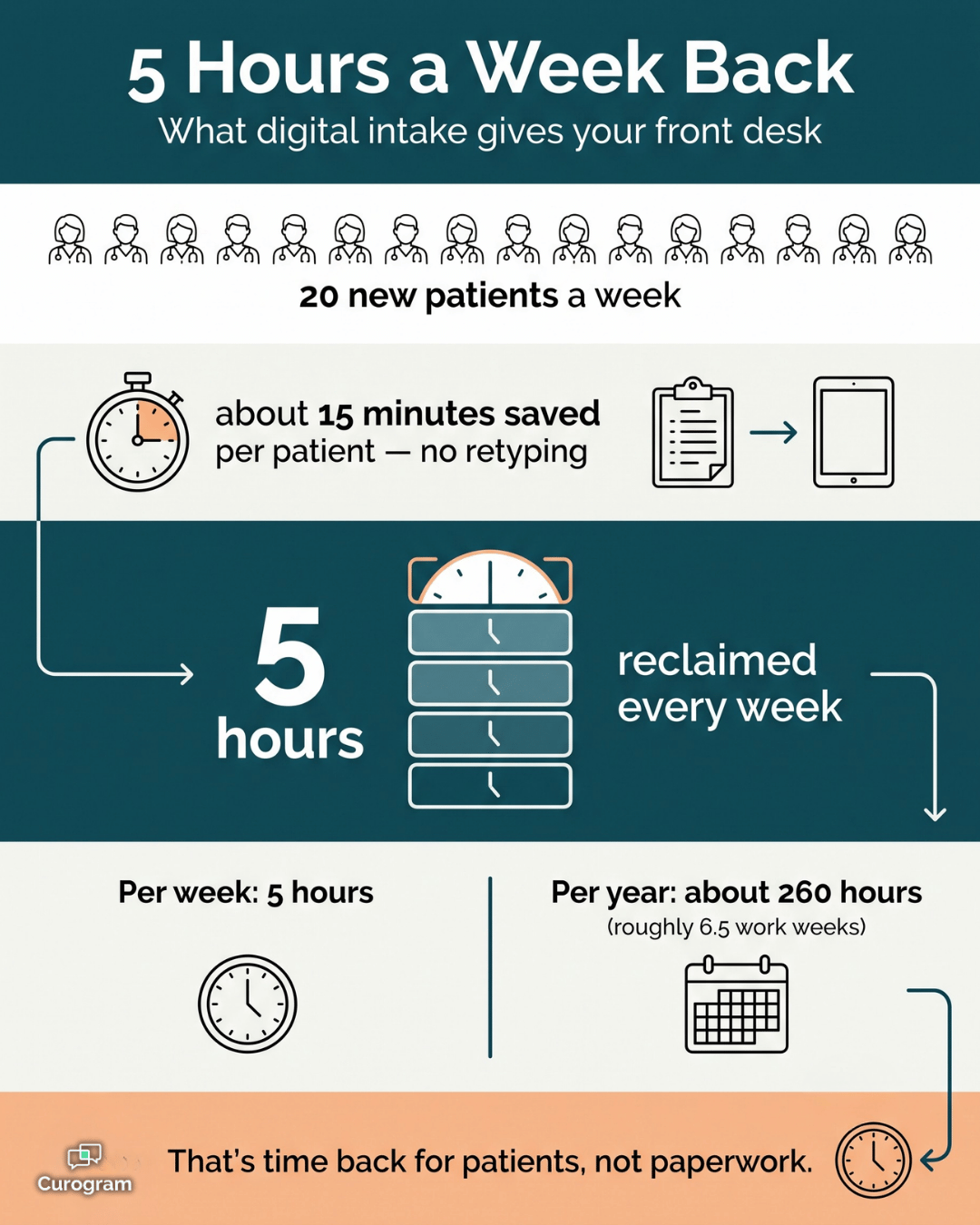
5 hours — time back each week for a practice seeing 20 new patients.
$5,000+ — rough yearly staff-time savings for a single location.
8 in 10 — new patients who arrive already done when intake goes out ahead.
Here is a straightforward example.
A practice that sees 20 new patients a week, saving about 15 minutes each, reclaims 5 hours a week. Over a year, that is roughly 260 hours — more than six full work weeks handed back to the front desk.
Put a dollar figure on those hours. At about $20 an hour, 5 hours a week is close to $100 a week, or a little over $5,000 a year for one location.
This means the savings are not abstract — they show up as staff hours you can spend on patients instead of paperwork.
There is a provider side too.
When each encounter opens with the history already captured, providers win back those 5 to 10 minutes of documentation.
In practice, across a full day that can be the difference between running behind and seeing an extra patient or two.
Completion also climbs when there is no login in the way. Practices that send intake ahead of time often see 80% or more finish before arrival. This means for every 10 new patients, about 8 walk in already done — and only a couple still need a clipboard.
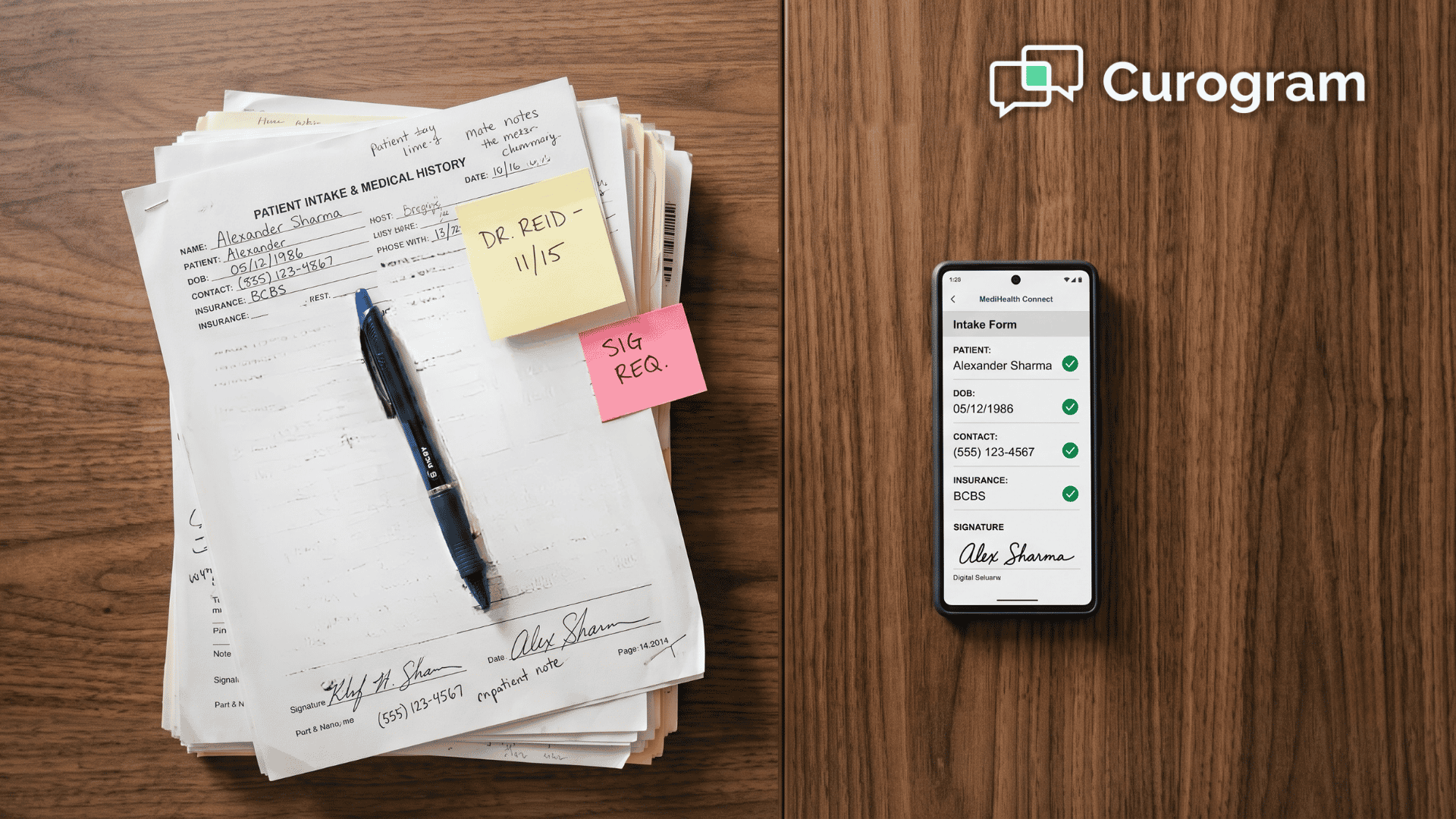
This is the move from the clipboard to the ready chart. Patients walk in with paperwork complete and go straight back to a room, while providers open the encounter with the history in front of them instead of a page of handwriting to decode.
The fastest way to unclog check-in was never a bigger waiting room, and it was never more front-desk staff either. It is simply intake that gets done well before the patient physically arrives.
That is the whole idea behind replacing paper intake forms in your eClinicalWorks practice. eClinicalWorks was built to run your clinical chart, while Curogram was built to run their check-in. Put the two systems together, and the paperwork stops piling up at your front desk each and every morning.
Think about what that actually gives back to your team.
Your staff stop retyping stacks of forms and start greeting patients again, and your providers open each visit with the history already there. Your entire waiting room finally moves the way it was always genuinely meant to move.
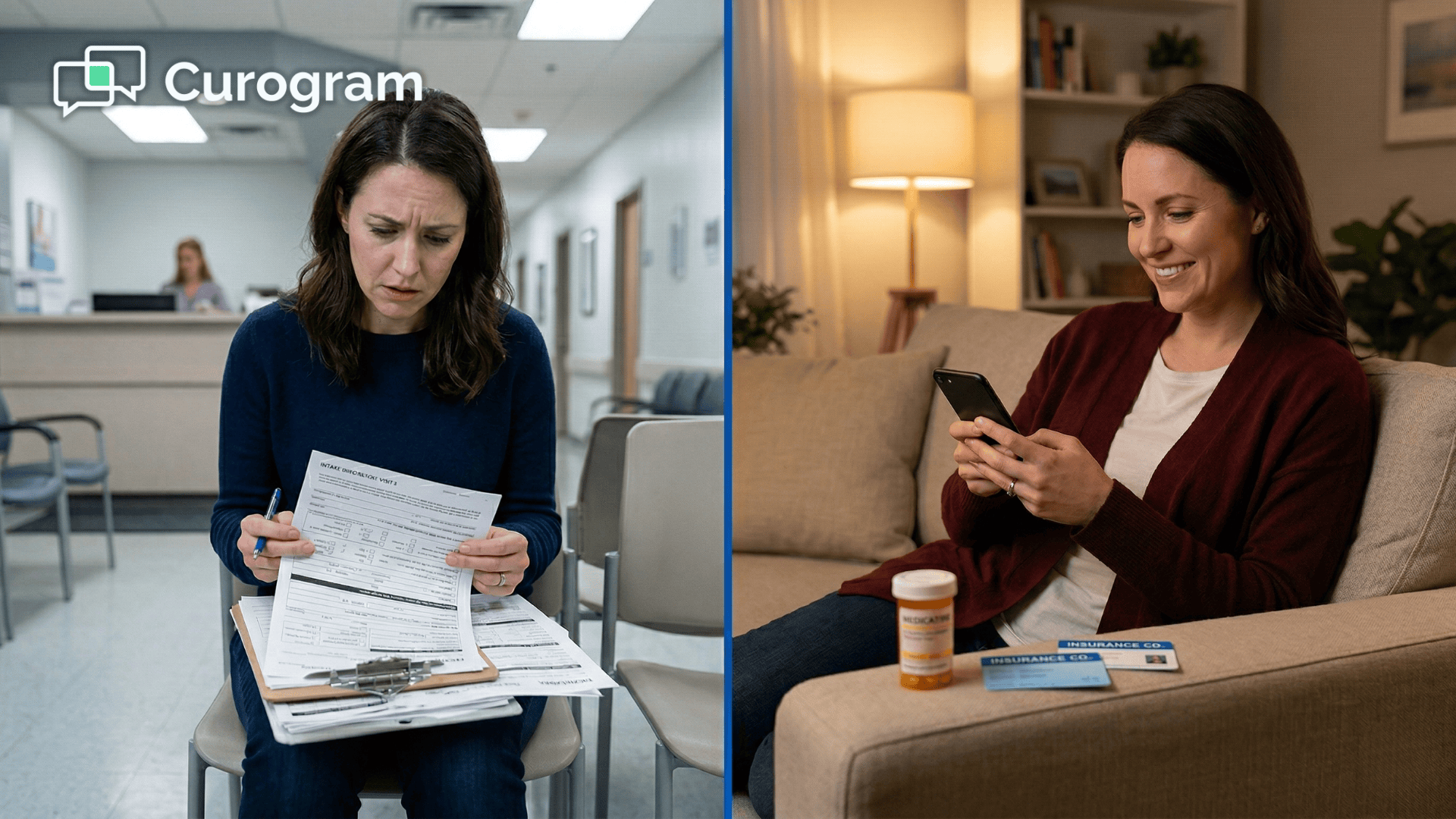
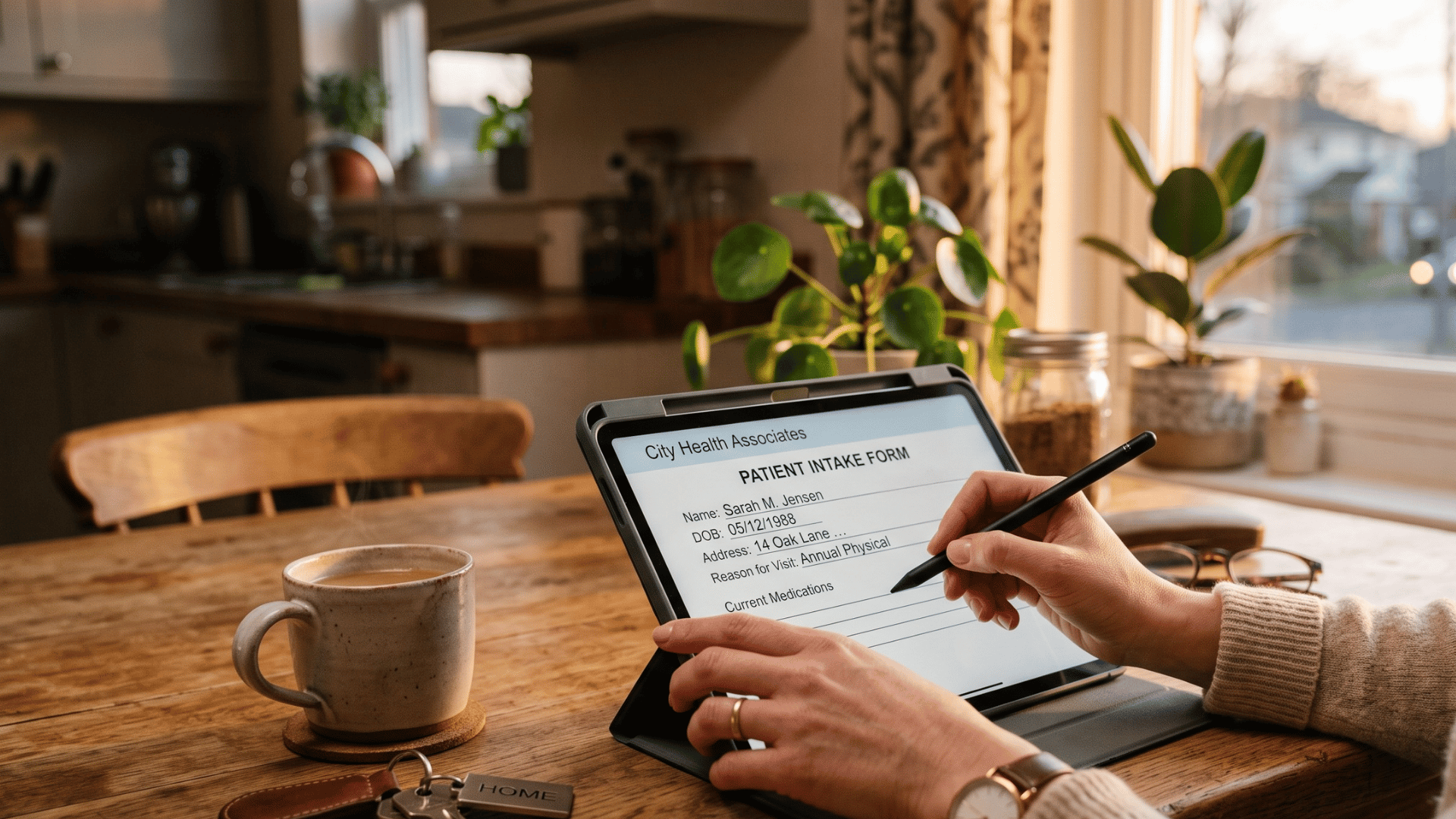
Your patients barely notice the effort on their end. They tap a text and fill out a few pages from their own couch, then later walk in fully ready — with no app, no portal, and no clipboard waiting at the door.
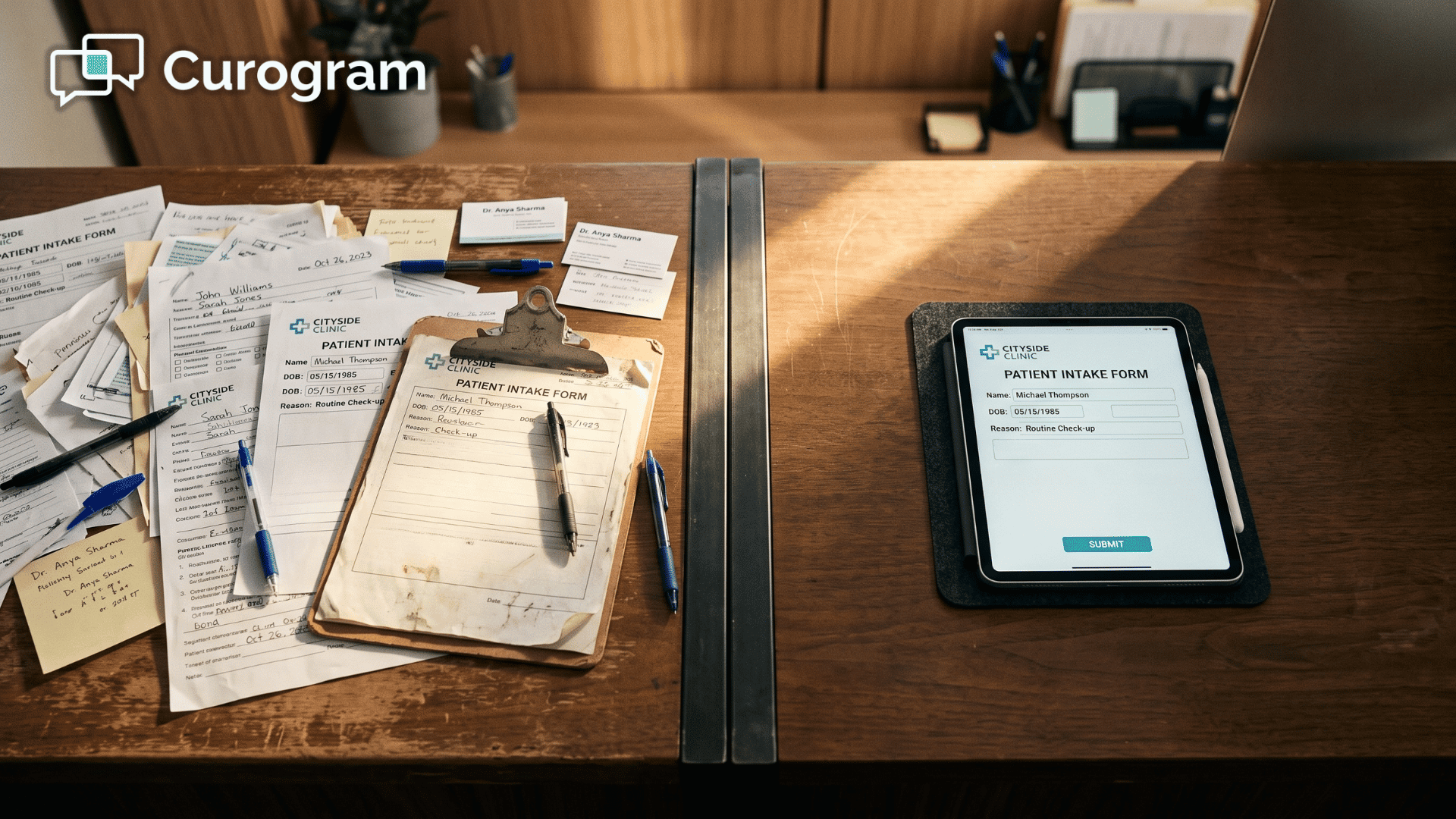
The clipboard had a long run in medicine. It buried your team in typing, added avoidable minutes to every single visit, and slowly turned your front desk into a data-entry line. It really does not have to keep doing any of that going forward.
So stop handing new patients a clipboard and handing your staff a stack to key in. Let the finished intake simply show up done, exactly the way it always should have.
Schedule a Demo with Curogram and see secure online forms go out by text, then watch them come back completed before the visit — with no IT department required and no disruption to your existing eCW workflows..
Yes. Curogram is built for healthcare, so intake collected through secure online forms is handled in a HIPAA-compliant way. Patients fill in sensitive details on a protected form instead of a clipboard left sitting on a counter.
The whole point of digital intake is to remove the scan-and-retype step. Information is captured digitally and ready for staff at check-in, rather than arriving as a clipboard someone has to key in. For the technical detail of how intake populates eCW Progress Notes, the Wave 1 integration guide covers the structured write-back in depth.
Digital intake is the default, not a hard rule — patients who need paper can still use it. In practice, most people complete the forms on their phone when the link is sent ahead of time. That is what clears the waiting-room backlog for everyone else.
Setup does not require your IT department, and it is designed to sit alongside eClinicalWorks rather than change how you use it. Your team keeps working in eCW the way they do today. The forms simply arrive already completed instead of on paper.
Most do, especially when the link goes out the night before with a friendly reminder. Because there is no app or login standing in the way, finishing is easy — patients tap, type, and they are done. Practices that send forms ahead of time usually see the majority of intake wrapped up before the patient reaches the door.
💡 Digital intake forms for eClinicalWorks front-desk staff replace the old scan-and-retype routine with information that arrives already typed. ...
💡 Online patient forms cut costs and boost revenue for imaging centers using Veradigm. They reduce the admin workload on Veradigm while making care...
💡 Digital intake workflow, along with Veradigm solutions, helps imaging centers eliminate delays and errors from paper-based processes. Patients...