
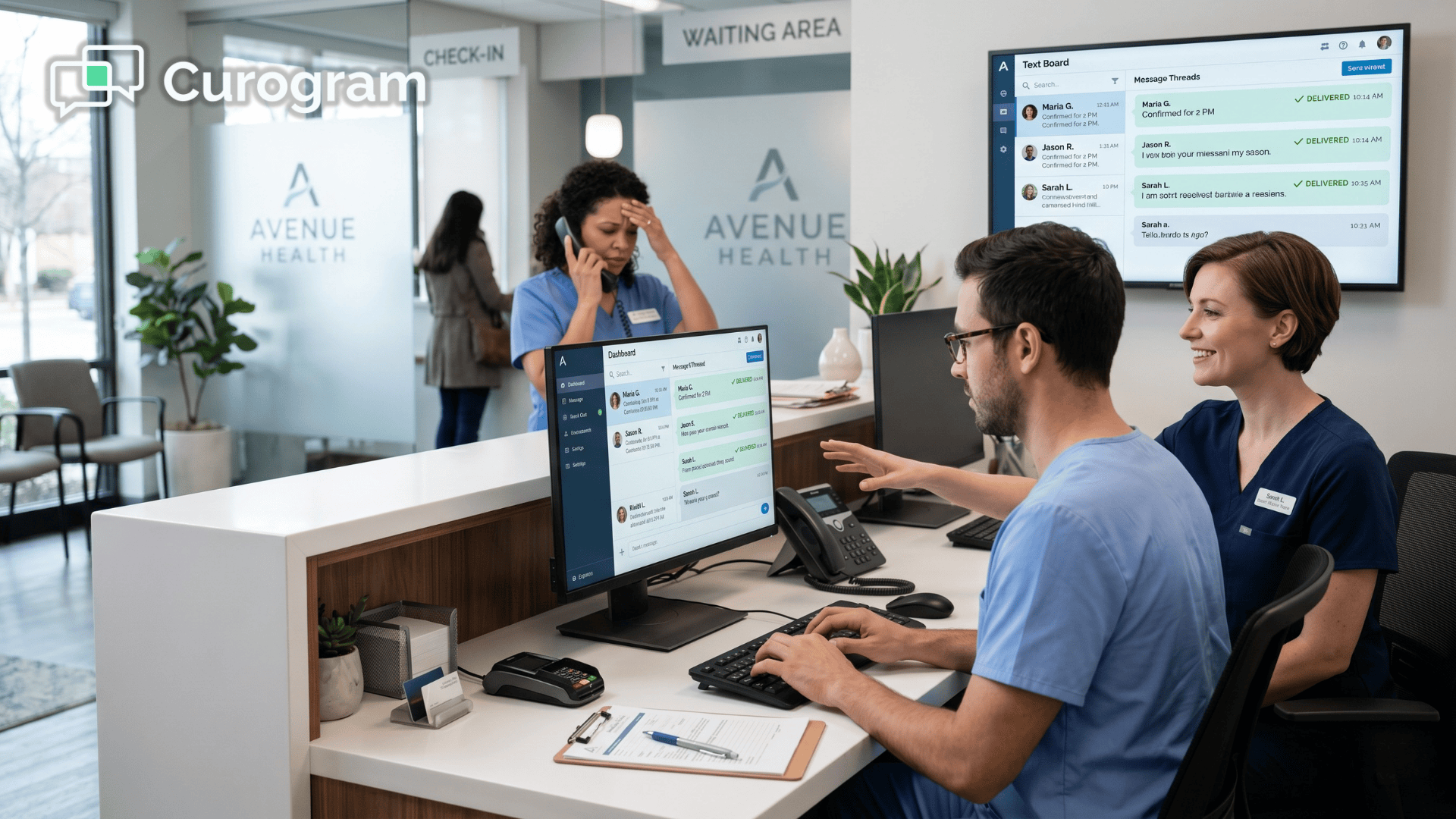
Veradigm Staff Text Dashboard | End the 80-Call Day
💡 A Veradigm EHR HIPAA texting dashboard lets staff handle patient needs via secure text—no portal login. Cuts calls 40–60% and saves up to 7 staff...
Your patients have a simple question — a refill, a schedule change, or a quick "should I still come in?" — and instead of a fast answer, they run straight into a wall.
That wall is your patient portal.
They're told to log in to healow or the eClinicalWorks portal, but the password is long gone and the reset email never seems to arrive. So they do the one thing that always works and pick up the phone. Now your front desk is buried in calls that a single text message could have solved in seconds.
Here's the truth most practices learn the hard way.
Patients simply will not download another app to reach you, because their phones are already crowded with them. What they will happily do, almost without thinking, is send a quick text.
That gap between what you offer and what patients actually use is quietly costing you time, staff energy, and occasionally the patients themselves. Every unnecessary call is a minute your front desk never recovers, and across a busy week those minutes add up to a full-time job nobody ever applied for.
The good news is that you don't have to abandon eClinicalWorks to fix any of this. You simply have to give patients a dramatically easier front door, one they will genuinely choose to use.
When you let patients text instead of call your eClinicalWorks practice, the whole dynamic shifts. The password resets vanish, the voicemail tag ends, and reaching your office starts to feel as easy as texting a friend.
This article explains why the portal keeps failing patients, what a real no-login patient texting layer looks like day to day, and how many hours your team can realistically win back before your next busy Monday, all without adding one single new login.
eClinicalWorks and the healow app are capable tools.
But they ask patients to do real work first:
Download an app, create an account, verify an email, and then recall that password months later, right when help is needed.
That last step is where it all breaks down.
A patient wants to ask one quick question, so they open the portal, can't remember the login, start a password reset, wait for an email stuck in spam, and eventually give up.
Then they call anyway — the exact result the portal was built to prevent.
Now scale that across your panel. In a practice where many patients are over 55, the app-and-login step is a wall most won't climb. This is why eClinicalWorks patient communication without a portal matters so much. Without it, every bounce off that login screen turns into another inbound call.
The deeper problem isn't technical. It's emotional.
| To your patients, the doctor's office feels harder to reach than almost anything else in their lives. They can text their bank, their pharmacy, and their kids' school — but not you. So some of them quietly drift to an urgent care that simply answers. |
That drift is the real cost. It rarely shows up in a report, but you feel it in no-shows, in lost follow-ups, and in patients who never book again.
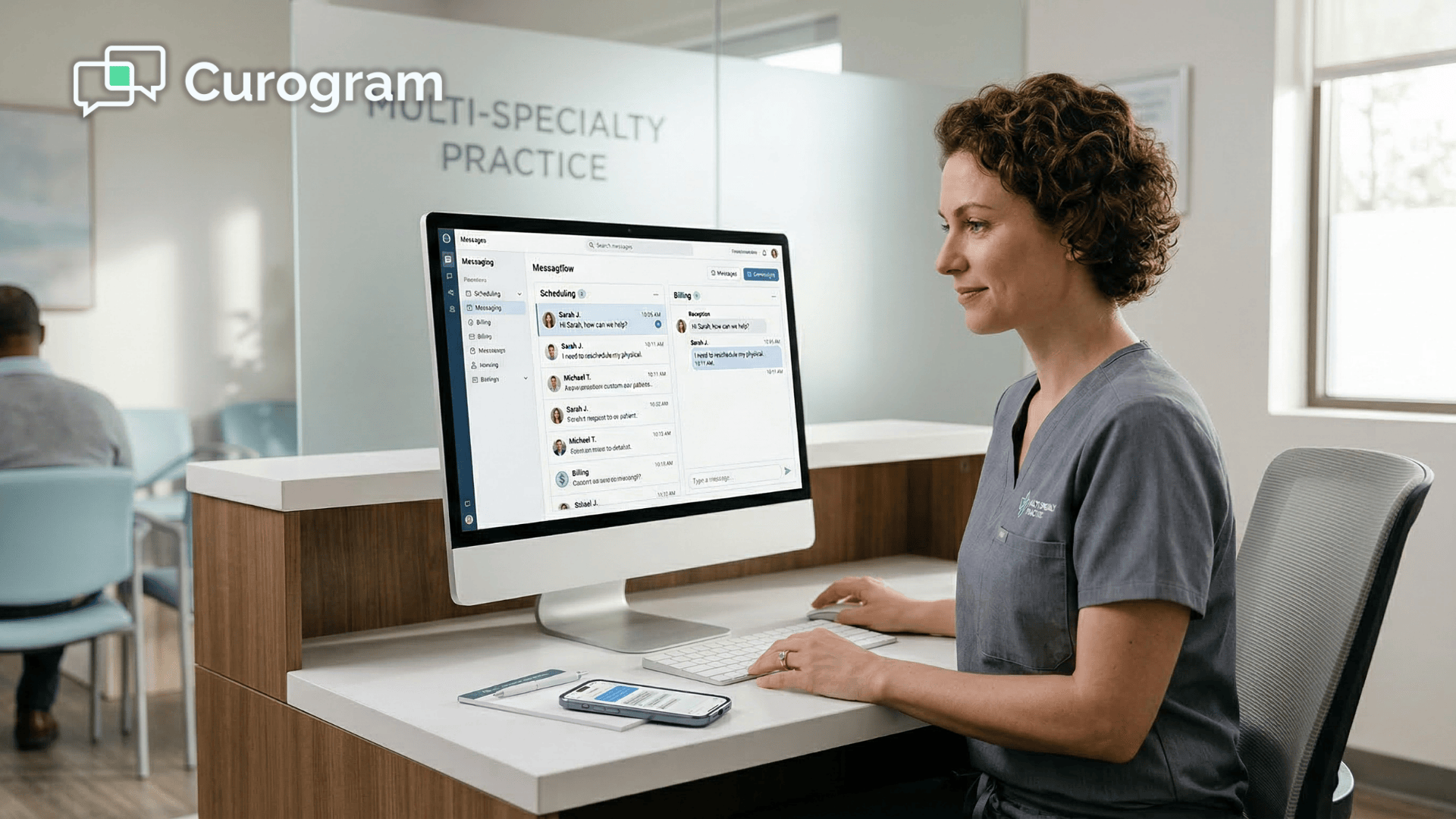
Curogram works like a virtual front-desk assistant. It meets patients on the one channel they already know by heart — plain text — so nobody has to learn anything new to reach you.
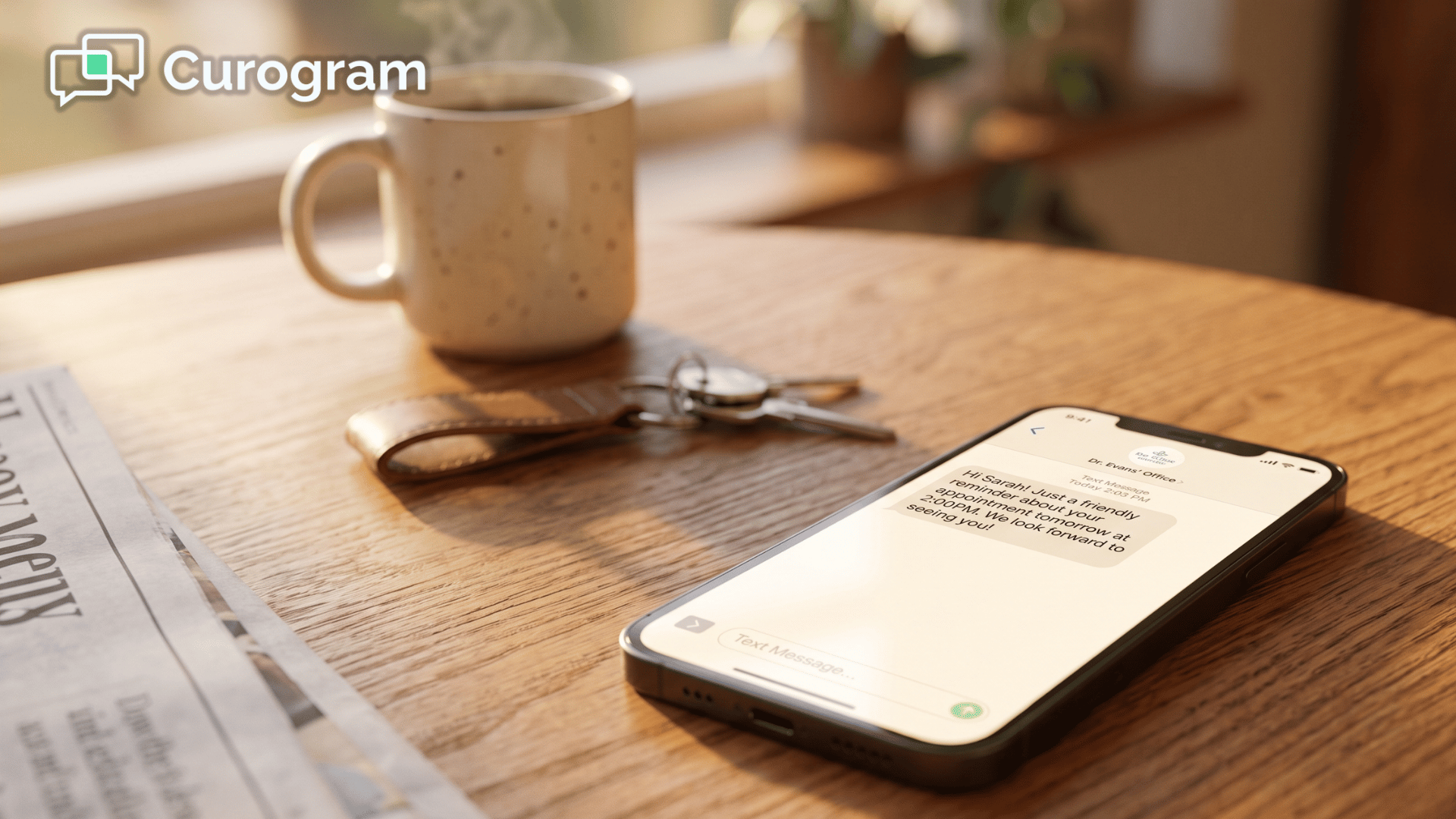
The mechanics are simple. A patient texts your existing practice number and gets a reply from a real person on your team, with no app, no login, and no portal standing in the way.
The whole "download the app and remember a password" step just disappears, which makes this patient texting with no app download for eCW offices — the healow app alternative for patients who were never going to log in.
Curogram doesn't replace your system of record. eClinicalWorks keeps the clinical chart while the patient conversation happens over text. You get an easy front door without disrupting the tools your staff already trust.

The contrast is stark. To reach you through the portal, a patient has to:
Many stall long before they ever reach the message box. Texting asks for none of that:
No menus, no maze, and no wondering whether anyone is even checking.
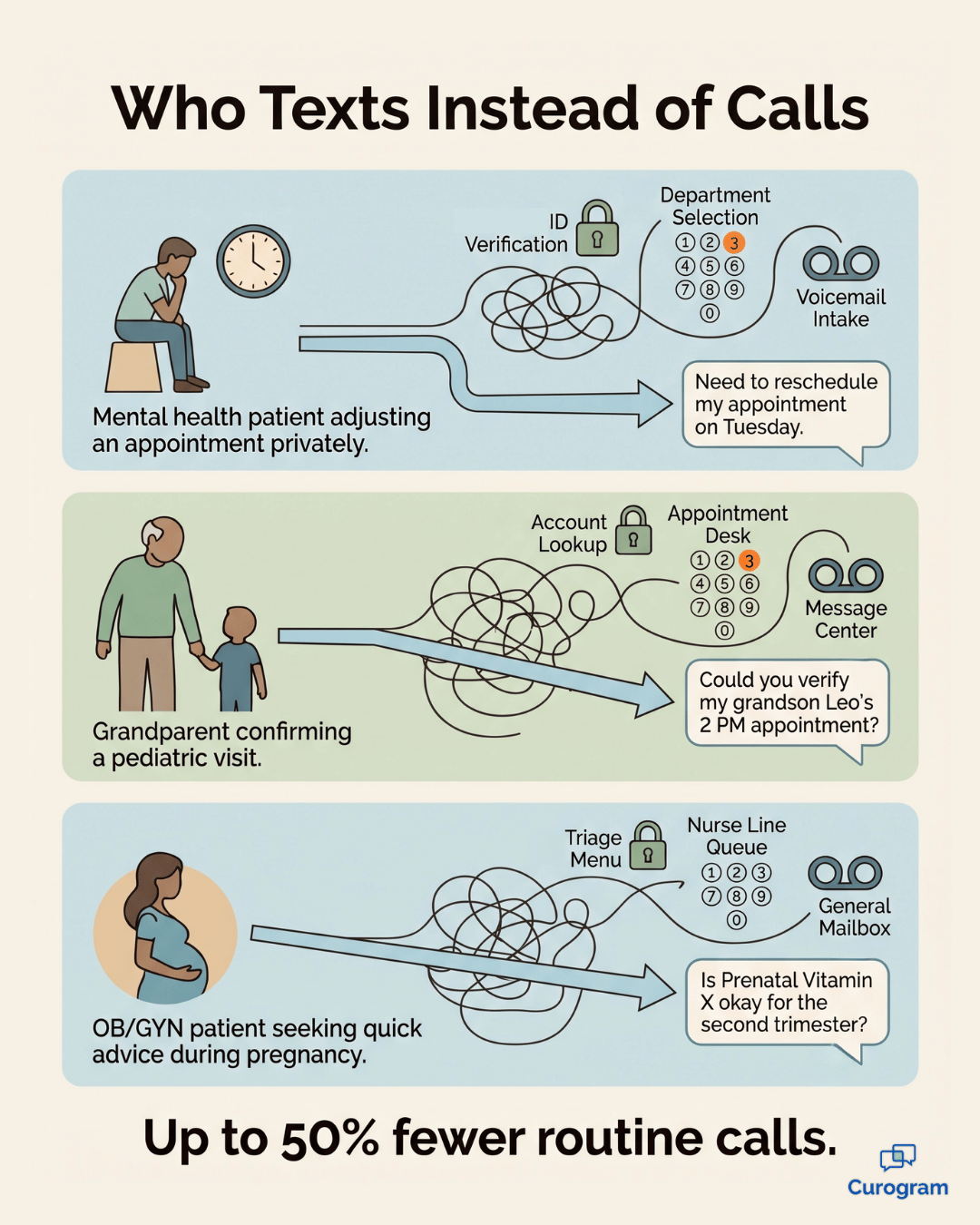
Different patients arrive through the same easy front door.
A behavioral-health patient reschedules by text and skips a phone call that can feel exposing.
A grandparent confirms a pediatric visit with one tap.
An OB/GYN patient sends a quick prenatal question while waiting in the pharmacy line.
When patients can text the doctor's office in an eCW practice, care feels closer rather than more automated.

Give patients no-login patient texting and the numbers start moving fast. Fewer calls, faster answers, and a front desk that can finally breathe.
Up to 50% |
| The drop in routine call volume practices see once patients can text instead of fighting a portal. |
24% |
| The measured decline in phone calls at one multi-site community health center after the switch. |
Let's turn that into real hours. Say your front desk handles 200 calls a day and about half are routine, which leaves 100 avoidable calls on the board. Cut even 24% of those, and you save 24 calls a day.
At roughly 4 minutes per call, that's about 96 minutes back — every single day. Across a five-day week, that's 8 hours your team can spend on patients in the building instead of callers on hold. In practice, that's a full workday handed back to your front desk each week.
The shift goes well beyond minutes. Patients reach you on the first try, stop drifting to urgent care for small needs, and start telling friends your office is easy to deal with.
That reshapes the eCW patient experience around texting, and word of mouth like that is the quiet engine of practice growth.
Some hesitation is normal. When a practice first hears "let patients text us," two questions always surface: is it private, and is it a pain to set up? Both are fair, and both have simple answers.
This is the big one, and rightly so. Curogram was built for healthcare from day one, so patient texting stays HIPAA-compliant on your end while it feels like plain messaging on theirs. Your team gets the audit trail and protections regulators expect, and your patients just get a reply.
Security isn't the trade-off for convenience here — it's the foundation underneath it.
Short answer:
No. There's no new hardware, no patient app to push, and no rebuild of your eClinicalWorks setup.
Most practices are live in days, not months, because the heavy lifting sits on Curogram's side. Your front desk keeps working exactly as it always has, and patients simply get an easier way in.
Here's what tends to happen once texting is on.
Patients take to it fast, and most routine requests shift over to text within the first few weeks. For your team, that means the phones quiet down almost immediately — not someday.
Patients will never adopt an app just to reach you, and that isn't stubbornness — it's simply how people live now. What they will do, without any hesitation, is text, and that single change is enough to quiet your phones for good and keep them that way.
Think about what your portal is really there to do.
eClinicalWorks was built to protect your clinical record, and it handles that job extremely well. Curogram was built for something else entirely: your patients' everyday convenience. Put the two together, and you get a practice that's as easy to text as it is excellent to visit.
The math makes the case on its own. When routine calls fall by even a quarter, your front desk wins back real hours every week — hours far better spent on the patients standing right in front of them.
Fewer patients drift to urgent care, more of them come back, and the ones who have an effortless experience tend to tell everyone they know.
So here's the shift genuinely worth making.
Stop asking patients to download an app just to ask a simple question, and stop losing valuable follow-ups to a password nobody can remember. Meet patients on the channel they already use every day, and let reaching your office finally feel effortless from the first message.
None of this needs an IT project or any disruption to your established eClinicalWorks workflows.
Curogram layers neatly on top of the system you already run, so your staff keep working the way they know while patients finally get a front door that opens on the very first try.
The best way to understand it is simply to see it in action. Schedule a demo today, and give your patients the effortless front door they have been waiting for all along.
Correct — nothing to download and nothing to log into. Patients text your practice number from their phone's standard messaging, the same way they text anyone else, and your staff reply from Curogram. That zero-friction experience is the entire point.
Yes. Curogram is built for healthcare and keeps patient texting HIPAA-compliant on your side, while patients enjoy the simplicity of ordinary messaging. It's convenient for them and protected for you.
Absolutely. Texting is an option, not a requirement — patients can keep calling or using the eClinicalWorks portal, and they can opt out of texts anytime. Most simply choose texting because it's easier, which is exactly what frees your phone line for everyone else.
No. eClinicalWorks stays your system of record, and your clinical workflows remain untouched. Curogram adds a texting layer on top, so the chart lives in eCW while the conversation happens over text. Your team keeps working the way they already know.
Fast, because patients have nothing to set up. Once your practice number is enabled for texting, they can message you the moment they need to — no rollout, no training, and no app to promote. Most of the effort sits on your side and takes far less time than a typical software project.
💡 A Veradigm EHR HIPAA texting dashboard lets staff handle patient needs via secure text—no portal login. Cuts calls 40–60% and saves up to 7 staff...
💡 Patients who want to text their NextGen practice directly — without opening a portal, downloading an app, or remembering a password — can do...
💡 Meditab IMS patient communication without portal login via secure texting lets practices reach patients through SMS — no app download, no...