
1 min read
Join a Video Visit by Text — No App Needed
 Jo Galvez : Jul 13, 2026, 8:00:01 AM
💡A CollaborateMD video visit with no app download for patients starts with one tap. The patient taps a link in a text. The visit opens right away....

A patient calls and asks for a video visit. Your team wants to say yes. But CollaborateMD runs your billing and records, not your video calls.
So the request turns into a project. You start shopping for a telehealth vendor. Then come the logins, the training, and the app patients must download.
Many practices carry scar tissue here. A past telehealth tool was glitchy. Another got shut down with little warning. Now the whole idea feels heavy, and virtual care sits on the back burner.
It does not have to work this way. Telehealth for CollaborateMD practices can be simple. The trick is to skip the separate platform and launch the visit from something patients already trust: a text.
That is the promise of a CollaborateMD telehealth video visit by text link. The patient gets a text on your real number. They tap the link. The visit opens right there, with no app and no portal.
Curogram makes this real as the one-tap clinic. It lives in the same layer you use for texting, reminders, and forms. There is no second software company to manage. Staff learn it fast, and patients join with one tap.
This guide breaks the idea down step by step. First, we name the hidden cost of bolting on a vendor. We call it the bolt-on tax. Then we show how a text-launched visit removes that weight.
You will see how one layer replaces a stack of tools. You will see why patients show up more when there is nothing to download. And you will see how virtual care finally fits a lean practice.
By the end, telehealth stops feeling like a burden. It becomes a feature you flip on, not a vendor you sign up for. That is the whole shift in a single line.
CollaborateMD does many jobs well. It keeps billing clean and records in order. Yet it offers no built-in telehealth of its own. So virtual care means bolting on a new tool, and that tool carries a hidden cost.
The gap is not a flaw in the product. It simply marks the edge of what the software was built to do. Knowing that edge helps you plan around it. It also points to a simpler fix.
CollaborateMD centers on claims and clinical records. Video visits fall well outside that core job. The tool was never meant to host a live call.
So, practices that want to add virtual visits to CollaborateMD must look elsewhere. That outside search is where the real trouble begins. What feels like a quick add-on becomes a whole new hunt. That hunt pulls focus from patient care.
So the team starts shopping for a telehealth vendor. They compare plans, prices, and long feature lists. Demos eat up hours that no one really has.
Often, this comes after a past tool proved glitchy or got shut down. That memory makes every new choice feel risky. A simple wish has quietly become a full buying project. Weeks can pass before a single visit happens.
The monthly fee is only the surface of it. The deeper cost hides in the daily friction it creates. That friction lands on both staff and patients. Both costs are easy to miss at first.
Every new vendor adds one more bill to track. It adds fresh logins and a separate support line. Each one is a small tax on your time.
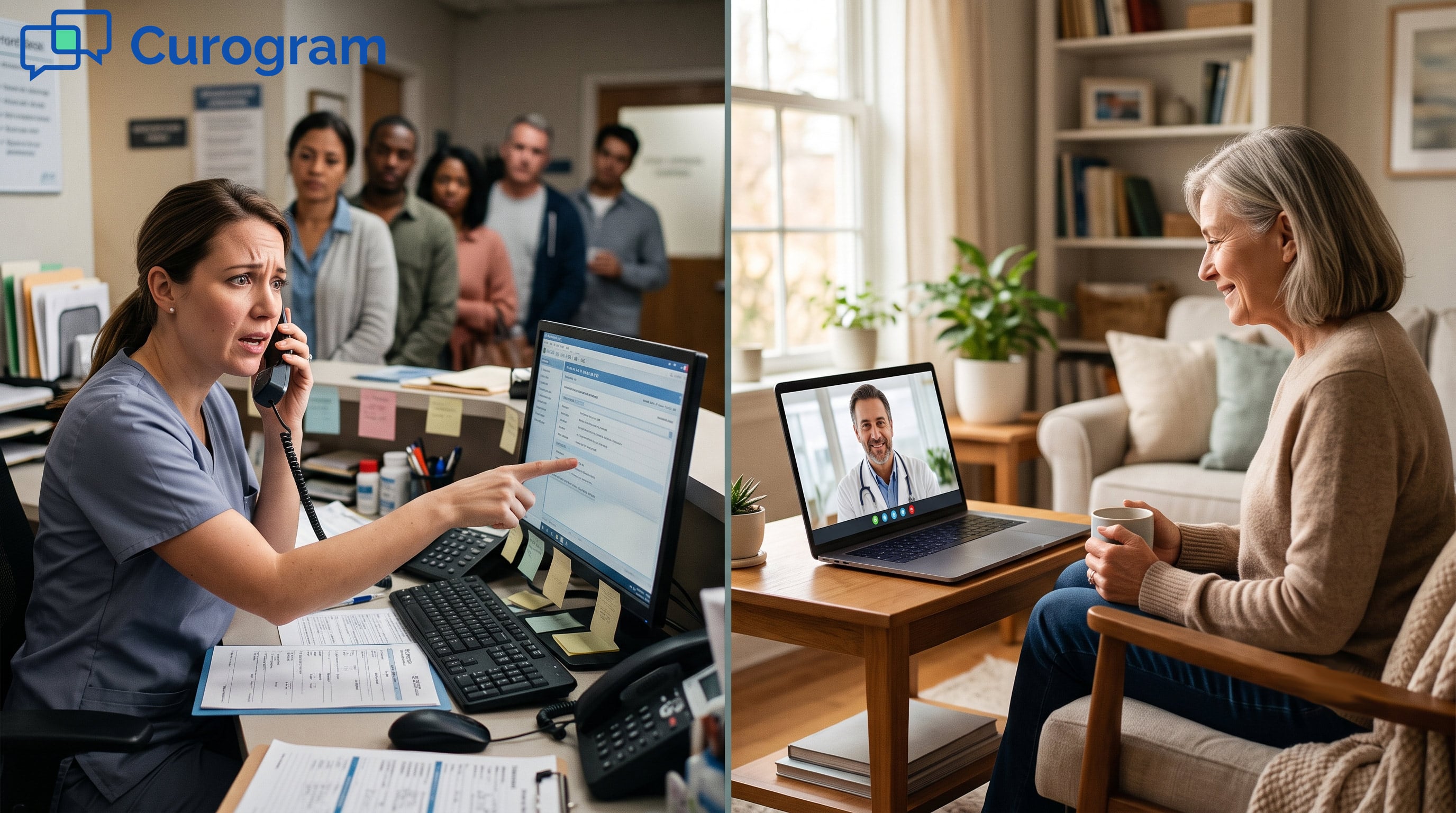
Your lean stack gains weight it never asked to carry. Staff must now juggle another tool during a busy day. The extra clicks add up, hour after hour. None of it moves a patient closer to care.
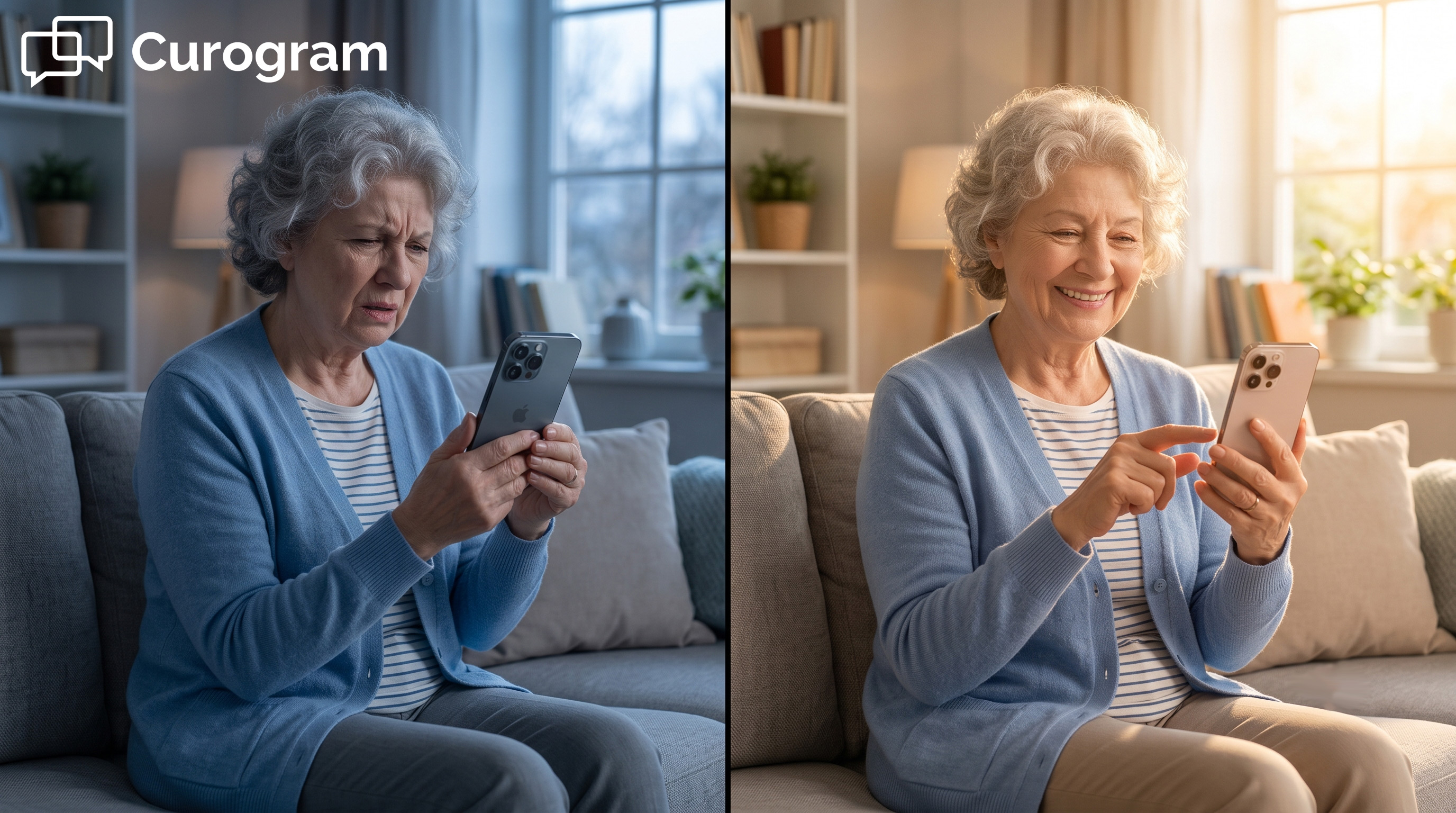
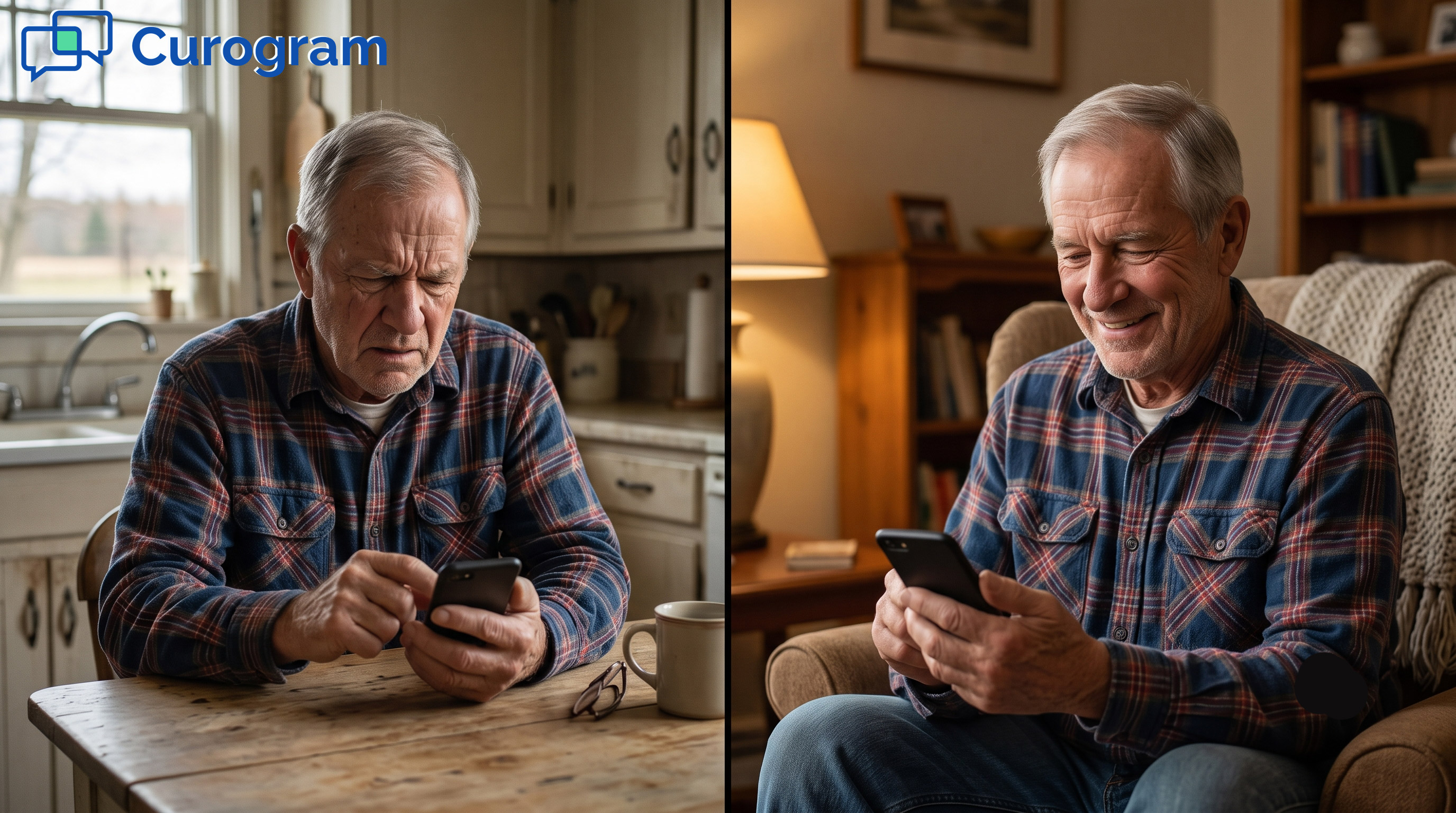
Patients feel the strain just as much as staff. Many get asked to download yet one more app. For an older patient, that ask can be a wall.
Some never make it past that first download screen. They call the front desk confused, or they just give up. The result is late starts, no-shows, and missed virtual visits. Every lost visit is lost revenue, too.
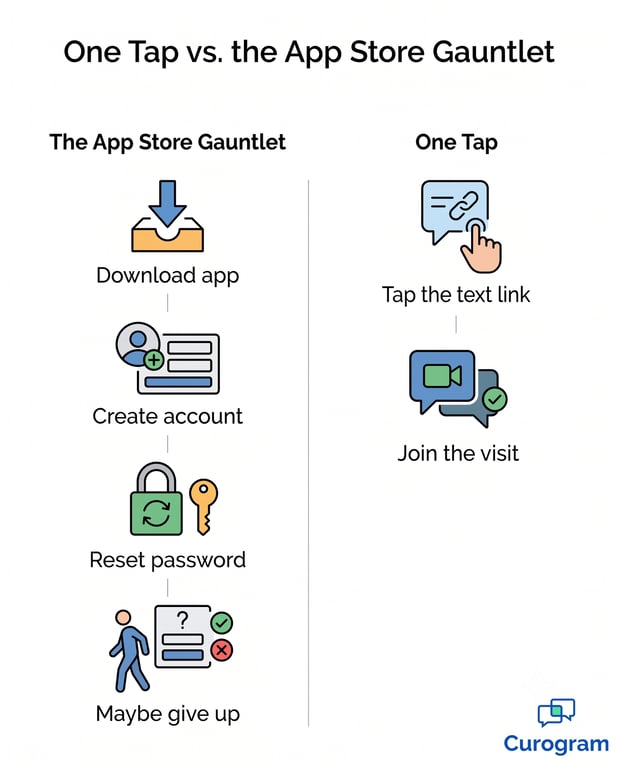
Here is the good news. You do not need a second software company to offer video care. Telehealth can live inside the layer you already run for 2-way HIPAA-compliant texting. Curogram calls this the one-tap clinic.
The video visit does not sit in a far-off portal. It launches from a text, sent on your real number. Patients see a message, not a login page. That small difference changes everything.
A text-launched video visit needs no app at all. The patient simply taps the link inside the message. The call opens where they already are, in their texts.
A HIPAA-compliant video call then opens right in the browser, with no portal credentials to enter. Pair it with appointment reminders, and one reminder text can launch the visit. The reminder and the visit become a single, smooth step. Patients barely notice a handoff at all.
This is HIPAA telehealth with no separate platform to stand up. It runs inside the same Curogram layer tied to CollaborateMD. There is nothing new to install on your end.
That one layer already handles your texting, reminders, and forms. Adding video care means adding a feature, not a system.
This model suits a lean clinic and an integrated telehealth billing practice alike. One layer means just one thing to learn and to manage. That simplicity scales, whether you run one office or many. The setup stays the same either way.
Because it is one layer, staff learn it fast. Most teams grow comfortable in under 10 minutes. There is no thick manual and no drawn-out rollout.
The tool feels like plain texting, because it mostly is. Front-desk staff can start a visit between other tasks. No one needs to become a tech expert first. Confidence comes on day one, not week three.
One-tap telehealth with no download reaches nearly every patient. A text lands on almost any phone in use today. It works the same on new devices and old ones.
There is no app store to visit and no account to build. So far more patients actually join the visit. Fewer drop off before the call even starts. More completed visits follow naturally.
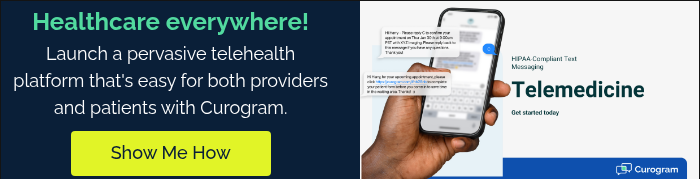
Now picture the payoff clearly. The separate telehealth platform, login, and bill all disappear. In their place sits one simple action: a tap. That single shift changes how the whole practice feels.
We can name this shift in plain words. Call it moving from a vendor stack to one layer. The change is small to set up but large in feel. Staff notice the calm right away.
Gone is the extra telehealth platform you once paid for. Gone are the second login and the separate monthly bill. Your budget stops leaking to a tool you barely use.
Your stack stays lean, just the way you designed it. One layer now carries the work of many tools. Fewer moving parts means fewer things that can break. Your team feels calm every single day.
With one layer, telehealth stops being a big project. It becomes a feature you simply switch on. There is no launch plan to write and approve.
There is no vendor to vet and no rollout to plan. You send a text, and the visit begins. The whole idea shrinks down to a single tap. That is telehealth built for a lean practice.
The biggest shift shows up on the patient side. Their whole path to care suddenly gets much shorter. Every step you remove is one less reason to skip a visit. So more of them show up ready.
The patient never has to fight an app store. There is no download, no account, and no lost password. The barrier that stops so many people just vanishes.
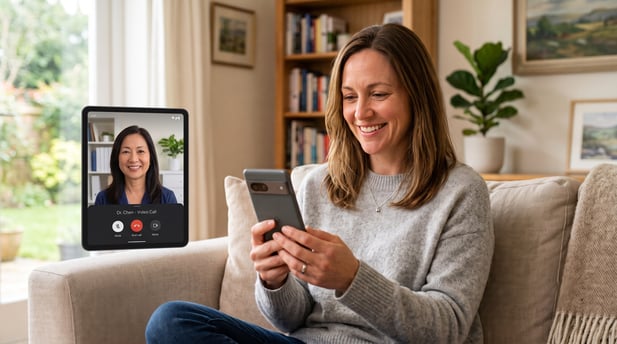
They just join a video visit with one tap from your text. Care starts in seconds, not after a long setup. That speed matters most when someone feels unwell. Speed like that builds real trust.
This ease shows up in real patient behavior. Texts reach people far better than buried portal alerts. A message in the inbox rarely gets the same attention.
Curogram client data from clinical settings shows over 75% of appointments confirmed by text. When a video link is this simple, more patients join on time. Less friction turns into more completed visits. The layer does the heavy lifting for you.
CollaborateMD runs your billing and your clinical records with care. What it does not run is the video visit. That is the one piece the software leaves open. Curogram fills it, without a separate platform.
Think of the split this way. CollaborateMD is built for your billing and your record. Curogram is built for their one-tap visit. Together, the two cover the full path of care.
This is how telehealth finally fits a lean practice. You do not sign up for a second software company. You do not train staff on a thick new tool. You send a text, and the visit opens.
The bolt-on tax was never really about money alone. It was the weight of one more login, one more bill, one more thing to break. A text-launched video visit lifts that weight. One layer now does the work a whole stack used to do.
Your patients feel the change most. They skip the app store and the login wall. They tap a link on your real number and arrive. Care that once felt far away now sits one tap ahead.
None of this asks patients to change how they live. They already text friends and family all day. You simply meet them in a place they trust. Care arrives through a channel they never ignore.
Your staff feel it too. There is no new vendor to chase for support. There is no second dashboard to watch all day. The tool works like the texting they already know.
The math here is refreshingly plain. Fewer tools mean fewer points of failure. Fewer logins mean less time lost each week. A leaner stack simply runs smoother.
For a billing company, the win scales across every client. One layer supports many practices at once. Each practice can offer virtual visits without new complexity. And each visit still flows back into the records you manage.
So the choice is simple. You can keep adopting a whole new vendor just to offer a single video call. Or you can launch that call from the layer you already run. One path adds weight; the other removes it.
Telehealth should not feel like a burden you carry. It should feel like a feature you flip on. With a text-launched visit, that is exactly what it becomes. The project turns back into a simple, human moment of care.
You have already done the hard part. Your billing runs and your records stay clean. Your patients trust the texts you send. Adding video care is the small, final step.
Picture the first week after the switch. The extra login is gone. The second bill is gone. Only the care remains.
Complete your revenue cycle and see how a video visit launches straight from a text. Book a demo today.
1 min read
Jo Galvez : Jul 13, 2026, 8:00:01 AM
💡A CollaborateMD video visit with no app download for patients starts with one tap. The patient taps a link in a text. The visit opens right away....
1 min read
Jo Galvez : Jun 30, 2026, 10:00:00 AM
💡No-download telemedicine for Azalea Health practices lets patients join a video visit from a text link. There is no app to install and no portal...
1 min read
Jo Galvez : Jun 30, 2026, 11:00:01 AM
💡Low-friction telemedicine for the Azalea Health front desk workflow lets patients join a virtual visit from a text link. There is no app to...