11 min read
Digital Intake Forms for Staff | Eliminate Data Entry on Azalea Health
Aubreigh Lee Daculug
:
March 18, 2026
Curogram integrates with Azalea Health to deliver clean, pre-filled patient data directly to front desk staff — no transcription, no handwriting to decode.
For rural clinics and FQHCs handling 30 or more patients daily, that translates to recovering up to 7.5 hours of staff time every single day.
The Curogram form builder is drag-and-drop, requires no IT support, and can launch new templates in under 20 minutes.
Staff shift from spending hours keying in patient data to spending minutes reviewing it. Errors tied to illegible handwriting drop to near-zero — and so do the claim rejections and compliance issues that follow.
If your front desk team is still copying patient information off paper forms and into Azalea Health by hand, they are paying The Transcription Tax — and it is costing your clinic far more than you think.
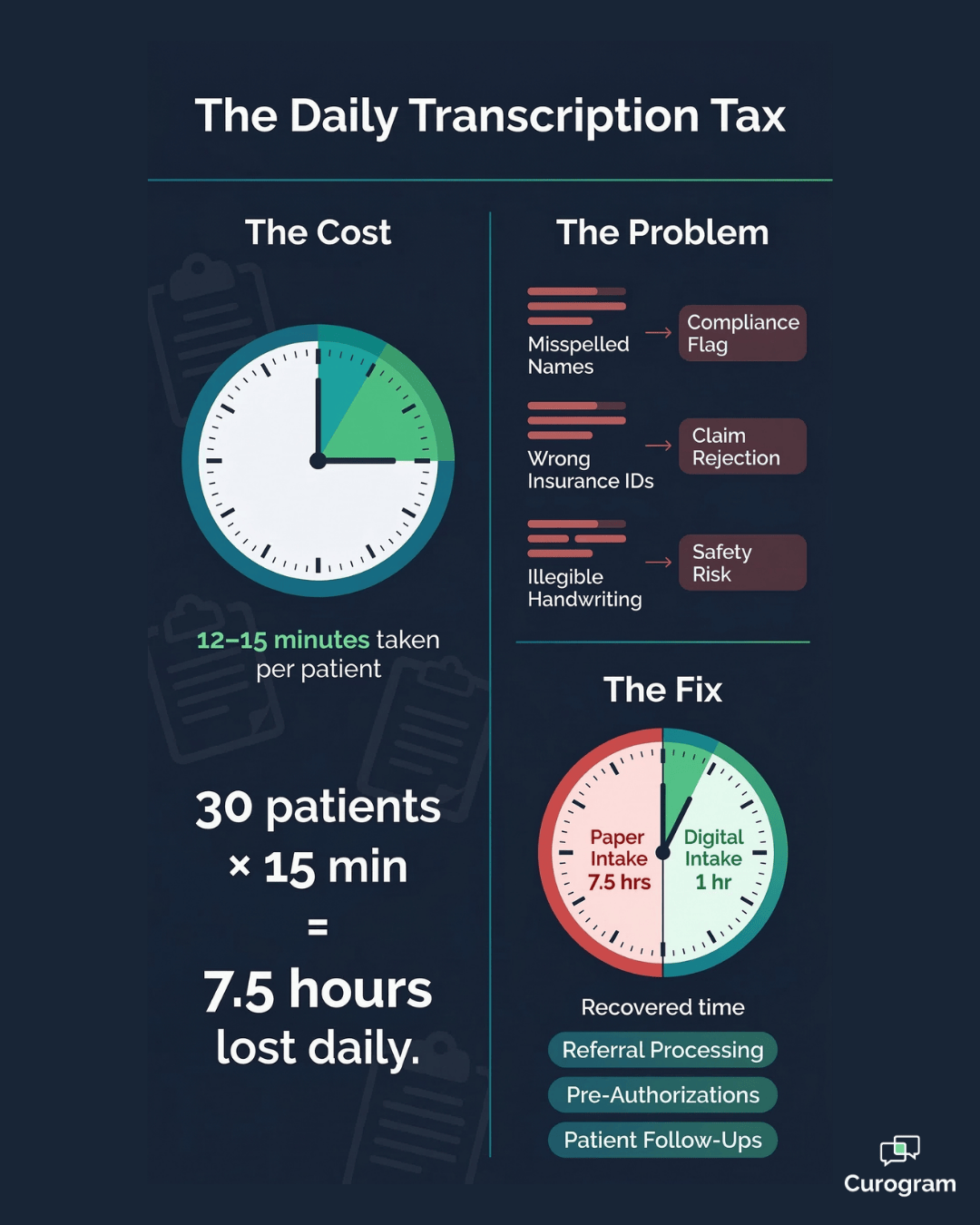
For a 30-patient practice, manual data entry from paper intake packets takes 12 to 15 minutes per patient. That adds up to 6 to 7.5 hours of staff time every single day — nearly a full-time position dedicated entirely to retyping information patients already wrote down.
And that number does not include the time spent correcting errors. A transposed insurance ID, a misread medication name, a missing date of birth — each one creates a downstream problem that someone has to track down and fix.
The tax is not just on time. It is on accuracy, on staff morale, and on the quality of data flowing through your entire practice.
For rural clinics and FQHCs, the stakes are even higher. Lean teams are expected to manage check-in, phones, scheduling, and compliance — all at once.
When a significant chunk of those hours evaporates into clipboard transcription, other work falls behind. Referrals pile up. Pre-authorizations get delayed. And the staff who should be coordinating care are stuck at a keyboard retyping what patients already wrote.
Curogram changes that. When Azalea Health staff use digital intake forms, patients complete their registration on their phones before they arrive. Staff receive clean, typed, structured data in a dashboard — ready to review in minutes, not transcribe over the course of an entire morning.
The shift is straightforward, but the impact runs deep. Practices that make the move typically see error rates drop in the first month, staff capacity open up within the first week, and a front desk team that finally has time for the work that actually requires their skills.
This article breaks down how the FQHC front desk digital form workflow replaces clipboard transcription, where errors come from and how to stop them, and what it looks like when a rural clinic front desk team finally gets their time back.
The Hidden Cost of Paper Intake at Rural Clinics
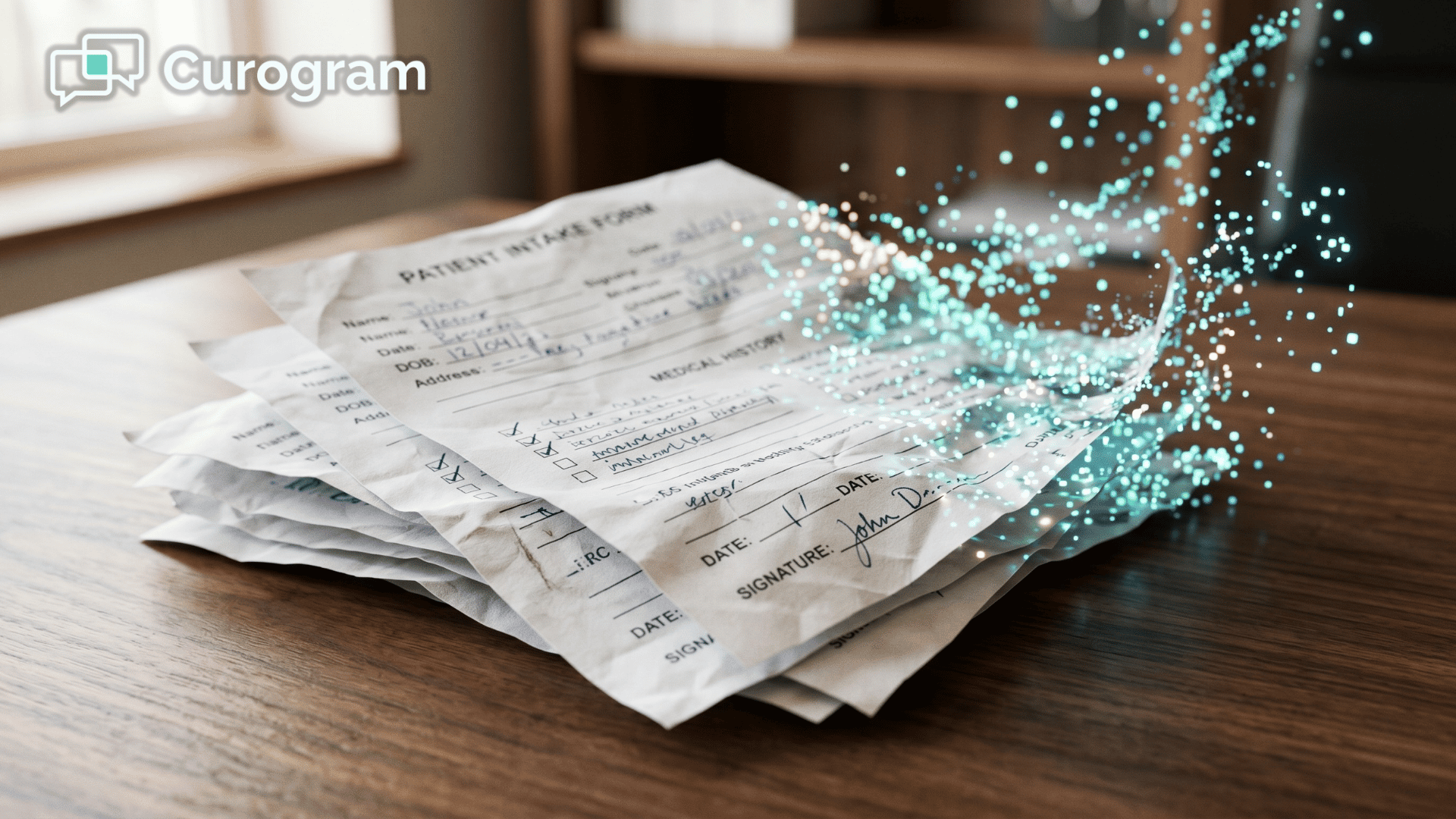
Azalea Health is a powerful EHR. But the data feeding it often starts in the worst possible format — handwritten notes on paper clipboards. Every one of those forms creates a manual task for someone on your team.
That manual task does not just take time. It introduces risk at every step.
At 12 to 15 minutes of transcription per patient, a practice seeing 30 patients per day is losing between 6 and 7.5 hours of staff time daily to data entry alone.
That is nearly a full-time role dedicated entirely to typing what patients already wrote down. And unlike clinical work, it produces no direct value — it only moves information from one format to another.
This is what practitioners sometimes call the hidden administrative burden of paper intake. The cost does not show up on a single line item. It shows up in overworked front desk staff, delayed referrals, and a backlog that never quite clears.
Over a month, it adds up to dozens of hours that could have gone elsewhere.
A Morning at the Front Desk
Picture the morning at a rural FQHC.
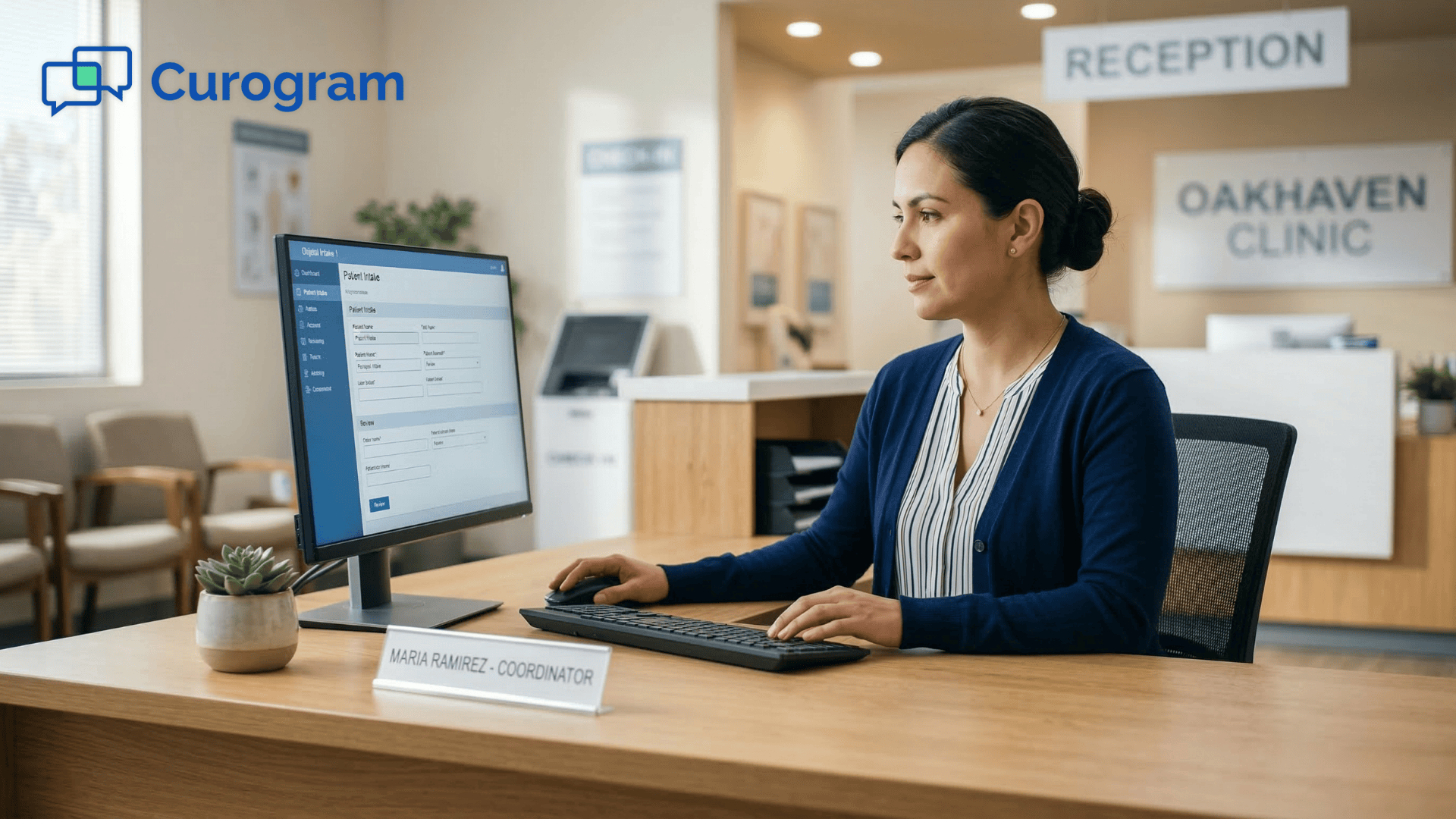
The front desk coordinator works through a stack of 12 paper intake packets from the day's new patients.
Patient #1 has a medication list in cursive — is that "lisinopril" or "losartan"? She makes her best guess and flags it for the nurse.
Patient #3 has an insurance ID where one digit could be a 6 or an 8.
Patient #7 lists their address as a rural route number. She spends several minutes searching online to find the right zip code.
By lunchtime, she has entered 8 packets — and 4 more are waiting. The afternoon patients are already starting to arrive.
This scenario is not unusual. For many rural clinics and FQHCs, it is simply Tuesday. The front desk team is skilled, capable, and motivated — but they are spending a significant portion of their day on a task that a digital system could handle automatically.
That is the real cost of paper intake, and it compounds every single day the practice stays on clipboards.
Every Transcription Error Creates a Downstream Problem
A single misread character or skipped field does not just sit in the chart. It travels.
Each type of error creates its own set of consequences down the line:
- A misspelled name triggers an insurance claim rejection.
- A wrong medication dosage creates a patient safety risk.
- An incorrect phone number means appointment reminders go to the wrong person.
- For FQHCs filing UDS reports with HRSA, demographic inaccuracies affect compliance metrics directly.
What makes Azalea Health intake transcription errors especially costly is that they are often invisible until something breaks downstream.
A claim rejects weeks later. A reminder goes unanswered because the number was transposed. A medication interaction is missed because the list was incomplete. By the time the error surfaces, tracing it back to a handwritten intake form is time-consuming on its own.
Get it right and no one notices. Get it wrong and a claim rejects, a prescription gets questioned, or a quality metric drops.
For front desk teams at rural clinics, this is high-pressure, low-reward work — and it is entirely preventable.
How Curogram Eliminates Manual Data Entry for Azalea Health Staff
Curogram is built to get rid of the transcription step entirely. Instead of handing patients a clipboard and then re-entering everything they write down, your team sends a digital intake form via text before the appointment.
Patients complete it on their phones. You receive structured, typed data in Curogram's dashboard — ready to review.
The role of your front desk team shifts from transcriptionist to reviewer. They verify what patients submitted, flag anything incomplete, and move on. What used to take 15 minutes per patient now takes about 2.
That time difference is not an estimate — it reflects the reality that reviewing typed, structured data is fundamentally faster than interpreting handwriting and re-keying it field by field.
This is what it means to eliminate manual data entry in your Azalea Health intake workflow. The information still gets into the system. But the path it travels changes completely — and so does how much of your staff's day gets consumed along the way.

What the Staff Review Dashboard Actually Shows
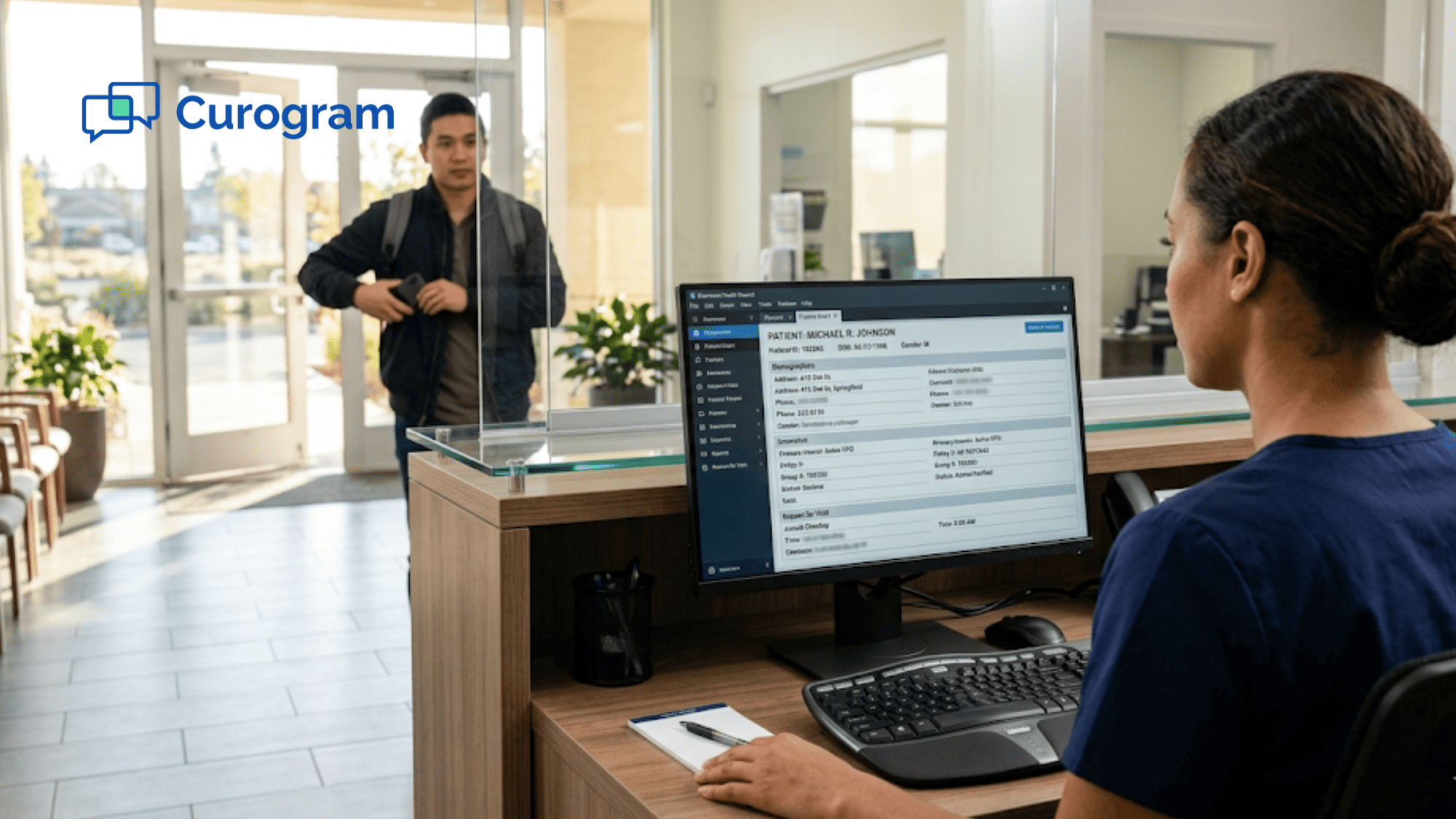
Curogram's staff review dashboard gives your team a clean, sortable view of all pending form submissions. At a glance, staff can see which patients have completed their forms, which are in progress, and which have not started.
Each submission presents patient-entered data in structured fields — typed, not handwritten.
Insurance card photos come in as uploads. Medication lists appear as organized entries rather than scribbled notes. Staff review a full intake submission in the time it used to take just to decipher one handwritten field.
There is no guesswork, no interpretation, and no second-guessing whether a letter is a 6 or an 8.
The dashboard also makes it easy to follow up without picking up the phone.
If a patient has not started their form the day before their appointment, staff can send a quick text reminder directly from the interface. That nudge typically resolves the gap before the patient ever walks through the door.
Setting Up Forms Takes Minutes, Not Days
The Curogram form builder is drag-and-drop — no coding, no IT support, no waiting on a vendor.
Here is what setup looks like in practice:
- Build a new form template in about 20 minutes.
- Assign templates to specific appointment types so the right form reaches the right patient automatically.
- Create separate templates for new patients (full history, insurance upload, consent) and returning patients (medication updates, insurance verification only).
Because forms are sent automatically before each appointment, your staff does not need to remember to trigger them. The system handles it — and for patients who cannot complete forms at home, a lobby tablet covers that too, without reintroducing paper.
This flexibility matters in a rural or community health setting where patient needs vary widely.
Some patients will complete their intake form the night before. Others will need a few minutes in the waiting room. Either way, your staff ends up reviewing digital data — not transcribing handwriting.
Built for Rural Clinic Realities
Front desk teams at FQHCs and RHCs are already managing check-in, phone calls, scheduling, and patient questions all at once. Curogram's rural clinic paperless registration workflow does not add another task to that list — it removes the biggest one.
The digital pipeline from patient phone to practice dashboard eliminates every manual handoff where errors sneak in.
It also removes the dependency on staff memory and attention for routine intake tasks.
When everything is automated — form delivery, reminders, submission tracking.
The front desk is free to focus on the work that actually requires a human:
Greeting patients, answering questions, and coordinating care.
That is a better use of your team's skills, and a better experience for your patients.
What Your Staff Can Do When Data Entry Disappears
Staff using Curogram digital forms recover up to 6 to 7.5 hours of daily staff time in a 30-patient practice, based on our internal research.
Transcription errors drop to near-zero because patients enter their own data in structured digital fields. Insurance claim rejection rates tied to demographic errors decrease measurably in the first month.
The shift is not just about saving time. It is about what your staff can do with that time once they have it back. When data entry disappears, front desk coordinators stop being reactive and start being proactive.
The job does not get smaller — it gets more meaningful.
Think about the tasks that always seem to fall to the bottom of the priority list: following up on incomplete referrals, confirming pre-authorizations, reaching out to patients who are overdue for a visit.
Those tasks matter for both patient outcomes and practice revenue. They just rarely get done when half the day is absorbed by clipboard transcription.
A Monday Morning, Reimagined
The front desk coordinator opens Curogram's dashboard and sees that 22 of the 28 patients scheduled for today have already completed their forms over the weekend.
She reviews each one in 2 to 3 minutes. She flags one patient whose insurance card looks outdated and sends a quick text to follow up.
By 8:30 AM, the day's intake data is ready. The rest of her morning goes toward processing last week's referral backlog — a task that has been sitting untouched because paper transcription consumed every available hour.
By Wednesday, the referral queue is clear for the first time in months.
That is not a hypothetical outcome. It is what happens when the biggest time drain in the front desk workflow is removed. Staff do not suddenly have less to do — they have more capacity for the work that actually moves the practice forward.
The transformation is from transcriptionist to care coordinator. The role evolves from reactive data entry to proactive practice management.
Staff time savings from digital patient forms are not a minor efficiency gain — they are a meaningful upgrade to what your team can actually accomplish.
Why This Matters Even More for FQHCs and Rural Health Clinics
For community health centers and rural health clinics, accurate data is not optional.
UDS reporting, quality metrics, and billing compliance all depend on getting patient information right the first time. Azalea Health intake transcription errors that go undetected can ripple through claims, reporting, and patient safety processes.
Rural practices often operate with lean front desk teams, sometimes just one or two people covering all administrative functions. Every hour saved on data entry has an outsized impact when the team is small.
A 7-hour daily recovery at a 30-patient practice is not a rounding error — it is the difference between a team that is always catching up and one that actually has capacity.
FQHCs also face a layer of compliance pressure that most private practices do not. HRSA oversight, grant reporting, and sliding-scale billing all require reliable demographic and insurance data.
When that data comes from handwritten forms filtered through a transcription step, the margin for error is higher than it should be. Digital intake removes that margin almost entirely.
There is also a patient experience dimension worth considering. Patients at rural health clinics often have longer wait times and fewer scheduling options. Completing intake on their phone before they arrive removes friction from the check-in process and gets them to the provider faster.
That small change in the patient journey reflects well on the practice and reduces crowding at the front desk during peak hours.
Beyond the operational gains, there is a staff retention angle that practice managers often overlook. High turnover at the front desk is a real problem for many rural clinics, and one of the most commonly cited reasons is the relentless pace of repetitive, error-prone administrative work.
When you remove the most tedious part of the job — and replace it with work that actually requires judgment and skill — you make the role more sustainable and more satisfying.
With Curogram, the time staff get back typically goes toward the tasks that have always been delayed by data entry demands:
- Processing referral backlogs that piled up during peak intake hours.
- Pre-authorizing procedures before patients arrive for follow-up appointments.
- Proactively verifying insurance rather than discovering coverage issues at check-in.
Curogram's digital intake pipeline removes the human error step at the source. Patients self-report their information directly into structured fields.
Staff verify rather than interpret. The data that reaches Azalea Health is cleaner — and the workflow that produces it is faster.
Your Staff Were Hired to Coordinate Care — Let Them
Your front desk team is one of the most important parts of your clinic. They are the first point of contact for patients, the engine behind scheduling and follow-ups, and a key link in the billing and compliance chain.
Spending 7 hours of their day deciphering handwriting is not a good use of what they can do.
Azalea Health needs accurate patient data. Curogram ensures it arrives digitally, legibly, and before the patient walks in.
Azalea Health is built for your clinical workflow; Curogram is built for your staff's productivity. When data entry disappears, capacity for meaningful work multiplies.
The practices that benefit most from digital intake are not necessarily the largest or the most tech-forward. They are the ones where the front desk team is stretched thin, where errors keep surfacing in billing, and where the referral queue never seems to shrink.
If that sounds familiar, the fix is not hiring another person to transcribe faster — it is removing the transcription step altogether.
Curogram also integrates smoothly into the workflows your team already uses. There is no steep learning curve, no system overhaul, and no disruption to how providers interact with Azalea Health.
The change happens on the front end — how data enters the practice — while everything your clinical team depends on stays exactly the same.
It is also worth noting what this change does for patient confidence. When someone receives a clean, professional intake form on their phone before their visit, it signals that the practice runs efficiently and respects their time.
First impressions matter — and digital intake sets a better one than a clipboard and a pen in the waiting room.
Building your first digital form takes about 20 minutes in Curogram's drag-and-drop form builder. You can send it to tomorrow's patients tonight. By the end of the week, you will have a clear picture of how much time your staff saves — and what they do with it.
The Curogram form builder for Azalea Health staff is not a workaround. It is what your intake workflow should have looked like all along.
Schedule a demo today and see exactly how it fits into your current Azalea Health setup — no IT involvement required, no disruption to your existing workflow.
Frequently Asked Questions
Curogram form submissions arrive in a structured digital format inside the Curogram dashboard. Staff review the clean, typed data and can enter verified information into Azalea Health's fields — a 2-minute review process compared to 15 minutes of transcription from paper. The key improvement is that your team is confirming accurate data, not decoding handwriting.
Yes. The Curogram form builder supports unlimited custom templates. You can create a detailed new-patient packet that includes full medical history, insurance photo upload, and consent forms. You can also create a shorter returning-patient form that covers only medication changes and insurance verification. Templates can be assigned to specific appointment types so the right form goes to the right patient automatically.
You can keep paper as a fallback for the small percentage of patients who cannot or prefer not to complete digital forms. Most practices find that offering a clinic tablet for on-site digital completion covers nearly all remaining cases without needing paper. Even patients who cannot fill out forms at home can complete a digital form in the lobby on a tablet — still eliminating the transcription step entirely for staff.
Yes. Curogram is fully HIPAA-compliant, which means all patient data submitted through digital intake forms is encrypted and handled according to the same standards required of your EHR. Patients complete forms through a secure, mobile-optimized link — no app download required. Your practice retains control over who can access submitted data, and all activity is logged for audit purposes.
Most front desk teams are comfortable with Curogram within the first day or two. The staff review dashboard is straightforward — it shows you what you need to know without requiring training on a complex system. If your team can read a spreadsheet and send a text, they can use Curogram.