
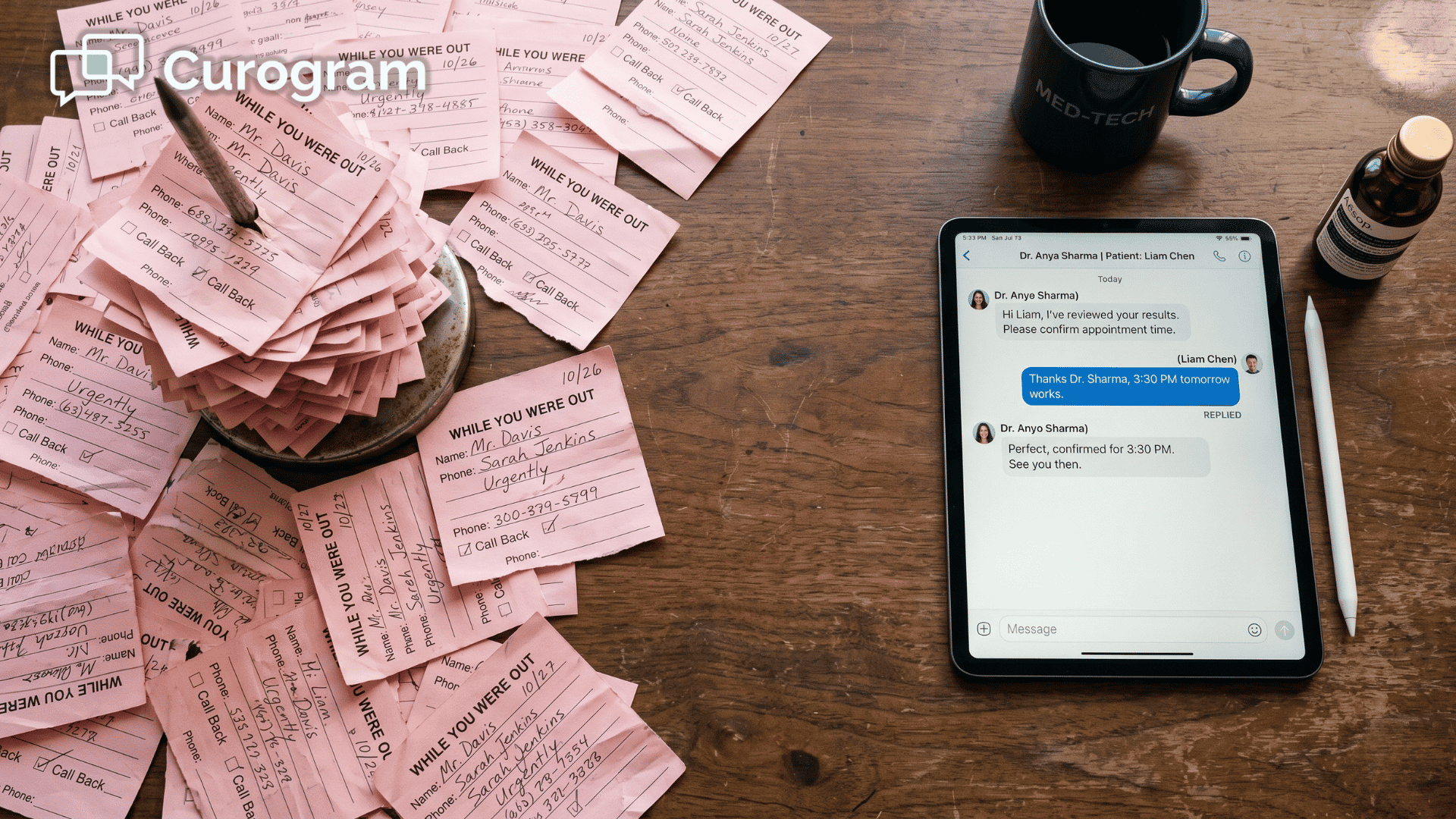
These front desks often field 80+ inbound calls a day. That daily grind is the phone-line bottleneck. Instead of leaving voicemails and chasing confirmations, staff send and get texts patients answer in seconds. River Valley Family Health Center, a three-location rural FQHC, cut inbound phone volume 24% after going live. The front desk got its mornings back.
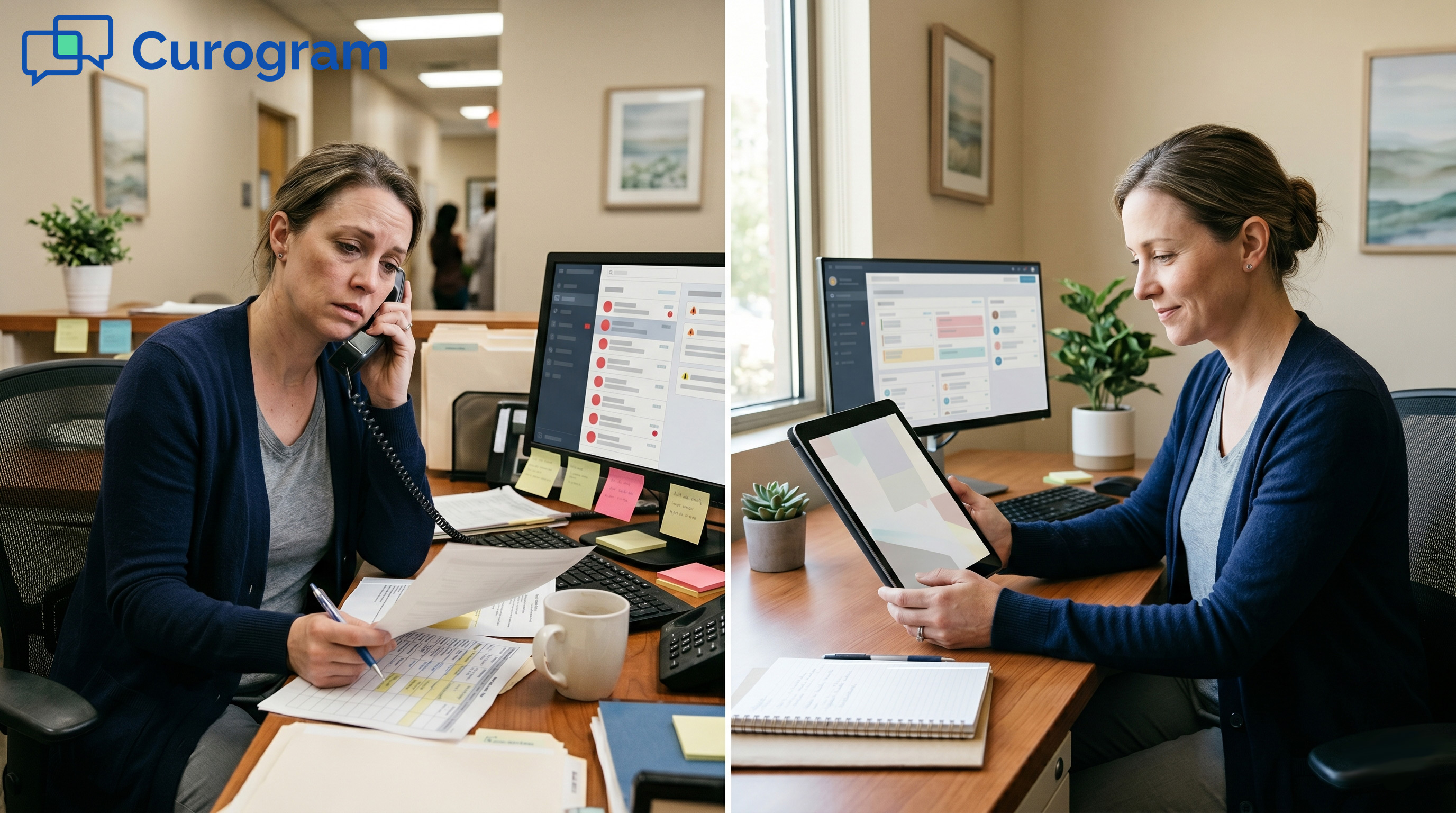
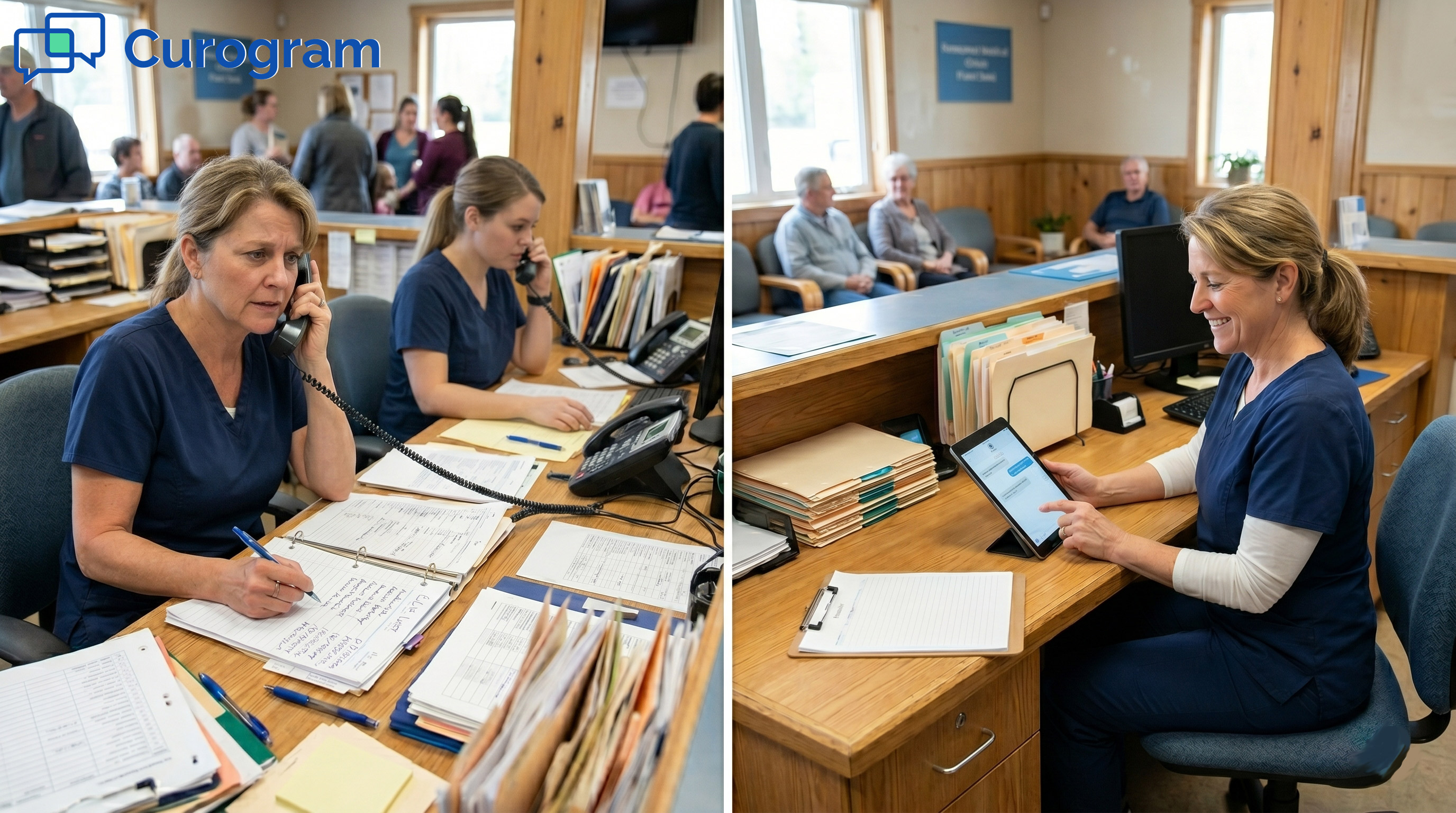
The rural clinic’s phone is already ringing off the hook. Two people run the front desk. The morning call list sits on the counter, half done.
One staffer dials a patient to confirm tomorrow's visit. No answer. She leaves a voicemail, then dials the next name. Meanwhile, the line lights up with refill questions and requests for directions.
This is the phone-line bottleneck. It is the quiet drag that defines lean rural front desks. At 80+ calls a day, hold times grow and callbacks slip. Patients who cannot get through simply do not show up.
Azalea Health does its job. It holds the clinical and billing records well. But patients rarely log in to myHealthspot. So every routine question routes to one place: the front desk phone.
There is a better path. Azalea Health two-way texting for the rural front desk workflow moves that traffic off the phone.
It lands in a single shared text inbox instead. Staff confirms, reschedules, and answers in a tap.
Curogram adds this texting layer on top of Azalea Health. It is built for rural health clinics, FQHCs, and small community practices. The goal is simple. Reduce front desk phone calls in Azalea Health without adding staff.
The results are real. River Valley Family Health Center runs three rural FQHC sites. After going live with texting, the team cut inbound phone volume 24%. That is a full quarter of the calls, gone.
Texting does not replace your EHR. It clears the noise around it. Your front desk stops acting like a switchboard. It gets back to greeting patients and coordinating care.
In this article, we break down the bottleneck. Then we show the fix. Finally, we share what a calmer front desk looks like. Each step is built for a lean rural team.
The Villain: The Phone-Line Bottleneck
Every lean front desk knows this drag. The phone rings before the doors open. Real work waits while calls pile up. Let us look at why.
Why Every Routine Question Lands on One Phone
Azalea Health holds the record well. Patients, though, rarely log in to myHealthspot. So they call instead.
The myHealthspot Gap
Portals promise self-service. In rural areas, many patients skip them. Some lack steady data or a login they recall. Others just prefer to call.
So the portal sits unused, and the phone takes the load. If patients will not log in, you need another door. Many teams find they can text patients without the myHealthspot portal login at all. Texting is the door most people already use.
The Morning Call List Grind
Each day starts with a manual confirmation list. Staff dial one patient at a time. No answer means a voicemail, then a redial later.
Refill and direction calls land on top of it. The list rarely clears before lunch. The grind repeats the next morning.
What 80+ Calls a Day Costs a Lean Desk
Volume is the real problem. A two-person desk cannot absorb 80+ calls a day. Industry benchmarks show small practices field heavy daily call loads. Something always slips.
Hold Times and Missed Encounters
When lines stay busy, hold times grow. Some patients hang up and never call back. A missed visit is a missed RHC encounter.
That is revenue the clinic cannot rebill. High Azalea Health front desk call volume quietly drains the schedule. Each dropped call has a price.
The Switchboard Trap
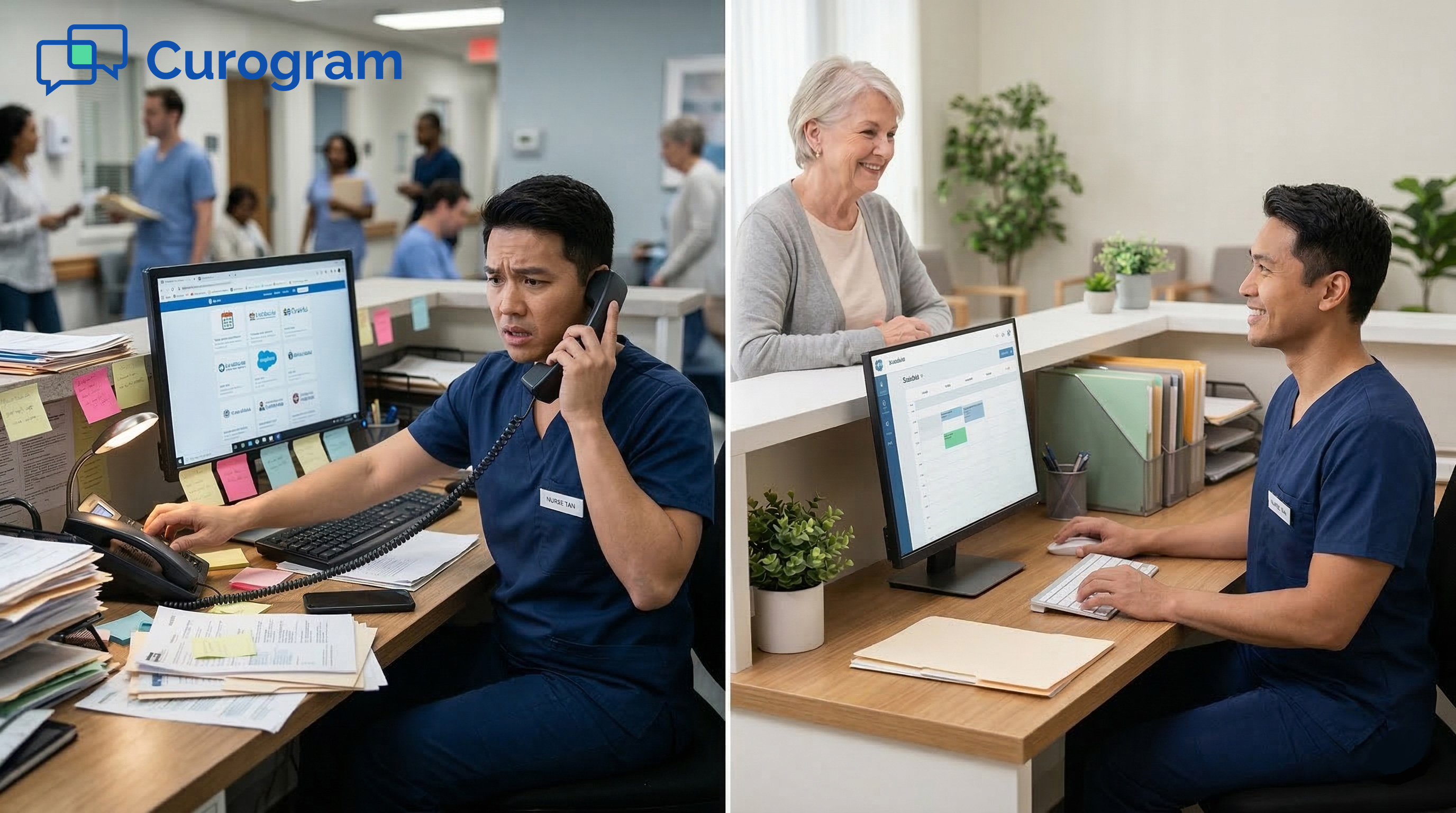
The administrator signed up for a rural-friendly EHR. Now she feels like a switchboard operator. Greeting patients and coordinating care keep getting cut short.
The aim is to reduce front desk phone calls in Azalea Health, not babysit a ringing line. The work that matters should come first. Right now, the phone wins.

The Guide: The Direct Line
There is a calmer way to run the desk. Curogram is the direct line for your team. Calls become quick texts. Here is how it works.
One Shared Text Inbox for the Whole Front Desk
One inbox holds every patient thread. The whole team works from it together. No more sticky notes or crossed wires.
Saved Templates for Common Replies
Most front-desk messages repeat. Confirmations, reschedules, and form reminders look the same each day. Saved templates let staff send them in a tap.
This is two-way texting for medical office staff, built for speed. No dialing. No voicemail. No toggling to a separate marketplace tool.
A HIPAA-Compliant Shared Workspace
A shared inbox must stay secure. Curogram is HIPAA compliant and provides a BAA. Several staff members can manage threads without risk.
Your team gets the speed of texting and keeps compliance intact. Access stays controlled across the desk. Nothing slips outside the guardrails.
Texting That Stays Synced With Azalea Health
Speed means nothing if you retype everything. Curogram integrates with Azalea Health directly. Details flow both ways.
No Double Entry Between Tools
Patient and schedule details stay in sync. Staff do not re-enter what they already typed. This rural clinic front desk automation removes the busywork between systems.
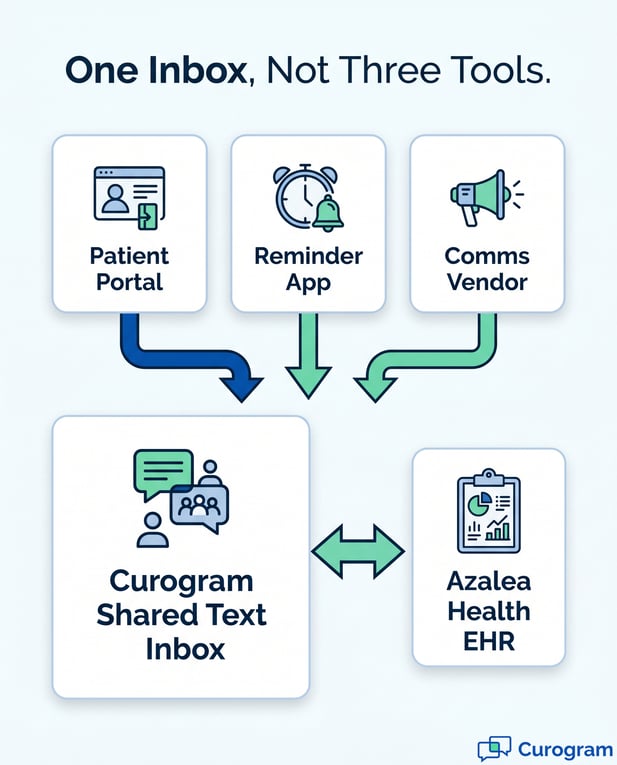
One inbox replaces the portal, the reminder app, and the comms tool. Fewer windows mean fewer mistakes. The day moves faster.
The Lean-Staffing Fit
In a small clinic, the IT person is also the scheduler and biller. One consolidated inbox fits that reality. Strong lean front desk staffing and patient communication are not a luxury here.
It is a survival strategy. A simple SMS confirmation workflow for rural clinics keeps the whole day moving. The desk handles more with the same hands.
The Success: A Front Desk That Breathes
What does the payoff look like? Less ringing. More room to breathe. The numbers back it up.
From a Call List to a Batch of Texts
The morning call list does not vanish. It changes shape. It becomes a batch of texts that patients answer on their own time.
The 24% Drop in Phone Volume
River Valley Family Health Center runs three rural FQHC sites. After moving conversations to text, the team cut inbound phone volume 24%. That is a quarter of the daily calls, gone.
Confirmation rates climb, too. Across Curogram client data from clinical settings, practices see over 75% of appointments confirmed by text. The schedule fills with less effort.
Reclaiming the First Hour
Staff used to lose the first hour to the call list. Now those messages are sent in seconds. The team reclaims that hour for patients in the lobby.
Hold times fade away. The phone stops setting the pace. The morning starts calmly rather than frantically.
More Visits Without More Staff
Capacity rises without new hires. The same desk simply does more. That is the quiet win.
Same Team, Higher Capacity
Two people can support more visits than before. No headcount added. The texting layer carries the routine traffic.
Pair texting with automated appointment reminders and confirmations to empty the call list before it forms. The two work as one loop. Fewer reminders fall through.
A Calmer 9 a.m.
The 9 a.m. rush softens. The phone is no longer the only door in. Patients reach you the way they text everyone else.
The desk finally breathes. Staff greet people instead of holding lines. That is the front desk you hoped to build.
From the phone-line bottleneck to the direct line
|
The Daily Reality |
Before Curogram |
After Curogram |
|---|---|---|
|
Morning start |
Manual call list |
Batch of texts |
|
Patient reply |
Voicemail tag |
Answer in seconds |
|
Phone volume |
80+ calls a day |
24% fewer calls |
|
Front desk role |
Switchboard mode |
Greeting patients |
Conclusion: Take the Routine Off the Phones
Your front desk should not start each day on the phone. Azalea Health keeps the record. Curogram takes the repetitive calls and turns them into texts. The two tools do different jobs, and they do them well.
Think of it this way. Azalea Health is for your clinical data. Curogram is for your patients' convenience. It is also for your team's sanity at 9 a.m.
The shift is simple but real. A two-person desk stops drowning in 80+ calls a day. The morning call list becomes a quick batch of texts. Patients reply on their own time, and the phone goes quiet.
The results show up fast. River Valley cut inbound phone volume 24% across its rural FQHC sites. Hold times shrank. The same team supported more visits without adding staff.
This is the heart of Azalea Health two-way texting for the rural front desk workflow. It does not replace your EHR. It clears the noise around it. Your staff get back to the work that matters.
Texting also pairs well with the rest of your stack. Start with the pillar guide on two-way texting for Azalea Health to see the full picture. Then layer in the pieces that fit your clinic.
You do not have to overhaul anything to begin. Curogram adds texting on top of the system you already run. There is no dedicated IT lift. Most teams are sending texts the same day.
So stop starting every morning with a call list. Let patients confirm by text instead. Give your front desk room to greet people, not just answer the phone.
Ready to see it live? Book a free demo.
Frequently Asked Questions
It moves routine traffic off the phone and into one shared text inbox. Staff confirm, reschedule, and answer common questions by text. Patients reply in seconds instead of waiting on hold. River Valley cut inbound phone volume 24% this way.
Curogram is HIPAA compliant and provides a BAA. The shared inbox is secured so several staff can manage threads safely. You get the speed of texting without risking compliance. Access stays controlled across your team.
Curogram integrates with Azalea Health directly. Patient and scheduling details stay in sync between the two. Staff work from one inbox instead of retyping data. That avoids double entry and saves time.
Most teams send texts the same day they go live. Saved templates cover the messages a rural clinic uses most. There is no dedicated IT lift to manage. That matters when the administrator is also the scheduler and biller.
Small clinics often juggle a portal, a reminder app, and a comms tool. One inbox replaces that stack and the toggling it demands. Fewer tools mean fewer errors and less training. For a two-person desk, consolidation is a survival strategy.