
10 min read

Automate Google Reviews via Text | Staff Workflow on Azalea Health

Automate Google Reviews via Text | Staff Workflow on Azalea Health
💡 Azalea Health practices can automate Google review collection via text by connecting Curogram's post-visit workflow to their scheduling data.          

Every completed appointment triggers a short satisfaction text — no staff action needed.   

Curogram routes positive responses to Google and sends negative feedback to a private resolution channel. Practice managers configure it once, and the system runs on its own from that point forward.

The result: practices see a steady, consistent flow of new Google reviews without adding a single task to their front desk team's day.


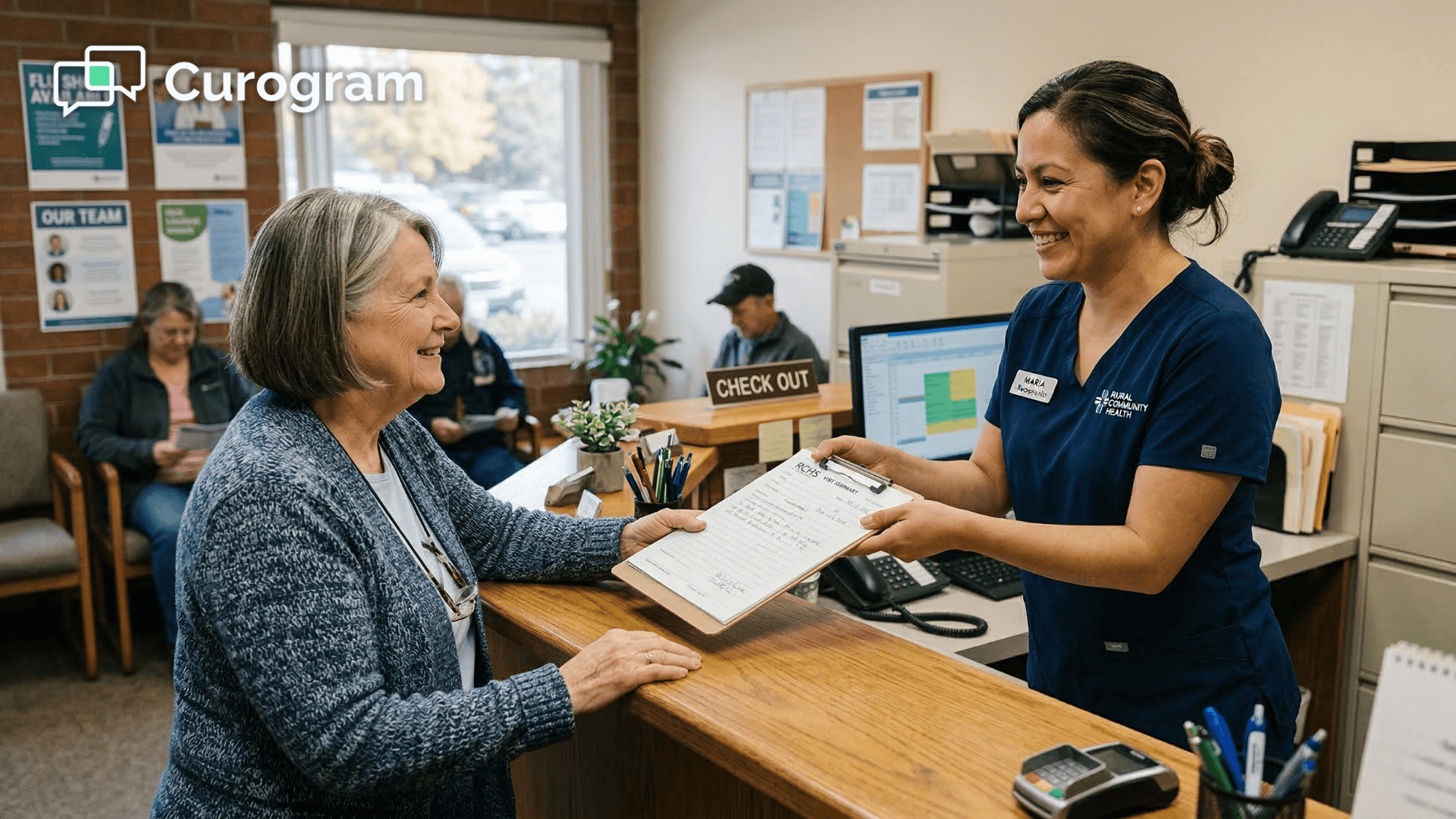
Your front desk team is stretched thin. They're checking patients in, answering phones, handling billing questions, and managing a waiting room — all at the same time.

Asking them to also collect Google reviews is a nice idea that almost never works in practice.

That's the problem with manual review collection. It depends on people who already have too much on their plate. The moment things get busy — and at a rural health clinic or FQHC, busy is the default — review collection quietly disappears from the to-do list.

Your online reputation, meanwhile, doesn't pause while you're busy. Patients are searching for providers on Google every day, and the practices with the most recent, highest-rated reviews are the ones that show up first.

A sparse or outdated review profile can quietly cost you new patients before you ever have a chance to earn their trust.

The gap between what your practice deserves and what shows up on Google isn't a reflection of the care you provide. It's a reflection of the process you're using to collect feedback — or the lack of one.

There's a better way. Practices that use Curogram to automate patient review requests with Azalea Health never have to rely on staff to ask. The system does it automatically after every completed appointment, through a simple text message.

No cards, no scripts, no nagging reminders.

For practice managers who have watched review initiatives come and go, Curogram's automation is the first approach that doesn't depend on anyone remembering to do something. It just runs — and the reviews just come.

This article walks through how the setup works, why manual methods fall short, and what changes when your review process runs on autopilot.

Why "The Manual Ask" Never Sticks

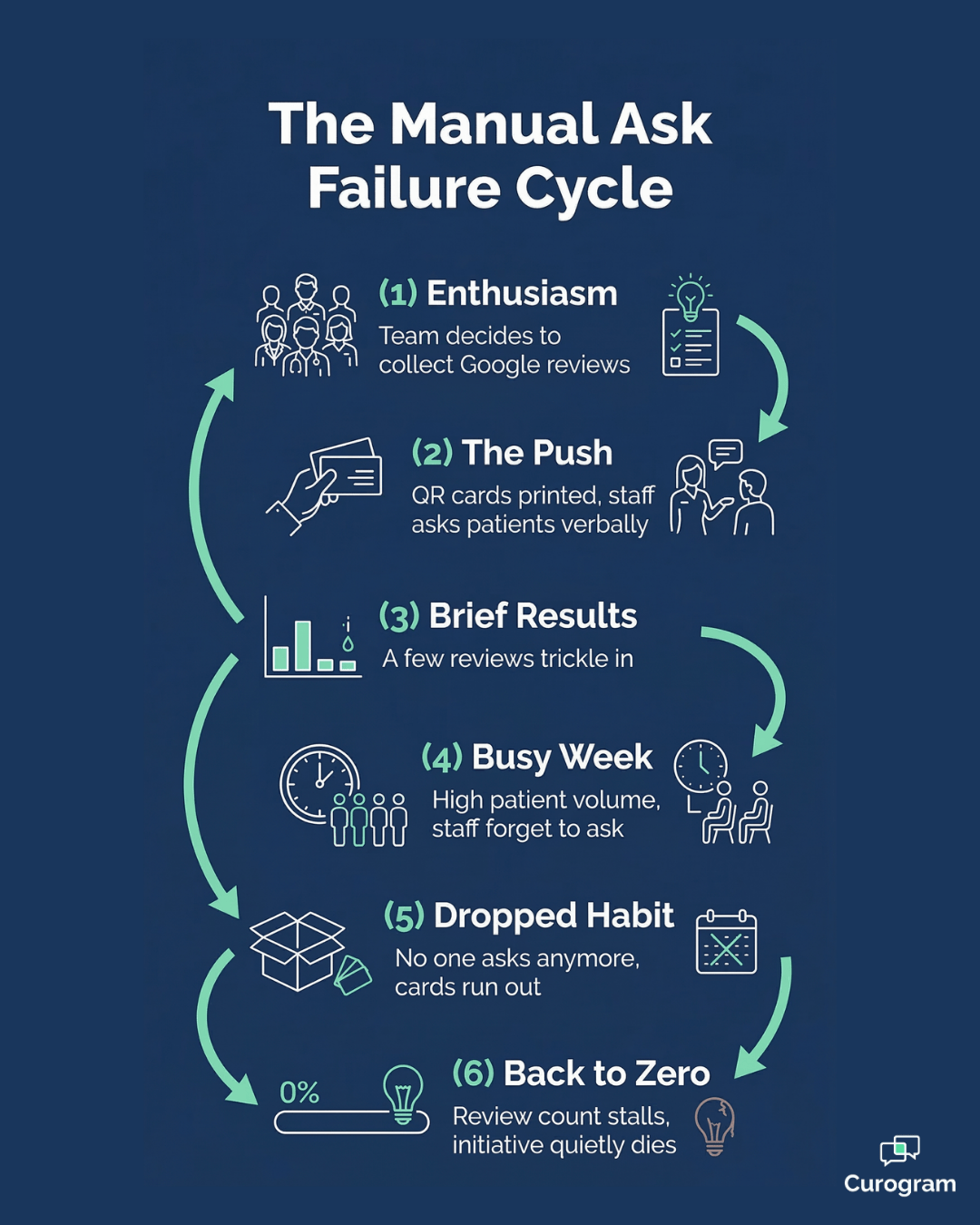
Most review initiatives at small practices follow the same arc. Someone gets motivated, a system goes into place, a handful of reviews come in — and then real life takes over.

Understanding why this keeps happening is the first step toward building something that actually lasts.

The Inconsistency Problem

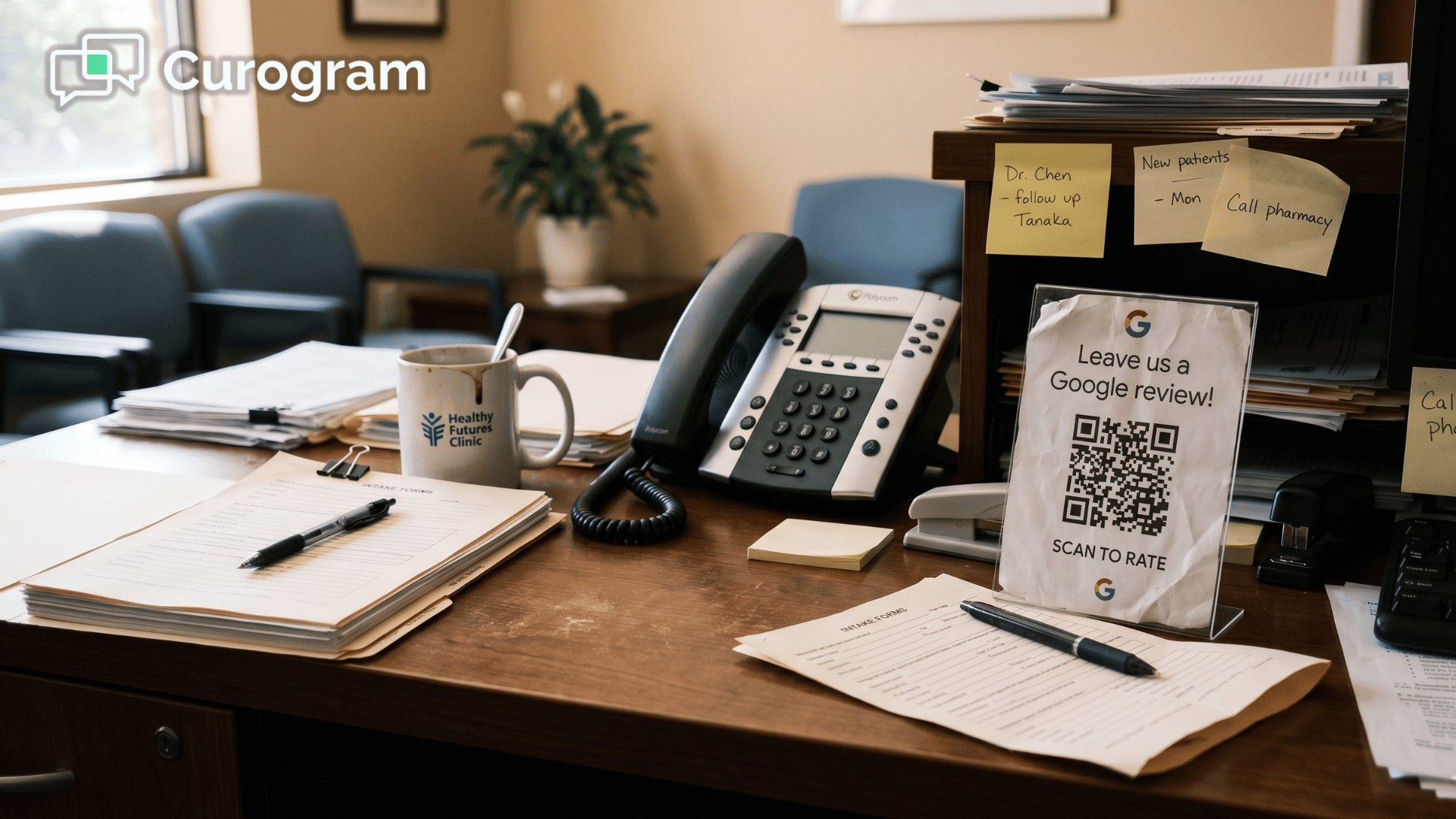
The plan always starts with good intentions. Someone prints review cards with a QR code, the front desk hands them out for a couple of weeks, and a few new reviews trickle in. Then a busy Monday hits. A staff member calls out. The cards run out and nobody reorders them.

Within a month, the whole effort has quietly died. The practice earned a handful of new reviews during the push and hasn't gotten one since. Whatever momentum was built is gone, and starting over feels like more trouble than it's worth.

Manual review collection requires the one thing rural clinics have the least of:

Consistent staff attention. It's not a strategy problem — it's a human capacity problem.

And no amount of motivation fixes a process that depends on people who are already stretched.

The Discomfort Factor

The practice manager tries a new approach and asks the checkout team to verbally mention reviews at the end of each visit. The first patient looks uncomfortable.

The second says "sure" and forgets about it before she reaches her car. The third asks "why?" in a way that makes the staff member not want to ask again.

By Wednesday, the checkout team has stopped asking. No one said to stop — it just quietly disappeared, the same way it always does. The manager can't really blame them, either. They're handling check-in, checkout, scheduling calls, and billing questions all at once.

Asking for reviews at checkout changes the tone of the interaction.

It shifts from

"thank you, see you next time" to "can you do us a favor?"

Staff naturally resist it — not out of laziness, but because it feels awkward and transactional in a care setting.

The Scale Problem

Even if the manual approach works temporarily, the math doesn't hold up.

Consider what consistent review collection actually requires at a modest visit volume:

  • 30–40 patients per day - 150–200 verbal asks per week
  • Every ask must happen consistently, regardless of how busy checkout is
  • Any gap in coverage — a sick day, a busy walk-in morning — breaks the streak

That's on top of check-in, checkout, phone calls, and everything else the FQHC staff review collection workflow already demands. It's a strategy that looks good in a staff meeting and falls apart in real life.

The harder truth is that most patients won't go out of their way to leave a review on their own — even if they had a great visit. They need a prompt, and that prompt needs to reach them at the right moment, through the right channel, without burdening anyone on your team to make it happen.

How Curogram Turns Review Collection Into a Background Process

The shift from manual to automated isn't just about convenience — it's about removing the single biggest reason review efforts fail. When the process no longer depends on a person to initiate it, it stops being fragile.

A Setup That Takes 10 Minutes — Then Runs Itself

Curogram functions as a set-and-forget review engine for practices running on Azalea Health. The Azalea Health post-visit review setup takes about 10 minutes: the practice manager configures the message template, chooses a send time, and sets the routing rules.

After that, the system runs itself. No ongoing maintenance. No reminders. No manual triggers.

Every completed appointment in Azalea Health automatically signals Curogram to send a satisfaction text. No-shows, cancellations, and future appointments are excluded — only patients who actually came in for a visit receive a message.

The text goes out from the practice's real phone number, which makes it feel like a personal follow-up rather than a mass message. That small detail matters. Patients are far more likely to respond to something that looks like it came from their care team than from an unknown sender.

Because the integration reads directly from Azalea Health's scheduling data, there's no manual list-building, no exports, and no duplicate sends. The system knows who came in, when, and whether their appointment was completed — and it acts on that information automatically.

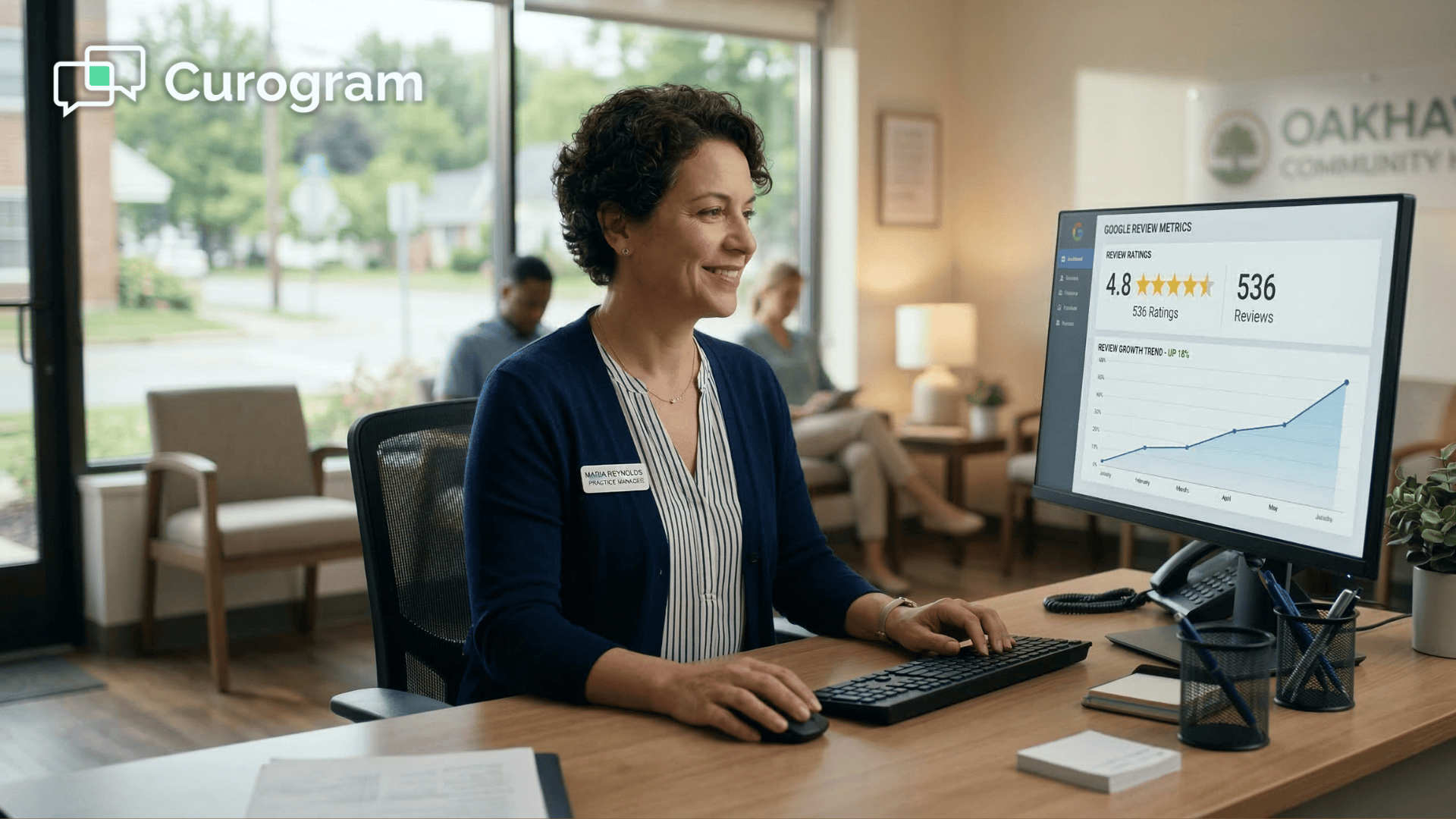
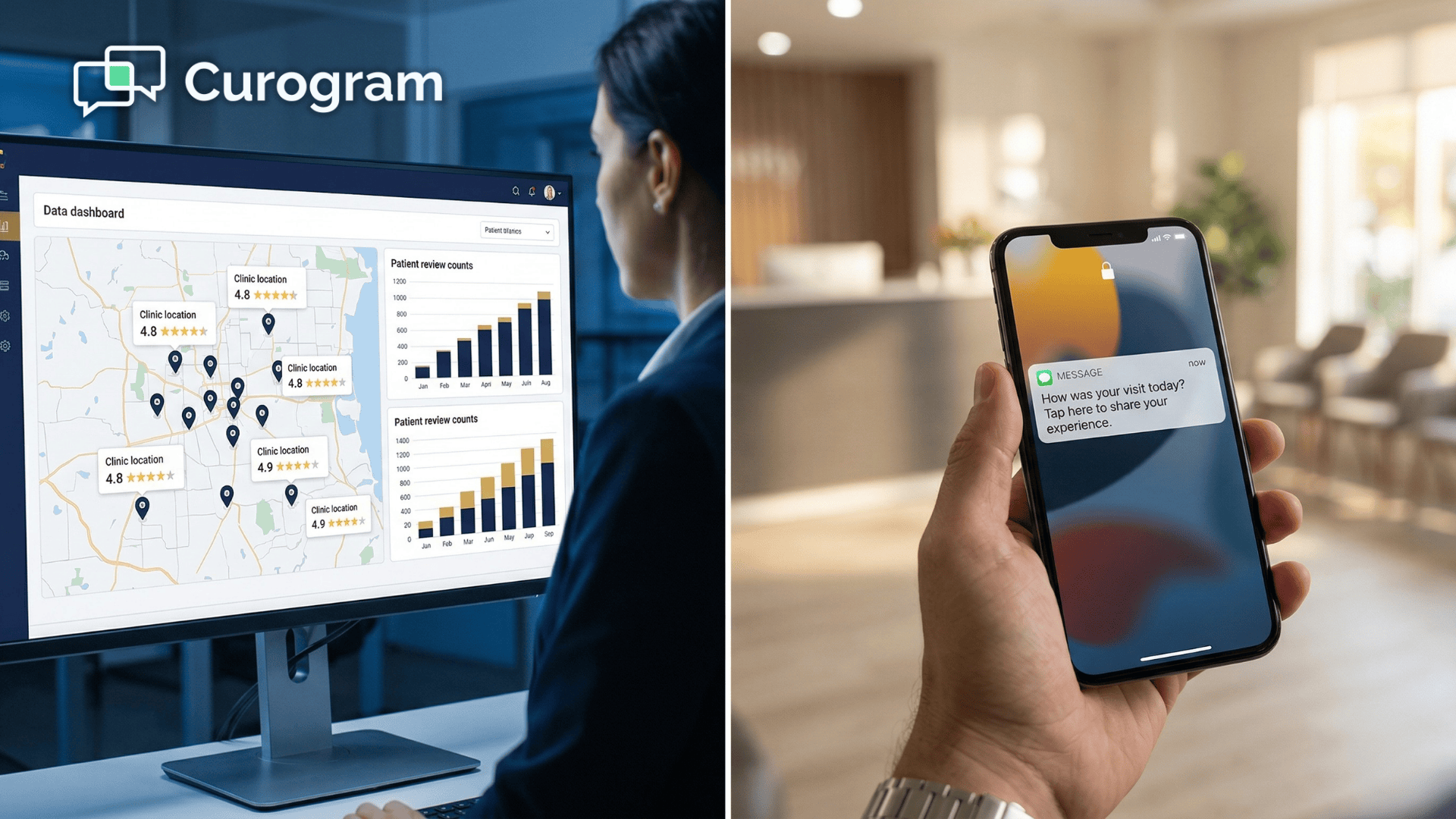
Practice manager reviewing automated Google review results on clinic dashboard

Smart Routing: Positive Reviews Go Public, Concerns Stay Private

When a patient responds positively,

Curogram sends them a direct link to leave a Google review. When a patient flags a concern, their response is routed privately to the practice — giving staff a chance to resolve the issue before it becomes a public one-star rating.

This isn't about suppressing negative feedback — it's about giving practices the opportunity to respond to it before it goes public.

The patient still has every option to post a review on Google if they choose. The private channel is an addition, not a replacement.

This approach is fully compliant with Google's review guidelines. Every patient gets the same outreach, regardless of anticipated sentiment. The private channel simply offers dissatisfied patients an additional option — it doesn't prevent anyone from posting publicly.

For practices that have been burned by a one-star review before — the kind that shows up before anyone even knew a patient was unhappy — this routing feature alone can change how the team thinks about patient feedback.

It turns complaints into conversations rather than public confrontations.

90%

5-star review rate — among patients who respond to the automated text.

Based on our internal data, practices using Curogram's automated survey workflow see 90% of responding patients leave 5-star reviews — a result that simply isn't achievable through manual outreach alone.

What the Practice Manager Reputation Dashboard Shows

The practice manager reputation dashboard inside Curogram gives full visibility into what's happening at a glance. It tracks how many texts went out this week, how many patients responded, the average satisfaction score, and how many new Google reviews were generated.

Negative feedback is flagged immediately so nothing slips through the cracks.

The dashboard isn't just a reporting tool — it's a management layer. When a negative response comes in, the practice manager gets an alert and can assign follow-up directly inside Curogram. Nothing waits in an inbox or gets missed during a busy week.

Over time, the dashboard turns review data into something more useful than a simple count.

Practice managers can see whether satisfaction shifts after introducing digital intake forms, or whether a particular provider is earning consistently high marks. It's a feedback loop, not just a scoreboard.

That kind of operational visibility is hard to get from a stack of printed comment cards or the occasional verbal report from front desk staff. Curogram makes it available in real time, without anyone having to pull a report or compile a spreadsheet.

Patient responding to post-visit review text from her Azalea Health clinic

What the Numbers Look Like After Automation

The shift from manual to automated review collection isn't subtle. The results tend to be fast, measurable, and self-sustaining — which is exactly what a busy practice needs.

The Volume Shift

Based on our internal data, one multi-location practice generated 1,064 new 5-star reviews in just three months after enabling Curogram's automated post-appointment survey and review workflow.

For smaller practices, review volume typically increases 5 to 10 times within three to six months — with zero additional staff time.

The practice's Google rating usually climbs between 0.5 and 1.5 stars as the silent majority of satisfied patients finally have a low-friction way to share their experience.

Those are real patients who genuinely wanted to say something positive — they just needed an easy path to do it.

Appear at the top of Google. Automate 5-star reviews and build a pervasive online reputation today with Curogram.  

That rating climb matters more than most practice managers realize. For many patients, a Google search is the first step in choosing a provider.

A practice sitting at 3.4 stars loses patients to a competitor at 4.6 before they ever visit the website, read about the services, or learn about the team.

Automated review collection doesn't manufacture positive feedback — it captures feedback that was already there, sitting unspoken. The patients who respond are the ones who genuinely had good experiences. They just never had a simple, well-timed nudge to say so.

From Initiative to Infrastructure

The most meaningful shift isn't the rating. It's what happens to the process itself. Review collection stops being a project that someone has to own and keep alive.

It becomes infrastructure — like appointment reminders or billing. It just runs, week after week, without anyone having to push it.

Think about the last time you had to remind someone to send appointment reminders.

You didn't — because that process is automated. Review collection should work the same way. Once it's configured, it should be something that just happens in the background, not something that requires a champion to keep it going.

10 min

Average setup time — configure once, then it runs on its own

That's all it takes to move review collection off your team's plate permanently.

A Real-World Scenario

It helps to see what this looks like in practice — not as a feature list, but as a day in the life of a practice that has already made the switch.

Picture a practice manager wrapping up a monthly staff meeting. She pulls up the Curogram dashboard: 47 new Google reviews in the past 30 days, a rating that has climbed from 3.4 to 4.6 over six months, and three private negative feedback submissions — all resolved before going public.

No one on the front desk spent a single minute on this.

Six months earlier, the same practice manager was printing QR code cards and asking the checkout team to mention reviews at the end of every visit.

By the second week, the team had quietly stopped asking. By the third week, the cards had run out and nobody had reordered them. The rating sat at 3.4, and no one had a clear plan to fix it.

The switch to Curogram took one afternoon. She set the message template, chose a two-hour post-visit send time, and turned on the smart routing rules. The system sent its first batch of review requests that same evening, after the day's appointments wrapped up. Two new Google reviews appeared the next morning.

Three months in, the practice had more Google reviews than it had collected in the previous three years combined. Patients who had been quietly satisfied for years were finally saying so — because a well-timed text made it easy.

The practice's profile went from something patients had to look past to something that actively built trust before a new patient ever walked through the door.

The front desk coordinator who used to dread the "so, how are our reviews looking?" conversation now has nothing to report — because everything is visible in the dashboard in real time.

The administrator is already thinking about how to use the improved rating in the practice's community outreach materials and referral conversations.

That's the difference between an initiative and infrastructure. Initiatives require someone to keep the fire burning. Infrastructure just works — and in a rural clinic where every staff hour counts, that distinction isn't a minor convenience. It's the reason the strategy succeeds at all.

Your Reviews Should Run Themselves — Let's Set That Up

Manual review collection had its chance. It failed — not because your team doesn't care, but because it asks people to add one more task to a workflow that's already maxed out. The better path is to remove the ask entirely.

Your online reputation is one of the most visible things about your practice. For patients who are new to the area, changing providers, or searching for a specialist, Google reviews are often the first thing they see.

A strong, recent review profile doesn't just look good — it actively drives new patient acquisition before anyone picks up the phone.

When you use Curogram to automate Google review collection via text through your Azalea Health integration, reputation management stops being something you have to manage.

The Curogram review automation for Azalea Health staff means the system handles every outreach, routes every response, and flags every concern — all without anyone at the front desk lifting a finger.

The practices that build the strongest Google presence in their communities aren't necessarily the ones doing the best clinical work — they're the ones that made it easy for their satisfied patients to say so. Automation is what makes that possible at scale.

Azalea Health is built for your clinical operations. Curogram is built for your online growth.

Together, they turn a practice that's great at patient care into one that also looks great online — consistently, automatically, and without adding anything to your team's workload.

Your first automated review requests can go out after today's appointments. New reviews start showing up this week.

The rating improvement follows within months, and it compounds over time as more patients complete visits and more texts go out.

Schedule a demo and see how Curogram connects to your Azalea Health workflow. 


Frequently Asked Questions

Does Google penalize practices for using automated review requests?

No. Google's guidelines prohibit fake reviews and review gating — meaning you can't selectively ask only the patients you expect to leave positive feedback. Curogram sends a review request to every patient after every completed visit, with no filtering based on expected sentiment. The private resolution channel doesn't block anyone from leaving a public review. It simply offers an additional option. This approach is fully compliant with Google's review policies.

How quickly will we see results after enabling automated review requests?

Most practices see new Google reviews within the first week. Volume builds steadily as the system works through daily appointments. Within 30 days — the length of Curogram's free trial — most practices have enough new reviews to see a measurable improvement in their rating. Within three to six months, the review profile is typically transformed.

Can we customize the review request text message?

Yes. The message content, send timing (for example, one hour post-visit, three hours post-visit, or the following morning), and satisfaction scale are all configurable. Curogram provides tested templates as a starting point, but the practice has full control over the patient-facing message and can adjust the tone to match their brand.

What happens when a patient leaves a negative response?

Negative responses are routed to a private channel inside Curogram, where the practice manager or designated staff member can follow up directly. The patient still has the option to post a public review — nothing prevents that. But the private channel gives the practice a chance to acknowledge the concern and resolve it before it becomes a public one-star rating.

Does the system require any ongoing management after setup?

The only ongoing task is checking the practice manager reputation dashboard periodically and responding to any flagged negative feedback. The review request workflow runs automatically every day, requiring no manual steps from your team. Most practice managers spend less than 15 minutes per week on review management after the initial setup.


Medstreaming Reputation Management: More 5-Star Reviews

Medstreaming Reputation Management: More 5-Star Reviews

💡 Multi-location imaging centers struggle with uneven online reputations. One site has hundreds of reviews while another has barely a dozen, even...

Read More
Athenahealth Reputation Management: The Review Engine Guide

Athenahealth Reputation Management: The Review Engine Guide

💡 Athenahealth reputation management powered by Curogram's Review Engine turns every patient visit into a Google review — with zero staff effort.

Read More
Reputation Management for Azalea Health | Automate Review Collection

Reputation Management for Azalea Health | Automate Review Collection

💡 Reputation management for Azalea Health rural clinics with automated reviews closes the gap between the care you deliver in person and the story...

Read More