10 min read

One-Tap Google Reviews for Athenahealth: No Portal Needed

One-Tap Google Reviews for Athenahealth: No Portal Needed
💡 Athenahealth patient Google review text link tools like Curogram's One-Tap Review make it easy for patients to rate your practice right from their phone.
  • Sends an SMS review link within hours of the visit
  • Patients tap once to open Google's star rating page
  • No portal login, no app, no extra steps needed
  • Works for every patient with a mobile phone
  • Fires after each visit with no staff effort
Based on our internal data, one multi-site practice earned 1,064 new 5-star reviews in just three months using this post-visit automated review approach.

Your best patients leave happy. They tell their spouse about the great visit. They may even mention your name to a friend. But they almost never tell Google.

That's a problem. Based on our internal research, 90% of new patient leads see your Google Business Profile before they ever visit your website.

Google search is the number one source of new patients for many clinics. So when a happy patient walks out your door without leaving a review, your online presence stays stuck while your rivals climb higher.

The root cause is not a lack of good feelings. It's friction. The path from "that was a great visit" to a published Google review has too many steps. Patients have to remember, search, find the listing, tap the right section, and write something. Most people give up before step two.

What if you could shrink that whole process down to one tap on a mobile phone?

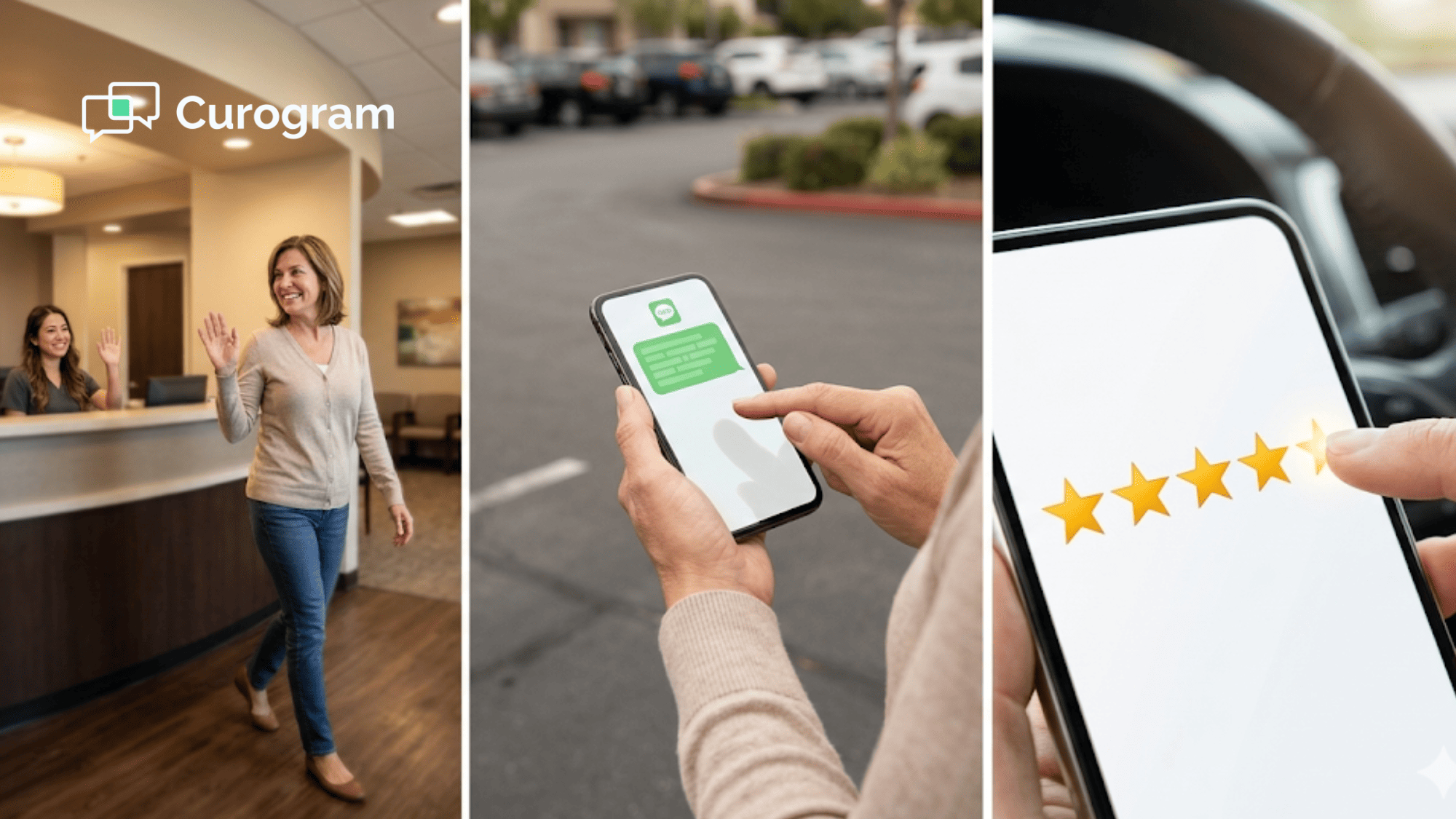
That's what Curogram's One-Tap Review does for practices on Athenahealth. It sends a text link review request straight to the patient's phone after each visit. The patient taps once, sees the Google star rating screen, and shares their experience.

No portal. No email. No staff awkwardness. Just a simple, fast path from good care to a great review.

In this article, you'll learn why happy patients stay silent, how a one-tap mobile phone Google rating system works, and what kind of results real practices are seeing. If you're a practice admin or medical director looking to grow your online presence, this is the playbook.

The Review Friction Problem — Why Satisfied Patients Don't Leave Reviews

Think about the last time you had a great visit at a doctor's office. Did you go home and leave a Google review? Most people don't. Not because they didn't want to — but because the process has too many steps.

Here's what a patient has to do to leave a review the traditional way:

They need to remember to do it later. Then they open Google Maps or Search. They find your listing. They scroll to the review section. They tap the star rating. They write a comment. Then they submit. That's seven steps between a good feeling and a posted review.


Most patients don't get past step one. The good feeling fades fast. By the next morning, they're thinking about work, kids, errands, and a dozen other things. The review window closes. The great visit goes unrecorded. Your Google profile never hears about it.

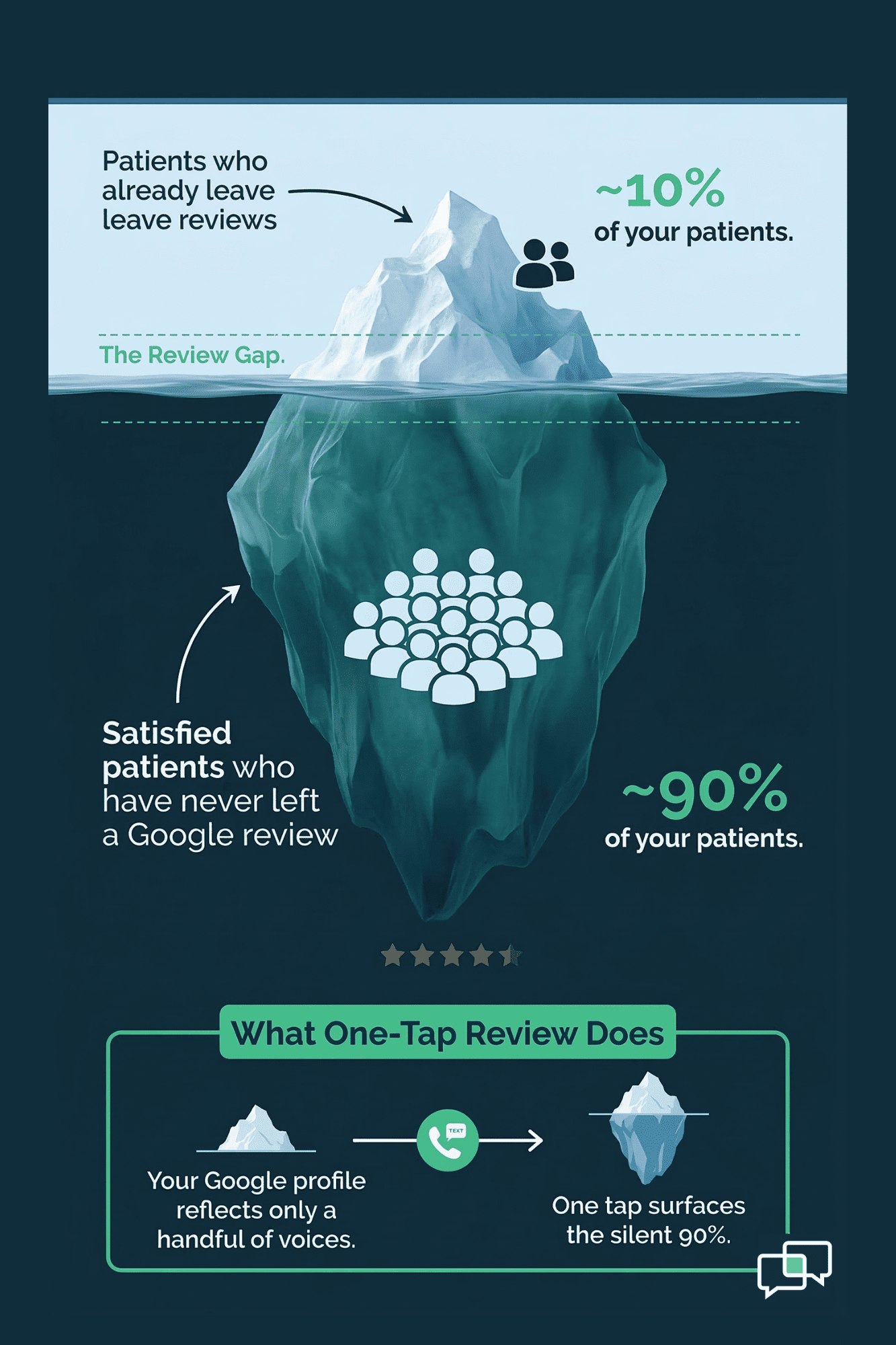
This is what we call the Review Gap. It's not about whether patients are willing. Studies show that most happy patients would leave a good review — if asked at the right time, in the right way.

The gap comes down to friction. Each extra step between the patient's joy and the review form cuts the odds they'll finish.

Let's look at what most practices try:

Review Method

Typical Barrier

Why It Fails

Email request

Low open rates, spam folders

Patients ignore or never see it

QR code on paper

Must scan with phone camera

Paper gets tossed before the car

In-person ask

Awkward for staff and patients

Uneven — some staff ask, some don't

Portal survey

Requires login and password

Only 30% of patients use the portal


Every one of these methods adds friction. Email requests get buried. QR codes on discharge sheets get thrown away. Portal-based forms need a login, which means only a small slice of patients ever see them.

A no portal review process through Athenahealth-linked tools fixes this. It goes straight to the patient's phone through SMS — the one channel they check right away.

The takeaway is clear: the easier you make it, the more patients leave reviews. The practices that win on Google are not the ones with the best care alone. They're the ones that remove every wall between the patient and the review button.

Iceberg infographic showing 90% of satisfied patients never leave Google reviews without a one-tap text link

The One-Tap Review — From Satisfied Visit to Google Star in 90 Seconds

Curogram's One-Tap Review takes the seven-step review journey and cuts it down to a single tap. Here's how it works from the patient's point of view.

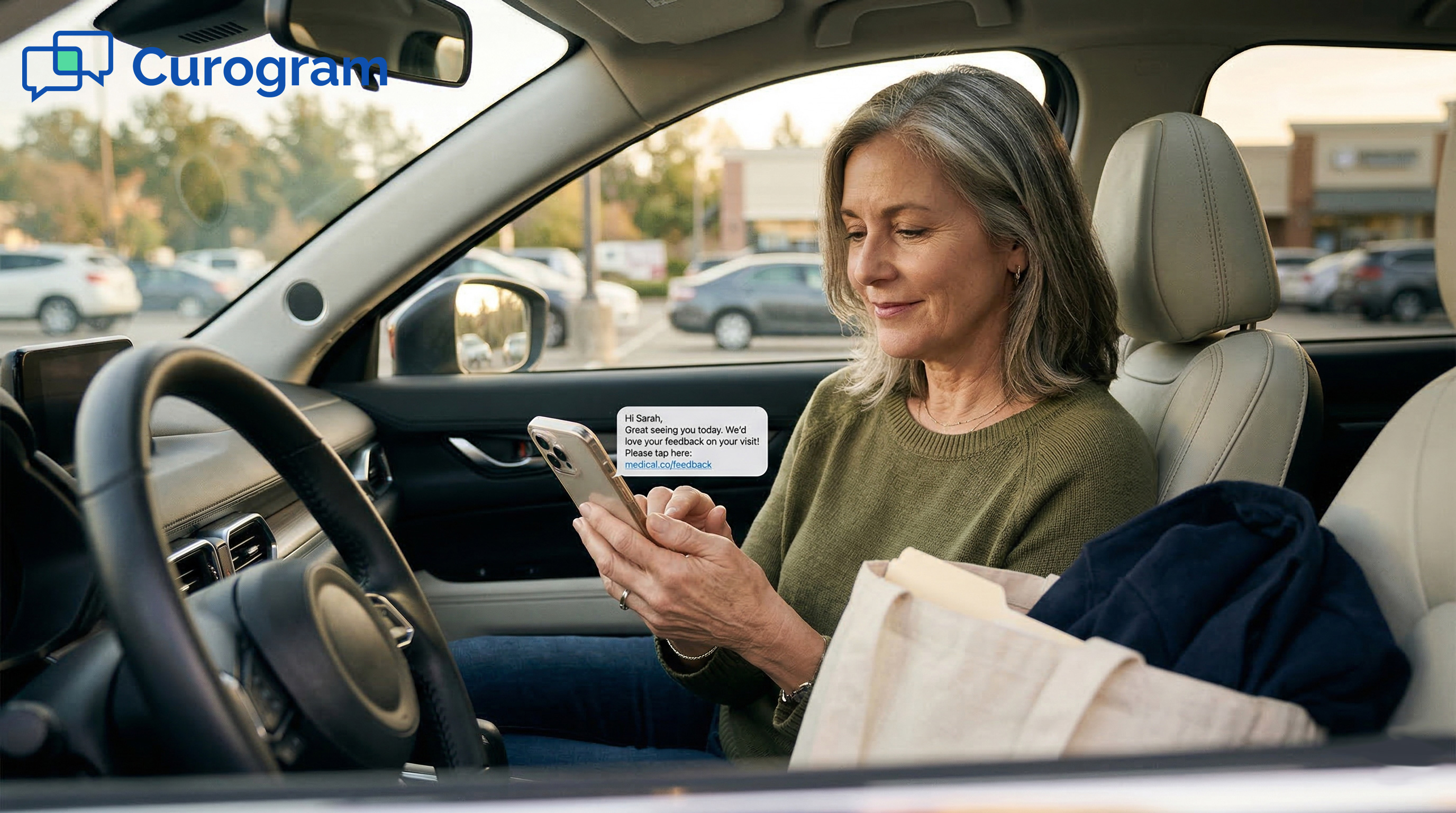
  • Step 1: The post-visit text arrives. Within one to two hours of the visit, the patient gets an SMS: "Thank you for choosing [Practice Name] today! Would you share your experience? Tap here to leave a review: [link]." The text arrives while the visit is still fresh. The patient can still picture the friendly front desk and the short wait time.

  • Step 2: One tap opens Google. The text link takes the patient straight to the Google review screen on their phone. No searching for the practice. No scrolling through Google Maps. No sign-in. The patient sees the star rating right away. They tap their rating, add a comment if they want, and hit submit. Total time: about 60 to 90 seconds.

  • Step 3: Done. There is no step three. That's the whole point.

This patient review experience through SMS works so well because it matches how people already use their phones. We all tap links in text messages every day. There's no new habit to build, no app to download, and no account to create. The mobile phone Google rating screen pops up in the phone's browser, and the whole thing feels natural.

Here's the best part for your team: No staff member has to ask for the review. The system fires on its own after each visit. No awkward face-to-face asks. No QR codes tucked into discharge papers. The post-visit automated review runs in the background for every patient, every time.

Think about that at scale:

Say, your practice sees 80 patients a day. That's 80 text link review requests going out each day — every one of them landing on a patient's phone while they still feel good about the visit. Even a modest response rate can mean dozens of new Google reviews each week.


Based on our internal data, one multi-site practice using this method saw 90% of their patients leave 5-star reviews. That resulted in 1,064 new 5-star reviews in just three months. These are patients who likely never would have left a review through email, QR codes, or portal forms.

The Athena patient one-tap Google review process doesn't ask patients to change their habits. It meets them where they already are — on their phone, right after their visit.

The Narrative — How Mrs. Patterson Left Her First Google Review at Age 71

Sometimes the best way to see the impact of a tool is through one person's story. Let's walk through what the One-Tap Review looked like for a single patient.

Who is Mrs. Patterson?

She's 71 years old and a long-time patient at a 10-provider group in the Raleigh-Durham area. The practice runs on Athenahealth.

She sees her doctor four times a year for a hip issue and has been coming in for eight years. She's always been happy with her care. She's told friends about the practice. She's the kind of patient every clinic wants.

But she has never left an online review. Not for a product. Not for a place to eat. Not for her doctor. She's part of what we call the Silent Majority — deeply happy, totally invisible on Google.

Why She Never Reviewed Before

Mrs. Patterson didn't know how to leave a Google review. She found the idea a bit scary. She once got an email from the practice asking for feedback. She didn't open it. Like many older patients, she doesn't check email on her phone. She does, however, read every text message she gets.

The One-Tap moment

After her last visit, she got a text: "Thank you for visiting Dr. Chen today! Would you share your experience? Tap here: [link]." She saw the practice name. She tapped the link. She saw five empty stars.

She tapped all five and typed a short note: "Dr. Chen is great. Always takes his time. The whole staff is kind and the office runs well." She hit submit and kept driving. Total time: about 80 seconds.

Why This Review Matters

That review was her first ever. And it was exactly the kind of review that helps a practice grow. It named the provider. It praised both the care and the office flow. It was specific and genuine.

Now think about what happens when this plays out across hundreds of patients like Mrs. Patterson. Every practice has long-time patients who love them but have never said so online. These are people who would give five stars in a heartbeat — if only someone made it simple.

The One-Tap Review unlocks that pool of good will. It turns silent fans into vocal ones. Your Google profile stops showing only the views of upset patients. It starts showing the full picture — the one where most of your patients had a great time.

Here's a quick look at what changes when you reach the Silent Majority:

Metric

Before One-Tap

After One-Tap

Average monthly reviews

5–10

50–100+

Share of 5-star reviews

Mixed

90% (based on our internal data)

First-time reviewers

Rare

Common

Review detail level

Brief or star-only

Specific, names providers


For practice admins and medical directors, this is a shift in how your practice shows up online. It's not a tweak. It's a change in which patients are talking — and how often.

Mrs. Patterson is not one in a million. She's one of the many. And the Athenahealth patient Google review text link tool from Curogram gives her the fastest path to share her story.

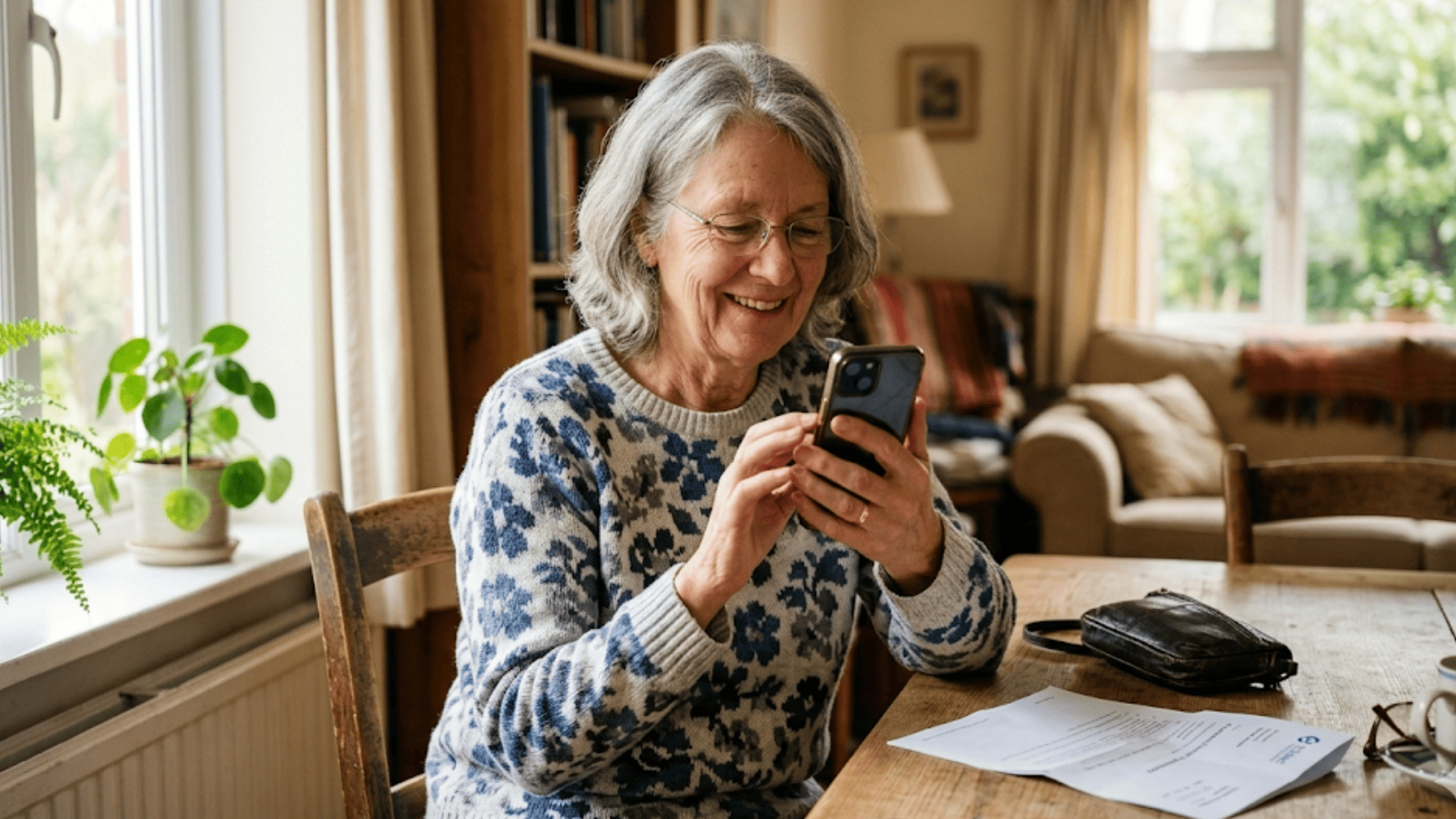
Older woman smiling at her phone after leaving a 5-star Google review for her doctor

The Timing Advantage — Why Post-Visit Text Beats Every Other Review Channel

The One-Tap Review doesn't just win on ease. It wins on timing. And in the world of reviews, timing is everything.

A patient's peak of good feeling happens in the first hour or two after a visit. That's when they still recall the warm greeting, the short wait, and the clear answers from the doctor. After that, the feeling fades fast. By the next day, it's gone.

Text vs. Email

Email open rates for health-related messages are low. Many emails land in spam or promo folders. Even when a patient opens one, they have to click through to a browser and find the review page. A text message shows up on the lock screen in minutes and takes one tap to act on.

Text vs. QR Codes on Paper

QR codes need the patient to hold onto the paper, pull out their phone, open the camera, scan the code, and then finish the review. Most discharge sheets end up in the trash before the patient gets to the car.

Text vs. In-Person Asks

Asking a patient face-to-face to leave a review puts staff in a tough spot. It's awkward. It's uneven — some staff ask, some forget. It can make patients feel pushed. An automated text link review request is calm, the same each time, and reaches every patient.

Text vs. Portal Surveys

Portal surveys need a login. That alone cuts your reach down to the 30% of patients who use the portal. A text-based review reaches every patient who has a phone — which is nearly all of them.

The bottom line: the best review channel is the one the patient sees right away and acts on in seconds. That's SMS. The post-visit text hits at the right time, through the right channel, with the right amount of effort.

Patient Experience Metrics That Drive Review Generation

Once your Athena patient one-tap Google review system is live, how do you know it's working? Here are the key numbers to watch.

  • Review Conversion Rate - This is the share of patients who get the text and leave a review. A higher rate means less friction. If your rate starts low, check your message timing and wording. Small tweaks — like using the provider's name in the text — can lift this number.

  • Review Content Quality - Not all reviews are equal. A review that names the doctor, mentions the staff, or describes the visit is worth far more for local search than a star-only rating. Track how many of your reviews include real detail. The One-Tap system tends to produce richer reviews because it catches patients at the moment of peak recall.

  • First-Time Reviewer Rate - How many of your new reviews come from people who've never left a Google review before? This tells you if you're reaching the Silent Majority. A high first-time rate — like Mrs. Patterson's story — means the system is pulling in voices that would have stayed quiet.

  • Time-to-Review - Measure how long it takes from the visit to the posted review. Same-day reviews are the goal. The faster the turnaround, the more likely the review reflects true feelings rather than faded ones.


Why the One-Tap Review Work So Well for Athenahealth Practices

Curogram was built to work hand-in-hand with Athenahealth. The One-Tap Review taps into your existing patient data and visit schedule without any manual setup.

When a visit ends, the system knows. It fires the text link to the patient's phone on its own. No one on your team has to press a button.

This matters because the best systems are the ones your staff doesn't have to think about. Every manual step adds room for error and skipped patients.

With Curogram, the automated review request goes out after every visit, to every patient, every time. That kind of reach is what drove one practice to 1,064 new 5-star reviews in three months, based on our internal data.

The system also routes through the Athena Marketplace, so setup is fast and your data stays in sync. There's no need for a separate portal, login, or third-party app. The patient never has to leave their text messages. The staff never has to leave their EHR. It all connects behind the scenes.

For practice admins who care about brand image, here's why this works better than any manual effort: it's the same experience for every patient. The text goes out, the link works, and the review shows up on Google. It's quiet, steady, and scalable.

If you want to see what it looks like in action, start a demo and text your patients a one-tap review link after their next visit. The patients who love your practice are ready to speak up. They just need the fastest way to do it.

Next Step: Let Your Patients Tell Google How Good You Are

Your best patients already trust you. They show up on time. They follow your advice. They send their family your way. But most of them have never told Google how they feel. That silence costs you every day in missed new patients.

The fix is not to ask more. It's to ask better. One text. One tap. One review. That's all it takes to turn a happy visit into a public endorsement.

Based on our internal research, 90% of new patient leads check your Google profile before they visit your site. That means your Google reviews are often the first thing a future patient sees. When those reviews come from loyal, long-time patients — people like Mrs. Patterson — the impact on trust is huge.

The practices that grow fastest are not the ones with the most ad spend. They're the ones that make it simple for happy patients to share their story.

Curogram's One-Tap Review does that. It sends the text. It opens Google. It lets the patient speak. And it runs every day, for every visit, with zero staff effort.

Your happy patients are your best marketing. One tap is all they need. Book a demo today and start turning great care into great reviews.

Let your Google profile tell the real story. Schedule a demo and start capturing reviews from the 90% of happy patients who never knew how easy it could be.


Frequently Asked Questions

How does the one-tap review text reach the patient after a visit?
Curogram syncs with your Athenahealth schedule. When a visit ends, the system sends an SMS with a direct Google review link to the patient's phone — no staff action needed.
Why do text-based review requests work better than email or QR codes?
Text messages are seen within minutes and need just one tap. Emails get buried in spam, and QR codes require scanning — both add friction that stops patients from leaving a review.
How soon after the visit should the review text go out for the best results?

Within one to two hours is ideal. That window catches the patient while the visit is still fresh and their positive feelings are at their peak.

How can a practice track whether the one-tap system is actually working?

Monitor your review conversion rate, first-time reviewer count, and time-to-review. A rise in all three shows the system is reaching patients who wouldn't have reviewed otherwise.

Why is a no-portal approach better for Google review collection?

Only about 30% of patients use patient portals. A text-based system skips the login step and reaches every patient with a phone, which means far more reviews from a wider patient base.


Athenahealth Reputation Management: The Review Engine Guide

Athenahealth Reputation Management: The Review Engine Guide

💡 Athenahealth reputation management powered by Curogram's Review Engine turns every patient visit into a Google review — with zero staff effort.

Read More
Why eCW Patients Review by Text | Post-Visit Timing That Works

Why eCW Patients Review by Text | Post-Visit Timing That Works

💡 When a patient leaves a good visit, that positive feeling fades fast. An eClinicalWorks patient text review request sent 1–2 hours after the...

Read More
Reputation Management for eClinicalWorks | Automated Reviews at Scale

Reputation Management for eClinicalWorks | Automated Reviews at Scale

💡 eClinicalWorks reputation management with automated review generation helps enterprise networks grow star ratings across every provider and...

Read More