
Delivering Virtual Visits with Telehealth in DrChrono
 Sharee Narciso : Dec 3, 2025, 2:00:00 PM
Learn how Dolphin users simplify ortho consults and surgery follow-ups with Curogram’s HIPAA-compliant telehealth solution.
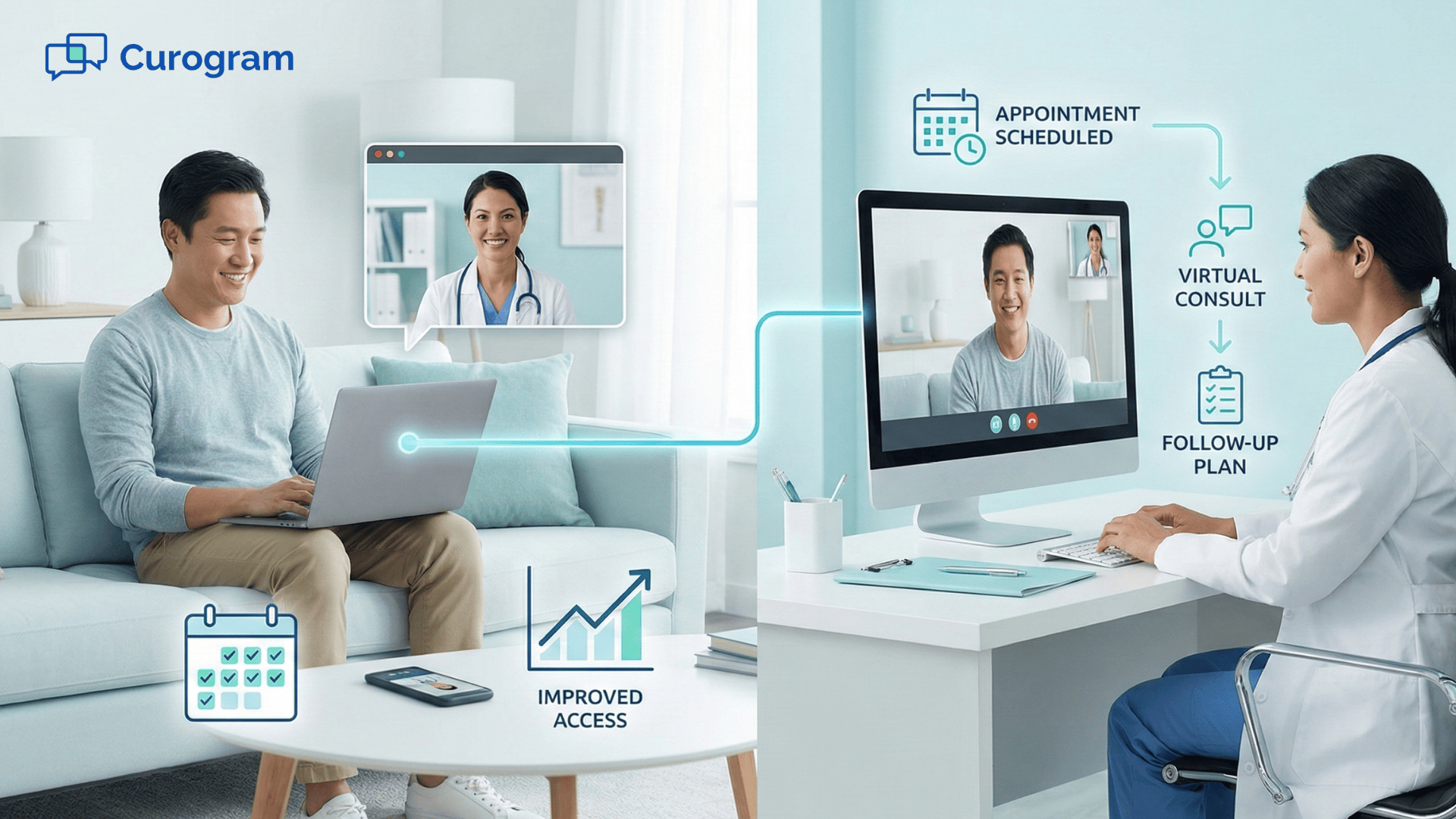
You feel it every week when patients call to reschedule because of last-minute conflicts. Someone cannot get time off work. Another patient cannot find a ride. Parents struggle with childcare. Older adults worry about long trips. Even if they want care, life gets in the way. When visits keep getting delayed, conditions worsen and follow-up becomes harder to manage. These problems are not about medical knowledge. They are about access and time.
If your practice relies only on in-person care, missed appointments eventually become normal. Staff spend hours juggling calls, reminders, and chart updates. Providers face empty schedule gaps that lead to lost revenue. Patients feel discouraged and disconnected from their care plan. Many of these challenges can be traced to one missing element: a reliable and simple way to conduct virtual visits Office Ally workflows can support without extra apps or complicated steps.
Telehealth gives you a way to fill these gaps. When a patient can join from home, work, or a private space, they are more likely to keep their appointments. For providers, virtual visits reduce the emotional and logistical load of trying to catch up with overdue follow-ups. For staff, scheduling is easier because patients do not need to coordinate transportation or long commutes.
In this article, you will explore the common barriers clinics face without telehealth, how Curogram integrates with Office Ally telehealth workflows to streamline virtual visits, the benefits for both staff and patients, a real-world use case from pediatrics, and a few simple next steps you can take to strengthen patient access. By the end, you will see how a well-designed telehealth process can turn missed appointments into consistent, reliable care—and make each day feel more manageable for your team.
When your practice does not offer telehealth, the most common challenge becomes clear: patients miss appointments because daily responsibilities get in the way. Someone who feels sick may not be able to drive. A parent may not have childcare. A worker may not be able to leave during business hours. Even brief visits, such as medication checks or follow-up reviews, become difficult when they require travel and time away from home. Over time, patients begin postponing care or skipping it entirely.
No-shows rise because the path to the appointment is too complicated. Even with reminder calls and texts, life interruptions are stronger than intention. This pattern leads to disrupted care plans, unmanaged chronic symptoms, and poor follow-through. Providers must work harder to re-engage patients, which stretches visit slots and creates backlogs.
Staff also struggle when telehealth is not an option. They juggle several disconnected apps just to keep basic communication moving. One tool may send reminders. Another stores messages. Another handles video links. None of them sync with Office Ally consistently. This forces staff to copy information into charts manually and switch between multiple screens. Every added step increases the chance of errors and slows down the workflow.
Without a unified system, virtual alternatives become too complicated for staff and patients. Practices often try a mix of free video apps or improvised tools, but these create confusion. Patients forget meeting codes. Links get lost. Providers lose time troubleshooting instead of caring for patients. The experience becomes inconsistent and stressful, which discourages future virtual visits Office Ally patients might have maintained if the process were easier.
Finally, providers see a clear financial impact. Every no-show or late cancellation creates unused appointment slots that cannot be recovered. Clinics lose revenue that they depend on. For small practices, a few missed visits per day can drastically affect the week’s numbers. Chronic care plans fall behind. Annual follow-ups go incomplete. These gaps affect both clinical outcomes and operational stability. Without telehealth, clinics face an uphill battle trying to maintain consistent care in an unpredictable environment.
Curogram helps clinics deliver virtual visits Office Ally workflows can support without extra tools or unnecessary steps. Instead of piecing together different apps, your team uses one system that works smoothly with Office Ally. This reduces confusion for patients and creates a predictable process for staff.
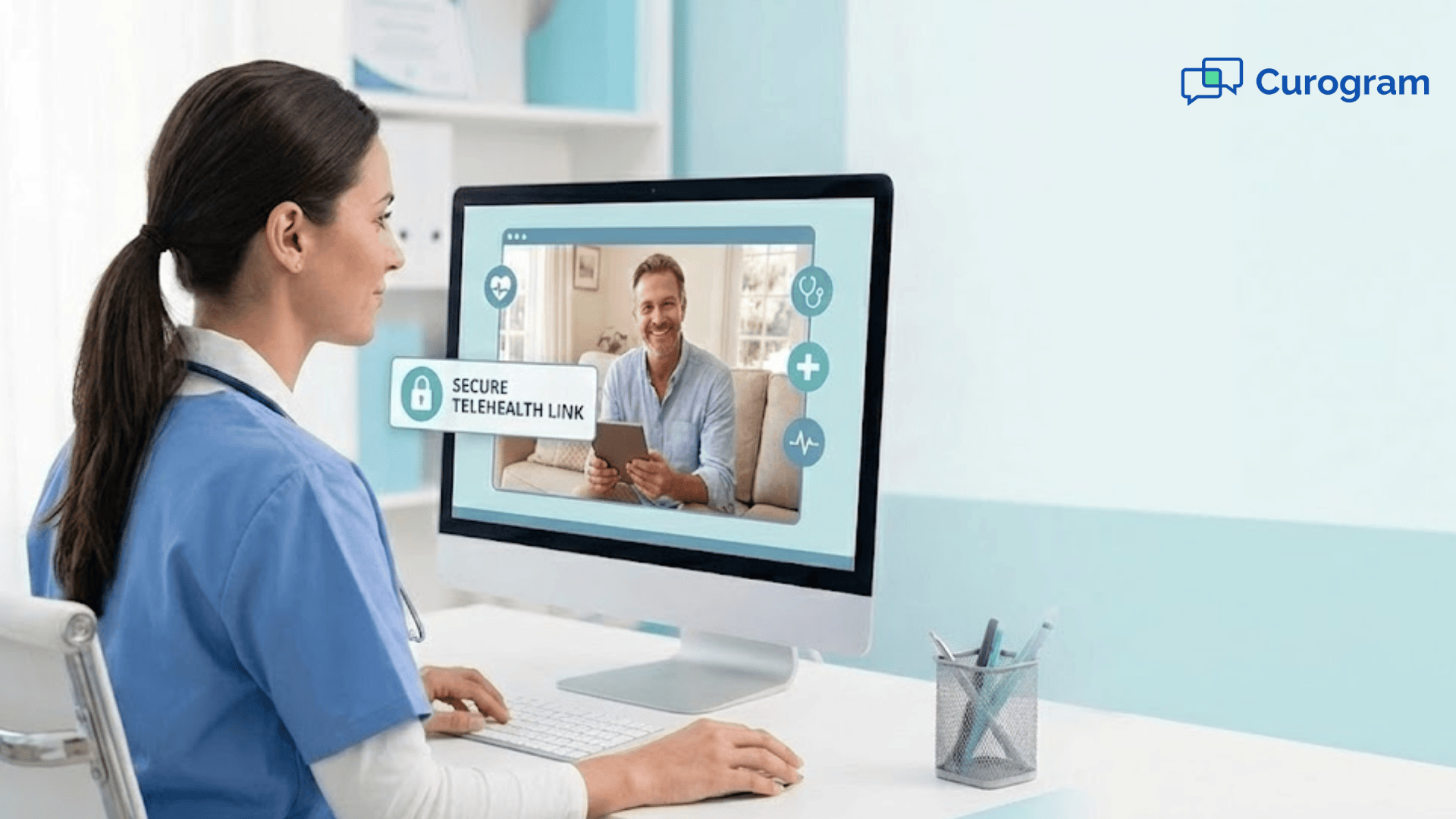
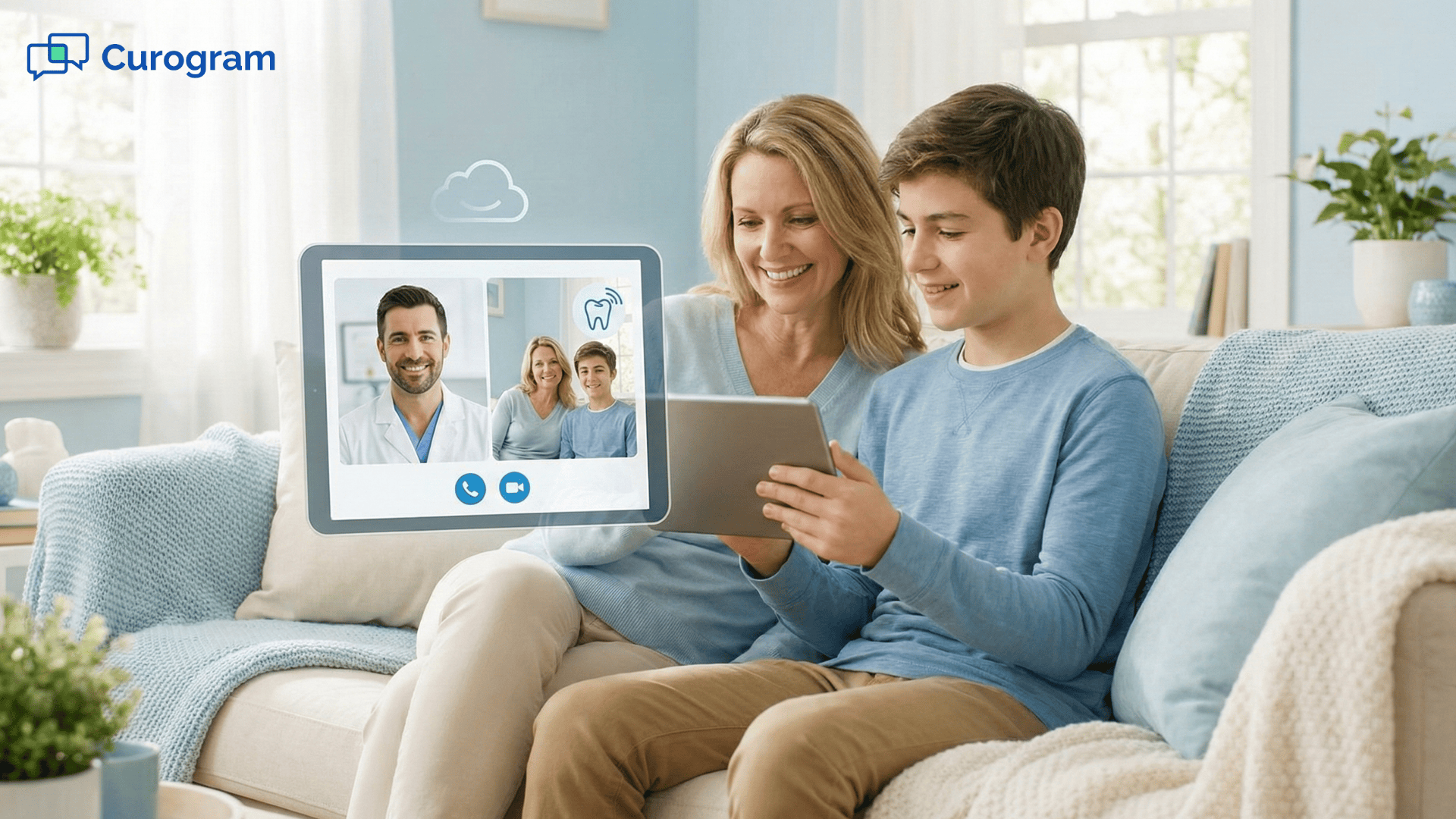
One-click video visits make the biggest difference. Patients receive a secure link by text message or email. They click it. The visit opens in their browser. There is no account to create, no software to download, and no technical setup to manage. Older adults, busy parents, and patients with limited tech skills feel more confident when the process is this simple.
Curogram’s approach supports any device—phones, tablets, laptops, and desktops. This flexibility matters because patients often use whatever device is closest at the moment. By removing barriers, your clinic helps more patients access care reliably. If someone cannot come in due to illness, mobility challenges, or last-minute obligations, they can still meet with their provider without delaying treatment.
For staff, the workflow becomes easier too. Video visits integrate with Office Ally, so documentation stays connected to patient charts. Staff do not have to switch between multiple tools or copy details by hand. They can focus on preparing the provider, checking insurance status, or helping patients with questions. Because everything is integrated, the virtual visit feels like a natural extension of your schedule rather than a separate process.
Curogram also supports automated reminders and links, which reduces the burden of resending information. Staff no longer have to chase patients with repeated calls or manage scattered message threads. Patients receive clear, timely communication that guides them into the visit. This supports better completion rates and fewer technical delays.
In short, Curogram removes the friction that usually discourages clinics from providing telehealth. Office Ally telehealth workflows become smoother, cleaner, and more dependable for everyone involved.
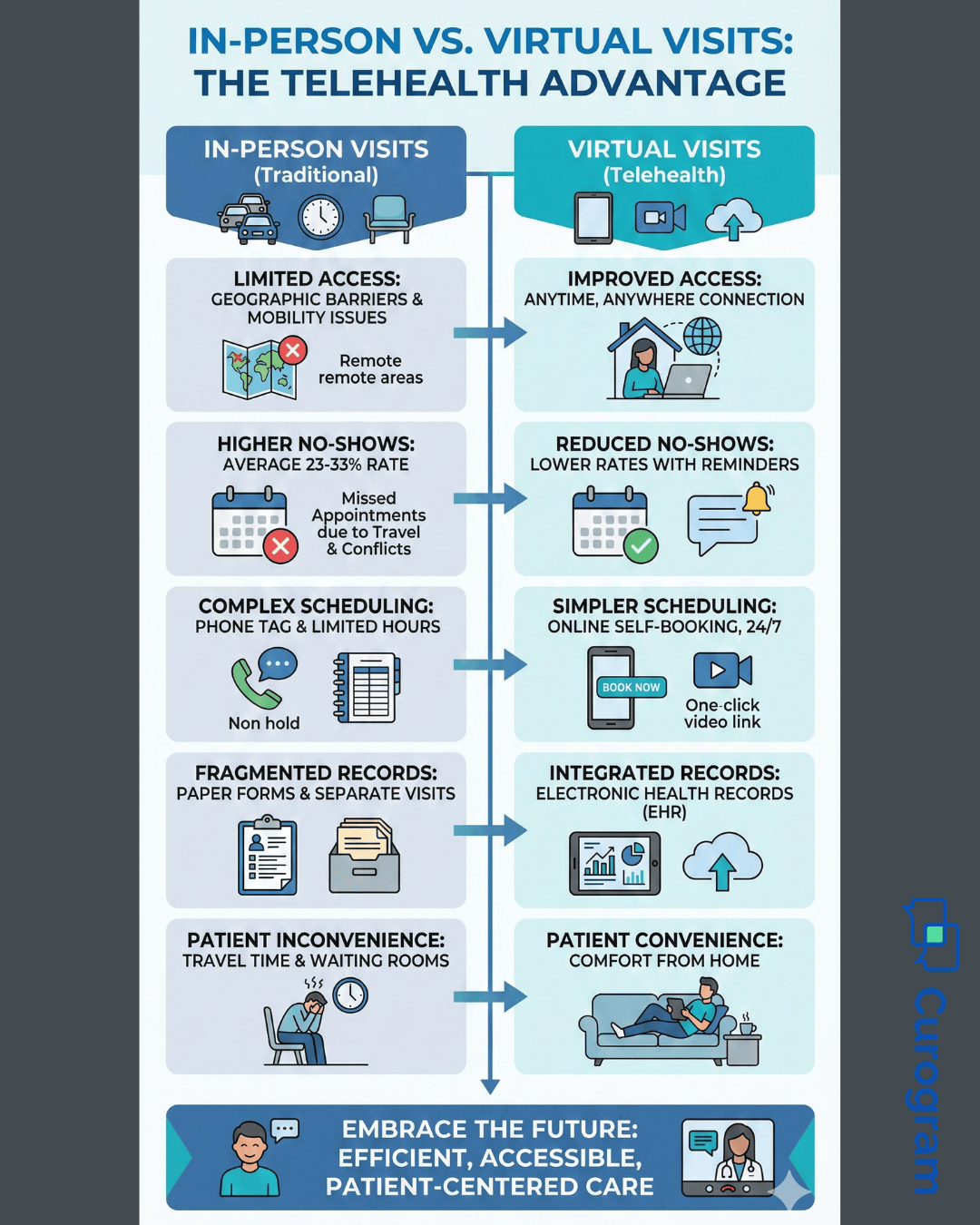
Telehealth is not just a technical convenience—it reshapes the way your clinic supports patients. When virtual visits Office Ally workflows become part of daily operations, staff, patients, and providers all experience meaningful improvements. These benefits build over time, creating smoother days and more reliable care.
Patients appreciate the ability to receive care without leaving home. They can join visits from work breaks, living rooms, or private spaces. This makes it easier to maintain chronic care plans, medication checks, and follow-up visits. People who regularly miss appointments due to transportation or schedule conflicts can now stay connected to their providers. As access improves, adherence improves too.
When patients know they can join from anywhere, they are less likely to cancel or skip appointments. Telehealth eliminates the barriers that cause last-minute disruptions—traffic, illness, childcare challenges, and work demands. Clinics often see measurable reductions in no-shows after adding virtual options. This helps providers maintain fuller schedules and consistent treatment plans.
Without telehealth, staff must constantly juggle scheduling changes and frustrated patients. With virtual care, staff feel less pressure because they can offer an alternative solution that fits the patient’s day. Automated links, reminders, and integrated workflows reduce repetitive tasks and allow staff to concentrate on higher-value responsibilities.
Curogram connects directly with the tools you already use. When a virtual visit is scheduled, documentation stays aligned with Office Ally records. There is no need to copy information between systems. This consistency helps providers review patient details smoothly before the visit and chart more efficiently afterward.
Virtual visits make it easier to follow up with patients who need ongoing support. Providers can schedule quick check-ins instead of waiting weeks for the patient to return in person. This helps catch problems earlier and maintain steady progress in treatment plans.
Some patients feel more comfortable speaking from home. They may open up more, ask better questions, and feel less anxious. This strengthens communication between providers and patients. Over time, these improved conversations lead to more engaged patients and better outcomes.
Short routine visits that once required full in-person appointments can now be completed virtually. This saves provider time and helps clinics use appointment slots more efficiently. Providers can focus on high-need cases in person while still supporting other patients through digital care.
Perhaps the clearest benefit is the increase in completed visits. When patients can choose between in-person and virtual appointments, they are more likely to follow through. This leads to more reliable care plans and better operational stability for the clinic.
These benefits make telehealth an essential part of modern care—not just a temporary solution. Virtual visits Office Ally workflows help patients feel supported and help clinics feel more organized, productive, and resilient.
A pediatric clinic wanted to improve follow-up rates for children with chronic conditions. Many families struggled to return for in-person visits due to school schedules, transportation challenges, and time away from work. As a result, follow-up care was inconsistent, and clinical outcomes suffered.
The clinic implemented virtual visits Office Ally workflows powered by Curogram. Providers offered telehealth follow-ups that required only a single click to join. Parents could connect from home or work without disrupting their day. Over time, the clinic saw a 22% improvement in chronic care follow-up completion. Families felt more supported. Providers had better visibility into patient progress. And staff felt relieved that scheduling became easier instead of harder.
If your clinic wants to improve patient access and reduce missed appointments, you can begin with a simple rollout. Start by identifying which visit types are easiest to transition to telehealth—medication checks, symptom reviews, lab result discussions, or chronic care follow-ups.
Next, use Curogram to integrate these visits into your Office Ally telehealth workflows. Schedule a few virtual appointments each week. Ask patients about their experience. Track no-show rates and completion rates. Small improvements will quickly become noticeable.
Finally, expand telehealth options across your practice. Create a predictable scheduling pattern. Offer virtual visits alongside in-person slots. With each step, patients become more comfortable and your team becomes more confident. Telehealth becomes a normal part of care—not an exception.
Curogram brings structure and simplicity to virtual visits Office Ally needs to support consistent care. The platform makes telehealth easy for patients while staying fully aligned with your existing records, workflows, and communication patterns. This reduces the learning curve and helps small teams feel more organized.
One-click access allows patients of all ages to join visits without technical barriers. Curogram works on phones, tablets, and desktops, ensuring that no one is excluded due to device limitations. Staff benefit because they no longer need to troubleshoot login problems or resend links multiple times. Everything is automated, reliable, and user-friendly.
Because Curogram integrates with Office Ally telehealth workflows, documentation stays connected to each patient’s chart. Providers can move easily between in-person and virtual visits without changing tools. This continuity strengthens your clinical operations and ensures that every type of appointment fits naturally into your workflow. Over time, telehealth becomes a dependable resource that supports better outcomes and stronger patient relationships.
Telehealth is no longer a bonus feature for healthcare practices—it is an essential part of supporting modern patient needs. When busy schedules, transportation issues, and unexpected conflicts get in the way, virtual visits help patients stay connected to their care. Without them, no-shows rise, providers lose revenue, and patients fall behind on important follow-ups.
By adding virtual visits Office Ally workflows with Curogram, you give patients a simple, comfortable way to receive care. Providers gain more completed visits and clearer continuity. Staff experience less pressure and fewer scheduling crises. Over time, your clinic becomes more resilient and more accessible.
Getting started does not require a complicated setup. Begin with a few visit types, test your workflow, and build from there. As more patients embrace telehealth, your practice will feel the difference—greater stability, better communication, and a smoother care experience for everyone.
See how virtual visits become easier with Curogram. Book your demo today.
 Sharee Narciso : Dec 3, 2025, 2:00:00 PM
Learn how Dolphin users simplify ortho consults and surgery follow-ups with Curogram’s HIPAA-compliant telehealth solution.
 Aubreigh Lee Daculug : Jan 8, 2026, 12:00:00 PM
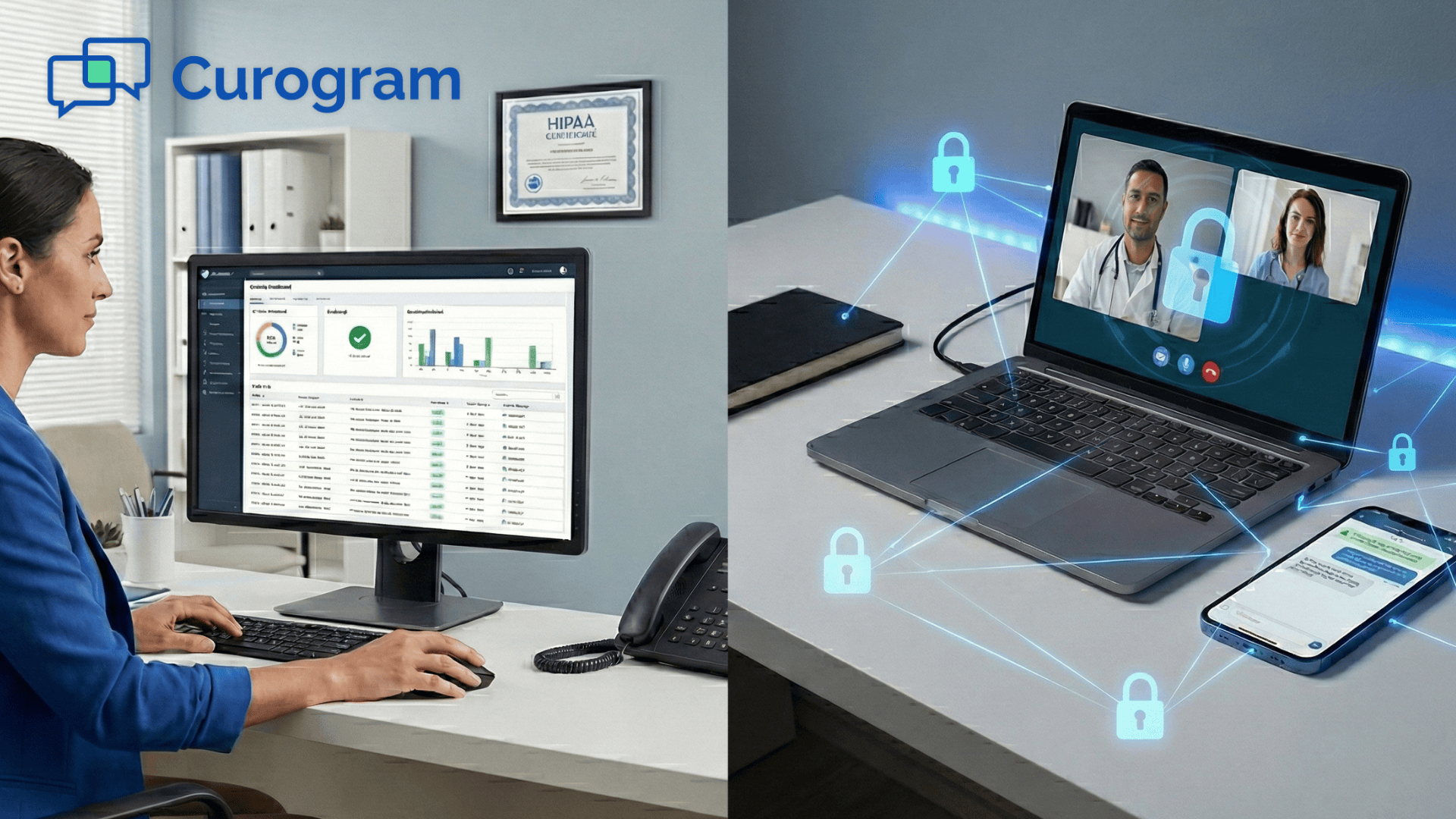
Deliver HIPAA-compliant virtual consultations directly from GE Centricity with Curogram — secure, scalable, and simple for providers and patients.
 Sharee Narciso : Dec 3, 2025, 8:00:04 AM
Learn how orthodontic practices using Cloud 9 increase case starts and follow-ups with Curogram’s secure telehealth platform.