10 min read

SmartCare EHR Telehealth: Behavioral Health Video, No App Needed

SmartCare EHR Telehealth: Behavioral Health Video, No App Needed
💡 SmartCare EHR routes telehealth through Zoom, GoToWebinar, and Microsoft Teams. Each tool makes the client download an app and log in.

Curogram offers a simpler SmartCare telehealth alternative:

  • Send the client a single text link.
  • The client taps the link on their phone.
  • The video visit opens in the phone browser.
  • No app download, no portal, no new password.
  • HIPAA-compliant and SOC 2 Type II certified.
This removes friction for behavioral health clients who join video visits. One text, one tap, one session.

A behavioral health client taps a video visit link. Then the questions start. Which app is this? Why do I need to make an account? Where is the password they sent me?

This is the hidden cost of telehealth that runs through third-party tools. SmartCare EHR is a strong clinical system. But its Telehealth module routes video visits through Zoom, GoToWebinar, and Microsoft Teams. Each one asks the client to download software and log in.

For a behavioral health client, that friction is not a small thing. Many are managing serious mental illness, substance use, or unstable housing. A confusing download screen can end the session before it begins. The client gives up. The clinician waits in an empty room. Care stalls before it starts.

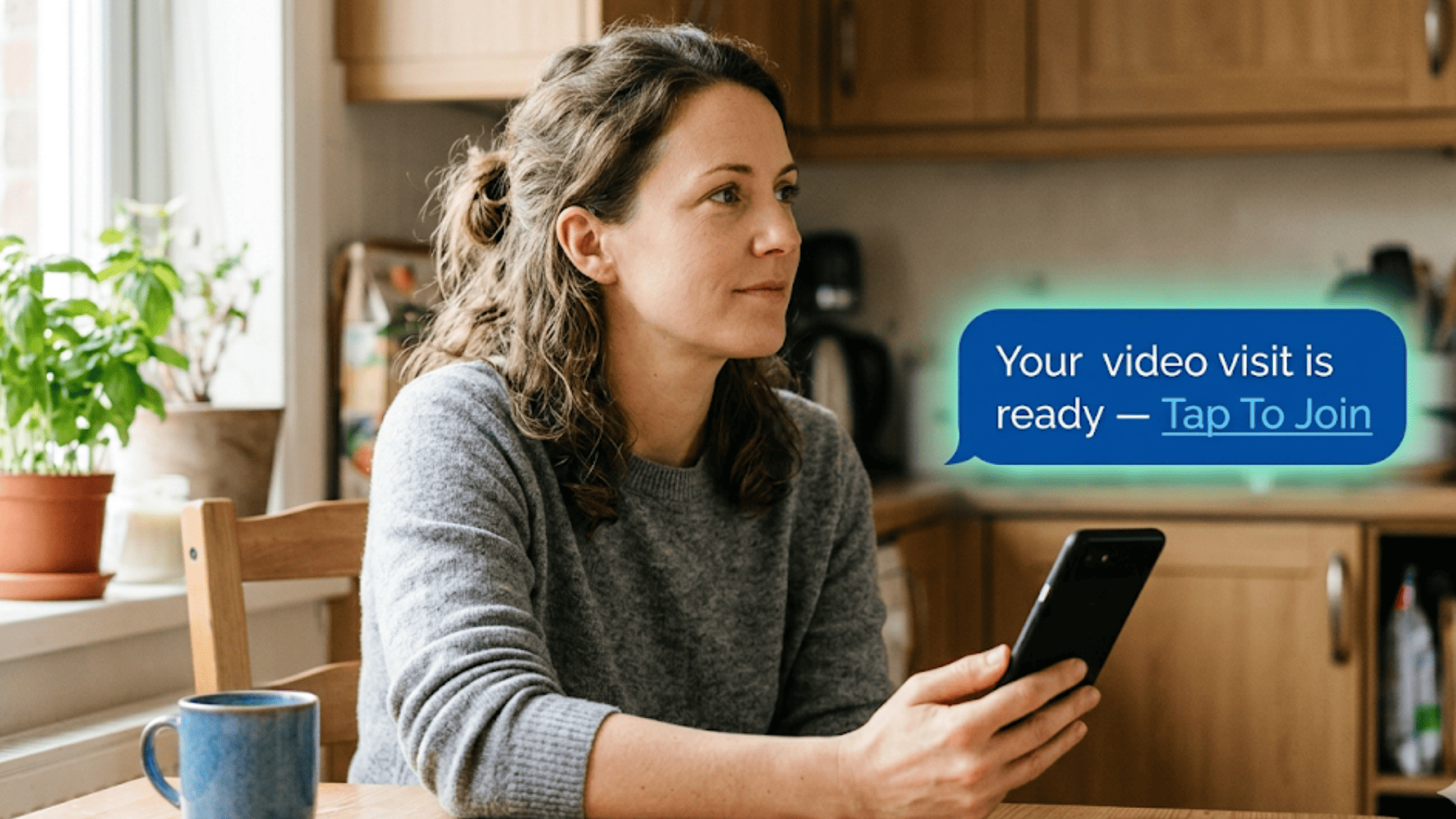
There is a simpler way. You can offer SmartCare EHR telehealth without an app download for a behavioral health video visit. The tool is Curogram. It sends a text link. The client taps it. The video opens right in their phone browser.

No app. No portal. No new login. The platform is HIPAA-compliant and SOC 2 Type II certified, so client privacy stays protected at every step.

This guide shows how frictionless telemedicine works alongside your EHR. We will name the friction that third-party video tools create. We will show how a one-tap link removes it. And we will explain why this matters most for the people behavioral health teams serve each day.

Curogram does not replace SmartCare EHR. Your clinical records stay where they belong. Curogram simply carries the visit to the client in the easiest way possible. One text, one tap, one session.

The shift is small for your staff. But the change is large for your clients. Better access can mean fewer missed sessions. Let us walk through it, step by step.

The Villain: Why Zoom, GoToWebinar, and Teams Fail Behavioral Health Clients

SmartCare EHR does the clinical heavy lifting well. It tracks treatment plans, progress notes, and billing in one place. For documentation, it earns its keep. The trouble shows up at the last step: getting the client into the video room.

SmartCare's Telehealth module does not run video on its own. It connects to outside tools like Zoom, GoToWebinar, and Microsoft Teams. So your client does not join "SmartCare." They join a third-party app they may have never used. We call this the third-party maze.

Walk the path a client takes today. First, they get a meeting invite with a link. Next, the link tries to open an app they have not installed.

Then the phone sends them to an app store. There, they must download, wait, and open the new app. After that, many tools ask them to create an account or enter a meeting ID. Only then might the video start.

Each step is a place to get lost. Here is the maze, step by step.

Step

What the client must do

Where it breaks

1

Open the meeting link

Wrong default browser

2

Install the right app

No storage or slow data

3

Create or find an account

Forgotten password

4

Enter a meeting ID or code

Code typed wrong

5

Allow camera and mic

Permission denied by mistake


Now count the cost. Every failed join is a missed visit. A missed visit means lost revenue and a gap in care. Staff then spend time on phone support instead of clients.

Let us run a simple example:

Say one stuck client eats 12 minutes of staff time. Say this happens five times a day. That is one full hour lost daily, or five hours a week. Those are illustrative figures, but the pattern is real for busy front desks.


The Human Cost Runs Deeper

Imagine a client with serious mental illness who finally agreed to a session. The download screen freezes, and their courage drains away.

Imagine someone in substance use treatment who is court-mandated to attend. A failed login now looks like a missed requirement, not a tech glitch.

Consider a client with no stable housing and an old phone. There is no room to install one more app. For these clients, friction is not just annoying.

It is the difference between getting care and going without. That is why a Zoom alternative for behavioral health is not a nice-to-have. It is an access need.

Treatment discontinuity is the quiet danger here. One missed session can stall weeks of progress. It can break trust that took months to build. For people in crisis, that gap can be the most harmful part. And once a client gives up on the tech, they may not try again.

The maze also wears down your team. Staff burn out when they play tech support all day. They did not train in mental health to reset passwords. Every minute on a frozen Zoom screen is a minute stolen from real care.

The maze was never built for these clients. It was built for office workers with fast laptops and IT help. Your clients deserve a door that opens on the first tap. The next section shows how to build that door.

Behavioral health telehealth infographic pairing four access barriers with a shared no-show cascade that one-tap video visits prevent

The Guide: How SMS-Launched Telehealth Works Alongside SmartCare EHR

There is a way out of the maze. It is not a new EHR. It is a simpler path from the text message to the video screen. Curogram is built to be that path. We call this role the access simplifier.

Here is the core idea. Curogram sends the client a normal text message with one secure link. The client taps the link. The video visit opens right inside the phone's browser. There is nothing to download and no account to create. The barrier is gone.

The feature that powers this is Curogram Telemedicine. It turns a video visit into a single tap from a text. Your client does not learn a new app. They use the one tool everyone already knows: text messaging.

What Frictionless Telemedicine Looks Like in Practice

The link is unique and secure for each visit. It opens an encrypted session, so privacy stays intact. When the visit ends, the link closes. The client never sees a setup wizard or a meeting code.

Now think about how this fits your current system. Curogram does not compete with SmartCare EHR. It works alongside it. SmartCare EHR remains your clinical record. Your notes, plans, and billing all stay there.

Curogram simply owns the client touchpoint. It carries reminders, texts, and the video link to the client's phone. The clinician documents the session in SmartCare EHR as always. The two systems play different roles, and that is the point.

Job to be done

Where it lives

Clinical notes and records

SmartCare EHR

Treatment plans and billing

SmartCare EHR

Text reminders to the client

Curogram

One-tap video visit link

Curogram


This split is why a SmartCare telehealth alternative does not mean ripping anything out. You keep the clinical engine you trust. You just give clients an easier way in. Staff log in once and send a link. The client taps once and joins. Both sides do less work, not more.

Behavioral Health Fit

These clients need access that feels human, not technical. A text link feels like a message from a person who cares. A download screen feels like a test they might fail.

Think about the people you serve. A client with serious mental illness needs calm, simple steps. A person in substance use treatment needs privacy and zero friction.

A court-mandated client needs proof they showed up, not a tech excuse. A CCBHC serving a whole community needs a tool that works on any phone.

One tap meets all of these needs at once. The client feels guided, not tested. They can join from a bus stop, a shelter, or a kitchen table. The care reaches them where they already are, on the phone in their hand.

Some teams worry that "simpler" must mean "less secure." The opposite is true here. Curogram is HIPAA-compliant and SOC 2 Type II certified. A signed BAA backs every account. The simplicity sits on the client's side, while strong protection runs underneath the whole time.

This is also why one-tap telehealth feels more personal, not less. You remove the cold, confusing steps. What is left is a clear path to a caring provider. The technology fades, and the human connection takes the front seat. That is exactly what behavioral health work needs.

The Success: Clinical Impact of Frictionless Telehealth

When the join is simple, good things follow. The client shows up. The clinician starts on time. Care moves forward instead of stalling. Let us look at what a one-tap session changes across your practice.

Zero Technology Barriers

This is the first and biggest win. Clients who fail on Zoom or Teams often succeed with a text link. There is no app to install and no password to recall. The same client who gave up last week can join this week. The barrier that blocked them is simply gone.

Think about why this matters. The hardest clients to reach are often the ones who need care most. A simple link does not ask them to be tech experts. It meets them at the level of a normal text. That small change can turn a missed visit into a kept one.

Treatment Continuity During Disruption

Life does not pause for therapy. Storms hit. Buses run late. A car breaks down. A client has a rough day and cannot leave the house. In the old model, any of these could cancel a session.

One-tap telehealth keeps the session alive. The client taps the link from wherever they are. They join from a kitchen, a porch, or a parked car. The visit happens, and the treatment plan stays on track. For behavioral health, that steady rhythm is the whole point.

This continuity protects progress. A client in recovery may need weekly support to stay well. A gap of even one week can raise the risk of relapse. A text link removes a common reason that gap happens. Care continues through the bumps in real life.

Hybrid Scheduling Made Easy

Many clients want a mix of visits. Some weeks they come to the office. Other weeks they need to meet from home. With one platform, the clinician can blend both with ease.

The clinician does not juggle different tools for each visit type. In-person and video sessions live in the same simple flow.

Staff send a text link when the visit is remote. They book a room when the visit is in person. The schedule stays clean, and no one learns three systems.

This flexibility helps fill the calendar. A client who cannot travel can still keep the slot. An open hour can be saved with a quick switch to video. Fewer gaps mean steadier care and steadier revenue.

IT Simplification

The third-party maze is not only hard on clients. It is hard on your operations and budget too. Many practices pay for several video tools at once. They may hold licenses for Zoom, GoToWebinar, and Teams side by side.

One platform can replace that pile of licenses. Curogram carries the video, so the extra tools become optional. Fewer logins for staff. Fewer vendors to manage. Fewer help-desk tickets when something breaks.

There is also a hidden cost in the maze: lost staff hours. Every frozen Zoom screen pulls a worker away from care. Cut those interruptions and you free real capacity. That recovered time can serve more clients with the same team.

Now connect this to outcomes we have seen. Based on our internal data, Curogram clients confirm more than 75% of their appointments.

Their no-show rates run 53% below the industry average. Those gains come from removing friction at the client touchpoint, which is exactly what one-tap video does.

The numbers from specific clients tell the same story. Atlas Medical Center cut no-shows from 14.20% to 4.91% in three months.

That is roughly three times better than the industry average. Covina Arthritic Clinic now confirms more than 1,100 appointments each month. These results came from easy reminders and simple access, not extra staff.

Telehealth Fits Right into the Engine

A video visit still needs a reminder and a confirmation. Curogram sends both through the same text channel. So the client gets the reminder and the join link in one familiar place. That consistency is part of why fewer slots go empty.

Here is a side-by-side view of the two paths.

What the client faces

Third-party maze

One-tap telehealth

App download

Required

None

New account or login

Often required

None

Meeting ID or code

Often required

None

Way to join

App store, then app

Tap a text link

Rejoin after a drop

Re-login or re-install

Tap the same link

Where notes live

Outside the link

SmartCare EHR


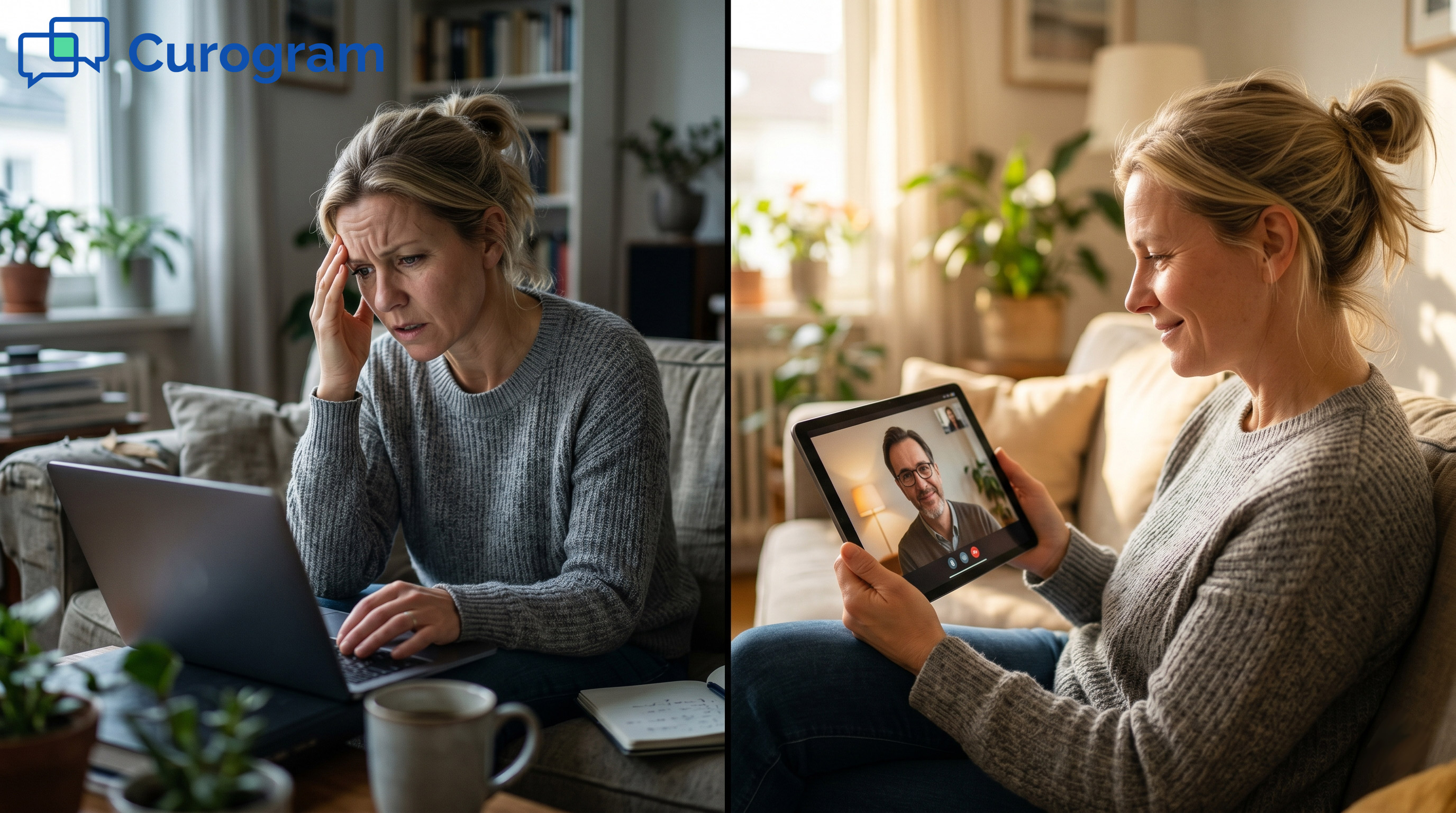
The pattern is clear. Every row on the left adds a chance to fail. Every row on the right removes one. For behavioral health clients, fewer failure points means more kept visits.


Patient receiving a one-tap SmartCare EHR telehealth link to start a behavioral health video visit without an app

How One-Tap Telehealth Keeps Behavioral Health Clients in Care

Behavioral health works through trust and follow-through. A client who misses one session can lose weeks of progress. So the way they join a visit matters as much as the visit itself.

Curogram's one-tap telehealth is built to protect that follow-through. The client gets a text the same way they get any message. They do not need a portal, an app, or a fresh password to remember. They tap the link, and the secure video opens in their browser.

This design helps the clients who struggle most with technology. Someone in early recovery may feel anxious and overwhelmed.

A person facing a mental health crisis has little patience for error screens. A client without stable housing may share an old phone with limited storage. A simple link meets all of them where they are.

It also keeps care steady when daily life gets hard. A storm, a missed bus, or a setback no longer has to end the session. The client taps the same link and rejoins in seconds. Treatment continues instead of breaking.

Staff feel the benefit too. They stop walking clients through long Zoom installs over the phone. They stop resetting forgotten logins minutes before a session starts. They get to spend that saved time on care, not on tech support.

Curogram works alongside SmartCare EHR, not against it. Your notes and records stay in SmartCare, where your clinical work lives.

Curogram simply carries the visit to the client. Based on our internal data, clients confirm more than 75% of appointments when reminders and access are this easy.

The result is a video visit that feels personal, not technical. The client sees a caring, familiar provider, not a wall of confusing setup steps. That is how frictionless access supports better behavioral health care, one session at a time.

Conclusion: Simplify Telehealth — One Text, One Tap, One Session

Telehealth should help clients show up, not push them away. SmartCare EHR gives your team a strong clinical backbone. It holds your notes, your records, and your care plans. But the client still needs an easy way in.

That is the gap Curogram fills. SmartCare EHR is for your clinical data. Curogram is for your clients' convenience. Together, they build a practice that is both clinically sound and easy to reach.

Think of how this stacks up over time. Our internal data shows Curogram clients confirm more than 75% of appointments.

No-show rates run 53% below the industry average. Atlas Medical Center cut no-shows from 14.20% to 4.91% in three months. Covina Arthritic Clinic now confirms more than 1,100 visits each month.

Those gains come from removing friction at the client touchpoint. The same idea drives one-tap telehealth. When joining a session is simple, more clients keep their visits. Fewer empty slots means steadier care and steadier revenue.

For behavioral health teams, the stakes are higher. A missed session can break treatment at the worst moment. A text link keeps that door open during a crisis, bad weather, or a missed ride. The client taps once and they are back in care.

You do not need a brand-new EHR to make this work. You only need a simpler path to reach the client. Curogram is that path, and it sits right alongside SmartCare EHR every day.

Stop losing clients to download screens and forgotten logins. Request a demo and see frictionless telehealth in action.


Frequently Asked Questions

How does Curogram keep SMS-launched telehealth HIPAA-compliant for sensitive behavioral health and 42 CFR Part 2 sessions?

Curogram encrypts video, audio, and data, and provides a signed BAA. For substance use programs under 42 CFR Part 2, session records and metadata follow federal consent rules, so confidentiality holds across every visit.

How does Curogram's telehealth fit alongside SmartCare EHR without replacing your clinical system?

Curogram handles the client-facing video link while SmartCare EHR holds your notes and records. You can run both together, or shift client visits to Curogram while keeping Teams for internal staff meetings.

Why do behavioral health clients struggle so much with Zoom, GoToWebinar, and Teams video visits?

These tools demand a download, an account, and a login before the visit. Clients facing crisis, early recovery, or housing instability often stall at those steps. The session ends before care can even begin.

How does Curogram handle a dropped connection in the middle of a video session?

The browser-based video is built for low-bandwidth phones. If a client drops, they tap the same text link to rejoin. There is no re-download and no new login, so the session resumes quickly.

Why does a one-tap text link improve treatment continuity better than a patient portal?

Portals add passwords and extra screens that clients forget or abandon. A text link arrives where clients already look, their messages. Tapping once keeps them in care during storms, missed rides, or sudden setbacks.