9 min read
Streamline Staff Workflow With SmartCare EHR Intake Form Automation
Mira Gwehn Revilla
:
June 16, 2026
Here is what that setup replaces:
- Paper packets up to 19 pages long
- Staff retyping every answer into SmartCare EHR
- The "arrive 30 minutes early" rule
- Typos that spread into notes, billing, and compliance
- Long lobby lines on peak intake days
Your front desk did not sign up for data entry. They came to welcome clients and support care. Yet most of their day goes to paperwork. A new client books, and the typing begins.
Here is how it usually plays out. The client fills out a thick intake packet by hand. Then a staff member retypes every answer into SmartCare EHR. One form turns into two jobs, and both eat time.
SmartCare EHR is strong where it counts. It stores notes, plans, and billing in one place. But it was never built to speed up check-in. So that work lands on your team instead.
The cost grows fast on a busy day. Several new clients can mean hundreds of fields to enter. Staff fall behind on calls and check-ins. Clients wait longer, and the schedule slips.
Your staff feel it too. They want to help people, not chase clipboards. Burnout creeps in fast.
There is also risk hiding in all that typing. One wrong entry can spread into notes, bills, and compliance files. Fixing it later costs more than the visit ever saved. Your people deserve a better way to work.
That better way is simple to set up. You keep SmartCare EHR for clinical work. Then you add an easy layer for forms. Clients get a secure link by text and answer at home.
This is the heart of automating intake forms alongside SmartCare EHR. The packet still gets done. It just gets done without the retyping or the lobby wait.
This guide shows how to build that workflow, step by step. You will see how forms reach clients and flow back clean.
So let's start where the pain begins. First, look at what manual intake really costs.
The Villain: Staff Buried in Manual Transcription
SmartCare EHR does the hard clinical work well. It stores notes, treatment plans, and billing in one secure place. Many behavioral health teams rely on it every day. The problem is not the record system. The problem is how clients get into it.
That problem has a name: the paper mountain. New clients fill out thick packets by hand. These can run up to 19 pages each. Then your staff reads the handwriting and types every answer into SmartCare EHR by hand.
Walk through a normal intake and the friction shows. A client arrives early and gets a clipboard. They write down their history, medications, and consent answers. A staff member then retypes all of it. One form becomes two jobs, and both take time.
Now stack five new clients on a Monday. That is up to 95 pages to read and re-enter. The front desk falls behind on calls and check-ins. Clients wait longer in the lobby. The whole day slips.
The cost is real, and it shows up in many places at once.
|
Hidden cost |
What it looks like |
|
Staff time |
15+ minutes of retyping per client |
|
Errors |
Typos copied into notes and bills |
|
Missed care |
Long waits push clients to leave |
|
Burnout |
Hours spent on data, not on people |
Errors are the quiet danger. A wrong date or a misspelled drug name does not stay in one box. It flows into clinical notes, billing claims, and compliance files. One typo can trigger a denied claim or a chart mix-up.
This is why staff data entry reduction matters so much. Every hour spent retyping is an hour not spent with clients. It is also an hour your practice pays for but cannot bill.
How Behavioral Health Raises the Stakes Higher
Many clients face serious mental illness or substance use disorders. Some come through court-mandated treatment. Others deal with housing instability and cannot keep track of paper.
For these clients, a thick packet is a wall, not a door. Someone in crisis may not finish 19 pages in a waiting room. A person without stable housing may lose the forms before the visit. Each barrier raises the odds they walk away from care.
Staff feel it too. They came to help people, not to chase clipboards. When the day is buried in transcription, that mission gets harder. Good people burn out doing work a phone could handle.
The villain here is not SmartCare EHR. It is the manual gap between the client and the record. Close that gap, and the whole intake changes.
The Guide: Building an Automated Intake Workflow
You do not need to replace SmartCare EHR to fix intake. You need to add a fast lane in front of it. Curogram acts as the Intake Accelerator. It sends secure digital forms to clients before their first appointment, so the packet is done before they walk in.
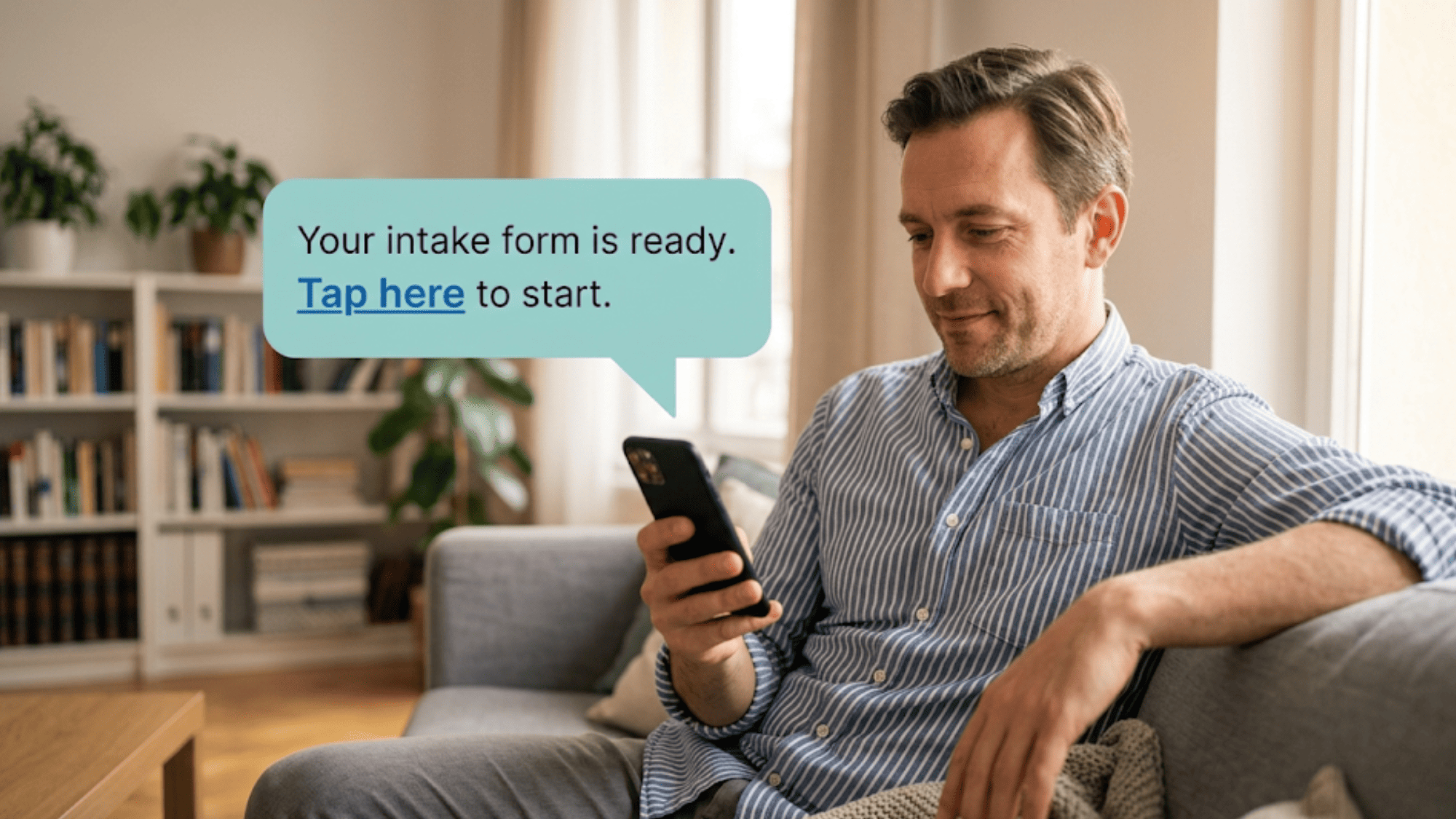
Here is the feature that makes it work: Secure Online Forms. Clients receive a text with a private link. They tap it, answer on their phone, and submit. The finished form returns straight to your dashboard, ready for staff to review.
Done right, this becomes the backbone of your SmartCare EHR intake form automation staff workflow. Let's build it in five clear steps.
Step 1: Build Your Forms Once
Use the behavioral health form builder to create each packet your program needs. Start with the basics: history, medications, and consent. Add ready-made templates for common digital screening tools like the PHQ-9 and GAD-7. You build it once, then reuse it for every client.
Step 2: Add the Right Logic and Consent
Set up conditional questions so clients only see what applies to them. A "yes" can open a follow-up, while a "no" skips it. Add your consent and authorization language, including 42 CFR Part 2 terms for substance use programs. Shorter, smarter forms get finished more often.
Step 3: Text the Link Before the Visit
When an appointment is booked, send the secure link by text. Clients open it at home, not in your lobby. Most people read a text within minutes, so completion rates stay high. This is also where the early-arrival rule disappears.
Step 4: Let the Data Return Clean
When a client submits, the answers land in your dashboard exactly as typed. No one re-keys anything. That direct path removes the retyping step that caused most errors. This is the heart of true EHR form integration: the data is captured once, by the person who knows it best.
Step 5: Review and Prep Before the Session
Staff scan the dashboard and confirm each form is complete. Clinicians read the assessment before the door opens. The first session starts with care, not paperwork.
This whole SmartCare intake automation setup can go live quickly. Basic forms can be ready in a day. You can refine program-specific packets — biopsychosocial assessments, consent bundles, conditional logic — over the following weeks.
Now, the key point on integration: Curogram works alongside SmartCare EHR, not in place of it. Your clinical documentation, treatment plans, and billing stay in SmartCare EHR.
Curogram handles the client-facing layer — the texting, the forms, and the completion tracking. One system owns the record. The other owns the conversation.
Think of it as a clear division of labor:
|
SmartCare EHR handles |
Curogram handles |
|
Clinical notes and charts |
Texting the secure form link |
|
Treatment plans |
Form completion on the client's phone |
|
Billing and claims |
Real-time completion tracking |
|
The system of record |
The client touchpoint |
This split matters most in behavioral health. Your clients are not all the same, and your intake should not treat them that way. People with serious mental illness may struggle to sit and write for an hour.
Clients in substance use treatment may need consent language handled with extra care. Those in court-mandated treatment often face strict timelines.
Why Digital Forms Meet Each of These Needs Better than PaperA client can pause, rest, and finish a form at their own pace at home. Someone with housing instability does not have to carry a packet around for days. A person in crisis is not handed a clipboard in a hard moment. This approach also fits CCBHCs well. Certified Community Behavioral Health Clinics face real intake efficiency targets. SAMHSA's certification criteria push for faster, smoother access to care. Automated forms help you meet those goals without adding staff. |
Here is the part many teams miss: this feels more personal, not less. When the form is done early, staff are not heads-down typing during check-in.
They can look the client in the eye and say hello. The clinician already knows the story, so the first words are about the person, not the paperwork. Technology handles the busywork, which frees humans to do the human part.
That is the whole idea behind the Intake Accelerator. Keep the clinical strength of SmartCare EHR. Add a simple, secure front door. Then watch the paper mountain shrink, one text at a time.
The gains do not stop at a warmer welcome. Every minute your team is not retyping forms is a minute they can spend on care, follow-up, or the next client. Over a full week, those minutes add up, and you can recover revenue with improved staff efficiency.
.png?width=1080&height=1350&name=Streamline%20Staff%20Workflow%20With%20SmartCare%20EHR%20Intake%20Form%20Automation-mid2%20(1).png)
The Success: What Changes When Forms Arrive Pre-Completed
When forms arrive pre-completed, the whole day feels different. Staff stop retyping. Clients stop waiting. Clinicians stop guessing. The work that used to clog your front desk simply moves upstream, to the client's phone.
Time
Manual entry takes roughly 15 minutes per client, between reading handwriting and re-keying it. Remove that step and the minutes add back up across the week. Here is an illustrative example, based on a 15-minute-per-client estimate:
|
New clients per week |
Minutes saved (15 each) |
Hours saved per week |
Hours saved per month |
|
5 |
75 |
1.25 |
~5 |
|
10 |
150 |
2.5 |
~10 |
|
15 |
225 |
3.75 |
~15 |
*This table is a theoretical computation for planning, not measured internal data.
Your real numbers will depend on form length and staff speed. Still, even the low end frees up a full hour or more each week. That is time your team can spend with clients instead.
Accuracy
When a client types their own answers, the data returns exactly as entered. No one re-keys it, so the old transcription errors drop toward zero.
A clean intake means cleaner notes, fewer denied claims, and less rework later. One correct entry beats two error-prone ones every time.
Attendance
Clients who engage by text before a visit are simply more invested. They have already started the process, so showing up feels natural. Curogram's reminder and texting tools support this, and the impact on attendance is well documented.
Based on our internal data, Curogram clients see no-show rates 53% lower than the industry average, and Atlas Medical Center cut no-shows from 14.20% to 4.91% in just three months.
Pre-completed intake builds on that same momentum. A client who finishes forms at home has already taken the first step toward care. That early action makes the appointment feel real before the day arrives.
How CCBHCs Feel the Gain Clearly
Intake efficiency is a core requirement, and pre-completed forms move the needle. Staff process more clients with the same headcount. The clean handoff from Curogram into your SmartCare intake automation setup keeps the data flowing without extra effort.
The bigger win is a calmer practice. Peak intake days stop being dreaded. The lobby clears faster. Strong EHR form integration means the record stays accurate while the people stay human. Your staff get their clinical time back, and your clients get a smoother start.

How Curogram's Secure Online Forms Prepare Clinicians Before the First Session
How does a clinician walk into a first session already knowing the story? With Curogram's Secure Online Forms, the answer is simple: the work happens before the door opens.
Here is the flow. When the appointment is booked, the client gets a text with a private link. They tap it and complete the packet on their phone, at home. History, medications, screening answers, and consent all come in at once. The moment they submit, the data appears in your dashboard.
Staff then do a quick check. They confirm the form is complete and flag anything missing. Because the client typed the answers, there is nothing to re-enter. The information is clean and ready to read.
That changes the clinician's first few minutes. Instead of scanning a blank chart, they open a finished assessment. They already see the PHQ-9 and GAD-7 scores. They already know the medication list and the consent status. So the session can start with the person, not the paperwork.
This matters most for behavioral health. A client in crisis does not want to repeat their whole history at the desk. A clinician who already knows the basics can lead with care and warmth. The first words become "How are you today?" instead of "Fill out these pages."
It also protects privacy. Every form is encrypted in transit and at rest. Sensitive consent language, including 42 CFR Part 2 terms, lives inside the form itself. The client shares hard details once, in a private space, on their own phone.
The result is a first session that feels prepared and personal. The clinician is ready. The client feels seen. And the record in SmartCare EHR stays the trusted clinical home for everything that follows.
Conclusion: Give Staff Their Clinical Time Back
The fix for the paper mountain is not a bigger system. It is a smarter front door. SmartCare EHR gives you a strong clinical backbone. Curogram adds secure online forms and digital intake that reach the client touchpoint.
Think of the two roles this way. SmartCare EHR is built for your clinical data. Curogram is built for your clients' convenience. Together, they create a practice that is both clinically solid and easy to reach.
The shift is bigger than a time-saver. When forms arrive pre-completed, staff stop retyping and start helping. Clinicians read a finished assessment before the session begins. Clients start care without a clipboard in their lap.
The gains add up across the week. Cleaner data means fewer errors and fewer denied claims. Less front-desk friction means calmer peak days. And freed-up hours mean your team spends time on people, not paperwork.
If you want to go deeper, our pillar guide on digitizing behavioral health intake walks through the full strategy. You can also pair this with two-way texting, so forms travel the same channel clients already use. Appointment reminders work hand in hand here too, since clients who complete intake early are more likely to attend.
The bottom line is simple. Every page your staff retypes is a page that pulls them away from care. Automated intake hands that time back to your team and your clients.
Clear the paper mountain before your next intake day. Request a demo and see how forms reach clients by text.
Frequently Asked Questions
Curogram provides full HIPAA compliance with a signed BAA. Forms can carry 42 CFR Part 2 consent and authorization language. All submitted data is encrypted in transit and at rest, meeting federal rules for substance use treatment privacy.
Basic intake forms can be set up and deployed within a day. Curogram offers templates for common screening tools. Program-specific work — biopsychosocial assessments, consent bundles, and conditional logic — can be refined over the following weeks.
Curogram's dashboard shows completion status in real time. Staff can spot who finished, who started but stopped, and who has not opened the link yet. This lets your team follow up with the right clients before the visit.
Each paper packet must be filled out, read, and retyped by hand. Stack several new clients on one morning and that work piles up fast. Staff fall behind, lobbies back up, and the whole schedule slips.
The clinician opens a finished assessment instead of a blank chart. Screening scores, medications, and consent are already in view. So the session starts with the person and their needs, not with paperwork and repeated questions.