9 min read

RamSoft Imaging Text Dashboard | Cut Phone Volume 60%

RamSoft Imaging Text Dashboard | Cut Phone Volume 60%
💡 Running RamSoft PowerServer or OmegaAI at your imaging center? Your front desk is likely fielding 60–100 calls every day — study confirmations, prep questions, insurance checks, and rescheduling requests.            

At 3–5 minutes per call, that's most of your staff's workday gone.   

Curogram's unified text dashboard converts the majority of those phone interactions into asynchronous text conversations. Staff can handle 3–4 conversations at once instead of one call at a time. That shift reclaims 3–5 hours of daily capacity.      

The result: fewer calls, faster confirmations, and a front desk that has time to actually fill your scanners.

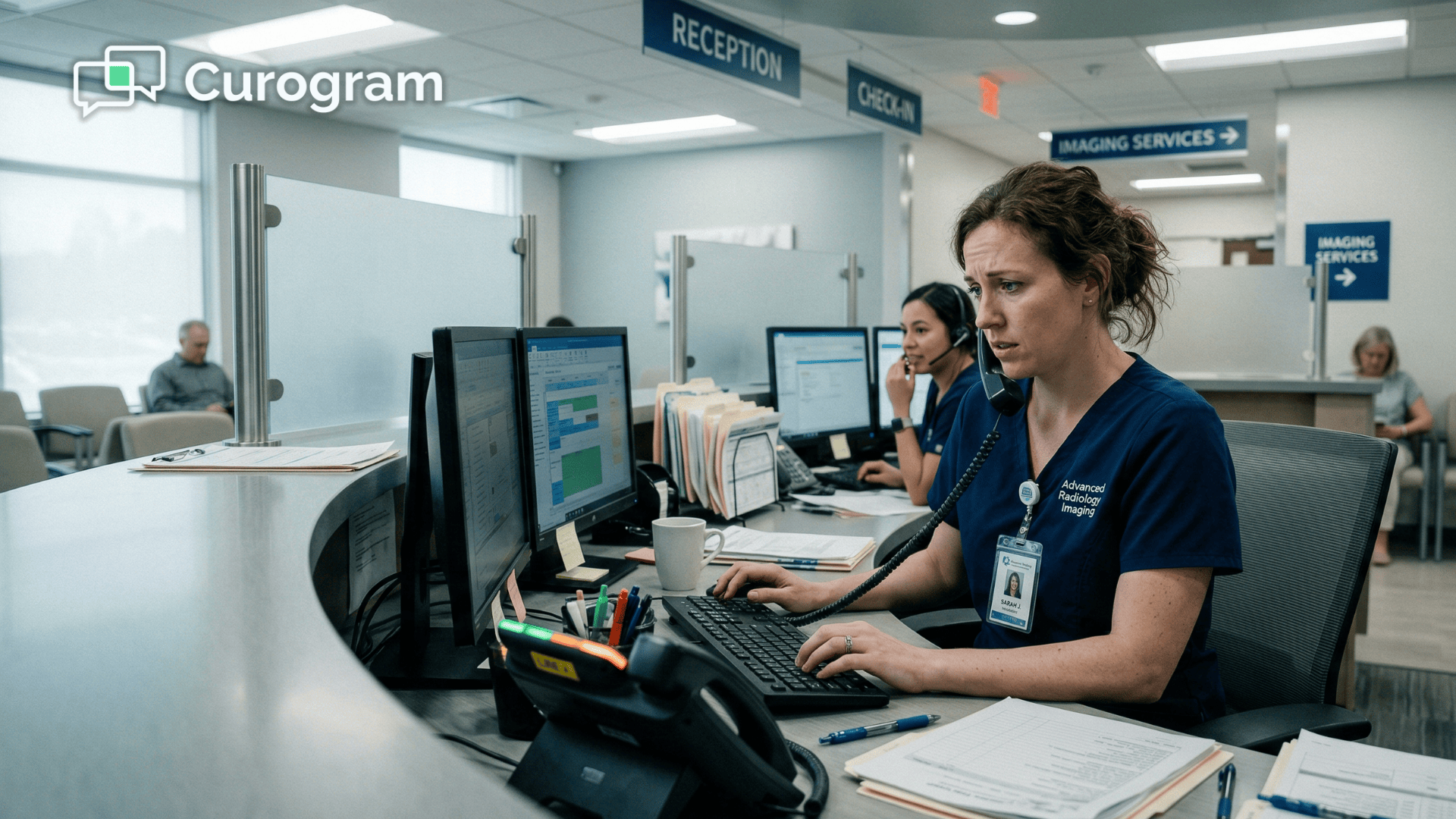
It's 8:47 a.m. Your imaging center opens at 9. You have 80 studies on the schedule today — MRIs, CTs, ultrasounds, a few mammograms.

And already, your front desk phone is ringing.

It doesn't stop. Not at 10. Not at noon. Not at 3 p.m.

A patient needs to know if she can eat before her abdominal CT. Another wants to confirm his 2 p.m. MRI appointment. Someone's insurance card needs to be re-verified before their 11 a.m. slot.

One caller has been on hold for six minutes because your two staff members are both tied up — and she's starting to wonder if you'll even be ready for her scan.

This is a normal Tuesday. And it's quietly costing you.

When your front desk spends 3–5 hours a day on the phone, your team isn't just answering questions — they're burning time they could be using to fill cancellations, chase prior authorizations, and optimize your scanner schedule.

Every call they take is an operational task they're not doing.

Here's the thing that makes this particularly frustrating: most of those calls don't need to be calls.

A patient asking whether to fast before a CT doesn't need a five-minute conversation. A study confirmation doesn't require hold music.

These interactions could be handled in 15 seconds via text — by staff who are simultaneously managing three other conversations on a single screen.

RamSoft imaging center staff communication dashboard text patient phone volume reduction with PowerServer is exactly what most administrators don't realize they're missing.

Not a scheduling overhaul. Not a new EMR. Just a smarter communication layer that sits on top of the systems you already use — and converts the phone calls drowning your team into text threads they can manage in a fraction of the time.

That's what this article is about.

How the front desk phone problem actually works, why it gets worse as you grow, and how imaging centers are cutting call volume by 60% without adding a single headcount.

Why Your Imaging Center Phone Never Stops Ringing

Your phones aren't busy by accident. They're busy because phone calls are the default communication channel for imaging centers — and nobody's questioned whether they should be.

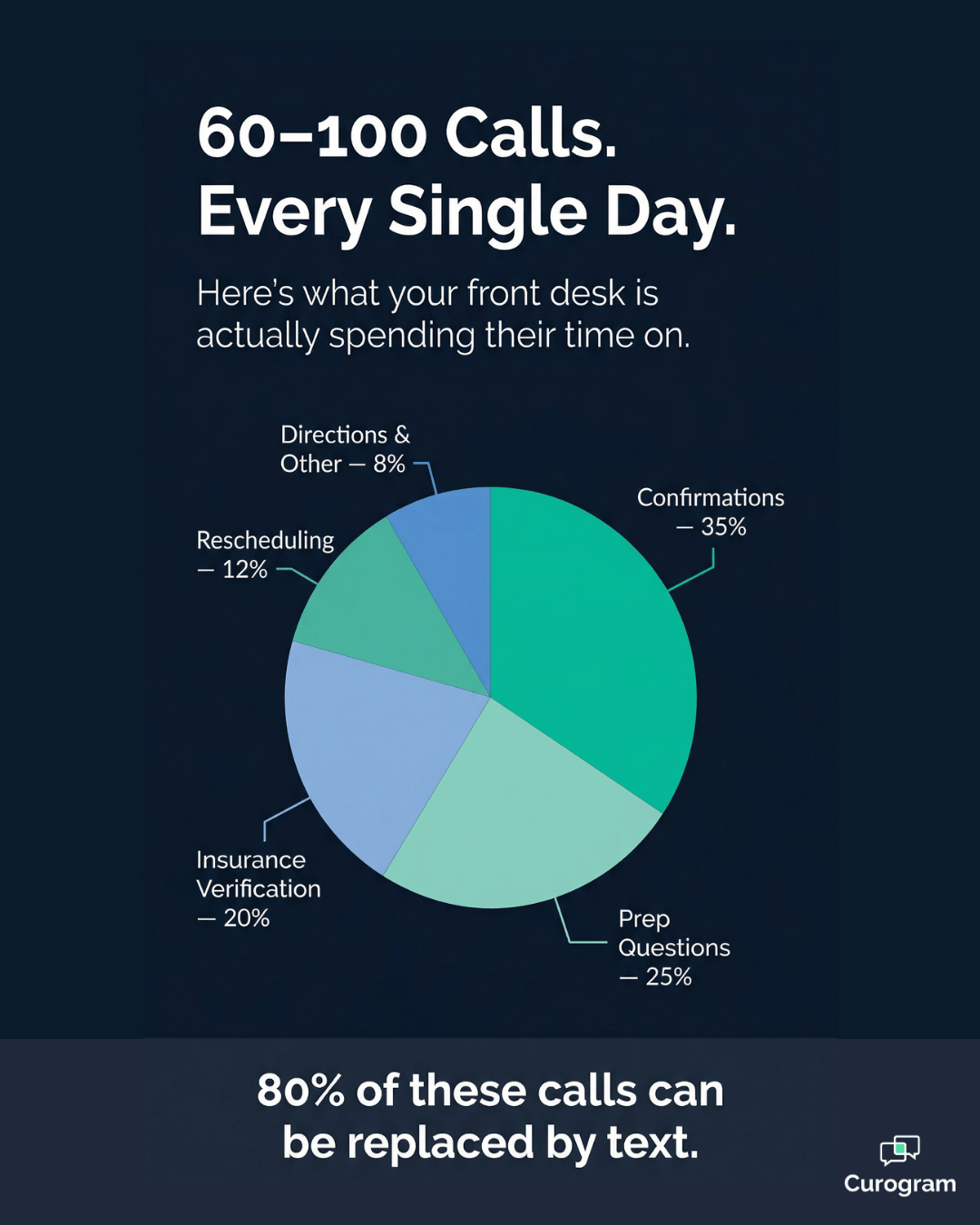
Think about what your front desk fields on a typical day:

  • Study confirmations from patients checking their appointment details
  • Prep instruction questions specific to their modality — fasting, contrast, metal screening
  • Insurance verification calls before authorization is cleared
  • Rescheduling requests and cancellations
  • Results inquiries from patients and referring physicians

Every one of those interactions arrives as a phone call. Every one requires a staff member to stop what they're doing and give it their full attention.

That's the core problem:

Phone calls are serial by design. One call, one staff member, one conversation — nothing else happens until it ends.

The Serial Communication Trap

An imaging center running 80 scheduled studies receives roughly 60–100 related calls on a typical day. At an average of 3–5 minutes per call, that's between 3 and 8 hours of phone time, spread across 2–3 front desk staff.

Do the math and it's striking:

Phones consume 60–80% of your team's entire workday.

The remaining 20–40% — insurance pre-authorization, schedule gap management, walk-in coordination — gets squeezed into whatever moments the phones allow.

Those are the tasks that actually move revenue. And they're getting the leftovers.

The Prep Instruction Problem

Radiology prep instructions are clinically critical. An unprepared patient doesn't just lose their appointment — they waste a $2,000 MRI slot that someone else could have filled. So yes, those prep calls matter. But they're being delivered through the least efficient channel possible.

"Can I take my blood pressure medication before my MRI?" "Do I need to fast for my CT with contrast?" "What should I wear for my ultrasound?"

Each of these is a 2–3 minute phone call. Each takes a staff member offline. And each one could have been answered by a text message sent the evening before.

A text with prep instructions takes about 15 seconds to send. It answers the question before the patient thinks to call. That's not a small efficiency gain — it's a structural shift in how communication works.

The Hold-Time Cascade

When both staff members are on calls, new callers hit hold. And imaging center patients — many of whom already feel anxious about an upcoming scan — interpret hold time as disorganization. "If they can't answer the phone, can they really run a smooth MRI?"

Some callers hang up. Some of those don't call back.

A fraction don't show up at all. The phone system that was supposed to serve your patients is actively generating no-shows and bad first impressions. Meanwhile, Blume gives your RamSoft-connected patients a digital option — but 70–90% of your patients haven't downloaded it and never will.

What This Costs at Scale

For multi-site imaging networks, the problem doesn't plateau — it multiplies.

A 10-location imaging network with 3 front desk staff per site has 30 people doing phone-heavy work. At $18–25/hour per employee, that's a significant and growing labor cost dedicated entirely to a communication method that text handles faster, cheaper, and at scale.

And that figure only counts time on calls — it doesn't include the revenue lost from operational work that never gets done because the phones won't stop.

5–6 hours per day, per site

The average time front desk staff spend on phone calls at a multi-location imaging network — time that could be redirected to insurance verification, schedule optimizat

How a Text Dashboard Becomes Your Front Desk's Best Tool

Here's where the story changes.

Curogram converts the majority of imaging center phone interactions into text conversations — all managed through a single, unified dashboard that sits alongside your existing RamSoft environment.

The phone doesn't disappear. It just stops dominating.

Study confirmations go out as texts, not calls. Prep instructions are sent as text links — modality-specific, readable on any phone, no recitation required. Insurance questions are handled via text, with a photo upload option for insurance cards.

Rescheduling requests come in as text replies, not voicemails. And staff manage 3–4 of these conversations simultaneously on one screen while the phone sits quiet.

The 60–100 daily calls compress to 15–20 — the ones that genuinely need a human voice.

Pie chart showing imaging center daily call breakdown by type and volume

What the Dashboard Actually Looks Like

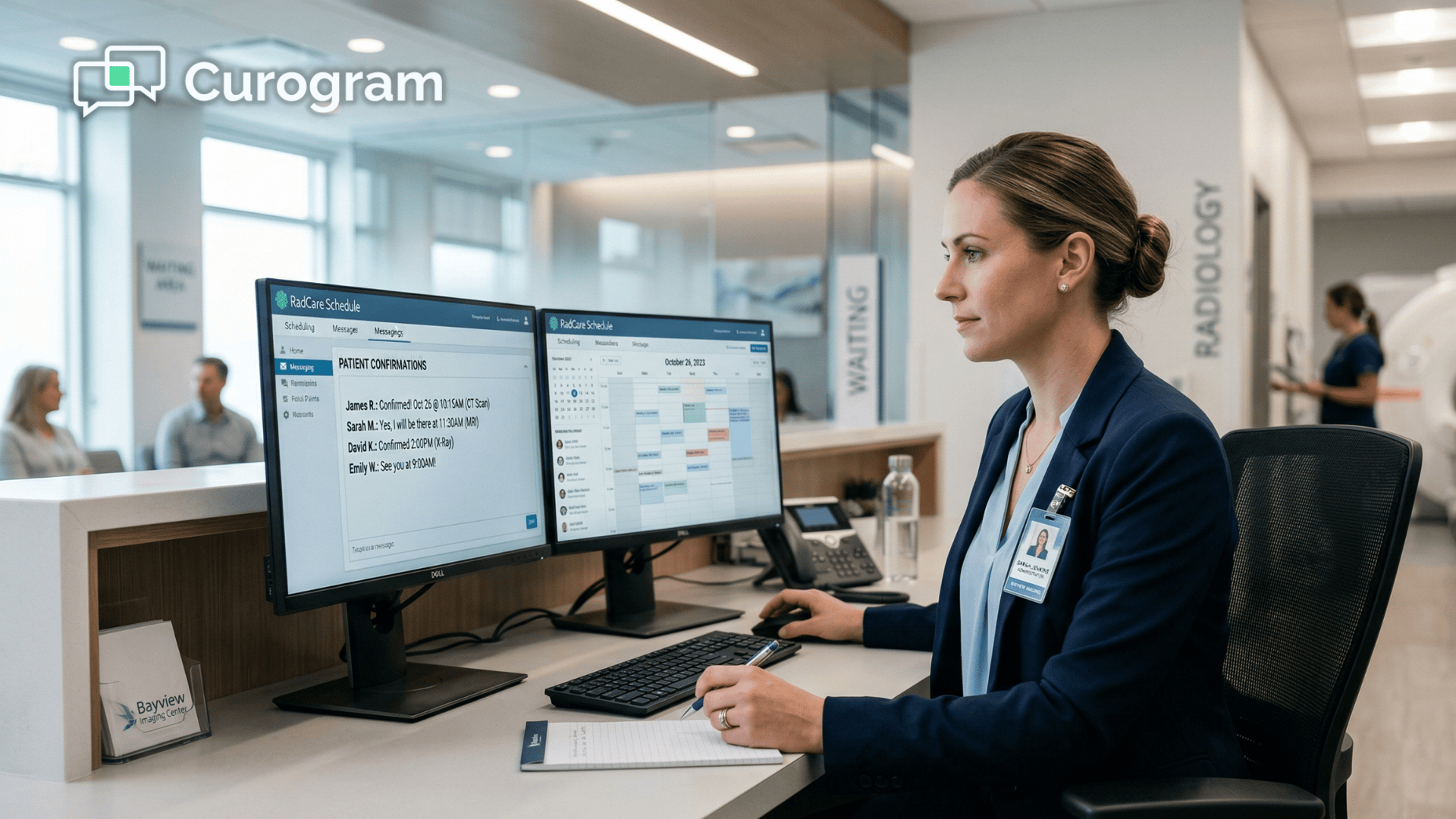
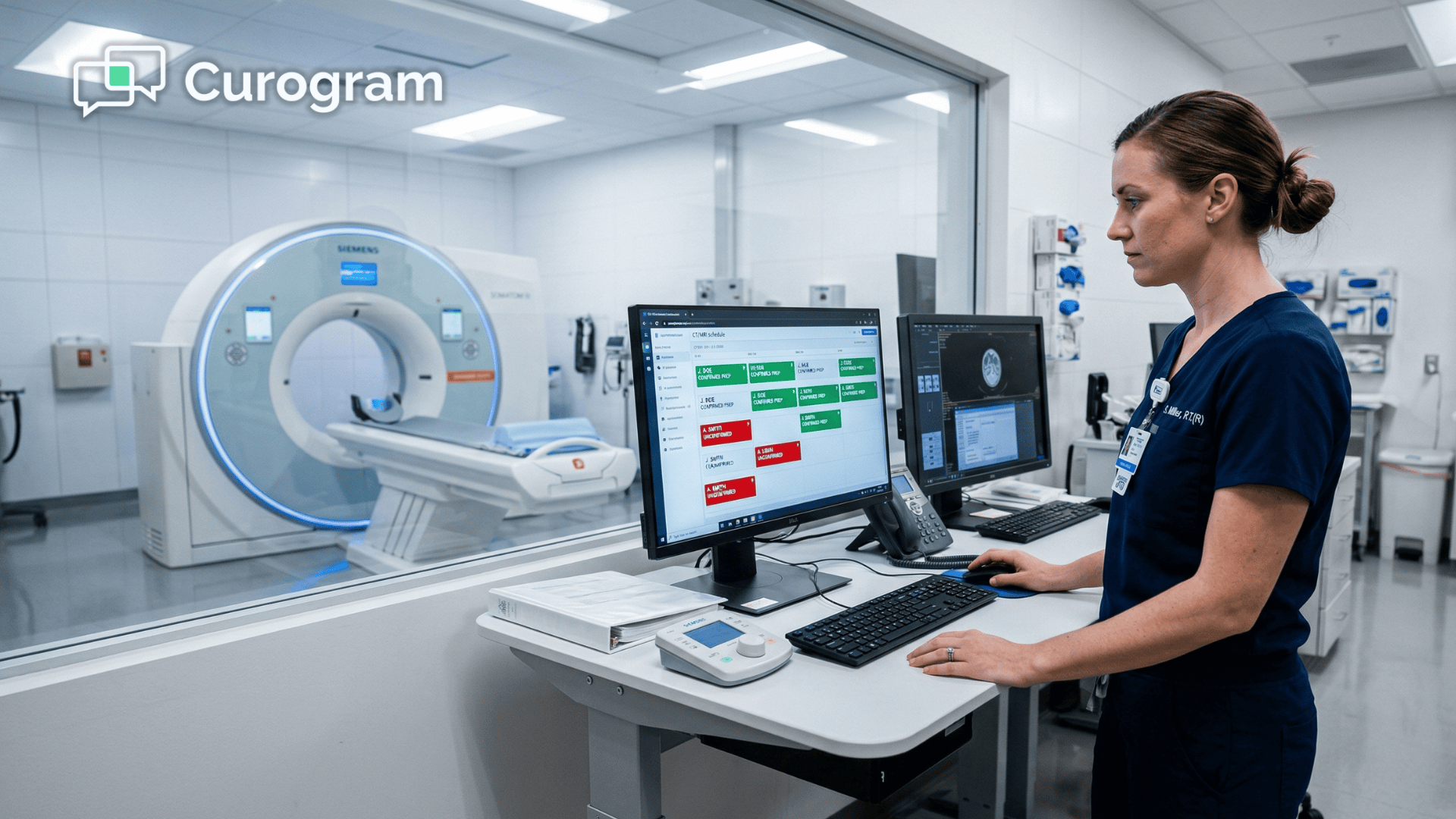
Curogram's radiology center patient text dashboard organizes every active patient conversation by study date, modality, and status.

Your administrator sees a real-time view:

Tomorrow's MRI patients — 12 confirmed, 2 pending, 1 rescheduled. CT patients — 8 confirmed, 1 prep question in progress. Ultrasound — 6 confirmed.

No sticky notes. No call logs to trace back through. No "I think Sarah handled that one."

Every conversation is visible, organized, and a single tap away. Staff scan the board, spot the gaps, and act — instead of waiting for the phone to tell them what needs attention.

This is the difference between reactive and proactive. The phone makes your team reactive. The dashboard makes them strategic.

How It Works Alongside PowerServer and OmegaAI

Curogram is not a replacement for RamSoft. It's a communication layer that RamSoft's clinical tools don't address. This is an important distinction.

Each tool in the ecosystem has a clear lane:

  • PowerServer manages scheduling, image storage, and reporting
  • OmegaAI powers AI-driven diagnostic workflows and worklist management
  • Curogram handles patient-facing communication — confirmations, prep delivery, inbound texts, and outbound notifications

Study schedule data from PowerServer feeds Curogram's text confirmation workflow automatically. Prep instruction templates are linked to modality types and sent without manual input.

For imaging centers also using Alpha Nodus for prior authorization, the division stays clean:

Alpha Nodus handles the payer-facing workflow, Curogram handles the patient side.

Your team doesn't juggle systems — they work in their lane.

What This Means for Staffing

RamSoft OmegaAI staff text management doesn't require more people — it changes what your existing people can accomplish. Two staff members handling text-based communication cover the workload that previously demanded three people on phones.

The third team member doesn't disappear from the equation; They shift from answering calls to doing work that directly affects your bottom line: chasing authorizations, optimizing the next-day schedule, coordinating multi-modality bookings.

~$180K in annual revenue recovered

The estimated impact of reduced no-shows and improved utilization across a 5-location network — driven by a communication change, not a capital investment.

Your front desk stops being a phone bank. It starts functioning like an operations center.

What Actually Changes When the Calls Stop

The headline result is simple:

Imaging center phone call volume drops by 60–70% within the first 30–60 days of implementing text-based communication.

Staff reclaim 3–5 hours of daily capacity that was previously locked inside phone calls.

But what does that actually mean for your operations?

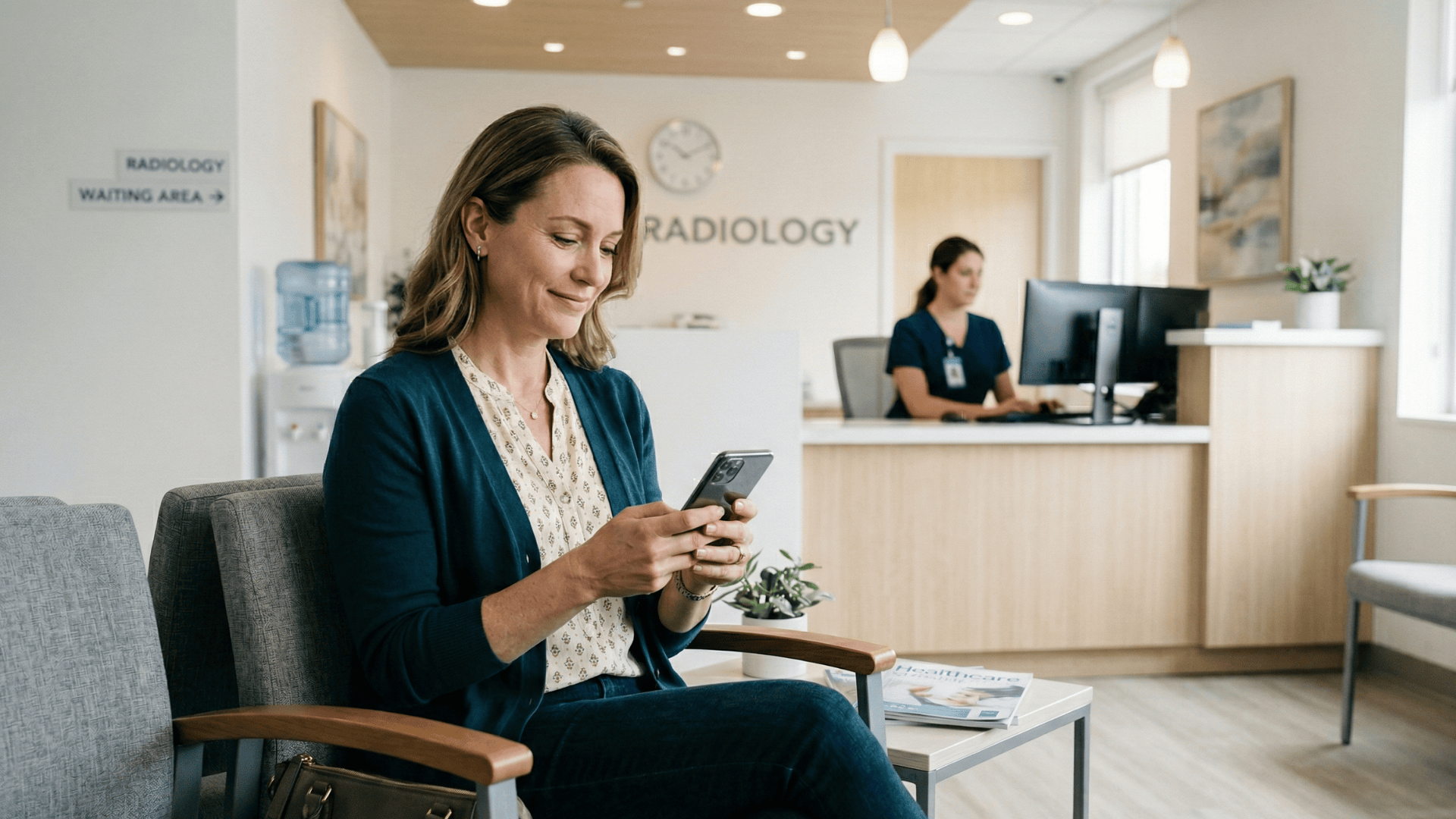
Patient checking appointment text at imaging center waiting area

The Confirmation Capacity Shift

Covina Arthritic Clinic grew from 369 to 1,300+ monthly confirmations after implementing Curogram. That's not a marginal improvement — it's a 3.5x increase in confirmation capacity without adding headcount.

For an imaging center running 80 studies a day, replacing 40–60 daily phone confirmations with automated text workflows means your team is no longer the bottleneck in your own schedule.

When confirmations happen faster and more consistently, no-show rates drop.

When prep instructions are delivered via text the evening before, patients arrive prepared.

Both outcomes directly protect your scanner utilization.

The Time-to-Revenue Calculation

The reclaimed staff hours don't disappear — they go exactly where they're needed most. Insurance verification gets done before the patient walks in. Open slots get filled before they become lost revenue.

Stop playing phone tag! Reduce your call volume by 50% with Curogram's HIPAA-compliant 2-way texting platform.  

Authorization delays that used to cancel 3–4 studies a week per site start getting caught the day before, not the morning of.

That shift is what drives the downstream revenue recovery. It's not a complicated chain of events — it's simply what happens when your front desk has time to do the operational work that phone calls were constantly interrupting.

From Reactive to Proactive: What the Front Desk Becomes

Imaging center front desk phone reduction text workflows don't just save time. They change the nature of the work.

When your staff isn't tethered to the phone, the job shifts entirely. Instead of waiting for the next call to tell them what needs attention, they're working the schedule from the front:

  • Texting the unconfirmed 2 p.m. MRI patient before it becomes a no-show
  • Reaching out to the waitlist the moment a cancellation opens up
  • Completing insurance pre-authorizations before the patient walks in
  • Following up on outstanding prep questions from the night before

Radiology front desk text communication shifts your team from answering problems to preventing them.

That's a different job. And for the administrator managing scanner utilization, it's the job that actually moves the revenue number.

Stop Managing Calls. Start Filling Scanners.

The math on this is not complicated. If your imaging center runs 60–100 calls per day and each call averages 4 minutes, your front desk is spending somewhere between 4 and 7 hours answering the phone.

That's most of a full-time employee's day — every day — dedicated to a communication method that text handles in a fraction of the time.

This isn't just an efficiency problem. It's a revenue problem.

Every hour your team spends on calls is an hour they're not filling your schedule gaps, not verifying insurance before a study gets delayed, and not managing the operational details that determine whether your scanners run full or half-empty.

PowerServer manages your imaging data. OmegaAI powers your AI-driven workflows. Blume serves the patients who've downloaded the app.

Curogram serves your operations — the imaging center phone call volume text alternative that converts 60 daily calls into 15, and gives your front desk 3–5 hours back to work the schedule instead of working the phone.

The imaging center that wins isn't necessarily the one with the best equipment. It's the one whose operations team has the time to keep those machines running at capacity.

That's the real advantage a text communication dashboard creates — not just fewer calls, but a front desk that's actually available to manage your business.

If you're running RamSoft and your team is still fielding 70 calls a day, you're leaving operational capacity on the table.

The workflow change isn't complicated. It doesn't require a new EMR or a capital investment. It requires a communication layer that converts phone time into operational time.

Schedule a Demo with Curogram and find out how quickly text-first communication can change the math at your imaging center. Most centers see a 60%+ reduction in phone calls within the first month — and the operational shift that follows.


Frequently Asked Questions

Will patients actually text an imaging center instead of calling?

Yes — and the data supports it clearly. Text messages have a 98% open rate compared to roughly 20% for voicemail. When patients are given a text channel, the vast majority prefer it for routine interactions: confirmations, prep questions, and appointment changes. The calls that remain are the ones that should remain — anxious first-time MRI patients, complex insurance issues, or clinical concerns where a voice conversation genuinely helps. Routine calls, which make up about 80% of daily phone volume, convert to text naturally and quickly.

How does the text dashboard work when multiple staff members are on at the same time?

Curogram's dashboard supports multiple concurrent users working from the same shared view. Every staff member sees the same conversation threads, which means there's no duplication, no missed handoffs when shifts change, and no confusion about who responded to which patient. Conversations are organized by patient and study date — not by individual staff member. For imaging networks with multiple locations, each site has its own location-level dashboard that rolls up into a centralized administrative view for network-wide oversight.

Can we send modality-specific prep instructions through the text platform?

Absolutely. Curogram supports template-based messaging, so you can build prep instruction sets for each modality your center runs — MRI fasting and metal screening protocols, CT contrast guidelines, ultrasound hydration instructions, mammography clothing and deodorant guidance, and anything else your clinical workflow requires. Templates are linked to study types and can be sent automatically with confirmations or manually with a single tap. Patients get clear, readable instructions on their phone instead of trying to remember what a staff member told them over a five-minute call.

Does Curogram replace RamSoft, or does it work alongside it?

Curogram works alongside RamSoft — it doesn't replace it. PowerServer handles your scheduling, image management, and reporting. OmegaAI manages AI-powered diagnostic workflows. Curogram adds the patient communication layer that those clinical tools don't address. Study schedule data from RamSoft feeds Curogram's text confirmation workflow. Your team keeps using the systems they know; Curogram handles the communication that happens between those systems and the patient.

How long does it take to see a reduction in call volume?

Most imaging centers see a measurable drop in daily call volume within the first 30 days. A 60%+ reduction is a realistic 60-day benchmark for centers that fully adopt text-first communication workflows. The transition is gradual by design — patients quickly adapt to texting when the channel is made available and when outbound text confirmations start replacing inbound confirmation calls.