
Staff Burnout & Reputation | The Review Request
 Aubreigh Lee Daculug : Apr 24, 2026, 2:00:00 PM
How Veradigm & Curogram empower front desk staff to generate Google reviews without asking. 1,064 new 5-star reviews in 3 months.
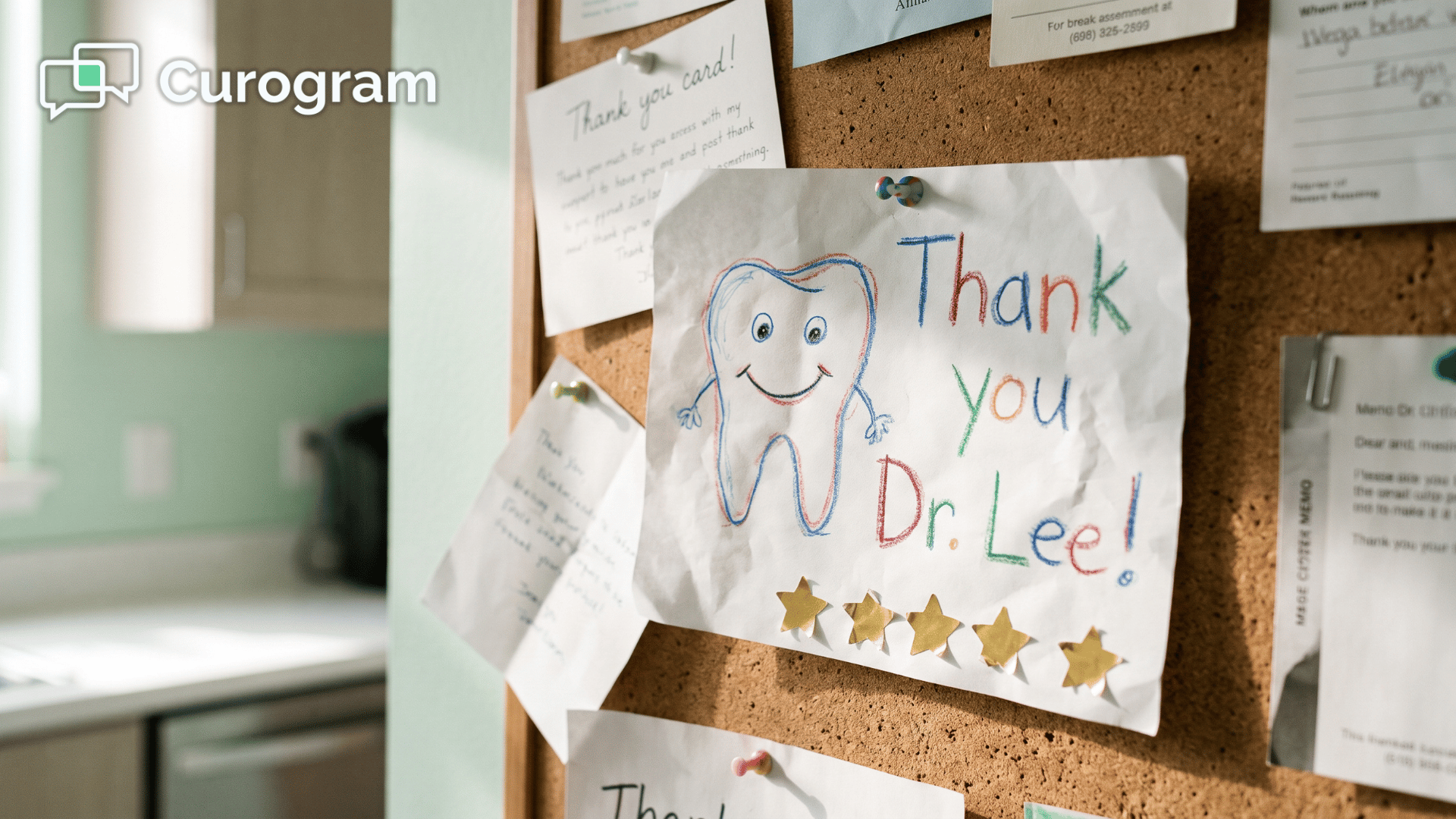
Your best review was spoken out loud this morning, just not where Google could hear it. A mom told three other parents at school pickup that her family's dentist is wonderful and her kids actually enjoy their visits. That recommendation will never appear on your Business Profile.
That's the frustrating gap in dental marketing. Most patients appreciate their dental office and would recommend it. Yet nobody asked them at the right moment, or the request arrived as homework they never finished.
So your online profile stays quiet while the parking-lot praise fades by dinnertime.
Meanwhile, people deciding whether to book are reading. A Dentaly study found that 83% of Americans use online reviews as the first step in choosing a new dentist, and Curogram's own data shows that 90% of new patient leads see your Google Business Profile before they ever visit your website.
For Open Dental practices, the gap is built in. Open Dental handles reminders, confirmations, and online scheduling reliably, but none of its eServices is designed to request patient reviews.
Teams fall back on counter cards, follow-up emails, and verbal reminders to "find us on Google." Each option asks a busy patient to do extra work after their attention has moved elsewhere.
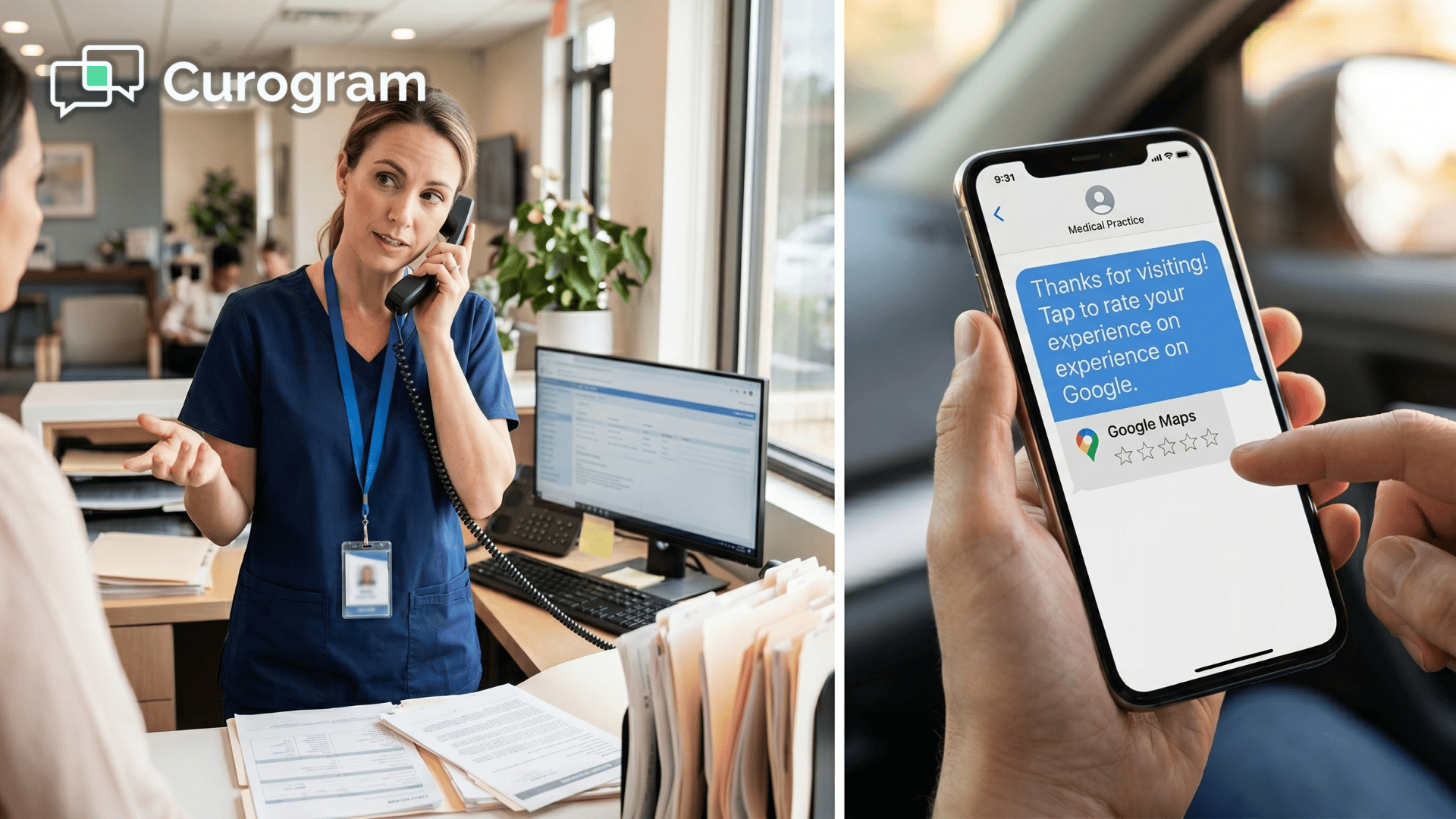
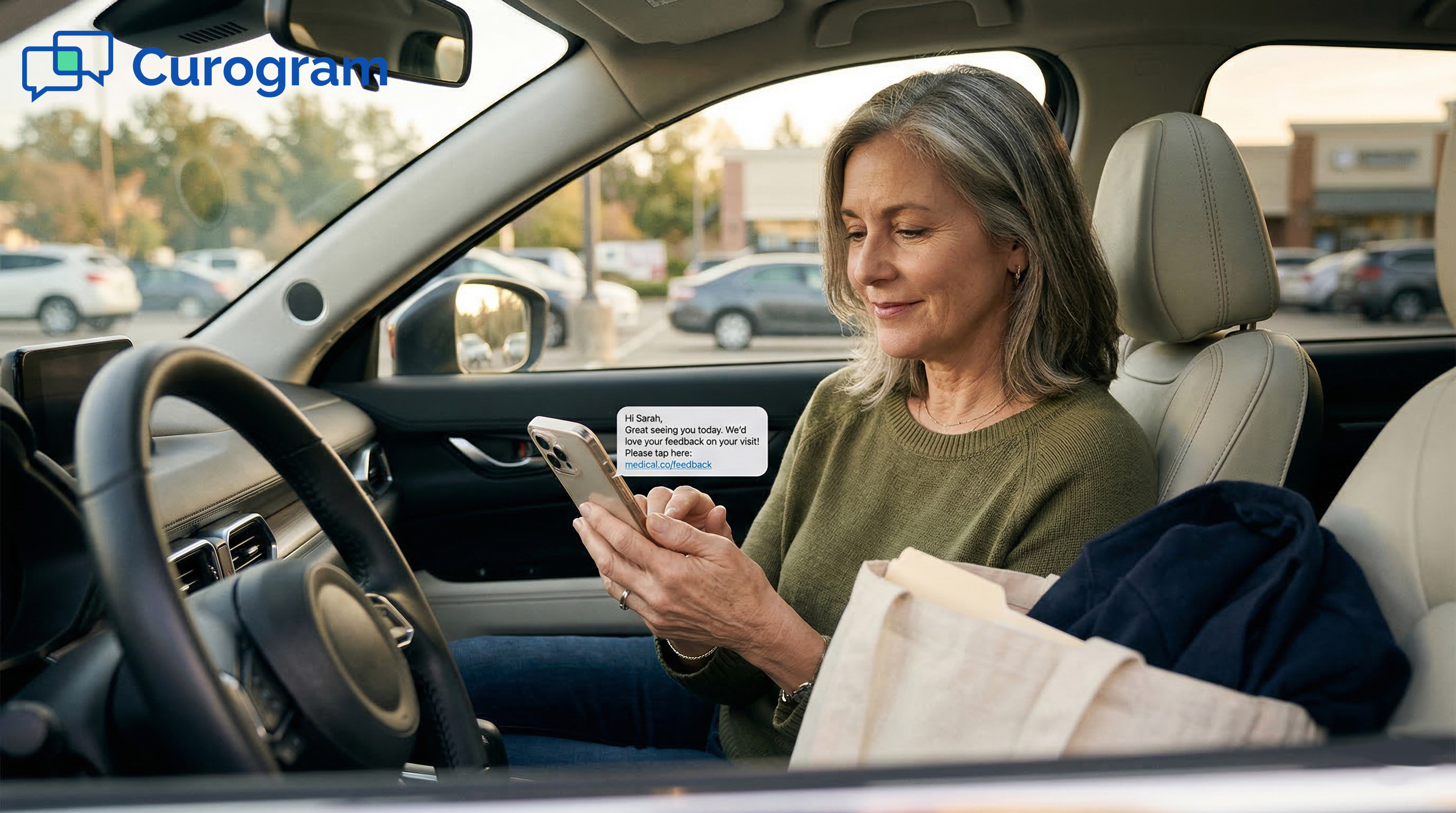
Easy Google review requests for dental patients by text reverse that pattern. The request arrives as an ordinary text message shortly after the appointment, while the positive feeling is still genuine. One tap opens your review page, with no app to download and no password to recall.
This guide explains why satisfied patients stay silent, how a two-step text solves the problem, and what changed for one Curogram practice that made the switch.
You'll also learn how to keep the process HIPAA-safe and fair to every patient, including the ones who had a difficult day.
Every dentist already knows this truth: most patients leave your office feeling fine, and many leave feeling genuinely grateful. They'd recommend your practice immediately if a friend or coworker asked for a name.
The real problem is timing. That warm feeling fades within hours rather than days, and Open Dental's patient engagement tools offer no built-in way to capture it. Patients never hear the request, so your profile never hears their voice.
Now follow one patient through the typical manual alternatives, step by step:
At the chair, her answer was an enthusiastic yes. By the weekend, it has quietly become a never. Nobody on your team did anything wrong; the process simply demanded too much effort, too late.
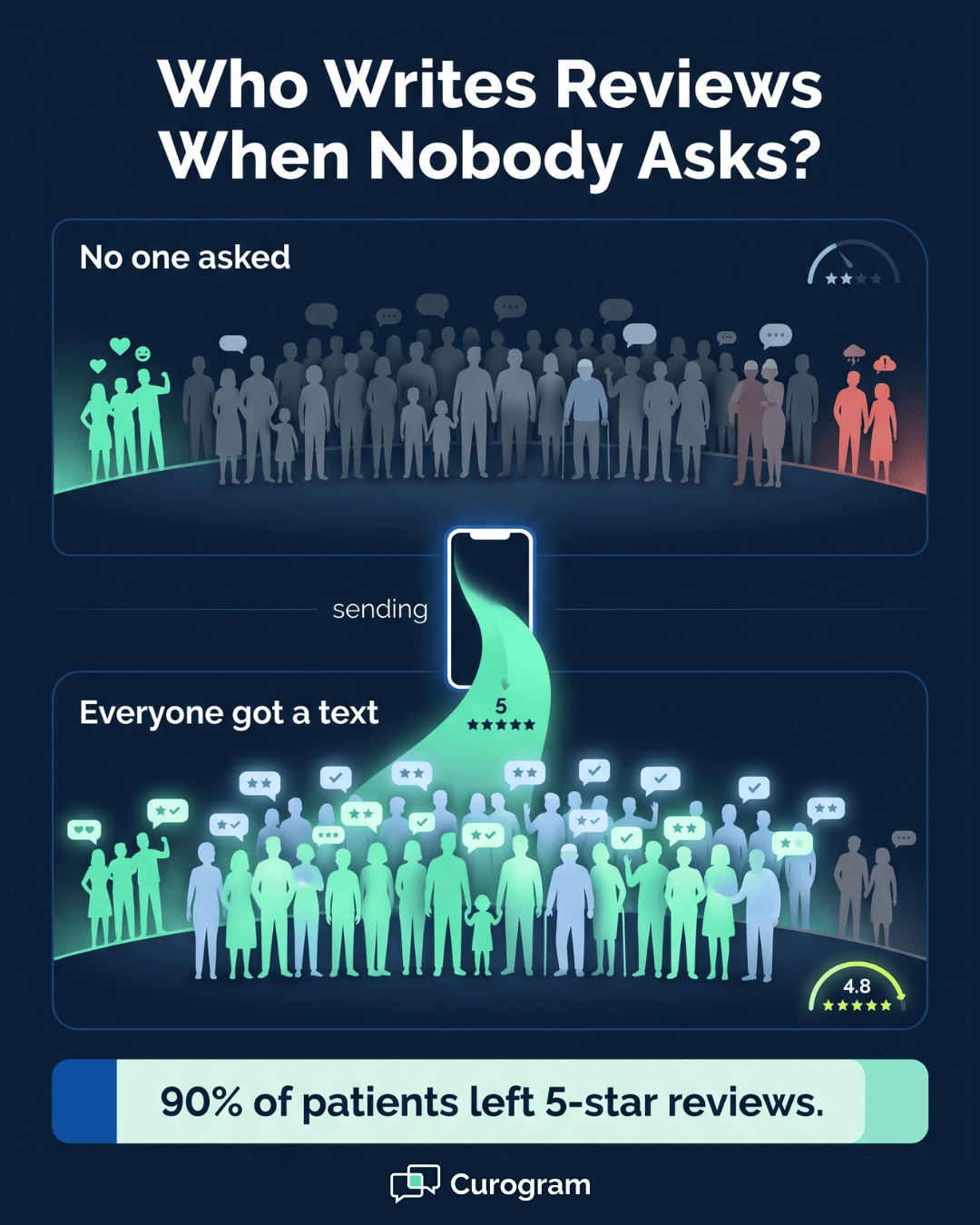
When nobody asks, only two groups write reviews on their own initiative: the delighted few and the furious few. The satisfied middle, which is usually the overwhelming majority, stays silent. Over time, that imbalance tilts your public rating toward your least happy patients.
That's how excellent practices end up displaying 1.8, 2.5, or 2.9 stars. Curogram's team regularly encounters ratings like these during conversations with prospective clients, often at offices with loyal, long-term patients.
And because 90% of new patient leads evaluate that profile before your website, a low average does its damage before anyone picks up the phone.
Consider who's sitting on the other side of the screen. It might be a parent comparing pediatric dentists at 10 p.m., an anxious new patient searching for reviews that sound like her own experience, or a referral weighing an oral surgery consultation.
Each of them wants reassurance from people like them. Your happiest patients could easily provide it; they simply never received a convenient way to speak.
Curogram works as a review engine designed around the patient's schedule, not your staff's to-do list. The ask shows up as a plain text soon after the visit, in the same thread where Curogram's automated SMS reminders already appear.
Patients recognize the sender, trust the thread, and can reply within seconds.
At the heart of it is Curogram's automated post-appointment survey.
It works in two friendly steps:
That final point is the real advantage of a one-tap Google review link for dentists. A no-app review request for patients removes the exact step where most reviews die. It relies on the same simple text format that gives Curogram messages a 98% open rate.
There's one important note on fairness. Private feedback before public review should be an extra door, never a gate.
That's because Google's review policy bans discouraging bad reviews or asking only happy customers for good ones. Every patient should get the same chance to post in public, while anyone with a concern can also contact your team directly.
Behind the scenes, Open Dental remains your system of record. Curogram links to it, reads your schedule, and runs the post-visit chat from the cloud through HIPAA-compliant 2-way texting. Review requests are built to hold no PHI, so patients are never asked to confirm a procedure or share health details to leave feedback.
This setup fits dental specialties well. Pediatric parents write for other parents, ortho families can tell the story of a two-year journey, and gum care or oral surgery patients can calm the next nervous referral. Here, automation feels more personal, not less, because it invites every voice instead of only the loudest.
Here's what happened when one Curogram practice with several locations made reviews this easy.
These figures are Curogram client data from clinical settings. The group was a healthcare practice rather than a confirmed dental office, but its patients received the same one-tap text experience.
| Result | What it means for the practice |
|---|---|
| 1,064 new 5-star reviews in 3 months | A steady flow of fresh, recent praise |
| 90% of patients left 5-star reviews | The quiet majority finally spoke up |
| About 993 to 8,159 total Google reviews, August 2023 to December 2024 | Long-term growth, not a one-time spike |
Call it the shift from silent majority to spoken majority. The profile finally sounds the way the waiting room feels, because the easy ask reaches every patient, not just the most driven few.
Steady reviews matter as much as volume. BrightLocal's Local Consumer Review Survey 2026 found that 97% of consumers read reviews for local businesses. What those readers find should feel fresh. A text-to-review dental office keeps new stories coming in each week, not in rare bursts after a staff reminder.

Then comes the payoff. The nervous searcher at 10 p.m. reads a five-star story posted this week by someone in her exact situation.
A patient who had a bad visit can receive a call from your team instead of venting to strangers online. And new patients arrive already trusting your practice, because your front door earned five stars before they ever touched the handle.
Understanding why patients stay silent is one thing, and actually fixing it is another. Fortunately, the setup is relatively short and mostly comes down to a few early decisions.
Here's how an Open Dental practice can move from counter cards to a working text-based review process:
None of this requires your front desk to chase anyone. Once the workflow is live, the texts go out automatically, and your team simply responds to whatever comes back.
Your patients already appreciate your practice, and many of them say so out loud to friends, coworkers, and family members. The only thing missing is a simple path from that feeling to your Google profile.
Curogram removes every step in between. One text arrives after the appointment, one tap opens your review page, and the entire process fits inside the short walk back to the car.
Think about the roles this way.
Open Dental manages your charts, your schedule, and your ledger, and it handles that work reliably every single day. Curogram handles something smaller but equally valuable: the thirty seconds of goodwill in the parking lot, which ultimately decides what the next new patient reads about you.
This is patient-friendly reputation management dental teams can set up once and trust. It asks every patient the same fair question, keeps health information out of the message, and gives anyone with a concern a direct line to your team. It never removes their right to post publicly.
The results speak clearly. At one multi-location Curogram practice, 90% of patients left 5-star reviews, producing 1,064 new ones in three months. That's what happens when the request finally matches how people actually communicate every day.
So simply stop asking patients to complete homework just to compliment you. Retire the counter cards and the three-day-old emails, and meet their gratitude where it already lives: in their text thread.
For the complete staff-side setup, read our Open Dental review request workflow and the complete guide to automated Google reviews for Open Dental.
Ready to see it for yourself? Schedule a Demo with Curogram. In about 20 minutes, you'll walk through the full patient experience, from a completed visit in Open Dental to a published five-star review on Google, and decide whether it fits your practice.
 Aubreigh Lee Daculug : Apr 24, 2026, 2:00:00 PM
How Veradigm & Curogram empower front desk staff to generate Google reviews without asking. 1,064 new 5-star reviews in 3 months.
 Aubreigh Lee Daculug : Nov 20, 2026, 2:00:00 PM
Reviews stall when asking is manual. See the post-appointment review request workflow Open Dental teams run by text — 90% of patients left 5-star...
 Jo Galvez : Mar 20, 2026, 9:00:01 AM
Practice Fusion patients receive a post-visit text with a direct Google review link. One tap, 30 seconds, authentic 5-star review captured.