
9 min read
Office Ally Telemedicine Text Link | Zero-Friction Video Visits
Jo Galvez
:
April 22, 2026
Curogram solves this with a single text link. The patient gets a message: tap here, and the video call opens in their phone browser. No app. No login. No account needed.
This approach increases virtual visit attendance by 40-60% and keeps no-show rates below 10%, based on our internal data. EHR 24/7 handles your charting. Curogram handles patient access. Together, they give small practices a complete, frictionless telehealth setup.
You set up telehealth. You cleared the schedule. You told patients they could see you from home. But half of them still did not show up.
This is the quiet crisis in small practice telehealth. It is not that patients do not want virtual care. It is that the path to the video call is too hard.
They get an email. They click a link. They are told to download an app. Then they quit.
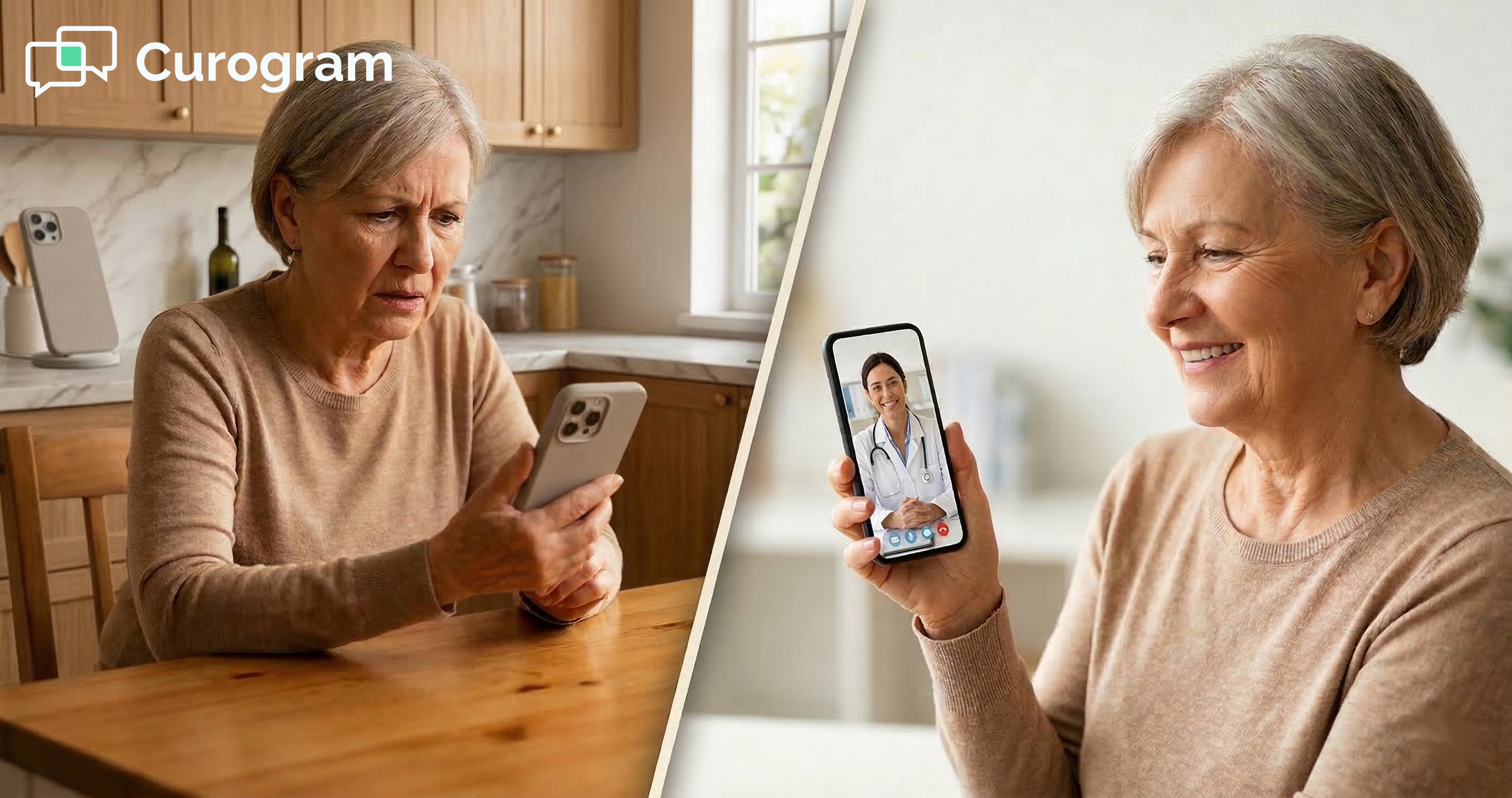
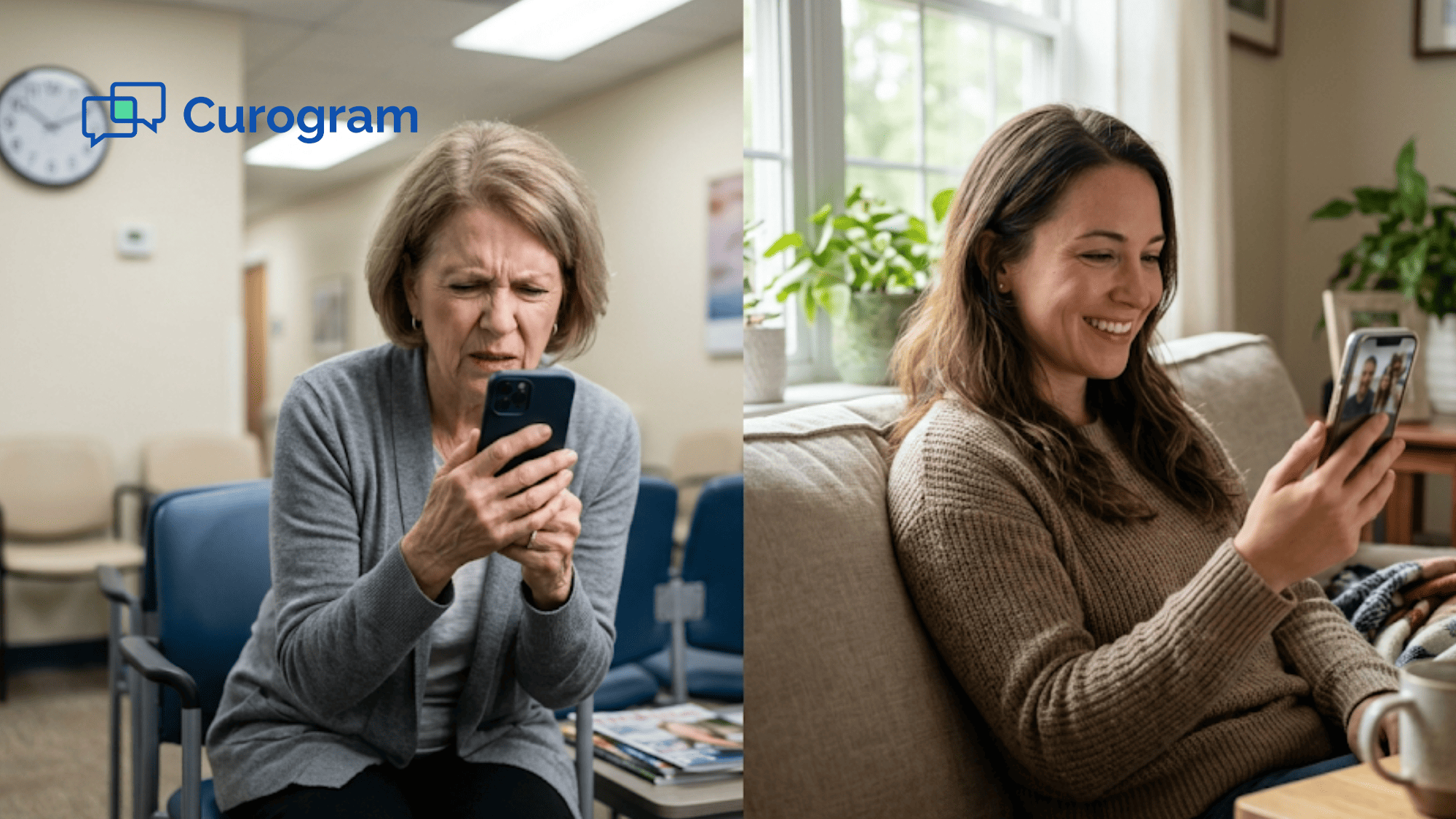
For a therapy patient already dealing with anxiety, that friction is not minor. It is a reason to cancel. For an elderly patient who only texts, an app store is a wall. For a busy parent with three kids, figuring out browser settings is not worth the trouble.
The groups that need telehealth most are often the ones most likely to be blocked by the technology.
Office Ally telehealth through EHR 24/7 gives you the clinical side. But patient access is still a gap. Curogram closes it. Patients get a text with a link. They tap it. The video call opens. That is the whole process.
This article explains why app-based telehealth fails so often, how text-link delivery changes that, and what it looks like when things actually work. If your Office Ally video visit utilization is stuck below what it should be, the fix is simpler than you think.
The Villain: The Download That Kills the Visit
Most telehealth problems do not start with the practitioner. They start with the patient, alone at home, trying to figure out how to join a call. The technology between them and care is where visits die.
The Five-Step Abandonment Funnel
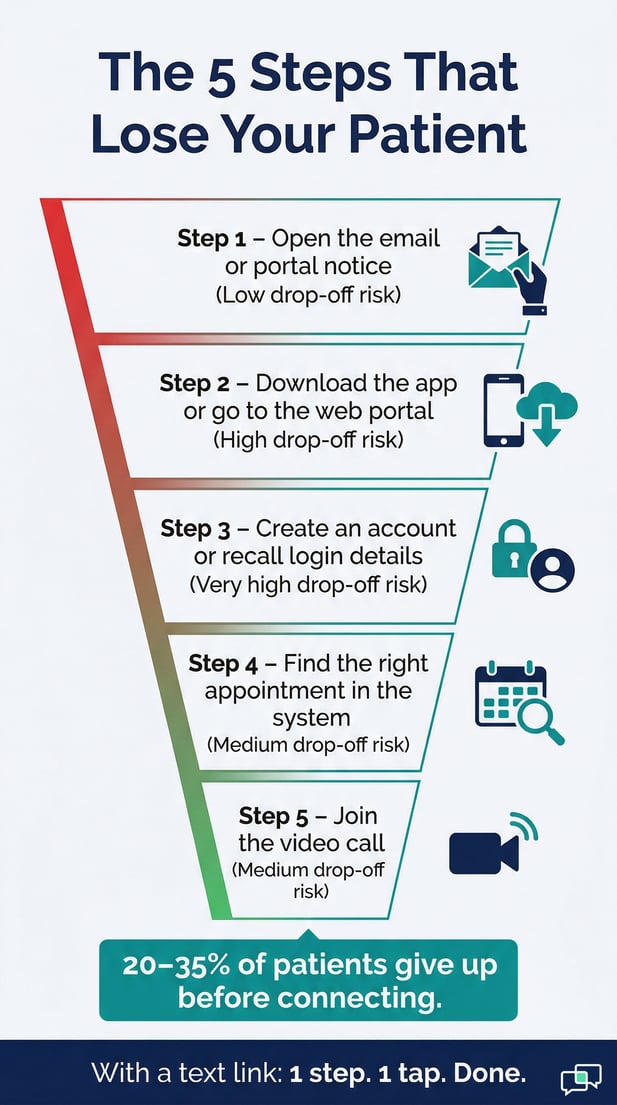
When a practice offers Office Ally telehealth through a standard app-based or portal-based system, the patient has to clear five hurdles before the call even starts.
|
Step |
What the Patient Faces |
Drop-Off Risk |
|
1 |
Open the email or portal notice |
Low |
|
2 |
Download the required app or go to the web portal |
High |
|
3 |
Create an account or recall login details |
Very High |
|
4 |
Find the right appointment in the system |
Medium |
|
5 |
Join the video call |
Medium |
Industry data shows that 20-35% of patients who plan to join a virtual visit abandon the process before connecting. They did not lose interest. They just hit too many walls.
Why Each Extra Step Matters
Each step in that funnel is a choice point. The patient can keep going, or they can stop. When a visit requires five choices in a row, the odds of losing someone go up fast. A single confusing screen can end the visit before it starts.
This is especially true for patients who are not used to navigating new apps. They do not know what to do when a download fails or when the browser says it is not supported. They do not call the office. They just give up.
The Cost of a Dead Slot
A telehealth no-show is different from an in-office one. The practitioner is already there, camera on, ready to go. There is no chance of a walk-in. There is no way to use that slot.
At $100 to $250 per session, losing three to five virtual visits a week to tech friction costs a practice between $1,200 and $5,000 a month. That is not revenue lost to patient disinterest. It is revenue lost to a bad login screen.
The Technology Anxiety Factor
For some patients, technology friction is not just inconvenient. It actively makes things worse. These are not edge cases. They are the patients most likely to choose telehealth in the first place.
Mental Health Patients
A therapy patient with generalized anxiety did not choose a virtual visit to add stress. When the app will not download, or the login fails, that patient may read it as a personal failure. The tool meant to help them reach care ends up reinforcing the exact thoughts therapy is supposed to address.
For mental health providers using Office Ally EHR 24/7 for patient access, this friction is not a minor tech issue. It is a clinical problem. The path to the therapist has to be simple, or some patients will not take it.
Elderly and Low-Tech Patients
An older patient who uses their phone mostly for calls and texts is not going to navigate an app store. They may not even know what one is. The in-home follow-up that was supposed to make their life easier suddenly requires a skill they do not have.
The same applies to non-tech-savvy caregivers managing a child's appointment while also managing two other kids. The telehealth visit that was supposed to be convenient becomes a project. And projects get postponed.
The We Offer Telehealth Illusion
Here is a pattern many small practices fall into. The website says telehealth is available. EHR 24/7's built-in feature is turned on. The practitioner has blocked virtual visit slots on the schedule.
But utilization sits at 15-20% of capacity. The practice invested in the infrastructure but never solved the access problem.
It is like building a road and putting a toll booth at the entrance that only accepts exact change. The road exists. Patients just cannot get on it.
Small practice telemedicine lives or dies on patient adoption. The tool only works if patients can actually use it. And right now, most of them cannot, or will not, when access requires too many steps.

The Guide: The Telehealth Visit That Starts With a Text
The idea behind Curogram's telehealth is simple. Patients already know how to read a text and tap a link. So the visit access experience should work exactly like that. Nothing more.
How Text-Link Delivery Works
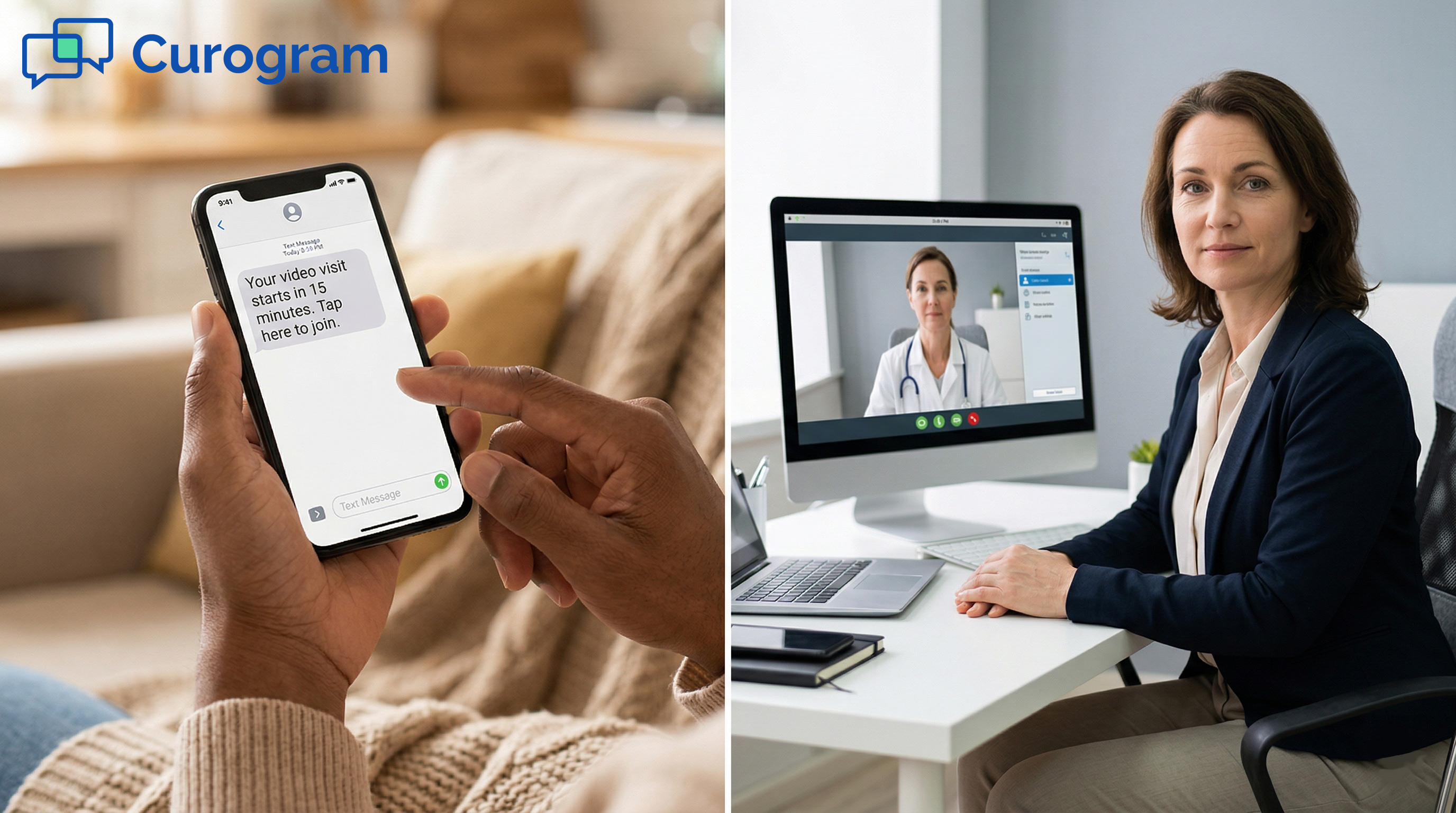
When a virtual visit is scheduled, Curogram sends the patient a text message. Something like: 'Your video visit with Dr. Johnson starts in 15 minutes. Tap here to join: [link].'
The patient taps. Their phone browser opens. The video call starts.
No app download. No login. No account setup. No browser compatibility check. One tap is the entire access process. This is the core of Office Ally telehealth text delivery done right.
What Happens on the Patient's End
The video visit runs in the patient's browser using WebRTC technology. WebRTC is the same browser-based video standard used by large platforms, so it works on almost any modern phone or computer without any installation.
When the patient taps the link, they see a large 'Join' button. Their browser asks for camera and microphone access, which is a one-time prompt.
They tap allow, and the call connects. The whole experience is designed for the least tech-comfortable patient. If they can tap a link in a text, they can join a Curogram video visit.
What the Practice Sees
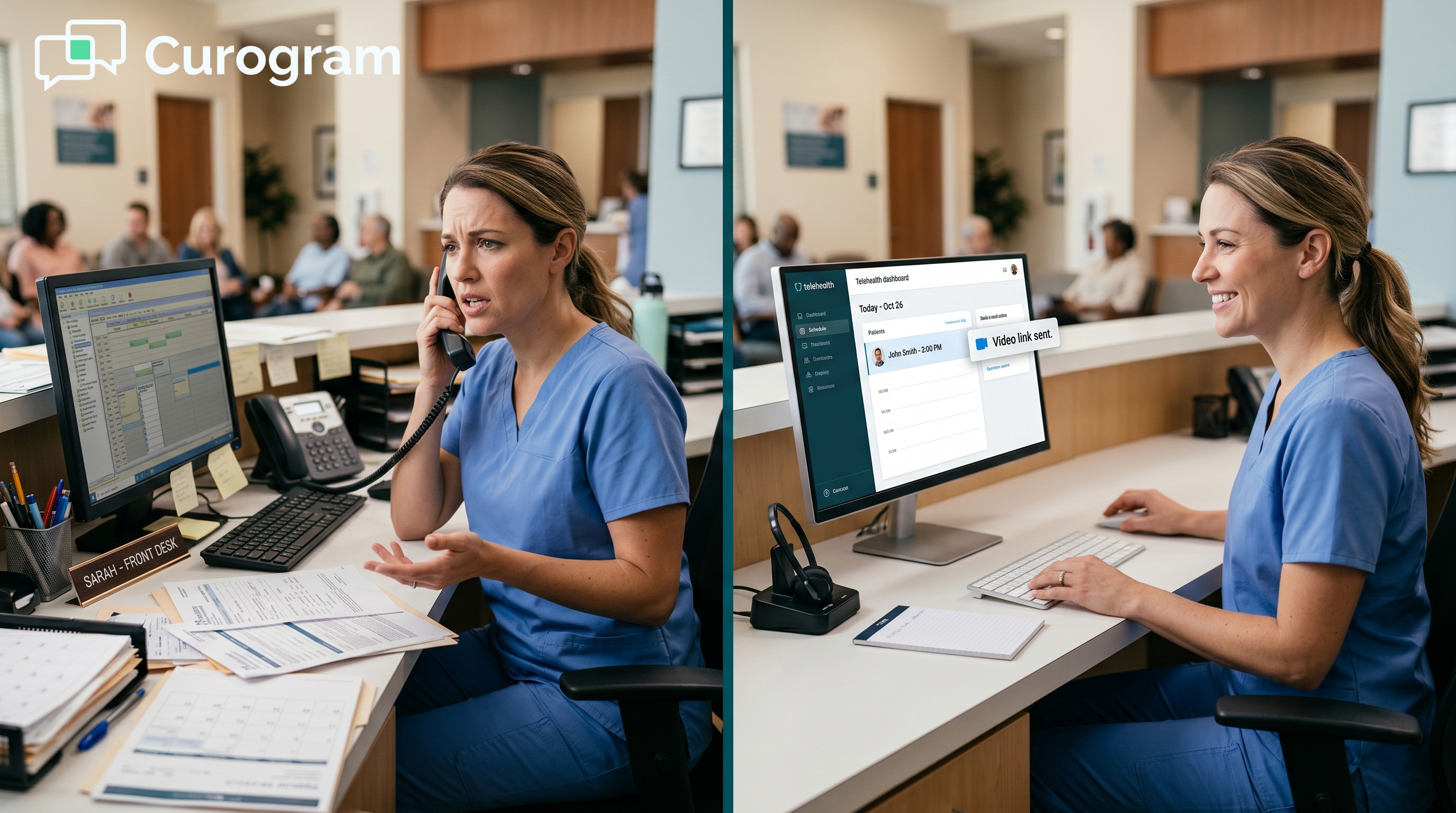
On the practice side, nothing changes in your EHR 24/7 workflow. You still chart, document, and manage visit records the same way.
Curogram handles the patient-facing side only, which is the text delivery and the video connection.
Think of it as two layers working together. EHR 24/7 is for your charting. Practice Mate handles scheduling. Curogram opens the door for the patient. Each piece does its job without getting in the way of the others.
Why Text Is the Right Channel
Text messages have open rates around 90%, compared to email open rates that typically hover around 20-30%. Patients see texts.
They act on them quickly. And they are already using texting to confirm appointments and receive reminders.
When the Office Ally video visit text link arrives through the same channel as those familiar messages, it feels expected.
It does not require the patient to switch apps or remember to check their email. It meets them where they already are.
Removing the Mental Load
One underrated benefit of a text link is what it removes: the need to remember. Patients do not have to recall which platform their practice uses, what their login was, or where they saved the download. The link comes to them, right when they need it.
This is especially useful for older patients and for anyone juggling a busy schedule. The visit reminder and the access link arrive together. No planning required. No searching required. Just tap.
The HIPAA Question
Curogram's video visits are fully HIPAA compliant. Every session runs through an encrypted connection that meets healthcare privacy requirements.
Curogram provides a Business Associate Agreement with every practice, which is a required part of any HIPAA-compliant setup.
Practices using EHR 24/7 for patient access already know the importance of compliance.
Curogram meets that same standard on the patient communication side, so there is no compliance gap between the text the patient receives and the video call they join.
The Success: Texted. Tapped. Connected.
The real measure of any telehealth tool is not how it looks in a product demo. It is whether patients show up. Text-link access changes that number in ways that app-based systems simply do not.
The Numbers Behind Text-Link Telehealth
Based on our internal data, text-link telehealth increases virtual visit attendance by 40-60% compared to app-based or portal-based access.
Virtual visit no-show rates drop below 10% when the only step is tapping a link.
Compare that to the 15-25% no-show rate common with multi-step onboarding. For a therapist seeing eight virtual patients a day, cutting no-shows from two per day to less than one recovers between $2,000 and $5,000 a month in previously lost sessions.
|
Access Method |
Avg. No-Show Rate |
Adoption Rate |
|
App Download Required |
15-25% |
Low (friction-limited) |
|
Portal Login Required |
12-20% |
Low-Medium |
|
Text Link (Curogram) |
Below 10% |
40-60% higher than baseline |
What That Looks Like Per Month
A single recovered virtual visit at $150 per session adds up quickly. If a practice normally loses five visits a week to tech drop-off, that is $750 a week, or about $3,000 a month.
Closing that gap is not a marketing problem. It is a technology access problem with a clear solution.
Revenue That Was Already There
The patients were already scheduled. The practitioner was already available. The only thing missing was a way for the patient to get into the call. Text-link delivery does not create new visits. It recovers the ones that were already planned but never happened.
A Morning That Actually Works
Here is what a well-run telehealth morning looks like with text-link access. At 8 AM, the day's video visit links go out via text. Each patient gets their link with a note about when their call starts.
The First Patient
At 9:05, the first patient, a therapy patient who missed two app-based visits last month, taps her link. The video opens. The session starts on time. She does not have to think about downloading anything. The link just worked.
That is worth naming. Last month, she missed two sessions because the app would not download.
Those were two lost visits for the practice and two missed sessions for a patient who needed care. Text-link access ended that pattern.
The Next Two Hours
At 10 AM, an elderly patient doing a chiropractic follow-up consultation taps the link his daughter showed him how to use. His instruction was simple: 'Just tap the blue words in the text, Dad.'
The video opens. The chiropractor reviews his progress. No confusion. No tech support call.
At 11 AM, a working parent joins her PT follow-up from her car during her lunch break. She tapped the link while eating. Three patients. Three taps. Three completed visits. Zero technology support calls. Zero no-shows.
Make Telehealth as Easy as Answering a Text
The conclusion here is not complicated. Telehealth fails when access is hard. It works when access is simple. A text link is the simplest access path there is.
EHR 24/7 gives you the telehealth infrastructure. Curogram gives you the patient-facing access experience. Together, they close the gap between a scheduled visit and a completed one. Your charting stays in Office Ally. Your patients get a text.
The practices that see the strongest Office Ally telehealth patient access results are not the ones with the most features. They are the ones who removed every barrier between the patient and the screen.
Text-link telehealth makes the biggest difference for practices with high volumes of elderly patients, mental health patients, and caregivers managing someone else's care.
These are the groups most likely to abandon app-based access and most likely to succeed with a simple text link.
For mental health providers in particular, the EHR 24/7 telemedicine patient experience is not just about convenience.
It is about making sure anxious or vulnerable patients can actually reach care. Removing the technology wall matters.
EHR 24/7 is for your charting. Practice Mate is for your scheduling. Curogram is for your patient access. That is the full picture of a small practice telehealth setup that actually works. Each tool does what it is built for. None of them tries to do everything.
When the access layer is handled by a text link, virtual visits stop being a technology challenge. They become a care channel patients prefer, because reaching the practitioner is easier than driving to the office.
Your patients want virtual care. The only thing standing between them and your screen is the access path. Make it a text. Make it a tap. Make it done.
See how Curogram completes your Office Ally setup. Schedule a demo to see text-link telehealth in action with your EHR 24/7 practice.
Frequently Asked Questions
Curogram and EHR 24/7 cover different parts of the telehealth process. EHR 24/7 handles the clinical side, including charting, documentation, and visit records. Curogram manages patient access by sending a text link that opens the video call in the patient's browser.
The practitioner's workflow in EHR 24/7 stays the same. Curogram simply makes it easier for patients to show up.
Patients abandon virtual visits when the access path has too many steps. Downloading an app, creating an account, finding a login, and navigating a portal are each small hurdles. But together, they add up. Industry data shows 20-35% of patients who intend to join a virtual visit give up before connecting. The more steps required, the higher the drop-off rate.
A text link removes every step except one: tapping. The patient gets a message with the link, they tap it, and the video call opens in their browser.
Based on our internal data, this approach increases virtual visit attendance by 40-60% and keeps no-show rates below 10%. Patients are already comfortable tapping links in texts, which is why this channel works so well.
Mental health patients are more likely to choose telehealth to reduce stress, not add to it. When the access process is confusing or broken, it can reinforce negative thoughts the patient is already working through in therapy. Text-link access removes that friction entirely. The path to the therapist is the same as any other text the patient receives during the day.
Curogram's video visits use end-to-end encryption and meet all HIPAA requirements for healthcare communication. Every practice gets a Business Associate Agreement as part of the setup.
The video session runs through a secure, encrypted connection from the moment the patient taps the link to the moment the call ends. The security standard is the same as or higher than what major telehealth platforms provide.