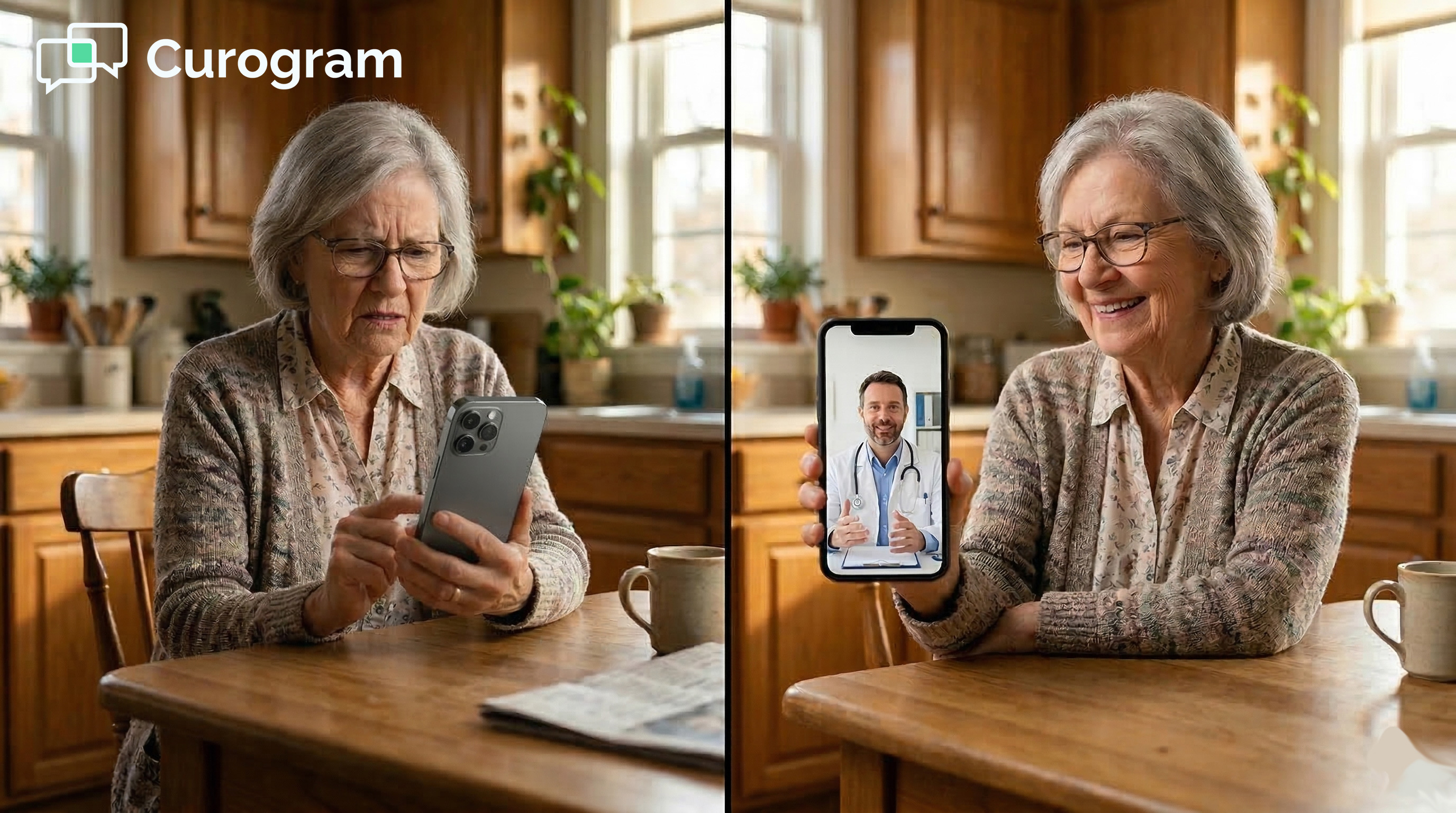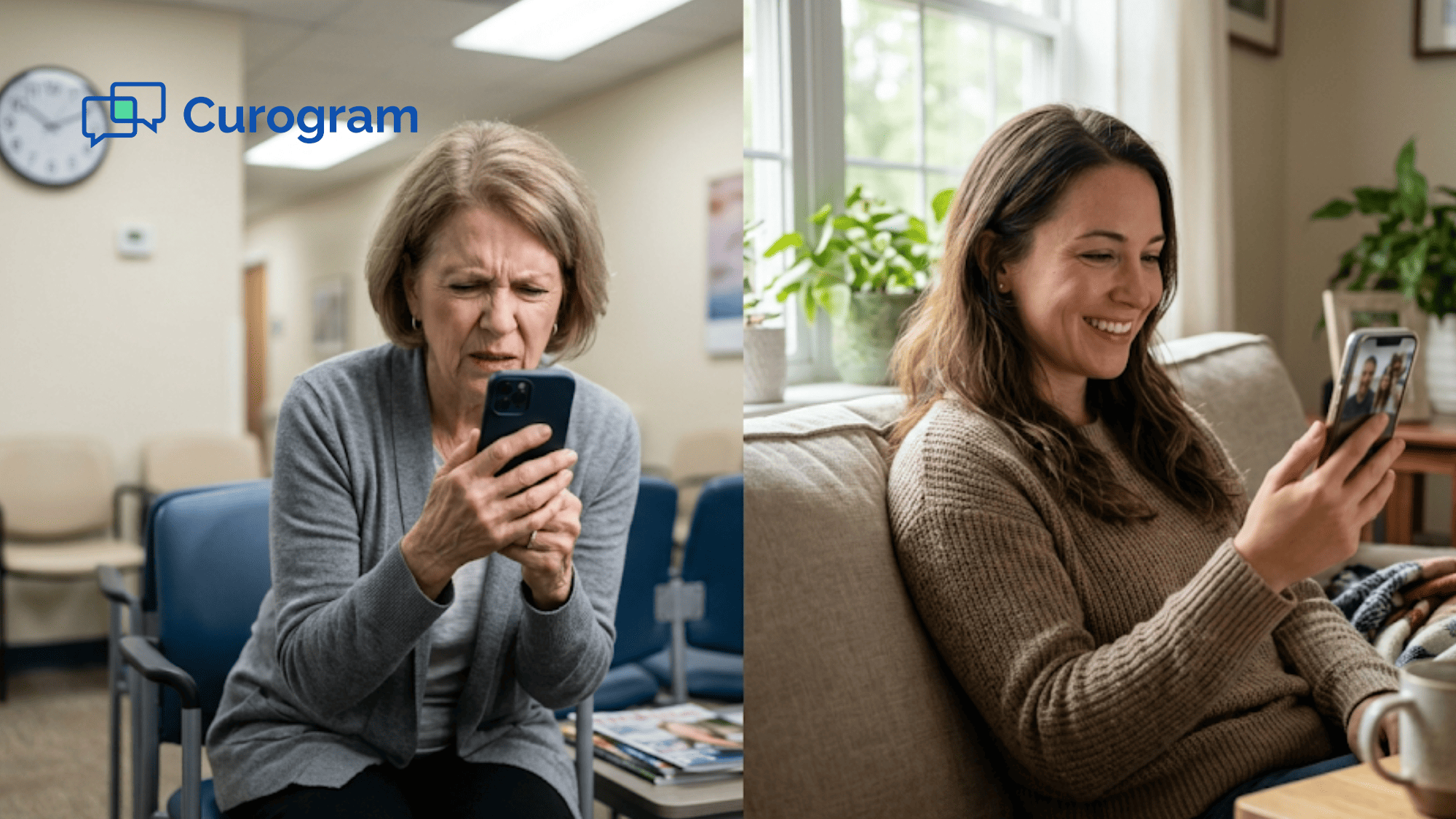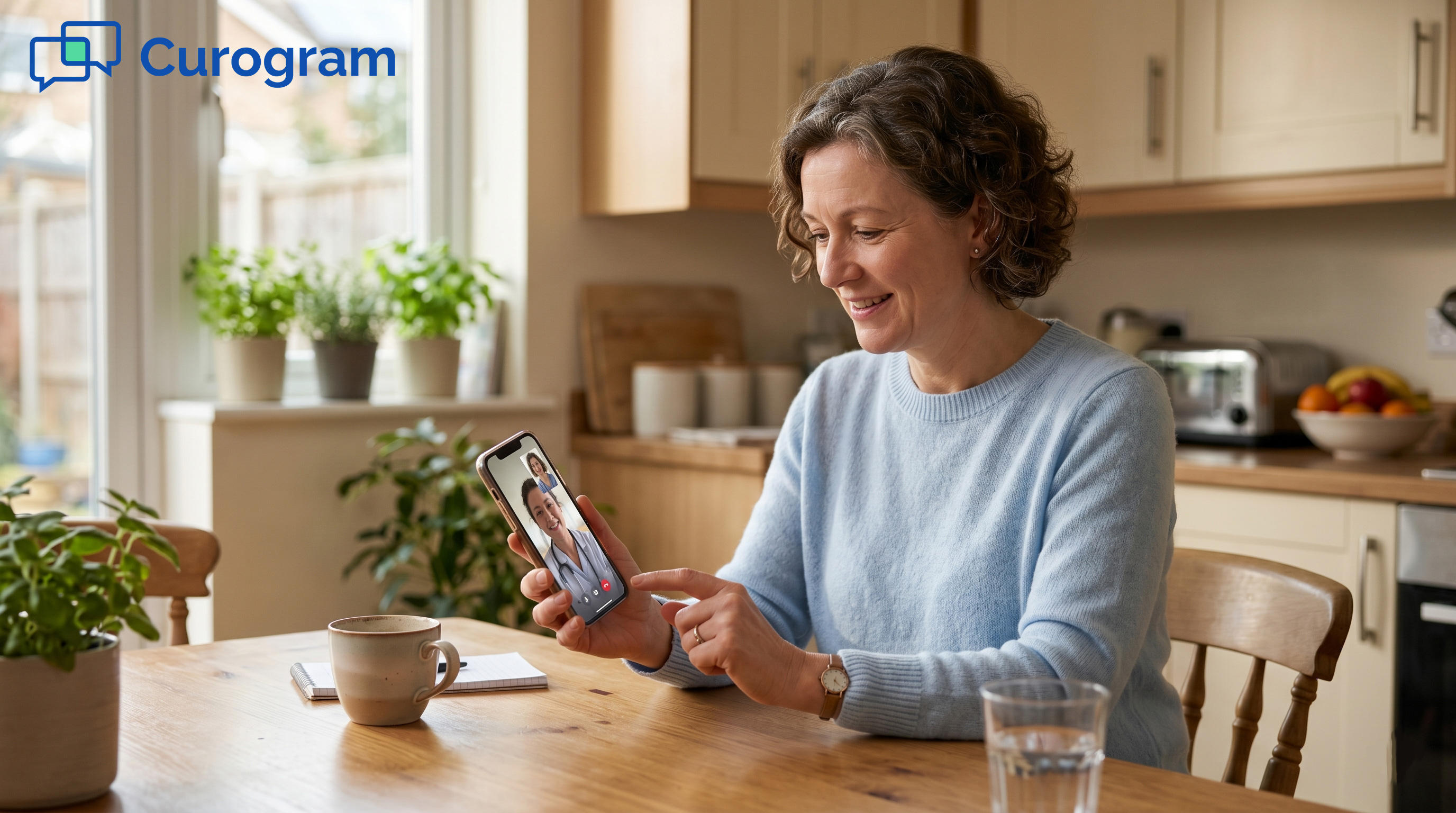

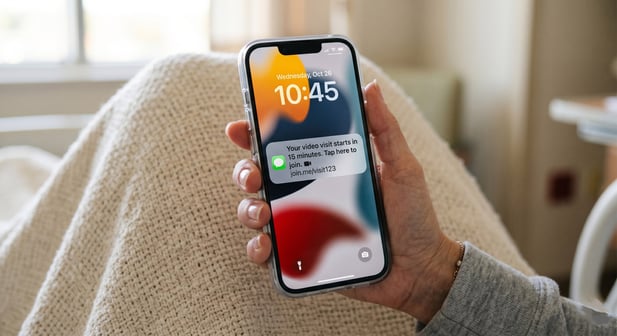
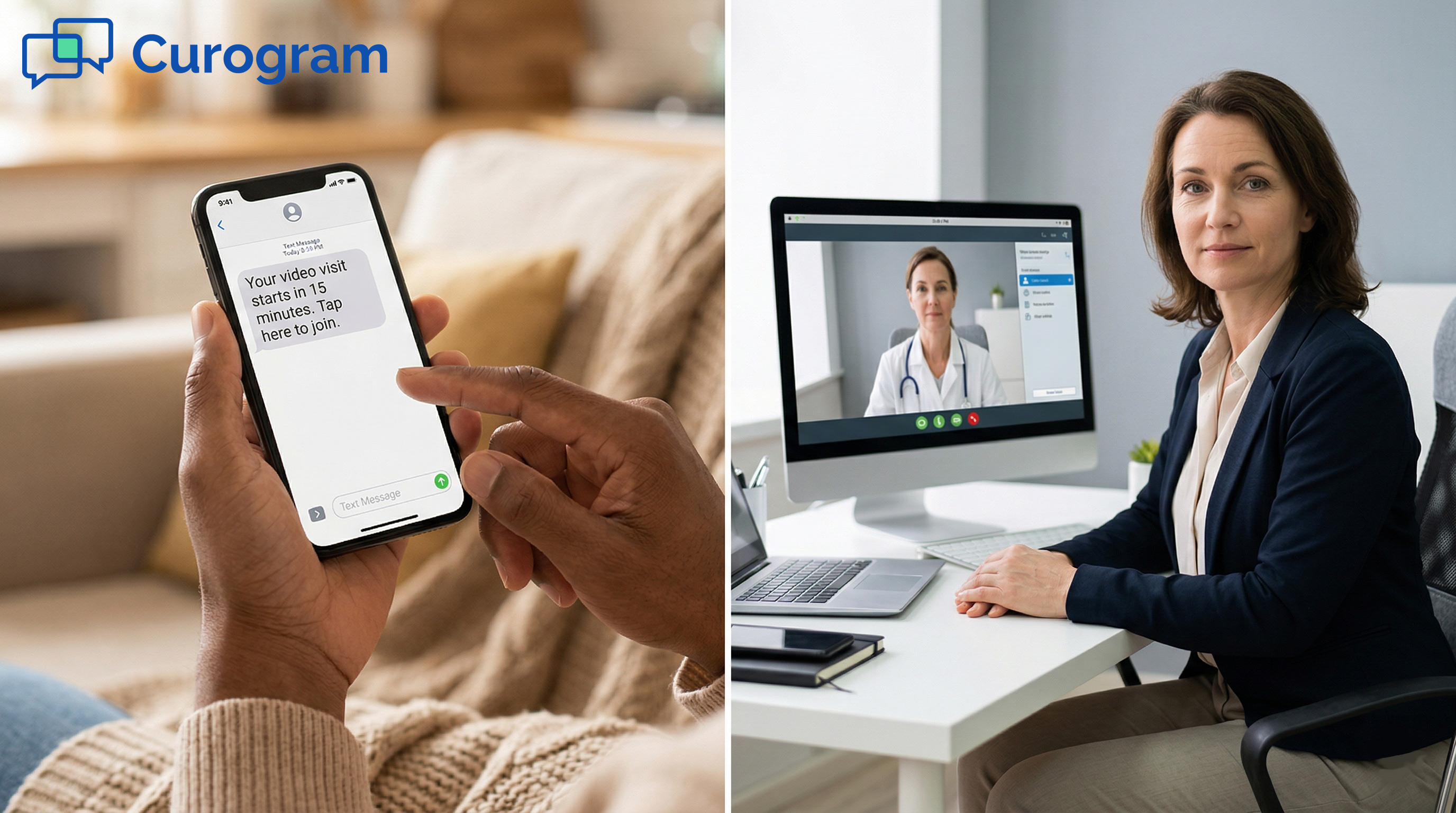
Curogram sends a single text message with a link. The patient taps it. The visit begins. No download. No login. No tech trouble.
For small practices using Office Ally, this means fewer no-shows, more completed visits, and a better experience for every patient. Text-based telehealth works for every age group, including older patients who find app downloads hard. When access is this simple, patients follow through.
Your patient scheduled a telehealth visit. They wanted the easy option: skip the drive, the wait, and the parking. For some patients, virtual care isn't just a nice choice. It's the only one that fits their life.
But when they try to join, they hit a wall.
The app needs to be downloaded first. Their phone is almost full. The login screen asks for a password they forgot months ago. By the time they figure it out, the visit window has passed. Your schedule shows a no-show.
This isn't a patient problem. It's an access problem.
Telehealth was built to make care easier. But app-based visits have added a new kind of friction. Every extra step is a chance for patients to give up.
Think about the patients who need telehealth most. The elderly patient who can't drive far. The working parent with a 20-minute lunch break. The therapy patient who chose virtual care to reduce stress.
These are the patients who get stopped by an app download screen, and they often don't reschedule.
Based on our internal research, no-show rates for app-based virtual visits run between 15% and 25%. That's up to one in four patients who wanted care but couldn't get past the tech barrier.
For a practice with 10 virtual visits a day, that's 2 to 3 empty slots daily. Revenue lost. Care not delivered.
The fix isn't a better app. It's no app at all.
When patients use Office Ally for a virtual visit, the telehealth experience should start with a text link. Not a login screen. Not an app store page. One tap. One connection to their provider. No download. No portal.
This article breaks down why app-based telehealth fails, how a text link solves it, and what practices can expect when that friction finally goes away.
The Villain: The App Store Detour
Virtual care should feel simple. In theory, it does. But in practice, many telehealth tools put patients through a long list of steps before they ever see their provider.
That gap, between the promise of easy care and the reality of tech friction, is exactly where no-shows are made.
The Download Barrier
Most app-based systems send a single line in the confirmation: "Please download [App Name] before your visit."
This sounds simple. For many patients, it isn't.
What Patients Go Through
The patient opens the app store. The app needs 87 MB of space. Their phone is almost full. They delete photos to make room. The download takes a few minutes. The app then asks for account setup: email, password, date of birth, phone number.
Then it asks for camera and mic access. They look for "My Appointments." Nothing loads. The visit starts in 10 minutes. They text the practice: "I can't find my appointment."
What was meant to be easier than driving to the office has taken 15 minutes. And the visit hasn't started yet.
Why So Many Patients Drop Off
This is where the patient telehealth experience text vs app gap becomes most clear. When getting to a video call requires five steps before any care takes place, a large share of patients stop trying.
Based on our internal data, 20 to 35% of patients abandon app-based virtual visits before ever connecting. That isn't a lack of interest. That's a failure of access.
For a practice offering 10 virtual visits per day, even a 20% drop-off rate means 2 missed visits daily. At $100 to $200 per visit, that's $200 to $400 in daily lost revenue. Those numbers add up fast.
The Password Problem and the Generational Gap
For returning patients, the barrier shifts. They've used the app before, but it's been months. The login screen appears. And the same trouble starts all over again.
When Patients Can't Get Back In
The patient opens the app. The login screen appears. They try two email addresses. Neither works. They tap "Forgot Password." The reset link goes to a mailbox they rarely check.
They switch apps, find the email, reset the password, and switch back. The app asks for a verification code. They wait. By the time they're in, the appointment has started eight minutes ago.
Their provider is waiting. The patient is still typing passwords.
When Technology Becomes a Barrier to Care
For older patients, the problem runs deeper. A 72-year-old patient gets an email about downloading an app. He uses his phone for calls, texts, and weather.
He doesn't know what "download an app" means. His daughter isn't home to help. He calls the front desk.
Staff tries to walk him through it. The appointment window passes. He never connects.
The small practice patient telehealth text experience matters most here. Small practices serve a wide mix of patients, and many older patients are not at ease with tech.
When access depends on app downloads and logins, they are often the first to fall through the cracks.
For mental health patients, the stakes are different but just as high. A patient with anxiety chose virtual therapy to reduce stress.
When the app fails them, that failure often feels personal. Some don't reschedule. They see it as a sign they're not ready for care.
The technology barrier doesn't just cause no-shows. In some cases, it delays care that patients genuinely need.

The Guide: The Virtual Visit Patients Actually Join
The solution to app-based friction isn't more tech support or a better onboarding video. It's removing the friction altogether.
When patients get a text with a link, the entire experience changes. What was a five-step obstacle becomes a single tap.
One Tap, One Connection
The patient video visit no download text link approach works because it meets patients where they already are. Almost every patient, regardless of age, can read a text and tap a link. No new skills required.
How a Text Link Access Works
Curogram sends a text 15 minutes before the visit: "Hi Maria, your video visit with Dr. Chen starts in 15 minutes. Tap here to join: [link]."
Maria taps the link. Her phone browser opens. The video call connects. She sees her provider. "Hi Maria, how have you been this week?" The visit begins.
No app. No login. No download. No confusion. The Office Ally patient virtual visit text access model is built around this idea: the best technology is the kind patients don't have to think about.
Curogram uses WebRTC, a browser-based video tech that works on every modern phone and computer. No software install needed.
The visit interface is simple: a large "Join" button, automatic camera setup, and a clean video screen. There are no settings to change, no virtual backgrounds to pick, and no waiting room steps that confuse patients.
Why It Works for Every Patient
Text-link access isn't just easier for tech-savvy patients. It works across age groups and comfort levels. If a patient can read a text and tap a blue link, they can join a video visit. That's a skill nearly every patient already has.
For older patients, this is a game changer. Many practices report that elderly patients who couldn't use app-based telehealth connect on the first try with a text link.
For patients who need a little help, a family member can give one instruction: "Tap the blue link in the text from your doctor."
Built Into the Patient Flow
The text link doesn't exist in a vacuum. It's part of a full communication flow that patients already use. Telehealth patient adoption via text message is high because patients trust the channel. They already get reminders, forms, and updates through it.
The Communication Thread That Connects Everything
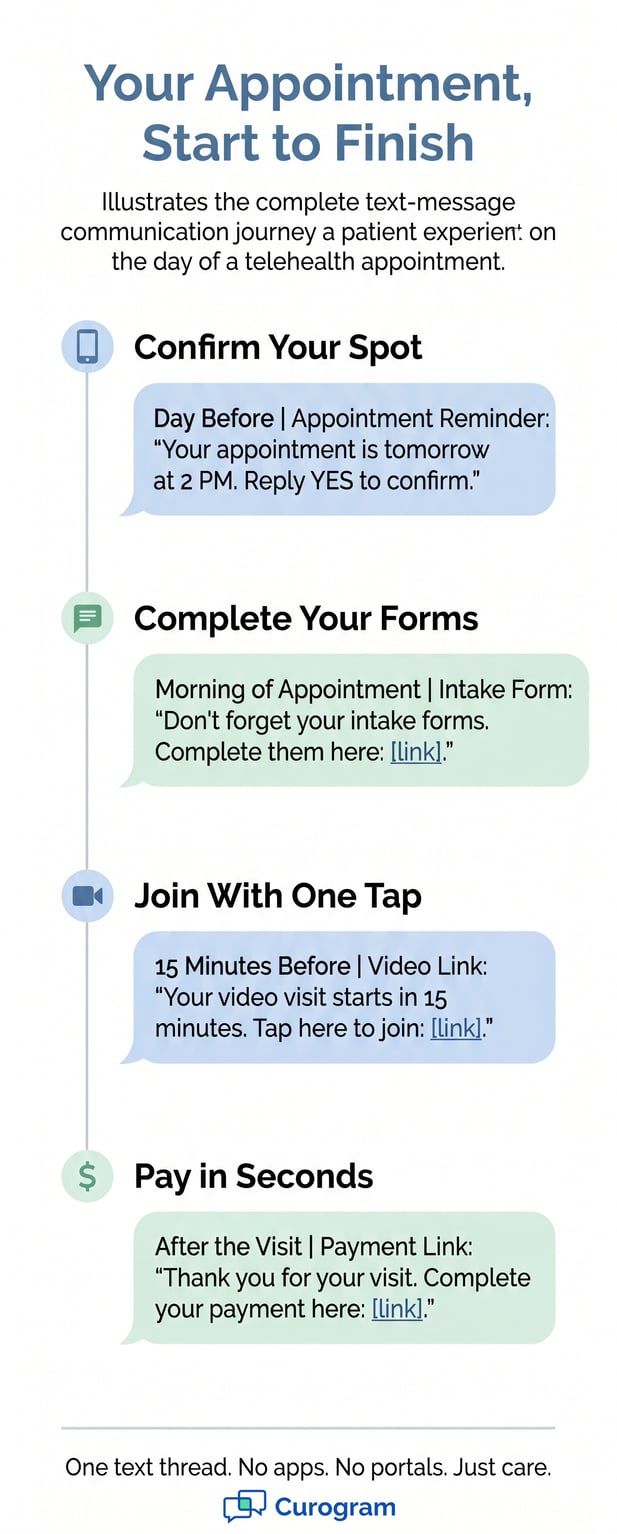
Here's what the patient experience looks like with Curogram:
Monday: "Your appointment is tomorrow at 2 PM. Reply YES to confirm."
Tuesday morning: "Don't forget your intake forms. Complete them here: [link]."
Tuesday at 1:45 PM: "Your video visit starts in 15 minutes. Tap here to join: [link]."
The patient's entire practice relationship flows through one text thread: reminders, forms, telehealth, and payment. No app switching. No portal logins. No email threads to dig through. One channel. Consistent. Simple.
The Patient Comfort Factor
A text link sends a quiet message beyond just the appointment details. It says: "We made this as easy as possible because we know you have a life outside this appointment."
Compare that to an email with download instructions, system requirements, and a troubleshooting guide. That version says: "We need you to do quite a bit of work before we can see you."
Patient virtual care access via text link tips the balance. For patients choosing between driving to the office and joining a virtual visit, this is often the deciding factor. The convenience they were promised finally feels real.
When the visit is this easy to join, patients stop thinking about it as a tech event. They think of it as just another appointment, one they can actually make.
Here's a quick look at how text-link access compares to app-based telehealth:
|
App-Based Telehealth |
Text-Link Telehealth |
|
Download required (50-100 MB) |
No download needed |
|
Account creation and login |
No login, no account |
|
Password reset common issue |
One tap from a text message |
|
15-25% no-show rate (app friction) |
Below 10% no-show rate |
|
Hard for older or less tech-savvy patients |
Works for every age group |
|
5+ steps before the call starts |
1 step: tap the link |
|
Patients often blame themselves when it fails |
Friction removed, patients show up |
The Success: One Text. One Tap. One Connection.
Simple access isn't just better for patients. It changes the whole shape of a practice's virtual care program.
When patients actually show up for their video visits, everything improves: revenue, scheduling, and outcomes. The numbers behind text-link telehealth make a strong case.
The Numbers Behind Text-Link Telehealth
The shift from app-based to text-link access isn't a minor upgrade. The impact shows up in data that practices can measure.
Visit Completion Rates
Text-link telehealth increases virtual visit completion rates by 40 to 60% compared to app-based or portal-based access. No-show rates for text-link visits drop below 10%, compared to 15 to 25% with app-based systems.
Based on our internal data, practices using automated text reminders see no-show rates 53% lower than the industry average. When patients get a simple link, they tap it. When they get a download screen, many close it.
The therapy example from our internal research tells the story well. Before text-link access, 30% of therapy patients chose virtual sessions, and 20% of those didn't show due to app issues.
After switching to text-link access, 55% of patients chose virtual, and the no-show rate dropped to 7%.
Revenue and Scheduling Impact
For a practice that runs 10 virtual visits a day, reducing no-shows from 2 to 3 per day to less than 1 recovers $200 to $500 per day in sessions that would have been lost to tech friction. Over a full month, that's $4,000 to $10,000 in recaptured revenue.
Here's how the access method affects no-show rates and daily revenue loss:
|
Access Method |
Avg. No-Show Rate |
Est. Daily Loss (10 visits) |
|
App-based telehealth |
15-25% |
$300-$500/day |
|
Portal-based telehealth |
10-18% |
$200-$360/day |
|
Text-link telehealth |
Below 10% |
Under $100/day |
These aren't small differences. For a solo practitioner or small group practice, this is the difference between a sustainable telehealth program and one that's constantly fighting no-shows.
A Practice Story
Numbers matter. But so do the real stories behind them. Here's what the shift to text-link telehealth looks like in practice.
What Changed After Switching
A therapy practice offered both in-office and virtual sessions. Before Curogram, 30% of patients opted for virtual care. Of those, 20% never made it into the call. App errors. Login failures. Tech confusion.
After implementing text-link telehealth, virtual visit adoption rose to 55%. The no-show rate dropped to 7%. Staff spent less time walking patients through tech issues. The practice recovered time, revenue, and patient trust.
Based on our internal research, Atlas Medical Center reduced its no-show rate from 14.20% to 4.91% in just three months. That's 3X better than the industry average, driven largely by removing friction from the patient access path.
The Patient Who Finally Showed Up
One patient stands out. A single mother with two young children and generalized anxiety. She had cancelled three times in her first month because she couldn't get the app to work after her kids were asleep.
After her practice switched to text-link access, she completed 12 consecutive weekly therapy sessions. All virtual. All from her living room after the kids went to bed. She taps the text link at 8:01 PM and sees her therapist at 8:02. She has never missed a session.
This is what patient virtual care access via text link means in real life. It isn't just a metric. It's a patient who finally got the care she needed, because the only thing standing between her and her therapist was one tap.
Give Patients the Virtual Visit They Were Promised
Telehealth promised patients something simple: care from home, without the drive. For a long time, the tools didn't deliver on that promise.
App downloads, portal logins, and password resets turned virtual care into a tech obstacle course.
When the path to a virtual visit is a single text link, something shifts. Patients stop thinking of telehealth as a tech event. They start thinking of it as just an appointment they can actually keep.
The patient who used to cancel because the app wouldn't load now taps a link and is in the call in seconds. The elderly patient who couldn't find the app store now joins a visit with one tap from a text. The anxiety patient who chose virtual care to reduce stress isn't met with more stress when she tries to connect.
Virtual visits become a preferred option, not a last resort. Patients who avoided telehealth because of tech concerns now request it. The experience finally matches what they were promised when they said yes to virtual care.
Virtual visit adoption goes up. No-show rates come down. Staff spend less time on tech support calls and more time on patient care. The practice's schedule becomes more predictable, and the revenue from virtual visits becomes more reliable.
Office Ally 24/7 powers your virtual visits. Patient Ally provides portal access. Curogram provides patient access, the text-link telehealth connection that turns "I couldn't figure it out" into "I tapped the link, and there was my doctor."
Patients want telehealth. They don't want app downloads, portal logins, or tech trouble. They want to tap a link and see their doctor. That's it.
Curogram gives Office Ally practices the tool to deliver exactly that: a text, a link, and a virtual visit that patients actually join. No friction. No barriers.
Telehealth was supposed to make care more accessible. A text link is what finally makes that true.
See how Curogram completes your Office Ally setup. Schedule a demo to watch how patients respond when joining a video visit requires nothing more than tapping a text.
Frequently Asked Questions
Text-link access is designed exactly for patients like this. If a patient can read a text message and tap a blue link, they can join a video visit. No app store, no login screen, no tech knowledge required. Many practices report that older patients who couldn't use app-based telehealth connect on the first try with a text link.
The main reason is friction: too many steps between the patient and the call. App downloads, account creation, login screens, and permission requests each add a point where patients give up.
Based on our internal data, 20 to 35% of patients never complete an app-based virtual visit. The more steps required, the higher the drop-off rate.
Curogram uses WebRTC, the same browser-based video tech that powers major video platforms. Video quality adjusts based on the patient's internet speed, delivering clear audio and video on both WiFi and cell data.
Many patients actually get better quality through a browser because there's less software running in the background. No app overhead means fewer drops and smoother calls.
A patient portal requires the patient to remember a login, navigate a dashboard, and find the right link. A text link skips all of that. The patient gets a message, taps it, and the visit opens. Portals add two to four extra steps before the call even starts. For patients who already have the text thread with their practice, the link is right there when they need it.
The impact is significant. Based on our internal research, text-link telehealth brings no-show rates below 10%, compared to 15 to 25% with app-based access. For a small practice running 10 virtual visits a day, that means recovering 1 to 2 visits daily. Over a month, that adds up to meaningful recaptured revenue and a more stable schedule.