

10 min read
NextGen Telemedicine via Text | Video Visits, No App Required
Aubreigh Lee Daculug
:
April 3, 2026
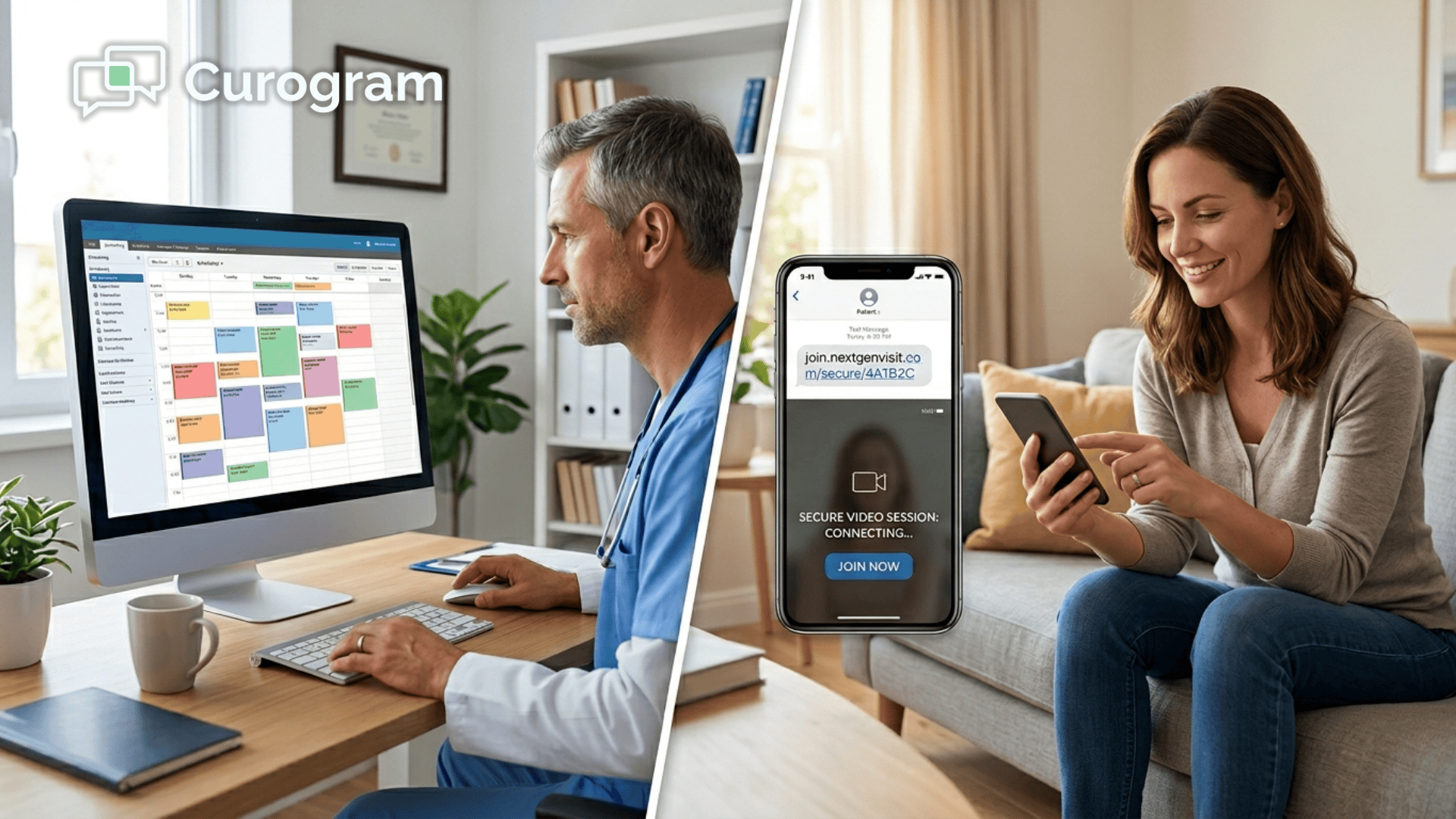
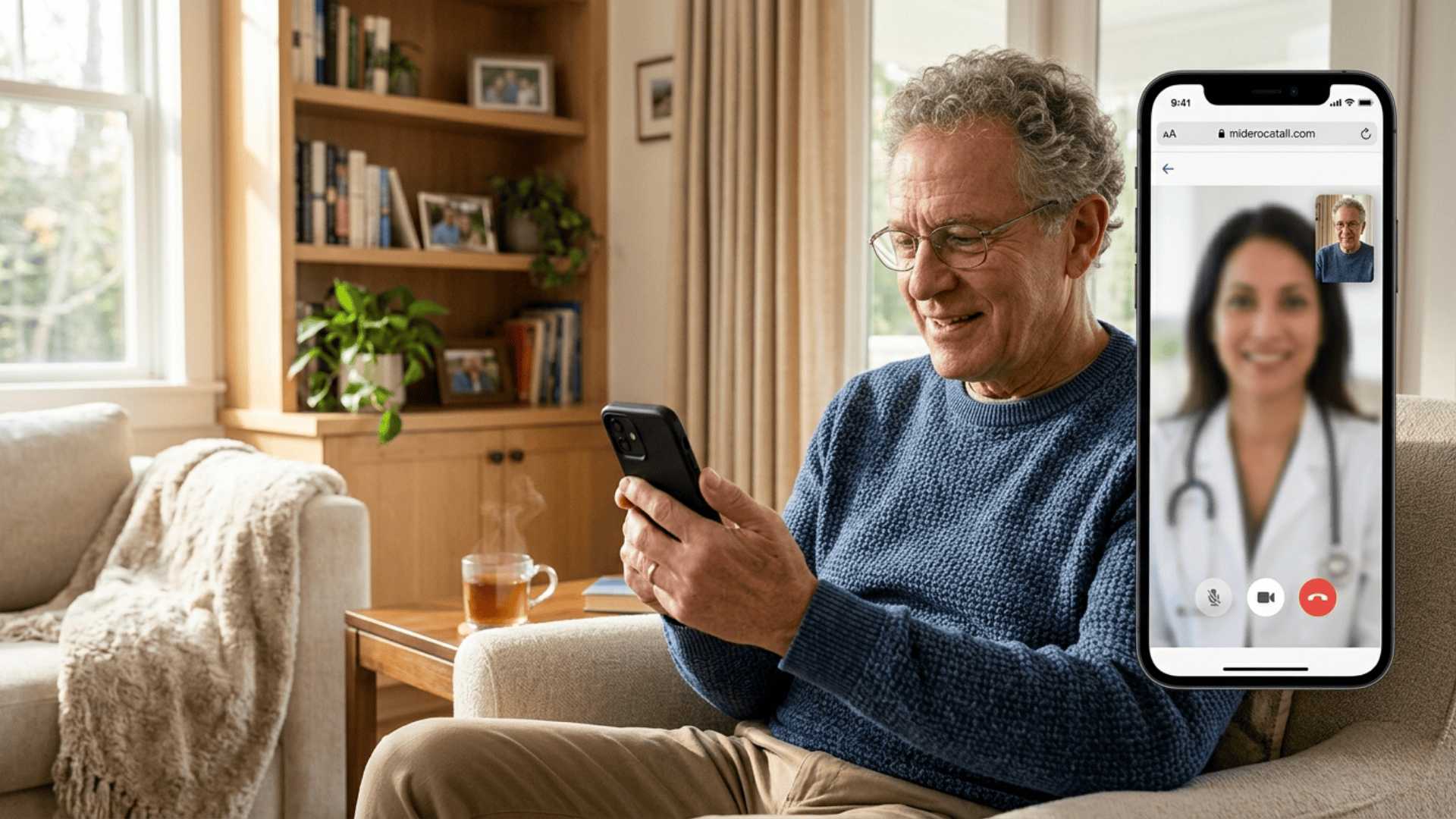
Patients join the video visit with a single tap in their mobile browser — no app to download, no portal login required, and no technical setup of any kind.
The video launch is triggered from within the NextGen scheduling interface. One click sends a secure, encrypted text link to the patient's phone.
The session opens in Safari, Chrome, or any standard mobile browser and connects instantly.
A patient has a telehealth appointment in 20 minutes. She gets a reminder to download the app before her visit. She opens the App Store.
Not enough storage.
She deletes some photos and tries again. The download stalls halfway through. She calls the front desk. Twice. By the time she finally connects with her doctor, 12 minutes of the appointment have already passed.
That isn't a rare story. It plays out dozens of times a day in large ambulatory practices across the country.
And the worst part? Every one of those lost minutes was preventable.
Telehealth was supposed to make care simpler. For the patient who lives 90 minutes from the nearest specialist, for the 74-year-old managing multiple chronic conditions, for the working parent who can't take a half-day off for a 10-minute follow-up — virtual visits should be a lifeline.
In many ways, they are. But there's a wall between your telehealth program and the patients who need it most. It isn't clinical.
It isn't about reimbursement. It's an app download.
For NextGen Enterprise organizations managing care across multiple locations and specialties, telehealth adoption has quietly hit a ceiling.
The infrastructure is built. The providers are trained. But a significant share of your patient population — elderly patients, rural patients, time-pressed patients — cannot get through the setup process.
They can't download the app. They've forgotten their portal password. They give up before the visit starts.
That dropout costs your organization real money. A missed telehealth visit is a missed reimbursement. Multiply that across 20 to 100+ providers over a year, and the revenue gap becomes impossible to ignore.
The good news: this is a solved problem.
NextGen Enterprise telemedicine integrated with a text message link and launched directly from the schedule connects patients to their doctor through the simplest possible channel.
No app. No portal. No friction.
If they can get a text, they can see their doctor.
Why Your Telehealth Program Keeps Stalling Before the Visit Even Starts
The App Wall No One Talks About
Most telehealth platforms require patients to download a dedicated app before joining a video visit.
For a 35-year-old with a new smartphone and fast Wi-Fi, that's a minor inconvenience.
For the patients who benefit most from telehealth, it's a dealbreaker.
Think about this:
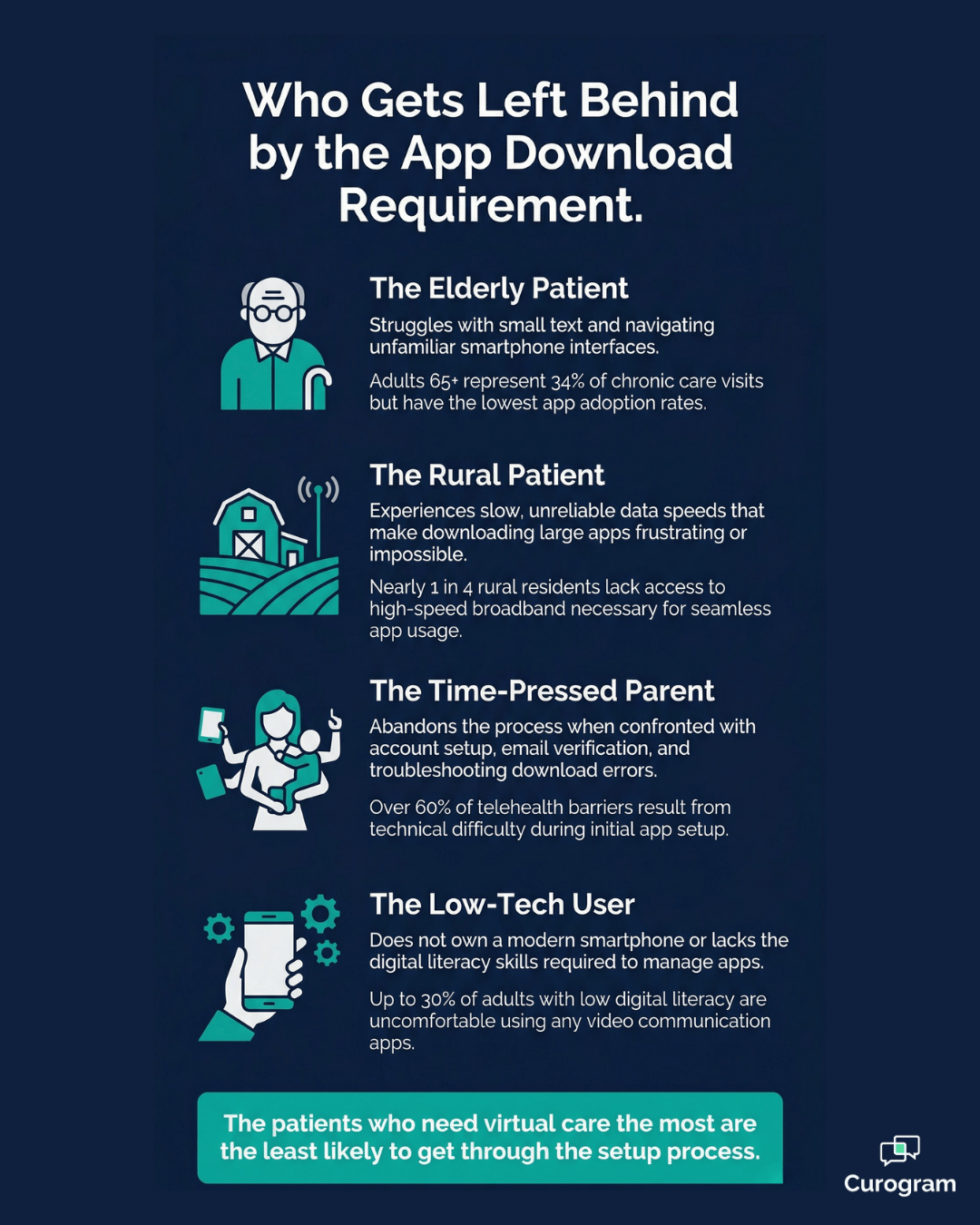
A 72-year-old patient with an older phone and limited storage can't install another 150MB application.
A patient in a rural area with spotty cellular service can't reliably complete a large download.
A working parent with five minutes between meetings can't navigate an app setup flow on the spot.
These are exactly the patients telehealth was designed to reach — and the app requirement filters them out before care even begins.
This isn't a small population. Adults 65 and older account for a disproportionate share of chronic care follow-ups, medication management visits, and specialist consultations — the appointment types most suited to virtual delivery.
The technology barrier isn't just a patient experience problem. It's a clinical access problem.
The Portal Login Trap
NextGen's built-in telehealth capabilities often route through the PxP patient portal or FollowMyHealth, both of which require an active account and login credentials.
For a patient who hasn't opened the portal in six months, a telehealth appointment starts with a password reset — not a conversation with their doctor.
Every step in that authentication flow is a potential exit point.
Research on digital health platform engagement shows that multi-step login processes reduce completion rates by 30–40% compared to single-tap alternatives.
In real terms:
If 100 patients are scheduled for telehealth visits in a week and 35 of them abandon the setup, that's 35 missed appointments.
At an average reimbursement of $85 per telehealth visit, your practice loses nearly $3,000 in a single week — without a single clinical error.
That math compounds fast at scale.
The Hidden Cost of Tech Support
Every patient who can't complete the telehealth setup calls the front desk.
Those calls average 5 to 15 minutes each — and they tend to fall into the same categories, over and over:
- Can't download the app due to storage limits or device compatibility issues
- Can't log into the patient portal after months of inactivity
- Can't enable camera or microphone permissions on their device
- Can't hear audio or see the video feed after finally getting in
In surveys of practices with active telehealth programs, technical troubleshooting ranked as the number-one operational challenge — above billing, above documentation, above clinical workflow design.
The technology that was supposed to reduce your administrative burden is generating a new category of it.
For a 50-provider network seeing even 10 tech-support calls per day at 10 minutes each, that's more than 83 staff hours lost per month.
That's not an anomaly. It's a structural drain that quietly erodes operational efficiency, appointment after appointment.
The Adoption Ceiling
All of this friction produces a predictable result:
Telehealth adoption plateaus.
Most large ambulatory organizations see virtual visit utilization settle between 15% and 25% of eligible appointments — not because patients don't want virtual care, but because a large segment of the panel can't get through the access process.
The patients who do use telehealth consistently tend to be younger, more tech-comfortable, and less likely to be the chronic care patients who benefit most from virtual follow-ups.
The download requirement creates a quiet demographic filter — one that excludes the very people telehealth was designed to serve.
How One Text Message Changes the Entire Telehealth Equation
The One-Tap Solution
The premise is simple:
A patient should never have to do anything technical to see their doctor.
Curogram's One-Tap Video Visit launches directly from the NextGen scheduling view.
When a telehealth appointment reaches its start time, the clinician or scheduling staff clicks "launch video."
That single click sends a secure text message to the patient's mobile phone. The patient taps the link. The video opens in their default mobile browser — Safari, Chrome, or whatever they already use. No app download.
No account creation. No password screen.
The entire journey from text message to live video connection takes fewer than 10 seconds.
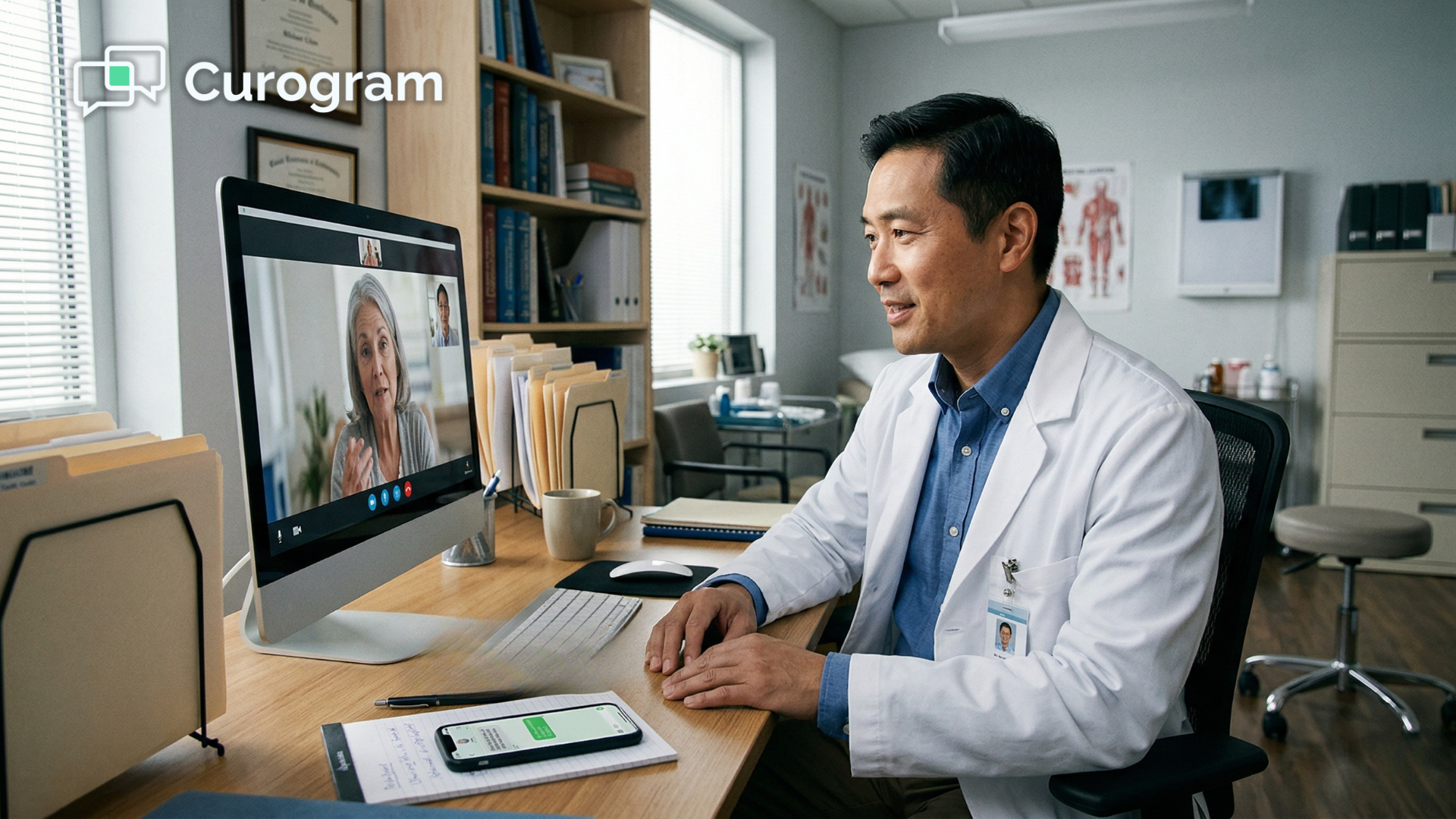
This is what a NextGen Enterprise telehealth text-based video visit looks like when there's no download and no login standing between the patient and their doctor — and it works just as well for a 78-year-old as it does for a 28-year-old.

Built Right Into the Schedule You Already Use
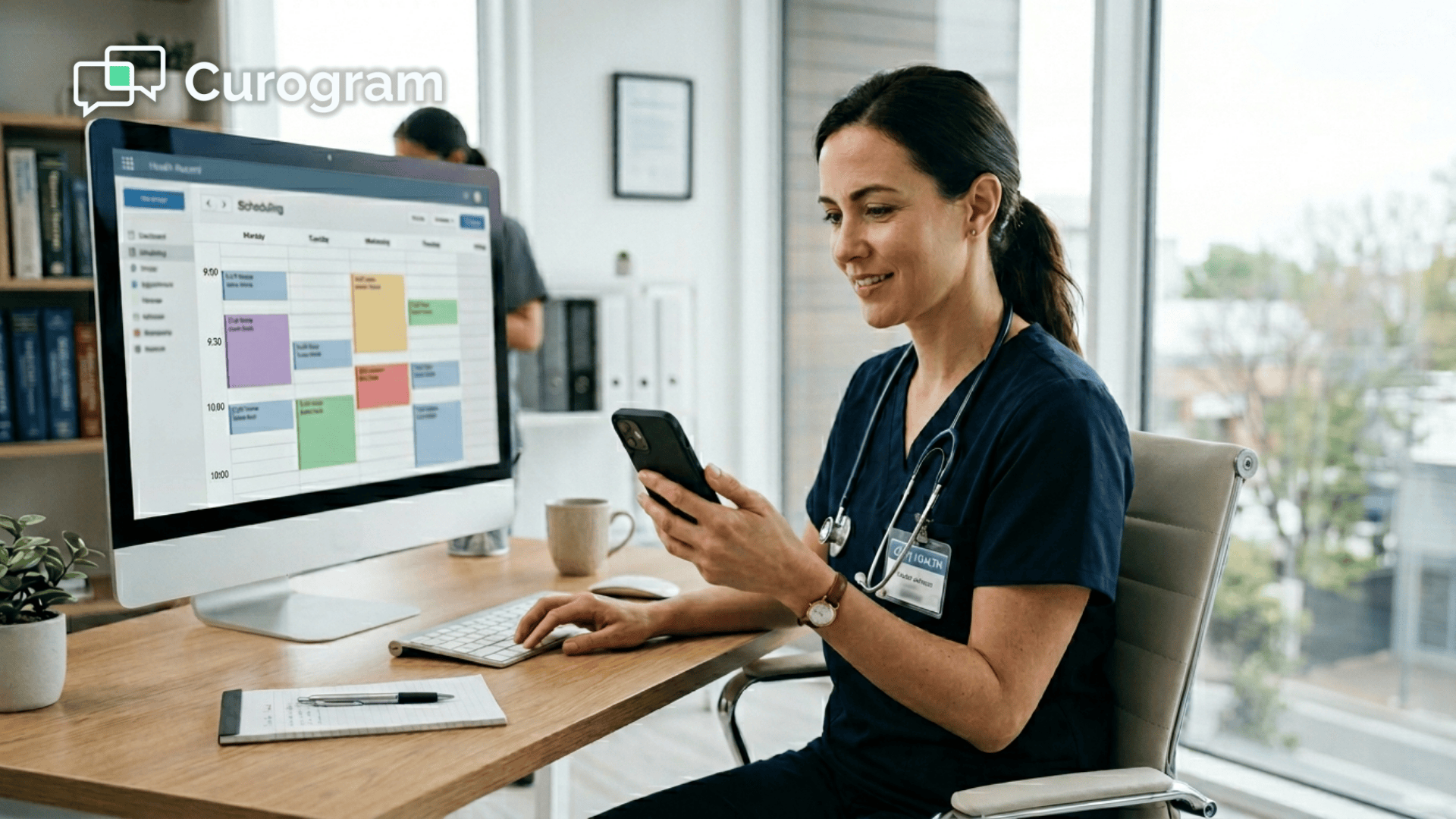
For IT directors and operations leaders evaluating telehealth solutions, this detail matters: the video launch does not require a separate application or a different login. It lives inside the NextGen schedule view. Clinicians use the same interface they've always used.
There's nothing new to navigate and nothing extra to learn.
For multi-location NextGen Enterprise networks managing 20 to 100+ providers across 26+ specialties, that operational simplicity is not a nice-to-have. It's what makes adoption possible at scale.
Curogram consolidates the full communications workflow on one platform — no separate vendor contracts, no siloed systems, and no duplication of effort:
- Two-way patient texting and automated appointment reminders
- Digital intake forms sent and completed before the visit
- Text-to-pay for post-visit billing
- Telemedicine video visits launched directly from the schedule
When you launch a video visit from the NextGen schedule via a HIPAA-compliant text link across your multi-location network, the entire process runs through tools your team already knows — not a new stack layered on top of an already complex environment.
Security That Meets Enterprise Standards
The text message the patient receives contains only a secure link — no protected health information is transmitted in the SMS itself.
The video session runs in an end-to-end encrypted environment with automatic session termination, audit logging, and data encryption at rest and in transit. Curogram is SOC 2 Type II certified.
For compliance officers and IT security teams managing PHI across a large ambulatory network, that certification is the baseline — not a bonus feature. It's built in from the start.
From Video Visit to Documentation to Billing, Connected
When the visit concludes, clinicians document in NextGen Enterprise using the same chart templates and KBM workflows they use for in-person appointments.
The visit is automatically flagged as telehealth for billing purposes, supporting the CPT codes and modifiers required for telehealth reimbursement.
No separate documentation system. No manual coding step.
Your billing team captures every reimbursable visit cleanly, and your clinicians move through their schedule without changing how they chart.
For enterprise NextGen telemedicine, a video visit delivered via a text message link — with no app and no portal standing in the way — becomes the most efficient path to scalable virtual care your organization has.

What Your Practice Gains When the Friction Is Gone
Adoption Climbs — and Stays There
When you remove the technical setup barrier from the patient side, a clear shift follows:
More patients can actually join the visit.
The elderly patient who couldn't figure out the app taps a text link and connects in seconds.
The rural patient with limited bandwidth opens a browser-based session that uses a fraction of the data a standalone app requires.
The working parent joins from the car between meetings.
Organizations that move to text-based, no-download telehealth consistently see adoption push past that 15–25% ceiling.
In networks that have eliminated the app requirement entirely, adoption among patients 65 and older has increased by 40–60%. That's not a marginal improvement. It's an entirely new patient population entering a care channel they couldn't access before.
Consider what that shift looks like financially for a mid-sized ambulatory practice.
At 20% adoption, a practice with 100 weekly eligible telehealth slots completes roughly 20 visits.
At an average reimbursement of $85, that's $1,700 per week. Push adoption to 40% — which text-based access makes realistic — and those same 100 eligible slots generate $3,400 per week.
That's an extra $6,800 per month recovered entirely from visits that were previously lost to setup friction.
For a 50-provider network, that number scales fast — and it doesn't yet account for the staff hours saved by eliminating tech support calls.
No-Shows Drop. Staff Hours Come Back.
Telehealth no-show rates are closely tied to how easy it is to join. When the process requires one tap instead of a multi-step app setup.
The friction points that drive patients to give up — and miss the appointment entirely — simply stop existing:
- No app download failure mid-setup
- No forgotten portal password triggering a reset loop
- No camera permission errors the patient can't troubleshoot alone
- No five-minute tech delay that bleeds into clinical time
Front desk staff stop fielding calls from patients who can't find the app or can't remember their portal login. Those recovered hours return to patient intake, scheduling management, and care coordination — the work your staff was actually hired to do.
Curogram’s platform already helps best practices reduce no-show rates by up to 75% through automated reminders and confirmations.
When text-based telehealth is layered on top of that foundation, the reduction in virtual visit no-shows compounds.
The Technology Disappears
This is the longer-term transformation that matters most.
When patients stop thinking of video visits as "telehealth" — a separate, complicated process — and start thinking of them as "my doctor texted me and I tapped to connect," the technology becomes invisible.
The care becomes the focus.
Clinicians begin offering virtual visits more readily because they know patients can actually connect. Routine follow-ups, medication checks, and chronic care appointments shift to virtual delivery for patients who don't require physical examination.
In-office appointment slots open up for patients who genuinely need to be seen in person.
Your telehealth program evolves from a niche offering into a standard care channel available to every patient in your panel.
That is what NextGen multi-location telemedicine via a video visit text link looks like when it runs without a portal requirement, without an app requirement, and without enterprise-level friction slowing it down at the patient level.
Scalable, accessible, and built around how patients actually communicate.
Your Patients Don't Need Another App. They Need Their Doctor.
Your patients don't lack access to care because of clinical shortfalls. For many of them — the elderly, the rural, the time-constrained — the barrier is a download button and a forgotten password.
That friction point, multiplied across hundreds of appointments a month, is why your telehealth program hasn't reached its potential. It's why adoption plateaus. It's why no-show rates stay stubbornly high on virtual visits.
It's why your front desk staff are still fielding tech support calls in the middle of a fully booked afternoon.
The fix is not complicated. It's a text message.
Curogram's One-Tap Video Visit integrates directly with your NextGen Enterprise environment and changes the telehealth experience at its root. The clinician launches from the schedule, the patient taps a link in their browser, and the visit begins in under 10 seconds.
No app required. No portal login. No multi-step setup that excludes the patients who need virtual care the most.
For large ambulatory organizations running telemedicine across multiple locations and dozens of providers, this is what scalable telehealth adoption looks like. It's not about adding more technology — it's about removing the technology that's getting in the way.
The operational benefits stack up quickly. Adoption climbs past the 15–25% ceiling. No-show rates drop. Staff hours return to patient-facing work. And every reimbursable telehealth visit gets captured cleanly in the billing workflow without extra manual steps.
Every patient who can receive a text can now see their doctor — whether they're 27 or 82, two miles from your office or 90 miles away, on the latest iPhone or a four-year-old Android. That is the standard your telehealth program should be built on.
Stop losing telehealth appointments to app downloads and portal logins. Launch video visits from the NextGen schedule with one tap — and reach every patient in your network.
Schedule a demo today and see how Curogram can expand virtual care adoption across your entire NextGen Enterprise organization.
Frequently Asked Questions
Yes. Curogram's video visits are fully HIPAA-compliant. The text message sent to the patient contains only a secure link — no protected health information is transmitted in the SMS itself. The video session runs in an end-to-end encrypted environment with automatic session termination, audit logging, and full data encryption at rest and in transit. Curogram holds SOC 2 Type II certification and provides Business Associate Agreement (BAA) coverage, meeting the security and compliance requirements that NextGen Enterprise IT teams expect.
Yes. Because the video runs in the patient's standard mobile browser — Safari, Chrome, or any common browser already on their device — there's no app installation required. This means it works on virtually any smartphone from the past eight to ten years. Video quality automatically adjusts to the patient's available bandwidth, scaling down resolution on slower connections to maintain a stable, usable stream. For patients in rural areas or on limited cellular data, the browser-based approach uses significantly less bandwidth than a dedicated telehealth application.
Yes. The video visit runs in a separate browser window or on a second screen while the clinician charts in NextGen Enterprise exactly as they would for any in-person appointment. Clinicians use the same KBM templates, chart notes, and documentation workflows they already know — the only difference is the care delivery mode. The visit is automatically flagged as telehealth for billing purposes, supporting the correct CPT codes and modifiers. There is no separate documentation system for virtual visits, and there is no additional training required.
Yes. Curogram is built to scale across large ambulatory organizations with multiple locations and diverse specialty lines. Each provider in the network can launch video visits from their own NextGen schedule view without any additional configuration. The text-based video link works the same way whether the clinician is in primary care, behavioral health, orthopedics, or any of the 26+ specialties commonly found in enterprise NextGen environments. IT teams manage one platform — not a separate telehealth solution for each department or location.
The patient simply taps the original text link again to rejoin the session. The secure link remains active for the duration of the scheduled appointment window, so there's no need to call the front desk or generate a new link. The video session picks up where it left off, without requiring the patient to log in, re-verify their identity, or download anything. For clinicians, the session stays open on their end until they close it — so there's no disruption to the visit workflow if a patient drops and reconnects.