
Simplifying Virtual Visits in Veradigm with Telehealth
💡 Telehealth helps imaging centers work faster and smarter. Virtual visits that Veradigm users rely on cut down delays and improve patient care....
13 min read
Aubreigh Lee Daculug
:
January 29, 2026
Table of Contents
Your medical assistants didn't train to become IT support specialists. Yet every day, your clinical staff spend precious minutes walking patients through app downloads, password resets, and video platform logins. This frustration pulls your MAs away from what they do best: delivering excellent patient care.
Virtual visits should make healthcare more accessible, not more complicated. When patients struggle with technology, appointments run late.
No-shows increase. Your medical assistants feel overwhelmed trying to troubleshoot instead of focusing on clinical tasks where their training matters.
The problem isn't telehealth itself. Traditional virtual visit platforms create unnecessary barriers between patients and care. They require multiple steps, separate apps, and complicated login processes.
Each extra step increases the chance that something will go wrong, and your MA becomes the one fixing it.
Specialty clinics face even bigger challenges. Dermatology and orthopedic practices need clear, high-quality video for visual assessments. When technical issues delay or cancel these appointments, both patient care and revenue suffer. Your front desk team becomes a help desk instead of a clinical support team.
There's a better way. Modern telehealth should work as smoothly as sending a text message. Your clinical workflow should feel natural, not forced. When technology gets out of the way, your medical assistants can focus on clinical rooming tasks instead of troubleshooting.
Curogram's integration with ModMed changes how specialty practices handle virtual visits. It removes the technical friction that frustrates both staff and patients.
The result is a telehealth experience that feels simple, professional, and actually saves time. Your medical assistants can return to their clinical role while patients connect to care without barriers.
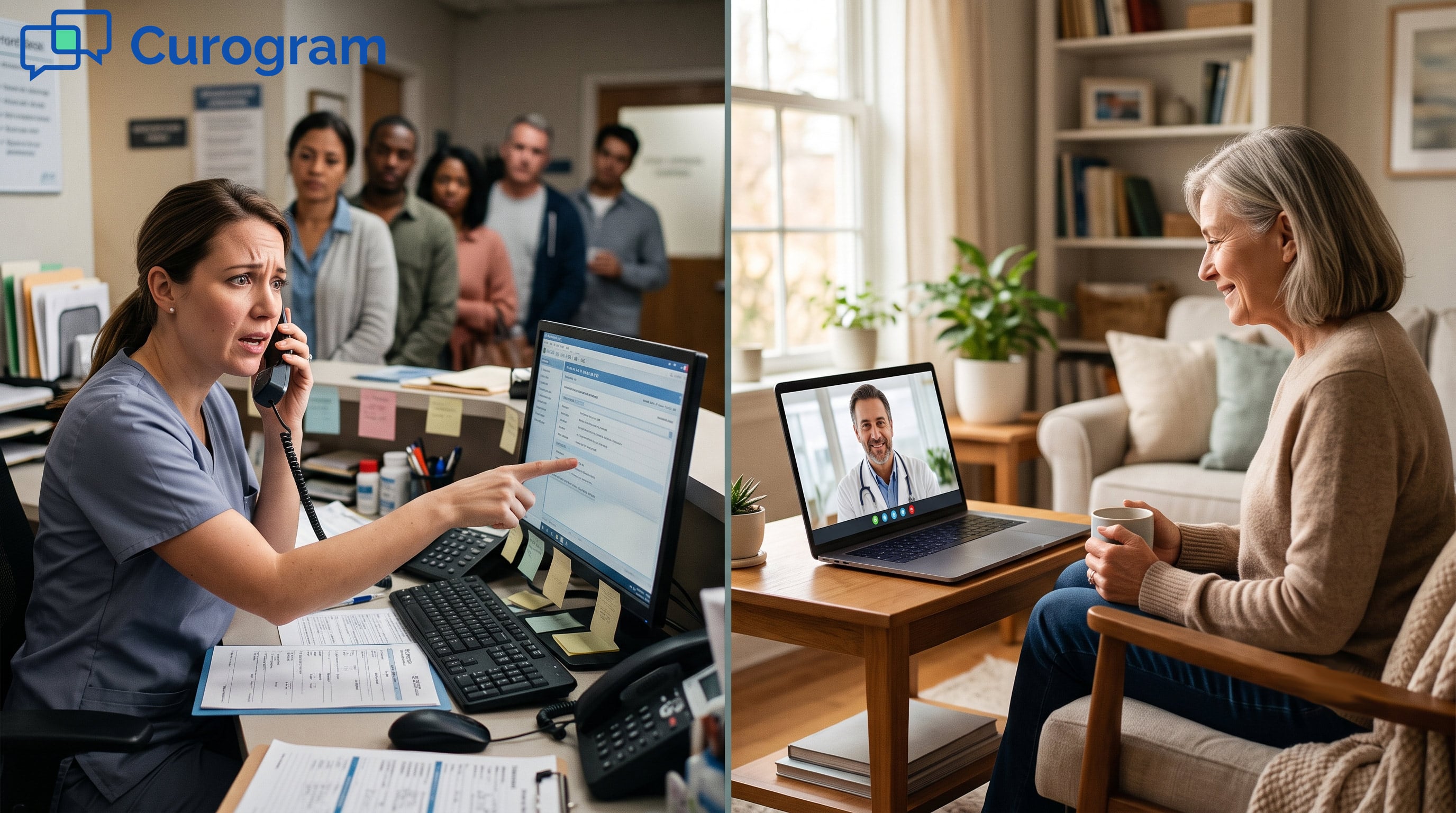
Medical assistants enter healthcare to help patients—not troubleshoot software. But many telehealth and telemedicine platforms force them into an IT role. Built without clinical workflows in mind, these tools prioritize features over usability and assume patients are tech-savvy.
The result? Constant technical issues that drain time and frustrate both staff and patients.
Traditional telehealth setups are full of failure points. Patients must download apps, create accounts, remember passwords, and navigate unfamiliar interfaces. Each step increases the chance something goes wrong.
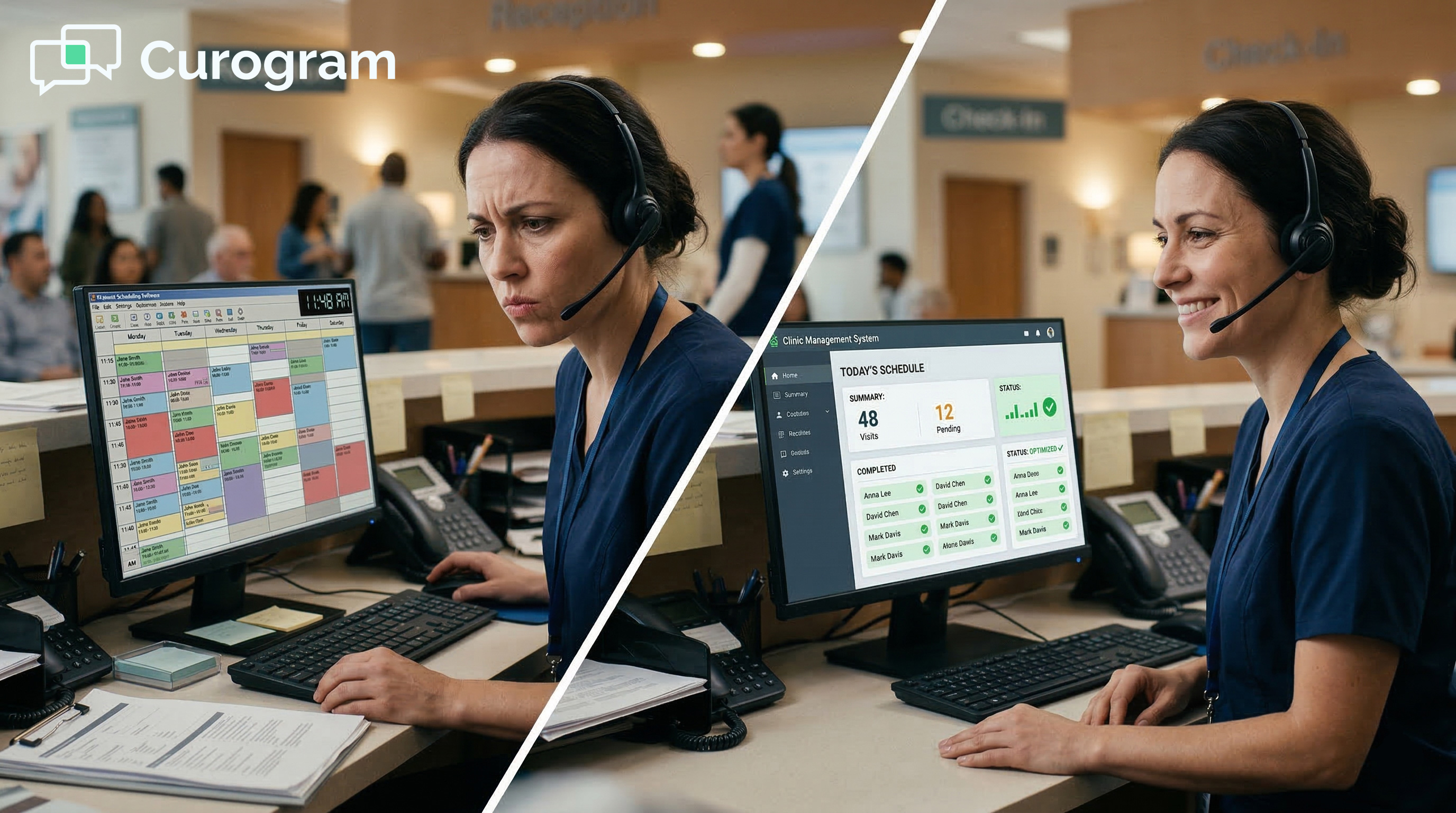
As a result, medical assistants often spend the first 10–15 minutes of a visit just getting patients connected instead of completing clinical intake.
Login issues only add to the problem. Patients forget passwords, miss verification emails, or give up and call the office. These interruptions slow your staff down and put your schedule behind before the day even starts.
App downloads present another barrier that your staff must resolve. The challenges vary widely across patient populations:
Key benefits of schedule integration include:
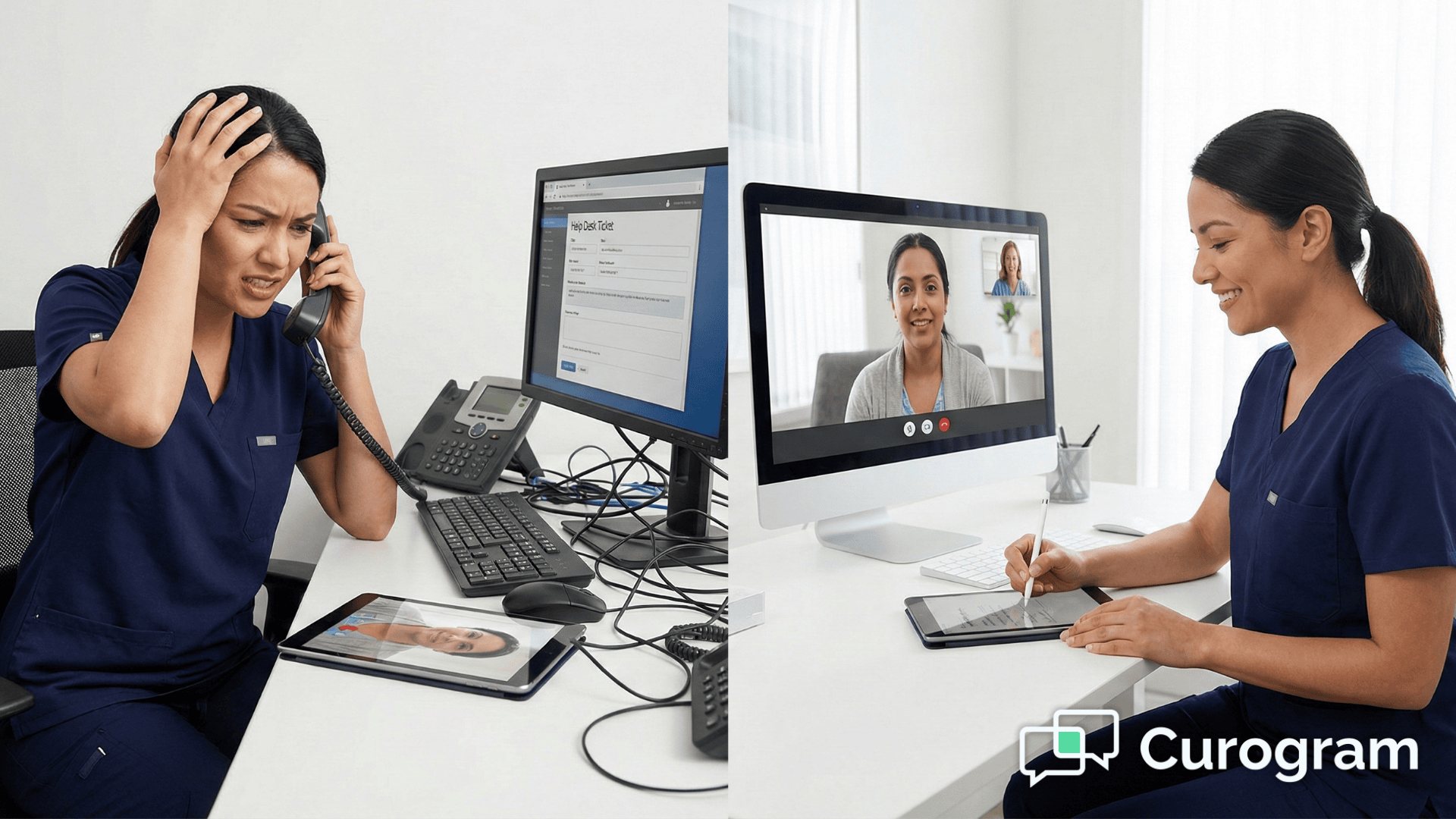
All of these issues fall on your medical assistants, pulling them away from patient care. Instead of focusing on clinical tasks, MAs are forced into the role of remote IT support—troubleshooting tech problems over the phone.
The challenge grows with the wide range of patient devices. MAs must guide patients across iOS, Android, tablets, and computers, each with different steps and issues. Your clinical staff didn’t sign up to be cross-platform tech experts.
The Real Cost of Technical Barriers
The impact goes beyond frustration. When MAs spend time on tech support, clinical intake gets rushed and the quality of care suffers — disrupting the telemedicine workflow and patient experience.
In the first 10–15 minutes, MAs should be reviewing charts, updating meds, and preparing for the provider—not explaining camera permissions.
“Ghost” no-shows happen when patients try to connect, hit a technical wall, and give up. Your schedule shows an empty slot, but the patient was ready.
The financial impact is real. When troubleshooting takes 15 minutes instead of 3, you lose 12 minutes per visit. Over 30 virtual visits a week, that’s nearly a full workday lost.
Fragmented systems make everything harder for your clinical staff. Without ModMed EMA integration, MAs must document in two places and manually copy information, doubling work and increasing errors.
Notes taken during the virtual visit must be re-entered afterward, wasting time and morale.
Manual transfer also increases mistakes, like mistyped vitals or medication doses. These errors aren’t intentional, but they’re inevitable when staff must duplicate work.
Curogram takes a different approach to virtual visits. Instead of multiple steps that require MA troubleshooting, it uses technology patients already understand: text messaging. No apps, passwords, or complicated setup.
The philosophy is simple: healthcare technology should be invisible. Patients focus on their health, and MAs focus on clinical care. The best technology gets out of the way and lets care happen.
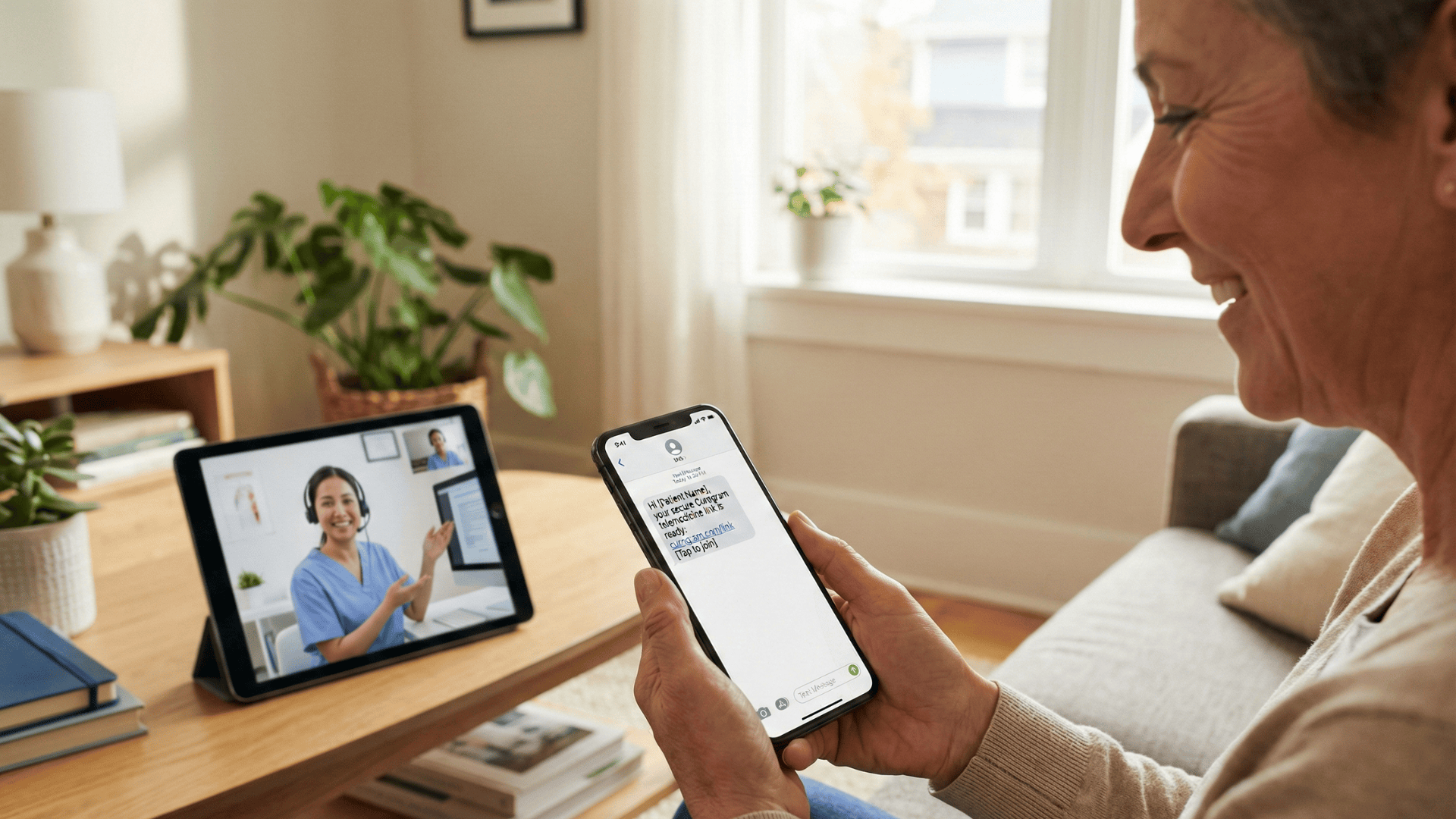
When an appointment approaches, the patient receives a simple text
Patients click the text link and enter the virtual waiting room through their phone browser—no troubleshooting needed.
Messages send automatically based on your ModMed schedule, and MAs can see when the patient enters the waiting room.
Patients don’t need instructions because the process matches what they already do every day: receive texts, click links, and browse on their phones.
This approach matters tremendously for your clinical staff.
It removes every technical barrier that causes traditional telehealth to fail and forces your MAs into tech support mode:
The system syncs directly with your ModMed schedule. MAs can see in real time when patients enter the virtual waiting room, all in one unified view on their desktop—just like checking which exam room a patient entered.
This visibility changes the workflow completely. Your MA knows exactly when the patient is ready, so they don’t waste time calling or refreshing multiple platforms. The patient appears in the waiting room on the ModMed screen, and your MA can begin virtual rooming immediately.
Medical assistants stay in control of the clinical workflow. They can enter the virtual room first to complete rooming tasks—checking vitals, reviewing medications, and updating history in ModMed—before the provider joins.
Your MA also manages the appointment flow. They decide when intake is complete and signal the provider when the patient is ready, matching the in-office workflow.
Mobile-friendly intake forms streamline the process without MA intervention. Patients complete paperwork and upload insurance photos right before the call, all in the same browser window.
The forms are smart about what they request. If insurance information is already provided, the system doesn’t ask again. Your MA isn’t managing form versions or explaining which forms are needed.
The HIPAA-compliant video workflow keeps security strong without creating technical problems for your staff. Each link is unique, expires after use, and conversations are encrypted end-to-end.
Security often creates friction, but Curogram avoids this with smart design. Unique, expiring links prevent patients from accessing the wrong appointment without passwords or extra steps.
Your MA doesn’t need to manage security settings. The system is secure by default, protecting your practice while keeping the experience simple.
High-definition video supports clinical decision-making without technical barriers. MAs can handle virtual rooming for dermatology or orthopedic assessments because the video quality matches or exceeds in-office visuals.
For dermatology, clear video is essential to see lesions accurately. For orthopedics, smooth video captures movement without lag.
The system automatically adapts to available bandwidth, maintaining a stable connection and reducing interruptions.

The best virtual visit platform adapts to your existing clinical workflow. Curogram’s ModMed EMA video integration mirrors the in-office experience your MAs already know.
In a typical appointment, the MA rooms the patient, takes vitals, updates history, and prepares the chart before the provider enters—maximizing provider time.
This workflow was developed by healthcare professionals over decades. Any telehealth platform that ignores it forces your staff to relearn their jobs.
Curogram brings the same workflow to virtual visits through virtual rooming. Your MA enters the virtual room before the provider and completes the same intake tasks they would in person, using their trained clinical skills.
The patient sees a familiar face doing familiar tasks, so nothing feels foreign or confusing for staff or patients.
The virtual rooming process includes all the same elements as in-office rooming:
Virtual rooming gives your MAs control over the visit. They can verify identity, confirm the reason for the visit, and address concerns before the provider joins.
Because the system is stable and the patient is already connected, MAs can take their time and focus on thorough intake without rushing or worrying about dropped connections.
Managing Multiple Virtual Rooms Efficiently
For multi-provider practices, virtual rooming is essential. MAs can manage multiple virtual rooms at once, prepping one patient while another provider is busy.
The system shows which providers have patients waiting, so MAs can prioritize and adjust based on schedule needs. They can start rooming early or update waiting patients when providers are behind.
No extra training is needed. The interface matches how MAs already manage patient flow in the office.
The smooth provider transfer keeps the appointment professional. When rooming is complete, your MA notifies the provider, who joins the HD call with a single click.
The patient experiences a seamless transition handled by clinical staff—not a technical interruption that requires IT skills.
The hand-off can happen in several ways depending on your practice's preference:
This flexibility means Curogram adapts to your workflow rather than forcing you to adapt to the software. Your MA uses whatever communication method your practice already prefers. Nothing changes except that the patient is in a virtual room instead of a physical one.
Specialty practices benefit from virtual rooming designed for clinical needs. Dermatology MAs can request photos via text during rooming, and those images upload directly to the patient’s ModMed chart.
This changes telehealth for dermatology. MAs can request multiple angles and ensure the photos are clear before the provider joins.
Orthopedic MAs can observe range of motion and gait through clear video during rooming, documenting findings for the provider.
The technology supports clinical skills rather than creating tech work. Virtual rooming becomes a clinical process, not a troubleshooting task.
Documentation flows into ModMed because Curogram integrates directly with your EMA. Virtual rooming notes appear in the same place as in-office documentation, so MAs don’t duplicate work.
The integration is bidirectional, so MAs can view the patient’s complete history during rooming.
After the appointment, provider notes, MA notes, and patient photos/forms all appear in the ModMed chart, keeping records unified and complete.

Numbers show how efficient telehealth impacts your MAs. When troubleshooting is reduced, they reclaim clinical time and the benefits show across operations.
This data comes from real specialty practices that switched to Curogram. These are actual results measured over months, not projections.
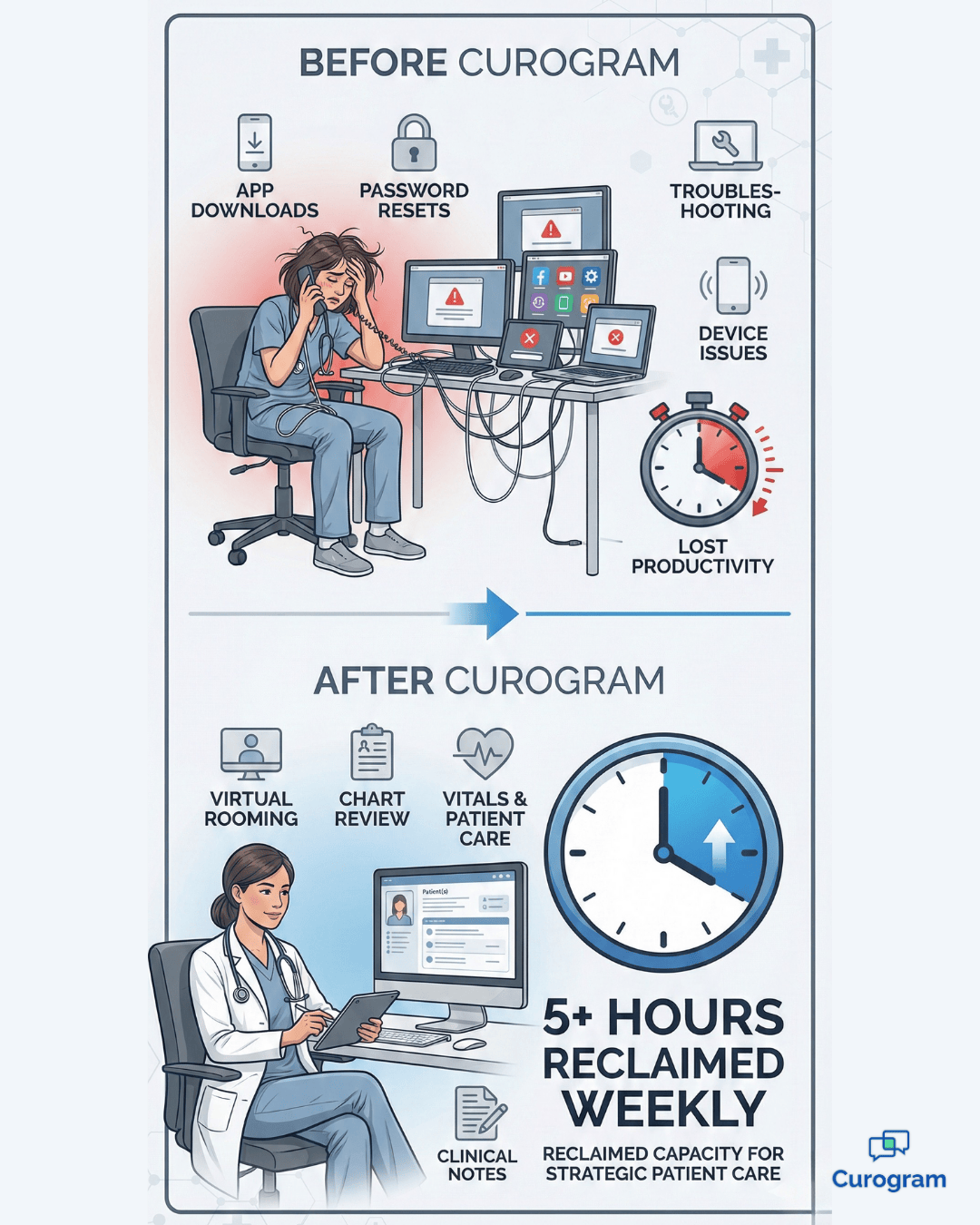
Start with MA time savings. Eliminating 10 minutes of tech support per virtual visit adds up fast. With 30 virtual visits per week, a specialty practice reclaims over 5 hours of MA clinical time.
That’s time your MAs can spend on patient care instead of password resets and app downloads.
Let's break down what 5 hours per week really means for your practice:
Those 5 hours per week can be redirected to higher-value tasks. Your MA can complete thorough chart reviews, reschedule missed appointments, and follow up after procedures.
These activities improve patient care and operations, but they get neglected when time is spent on tech troubleshooting.
No-show rates drop when technology stops disrupting your MA’s workflow. Practices using Curogram report 53% fewer virtual no-shows compared to app-based systems.
That reduction comes from removing technical barriers. When patients connect with one click, they show up. No app downloads, no passwords, and no MA troubleshooting.
Consider what causes traditional telehealth no-shows:
Curogram eliminates these failure points. Patients don’t need passwords or apps, and browser-based connections are more reliable.
As a result, patients who intend to attend their appointments actually show up.
Calculate the financial impact. With 10 virtual visits daily, preventing just two no-shows adds 40 patient encounters per month. At $150 per visit, that’s $6,000 in monthly revenue.
The impact goes beyond kept appointments. When schedules run smoothly, you can book more confidently and providers can stay on time without technical delays.
Let's look at the annual financial impact:
These numbers are conservative. Many specialty visits reimburse higher than $150. Dermatology procedures and orthopedic consultations often range from $200–$500 per visit.
For busy practices, protected revenue from prevented no-shows can easily exceed $100,000 annually.
Medical assistant morale improves when frustration decreases. MAs feel more confident when they can focus on clinical tasks instead of tech support.
This leads to better job satisfaction, lower turnover, and a more capable clinical team.
Staff turnover costs practices significantly.
The cost to replace a medical assistant includes:
Industry research shows replacing an MA costs 50–75% of their annual salary. For an MA earning $40,000, replacement costs range from $20,000 to $30,000. Reducing turnover through better job satisfaction directly impacts your bottom line.
MAs also report less end-of-day stress when they’re not constantly troubleshooting. They leave feeling accomplished instead of frustrated, which improves wellbeing and retention.
Provider productivity improves when MA workflows run smoothly. When appointments start on time, doctors can see their full schedule without delays.
A provider who sees 20 patients per day saves about 200 minutes weekly when their MA isn’t troubleshooting tech issues.
Those 200 minutes (over 3 hours) per week per provider add up to substantial capacity gains:
Provider burnout is a major concern. When doctors run late, rush appointments, and take work home, burnout follows.
Efficient telehealth workflows that respect providers’ time improve work-life balance and job satisfaction.
Patient satisfaction improves when MAs can focus on care. When virtual visits feel easy and professional, patients rate the experience higher.
They’re more likely to choose telehealth for follow-ups and recommend your practice to others.
Patient satisfaction metrics that improve with streamlined telehealth include:
Online reviews reflect these improvements. Practices using Curogram
Practices report more 5-star reviews mentioning “easy to use,” “smooth process,” and “professional staff.” These reviews attract new patients and set your practice apart.
Patient loyalty increases when telehealth works well. Positive virtual experiences make patients more likely to book future telehealth visits, giving your practice scheduling flexibility and better access for patients with travel or time constraints.
Healthcare technology must meet strict security and compliance requirements. Curogram's HIPAA-compliant video workflow protects your practice and your patients while maintaining the simplicity that makes the system usable.
Each patient receives a unique, one-time-use link for their virtual appointment.
This design provides security through several mechanisms:
Your MA doesn't manage any of this security. The system generates secure links automatically based on the ModMed schedule. The security is invisible to your staff and patients while remaining robust enough to meet HIPAA requirements.
All video and messaging use end-to-end encryption, meaning data is encrypted on the sender’s device and only decrypted on the receiver’s device. Even if intercepted, the content can’t be read.
Encryption happens automatically, with no technical setup needed from your staff. Your MA doesn’t install anything or adjust security settings. The system is secure by default while staying easy to use.
Curogram provides a Business Associate Agreement (BAA) that defines responsibilities under HIPAA. It protects your practice by making Curogram responsible for platform security, so your MA isn’t personally liable for technical failures.
The BAA covers video, messaging, and all patient data in the system, giving practice managers confidence that compliance obligations are clearly defined and met.
The system maintains detailed audit logs of all access and activity, recording patient and staff actions and documentation creation. This audit trail supports compliance and security audits.
Your MA doesn’t need to create logs or document access manually. The system captures everything automatically, providing complete records without extra work.
No. Curogram uses unique, secure SMS links that bypass portals and eliminate the most common tech support issue for your MAs. Patients receive a one-time text link to their virtual appointment.
This increases connection rates because patients don’t need passwords or logins. The link expires after the appointment for security.
Yes. Curogram supports separate virtual rooms for every provider on your ModMed schedule. Each physician has their own space where MAs can perform virtual rooming independently.
MAs can see which providers have patients waiting and manage multiple sessions. The system scales from single-provider offices to large specialty groups without extra training or performance issues.
Yes. Our high-definition video is designed for visual specialties like dermatology, allowing MAs to perform virtual rooming confidently. The system supports clinical-grade image quality so providers can examine lesions and rashes with confidence.
Many dermatologists report that the video clarity meets or exceeds their diagnostic needs for virtual consultations.
Curogram syncs directly with your ModMed EMA schedule, so MAs don’t need a new system. Appointments in ModMed automatically trigger text reminders with virtual visit links.
Documentation from virtual rooming flows into the same patient chart as in-office visits. MAs perform virtual rooming using the same ModMed interface they use every day.
The browser-based approach prevents most technical problems and protects your MA’s clinical time. If an issue occurs, the simple interface makes troubleshooting quick without IT expertise.
Most problems resolve by refreshing the browser. Your MA can send a new link instantly, keeping downtime under 30 seconds so virtual rooming can continue.
Your medical assistants deserve to be clinicians, not IT help desk workers. Telehealth should enable smooth, professional virtual rooming using the clinical skills your staff was trained for—not create more technical work.
Specialty virtual visits require clarity, reliability, and seamless integration. When your telehealth platform removes technical barriers, patients connect easily, MAs focus on care, and providers stay on schedule without delays.
With the right system, frustration quickly turns to confidence. MAs return to clinical tasks, no-shows decrease, and documentation flows naturally into existing records. Your practice runs more efficiently while patients receive better care.
Technology should enhance your MA’s competence, not replace it with tech support duties. The “No-App” approach proves virtual care can be both sophisticated and simple, with HD video, HIPAA-compliant security, and ModMed EMA integration working seamlessly.
The impact compounds over time. Reclaimed MA time, protected revenue, and improved morale create substantial operational improvements while honoring your staff’s clinical training.
Patients already use text messaging daily. They know how to click a link and open a browser, so virtual visits require no learning curve, no technical intervention, and no barriers to care.
Schedule a demo to see how Curogram's one-click ModMed integration can end the troubleshooting nightmare and return your medical assistants to their clinical roles.
💡 Telehealth helps imaging centers work faster and smarter. Virtual visits that Veradigm users rely on cut down delays and improve patient care....
💡 Telehealth for Cerbo through Curogram helps integrative and functional medicine practices grow their reach with ease. Send secure video visit...
💡 Telehealth workflows in Allscripts PM make virtual visits smooth and predictable. By integrating HIPAA-compliant remote visits, you can: Give...