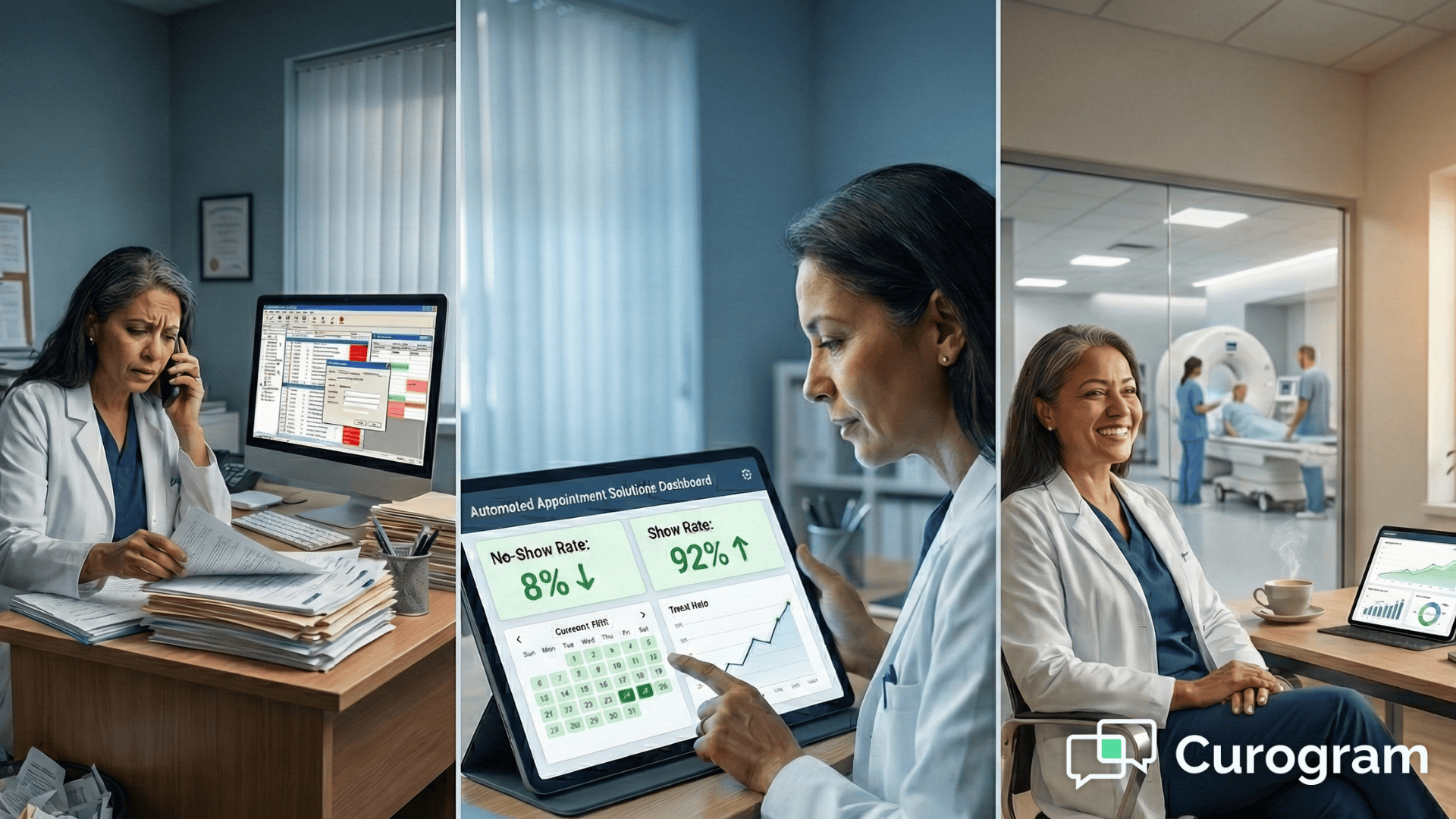
9 min read

How Automated Reminders Improve Patient Preparedness

How Automated Reminders Improve Patient Preparedness

💡 Each exam type requires specific prep instructions. When instructions are unclear or arrive too late, patients arrive unprepared—causing delays that ripple through the day’s schedule. 
  • Imaging prep reminders at the right time for each modality
  • Clear instructions before MRI, CT scan, ultrasound, or other procedures
  • Patient confirmation SMS to reduce last-minute cancellations
Front desk calls decrease, on-time arrivals improve, and workflows run more smoothly when patients arrive prepared.

Every imaging center knows the morning rush. Patients arrive for their appointments, but some forgot to fast. Others didn't know they needed to remove metal jewelry for their MRI. A few never confirmed their appointment at all. Each unprepared patient creates a ripple effect that slows down the entire schedule.

Staff members scramble to reschedule. They call patients to explain prep instructions that should have been clear days ago. The imaging equipment sits idle while teams sort out the confusion. Meanwhile, properly prepared patients wait longer than they should.

This scenario plays out in imaging centers across the country. The root cause is often simple: patients don't receive clear, timely information about their appointments. Phone calls get missed. Paper instructions get lost. Generic reminder letters arrive too late to be useful.

Medstreaming centers face an extra layer of complexity. They serve multiple locations with different equipment and protocols. A CT prep differs from an MRI prep. Cardiovascular imaging has its own requirements. Coordinating all these details through manual calls and generic reminders creates constant pressure on staff.

Automated reminders Medstreaming solves these workflow problems. The system knows which prep instructions to send based on the exam type. It delivers these instructions at the right time through patient confirmation SMS. Patients get the information they need without staff having to make individual calls.

This approach transforms how imaging centers operate. Front desk teams focus on patient care instead of repetitive calls. Schedulers see fewer gaps in their daily appointments. The entire workflow becomes more predictable and efficient.

Workflow Challenges in Radiology and Cardiovascular Imaging Centers

Imaging centers manage some of the most detailed workflows in healthcare. Each modality requires specific timing, prep instructions, and patient education. When one piece of this puzzle fails, it affects everything else scheduled that day. The complexity multiplies when centers operate multiple locations with different equipment and protocols.

Imaging centers perform multiple scan types each day, each with different timing and prep needs. MRIs may take 30 to 90 minutes, CT scans require precise contrast timing, ultrasounds vary by exam, and X-rays must fit between longer studies. Managing these schedules requires careful coordination of rooms, technologists, and patient flow.

Prep requirements directly impact image quality and accuracy. CTs may require fasting and hydration, MRIs can restrict caffeine, and ultrasounds often need specific preparation. When patients arrive unprepared, exams are delayed or rescheduled, wasting time and delaying diagnosis.

Front desk teams spend hours making reminder calls to confirm appointments and explain prep instructions. Many calls go unanswered, require repeat attempts, or involve multiple explanations. This reduces time for in-office patients, ties up phone lines, and contributes to staff burnout.

These challenges multiply across multiple locations. Different sites may use different equipment or protocols, leading to location-specific prep instructions. When details get mixed up, patients arrive correctly scheduled but incorrectly prepared.

Over time, these inefficiencies strain staff, frustrate patients, and impact the center’s reputation. Solving the problem requires a coordinated approach that improves communication, preparation, and workflow all at once.

How Manual Reminder Processes Slow Down Imaging Operations

Manual reminder systems create bottlenecks that affect every part of an imaging center. What seems like a simple task multiplies into hours of work that could be spent elsewhere. The true cost shows up in delayed schedules, stressed staff, and frustrated patients.

A busy imaging center may schedule 50 to 100 appointments per day. Manually calling each patient to confirm and explain prep can consume eight or more staff hours daily—pulling time away from front-desk support, insurance checks, and patient care.

Many patients aren’t reached on the first call, requiring repeat attempts and tracking. As volume increases, reminders may go out too late, leaving patients without enough time to properly prepare.

Manual outreach increases the risk of error. Under pressure, staff may give incomplete or incorrect prep instructions—mixing CT and MRI requirements or missing safety steps—due to the complexity of managing many exams, locations, and protocols.

When patients arrive unprepared, exams are delayed or rescheduled, leaving equipment idle and schedules disrupted. These delays ripple through the day, increasing wait times, stressing staff, and reducing overall throughput.

Manual processes lead to higher rates of rescheduling and incomplete studies. The consequences include:

  • Patients never receiving a reminder at all because staff couldn't reach them
  • Misunderstood verbal instructions given over the phone with no written reference
  • Appointment slots going unfilled, reducing revenue and delaying patient care
  • Diagnostic delays that could affect treatment timelines
  • Uncertainty about whether patients will actually show up until they walk through the door

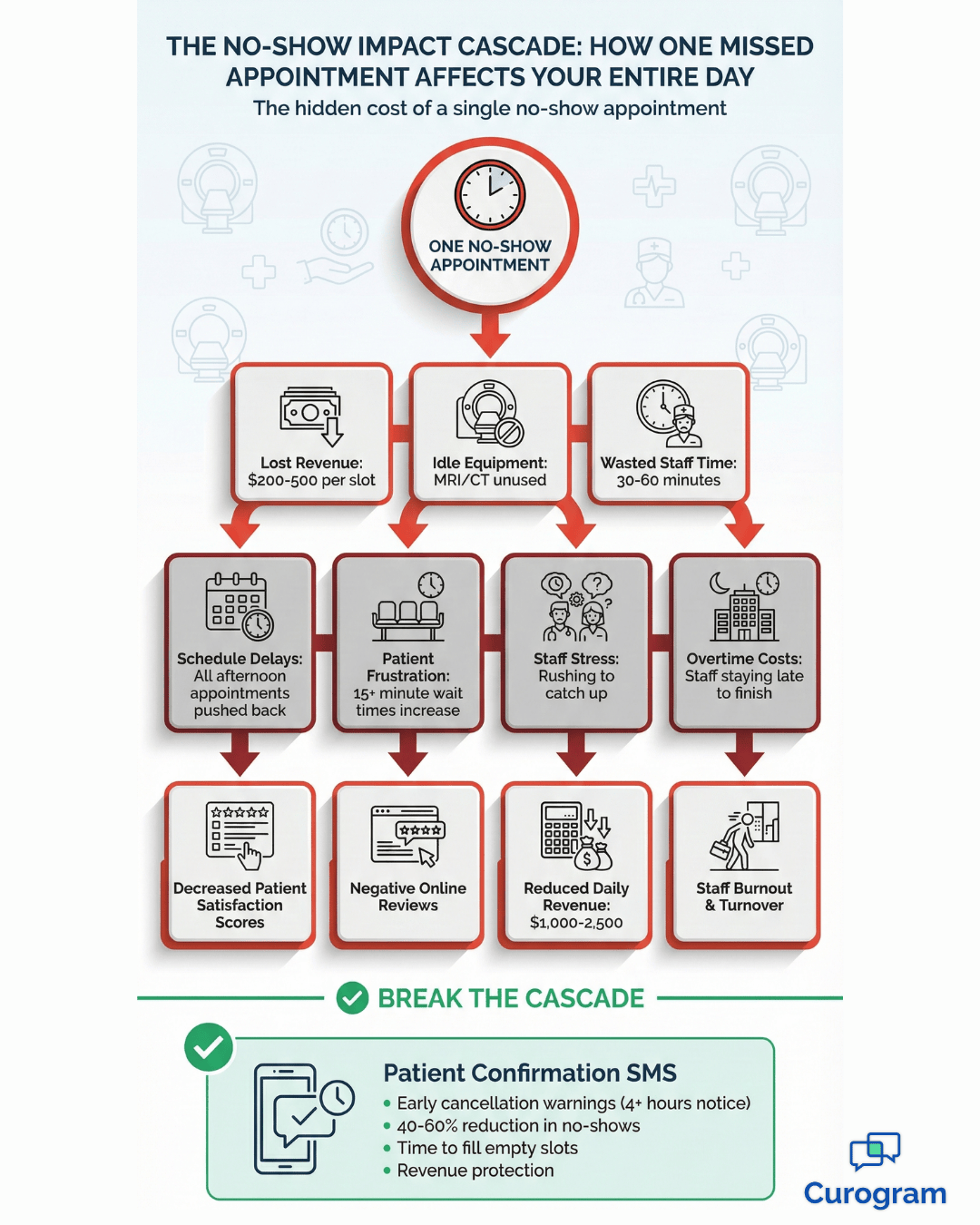
This uncertainty makes it hard to optimize the schedule or offer that slot to someone else who needs urgent imaging. Each reschedule costs the center time and money while forcing patients to wait longer for their results.

Each reschedule costs time and revenue. Appointment slots go unused, patients wait longer for results, and staff must rebook and resend instructions—sometimes delaying treatment.

Incomplete or unconfirmed appointments add uncertainty. Without confirmation, staff can’t optimize schedules or offer open slots to patients who need urgent imaging.

How Automated Appointment Reminders Improve Workflow Efficiency

Automation reshapes imaging center operations by handling routine communication and freeing staff to focus on higher-value work. The impact is felt across daily workflows.

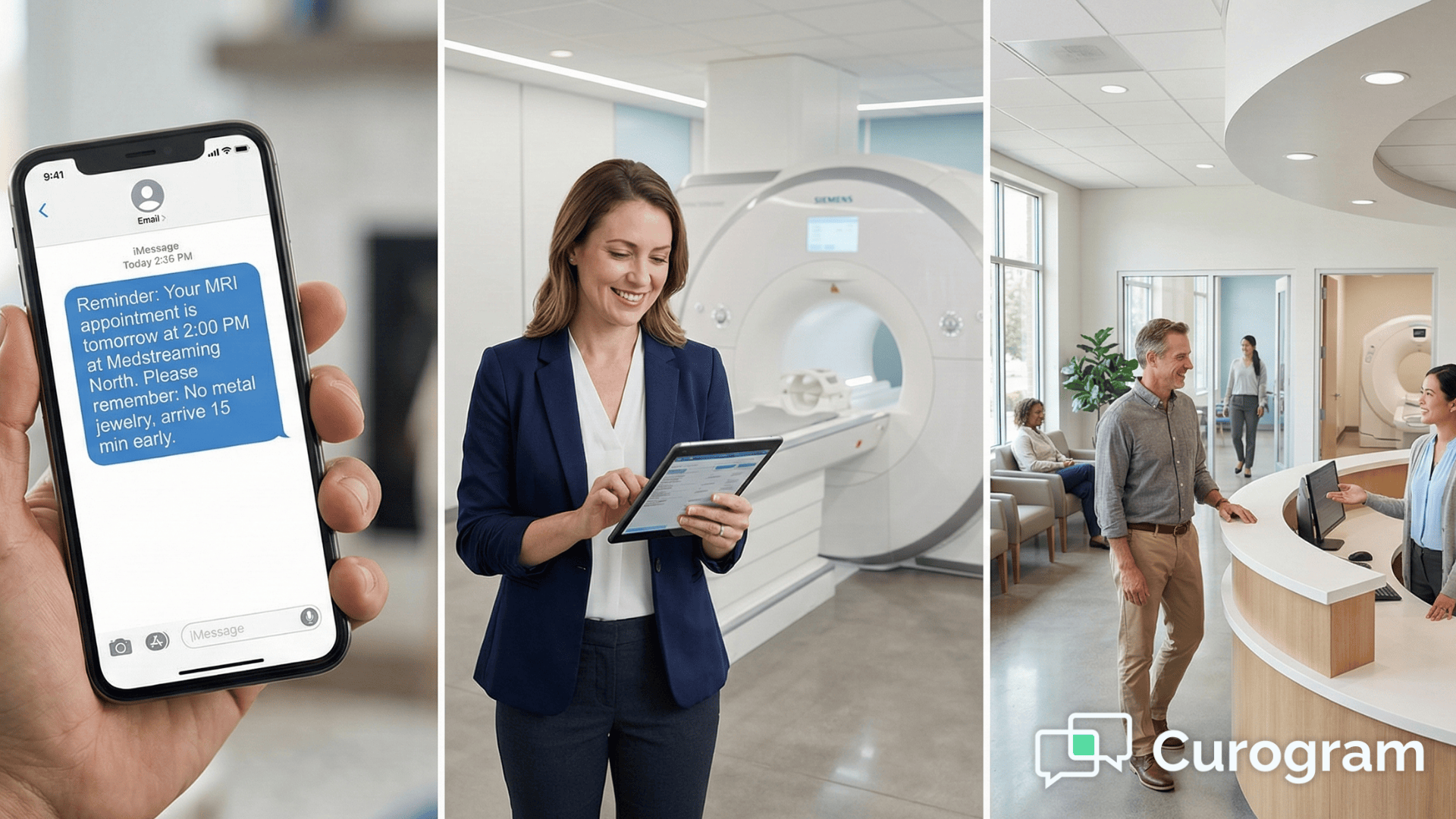
Automated reminders for Medstreaming deliver exam-specific prep instructions at the right time. MRI patients receive metal screening alerts, while CT contrast exams include fasting and hydration guidance sent three days in advance.

A second reminder is sent 24 hours before the exam as a final check. Delivered via patient confirmation SMS, these written instructions are easy to revisit and reduce confusion.

Every patient receives exam-specific prep on a consistent schedule, eliminating missed or late reminders and ensuring instructions match the exam and lead time.

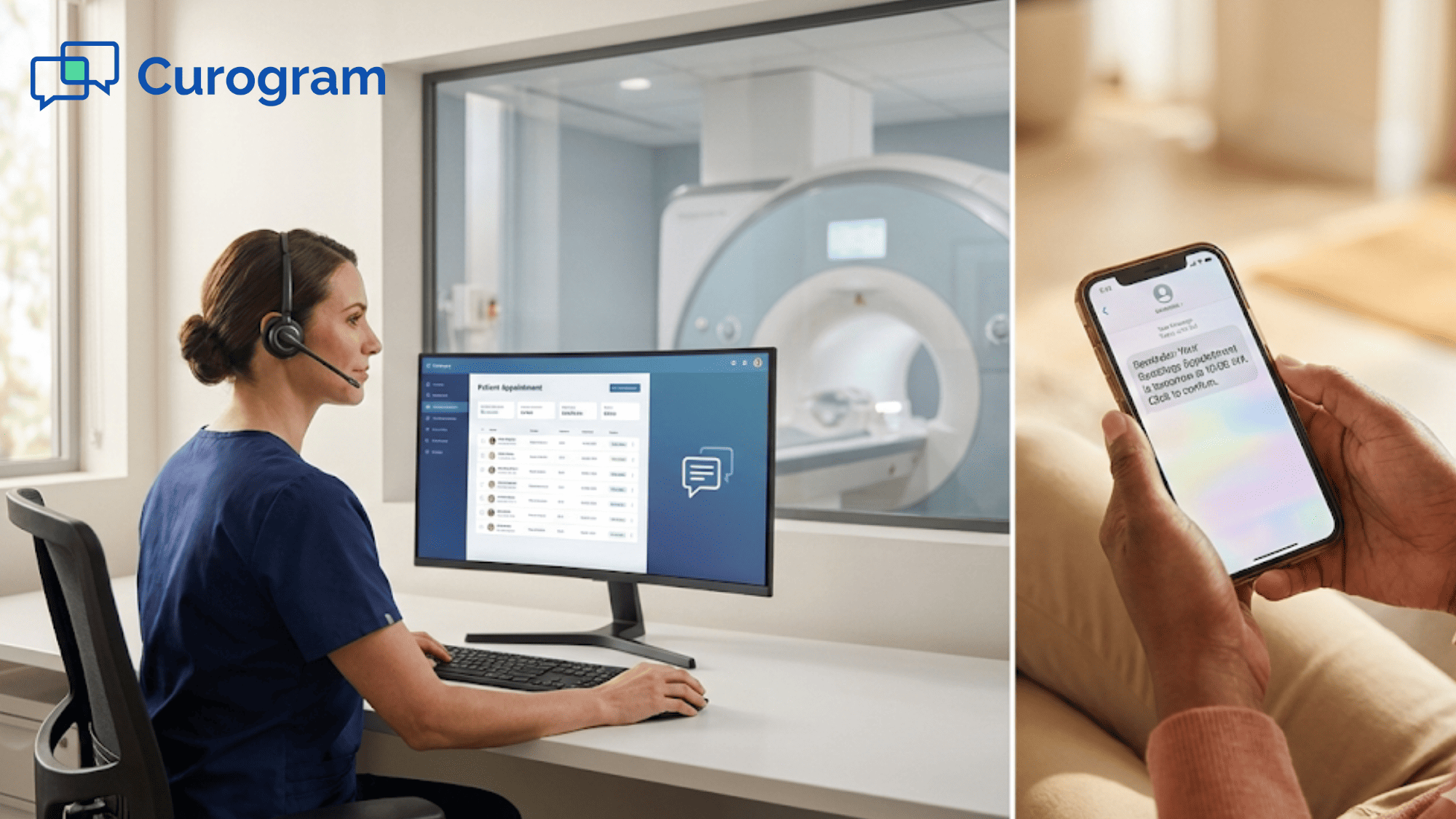
Patient confirmation SMS also supports two-way communication. Patients can confirm, cancel, or reschedule by text, giving staff early schedule visibility and helping reduce no-shows.

The time saved through automation translates into measurable improvements:

  • Staff who previously spent eight hours daily on reminder calls now focus on higher-value tasks
  • Phone lines free up for new patient scheduling and urgent matters
  • Insurance verification and paperwork processing move faster
  • In-office patient assistance improves with more available staff time
  • Job satisfaction increases as team members escape repetitive phone call duties

Front desk teams report less stress when they're not constantly making repetitive phone calls. They have time to think about improving other parts of the patient experience. This shift improves job satisfaction and reduces staff turnover, which saves the center money on recruitment and training.

Reduced administrative burden benefits the entire imaging center. Schedulers see fewer last-minute changes because patients receive clear instructions early.

Technologists spend less time managing unprepared patients. Radiologists receive higher-quality images when prep requirements are followed correctly. Automated reminders for Medstreaming ensure every patient gets complete, accurate information—without typos or missed details.

Centers that adopt automation can often handle more appointments with the same staff. Workflows become smoother and more predictable, allowing teams to focus on higher-value tasks instead of repetitive outreach. This efficiency doesn’t mean working harder—it means working smarter, with technology handling routine communication.

Front desk teams report less stress when reminder calls are automated. With more time to support in-office patients and improve the overall experience, job satisfaction increases and staff turnover decreases—saving the center time and training costs.

No-show impact flowchart for medical imaging centers with automated reminder solution

Medstreaming + Curogram Workflow Synchronization

The connection between Medstreaming and Curogram creates a smooth workflow that requires minimal manual intervention. Information flows automatically from scheduling to patient communication without staff having to enter data twice or manage multiple systems.

Automated Reminder Triggers by Modality

When an appointment is scheduled in Medstreaming, Curogram automatically identifies the exam type and sends the appropriate prep—metal screening for MRI, fasting for CT with contrast, and exam-specific guidance for ultrasound.

These triggers occur in real time. Patients receive confirmation within minutes of scheduling, helping them feel informed and confident about their appointment.

Location-Specific Routing

Curogram automatically sends location-specific details based on the scheduled Medstreaming site. Patients receive the correct address and contact information, preventing confusion and eliminating time-consuming redirects.

Accurate Patient Matching

Patient information syncs between systems without errors. Names, phone numbers, and appointment details transfer correctly. This accurate matching ensures reminders reach the right person at the right number.

The system also handles updates automatically. If a patient's phone number changes in Medstreaming, Curogram uses the new number for all future communications. If an appointment time shifts, the reminders adjust accordingly. Staff don't need to manually update information in multiple places.

No Double Entry Required for Staff

Staff schedule appointments once in Medstreaming—no duplicate data entry required. Reminders and confirmation texts are sent automatically, without logging into another system or tracking responses.

This single-entry workflow saves time and reduces errors. Information stays consistent, reminders aren’t missed, and staff can focus on patient care while the system handles the rest.

Imaging Use Cases for Automated Reminders

Different imaging exams need different types of patient preparation. Automated reminders adapt to each situation, delivering specific instructions that help patients come ready for their procedure.

MRI Metal Screening Reminders

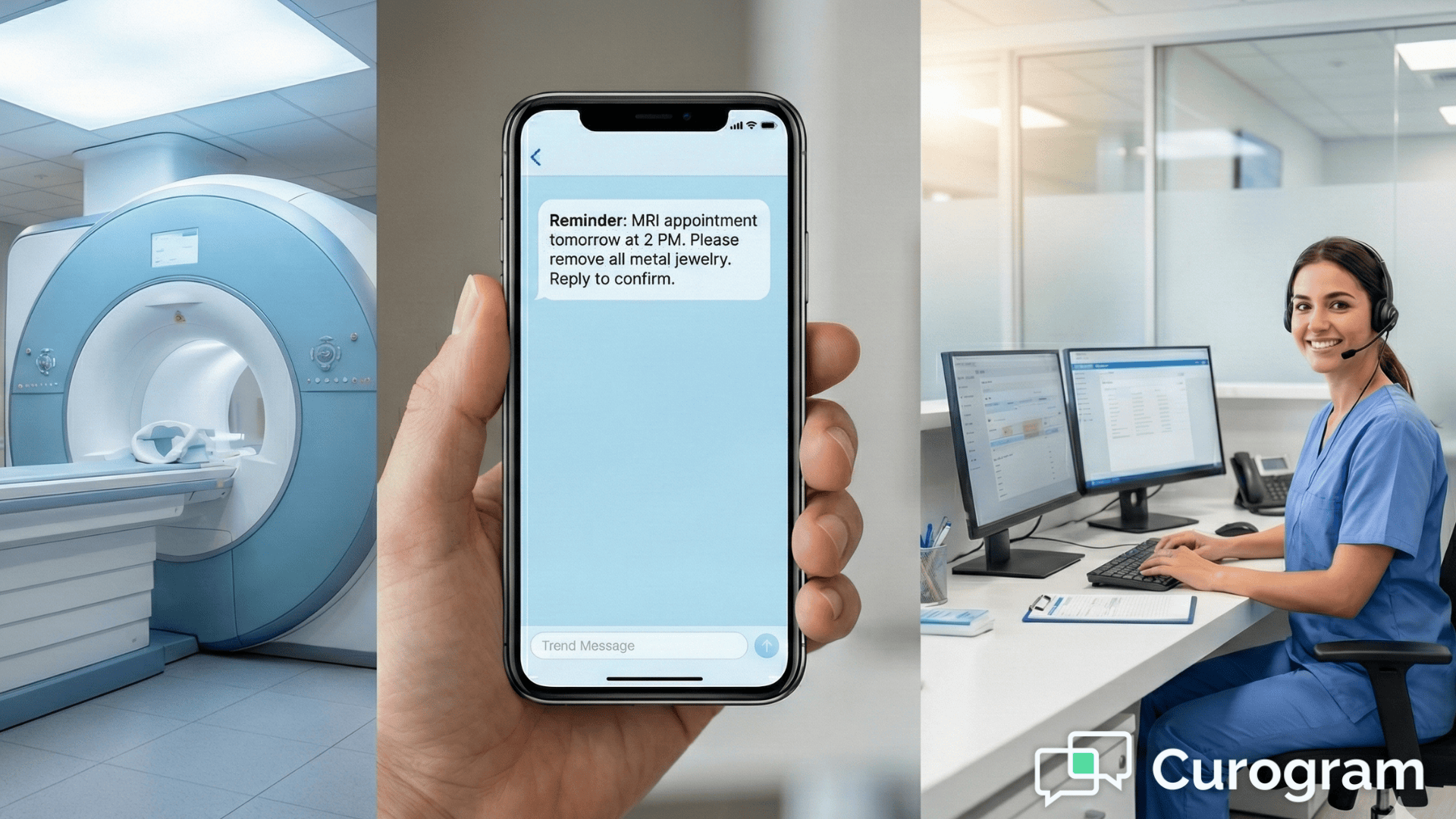
MRI safety depends on patients removing all metal before entering the scan room. Automated reminders prompt patients to leave jewelry at home, avoid clothing with metal, and remove items like hair clips, watches, and dental appliances.

Patients are also reminded to disclose implanted medical devices such as pacemakers or cochlear implants. Collecting this information in advance helps prevent last-minute delays and schedule changes.

 keeps patients safe.

CT Contrast Hydration Prep

CT scans with contrast require proper hydration and fasting. Prep reminders instruct patients to drink extra water before and after the exam, fast for the required period, and follow post-scan hydration guidance.

Messages also address medication management, explaining which medications to pause and which to continue. These clear instructions help reduce risk and support optimal image quality.

Ultrasound Fasting/Bladder Requirements

Ultrasound prep varies by exam type. Abdominal ultrasounds often require fasting, while pelvic ultrasounds need a full bladder. Early pregnancy ultrasounds may have different prep than later studies.

Patient confirmation SMS delivers exam-specific instructions automatically, giving patients a clear written reference they can check on the day of their appointment.

Echo/Vascular Medication Guidance

Cardiac and vascular imaging often requires careful medication timing. Stress echocardiograms may require holding certain heart medications, while other exams depend on stable blood pressure. Automated reminders clearly explain which medications to take and which to pause.

Messages also include guidance to call with questions, giving patients a clear path to personalized support when needed.

Follow-Up Imaging Coordination

Some patients require ongoing imaging over time, such as cancer monitoring or post-surgical follow-ups. Automated reminders help coordinate these repeat studies.

After one exam is completed, the system can prompt patients to schedule their next scan, supporting continuity of care and preventing missed follow-ups.

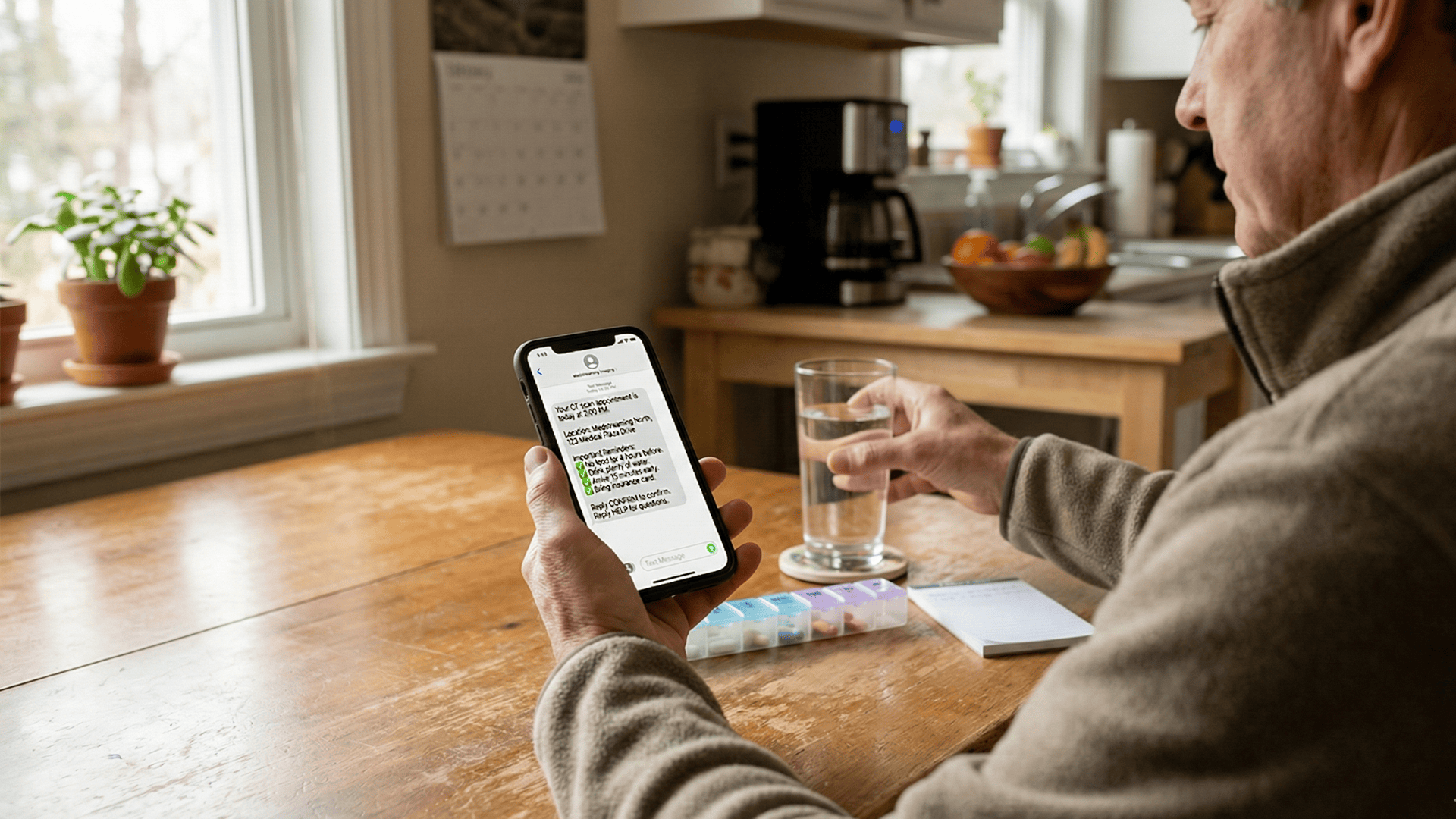
Patient checking SMS appointment reminder with prep instructions on smartphone at home

How Automated Reminders Improve Patient Preparedness and Visit Completion

Patient preparedness drives smooth imaging center operations. Automated reminders ensure patients know what to expect and how to prepare for every appointment.

Written instructions give patients an easy reference, reducing prep mistakes that lead to rescheduling. Confirmation SMS also includes appointment time and location details, helping patients arrive on time.

When schedules run as planned, wait times drop, staff work more efficiently, and imaging equipment is used more effectively throughout the day.

Proper preparation leads to better image quality. When patients follow prep instructions correctly, technologists can complete the study on the first attempt. This saves time and delivers faster results to ordering physicians. Patients get their diagnosis sooner, which helps them start treatment without unnecessary delays.

Consistent communication creates a consistent patient experience. Whether someone visits the downtown location or the suburban center, they receive the same quality of information. This consistency builds trust in the Medstreaming brand. Patients know what to expect and feel confident that they're receiving excellent care at any location.

Efficiency Gains for Front Desk and Scheduling Teams

Front desk staff notice the difference immediately after implementing automated reminders. Their daily workflow shifts from reactive to proactive. Instead of spending the morning making reminder calls, they handle incoming questions and assist patients who need extra help.

Call volume typically drops 40% to 60% after imaging centers adopt automated reminders for Medstreaming. Patients receive clear, written instructions, reducing inbound questions and eliminating most outbound reminder calls. Phone lines stay open for new scheduling and urgent needs.

Prepared patients move through check-in faster, with fewer delays or rescheduled exams. Smoother flow improves throughput, equipment utilization, and revenue—without adding staff or extending hours.

Scheduling teams gain greater confidence and predictability. With confirmed appointments and consistent prep delivery, staff stress decreases and patient experience improves. Well-informed patients arrive prepared, feel less anxious, and are more likely to complete their exams and recommend the center.

Conclusion

Medstreaming imaging centers can streamline workflows with automated appointment reminders through Curogram. The integration activates quickly with minimal setup and no disruption to daily operations. Staff continue using Medstreaming as usual while patients receive clearer communication from day one.

Implementation is designed for busy imaging teams. There’s no new scheduling system to learn or workflows to change. Once connected, reminders send automatically based on existing appointment data, working in the background while staff focus on patient care.

Many centers see improvements within the first week. No-shows decline, call volume drops, and scheduling becomes more predictable. Over time, better prep compliance and fewer last-minute changes improve efficiency across the center.

The system adapts to your protocols and locations. Prep instructions can be customized by modality, and multi-location centers can deliver site-specific details. You control message content and timing, while automation handles delivery consistently.

Book a demo to see Curogram + Medstreaming in action. See how imaging prep reminders adapt to different exam types and watch how patient confirmation SMS reduces no-shows in real-time. 


Frequently Asked Questions

How do automated reminders handle patients who don't have text messaging?

The system can send reminders through multiple channels. If a patient prefers phone calls or doesn't have texting capability, Curogram can deliver automated voice reminders instead. The system also tracks which patients haven't responded so staff can follow up with a personal call if needed. This flexibility ensures every patient receives their prep instructions regardless of their communication preferences.

Why is patient confirmation important for imaging centers specifically?

Imaging equipment represents a significant investment that needs to stay productive. A no-show means expensive equipment sits idle during that time slot. Patient confirmation SMS gives centers advance notice when someone can't make their appointment. This early warning allows staff to fill the slot with another patient who needs imaging. The center maintains revenue while serving more patients overall.

How does the system know which prep instructions to send for each exam type?

Curogram connects to the Medstreaming scheduling system and reads the exam code for each appointment. Each exam code links to specific prep instructions that were configured during system setup. When staff schedule an appointment, the system automatically matches it to the right instruction set. Centers can customize these instructions to match their specific protocols and equipment requirements.

What happens if a patient needs to reschedule after receiving their prep instructions?

When staff reschedule an appointment in Medstreaming, the reminder sequence updates automatically. The system cancels the old reminders and sets up new ones for the new appointment date. Patients receive confirmation of their new appointment time along with the same prep instructions. This automation ensures patients always have accurate information without staff needing to manually update multiple systems.

How can imaging centers measure the impact of automated reminders on their operations?

Centers can track several key metrics before and after implementing automated reminders Medstreaming. No-show rates typically drop within the first month. The number of patients who arrive unprepared decreases noticeably. Staff spend less time on phone calls, which can be measured through phone system reports. Patient satisfaction scores often improve as people appreciate the clear communication. Revenue per day usually increases as the center completes more imaging studies without schedule gaps.


Appointment Reminders for Medstreaming: Reduce Imaging No-Shows

Appointment Reminders for Medstreaming: Reduce Imaging No-Shows

💡 Automated appointment reminders help Medstreaming imaging centers reduce no-shows by sending procedure-specific prep instructions to patients. ...

Read More
ROI of Automated Appointment Reminders for Medstreaming Centers

ROI of Automated Appointment Reminders for Medstreaming Centers

💡 Automated appointment reminders help Medstreaming imaging centers reduce no-shows and improve revenue. When MRI and CT scanners sit empty,...

Read More
GE Centricity Workflow Fix: Automated Appointment Reminders

GE Centricity Workflow Fix: Automated Appointment Reminders

💡 GE Centricity clinics often face workflow challenges that slow down daily operations. Manual reminder calls create extra work for staff members....

Read More