
6 min read

Automate Appointment Confirmations in eCW | Front Desk

Automate Appointment Confirmations in eCW | Front Desk
💡 Automated appointment confirmations for eClinicalWorks front-desk staff end the daily grind of calling every patient to verify tomorrow's schedule. Instead of phone tag, Curogram texts each patient a Smart Reminder they confirm with one tap.

Your eCW calendar then shows who's actually coming — hours earlier. Staff stop dialing and start helping the patients already in front of them.         

The payoff is real. One specialty clinic grew from 369 to more than 1,100 confirmed appointments a month — a 3.5× jump — without adding a single hire.


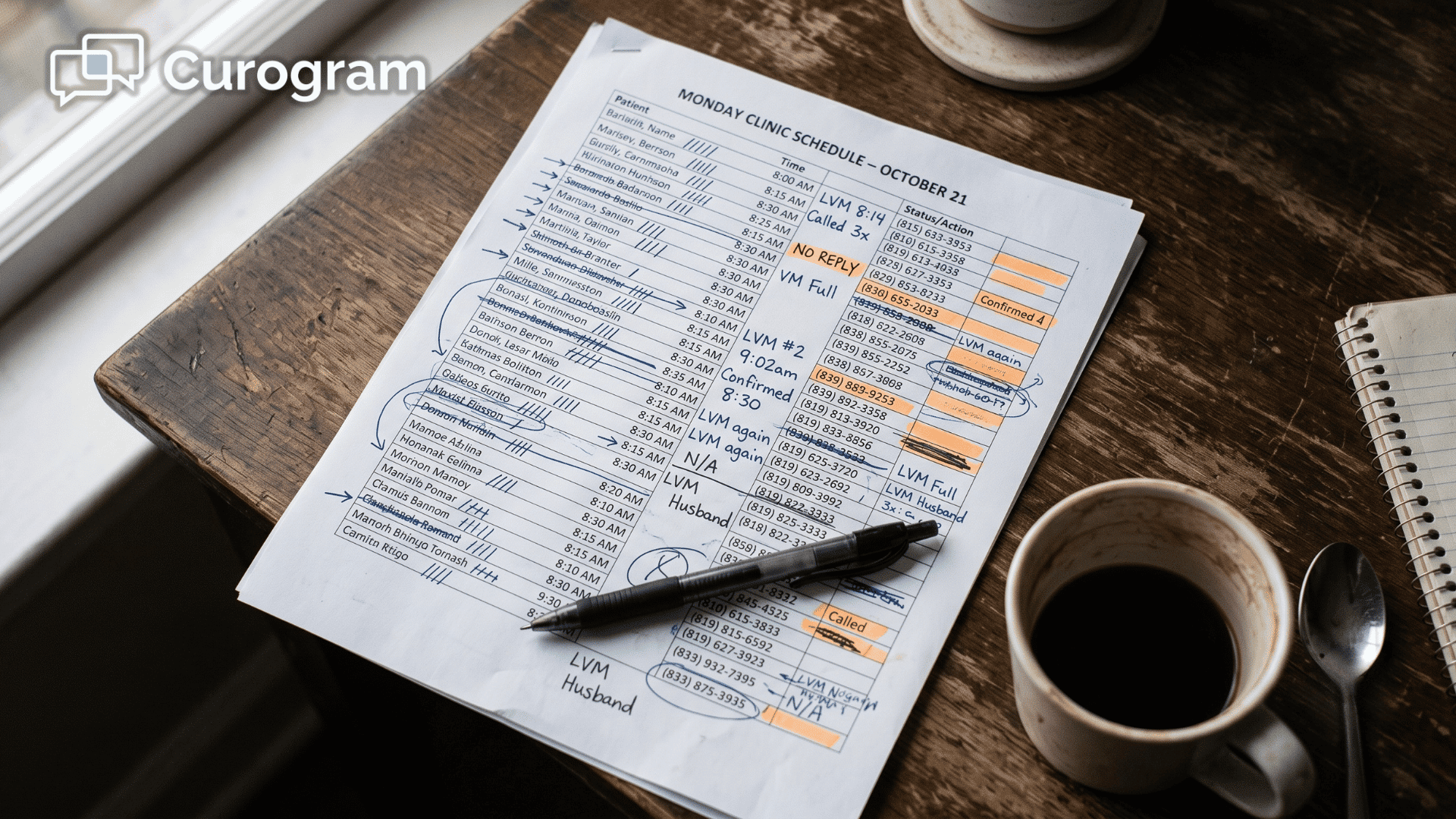
Your front desk knows the sound by heart. Ring, ring, voicemail. Hang up, dial the next name, repeat.

This is how many eClinicalWorks practices start every morning. Someone sits down with tomorrow's schedule and calls patients one by one to confirm they're coming. It feels productive. It isn't.

Here's the real problem.

A person can only make so many calls before the day runs out. Your confirmation capacity is capped by how fast staff can dial, so most of the schedule stays a guess until patients walk through the door — or don't.

That guessing costs money. When a same-day cancellation surfaces at 9 a.m. instead of the afternoon before, there's no time to fill the slot. The chair sits empty. The revenue walks out with it.

Meanwhile, your team is stuck acting as an outbound call center instead of caring for the people already in the waiting room. The phones eat the morning, and the patients at the desk wait longer than they should. Every ring pulls attention away from someone who is already here. That is a cost that never shows up on a report.

It sounds simple to just call everyone. In practice, it's a treadmill nobody can outrun.

There's a better way, and it doesn't mean hiring more people or replacing the system you trust. eClinicalWorks holds your schedule beautifully. It just wasn't built to confirm that schedule for you.

That gap is exactly what automated appointment confirmations for eClinicalWorks front-desk staff are designed to close. Instead of working down a call list, your practice lets each patient confirm by text — automatically, hours ahead of time.

Below, we'll break down why the manual approach caps your practice, how automation quietly lifts that ceiling, and what the numbers look like when the schedule starts confirming itself.

Why the Confirmation Call Quietly Caps Your Practice

The barrier isn't your software. eClinicalWorks holds your schedule just fine. Confirming that schedule, though, is still a manual phone job — and one person can only dial so many patients before the day is gone.

Here's how it plays out.

Staff call down tomorrow's list, leave voicemails, wait for callbacks, then re-dial everyone they missed. Confirmation capacity is capped by headcount, so the calendar stays a guess until the morning of.

That cap has a price. Because confirmation is limited by how many calls your team can make, volume hits a hard ceiling — and same-day cancellations show up too late to fill. Every unfilled slot is revenue that quietly walks out the door.

The time cost is easy to miss because it's spread across the whole morning.

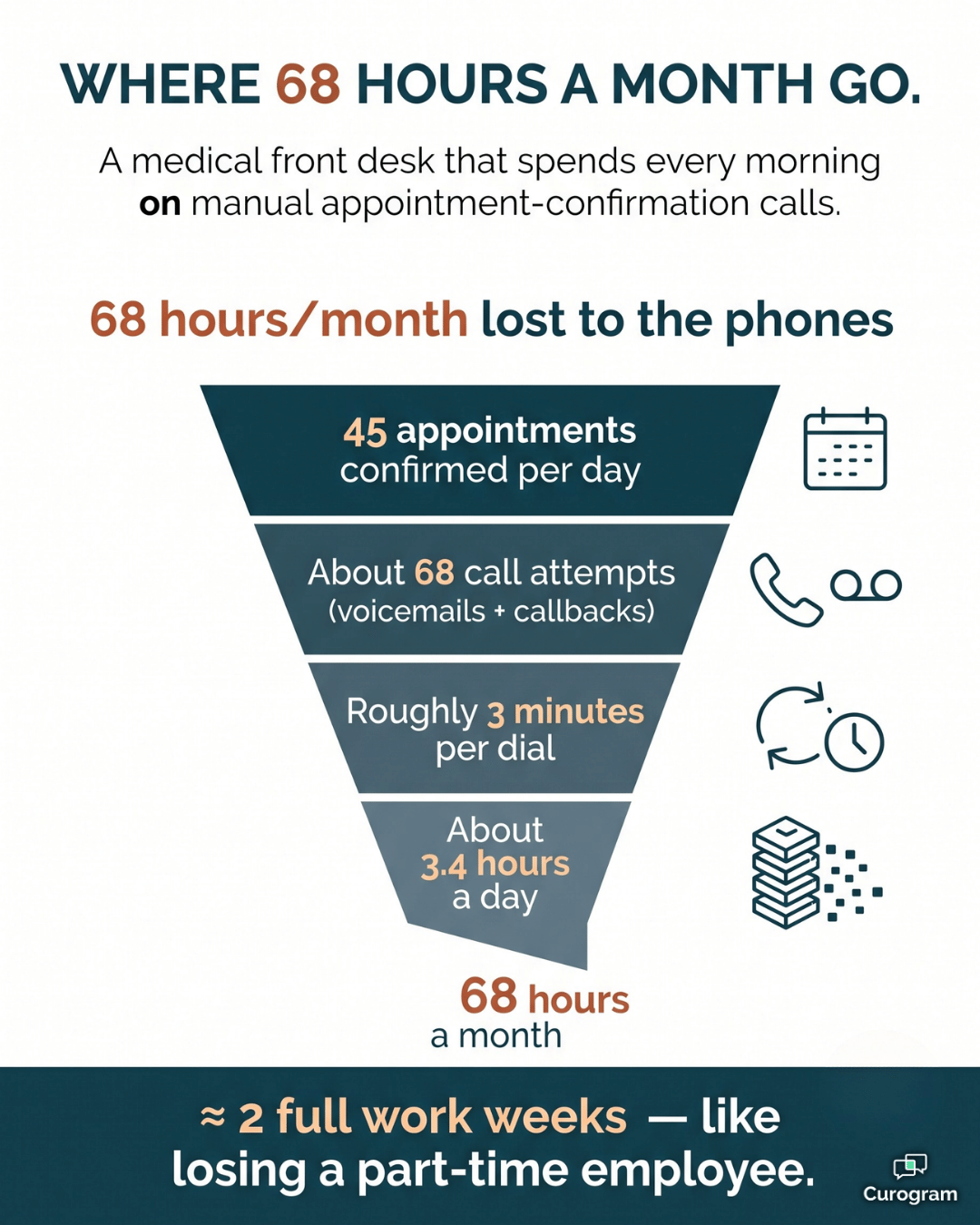
So let's add it up for a mid-size practice confirming 45 appointments a day.

Confirmation task (per day) The manual reality
Appointments to confirm 45
Call attempts, with voicemails and callbacks ~68 dials
Time at about 3 minutes per dial ~3.4 hours
Monthly total across 20 workdays ~68 hours

That's roughly 68 hours a month — nearly two full work weeks — spent listening to ring tones.

And it still doesn't guarantee an accurate schedule by morning. For your team, it's like losing a part-time employee to the phones every single month.

Think about this.

Your best scheduler spends the first two hours of every shift with a phone pressed to one ear. In that same window, a dozen patients check in at the desk — and each one waits a little longer, because the person who should greet them is stuck chasing a callback.

The math is why so many teams want to reduce front desk outbound calls in eClinicalWorks. Every hour on the phone is an hour not spent on the patients standing at the counter. It's a break right in the middle of your eClinicalWorks front desk scheduling workflow.

The truth is simple. Your front desk spends its morning as an outbound call center instead of caring for the patients walking in the door.

Infographic showing where a medical front desk loses 68 hours a month to confirmation calls

Meet the Virtual Front-Desk Assistant That Never Picks Up the Phone

Curogram works like a virtual front-desk assistant — one that confirms your entire schedule automatically and lifts the manual ceiling off your team.

The goal is simple:

Stop manual confirmation calls in eCW and let the system carry the load.

Here's what it actually does.

Smart Reminders that fire on their own

Smart Reminders go out automatically on a timed sequence you set up once. No one touches individual appointments.

When you automate patient confirmations in eCW, every patient hears from you on time — whether you have 20 on the schedule or 200.

That's how you reduce front desk outbound calls in eClinicalWorks without dropping a single confirmation.

2-Way Confirmation that logs every reply

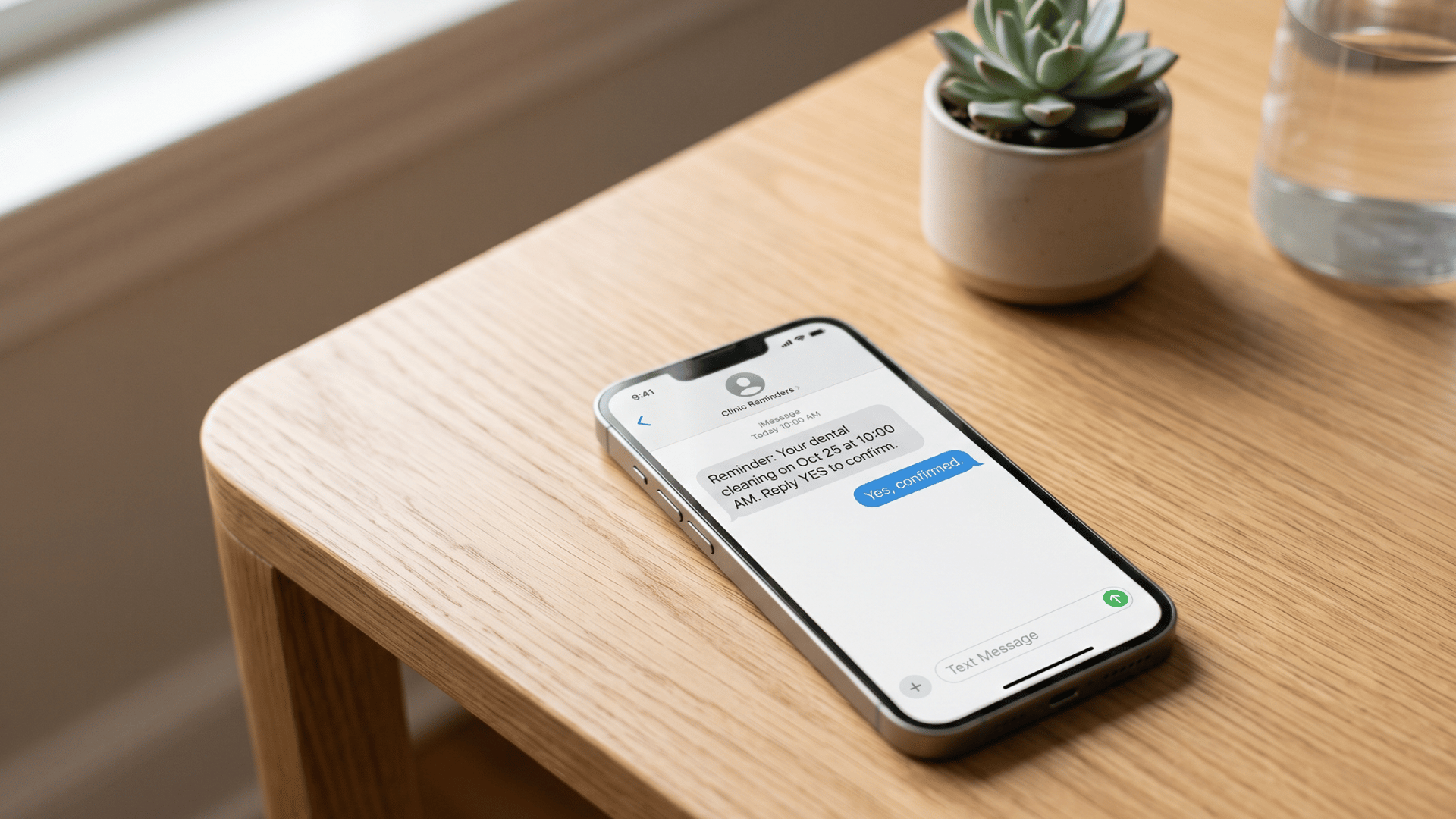
Patients confirm with a quick text, and 2-Way Confirmation records each answer for you. Your front desk can confirm appointments without calling, and eCW reflects reality sooner. Staff shift from "outbound caller" to in-clinic patient coordinator.

It runs alongside eClinicalWorks

Curogram works next to eClinicalWorks, so nothing gets re-keyed. It fits into your existing eClinicalWorks front desk scheduling workflow instead of replacing it.

Training takes about five minutes, and there's no IT department required.

Smartphone showing an automated two-way appointment confirmation text for a clinic

It flexes to your specialty

Every practice runs a little differently, and the reminders flex to match:

  • A rheumatology or specialty clinic verifies a heavy daily panel without adding staff.
  • A pediatric desk batches reminders for a busy vaccine season.
  • A behavioral-health team keeps recurring weekly sessions confirmed with zero phone calls.

No-shows cost you money! Reduce missed appointments by up to 75% with Curogram's automated, customizable smart reminders.  

And when someone cancels, confirmations surface early enough to backfill cancellations from your eCW waitlist. The open slot gets filled instead of lost.

What Changes When the Schedule Confirms Itself

The results show up fast, and they show up in the numbers.

Take one comparable specialty clinic. Before automation, staff confirmed 369 appointments a month by hand. After switching to automated confirmations, that number climbed past 1,100 — with no new hires and the whole process fully automated.

  • 369 → 1,100+ confirmed appointments per month

  • 3.5× increase in confirmation volume

  • 0 new hires needed

  • 100% automated outreach

That 3.5× jump isn't just a nicer chart. It's more than 700 extra appointments confirmed every month, with no one new on payroll.

In practice, this means the schedule you see in eCW finally matches the day you actually have. For your team, it means the morning call list disappears.

Staff stop being outbound callers and become patient coordinators. Confirmation quietly becomes the most productive "employee" your practice never had to hire.

The knock-on effect is money you were losing before. Cancellations now surface early enough to fill, so fewer chairs sit empty and fewer slots go to waste. Your front desk spends its energy on people instead of dial tones.

Hang Up the Morning Call List for Good

Your team shouldn't hand-confirm a schedule that a system can confirm for them. The morning call list feels like diligence, but it's really a ceiling — one that caps how many patients you can verify and how fast you learn about cancellations.

Think of it this way.

eClinicalWorks is built for your schedule. Curogram is built for their confirmation. Together, they lift the manual ceiling off your front desk and let each side do what it does best.

The shift is bigger than saving a few phone calls. When confirmations run themselves, your staff stop measuring the day by how many patients they had time to dial. They start the morning knowing who's coming, which slots are open, and where a waitlist patient can fill in.

That's a calmer front desk and a fuller schedule at the same time.

It also frees your best people for the work only they can do. Greeting patients, answering real questions, and solving the problems that actually need a human — instead of leaving voicemails no one returns. That is the kind of work that keeps patients coming back, and it is exactly what gets crowded out when the morning belongs to the phones.

And the lift to get there is small. Setup runs alongside eClinicalWorks, training takes about five minutes, and there's no IT project to manage. Nothing about how you schedule in eCW has to change.

So stop measuring tomorrow by how many patients you had time to call. Let the reminders go out, let the confirmations come back, and let your front desk get back to the people in the room.

Ready to watch automated confirmations clear a full day's schedule and surface cancellations in time to backfill? Schedule a Demo and see the whole thing run in your own workflow.


Frequently Asked Questions

Do we have to set up reminders manually for each appointment?

No. Reminders fire automatically on a schedule you configure once, so staff aren't touching individual appointments. The system handles the outreach, and your team only steps in for the few patients who need a personal follow-up.

Will this conflict with how we schedule in eClinicalWorks?

No. Curogram runs alongside eClinicalWorks rather than changing how you schedule. Your team keeps booking in eCW, and Curogram adds the automated confirmation layer on top so the calendar reflects reality sooner.

How quickly can staff learn it, and will it add to their workload?

Most staff are comfortable in about five minutes, and the tool removes work rather than adding it. It eliminates the outbound confirmation calls that eat the morning, and there's no IT project to manage.

What happens if a patient doesn't reply to the reminder?

Unconfirmed patients are easy to spot, so your team can focus a few personal follow-ups exactly where they're needed. Instead of calling all 45 patients, staff might only chase the handful who went quiet. The work shrinks to the exceptions.

Is text-based confirmation secure and HIPAA-compliant?

Yes. Curogram is built as a HIPAA-compliant platform, so patient messaging and confirmations stay protected. Your practice gets the convenience of texting without trading away compliance.


NextGen Confirmation Automation | End Manual Morning Calls

NextGen Confirmation Automation | End Manual Morning Calls

💡 Curogram eliminates the need for NextGen scheduling staff to make manual confirmation calls by automating the full 2-way text confirmation...

Read More
NextGen Smart Reminders | 2-Way Confirmation, Fewer No-Shows

NextGen Smart Reminders | 2-Way Confirmation, Fewer No-Shows

💡 NextGen Enterprise appointment reminders powered by Curogram send 2-way texts patients can reply to — confirming, cancelling, or rescheduling. ...

Read More
Veradigm Staff Confirmation Automation | End the Phone Marathon

Veradigm Staff Confirmation Automation | End the Phone Marathon

💡 Veradigm EHR automates confirmations with two-way texts, replacing 80+ daily calls and reaching all patients—not just portal users. Curogram...

Read More