Dolphin Ortho Intake Forms by Text Link: Skip the Portal Hassle
💡 Dolphin orthodontic digital intake forms sent via text link let parents complete all forms on their phone before the consultation. No portal...
10 min read
Mira Gwehn Revilla
:
April 21, 2026
It's 6:15 PM on a Saturday. You just fed the kids dinner. Your daughter's first orthodontic visit is Monday at 9:00 AM.
Your phone buzzes. It's a text from the ortho office. One link. Tap to complete intake forms.
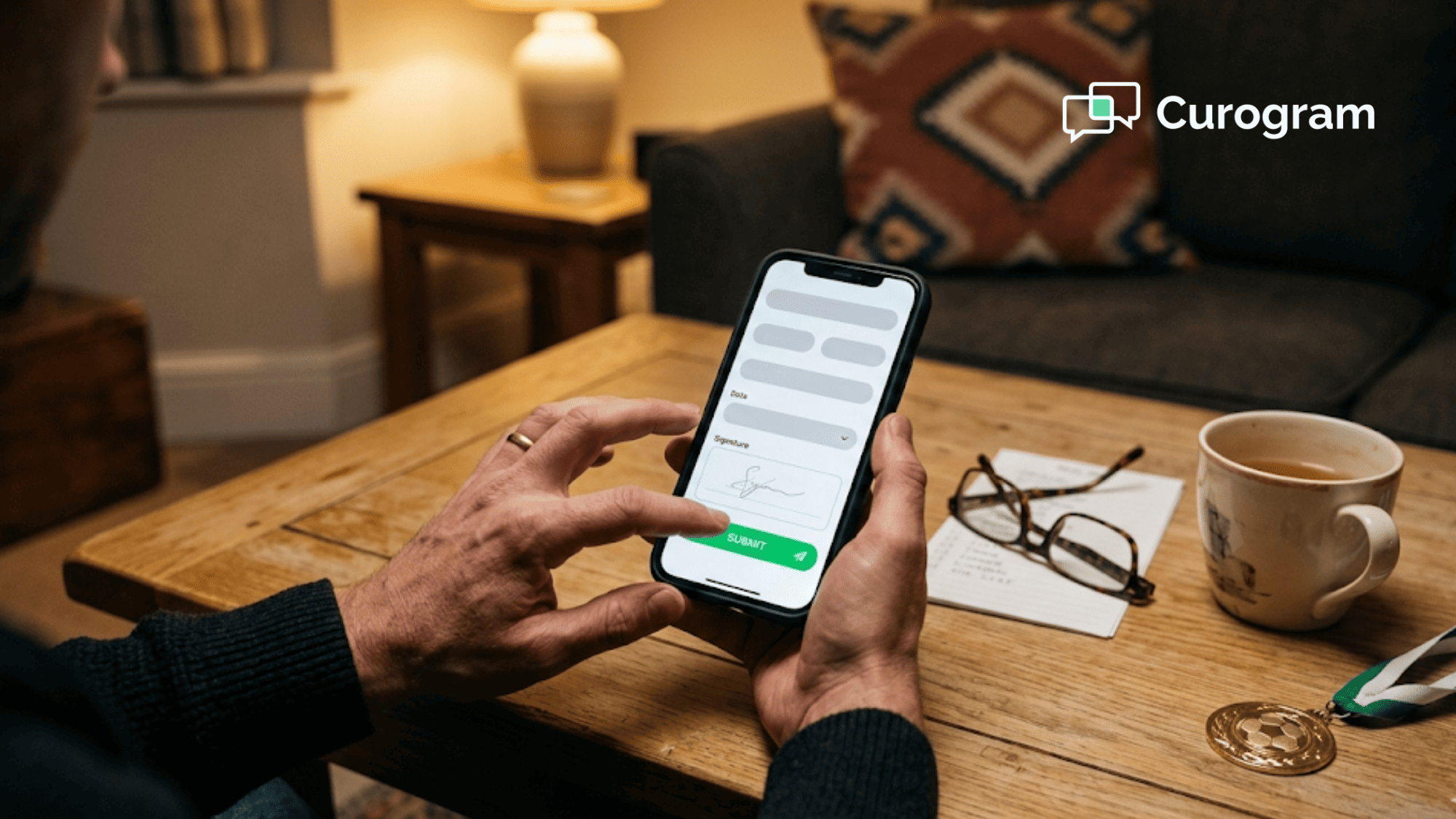
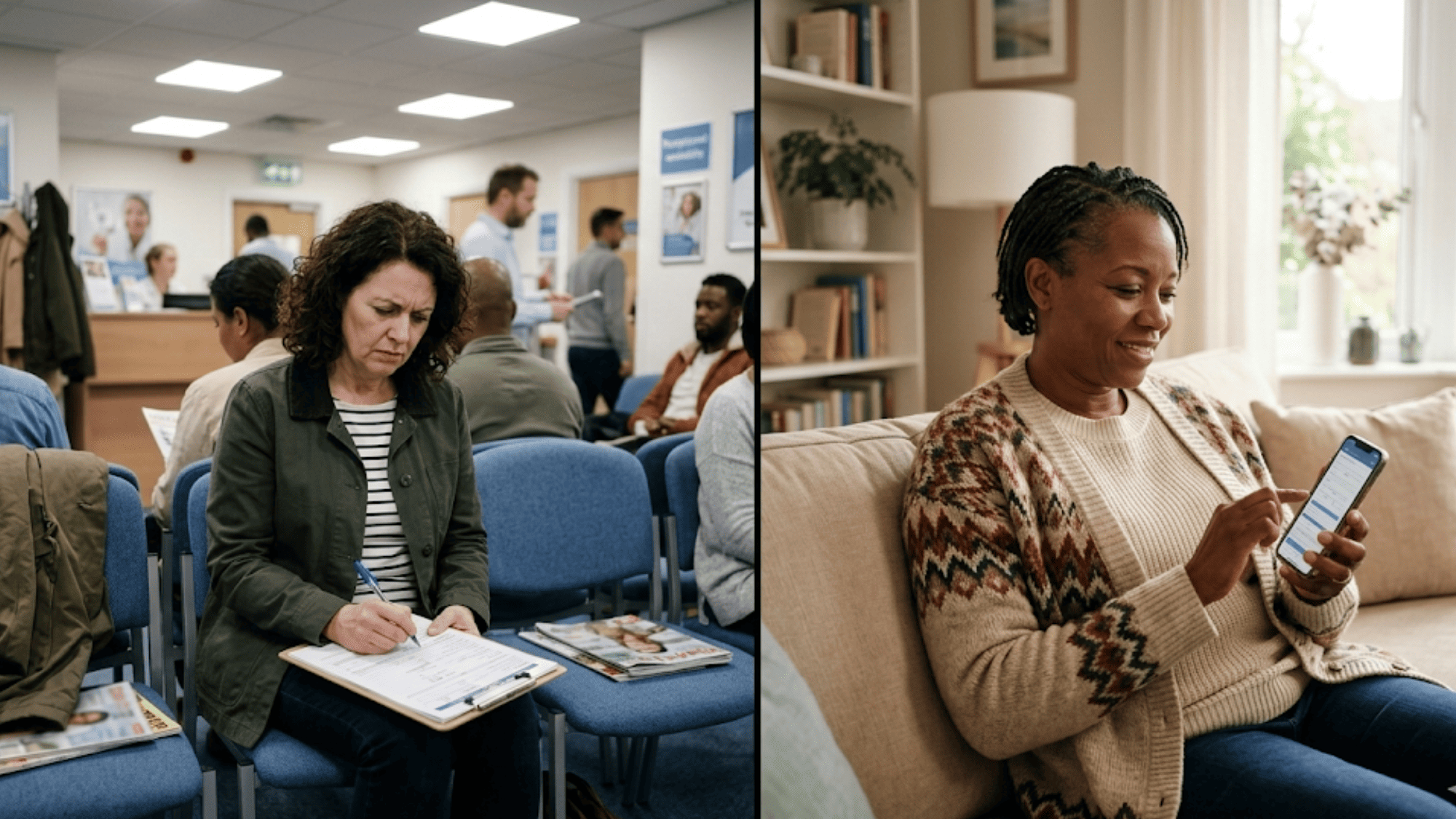
You tap. A form opens in your browser. It looks like it was made for your phone — big buttons, easy scrolling, no pinching or zooming. You fill in medical history. You snap a photo of the insurance card. You sign with your finger.
By 8:35 PM, you hit submit. Total time: five minutes.
No app to download. No portal login. No password to remember. No laptop to dig out. No clipboard waiting at the front desk on Monday morning.
This is what Dolphin orthodontic forms on your phone should feel like — a text link that meets you where you already are. Parents today are juggling work, school pickup, soccer practice, and a dozen other appointments. The last thing they need is a desktop portal that demands an account before it even shows them a form.
And yet, that is what most practices still hand out. The result is predictable. Parents start on their phone, give up, plan to "do it later," and forget. They arrive Monday with a clipboard in their lap and a delayed appointment ahead.
Curogram fixes this with one-link mobile intake. Every form is built for a six-inch screen. Every step happens in the text thread parents already use for everything else in their life.
In this article, we'll walk through why laptop-first forms fail busy parents. Then we'll show you how the Curogram-Dolphin setup makes five-minute intake a reality for every new ortho patient.
Most digital intake systems were built for a desktop world. They assume the parent will sit down at a full-size screen, open a browser, and log into a portal. They assume the parent has 20 free minutes and a working printer nearby.
That is not the world a modern ortho parent lives in. A working parent manages their own calendar plus school, sports, carpools, and three kinds of appointments. They read texts at red lights and during halftime. They do not sit at a laptop for fun.
The portal was designed for a patient who visits often — think a primary care office you've been going to for years. It makes sense to create one login for a relationship you'll use again and again.
An orthodontic consultation is different. You might only visit this practice once before deciding whether to start treatment. Being asked to create an account — email, password, security questions — feels like a big ask for a first visit. The barrier is not the form itself. The barrier is the login.
Desktop forms on a phone are a mess. The text is tiny. You have to pinch and zoom. Dropdowns stick or don't open at all. File upload buttons want you to "browse" for a file — on a phone, where people think in camera roll, not folders.
Here is what typically happens:
|
Stage |
What the Parent Does |
Result |
|
6:00 PM |
Opens link on phone |
Form looks shrunken and hard to read |
|
6:02 PM |
Tries to tap a small dropdown |
Wrong option selected twice |
|
6:04 PM |
Hits insurance card upload |
No camera option, just "choose file" |
|
6:05 PM |
Thinks, "I'll do this on my laptop later" |
Closes tab |
|
Never |
Opens laptop |
Forgets. Forever. |
Five minutes of frustration is all it takes. Once the parent decides to "come back to it," the odds they actually do are low.
Let's say the parent does sit down at the laptop. They still have to create a portal account before they see a single question.
The steps look short, but each one is a drop-off point:
Each click is a chance for the parent to get distracted, give up, or move on to the next thing on their list. By the time they hit the actual intake form, they've already spent 10 minutes and haven't answered one medical question.

"They emailed me a link to a portal. It wanted me to make an account. I was at the grocery store. I figured I'd do it later on my laptop. I forgot."
"Now we're at the office and I'm filling out a clipboard. My daughter's appointment is already running late because of me. I feel bad. The front desk is being nice, but you can tell they're behind."
This is a very real moment for a lot of parents. And it's not because they don't care. It's because the tool they were handed did not match the device in their hand.
Every one of those clipboards means a delay. A 9:00 AM consultation that starts at 9:12 AM pushes the rest of the morning back. The doctor runs behind. The next family waits. Staff stress climbs before lunch.
A laptop-first form did not just fail the parent. It failed the whole schedule.
The fix is not a better portal. The fix is no portal at all.
Curogram's one-link mobile intake sends a single text with one tappable link. That link opens a form in the parent's browser — the same browser they use for everything else on their phone. No app. No account. No password.
Here is the flow, start to finish:
No step in that flow asks the parent to remember anything. The link is in the text thread. If they lose it, they scroll up. The form knows who they are because the link is tied to the appointment.
"Mobile-first" means the form was built for a phone first, then scaled up — not the other way around. This matters more than most people realize.
Here's what mobile-first design looks like in practice:
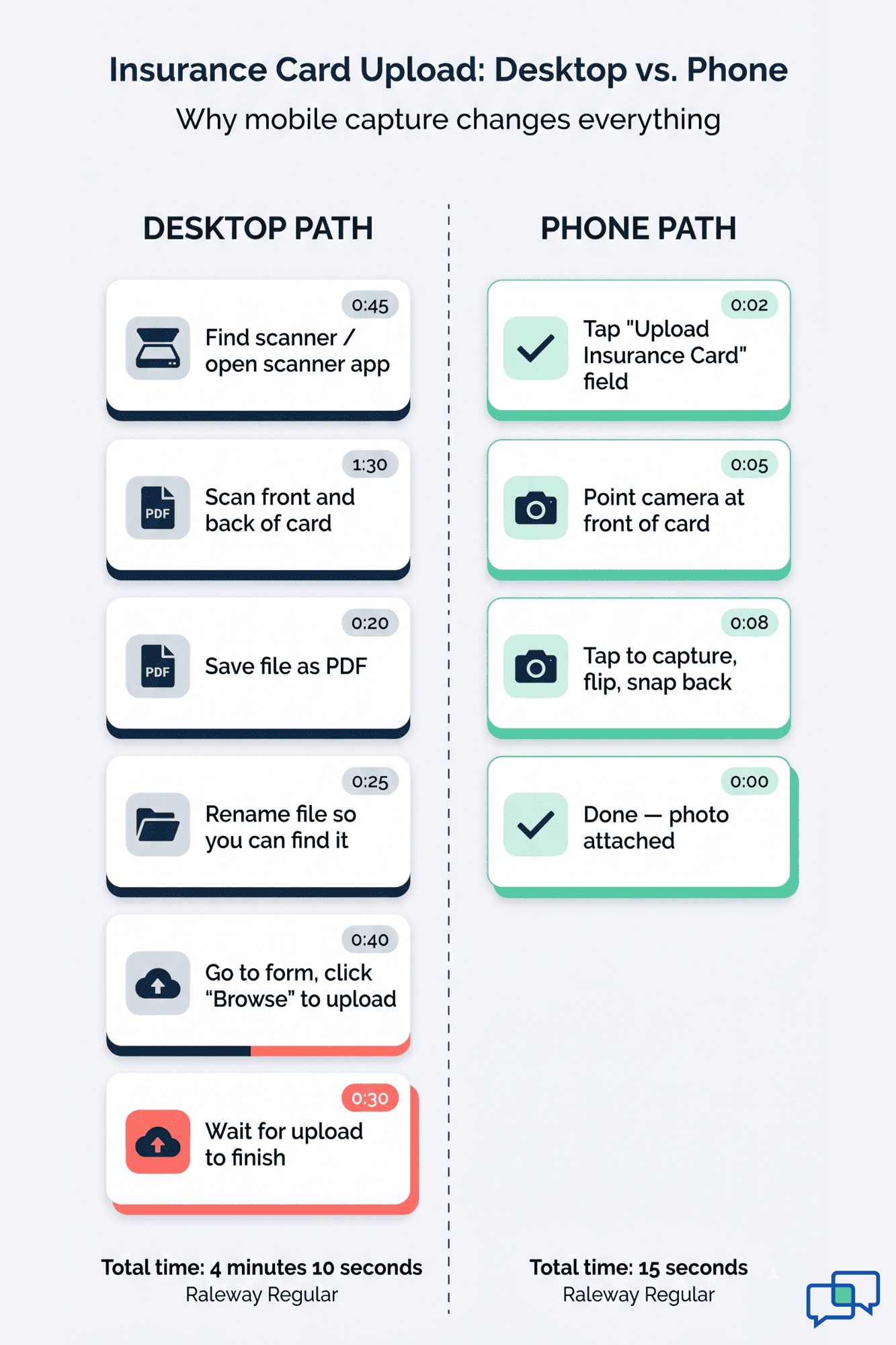
The camera capture point is a big one. On a desktop form, uploading an insurance card means scanning it, saving the file, finding the file, and uploading it. On a Curogram form, you hold up the card and tap. The photo lands in the form in two seconds.

Timing matters just as much as design. Curogram sends the intake link 48 hours before the appointment — not a week ahead (when the parent will forget), not the morning of (when it's too late).
If the parent hasn't opened the link within 24 hours, a gentle follow-up text nudges them. Something like: "Hi — just a reminder, here's the form for Maya's visit tomorrow. Takes about 5 minutes."
The timing matches how parents actually think. Two days out, the visit is real but not urgent. That's the sweet spot for getting forms filled in without stress.
Because the form is built for a phone, parents complete it in the moments they already have:
|
When |
Where |
How Long |
|
8:30 PM Saturday |
On the couch after kids sleep |
5 minutes |
|
12:15 PM Tuesday |
Lunch break at work |
5 minutes |
|
4:45 PM Thursday |
Waiting at soccer practice |
5 minutes |
|
7:10 AM Friday |
Coffee before the morning rush |
5 minutes |
These are the real "pockets" in a parent's day. A desktop portal cannot reach them. A text link can.
Let's be clear about what the parent does not have to do:
Everything the parent needs is already on their phone. That's the point.
Let's walk through a full example. This is how Dolphin orthodontic forms phone mobile one link five minutes patient parent easy complete actually works in a live practice.
Meet Sarah. She's a mom of two. Her son, Jake, is 12 and needs braces. His first ortho consultation at a Dolphin-powered practice is Monday at 9:00 AM.
On Friday morning, the front desk books Jake's Monday consultation in Dolphin. They enter his name, his parent's cell number, and the visit type (new patient consult).
That's all the staff has to do. No separate task list. No manually sending a portal invite. Dolphin is the source of truth, and Curogram picks up the new appointment from there.
On Saturday at 9:00 AM — 48 hours before the visit — Sarah's phone buzzes. The text reads:
Hi Sarah! Dr. Chen's office here. Jake has a consultation Monday at 9 AM. Please tap to complete his intake forms (takes about 5 min). [link]
The text comes from a local number. It names her, names her son, names the doctor, and names the time. No mystery. No spam filter issues.
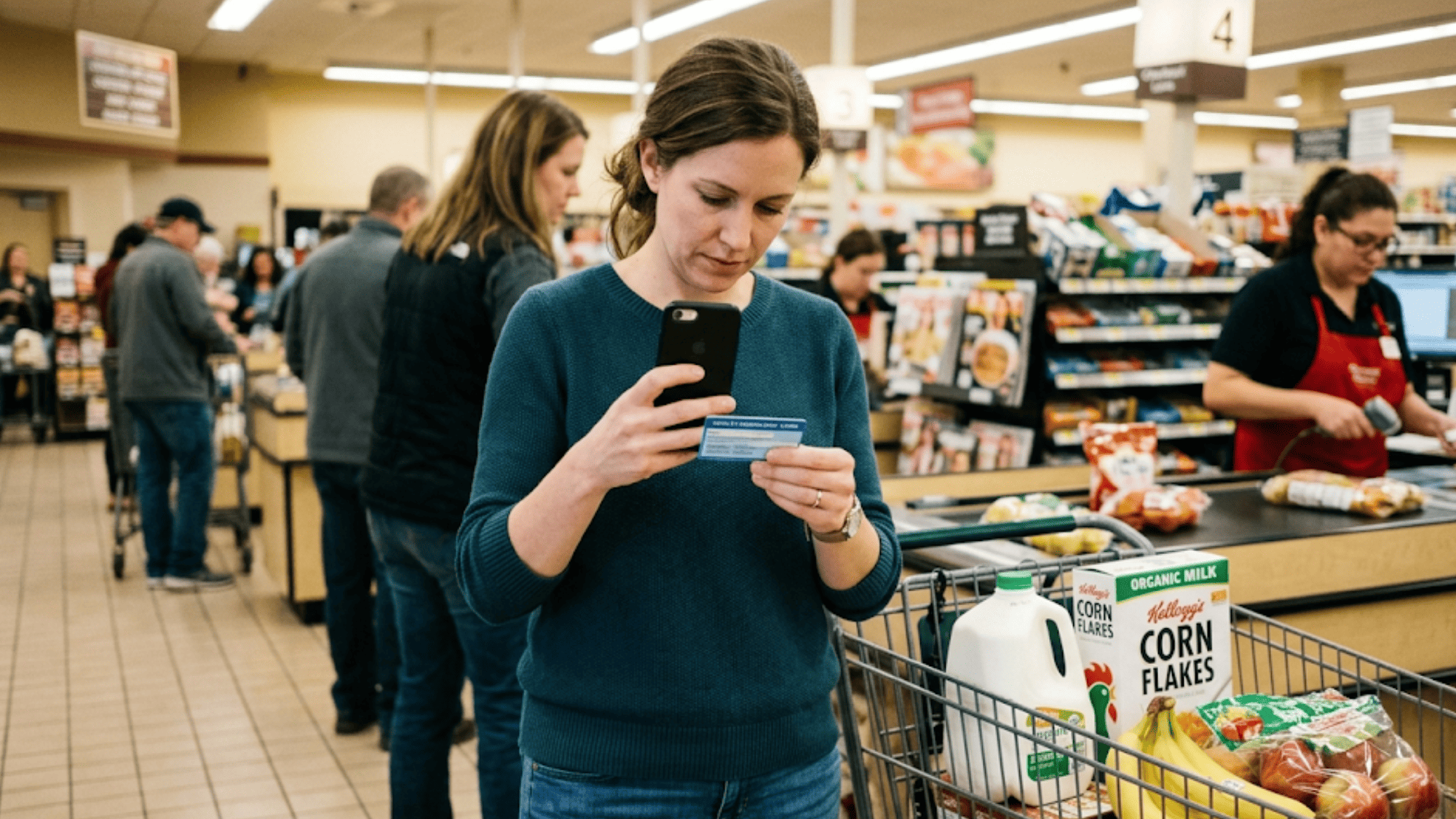
Sarah is at the grocery store. She taps the link. A form opens in Safari.
The first thing she sees is a simple welcome screen: "Hi Sarah. Let's get Jake ready for Monday. This takes about 5 minutes. Your progress saves as you go."
She scrolls. The first section is medical history.
The medical history section uses big yes-or-no buttons. No typing unless needed.
If Sarah taps "yes" on any item, a small text box pops up for details. If she taps "no," the form moves on. She finishes this section in under two minutes.
She's still in the checkout line. She's almost done with a section that used to take 15 minutes on paper.
Next up: insurance. The form asks for the carrier name, member ID, and group number.
Instead of typing all of that, Sarah taps the "upload insurance card" field. Her phone camera opens. She pulls Jake's card out of her wallet, points the phone, and snaps. Front of the card — done. She flips it over and snaps the back.
The form uses image capture to pull basic info. Sarah verifies the member ID looks right and moves on.
Total time for insurance: under a minute. On a desktop portal, this step alone can take five.
Consent forms come next. Curogram shows each form clearly on screen. Sarah scrolls, reads the key points, and taps "I agree" at the bottom.
For the parental consent form, she signs with her finger. The signature shows up right on screen. She can redo it if it looks messy. One tap to accept.
Three consent forms, three signatures, under a minute.
The last section is the ortho-specific questions. This is where Dr. Chen gets the clinical info he needs before Jake walks in.
Quick, focused, clinically useful. Dr. Chen gets a snapshot of Jake before the chair, which means the first visit can focus on the exam and case presentation — not paperwork.
Sarah taps submit. A green check mark appears: "All done! See you Monday at 9 AM."
Total time from tapping the text link to hitting submit: 4 minutes and 42 seconds. She's still in the checkout line.
How Curogram Turns Your Dolphin Schedule Into Five-Minute Intake
Curogram was built to sit quietly between your Dolphin system and your patients' phones. It pulls new appointments from Dolphin, sends each parent a text with the intake link, and pushes the completed data right back into the correct chart.
No staff member has to lift a finger to make this happen. Once the setup is done, the whole flow runs on its own.
Here's what makes the Curogram-Dolphin connection work so well for ortho practices:
Based on our internal data, Curogram clients see phone call volume drop by up to 50% and no-show rates drop by up to 75%. Intake texting sits inside that same two-way SMS channel — the one parents are already using to confirm visits, ask questions, and get reminders.
The result is one clean thread between each family and your practice. Intake is no longer a separate chore on a separate device. It's just another text in a conversation your patients already trust.
That's how forms Dolphin orthodontic phone mobile one link five minutes patient parent easy complete stops being a slogan and starts being a Monday morning that actually runs on time.
The clipboard at the front desk is not a tool. It's a failure of every step that came before it.
A parent is only holding a pen and a paper form because the digital option didn't meet them where they were. Maybe the link needed a laptop. Maybe the portal needed an account. Maybe the email got buried. Whatever it was, the intake system asked for too much, too soon.
A text link asks for almost nothing. Tap. Fill. Snap. Sign. Submit. Five minutes, one device, zero accounts.
Dolphin is for your child's treatment plan. It's where the doctor maps out the bite, the timeline, and the appliances. That's clinical work, and Dolphin does it well.
Curogram is for the five minutes before the visit. It's the text link that lands on the parent's phone, opens a form built for their thumbs, and files the data back into Dolphin before the family walks in.
Neither tool replaces the other. Together, they turn every new ortho consultation into a visit that starts with a case presentation, not a clipboard.
If your practice still sends portal invites by email and hands out clipboards at the front desk, ask what a five-minute text-link intake would do for your Monday mornings. Ask what it would do for your no-show rate, your staff's stress, and your parents' first impression.
Give your front desk the one tool that cuts phone calls, paperwork, and check-in delays in a single step. Schedule a demo and see the Dolphin integration in action.
Curogram is HIPAA-compliant and SOC 2 Type II certified. Every form field and photo is encrypted in transit and at rest. The link is tied to your specific appointment, so only you can open it. The data flows straight into your child's Dolphin chart with no detours.
You can tap the same link again any time before the visit. Your answers from earlier are still there thanks to auto-save. If you arrive with something missing, the front desk can help you finish the last few fields on your phone in the waiting area.
Many practices haven't connected a mobile-first tool to their Dolphin system yet. Others tried portal-based forms, saw low completion rates, and went back to paper. A text-link platform like Curogram fixes both issues without replacing Dolphin or retraining staff on new clinical software.
💡 Dolphin orthodontic digital intake forms sent via text link let parents complete all forms on their phone before the consultation. No portal...
💡 Athenahealth patient digital intake forms sent by text link let patients fill out their info on a mobile phone — no portal, no app, no account...
💡 Cloud 9 orthodontic forms on your phone let parents complete every new patient intake form by tapping a single text link — no app, no portal, no...