8 min read
How to Prevent Can You Hear Me? with Automated Tech Checks for CureMD
Aubreigh Lee Daculug
:
February 10, 2026
Table of Contents
If something is wrong, the system walks the patient through simple fixes on the spot. This means providers no longer waste time on virtual visit troubleshooting with CureMD.
The result is fewer dropped video calls, shorter wait times, and a smoother experience for both doctors and patients.
A doctor logs on for a 2:00 PM video visit. The patient joins right on time. Everything should go smoothly, right?
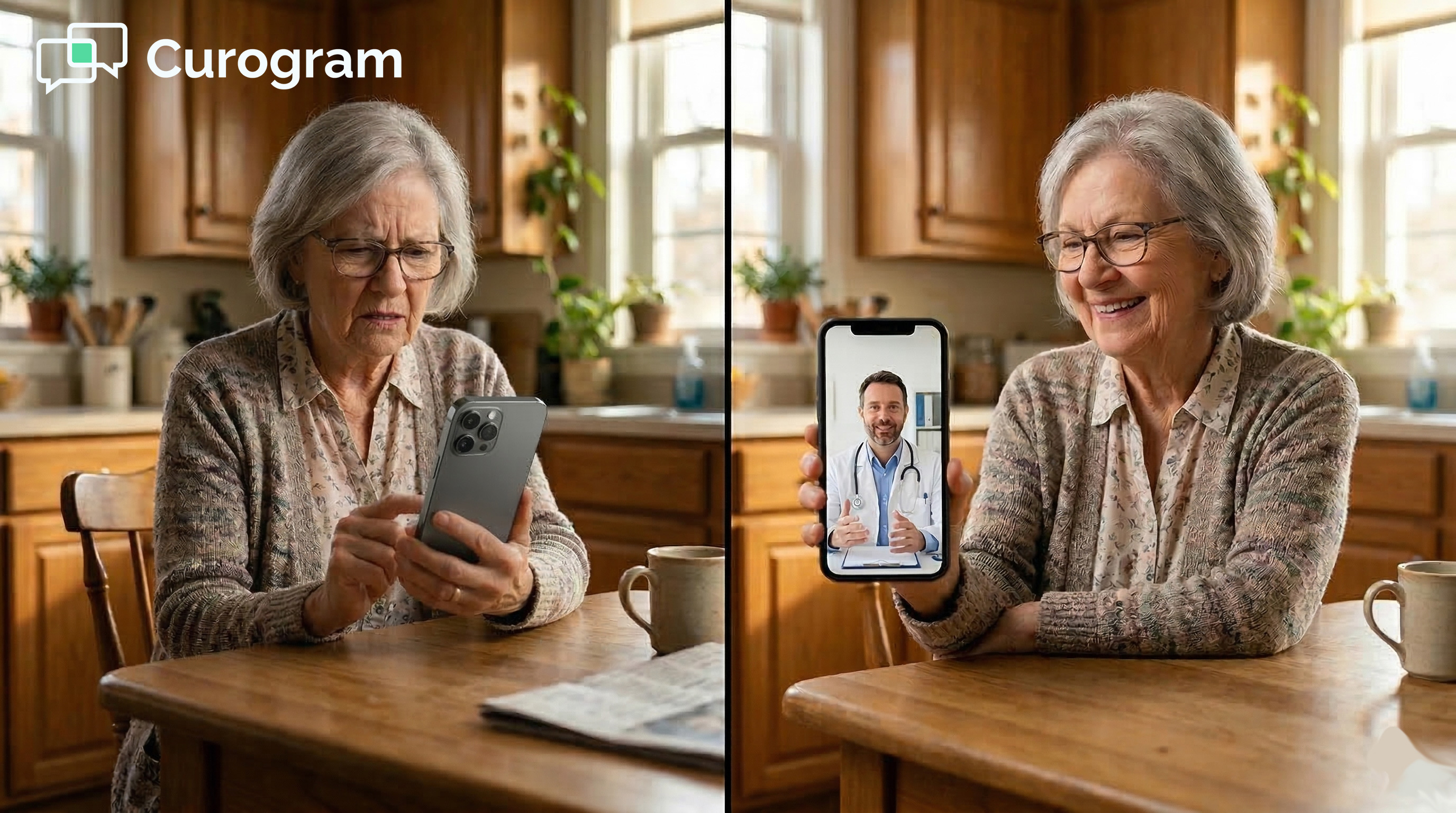
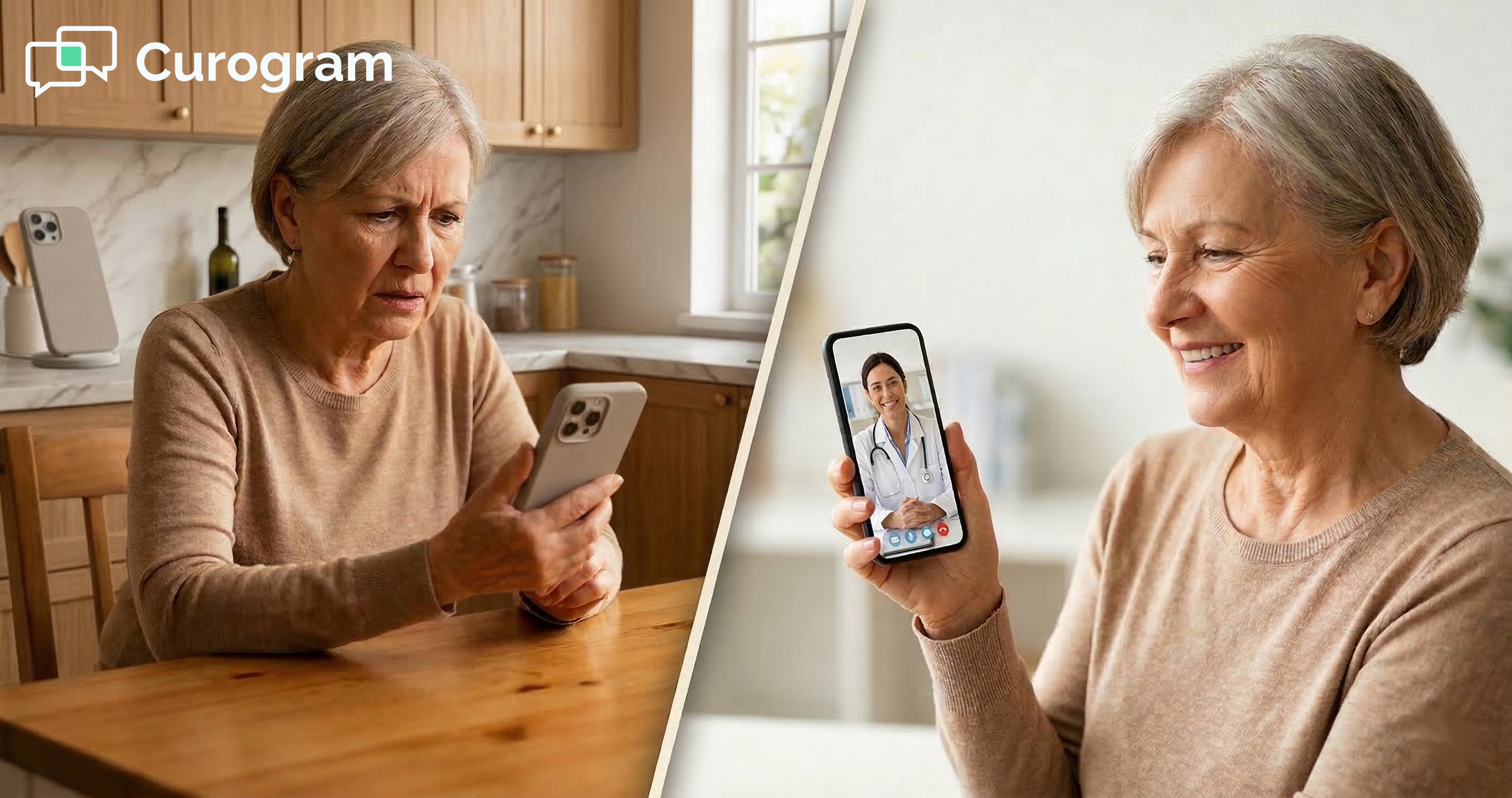
Instead, the first five minutes are spent asking, "Can you hear me?" The patient's camera is blocked. Their microphone is muted. The doctor tries to walk them through settings while the clock ticks.
What was supposed to be a quick check-in turns into a frustrating ordeal that backs up the entire afternoon.
This scenario plays out in clinics across the country every single day. Providers lose valuable time on tech problems they never signed up to fix. Staff members scramble to call patients and troubleshoot on the fly. And patients feel embarrassed or annoyed before the visit even starts.
The truth is, most telehealth connection issues are completely avoidable. The camera, microphone, and internet problems that derail video visits can all be caught and fixed before the appointment begins. T
he key is catching them early enough that no one's time gets wasted.
That is exactly what automated telehealth technical checks for CureMD are designed to do. Curogram's system sends a pre-visit device test SMS to patients before their scheduled appointment.
The text message includes a link to a simple tool that checks whether the patient's device is ready for the visit. If something is off, the patient gets step-by-step guidance to fix it right then and there.
This approach works like a pre-flight check before a plane takes off. Pilots do not wait until they are in the air to see if the engines work. In the same way, Curogram does not wait until the doctor joins the call to find out if the patient's phone is ready.
The check happens ahead of time so everyone can focus on what matters most, the actual visit.
The Real Cost of Last-Minute Tech Problems
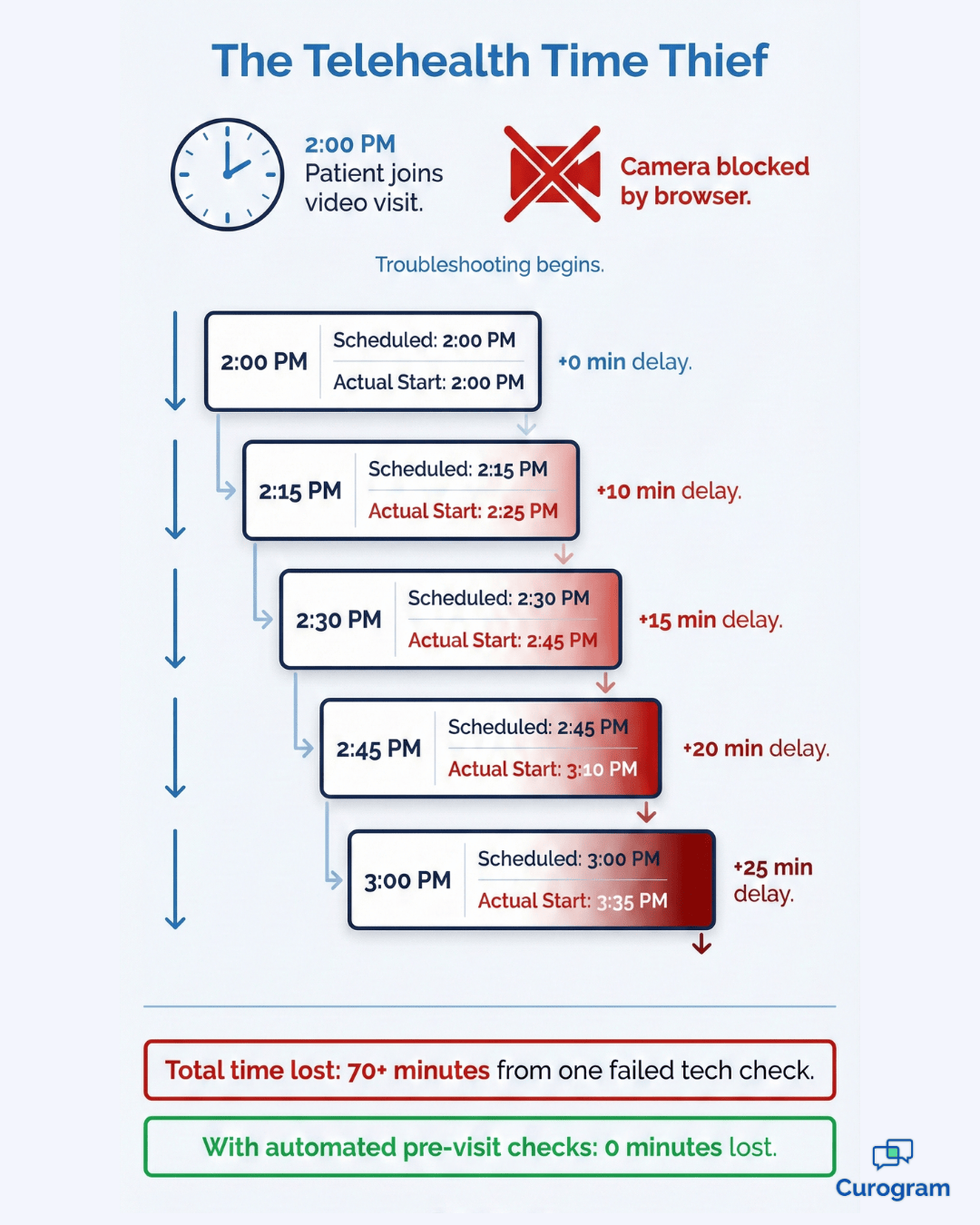
Here is a situation most providers know all too well. The doctor logs on at 2:00 PM. The patient joins at 2:00 PM. But instead of jumping into the visit, the next 10 minutes are spent figuring out why the patient's camera will not turn on.
The patient's browser is blocking access to the camera. The doctor tries to explain how to open settings, find the right menu, and tap "Allow." It is awkward, slow, and frustrating for everyone involved. Meanwhile, the appointment timer keeps running.
How One Glitch Disrupts the Whole Day
A 15-minute appointment suddenly becomes a 25-minute ordeal. The next patient is already waiting. The one after that will have to wait even longer. One small tech glitch at the start of the day can throw off the entire afternoon schedule.
The costs go beyond wasted minutes. Staff members get pulled away from other tasks to make phone calls and help patients troubleshoot. Patients who cannot connect may need to reschedule entirely, which means lost revenue and a gap in care.
The Ripple Effect on Patient Retention
Some patients give up on telehealth altogether after a bad experience. They may go back to in-person only visits, or worse, they may switch to a different practice. A single failed video call can leave a lasting impression that no follow-up email can undo.
That is why it is so important to reduce telehealth connection issues before they ever reach the exam room. The goal is not just to save time. It is to protect the patient relationship and keep people coming back for the care they need.
How the Pre-Flight SMS Workflow Works
Curogram's approach to reducing telehealth connection issues is simple but powerful. About 15 minutes before a scheduled video visit, the system automatically sends the patient a text message.
The message says something like, "Your visit is starting soon. Click here to test your device."
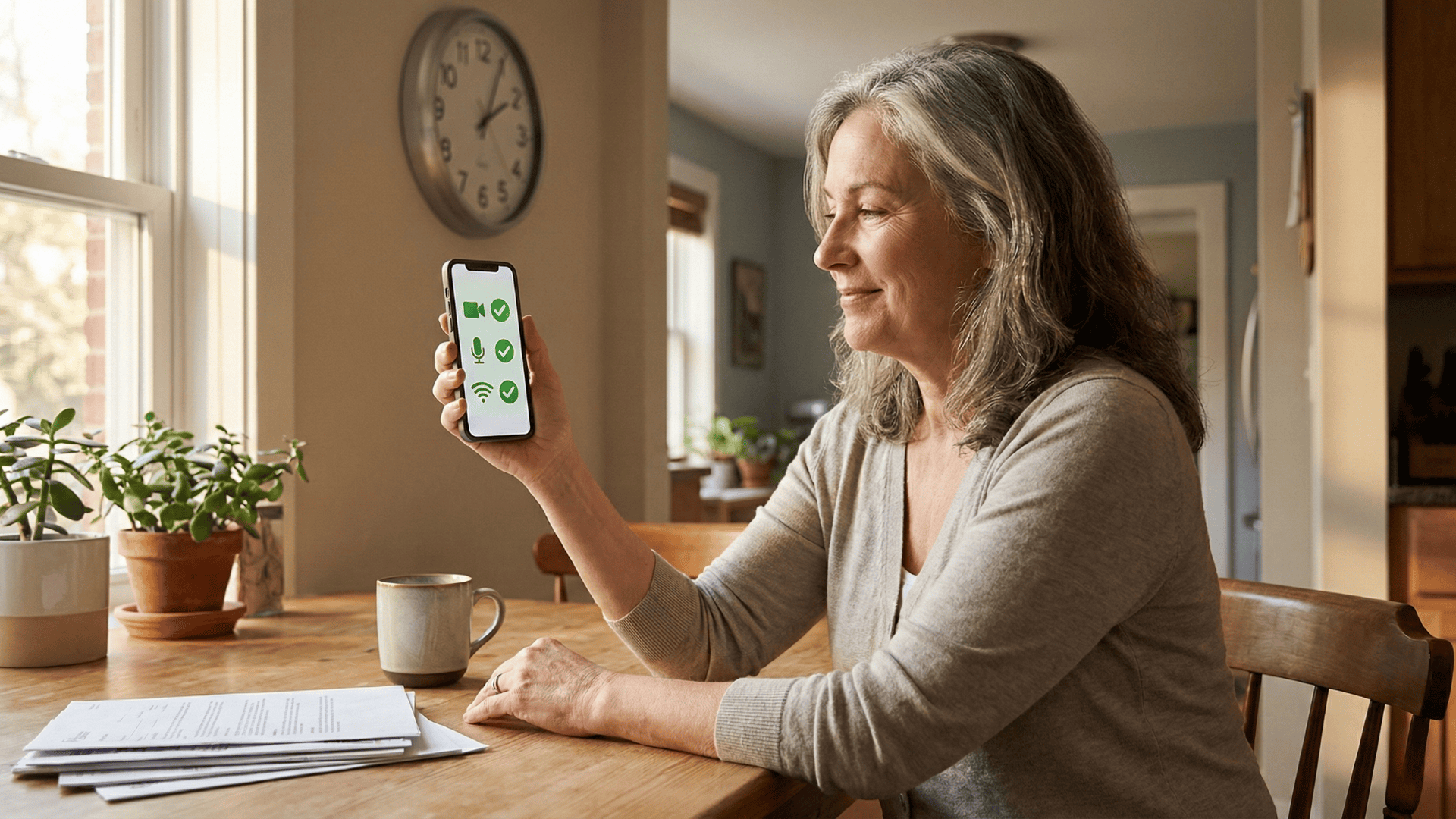
When the patient taps the link, it opens a quick tool right in their phone's browser. No app download is needed. The tool runs three basic checks in just a few seconds.
What the Diagnostic Checks
- Camera: Confirms the camera is on and not blocked by the browser.
- Microphone: Shows a visual sound bar so the patient can see if their voice is being picked up.
- Internet speed: Runs a quick test to make sure the connection is strong enough for video.
If everything passes, the patient is good to go. But if something fails, the system does not just leave them stuck. It gives clear, visual instructions to fix the problem.
For example, if the camera is blocked, the patient might see a message like, "Tap the lock icon in your URL bar and hit Allow." The steps are written in plain language so anyone can follow them.
No App Required
One of the biggest reasons patients struggle with telehealth is that many platforms ask them to download a separate app. That creates confusion, delays, and more calls to the front desk.
Curogram's diagnostic tool runs entirely in the browser, which means patients just tap the link in the text and they are ready.
This pre-visit device test SMS approach is what makes Telemedicine for CureMD Users so much easier. The patient fixes the issue on their own before the appointment even starts.
There is no need for staff to call them, and there is no need for the doctor to waste precious visit time playing tech support.

What the Provider Sees When the Patient Is Ready
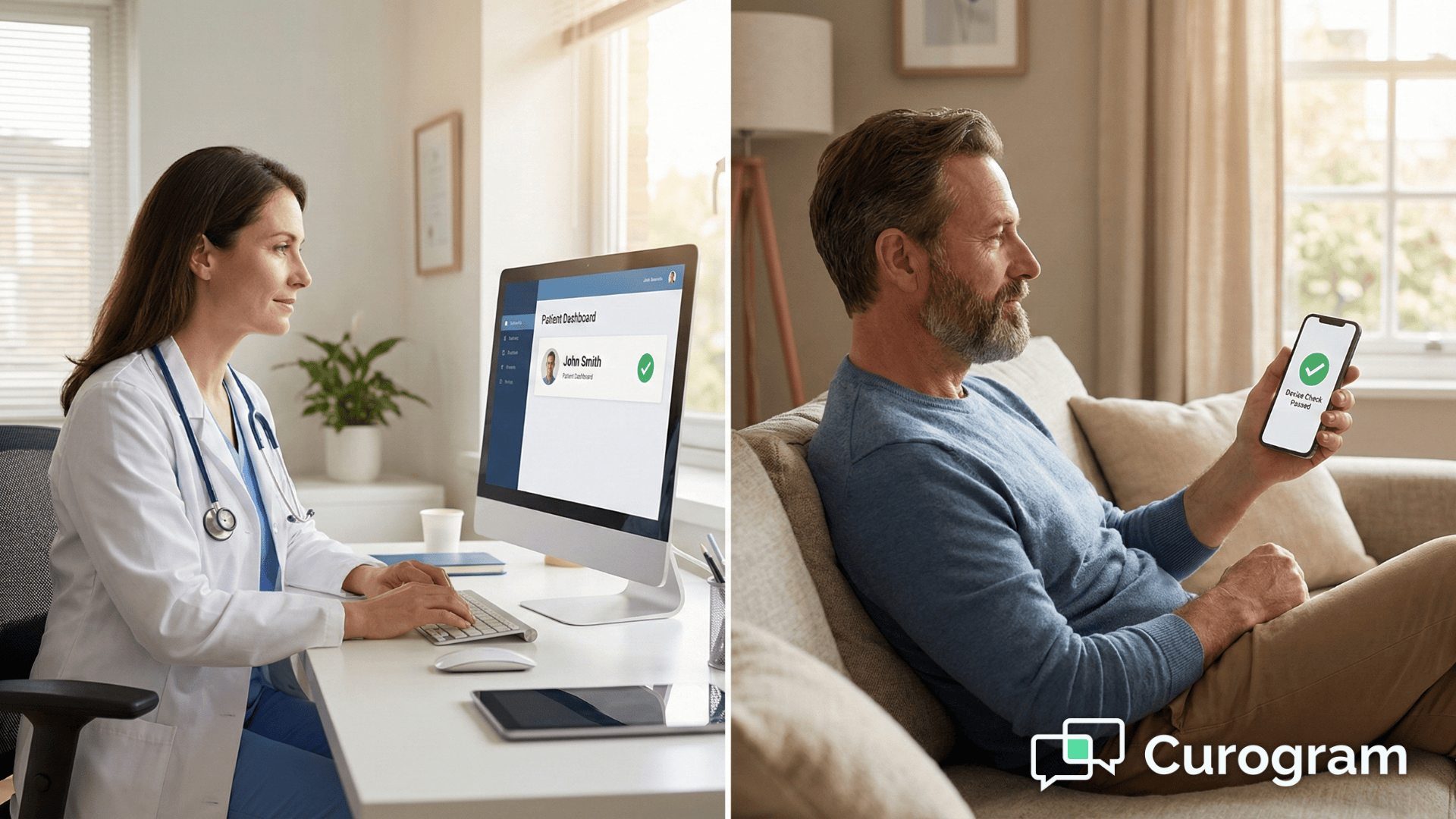
Once the patient completes the tech check, the results show up on the CureMD and Curogram dashboard. If the patient passed all three tests, a green light appears next to their name. The provider can see at a glance that this patient is ready to go.
The Green Light Advantage
This green light signal is a small detail that makes a big difference. It gives the provider confidence to start the visit without worrying about connection problems.
There are no surprises, no awkward pauses, and no wasted time. The doctor simply clicks "Start" and the visit begins.
Over the course of a full day, this kind of certainty adds up. Providers can move from one visit to the next knowing that each patient has already been checked. That rhythm keeps the schedule tight and reduces the mental load that comes with bracing for problems.
What Happens When the Light Is Red
If the tech check shows a red light, it means something is still wrong. Maybe the patient could not figure out how to allow camera access, or their internet connection is too weak for video.
In that case, the system sends an alert to the Medical Assistant or front desk staff. They can call the patient and help resolve the issue before the doctor ever joins the call.
If the problem still cannot be fixed, staff can convert the visit to a phone call so the patient does not miss out on care entirely.
This protects the provider's time and keeps the schedule on track. The whole point is that automated telehealth technical checks for CureMD handle the hard part so providers can focus on patient care.

Why This Matters More as Telehealth Grows
Telehealth is no longer a temporary fix. Telemedicine for healthcare is becoming the standard as more patients expect to see their doctor from home, and practices integrate virtual visits permanently into their workflow.
As visit volume grows, so does the risk of tech problems piling up and eating into the schedule.
The Scale Problem
When a practice runs five video visits a day, a few tech hiccups are manageable. But when that number jumps to 20 or 30, even small delays start to compound. A two-minute troubleshooting session per visit adds up to an hour of lost provider time by the end of the week.
Multiply that across a month, and the numbers become hard to ignore. Practices that are growing their telehealth programs cannot afford to rely on manual troubleshooting.
The volume simply outpaces what staff can handle without burning out.
Built to Keep Up with Your Practice
That is why the ability to prevent dropped video calls before they happen becomes more important with scale, not less. Practices that plan to grow need a system that keeps pace without adding headcount or extra steps for the team.
Curogram's automated checks were built with this growth in mind. Whether a practice handles 10 visits a day or 100, the pre-flight SMS goes out the same way every time. The system scales quietly in the background while the care team stays focused on patients.
This kind of reliability is what separates a telehealth setup that works from one that creates more problems than it solves. When the tech side runs itself, the practice can grow without worrying about whether the infrastructure can keep up.
What Makes This Different from Other Telehealth Platforms
Most telehealth platforms check connectivity after the provider joins the call. That means the doctor is already in the room when the "Can you hear me?" loop starts. By then, the damage is done. The schedule is disrupted, and the patient feels flustered.
Proactive vs. Reactive
Curogram flips that model. Instead of reacting to problems during the visit, it catches them 10 to 15 minutes beforehand. The difference may sound small, but it changes the entire experience for both sides of the screen.
There are a few things that set this approach apart from typical platforms:
- The check happens via SMS, so patients do not need to log into a portal or download a separate app.
- Results feed directly into the provider's dashboard with a clear green or red status.
- Staff only get involved when there is a real problem, not for every single visit.
Why SMS Is the Right Channel
Text messages have an open rate of over 95%, far higher than email or patient portal messages. When the goal is to reach patients quickly before a visit, SMS is the most reliable way to do it. Most patients already have their phone nearby and are expecting a reminder.
This proactive approach is a key reason practices choose Curogram for virtual visit troubleshooting with CureMD. It removes the guesswork and puts control back in the hands of the care team. Instead of hoping the patient's device works, the practice knows for sure before the visit starts.
That shift from reactive to proactive is not just a nice feature. It is a fundamentally different way of running a telehealth program, and it shows in the results.
Frequently Asked Questions
What if the patient fails the test?
If a patient fails the diagnostic test, the system first prompts them to try a different browser or device. This ensures that common technical issues are resolved without involving staff.
If the patient still cannot pass, the system automatically alerts your staff so they can convert the visit to a phone call or schedule a follow-up.
This approach ensures the patient still receives timely care while minimizing wasted provider time. It also provides peace of mind for both staff and patients, knowing that technical difficulties won’t block access to care.
Does it work on Android and iPhone?
Yes. The diagnostic tool is fully browser-based and works seamlessly on Safari, Chrome, and other modern mobile browsers.
Patients do not need to download any app or perform complicated setup steps. It is compatible with all modern smartphones and tablets, regardless of operating system version.
This makes it convenient for patients who use different devices and ensures consistent performance across platforms. It also reduces confusion and support requests, helping your office run more smoothly.
Does this require extra staff time?
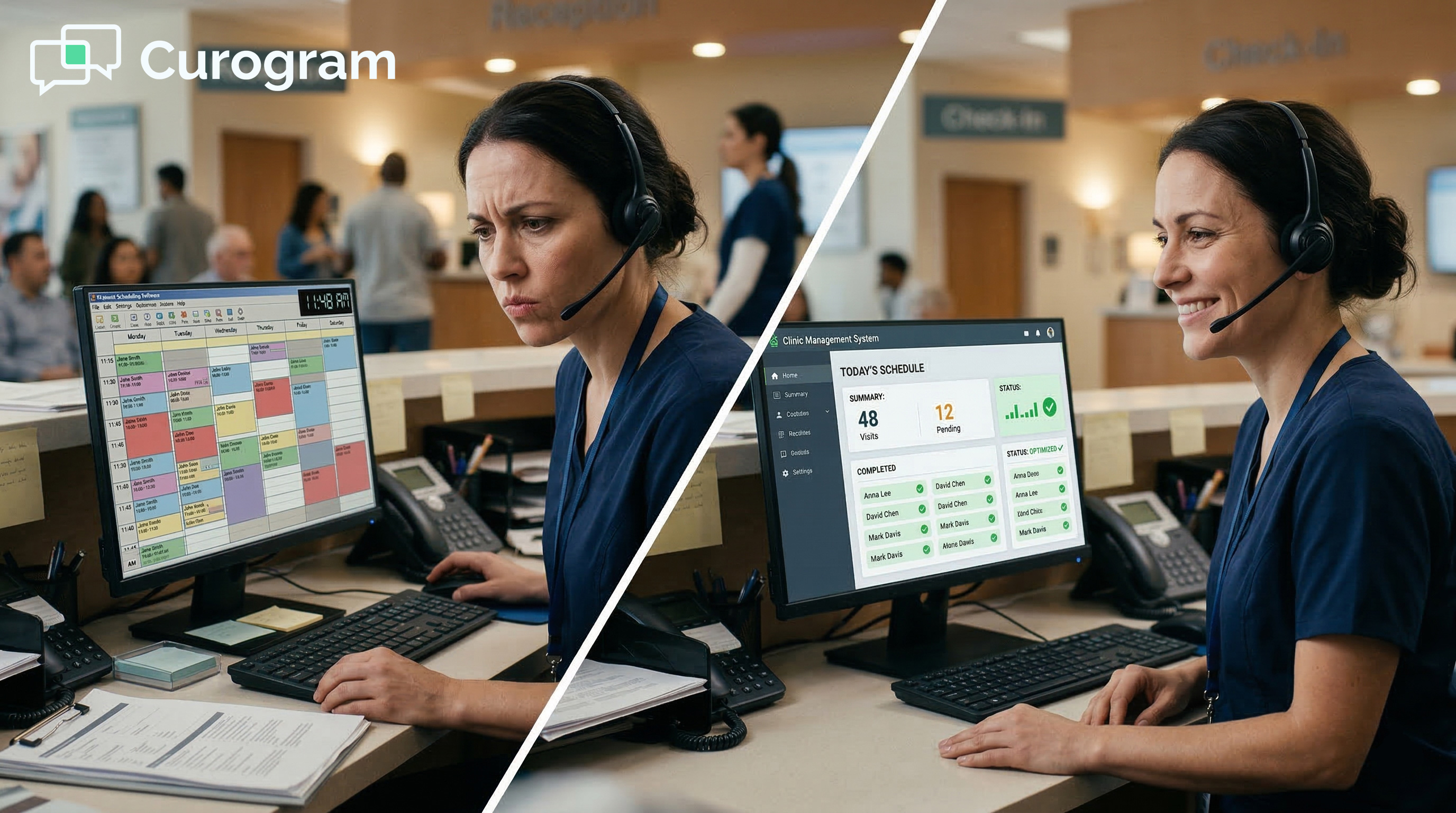
No. In fact, it can save staff a significant amount of time. The system automates the troubleshooting process that staff previously handled manually, so they only need to step in if a patient cannot resolve the issue on their own.
This happens rarely, thanks to the clear, guided instructions provided by the tool. By reducing repetitive support tasks, staff can focus on patient care and other high-priority responsibilities, making the office workflow more efficient overall.
Your Team Deserves to Focus on Care, Not Camera Settings
You went to medical school to help patients, not to debug their phones. Your front desk staff were hired to keep the practice running, not to spend their afternoons walking people through browser settings.
Yet that is exactly what happens when telehealth visits do not have a safety net in place.
Automated telehealth technical checks for CureMD change the equation. With Curogram's pre-flight SMS workflow, connection problems get caught and fixed before the visit begins.
From the patients’ perspectives, arriving on the call ready and confident transforms their experience. Providers start on time and stay on schedule, creating a smoother visit for everyone.
The numbers back it up. Practices that use this system report reducing wasted clinical time by over 90%.
That means fewer delays, fewer rescheduled appointments, and fewer patients lost to frustration. It is a simple change that pays off every single day.
If your practice is tired of the "Can you hear me?" routine, it is time to see what automated tech checks can do for you.
Schedule a demo with Curogram and see the green light dashboard in action. Your schedule, your staff, and your patients will thank you.