Easy Telemedicine for CharmHealth | No Apps, No Logins, Just Care
💡 Browser-based telemedicine for CharmHealth practices eliminates the biggest source of friction in virtual care: forcing patients to download...
It's 9:58 AM. Your first telehealth patient is scheduled in two minutes. The phone rings.
"I can't log in. It keeps asking me to download something. The doctor is waiting — can you help me?"
Sound familiar? If you run a practice on CharmHealth, there's a good chance your front desk has become an unofficial IT helpdesk.
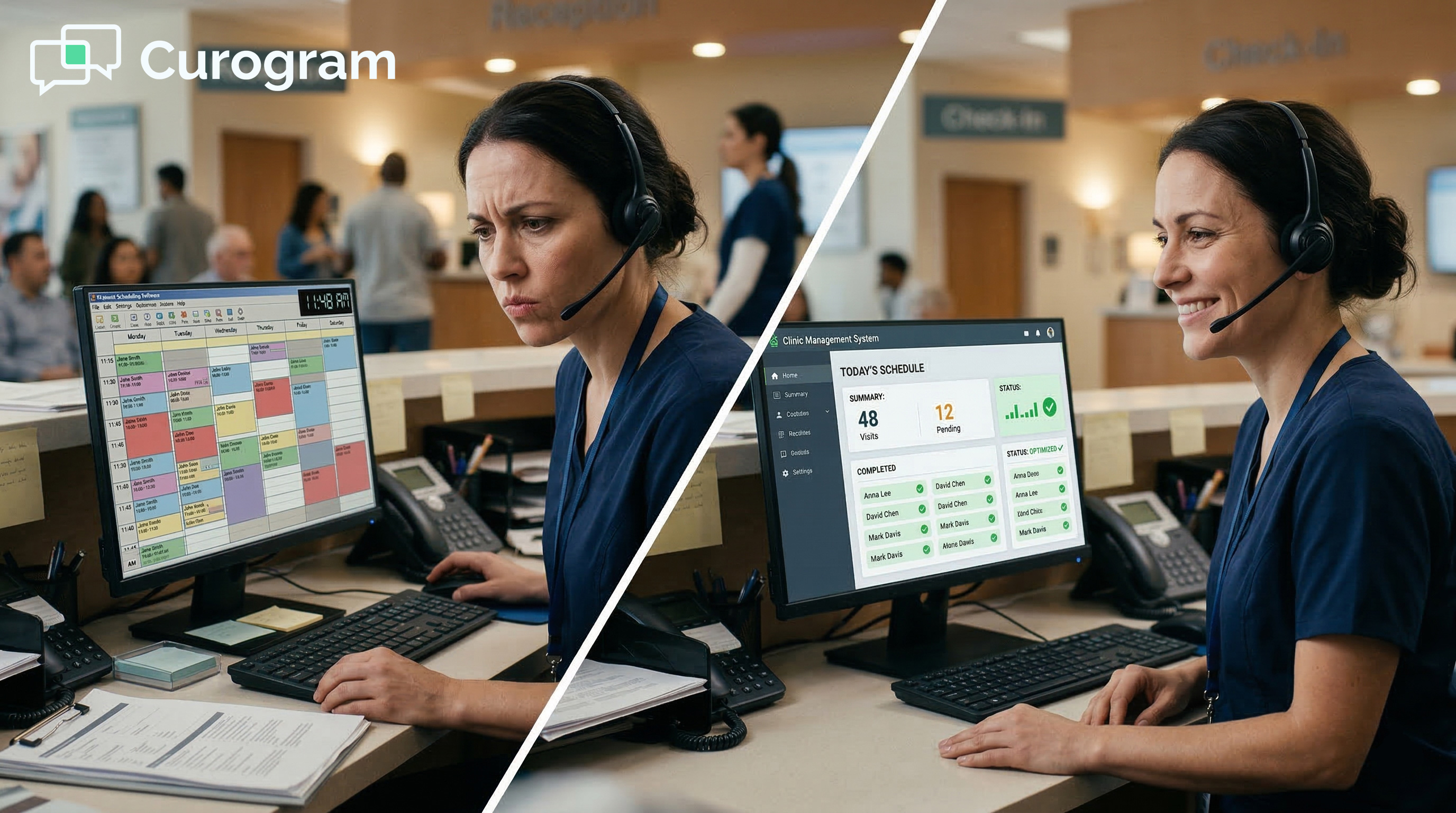
Instead of checking in patients and handling calls, your team spends chunks of the morning walking people through forgotten passwords, frozen screens, and microphone settings they've never touched.
This is the hidden cost of telehealth that nobody talks about. The technology was supposed to make things easier. Instead, it created a brand-new category of work — and your staff got stuck with it.
Reducing telehealth troubleshooting for CharmHealth staff isn't about adding more training or writing better how-to guides. It's about choosing a system that doesn't need a guide in the first place.
When patients can join a video visit with a single tap on their phone, the tech support calls simply stop.
That's the idea behind browser-based telehealth. No portals. No plug-ins. No app store visits. Just a link delivered by text message that opens a video call in whatever browser the patient already uses.
In this article, we'll break down exactly why CharmHealth video visit issues happen, how they drain your team's time and energy, and what it looks like when you simplify virtual visits so your staff can stop being tech support for patients and get back to what they were actually hired to do.
Because your front desk didn't sign up to be a help desk.
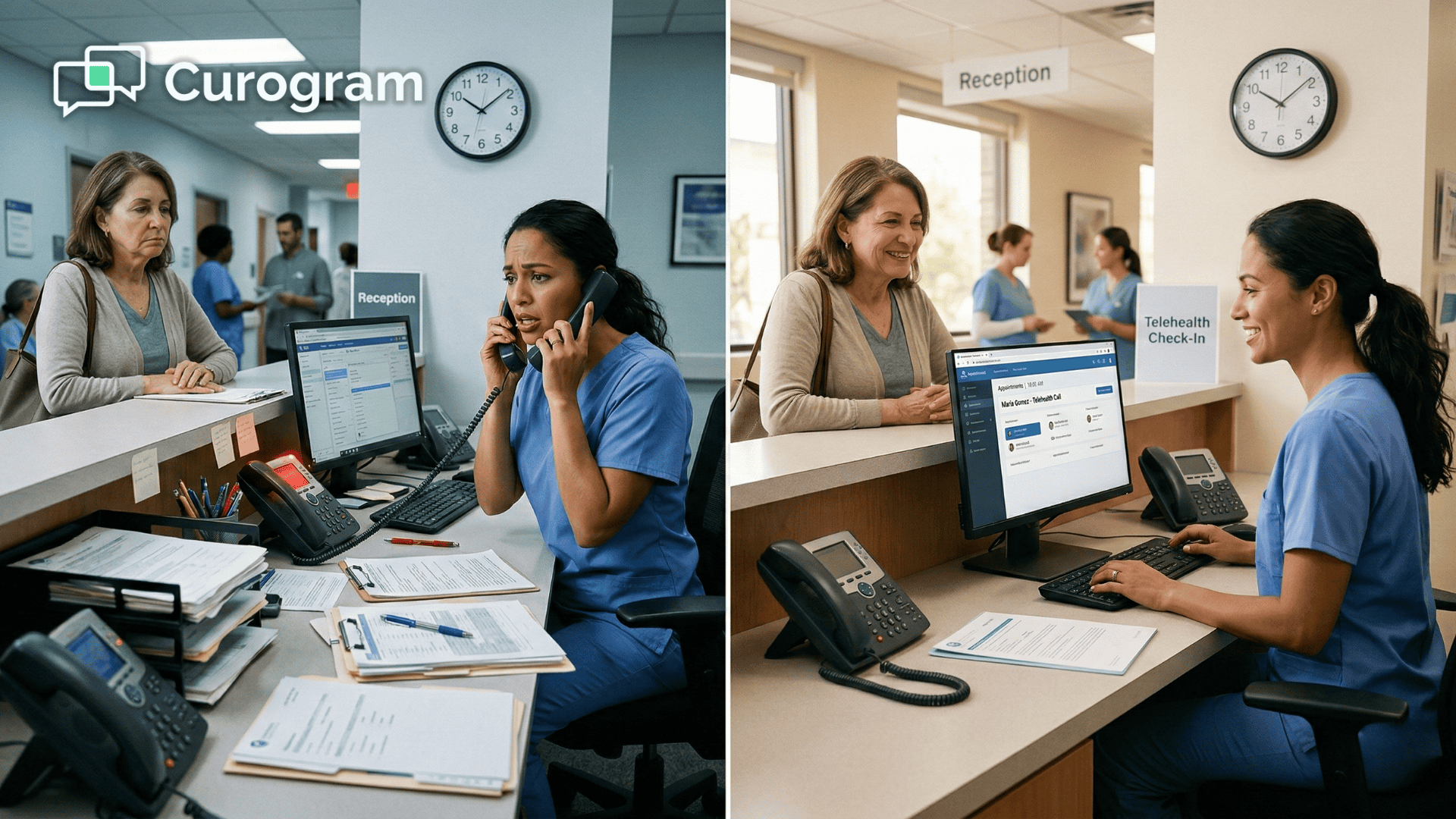
Your front desk is already stretched thin. Phones ring nonstop. Patients walk in needing help. Insurance paperwork piles up. Adding telehealth to the mix was supposed to lighten the load — not double it.
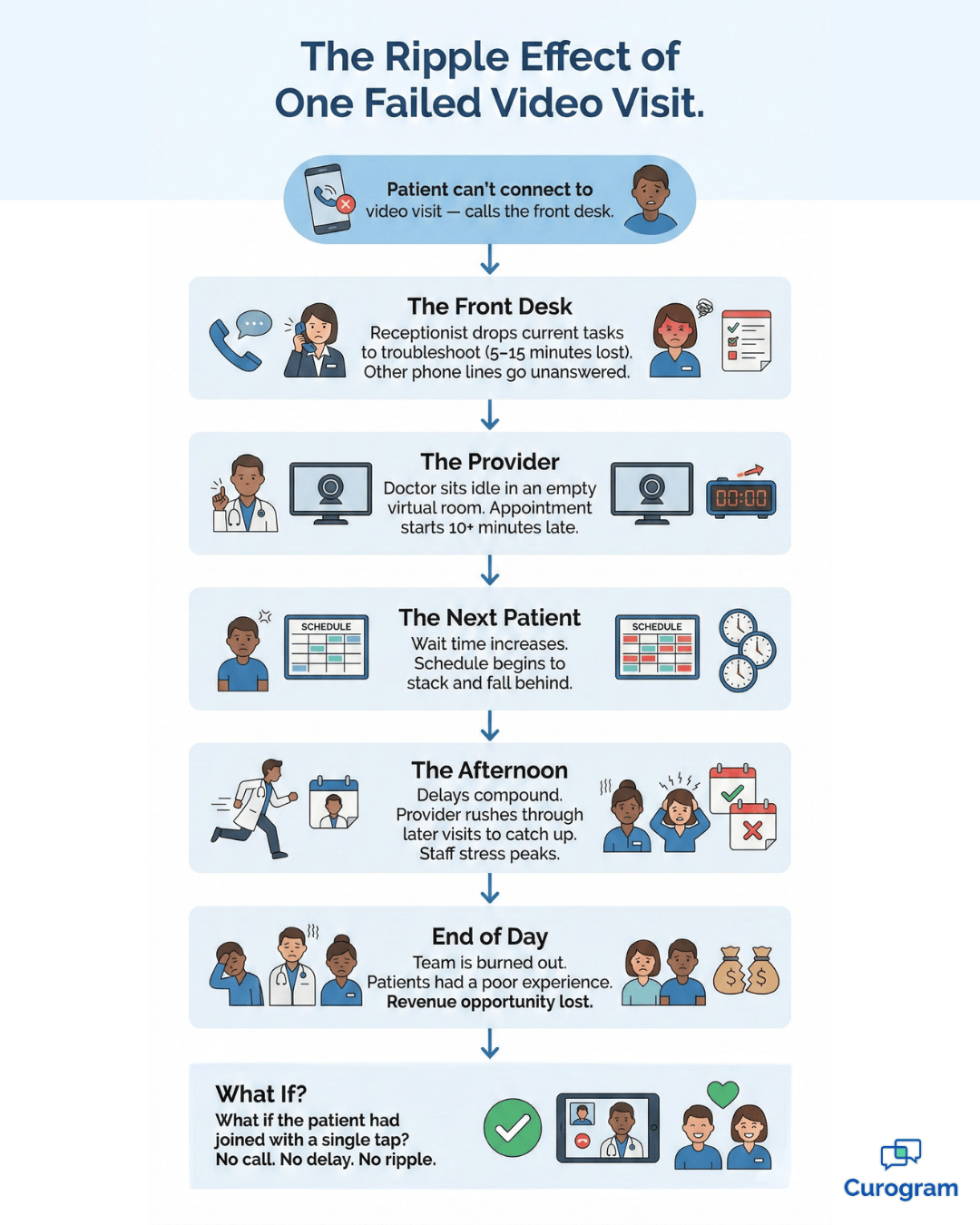
But that's exactly what happens when a patient can't connect to their video visit. The panic call hits the front desk like clockwork.
It usually sounds something like this:
"I don't see the button."
"It wants me to make an account."
"My camera isn't working."
And your receptionist — already juggling three things — has to drop everything and become tech support.
Most of the time, the patient isn't doing anything wrong. They're following the instructions they were given. The problem is that those instructions assume a level of comfort with technology that many patients simply don't have.
What seems like a straightforward login screen to your IT team looks like a brick wall to a 72-year-old patient using a five-year-old Android phone.
This isn't a once-in-a-while problem. It's a daily pattern. CharmHealth video visit issues almost always trace back to the
Same short list of causes:
Each of these problems takes five to fifteen minutes to fix over the phone.
Multiply that by four or five patients a day, and you're looking at an hour of lost time — time that should go toward scheduling, billing, or helping the patients standing right in front of your team.
And these aren't quick fixes, either. Your receptionist can't see the patient's screen.
They're diagnosing problems blindly, guessing at which button the patient is looking at, and trying to stay calm while the provider waits in an empty virtual room. It's stressful for everyone involved.
The cost goes beyond the phone call itself. When the first visit of the day starts ten minutes late, the delay stacks. The next patient waits longer. Staff stress climbs.
By noon, the entire schedule is off, and everyone feels it.
Think about what that looks like from the provider's side.
They're sitting in front of their computer, ready to go, watching the clock. Every minute that passes is a minute they can't get back. If they're booked for 15-minute appointments, a single 10-minute delay can throw off three or four visits before lunch.
Based on our internal research, practices using traditional portal-based video tools saw front desk call volumes increase by as much as 50% during telehealth hours.
That stat alone tells you the current system isn't working.
There's also a morale cost that's harder to measure. When your team spends the morning putting out fires they didn't start, it wears them down. Turnover at the front desk is already a challenge for most practices. Piling on an unpaid IT role doesn't help.
The worst part? Your team isn't trained for this. They're healthcare administrators, not software engineers.
Asking them to troubleshoot browser settings and microphone configurations is like asking a mechanic to bake a cake — it's just not what they do.
The solution to telemedicine workflow efficiency isn't more tech training. It's less tech altogether.
Think about the last time you clicked a link and something just worked — no login screen, no setup wizard, no terms of service to scroll through. That instant experience is exactly what browser-based telehealth delivers to your patients.
The idea is simple:
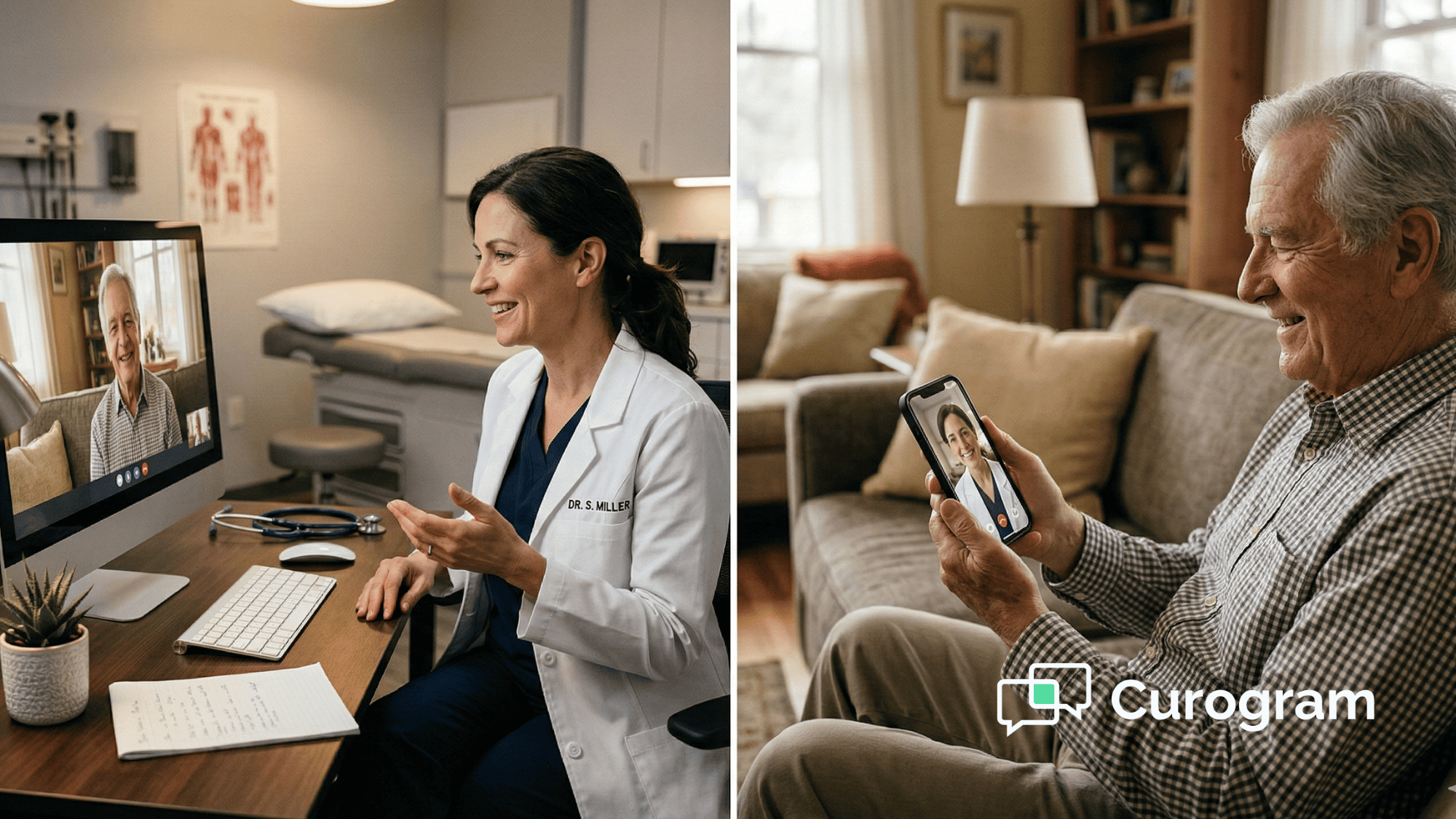
If a patient can open a text message, they can join a video visit. There's no learning curve because there's nothing to learn.
The technology stays invisible, and the visit just happens.

Here's how it works with Curogram.
When an appointment is scheduled in CharmHealth, the system automatically generates a unique, secure video link.
That link is sent to the patient's phone via SMS. When it's time for the visit, the patient taps the link. The call opens in Safari, Chrome, or whatever browser they already have.
No downloads. No passwords. No app store detours.
It's what we call a "self-driving" visit — the patient doesn't need to do anything except tap once.
This matters because your patients aren't tech experts, either. Many of them are older adults managing chronic conditions, or busy parents squeezing a visit into their lunch break. They don't have time (or patience) to troubleshoot software.
When you simplify virtual visits down to a single tap, you remove the friction that causes 90% of those panic calls.
There's also a trust factor at play. When a patient taps a link and the video opens instantly, they feel confident. They feel like the practice has its act together.
Compare that to a patient who spent ten minutes fumbling through a portal login — by the time they finally connect, they're already frustrated before the visit even starts.
One of the biggest concerns practices have when looking at new tools is whether they'll actually fit into the systems already in place. Nobody wants to rip out their entire tech stack just to fix video visits.
Curogram was designed to integrate directly with CharmHealth. Appointments sync automatically. Links generate without manual input.
There's no double entry, no copy-pasting URLs, and no separate dashboard to manage. Your staff keeps working in the system they already know.
That seamless fit is a big reason why staff adoption happens quickly.
Based on our internal data, Curogram's platform is so user-friendly that staff training takes as little as 10 minutes. There's no steep learning curve and no week-long onboarding process.
If you run a holistic, integrative, or wellness-focused clinic, you know how important calm energy is.
A frantic five-minute tech struggle before a visit ruins that tone before the provider even says hello. Curogram preserves the peace by removing the chaos at the front door.
Universal compatibility is a big piece of this puzzle. The video works on Android and iOS, in every major browser, without requiring special settings or permissions.
That means no more "it doesn't work on my phone" calls and no more walking a patient through how to allow camera access on an iPhone.
Even for practices that don't focus specifically on wellness,
There's a basic truth here:
Nobody does their best work in a state of frustration. Not your staff, not your providers, and not your patients.
Removing tech friction isn't just a convenience play. It's a quality-of-care play.
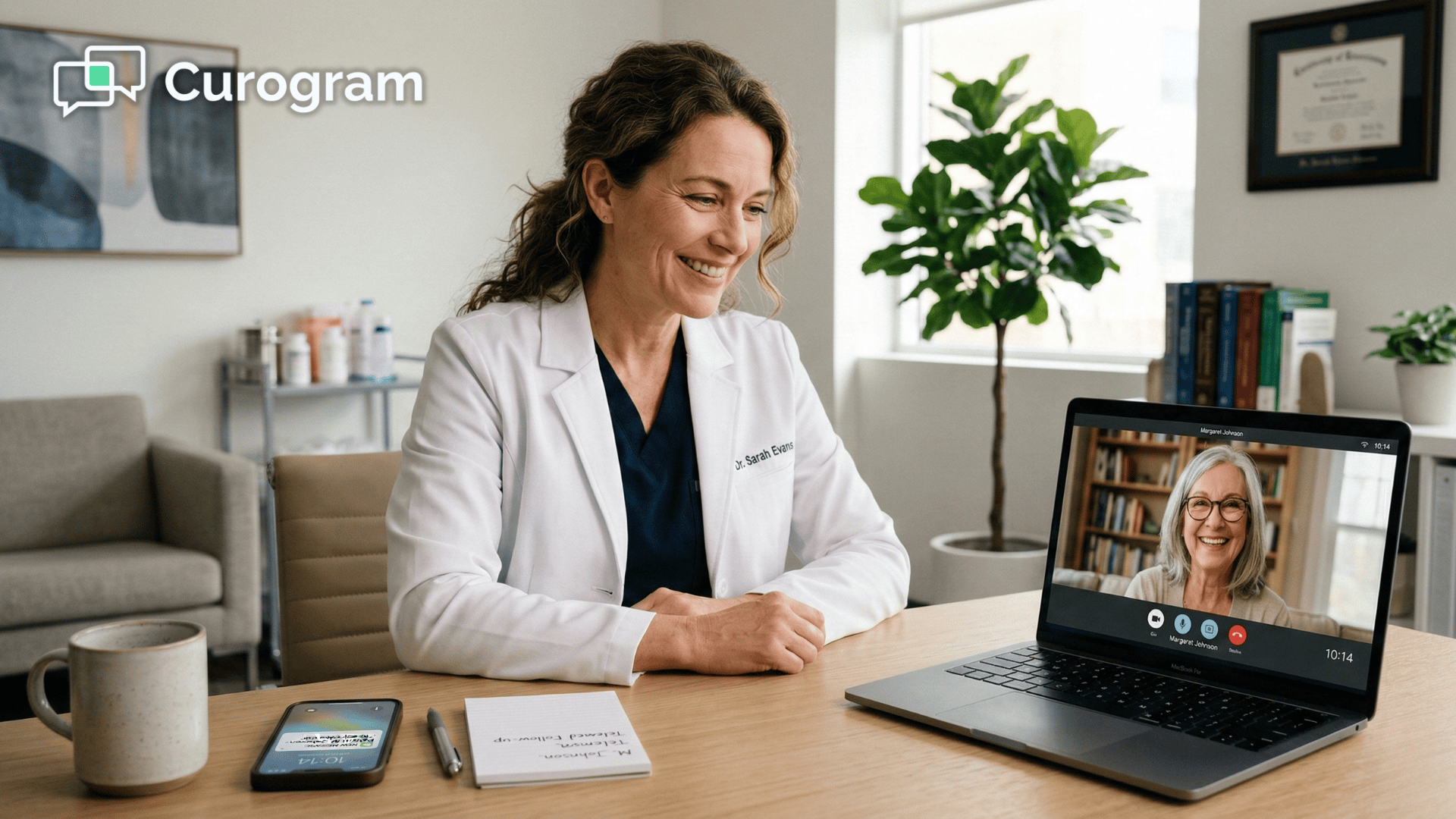
Your staff sends the link. The patient joins. The visit happens. That's the entire workflow.
Here's an unusual way to measure success:
Count the calls that don't happen.
When a telehealth system actually works, the front desk doesn't hear about it.
There are no complaint calls. No frantic voicemails from patients locked out of their visit. No "can you help me find the link?" messages. Silence, in this case, is the best feedback you'll ever get.
That might sound like a strange metric, but think about it. Your team doesn't get a notification when a visit connects smoothly. They just notice that nobody called to complain.
The morning moves faster. The to-do list actually gets done. And the phones? They ring for real reasons — appointment requests, prescription refills, insurance questions — not because someone can't find a button on their screen.

That shift from reactive to proactive is where the real telemedicine workflow efficiency shows up.
Instead of fixing broken connections after the fact, your staff sends the video link automatically — ten minutes before the appointment — and moves on to the next task. No follow-up needed.
This is what proactive care coordination looks like on the operations side. Your team isn't waiting for something to go wrong. They've already handled the visit before the patient even taps the link.
The system does the work, and the staff manages the exceptions — which, in most cases, don't exist.
Based on our internal data, practices that adopted Curogram's SMS-based video tool saw staff productivity increase by more than 30%. That's not because the staff worked harder.
It's because they stopped doing work that shouldn't have been theirs in the first place.
When you remove the troubleshooting burden, staff suddenly have bandwidth for higher-value tasks. They can follow up on outstanding balances, process referrals, or prep charts for the next day.
That recovered time adds up to real operational gains over weeks and months.
| Before Curogram | After Curogram |
|---|---|
| Staff fields 4–5 troubleshooting calls per day | Calls drop to near zero |
| Average troubleshooting time: 10–15 minutes per call | Link sent automatically — no intervention needed |
| Provider schedule runs 10–20 minutes behind | Visits start on time |
| Staff frustrated, multitasking under pressure | Staff focused on admin and patient care |
| Patients angry or anxious before the visit begins | Patients join calmly with a single tap |
The "IT helpdesk" role your front desk never asked for?
It's retired. Your team goes back to being healthcare administrators — handling insurance, greeting patients, managing the schedule, and keeping the office running smoothly.
Providers benefit, too. When visits start on time, the entire day flows better. Fewer delays mean less burnout, more patients seen, and a better experience for everyone in the building.
A provider who isn't running 20 minutes behind by 11 AM is a provider who finishes the day with energy left.
There's a patient satisfaction angle here as well. When someone joins a video visit without a hitch, they associate that smooth experience with your practice — not with the software. It builds trust.
It makes them more likely to book their next visit virtually instead of defaulting back to in-person because "the video thing never works."
The truth is, you don't need your staff to be good at tech support. You need a tool that makes tech support unnecessary.
That's the difference between patching a broken system and replacing it with one that just works.
What if the patient has a weak internet connection?
Curogram's video engine is built to adapt in real time. If a patient's WiFi is slow, the system automatically lowers video resolution while keeping the audio crisp and clear. This prevents dropped calls and keeps the visit going, even on spotty connections.
In rural areas or places with unreliable service, this adaptive quality feature makes a real difference. The visit doesn't just cut out — it adjusts, so the conversation keeps flowing without interruption.
Does the staff need to create a new link for every appointment?
No. When an appointment is synced from the CharmHealth calendar, Curogram generates a unique, secure video link automatically. There's no manual step involved. The link is created and sent without anyone on your team lifting a finger.
Each link is single-use and tied to that specific appointment, so there's no risk of a patient accidentally joining the wrong session. Security and convenience are built into the same step.
Can a staff member join the video call if needed?
Yes. A team member can hop into the visit to verify insurance, confirm patient identity, or handle an intake question before the provider joins. Once their part is done, they leave the room — and the visit continues without interruption.
The key difference? They won't need to join for troubleshooting, because there's nothing to troubleshoot. Their role in the visit is clinical or administrative — not technical.
Your front desk was hired to keep your practice running — not to walk patients through camera settings on their phones.
If your team is still fielding calls about portal logins, app downloads, and frozen screens, it's not a training problem. It's a tool problem.
The software you're using to run telehealth visits is asking too much of your patients and, in turn, asking too much of your staff.
Here's a simple test: if a patient needs instructions to start a video visit, the system is too complicated. Telehealth should be as easy as answering a phone call — not harder.
When patients receive a text with a link and join the visit in one tap, there's nothing to troubleshoot. There's no burden on your staff, and no reason for anyone to call the front desk in a panic.
That's not a fantasy. That's what practices using Curogram with CharmHealth experience every day.
By switching to a browser-based telehealth solution built for real-world use, you can cut troubleshooting calls by up to 90%, give your staff back hours of productive time every week, and keep your provider schedule running on time from the first appointment of the day to the last.
You're an expert in patient care, not software engineering. And your tools should reflect that. If your current telehealth setup needs a manual, it's the wrong tool for your patients — and for your team.
Stop troubleshooting. Start connecting.
Ready to see how fast a patient can connect? Schedule a demo with Curogram and watch a real 1-click video visit in action. No pitch deck. No long sales call.
💡 Browser-based telemedicine for CharmHealth practices eliminates the biggest source of friction in virtual care: forcing patients to download...
💡 Reducing telehealth no-shows at Prime Clinical practices starts with removing tech barriers. When patients must download an app, create an...
💡 App-free telemedicine for Lytec patients removes the biggest reason virtual visits fail—login walls, app downloads, and lost passwords.Instead of...