Reduce Claim Denials in CollaborateMD with Digital Intake
💡 Medical practices can reduce claim denials in CollaborateMD by using digital intake forms that remove manual data entry errors. About 20% of...
12 min read
Mira Gwehn Revilla
:
February 18, 2026
A single wrong digit on a paper form can cost your practice $25 or more. That's the price of reworking one denied claim. Now multiply that by every patient who fills out a clipboard in your lobby each week.
Most billing teams blame the back end when claims get denied. They dig through codes, chase payers, and resubmit.
But here's what they miss: the real problem starts at the front desk. Dirty data, meaning typos, hard-to-read writing, and missing fields, sneaks into the system long before a claim is sent.
That's why secure patient intake for CollaborateMD matters more than most people think. It's not just about making check-in faster or going green with less paper. It's about making sure every piece of data that enters your billing engine is clean from the start.
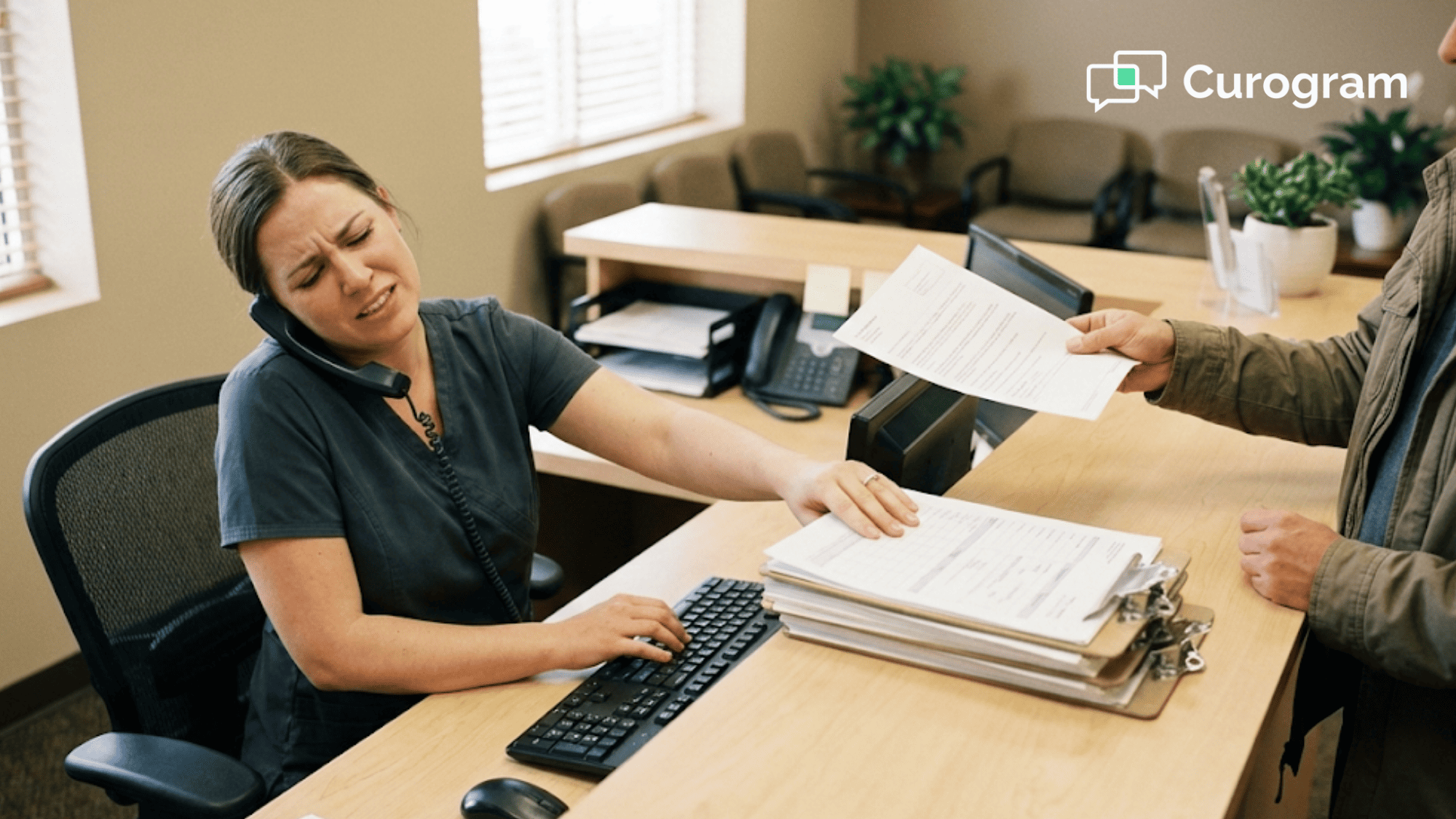
Think of it this way. Your front desk staff answers phones, greets patients, and scans cards all at once. Asking them to also type data from a paper form into CollaborateMD without a single mistake is not fair to them or your bottom line.
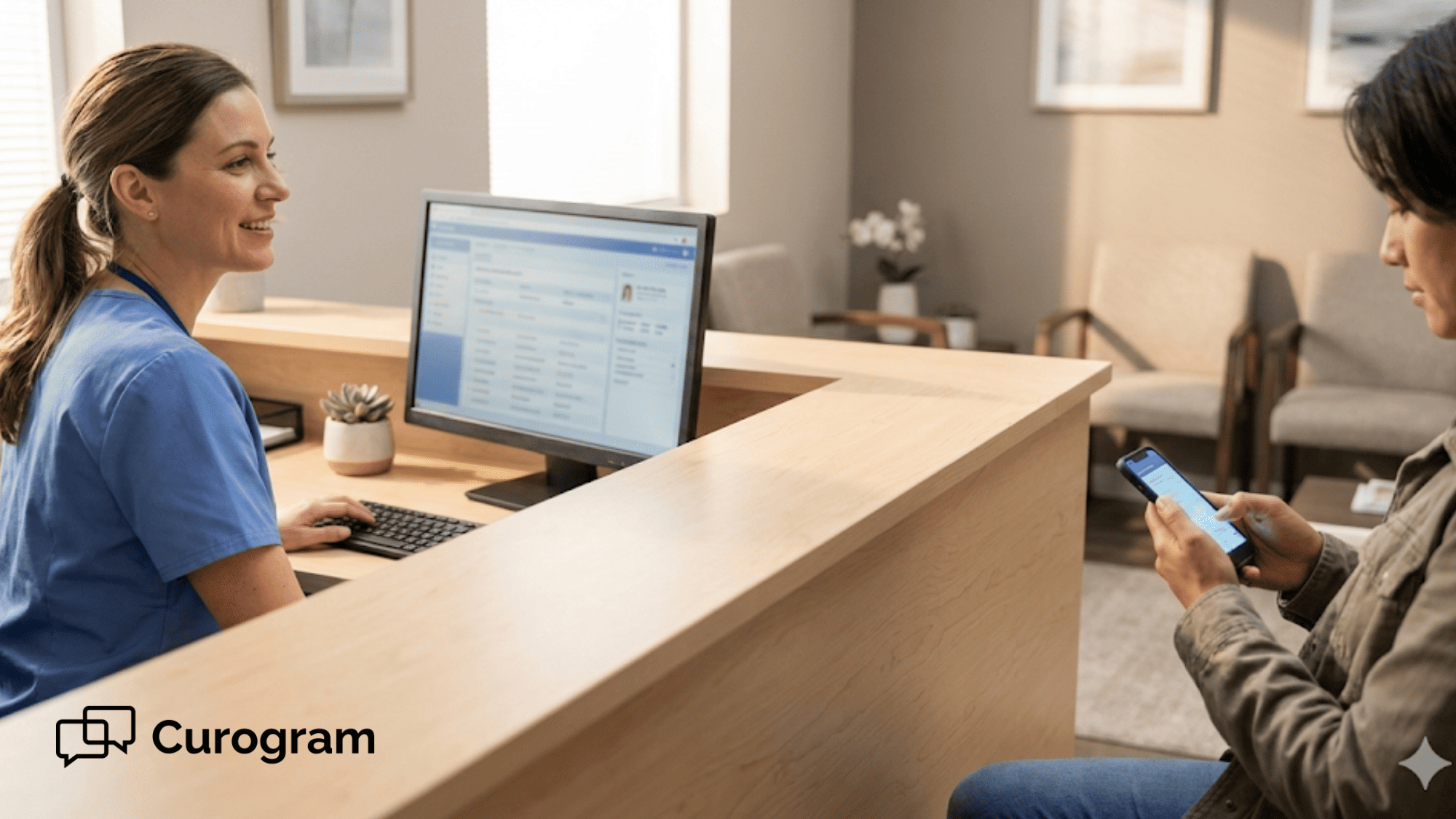
Digital patient intake software changes that. Patients type their own info on their phone, where auto-fill does the heavy lifting. Staff review, approve, and sync the data with one click. No retyping. No guessing at messy writing.
This article shows how that simple shift creates what we call a "Data Firewall," a system that blocks bad data from ever touching your claims. We'll walk through the real cost of clipboard errors, how the fix works step by step, and what one practice saw after making the switch with Curogram.
If your practice runs on CollaborateMD, this is the most cost-saving move you're not making yet.
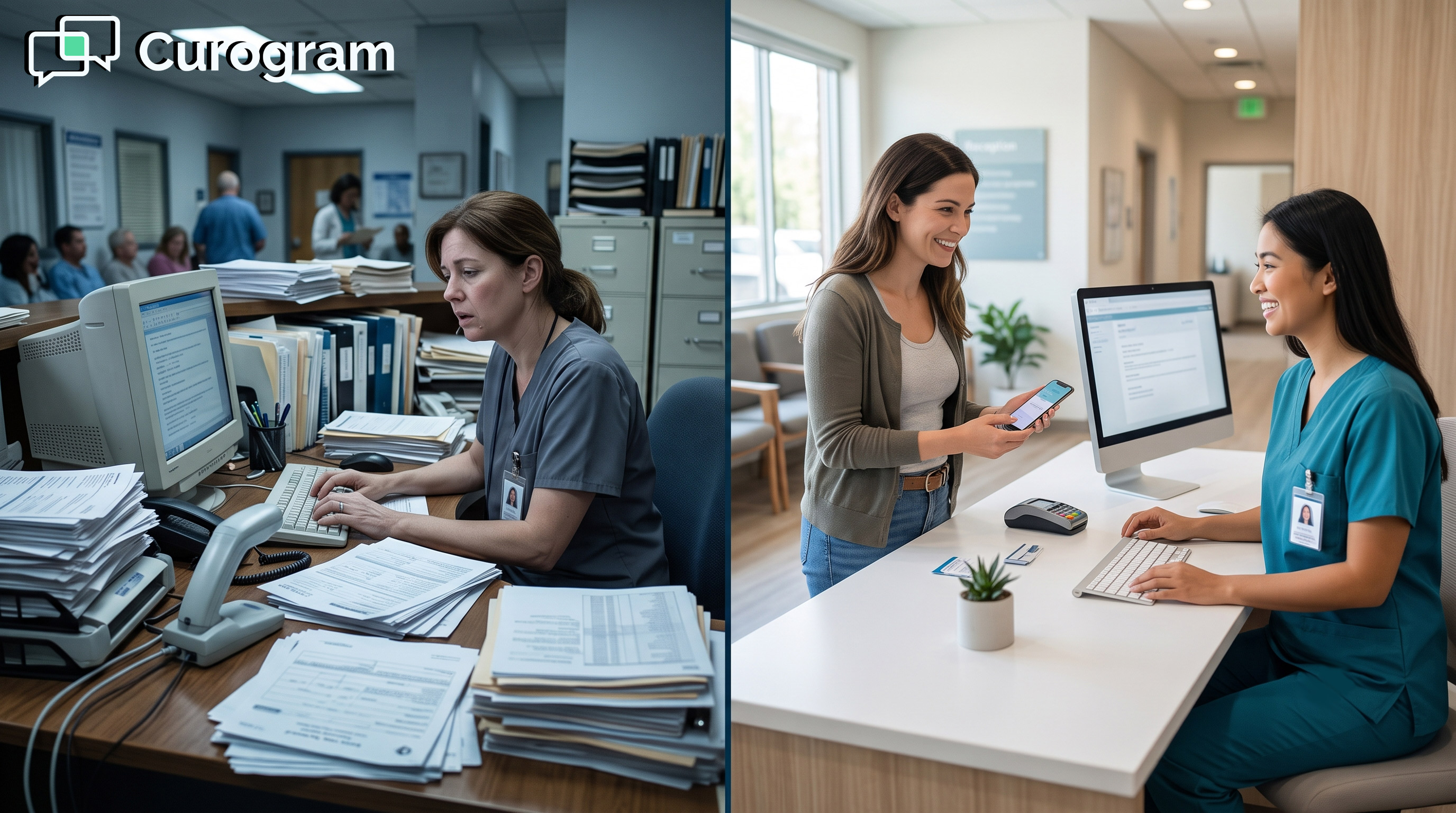
Every denied claim has an origin story. Most of the time, it doesn't start with a wrong code or a billing mistake. It starts with a pen, a paper form, and a front desk that's doing too many things at once.
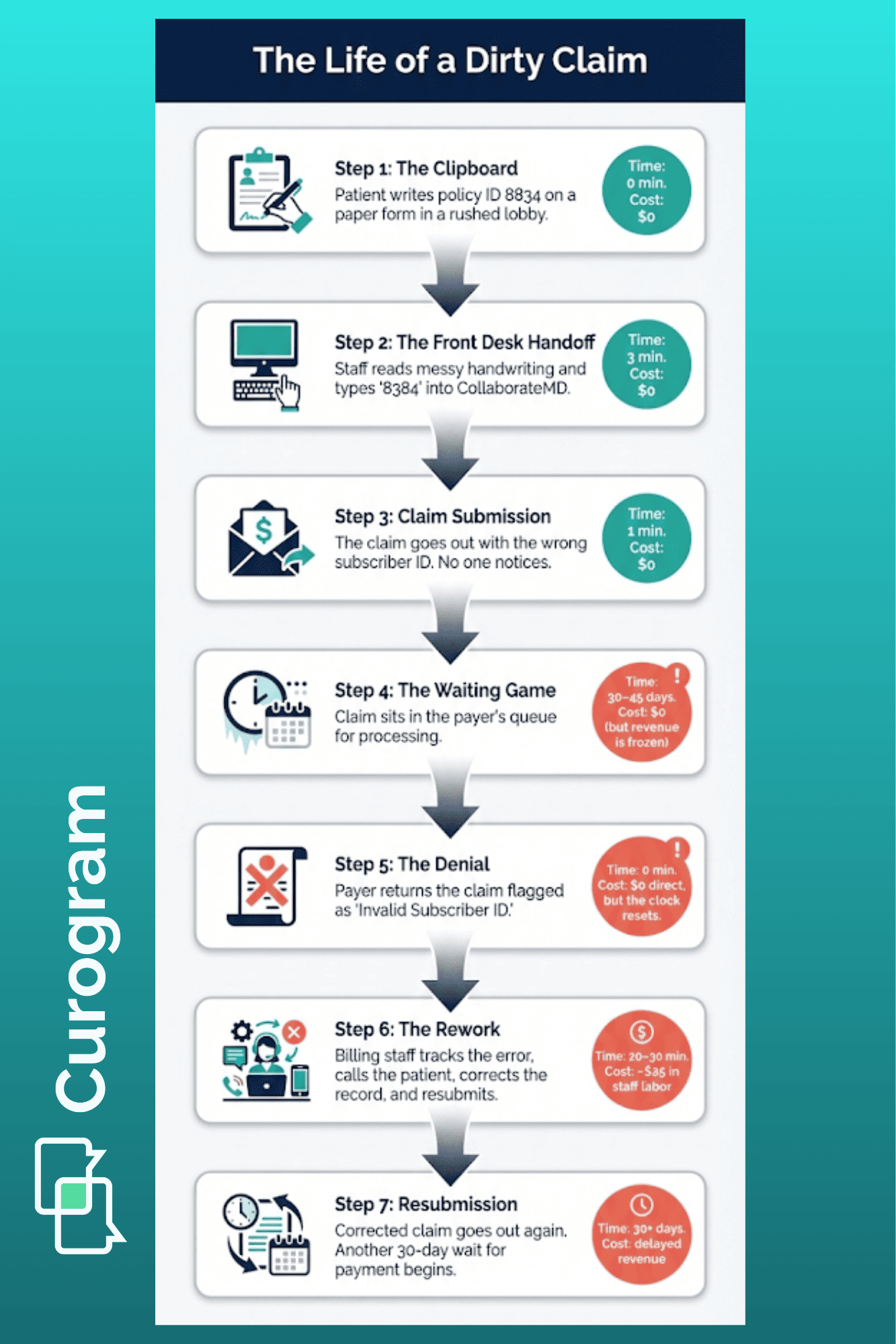
Here's how that simple clipboard quietly drains your revenue before a claim is even sent:
CollaborateMD is a strong billing engine. But even the best engine stalls when it gets bad fuel. In this case, the fuel is patient data, and bad fuel means wrong names, old addresses, or flipped digits in an insurance ID.
|
Here's a common scene: A new patient walks in and fills out a paper form in the lobby. Their writing is rushed. The "5" looks like an "S." The zip code is off by one number. The front desk types it in as they see it. That claim goes out looking fine. But 30 to 45 days later, it bounces back. The payer flags it as "Patient Not Found" or "Invalid Subscriber ID." Now your billing team has to track down the error, call the patient, fix the record, and resubmit. One small mistake turns into hours of rework. |
This is what happens when you rely on paper forms to feed a digital system. The data has to pass through too many hands. The patient writes it, the staff reads it, then the staff types it. Each step adds a chance for error.
Let's be honest about what we ask front desk staff to do: On any given day, they check in patients, answer phone calls, handle walk-ins, verify coverage, and manage schedules. On top of all that, we expect them to type data from a paper form into CollaborateMD with zero mistakes.
That's not a staffing problem. That's a workflow problem. Even the best staff member will miss a digit when they're pulled in five directions at once. And one missed digit is all it takes for a claim to be denied.
|
Picture this: Your front desk person is typing in a new patient's info. The phone rings. They look up, answer it, and then look back at the form. Did they already enter the street number? Was the policy number 8834 or 8384? Small lapses like these happen dozens of times a day. |
Electronic patient registration removes this trap. When patients enter their own data on a phone or tablet, there's no handoff. No one has to read messy writing. No one has to retype anything. The data goes straight from the patient to a review screen, and then into your system.
Now, let's talk money. The cost to rework a single denied claim runs around $25. That covers staff time, follow-up calls, resubmission, and delays in payment. Some claims cost even more if they require multiple rounds of back and forth with the payer.
|
Let's run a quick example: Say, your practice sees 40 patients a day and 10% of claims get denied due to data entry issues. That's 4 denied claims per day. At $25 each, that's $100 a day in rework costs, or roughly $2,000 a month. |
Now compare that to the cost of catching those errors at the door, which is $0. When the patient types their own data and your staff verifies it before it enters CollaborateMD, there's nothing to fix later. The claim goes out clean.
This is the math that makes digital intake a no-brainer for any practice using CollaborateMD. You're not adding a new expense. You're cutting one you didn't even know you had.
It comes down to a simple truth. You don't have a billing problem. You have a data entry problem. And the fix starts before the patient ever sits down in your office.

Now that you've seen where the problem starts, let's look at how to fix it. The goal is simple: stop bad data before it ever reaches CollaborateMD. Curogram does this by taking the keyboard out of your staff's hands and putting the form in the patient's pocket.
Here's how the workflow keeps your data clean from start to sync:
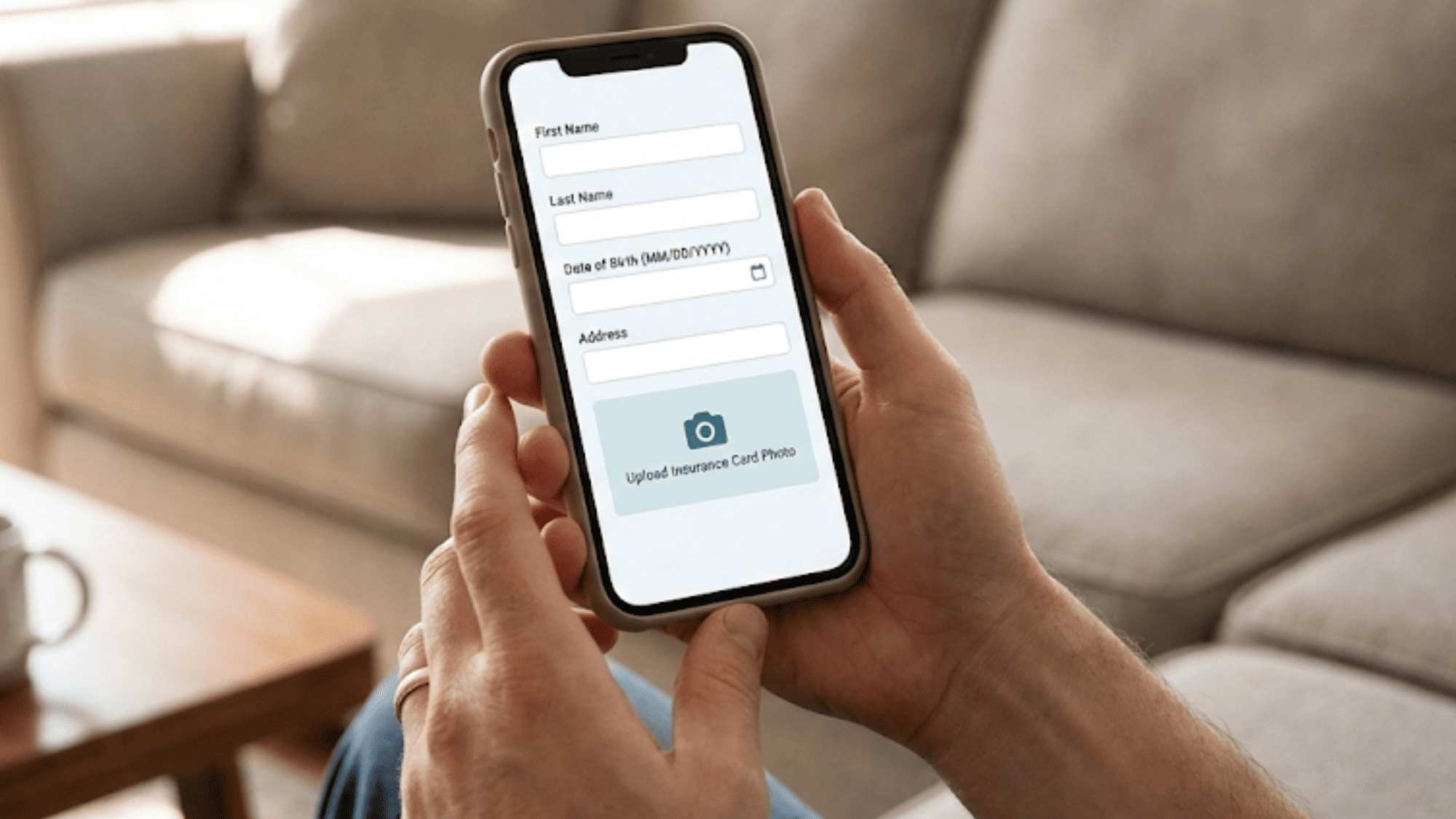
The best way to stop data errors is to stop typing. That's exactly what Curogram's intake workflow does. Instead of handing a patient a clipboard, your practice sends a secure text link to their phone days before the visit.
The patient opens the link, taps through the form, and fills in their details. Because they're on their own device, their phone's auto-fill kicks in. Name, address, phone number, and email all populate in seconds with the data already saved on the device.
Then comes the part that makes a real difference for your claims. The patient is asked to snap a photo of their insurance card, front and back, along with a photo of their ID. These images go straight into the system. No scanner needed. No "we forgot to copy it" at check-in.
This is how digital patient intake software works at its best. The patient does the data entry. The phone does the quality check. And your staff never has to type a word.
Of course, you don't want raw data flowing straight into CollaborateMD without a second look. Curogram accounts for this with a review step built into the workflow.
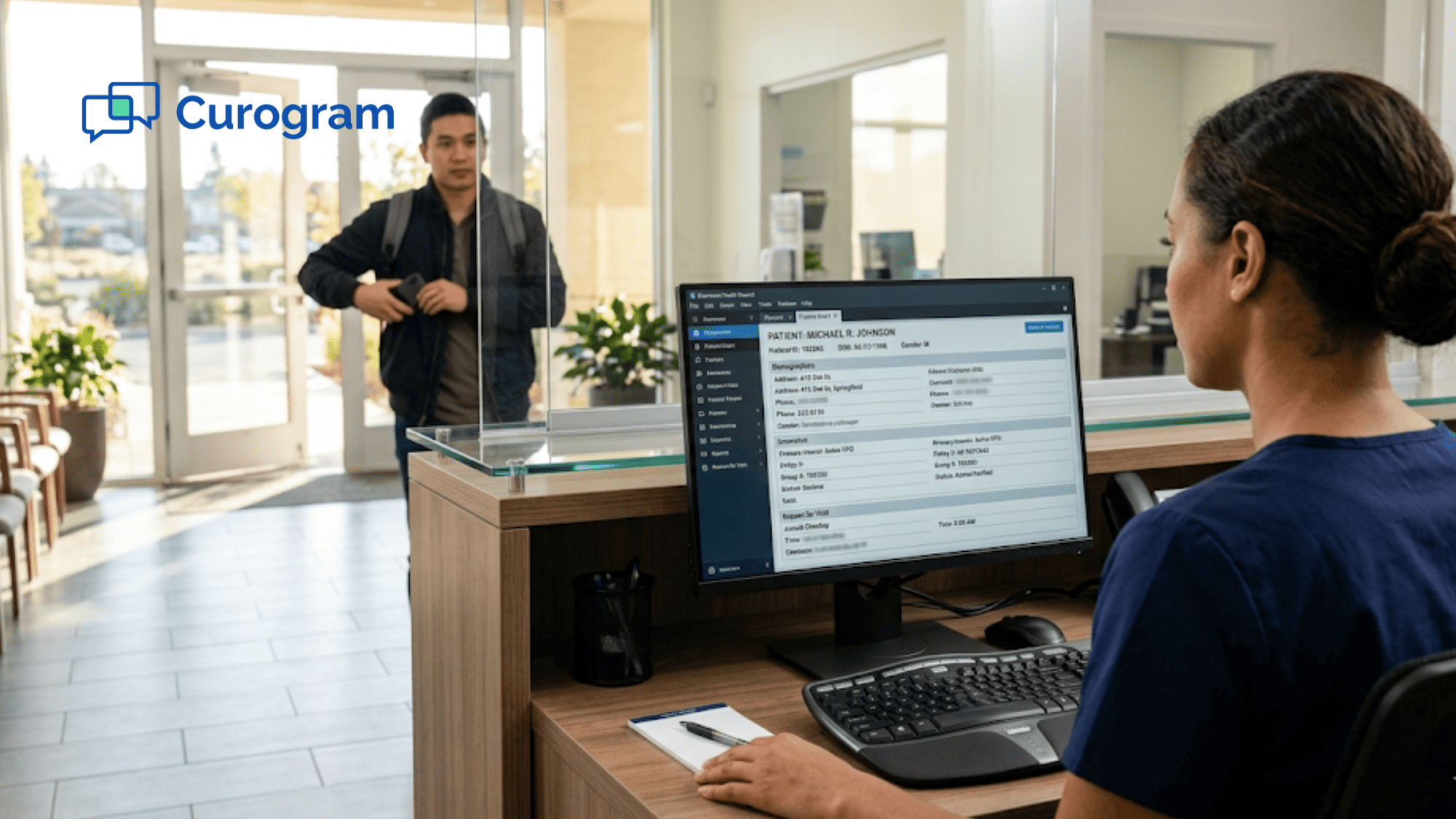
When a patient's form comes in, it lands in a staging area. Your staff sees the new data side by side with what's already in the system.
If the patient moved and entered a new address, the staff can compare it to the old one. If the insurance plan changed, they can see both versions on one screen.
Once the staff confirms the changes, they click "Accept" and the data syncs to CollaborateMD. One click. No retyping. No room for misreads.
Think about how CollaborateMD patient portal forms work in a paper-based setup. Someone writes it down, someone else reads it, then types it. That's three chances for an error. With Curogram's review and sync, you go from three chances to zero.
This dual-pane view also protects against another common problem: accidental overwrites. If a patient enters something wrong, say, a typo in their own date of birth, the staff catches it before it ever hits the record. Nothing gets changed without human approval.
Here's where Curogram pulls ahead of the old patient portal model: Most portals require the patient to create a username and password. They have to log in, find the right form, and fill it out. That's too many steps for most people. So the forms get ignored.
Curogram sends what's called a "magic link" via text message. The patient taps it and goes straight to the form. No login. No app download. No password to forget. It's the same ease as opening any text message.
This matters because adoption drives results. HIPAA compliant online forms are only useful if patients actually fill them out. When the barrier is low, more patients complete the form before the visit. Practices using this kind of text-based link often see adoption rates above 80%.
Compare that to patient portals that sit at 20% to 30% usage. The difference is clear. More completed forms mean fewer gaps in the data. Fewer gaps mean cleaner claims.
And because the link is sent via secure, HIPAA-safe SMS, there's no risk to patient privacy. The forms are built to meet federal standards from the ground up. This means your practice stays in full compliance while still making it easy for patients to share their info.
When you pair this kind of simple, secure intake with CollaborateMD's billing power, you create a system where bad data can't get in. That's the data firewall your revenue cycle needs.

There's no better proof than a real practice seeing real results. Atlas Medical Center put Curogram's secure intake to the test and saw changes across the board, from faster check-ins to cleaner claims.
Let's break down what changed and why it matters for any practice running CollaborateMD:
Before switching to digital intake, Atlas Medical Center's front desk spent an average of 15 minutes per patient just on paperwork. That included handing out the clipboard, waiting for the patient to fill it out, then typing the data into the system by hand.
Think about what 15 minutes means across a full day. If a practice sees 30 patients per day, that's 450 minutes — or 7.5 hours — of staff time spent on data entry alone. That's nearly a full workday lost to typing what the patient could have done from their couch.
After moving to Curogram's text-based intake, those 15 minutes dropped to almost nothing at check-in. Patients filled out their forms at home, on their phone, before they even walked through the door. When they arrived, the front desk just verified the data and clicked "Accept."
What did the practice do with that extra time? They focused on patient flow. Shorter waits. Smoother handoffs. Less stress for the team. The front desk went from being a data entry station to a true welcome point.
This is the kind of shift that reduces claim denials in CollaborateMD from the start. When staff aren't rushing to enter data while juggling calls and walk-ins, there's less room for mistakes. And fewer mistakes mean fewer claim rejections down the line.
Before making the switch, Atlas Medical Center dealt with a steady stream of claim denials tied to bad data. Wrong addresses, flipped numbers in policy IDs, and missing fields were the most common culprits.
These kinds of errors fall under what payers call "front-end denials." They happen before the claim is even reviewed for clinical content. The payer's system flags a mismatch, like a name that doesn't match the policy, and kicks the claim back.
Once the practice moved intake to Curogram, those front-end denials started to shrink. The reason was simple: patients typed their own info, so there was no handoff from paper to screen. The data was cleaner from the start.
Clean data is what makes a "clean claim." A clean claim passes through the payer's first check without being flagged. It doesn't need follow-up. It doesn't need a phone call. It gets paid on time.
For a billing team used to chasing down errors, this was a huge shift. Instead of spending hours each week on rework, they could focus on higher-value tasks like following up on aged claims or resolving complex coverage issues.
One of the most common reasons for claim delays is a missing or bad copy of the insurance card. It happens more than you'd think. The front desk is busy. A patient says they'll bring the card next time. Or the scanner jams. Or the image is too dark to read.
Atlas Medical Center solved this by making card capture part of the intake form. Before the visit, the patient takes a clear photo of their insurance card on their phone. Front and back. That image is stored in the patient's file and syncs to the document section in CollaborateMD.
The result: Every single patient file has a clear, high-res copy of the card. This also helps during the verification step. When staff review the intake form, they can see the card image next to the data the patient entered. If the group number on the card doesn't match what the patient typed, they catch it right away, before the claim goes out.
It's a small step that solves a big headache. And it's built right into the flow, so there's no extra work for staff or patients.
Atlas Medical Center's results aren't unique to them. Any practice that uses CollaborateMD and still relies on paper forms at check-in faces the same risks: typos, missing cards, rushed data entry, and the denied claims that follow.
The fix is also the same. Move the paperwork to the patient's phone. Let them fill it out on their time. Use a secure link so there's no login barrier. Then have your staff review and sync the data in one click.
|
Here's a simple way to measure if this would help your practice: Look at your denial reports in CollaborateMD for the past three months. Filter for denials tied to invalid patient info, wrong subscriber ID, or mismatched names. If those make up even 10% of your total denials, digital intake will pay for itself in weeks. |
The Atlas case study shows that this isn't about buying new tech for the sake of it. It's about fixing a broken step in the revenue cycle that costs money every single day.
When the data is clean going in, the claims come out clean. And that means faster payments, less rework, and a billing team that can actually focus on billing.
Most practices look at billing as the place where revenue is won or lost. But the real battle happens much earlier, right at intake.
Every paper form, every rushed handoff, every hard-to-read field is a chance for bad data to slip in. And once it's in your system, it flows all the way through to a claim. By the time the payer kicks it back, weeks have passed and money has been left on the table.
The truth is, you don't have a billing problem. You have a data entry problem. And the cheapest time to fix bad data is before it enters CollaborateMD, not after it comes back denied.
That's what a data firewall does. It sits between the patient and your billing engine. It makes sure that every name, address, date of birth, and policy number is correct before it touches a claim. And with Curogram's secure intake, that firewall runs on its own.
Stop fixing errors after the fact. Use Curogram's secure intake to make sure the only data that enters CollaborateMD is correct, checked, and ready to bill.
Why Curogram Is Built for This
Curogram isn't a general-purpose form tool dressed up for healthcare. It was built from the ground up for medical practices that need speed, security, and a direct link to their billing system.
The platform uses HIPAA-safe two-way texting to send intake forms straight to a patient's phone. There's no portal login, no app to download, and no password to create. The patient taps the link, fills in their info, snaps a photo of their card, and hits submit.
On the staff side, the dual-pane review screen makes it fast to verify new data. You see what the patient entered next to what's already in the system. One click syncs it to CollaborateMD. The whole process takes seconds, not minutes.
Because Curogram ties electronic patient registration to the billing workflow, it closes the gap that causes most front-end denials. Bad data doesn't get in. Cards don't get lost. Fields don't get left blank.
And the numbers back it up. Practices that use Curogram's text-based intake see adoption rates above 80%, far higher than portal-based systems that sit at 20% to 30%. More patients filling out forms before the visit means less scrambling at check-in and cleaner data in your system.
For practices already on CollaborateMD, adding Curogram is less about adding a new tool and more about plugging a hole. The billing engine works great when the data is right. Curogram makes sure the data is right before it ever gets there.
Claim denials don't start with the payer. They start with a messy form, a rushed front desk, or a missing insurance card. By the time a denial shows up in CollaborateMD, the damage is already done and the rework clock is ticking.
The fix is simple. Move intake off the clipboard and onto the patient's phone. Let patients enter their own data where auto-fill does the work. Capture the insurance card image before the visit. Then let your staff review and sync it all in one click.
That's what secure patient intake for CollaborateMD looks like in practice. It's not about adding more tech. It's about plugging the one gap that feeds the most denials in your revenue cycle.
Atlas Medical Center proved it works. Fifteen minutes saved per patient. A real drop in denial rates. A clear card image in every single file. These aren't small wins. They add up to thousands of dollars saved each year and a billing team that can focus on what matters.
If your practice still hands out paper forms at the front desk, you're paying a hidden tax on every claim. Typos, missing fields, and bad scans are costing you money you may never get back.
Curogram's digital intake is the fix. It's secure, it's simple, and it works with CollaborateMD right out of the box.
Ready to build your data firewall? Book a demo with us to see how Curogram turns your intake into your cleanest billing step.
Curogram offers a "Kiosk Mode" for office tablets. Staff can also print the form as a backup. That said, data from many practices shows that even older patients prefer tapping a simple text link over filling out paper. The link opens in any browser, so no app is needed.
All forms are sent through HIPAA-safe SMS and use encrypted connections. Patient data stays protected from the moment they tap the link to the moment staff sync it into CollaborateMD.
Setup is fast because Curogram is built to plug into existing workflows. Most practices are live within days, not weeks, and staff training is minimal since the review and sync process takes just a few clicks.
💡 Medical practices can reduce claim denials in CollaborateMD by using digital intake forms that remove manual data entry errors. About 20% of...
💡 You can reduce data entry errors in Prime Clinical Intellect by removing manual transcription from your intake process.When staff retype data...
💡 StreamlineMD practices use online patient forms to cut intake delays and boost exam readiness for radiology, vascular, and IR workflows. ...