7 min read

Join Video Visits With One Link, No App | CharmHealth

Join Video Visits With One Link, No App | CharmHealth
💡 One-link video visits for CharmHealth patients without an app start on time because there is nothing to download or log into. The patient gets a text, taps it, and joins right in their phone's browser.    

The problem most telehealth tools create is the "Download Wall."        

Apps, portal logins, and forgotten passwords block patients at the worst moment — seconds before the visit. Every extra step is a chance to give up.

Curogram sends the visit as a text link, opened at roughly 98%. Older patients and busy families join with a single tap. Visits start on time, and "how do I join?" calls fade away.


A patient is ready for their telehealth visit, sitting down on time with a phone in hand. Then the real appointment begins — the small, frustrating fight to get into the call.

They tap an old email link that goes nowhere, an app demands an update, and the portal asks for a password they set months ago and never used again. Meanwhile, the provider is already waiting.

This quiet scene repeats in practices every single day, and it almost always ends the same way. The visit was supposed to be the easy part, yet it becomes a round of tech support before anyone has said hello.

For your front desk, it turns into another confused call to untangle. For your provider, it becomes a schedule that keeps slipping, and for the patient, the convenience they were promised suddenly feels a lot like work.

The frustrating part is that none of this is a clinical problem at all. The care is ready, the provider is ready, and the only obstacle is the path to the screen itself.

That path is where most telehealth tools quietly fail their patients. They ask people to download, log in, and navigate before they can ever be seen, and each step becomes one more wall to climb.

There is a far simpler way to handle this. One-link video visits for CharmHealth patients without an app remove every wall between the text and the visit, so the patient taps once and arrives.

No app store. No portal login. No setup call to your team.

This article breaks down why the old way costs more than you think, and how a single tap changes the patient experience, your front-desk workload, and your no-show rate.

Most of all, it shows how easy joining a visit can be.

The Real Cost of the Download Wall

The Download Wall does its worst damage in the seconds right before a visit. To remove it, you first have to see exactly where patients fall off.

When "Join" Becomes a Maze

CharmHealth can host the video visit beautifully, but actually joining can still mean an app, a portal login, or a confusing trip through the EHR ecosystem. That friction lands at the worst possible moment, right before the appointment is supposed to start.

The patient did nothing wrong here. They simply ran into a wall the software placed in front of them.

Every Extra Step Loses a Patient

Here is how the drop-off usually unfolds in practice.

The patient cannot find the link, then gets stuck at a download or a password, and eventually calls the front desk for help while the visit starts late and the provider keeps waiting.

Now put some real numbers on that frustration. Imagine your practice runs 300 telehealth visits a month, and join friction disrupts roughly 15% of them, which works out to about 45 visits that start late or quietly slip into no-shows.

If each disrupted visit costs around $120 in lost or delayed revenue, that adds up to $5,400 every month. Over a full year, the same friction quietly drains close to $64,800, and for your team that is real money lost to a download screen.

These figures are an illustrative example rather than a promise.

Even so, the underlying pattern is very real, because every single step before "join" carries a hidden price.

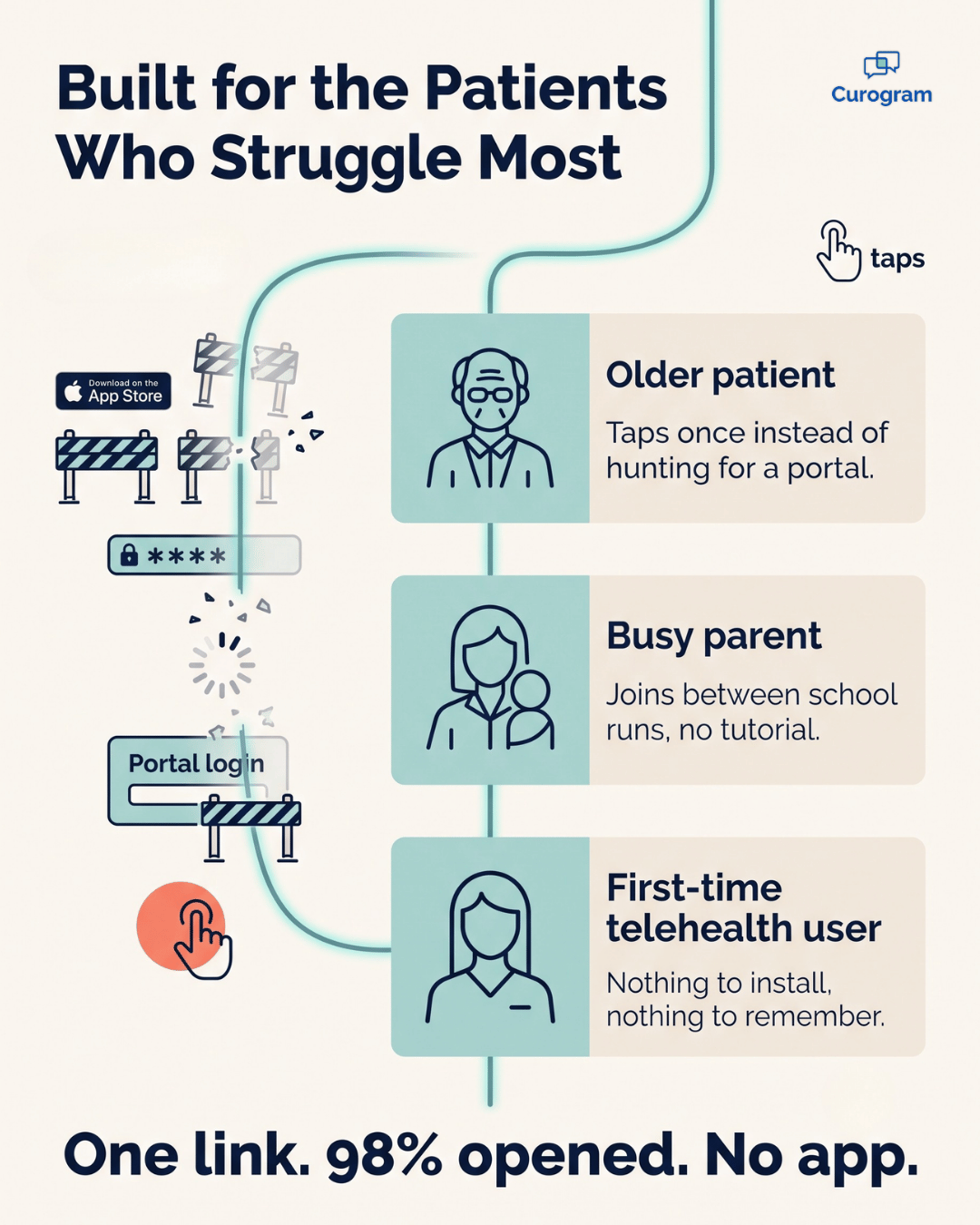
Infographic on how one-tap video visits help older, less tech-savvy patients join easily

How One Link Replaces the Whole Process

Curogram meets patients exactly where they already are, inside the text thread on their phone.

There is no app store, no portal, and nothing to set up beforehand.

That is the promise of single-link telemedicine:

Patients receive one link and have nothing else to manage.

Here is how a text link video visit actually works, from start to finish:

  • The reminder goes out by text, in the same thread the patient already uses.
  • At visit time, the join link arrives as a new message.
  • The patient taps it, and the visit opens directly in their phone's browser.
  • There is no app to install, no password to recall, and no setup call to make.

This is the feature Curogram calls Multi-User Telemedicine, and it sits neatly on top of CharmHealth. The same conversation that reminded the patient now launches the visit, so the experience stays seamless all the way from reminder to visit to follow-up.

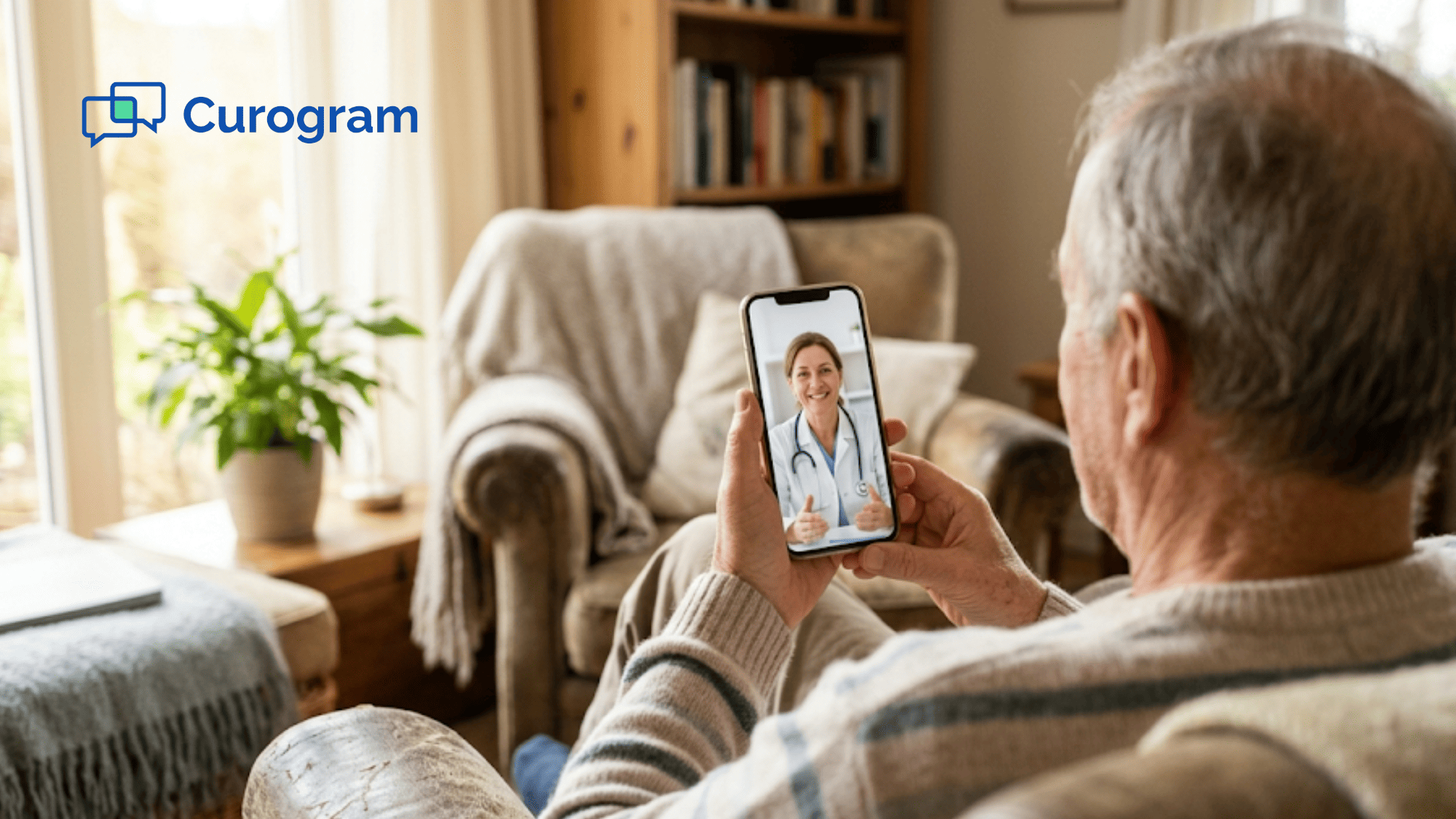
Because the link arrives by text, patients join a video visit with no app and no login required. This is no-download telehealth in its simplest possible form, running in the browser they already have, on the phone already sitting in their hand.

That design matters most for the people who tend to struggle most. Older patients tap a single time instead of hunting through an unfamiliar portal, and busy parents join between school runs without needing a tutorial. Patient-friendly video visits feel effortless precisely because nothing is asked of the patient except one tap.

If you already run reminders through Curogram, this becomes the natural next step in the same workflow.

The visit lives in the very same place as the appointment reminder and confirmation. You can see the bigger picture in our complete guide to telemedicine for CharmHealth practices, and explore the staff side in how CharmHealth practices run video visits without another tool to manage.

Easy virtual visits are exactly what modern healthcare should feel like — genuinely simple for the patient, and just as simple for your team.

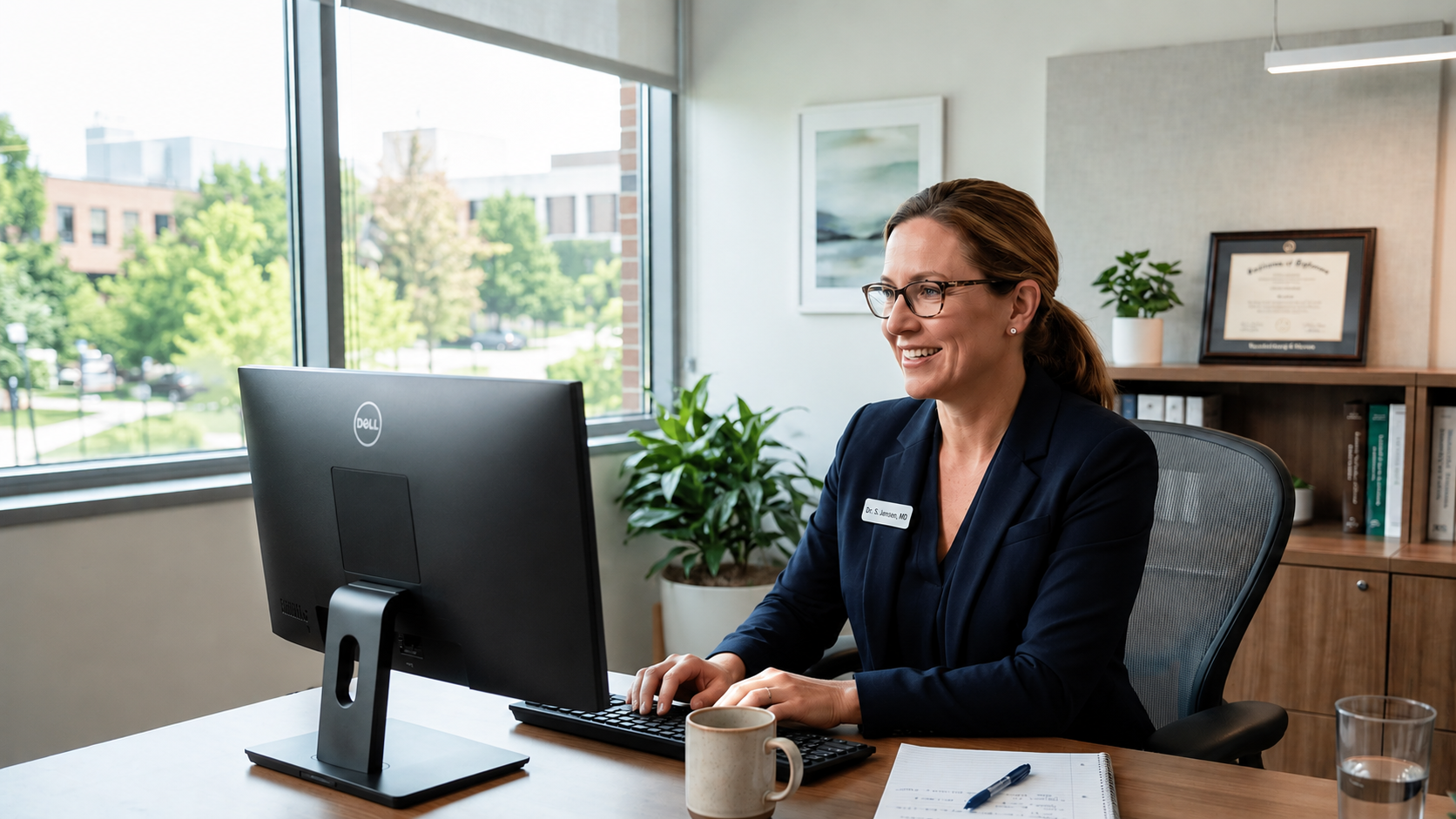
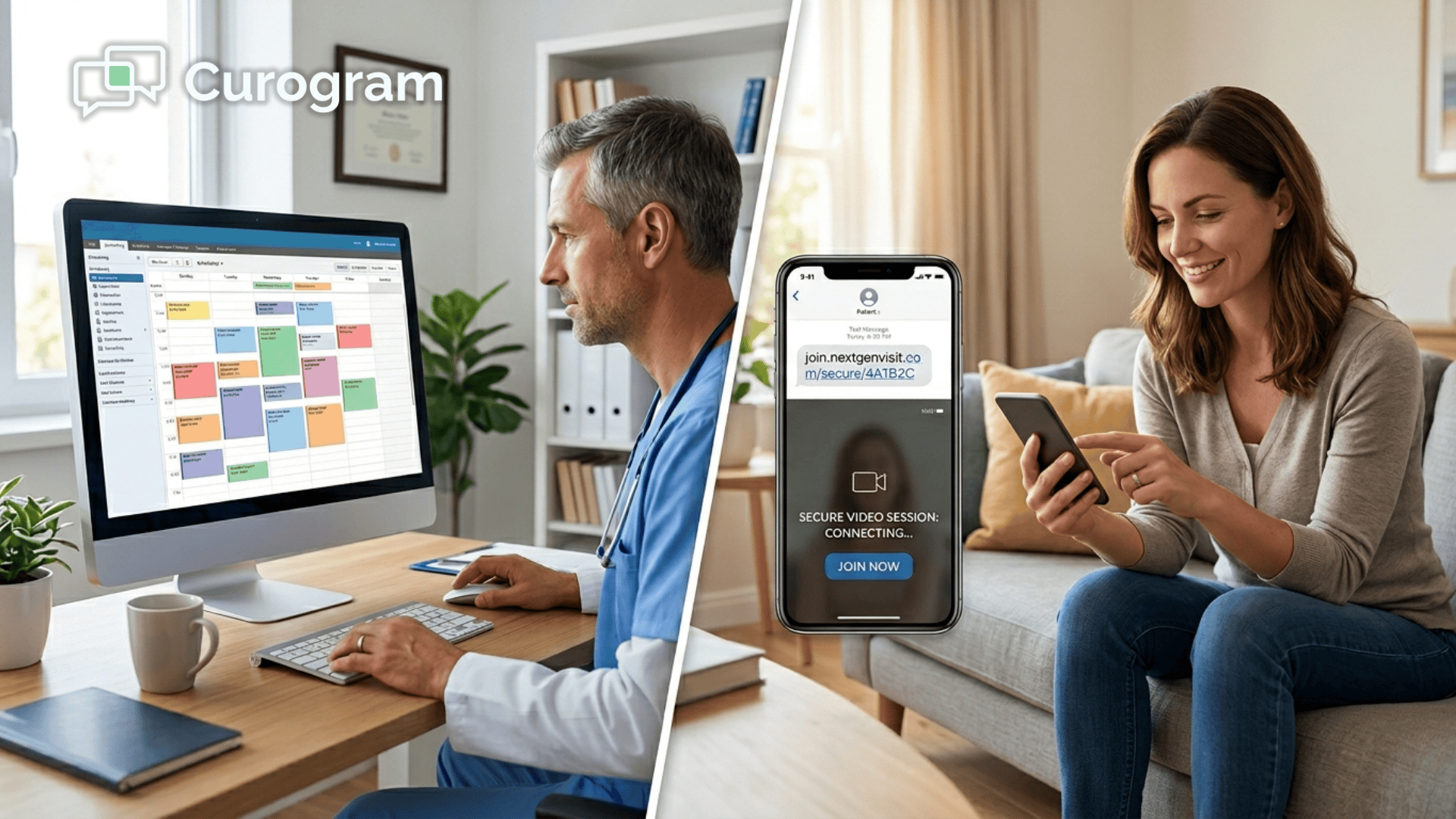
Doctor in a modern office leading a secure telehealth video visit on screen

What Changes When Joining Takes One Tap

The difference shows up the very moment a patient tries to join.

One path is full of frustrating stops, while the other is a single, effortless tap.

Step in joining App or portal path Curogram text link
Finding the visit Search email or portal Tap the latest text
Logging in Password required None needed
Software setup Download or update an app Opens in the browser
Getting help Calls the front desk No call needed
Result Late start or no-show On-time join

The numbers behind that table tell the rest of the story.

A text link is opened at roughly 98%, while patient portal messages often see only single-digit engagement, which means almost every patient sees the link and almost none of them miss it.

This is the practical shift toward a true one-platform practice. From the patient's side, it is one tap from reminder to visit, and from your side, it is one tool instead of three competing systems. With single-link telemedicine, patients tap once and your schedule holds together for the rest of the day.

Healthcare everywhere! Launch a pervasive telehealth platform that's easy for both providers and patients with Curogram.

For your team, the payoff is concrete and immediate:

  • Visits that start on time, instead of five minutes late.
  • Fewer "how do I join?" calls tying up the front desk.
  • Patients who actually show up, instead of giving up at the login screen.

When joining is this easy, virtual care finally feels the way it was always supposed to feel. The technology gets out of the way, and the visit simply happens.

What Your Front Desk Gets Back

The patient side gets easier, and your front desk feels the relief just as much. Every join-support call that disappears is time handed straight back to your staff.

Think about a normal week at the desk.

Say your team fields 30 "how do I join?" calls, and each one eats about 5 minutes between the call, the lookup, and the walk-through. That works out to 2.5 hours a week, or roughly 130 hours a year, spent on a problem that should not exist.

130 hours a year is more than three full work weeks — recovered by fixing one broken step.

Where Those Hours Go

For your team, that is real time returned to scheduling, intake, and the patients waiting at the counter. The work itself does not vanish, but it finally moves to where it actually matters.

When the link simply works, the phone stops ringing for the wrong reasons. Your staff spends less time playing tech support and far more time on care.

Make Joining a Visit Feel Like a Tap, Not a Task

Here is the simple truth at the center of it all. Patients do not skip video visits because they dislike telehealth; they skip them because getting in feels like work.

Remove that work, and the entire experience changes. The visit starts on time, the provider stops waiting, and the front desk stops fielding confused, repetitive phone calls.

This is the quiet power of a single link. It never asks the patient to learn anything new, because it meets them inside the text thread they already check and turns joining into one tap.

CharmHealth still does what it does best underneath it all. It holds the clinical record, the notes, and the patient history, while Curogram earns the one part a record cannot guarantee on its own — the patient actually showing up, on time, without a struggle.

That handoff genuinely matters for your practice. The record keeps everything running smoothly, and the on-time arrival keeps your schedule full and your revenue steady.

Think about what fewer missed visits mean over a single month, then multiply that across a year. The friction you remove today quietly pays you back every single week.

Your patients want care that respects their limited time. Older patients want something they can trust without a tutorial, and busy families want one quick tap instead of ten minutes of troubleshooting.

You can give them all of that without adding yet another tool to manage, because the reminder, link, and visit already live together in one place. The download wall is a problem you can simply choose to stop having, opened instead by patients at roughly 98%.

Stop losing valuable virtual visits to apps and logins. Schedule a Demo, and let us walk you through the patient experience, from the first text reminder to the one-tap visit.


Frequently Asked Questions

Do patients need to download an app or use the portal to join?

No. Patients tap the text link and join in their phone's browser. There is no app store and no Charm Patient Portal login, which is exactly why visits start on time.

Is a browser-based video visit private and secure?

Yes. Visits are HIPAA-compliant and encrypted under a signed BAA. Patients get one-tap convenience while the visit stays fully protected. For more on patient privacy in virtual care, the HHS telehealth guidance for patients is a helpful resource.

What if a patient is not comfortable with technology?

A single tap is about as simple as it gets. There is nothing to install and nothing to remember. That is why one-link visits work especially well for older and less tech-comfortable patients.

Does this work with our existing CharmHealth setup?

Yes. Curogram sits on top of CharmHealth, so your clinical record stays right where it is. The text link only handles how the patient joins, while CharmHealth keeps doing the documentation underneath.

What happens if a patient still cannot get in?

Because there is no app or password to troubleshoot, these cases are rare. If one does come up, your team can resend the link in a tap, and the patient is back on track in seconds without a long support call.


See How Lytec Patients Join a Video Visit With No App Download

See How Lytec Patients Join a Video Visit With No App Download

💡 Lytec patients can join a video visit with no app download. Curogram texts a secure link that opens the visit in one tap.Here is what that looks...
Read More
NextGen Video Visit via Text | One Tap, No App, See Your Doctor

NextGen Video Visit via Text | One Tap, No App, See Your Doctor

💡 NextGen patient video visit functionality powered by Curogram's One-Tap Video Visit lets patients connect with their doctor on video by tapping a...

Read More
NextGen Telemedicine Workflow | Launch Video Visits from the Schedule

NextGen Telemedicine Workflow | Launch Video Visits from the Schedule

💡 Curogram's NextGen telemedicine workflow powered by Schedule-Triggered Video Launch lets clinicians initiate HIPAA-compliant video visits...

Read More