Patient Texting for eCW Networks | No App, No Portal, No Wait
💡 Patients at eClinicalWorks (eCW) networks often face a wall before they can ask a simple question. They need to download the healow app, create...
13 min read
Mira Gwehn Revilla
:
March 11, 2026
Table of Contents
Picture this. A 70-year-old patient needs to check her copay before Thursday's visit. She tries the portal, can't recall her login, and gives up. So she calls the office. She waits on hold for eight minutes just to ask a 10-second question.
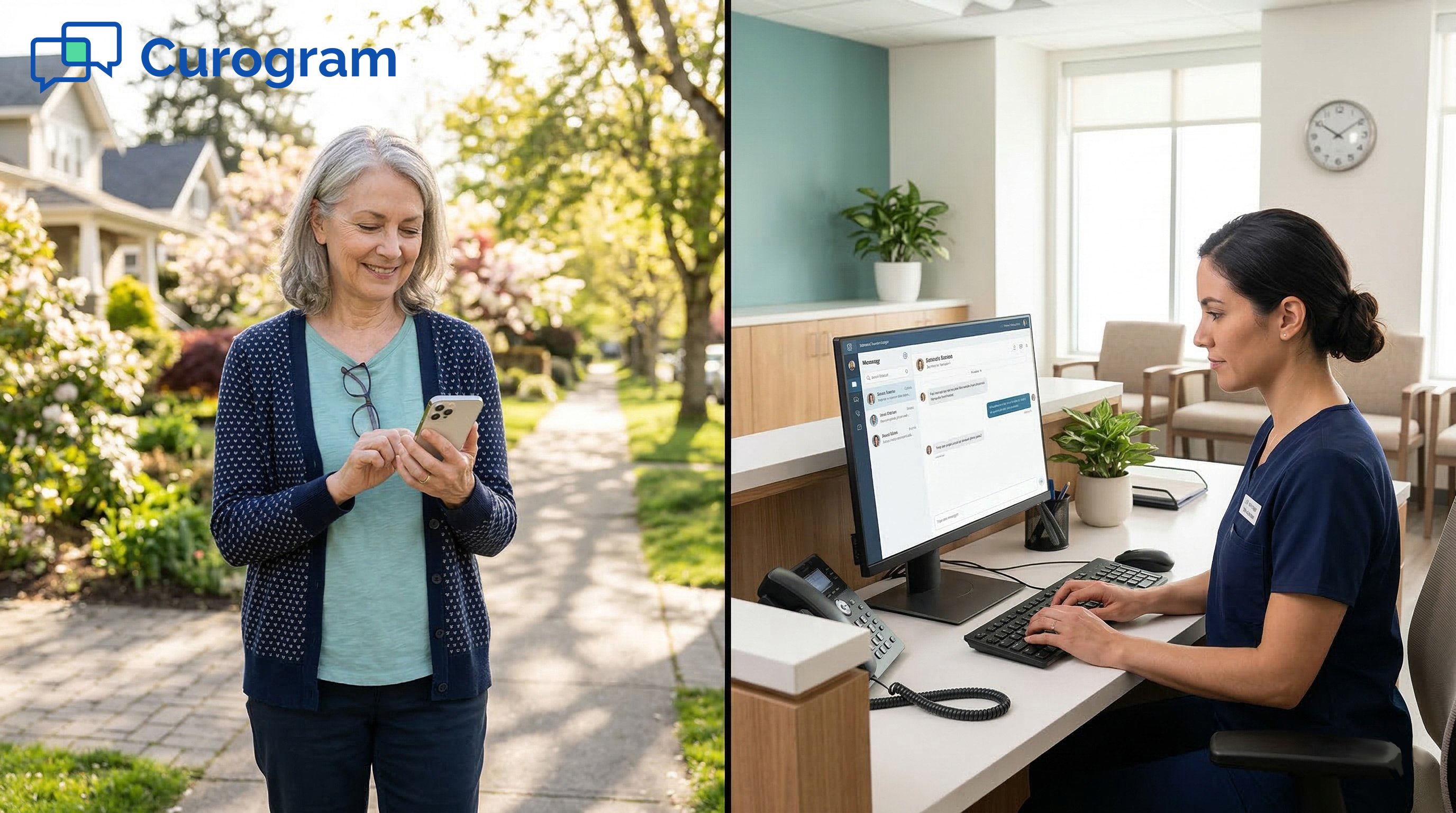
Now, picture the same patient sending a quick text: "What's my copay for Thursday?" She gets an answer in under three minutes. No hold. No login. No stress.
That's the gap most Athena practices live with every day. The portal works well for the patients who use it. But at most clinics, only about 30% of patients ever log in.
The rest — the vast bulk of your panel — default to the phone. Every one of those calls adds to hold times, drains front desk energy, and slows down care.
There's a better path. When patients can text their doctor's office through Athenahealth patient texting, they get fast answers without learning new software. And the practice gets fewer calls, less inbox noise, and happier staff.
Curogram's Patient Text Lane makes this possible with portal-free patient communication. It runs on plain SMS — the same texting every patient already knows. No app to install. No account to set up. Just text.
In this article, we'll break down why 70% of your patients can't reach you through the portal, how the Athena patient text lane fills that gap, and what the real impact looks like for your team, your patients, and your bottom line.
We'll also walk through a real-world story of how one patient went from calling four times a month to texting — and never looked back.
Athena's patient portal is a solid tool. It handles lab results, messages, and appointments well. But here's the catch — most patients never use it.
At the average high-volume practice, portal adoption sits near 30%. That means 70% of your patients have no easy digital way to reach you.
These aren't lazy or careless people. They're patients who forgot a password, never finished sign-up, or just don't want to use a web portal for a quick question.
So what do they do instead? They call.
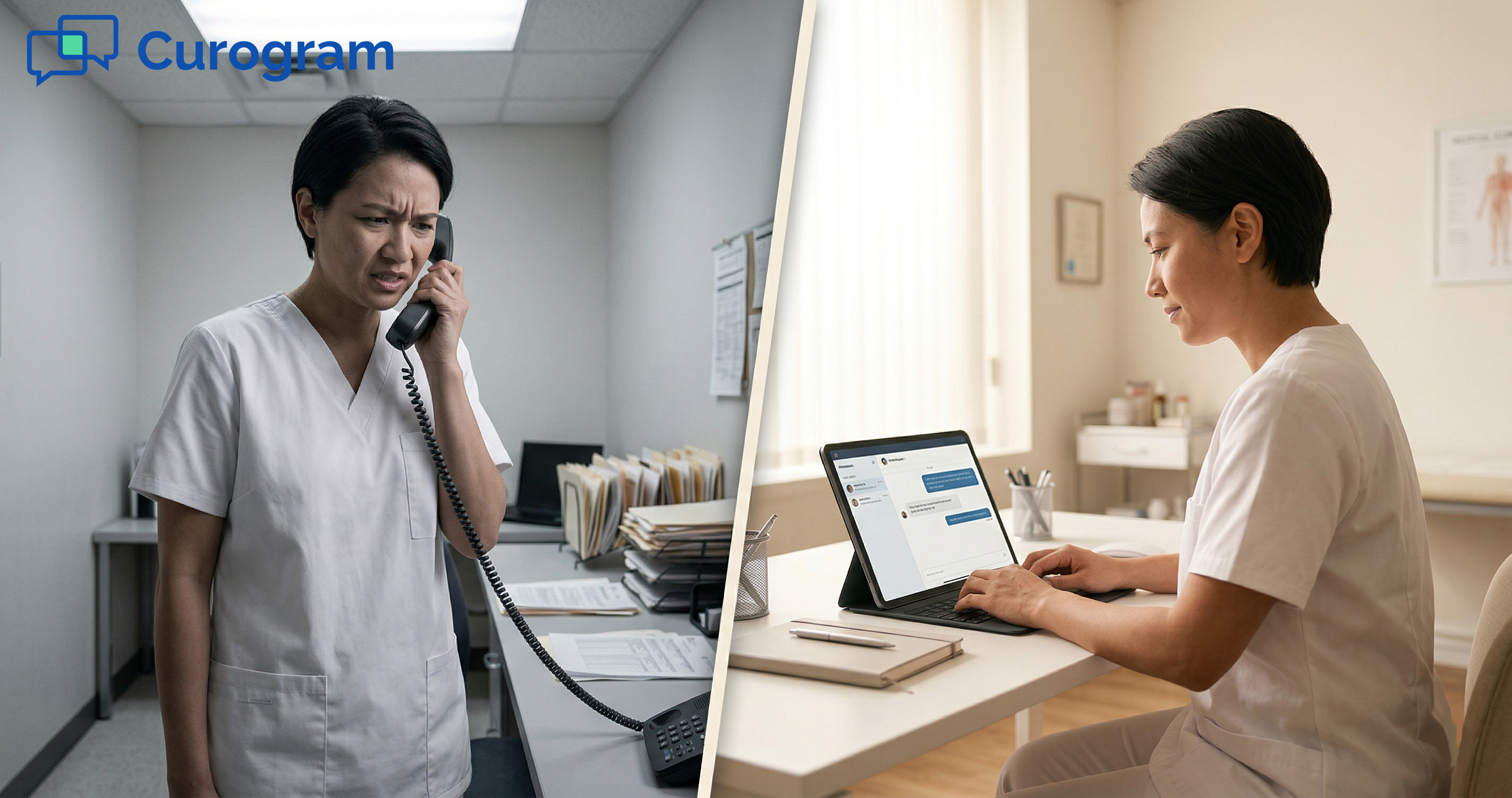
And when they call, they wait. At busy urgent care clinics, hold times of 8–10 minutes are common — even for simple questions like "Is my referral ready?" or "What time is my visit?" For the patient, that's a bad experience. For your front desk, it's one more call in an already packed queue.
Think about the math. Say your practice gets 200 calls a day. If even half of those are basic admin questions — scheduling, copays, appointment times — that's 100 calls your staff handles that could be resolved in a two-line text.
At an average of four minutes per call, that's nearly seven hours of staff time each day spent on simple questions.
|
Call Type |
Avg. Calls/Day |
Avg. Time per Call |
Daily Staff Hours Used |
|
Scheduling questions |
40 |
4 min |
2.7 hrs |
|
Billing/copay questions |
30 |
4 min |
2.0 hrs |
|
Appointment confirms |
30 |
3 min |
1.5 hrs |
|
Total routine calls |
100 |
— |
6.2 hrs |
That table shows how fast the time adds up. And it doesn't count the phone notes staff then enter into Athena, which create even more work.
The problem hits some groups harder than others:
Orthopedic practices often serve older patients who find portal password resets confusing.
Urgent care clinics promise speed — but an 8-minute hold for a schedule check breaks that promise.
Multi-site groups with mixed patient ages see the tech-savvy few use the portal while the rest flood the phones.
This is what we call the Portal Gap. It's not a tech issue. It's an access issue.
The portal serves patients who are willing and able to use it. But the rest — the bigger group — need another route. Without one, they call. Every call they make adds to hold times for other patients, eats into staff bandwidth, and often creates inbox items for the provider through phone notes
Many practices try to fix this by pushing harder on portal enrollment. They add flyers, email links, and sign-up prompts. But adoption rarely budges much past 30–35%. The truth is, a large share of patients will never use the portal — not because they're opposed to tech, but because a portal is more effort than they want for a simple question.
When a patient just needs to ask about patient SMS scheduling or a billing balance, logging into a portal feels like overkill. They want the fastest route to an answer. Right now, that route is the phone. But it doesn't have to be.

The answer to the Portal Gap is something your patients already use every day — text messaging. Curogram's Patient Text Lane creates a direct SMS line between the patient and the practice.
This is what makes the Athena patient text lane so effective. It works for every patient because it runs on the one tool every patient already has: a mobile phone with texting.
|
Here's how it works in practice: A patient sends a text to the practice's number. The message shows up in the Curogram dashboard, which staff can view right next to Athena. Staff reply from the dashboard, and the patient gets a normal text back. The whole exchange feels like texting a friend — for the patient, at least. |
Let's look at why this matters for each type of patient your practice serves:
For older patients who can't navigate the portal, texting is second nature. A 74-year-old who struggles with browser logins can still text "What time is my visit?" and get an answer fast. There's no age barrier and no tech skill needed.
For busy parents juggling work and kids, a two-minute text thread beats a 10-minute hold any day. They can text between meetings or during a school pickup. They don't need to set aside time to sit on hold.
For younger patients who expect instant replies, texting matches the speed they're used to. They already text for food orders, ride shares, and bank alerts. Texting the doctor's office through Athenahealth just feels normal.
For patients with limited English, short text messages are often easier to read and respond to than portal interfaces with dense menus and medical jargon.
As a result, a single channel that serves all of these groups — without asking any of them to learn something new.
Here's what sets the Patient Text Lane apart from other tools:
|
Feature |
Patient Portal |
Phone Call |
Patient Text Lane |
|
Needs login/password |
Yes |
No |
No |
|
Needs app download |
Sometimes |
No |
No |
|
Wait time |
Varies |
5–10 min |
Under 3 min |
|
Works for all ages |
Limited |
Yes |
Yes |
|
HIPAA secure |
Yes |
Varies |
Yes |
|
Creates provider inbox item |
Often |
Often |
No |
Every text through Curogram is HIPAA secure. Messages are encrypted and tracked with a full audit trail. Patients don't need to think about this — it just works in the background. This is HIPAA texting with no app download needed on the patient's end.
The front desk benefits, too. Text chats are faster than phone calls because staff can handle more than one at a time. A staff member on the phone can only talk to one patient.
A staff member on the text dashboard can manage three or four chats at once. Based on our internal data, practices that add two-way texting see phone call volume drop by up to 50% and staff output rise by more than 30%.
Texting is also less draining for staff. Phone calls often involve small talk, hold transfers, and repeat callers. Texts get to the point. The patient asks. The staff answers. Done.
And because the Patient Text Lane lives outside the Athena inbox, providers aren't buried in message noise from routine admin questions.
The front desk handles scheduling and billing texts without ever touching the provider's queue. This keeps the inbox clean and the provider focused on clinical work.
For patients, the appeal is simple — they can text the doctor office through Athenahealth the same way they text anyone else. For staff, it means fewer calls and more time for the work that matters.
Stories tell us more than stats. So let's follow one patient through the shift from phone calls to texting — and see how it changes everything for her, the front desk, and the practice.
Mrs. Garza is 67. She's a regular at a 12-provider group in the Southwest that runs orthopedic and urgent care services on Athenahealth. She comes in every six weeks for knee follow-ups after a joint replacement. She also brings her grandkids in for urgent care visits a few times a year.
Mrs. Garza has never logged into the patient portal. She tried once, hit a password error, and gave up. She's not against technology — she texts her daughter every day, shares photos with friends, and checks the weather on her phone. But a web portal with a login screen? That's not her thing.
Every time Mrs. Garza had a question, she called the office. Need to confirm Thursday's visit? Call. Want to know her copay? Call. Checking on a referral? Call.
Each call went the same way. She'd dial in, hear the hold message, and wait. On a good day, the wait was five minutes. On a busy Monday, closer to ten. Once she reached the front desk, the question itself took about 30 seconds. But by then, she'd already lost close to 10 minutes of her day.
And the staff? Each call meant picking up the line, pulling up her chart, answering the question, and then logging a phone note in Athena. That note sometimes created an inbox item for the provider — even when the question was purely routine.
Mrs. Garza called the office about three to four times per month. None of her calls were clinical. They were all basic admin questions: scheduling, copays, referral status.
Now, multiply Mrs. Garza by 200 patients just like her. That's 600 to 800 extra phone calls per month — all for questions that could be answered in a two-line text.
When the practice turned on Curogram's Patient Text Lane, Mrs. Garza got a simple SMS on her phone. It said the practice now accepts texts for scheduling, billing, and general questions.
The next week, she had a question about her upcoming visit. Out of habit, she almost called. Then she remembered the text. She typed: "Hi, is my visit still Thursday at 10?"
Within three minutes, the front desk wrote back: "Hi Mrs. Garza! Yes, your visit with Dr. Rivera is Thursday at 10:00 AM. Please come 15 minutes early. Your copay is $30."
That was it. No hold. No phone tree. No callback needed. Mrs. Garza read the reply, put her phone down, and went on with her morning.
Over the next few months, Mrs. Garza texted the office for every non-clinical need. She asked about her next follow-up date. She checked whether her insurance referral had gone through. She even let the office know she'd be five minutes late.
Her monthly calls dropped from three or four to nearly zero. She told her daughter, "I can just text them now — like I text you."
For Mrs. Garza, the change meant no more hold times, no more frustration, and a practice that felt easier to reach. She didn't need to learn a portal. She didn't need Athena patient text with no portal login steps or any kind of new account. She used the same texting app she already had.

Each of Mrs. Garza's old phone calls took an average of six minutes of staff time — counting the hold, the chat, and the phone note entry. Four calls a month meant about 24 minutes of staff time per month on one patient.
After the switch to texting, each text exchange took about 90 seconds. And because the staff member could handle other chats at the same time, the true per-patient cost was even lower.
Here's how the numbers look for one patient like Mrs. Garza:
|
Metric |
Phone (Before) |
Text (After) |
|
Monthly contacts |
3–4 calls |
3–4 texts |
|
Avg. time per contact |
6 min |
1.5 min |
|
Total monthly staff time |
18–24 min |
4.5–6 min |
|
Provider inbox items |
1–2 |
0 |
|
Patient wait time |
5–10 min |
Under 3 min |
Now scale that across your panel. If 200 patients make a shift like Mrs. Garza's, that's a savings of roughly 50 to 60 staff hours per month. That's time your team gets back to handle walk-ins, process referrals, and focus on patients in the office.
Dr. Rivera saw fewer phone notes in his inbox. Before the text lane, routine admin calls often triggered inbox items he had to review and close — even when the question had nothing to do with clinical care. After the switch, those items dropped because the front desk resolved questions by text without looping in the provider.
This is one of the most overlooked benefits of patient SMS scheduling and billing via text. The provider stays out of the loop on admin chatter. The inbox stays lean. And the provider can spend that time on clinical items that actually need their input.
Mrs. Garza isn't unique. She represents the bulk of your patient panel — people who are willing and able to use their phones but don't want to deal with a portal.
When you open a text lane, you give these patients what they've wanted all along: a fast, simple way to reach the practice without sitting on hold.
And you give your team what they've wanted all along: fewer calls, less inbox noise, and more time for the work that counts.
The Patient Text Lane doesn't replace Athena's portal. It works beside it. Think of it as a second door into the practice — one that more patients will actually walk through.
Here's how the patient panel breaks down once you add texting:
Portal users (about 30%) keep using the portal for lab results, clinical messages, and self-service features. These patients are comfortable with digital tools and prefer the portal. Nothing changes for them.
Text lane users (about 50–60%) are the patients who find the portal too complex, can't recall their login, or just prefer the speed of texting. Before the text lane, they were calling for every question. Now their calls turn into texts — faster for them, lighter for your staff, and invisible to the provider inbox.
Phone-only users (about 10–20%) will always prefer a live call. That's fine. With the text lane absorbing most routine calls, these patients now reach a less crowded phone line. They get shorter hold times and more attentive staff.
|
The Net Result Your practice goes from reaching 30% of patients through digital channels (portal only) to 80–90% (portal plus text). The remaining group is served by a phone system that's no longer overwhelmed. |
This is what portal-free patient communication looks like in practice. You don't force patients onto a platform. You meet them where they are — on their phones, using the same texting they do all day.
For practice leaders, the Patient Text Lane shows up in numbers that matter. Here are the key metrics to watch.
Track the gap between a patient's question and the staff reply. Text-based exchanges through the Patient Text Lane close in minutes. Phone callbacks can take hours — or stretch to the next day.
Patients who can reach their practice fast report higher satisfaction. In reviews, the phrases that show up most often are "easy to reach" and "quick to respond." When patients can text your office instead of waiting on hold, positive reviews follow.
Based on our internal data, Curogram clients see a meaningful lift in five-star Google reviews through automated review requests.
Patients who can't get through to your office are the ones most likely to try a competitor. This is a real risk in urgent care, where the next clinic is just down the road. The text lane makes your practice more reachable than the alternative — and that alone reduces patient leakage.
Track what share of patient contacts happen by text versus portal versus phone. The goal is to shift the mix from phone-heavy to text-heavy. As texts go up and calls go down, staff workload drops and patient experience improves at the same time.
Based on our internal research, practices using Curogram's two-way texting cut phone volume by up to 50% and boost staff output by more than 30%.
The bottom line is clear. When you open the text lane, you capture the patients the portal misses without adding staff or spending more on technology. You simply give patients the channel they prefer and let the numbers take care of themselves.
Why Practices Choose Curogram for Athenahealth Patient Texting
Curogram was built for one purpose — to make patient communication easier for both the practice and the patient. It's the most affordable HIPAA-compliant two-way texting platform on the market, and it works as a seamless add-on to Athenahealth.
Staff manage patient texts, automated reminders, review requests, electronic forms, and text-to-pay — all from a single screen. No need to juggle two or three separate tools.
Curogram syncs with Athenahealth and other major EMR systems. Data flows from the EMR to Curogram, so there's no double entry and no extra work for the team.
Based on our internal data, Curogram practices see phone call volume drop by up to 50%, staff productivity rise by more than 30%, and no-show rates fall 53% below the industry average.
Appointment confirmation rates among current clients exceed 75%. In one multi-location case study, 35% of patients who received an SMS recall booked a visit within a month — bringing back 1,240 patients from recall messages alone.
The platform also works just like texting. Staff pick it up fast, which means less downtime and a faster path to results. Every message is encrypted and tracked with a full audit trail. Patients don't need to do anything extra — the system handles compliance behind the scenes.
Patients don't download anything. They don't create an account. They just text. That's what makes the Patient Text Lane work for every age group and every tech comfort level.
Curogram turns your biggest communication gap into your strongest patient access channel — without adding complexity to your team's day.
Getting started is simple. Curogram is available through the Athena Marketplace, so setup fits right into the tools your team already uses.
Here's what the launch looks like: First, your practice connects Curogram to your Athena instance. Staff training takes about 10 minutes — the dashboard works just like texting, so there's almost no learning curve. Then patients receive an SMS that introduces the new text channel.
From day one, patients can text the practice for scheduling, billing, copay questions, and more. Staff manage all texts from one dashboard. Providers never see the admin chatter in their inbox.
Within the first few weeks, most practices see a clear drop in phone volume. Based on our internal data, that drop can reach up to 50%.
No-show rates also fall, since text reminders hit patients where they're already looking — on their phone. Curogram clients see no-show rates 53% lower than the industry average, based on our internal research.
You don't need to scrap your portal. You don't need to retrain your staff. And you don't need to ask patients to do anything they don't already know how to do.
Your patients don't want to learn a portal. They want to text their doctor's office. Give them that option, and watch what happens to your phone lines, your reviews, and your team's morale.
Open the Patient Text Lane at your practice. Book a quick demo now and see how the it works in real time.
Every message sent through Curogram is encrypted and logged with a full audit trail. The platform handles compliance in the background, so patients text normally while the practice stays fully protected.
Most practices notice a clear decline within the first few weeks. Based on our internal data, phone volume can drop by up to 50% as patients shift routine scheduling and billing questions from calls to texts.
Phone calls often generate phone notes that land in the provider's Athena inbox — even for non-clinical questions. Texts stay in the Curogram dashboard, so the front desk resolves admin items without ever creating an inbox task for the provider.
💡 Patients at eClinicalWorks (eCW) networks often face a wall before they can ask a simple question. They need to download the healow app, create...
💡 eeClinicalWorks patient text appointment confirmation is faster and more reliable than phone calls or healow notifications.When a practice calls...
💡 Athenahealth 2-way HIPAA texting gives high-volume practices a way to split patient messages into two clear paths — one for admin, one for...