7 min read
What TherapyNotes Doesn't Automate and How Curogram Fills It In
Mira Gwehn Revilla
:
June 14, 2026
These TherapyNotes communication gaps include two-way text messaging, patient recall, multi-channel reminders with replies, and Google review requests.
Your front desk fills them by hand. They call to confirm visits, text from personal phones, and track lapsed patients on paper. Curogram for TherapyNotes adds these tools on top of your EHR.
It does not replace TherapyPortal or change your clinical work. You get HIPAA-safe texting, automated recall, and review requests from one place.
The result is less manual work and fewer no-shows. Your practice keeps TherapyNotes and gains the missing communication layer.
TherapyNotes was built to handle the clinical record, and it does that job well. Your notes, scheduling, and billing all live in one place. On the clinical side, few tools can match it. The trouble starts just outside the chart.
Running a busy practice takes more than clinical work. It takes steady contact with patients. Someone must confirm visits, answer questions, and reach people who drift away. Curogram for TherapyNotes was built to handle that side.
What TherapyNotes doesn't automate becomes clear as your patient volume grows. The portal sends secure messages, but many patients never log in. Some would simply rather get a quick text. So your front desk fills the gap by hand.
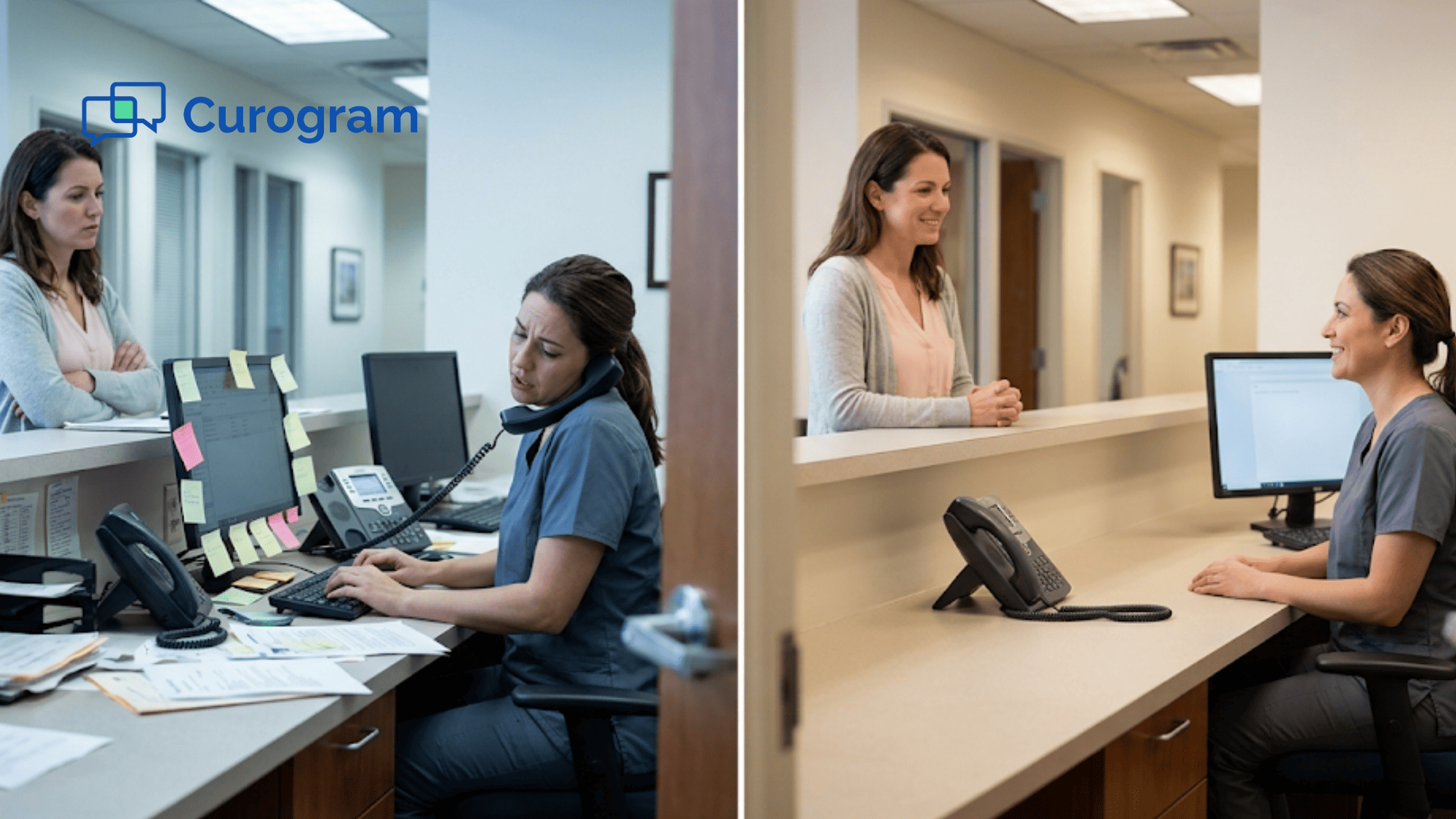
Each day, staff call to confirm visits and answer routine questions. They text from personal phones when the portal goes unread. They track patients who stopped booking on sticky notes. None of this scales when the schedule is full.
These TherapyNotes communication gaps are not missing features. They are tasks the EHR was never built to do. As volume grows, the tasks pile up and patients slip away. One practice manager said it plainly: patients just go quiet.
The good news is that you do not have to switch systems. You keep TherapyPortal and your current setup. You add only the layer your EHR leaves out. That layer runs patient messaging on its own.
This guide breaks down each gap in plain terms. You will see what your staff handles by hand today. Then you will see how Curogram fills each one. By the end, your next step will be clear, and the fixes are simpler than you think.
TherapyNotes Does the Clinical Work Well — The Gap is in Communication
TherapyNotes was made for one core job: the clinical record. It handles notes, scheduling, and billing inside one clean system. TherapyPortal adds secure messages between you and your patients. For clinical work, the tool is hard to beat.
No one is asking the EHR to be something it is not. The issue is the work that sits just outside the chart. As your practice grows, patient outreach becomes the real bottleneck. These are not flashy features. They are daily chores that someone must do by hand.
|
Think about a normal week at the front desk: Staff call patients to confirm visits. They text from personal phones when the portal goes unread. They scan the schedule to spot patients who stopped booking. They hope happy patients leave a Google review on their own. |
None of these tasks live inside TherapyNotes, so they fall on your team. Each one takes time, and time runs short when the schedule is full. Small gaps turn into lost visits and lost revenue.
One practice manager described the pain in a single line:
"We're losing patients who just go quiet."
That quote sums up the whole problem. The chart is perfect, but the contact layer leaks.
This is the heart of what TherapyNotes doesn't automate. The EHR keeps the record, but it does not run outreach. It does not chase no-shows or win back lapsed patients. It does not ask for reviews after a good visit.
The fix is not a new EHR. The fix is a layer that covers the parts your chart was never built to handle. The rest of this guide shows you exactly where those parts are.
Five Communication Tasks TherapyNotes Leaves to the Practice
Most TherapyNotes communication gaps fall into five clear buckets. Each one is a task your staff likely does by hand right now. Spot them in your own week, and the pattern becomes obvious. Here are the five tasks the EHR leaves to you:
Two-Way Texting
TherapyPortal supports secure messages inside the portal. But that only works if the patient logs in. Many never set up an account, and others forget their password. So a portal message can sit unread for days.
TherapyNotes does not send a true text to the patient's phone. That leaves patients who prefer texting with no safe, direct way to reach you. Your staff fills the gap by texting from personal phones, which is neither logged nor HIPAA-safe.
Multi-Channel Reminders with Replies
TherapyNotes sends basic appointment reminders. But a reminder is only half the job. Patients often want to reply, confirm, or ask to move the time.
The EHR does not capture those replies across text, email, and voice. So a "yes" or "no" never makes it back to your schedule on its own.
Your front desk ends up calling each unconfirmed patient one by one. That manual chase is where no-shows quietly slip through.
Systematic Patient Recall
This gap is the costliest and the easiest to miss. The EHR does not track who has stopped booking. There is no lapsed-patient list and no auto-recall to bring them back. In mental health, patients drift away often — they feel better, get busy, or lose momentum.
Without a system, no one notices until the seat sits empty for months. By then, the patient may have moved on for good. That is lost care for them and lost revenue for you.
Automated Google Review Requests
TherapyNotes does not ask for a review after a visit. Your Google profile grows only from reviews patients post on their own. In mental health, that trickle is slow for a reason — many patients value their privacy and stay quiet.
Yet your profile is what new patients see first when they search. A thin or dated review count makes a strong practice look smaller than it is. Asking at the right moment, right after a good visit, is what fills that gap.
Digital Intake via Text Link
TherapyPortal handles intake forms — but only inside a portal account. New patients have no login before their first visit. So the forms they need most are locked behind a setup step.
Many put it off, and the paperwork stalls until the day of the visit. Then the first appointment starts late while they fill out forms in the waiting room. A simple text link, sent before they arrive, removes that whole hurdle.
.png?width=1080&height=1350&name=What%20TherapyNotes%20Doesnt%20Automate%20and%20How%20Curogram%20Fills%20It%20In-mid2%20(1).png)
How Curogram Fills Each Gap
Curogram closes each gap with tools that run on their own. It sits on top of TherapyNotes, so your clinical work never changes. Here is how each task gets handled, with results from real practices.
- Two-way texting: Patients text the same office number they already know. Every message is encrypted, logged, and covered under a BAA. No app and no portal login needed.
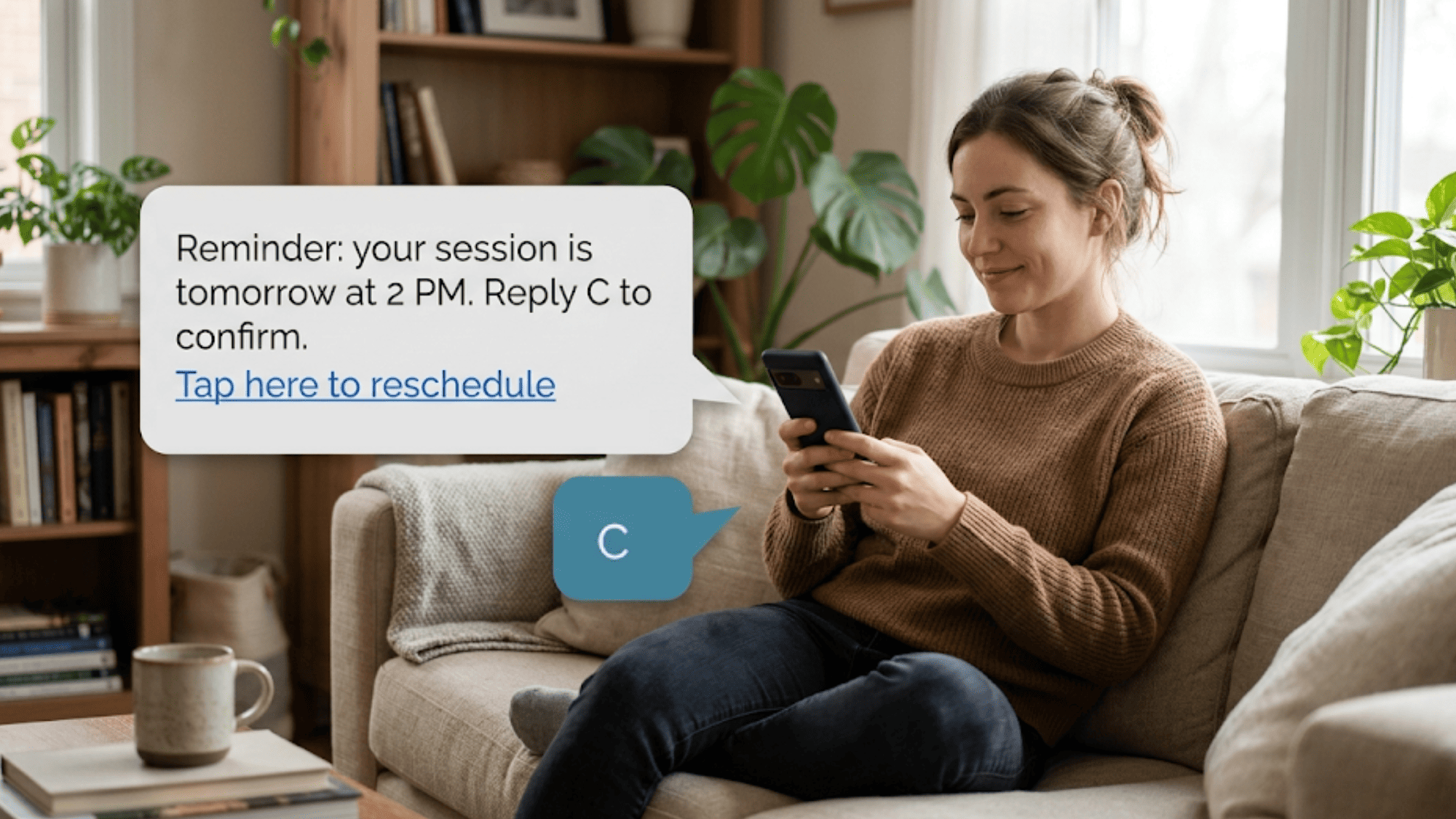
- Smart reminders: Reminders go out by text, email, and voice. Patients reply "C" to confirm, and the schedule updates on its own. Each visit type can get its own timing — therapy, groups, couples, or medication checks.
- Auto recall: Patients with no upcoming visit get queued for outreach. Optima Medical won back 35% of lapsed patients within 30 days (based on our internal data).
- Review requests: A short text goes out after a visit and invites a review. Optima Medical grew from 993 to 8,159 reviews in 16 months — a 721% jump (based on our internal data).
- Text intake: New patients get intake forms by text before they arrive. No portal account is required.

Staff pick it up fast, too. Our platform sees a 94% user adoption rate, helped by a 10-minute training model (G2 Spring 2026, third-party verified).
Here is the same map at a glance:
|
Communication task |
In TherapyNotes alone |
With Curogram added |
|
Two-way texting |
Portal messages only |
SMS to the patient's phone |
|
Reminders |
One-way only |
Text, email, voice with reply-to-confirm |
|
Patient recall |
Manual review |
Auto-queued outreach |
|
Review requests |
None |
Auto text after each visit |
|
Intake |
Portal account needed |
Sent by text before visit |
The Compounding Effect of Automation
Each tool above helps on its own. Together, they change how the whole practice runs. The front desk stops working the phones all day. Instead, they manage by exception and step in only when needed.
Here is how the new flow looks. Patients confirm and reschedule by text. Lapsed patients get pulled back without a single manual call. Reviews build up after good visits, with no chasing. Intake forms arrive before the first appointment, not during it.
The gains also feed each other. Fewer no-shows mean a fuller schedule. A fuller schedule means more visits to recall and more reviews to request. More reviews bring in new patients, who then get smooth text intake. The loop keeps turning on its own.
This is the real payoff of fixing TherapyNotes communication gaps. One tool saves minutes. The full set saves hours every week. Your team spends that time on patients, not on busywork.
Best of all, none of this asks you to drop TherapyNotes. You keep the chart you trust. You simply add the layer that makes the rest run by itself.
Getting Started
Closing these gaps does not take a long rollout. Setup runs about 2 to 4 weeks from start to finish. Curogram's team connects with TherapyNotes and sets up your tools for you. That covers reminders, recall, texting, and review requests.
You will not rebuild your workflow or retrain your whole staff. Most teams learn the basics in about 10 minutes. Your clinical work stays in TherapyNotes, right where it belongs. The new layer simply runs alongside it.
Start by listing the gaps that hurt most in your practice. Maybe it is no-shows, quiet patients, or a thin Google profile. Then watch how each tool maps to that pain. The fixes are direct, and the results show up fast.
Remember what the EHR was built to do. It keeps a clean, complete clinical record, and it does that well. The parts it leaves out are not flaws. They are simply jobs for a different layer.
That layer is patient communication that runs on its own. It is the answer to what TherapyNotes doesn't automate today. With it, your front desk works smarter, and fewer patients slip away. Without it, those tasks stay manual and easy to drop.
Without it, those tasks stay manual and easy to drop. Many behavioral health clinics already close these gaps with Curogram. Book a demo today and watch what Curogram automates that TherapyNotes does not.
Frequently Asked Questions
Yes, completely. Your doctor's office uses same security for this video call as they use for everything—storing medical records, sending lab results, managing prescriptions.
All protected by law (HIPAA). Your conversation is encrypted (scrambled, only you and doctor hear it). No one else listens. Recording stored securely in medical file, like office visit notes. Only your care team accesses it.
No. Insurance knows you had consultation (billing purposes only), but doesn't listen or watch video. That's private. Neighbors won't know unless you tell them. Video is just between you and doctor, same as phone call.
Absolutely. Call your office or tell scheduler: 'I'd prefer phone call, not video.' They'll call you. No video required. Either way works fine.
Cell data speed depends on how many bars your phone shows and how busy the network is. Weak signal makes video lag, while voice usually still works fine. Moving near a window or switching to home WiFi often fixes the problem fast.
Your doctor's office will send the summary by text, email, or through their usual portal within a day or two. You can also call the front desk and ask them to mail a paper copy. The summary covers what was discussed, any new meds, and next steps.