

9 min read

How Staff Can Eliminate Paper Intake Without Disrupting Workflows

How Staff Can Eliminate Paper Intake Without Disrupting Workflows
💡 Imaging centers that streamline imaging center intake workflows can cut check-in time from 15 minutes to under 3 minutes per patient. Curogram’s secure digital intake forms are sent via SMS before the appointment.

The forms pre-fill patient data from StreamlineMD, so staff skip manual data entry entirely. No app download is needed, and patients complete forms on any phone. 

Staff training takes under 10 minutes. The result: less paper, fewer errors, and more time for patient care. This guide walks front-desk teams through how to set it up, run a pilot, and measure results.

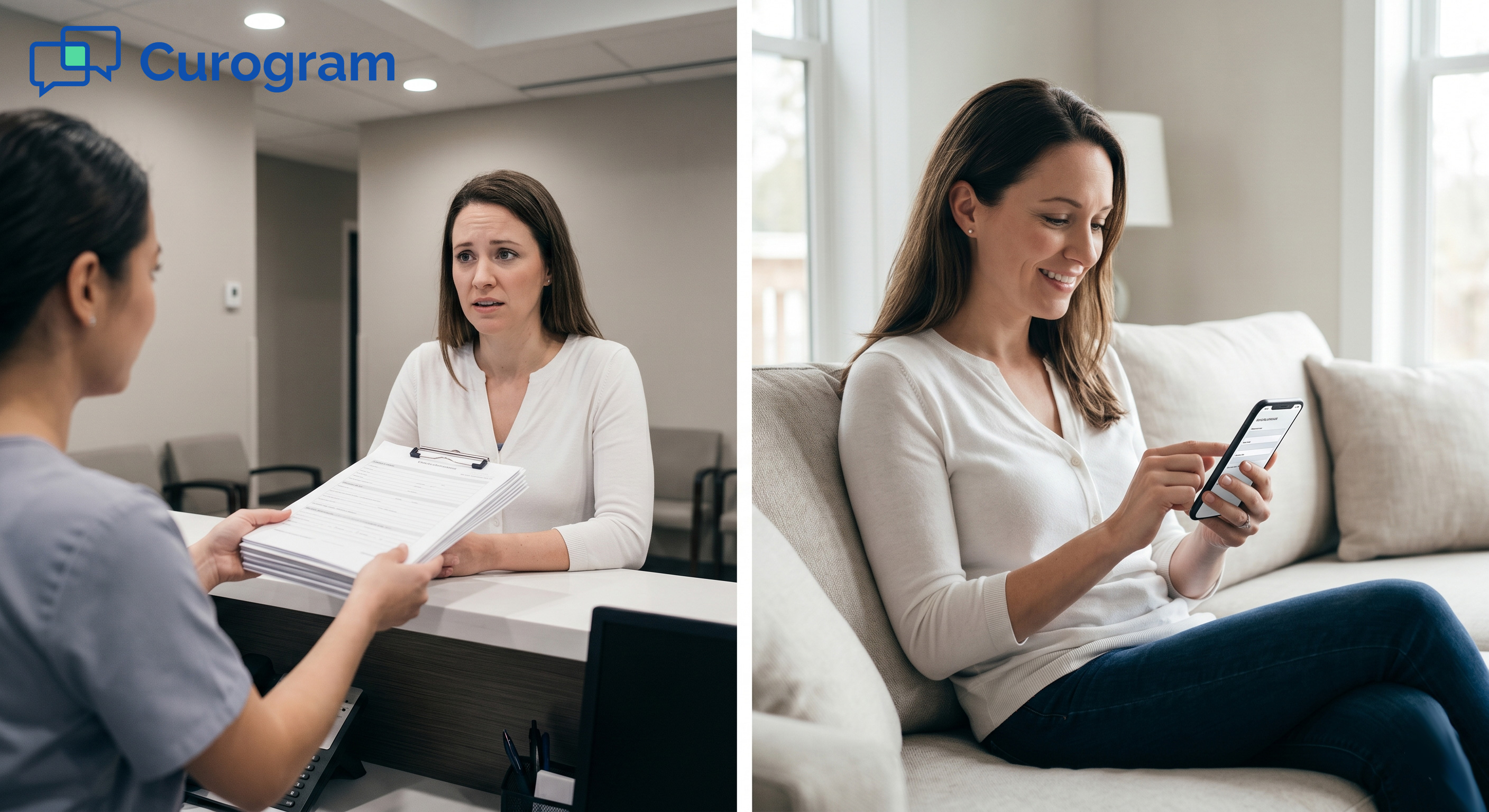
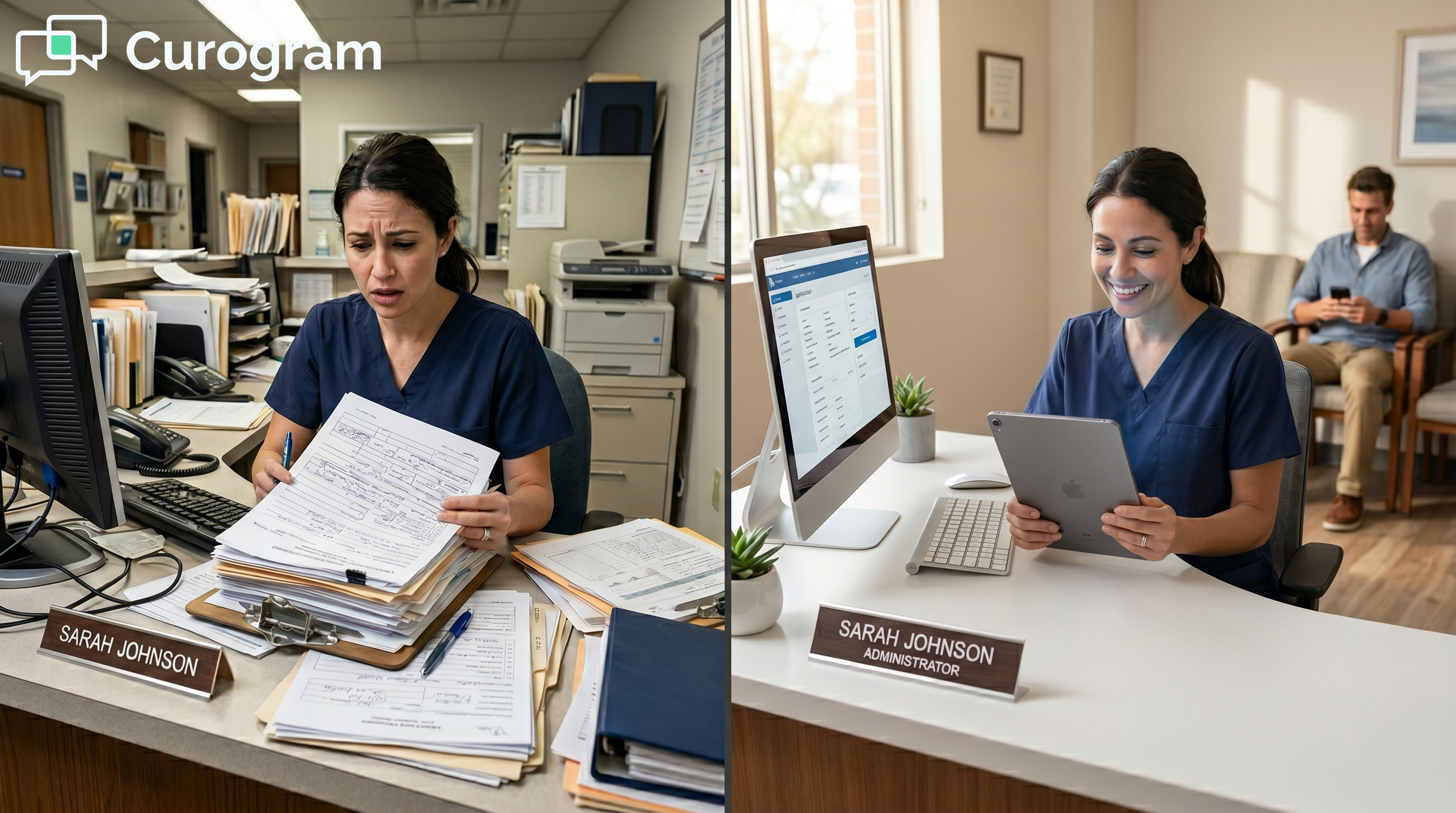
The time is 7:45 AM, and the waiting room fills up. Each patient carries a clipboard stacked with forms. Your front-desk staff race to collect, review, and enter that data before the first scan starts.

This is the daily reality for most imaging centers still running paper intake. It eats time. It creates errors. And it slows down every step of the clinical day.

The good news? It’s a solvable problem. Imaging centers that move to digital intake forms see check-in times drop by up to 80%, based on Curogram client data from clinical settings.

Staff spend less time transcribing data and more time helping patients. The workflow gets faster, not harder.

This guide is written for front-desk coordinators and practice managers. It breaks down why paper intake is so costly, how digital forms work inside StreamlineMD, and what a smooth rollout looks like from day one. 

The Villain: The Paper Workflow Burden

Paper intake might seem like a small issue. But when you add up the time, errors, and frustration it causes, the cost is anything but small.

This section breaks down how the paper workflow burden plays out for imaging center staff every single day.

The Real Cost of Paper Forms

A typical imaging center processes 20 to 40 patients per day. Each patient brings a stack of forms: medical history, contrast allergy screening, MRI safety checklists, and insurance documents. That’s up to 19 pages per patient, before anyone has even been scanned.

Front-desk staff spend 10 to 15 minutes per patient just handling that paperwork. They collect it, check for gaps, and then type every detail into StreamlineMD. For a 30-patient day, that adds up to over 375 minutes (more than 6 hours) of manual data work.

That’s not just slow. It’s expensive.

Time Lost to Manual Entry

Each form field typed by hand is time that could go toward patient care. The math is simple: 30 patients x 12.5 minutes of intake processing = 375 minutes daily. That’s 130+ hours of front-desk staff time lost every single month, based on Curogram client data from clinical settings.

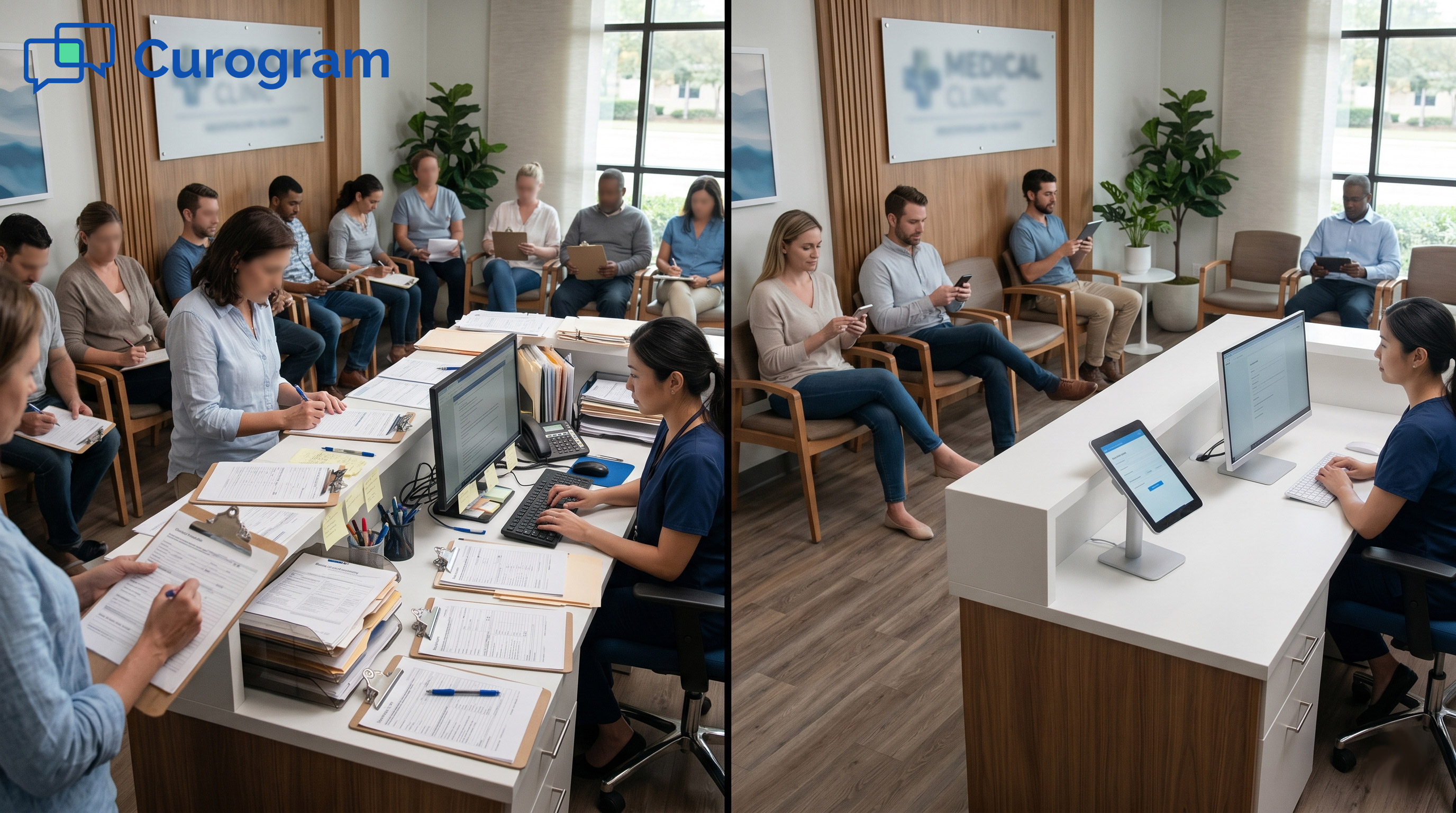
Compare that to digital intake: patients complete forms at home via a text link. Data flows directly into StreamlineMD. Staff confirm rather than re-enter. Check-in drops to 3 minutes or less.

Errors That Cascade

Handwritten forms create transcription errors. A misread phone number means a failed callback. A missed allergy detail can delay a scan. A wrong insurance ID triggers a claim denial.

These are not edge cases. Based on Curogram client data from clinical settings, practices relying on paper intake see billing data errors on 15 to 20% of claims.

That creates re-work, delayed payments, and sometimes patient collections for errors that started at the clipboard.

The Hidden Cost: Staff Morale and Patient Experience

Beyond the numbers, there’s a people problem. Staff hired to support patients spend most of their time entering data. That’s not why they took the job.

Patients feel it too. A 15-minute check-in for a 30-minute scan is frustrating. It sets a bad tone before the clinical experience even starts. When patients are asked the same questions they already answered on a form, trust erodes.

What the Data Shows

Metric

Paper Intake

Digital Intake

Intake time per patient

10–15 min

2–3 min

Monthly staff hours on data entry

130+ hours

~20 hours

Billing data errors

15–20%

<5%

Pre-visit allergy disclosure

~65%

90%+

Paper pages per patient per day

Up to 19

0

Source: Curogram client data from clinical settings.

The numbers tell a clear story. Paper intake is not just a nuisance. It is an operational drag that costs real time and real money every day.

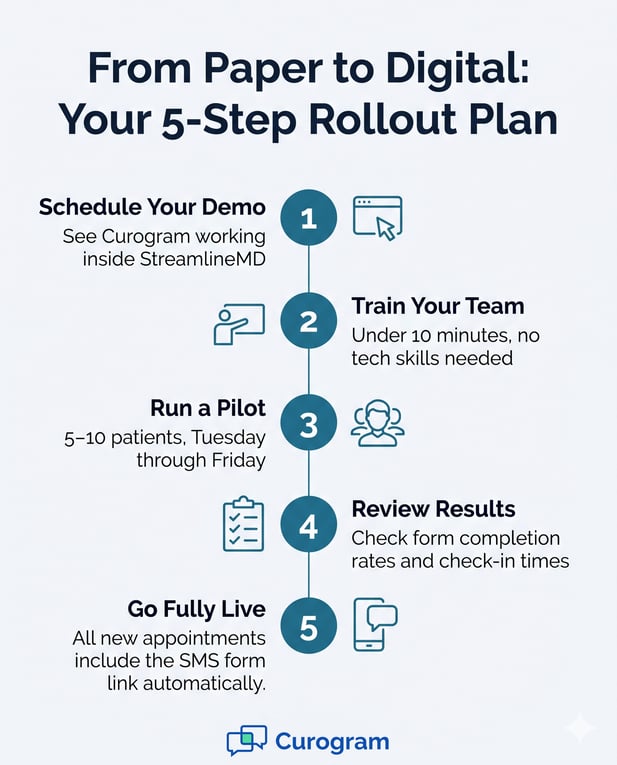
5-step infographic for rolling out Curogram digital forms, starting with a demo in StreamlineMD

The Guide: The Digital Front Door

Switching to digital intake does not mean starting from scratch or learning a complex new system. Curogram works as a layer on top of StreamlineMD. This section walks through what the system does and how it fits into your existing workflow without disruption.

How the System Works

When a patient is scheduled in StreamlineMD, Curogram picks up that appointment and sends an SMS automatically. The message goes out 24 hours before the visit. It includes a secure link to a pre-visit form, and it is sent without any action from staff.

The link opens in under two seconds on any smartphone. No app download. No portal login. No tech skills required.

The form arrives pre-filled with data already in StreamlineMD: the patient’s name, date of birth, medications, and known allergies.

Patients confirm or update their data, answer prep questions, and submit. The whole thing takes about 3 to 4 minutes. When they arrive, their chart is already updated.

What Staff See on Their End

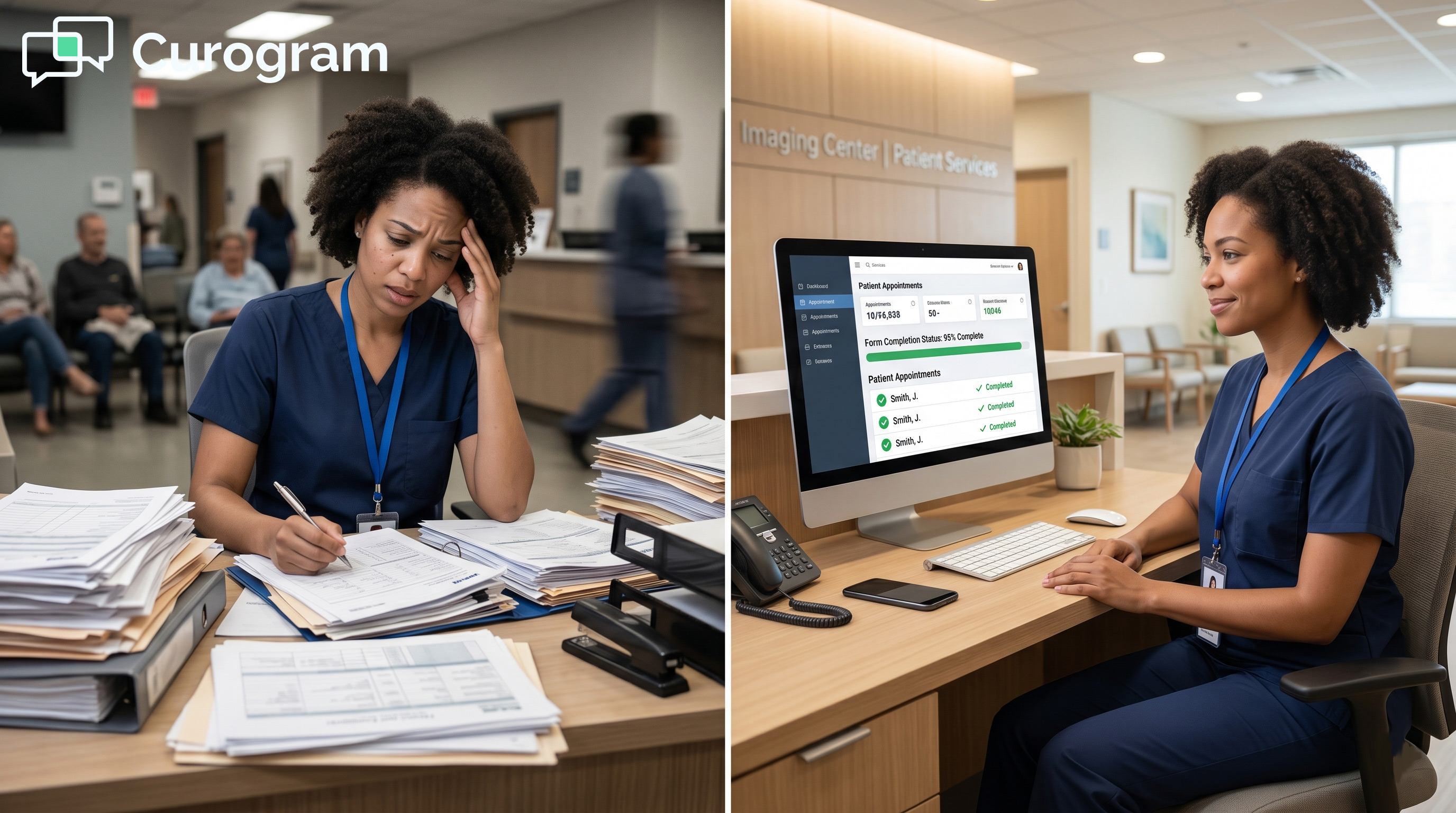
The front-desk coordinator sees a dashboard notification when a form comes in. It shows what was submitted, what fields were updated, and whether any flags were raised, like a contrast allergy or a missing lab result.

This is where the practice manager's secure digital intake forms dashboard management feature matters most. Staff are not hunting through paper. They’re reviewing clean, structured data. And they can act on it before the patient walks in.

StreamlineMD Integration in Practice

The integration between Curogram and StreamlineMD is direct. Data submitted through the form flows back into the patient’s chart.

Staff does not re-enter anything. The system eliminates the double-entry burden that imaging center secure digital intake forms operations are built to solve.

This also means radiology techs pull charts that are already complete. No last-minute scramble to clarify fasting status or check if a patient has implants. Everything is already there.

HIPAA Compliance: What You Need to Know

All forms sent through Curogram are HIPAA-compliant. The secure link encrypts the patient’s data in transit and at rest. No protected health information is sent in the SMS message itself.

The system is also SOC 2 Type II certified with 99.9% uptime. If you have ever worried about a vendor’s reliability, that certification is your answer. The platform is built for clinical use, not adapted from a general-purpose tool.

A Day-in-the-Life: Before and After

Moment

With Paper

With Curogram

Day before visit

No action

SMS form sent automatically

Morning of visit

Staff print clipboards

Staff review completed forms

Patient arrives

15-min check-in

3-min check-in

Data entry

10 min per patient

None

Allergy flag

Caught at check-in (maybe)

Flagged 24 hours before

Chart ready for tech?

After intake

Before patient arrives


This is what a smarter workflow looks like. Not more staff. Not more steps. Just better tools doing the work in the background.


The Success: Secure Digital Intake Forms Transformation

Switching to digital intake is not a one-day overhaul. But it does not have to be complicated either. The practices that see the fastest results follow a simple rollout: train the team, run a short pilot, then go fully live. Here is what that process looks like and what you can expect once the system is running.

Staff Implementation: Getting Your Team Ready

One of the most common worries about any new tool is the learning curve. With Curogram, it is very short.

Staff training takes under 10 minutes, and no technical background is needed. The secure digital intake forms staff implementation guide walks coordinators through the dashboard, the notification system, and how to read submitted forms.

The recommended approach: hold a 30-minute team meeting on Monday. Show a live demo.

Explain the shift: “Forms go out by text. Data comes back into StreamlineMD. You stop entering it by hand.” Most staff get it immediately, because it genuinely makes their job easier.

Running a Pilot Week

From Tuesday to Friday of the first week, run the system with 5 to 10 patients per day. This gives coordinators time to get comfortable with the dashboard. It also lets you catch any hiccups before full launch.

During the pilot, track two things: how many forms are completed before arrival, and how long check-in takes. These two numbers will tell you quickly whether the system is working.

Going Fully Live

After the pilot, all new appointments automatically include the SMS form link. The staff role shifts: instead of collecting and entering paper, they review completed forms and follow up on any gaps. The workload does not disappear, but it becomes lighter and faster.

Based on Curogram client data from clinical settings, practices that complete a full rollout see average intake time drop from 12 minutes to 3 minutes per patient. That is time given back to clinical care.

Measuring Impact: The Secure Digital Intake Forms ROI Imaging Center Benchmark

Numbers help you prove value to leadership and fine-tune the workflow. Here are the key metrics to track in your first 30 days.

Metric to Track

How to Measure

Target Outcome

Form completion rate

Dashboard report

90%+ before visit

Avg. check-in time

Staff timer log

Under 3 minutes

Allergy flags caught pre-visit

Dashboard alerts

100% flagged in advance

Billing data errors

Claims re-work rate

Below 5%

Staff hours on data entry

Weekly estimate

Reduced by 80%


These are not abstract goals. They are the same benchmarks imaging centers using Curogram have reached, based on Curogram client data from clinical settings.

What Happens After the First Month

Once the basics are running smoothly, teams start to notice additional wins. They can see which form fields regularly come back incomplete and adjust the questions.

They can spot patients who do not complete forms and send a second reminder. And they start to reduce manual workload with secure digital intake forms in ways they did not expect.

For example, one common discovery: allergy disclosure rates jump from about 65% to over 90% once patients complete forms at home, where they have time to think and check their records.

That has a direct effect on clinical safety. Catching a contrast allergy in a text form the night before is far better than learning about it at the scanner.

The system also frees staff to focus on higher-value work: resolving insurance issues, supporting complex cases, and improving the overall patient experience. That shift is what practice managers often describe as the biggest win. 

Relaxed patient using smartphone for digital registration in medical office waiting room

ConclusionTransform Your Secure Digital Intake Forms Workflow

The paper intake chokepoint is not a small inconvenience. It drains staff time, creates compliance risk, and slows clinical throughput every single day.

But it is a solvable problem. And the solution does not require a major technology overhaul.

StreamlineMD is excellent at what it does: clinical documentation, procedural scheduling, and billing management. It is purpose-built for radiology and interventional practices.

What it doesn't do is manage the patient-facing intake process before the visit. That gap is where paper forms live. And that gap is exactly what Curogram fills.

Curogram handles secure digital intake forms communication. StreamlineMD handles the clinical record. Together, they create a complete workflow that neither system delivers alone.

Patients get a frictionless pre-visit experience. Staff get fewer manual tasks. Clinicians get complete, accurate charts before the patient walks in the door.

When you eliminate paper intake, the benefits ripple outward. Staff who used to spend hours on data entry are now available for higher-value work.

Billing teams deal with fewer errors and rejections. Patients who arrive prepared tend to have a better experience, and better experiences drive stronger reviews and repeat visits.

For OBLs, ASCs, vein clinics, and interventional radiology practices running StreamlineMD, the competitive landscape is shifting. Larger hospital systems have the staff to absorb paper burden.

Mid-market practices don't. Digital intake is not a future-state idea. It's a practical operational tool that smaller practices can implement right now, without a large IT investment.

Based on Curogram client data from clinical settings, practices typically recover 4 to 7 hours of staff time weekly after switching to Curogram.

Prep compliance rises to above 90%. Billing errors linked to intake drop sharply. These are consistent outcomes, not outliers.

If your imaging center is still relying on clipboards and paper forms, the first step is simply understanding what the alternative looks like in practice.

Not in theory, but in your specific workflow, with your specific form types, connected to your StreamlineMD instance.

That's what a Curogram workflow assessment shows you. It's a hands-on look at how the integration works, where you'll save the most time, and what the transition involves for your team.

Schedule a demo today. See how your imaging center can recover 4 to 7 hours of staff time weekly, starting with the intake process you're already running. 


Frequently Asked Questions

How does a digital intake form connect to StreamlineMD?

Curogram pulls appointment data directly from StreamlineMD when a visit is scheduled. It uses that data to pre-fill the patient’s form fields, so patients only confirm or update what is already on file. Once the patient submits, the updated information flows back into the StreamlineMD chart. No staff action is needed in between.

How long does staff training take for this system?

Staff training takes under 10 minutes for most teams. The dashboard is built for non-technical users, and the core tasks are simple: check for completed forms, review any flags, and follow up on patients who have not responded. There is no complex setup or IT knowledge required to get started.

Why do digital intake forms improve allergy and prep compliance?

Patients complete forms at home, where they have time and privacy to think through their medical history. They can check their medication bottles, look up prior lab results, and answer questions without rushing. Based on Curogram client data from clinical settings, pre-visit contrast allergy disclosure rates jump from about 65% to over 90% after switching to digital forms.

How does this system handle patients who do not use smartphones?

Fewer than 3% of patients typically fall into this group, based on Curogram client data from clinical settings. For those patients, staff can print a QR code reminder card, send a form link via email, or offer a tablet at the front desk at check-in. Paper forms remain available as a backup, but usage drops to under 5% of total volume.

How does moving to digital intake affect billing accuracy?

Paper-based intake introduces transcription errors that often flow into insurance claims. A wrong insurance ID or a missed authorization detail can result in a denied claim.

Digital intake captures data directly from the patient and routes it to the chart without re-entry, which cuts billing data error rates from 15 to 20% down to below 5%, based on Curogram client data from clinical settings.