
7 min read

Standardize Reminders Across Practice Fusion Offices

Standardize Reminders Across Practice Fusion Offices

💡 Standardizing appointment reminders across Practice Fusion offices means one reminder policy at every site. Same timing, same wording, same two-way replies. Not five setups built by five people at five different moments.

Curogram sits on top of Practice Fusion and holds that standard in place. Reminders follow the set sequence, and patients confirm, cancel, or rebook by text. Those replies write back to the Practice Fusion schedule, so each front desk sees one live view.

Owners get one console, one policy, and a per-office scorecard. Groups on the standard sequence report no-show rates 53% below the industry average.

Two of your offices see the same kinds of patients, book the same visit types, and share the same rotating providers. One runs a 6% no-show rate. The other runs 16%.

Nothing about the medicine explains that gap.

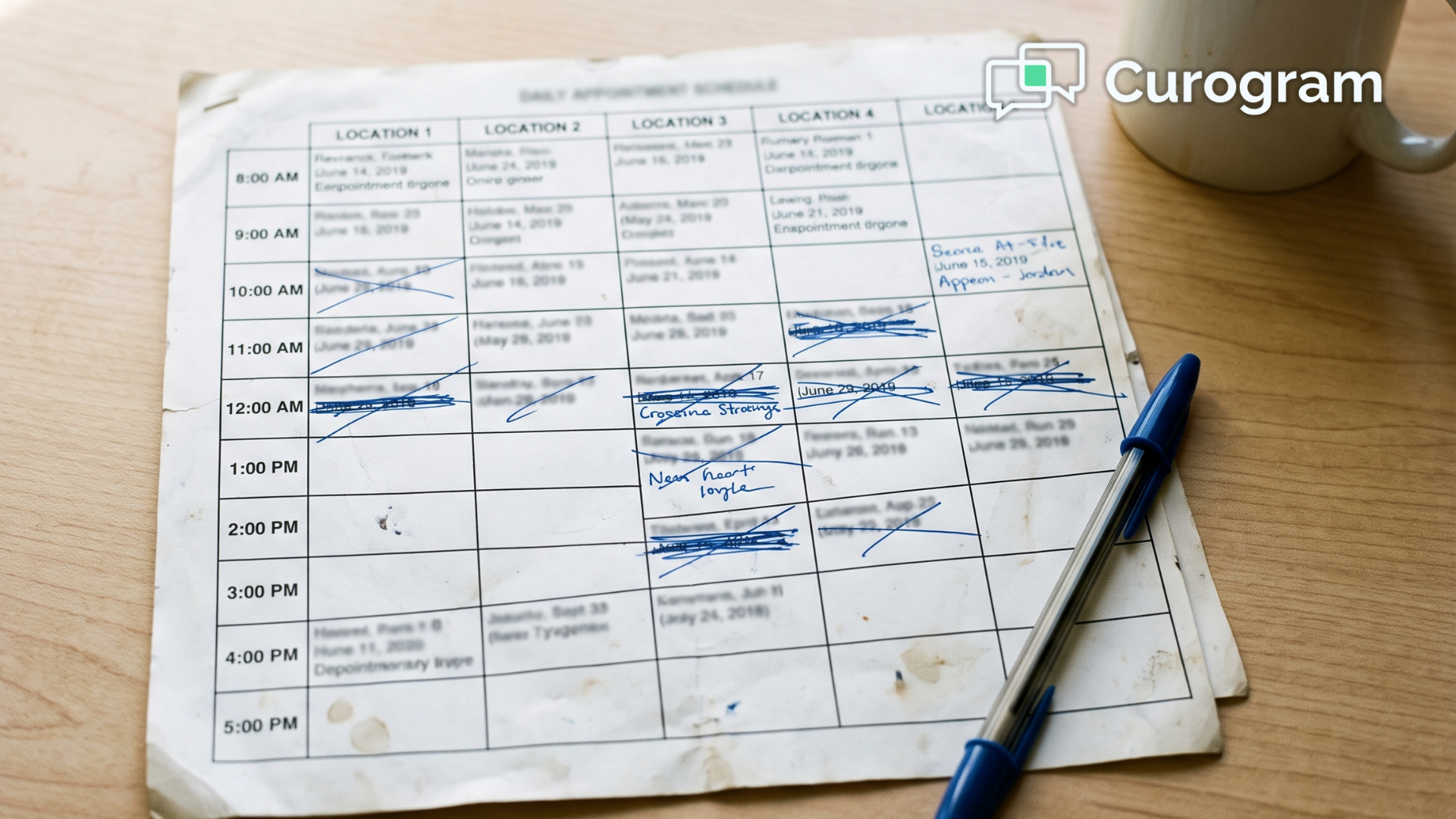
The reminders do. One location texts patients two days ahead, another places an automated call the morning of the visit, and a third had its settings changed during a staffing transition that nobody documented.

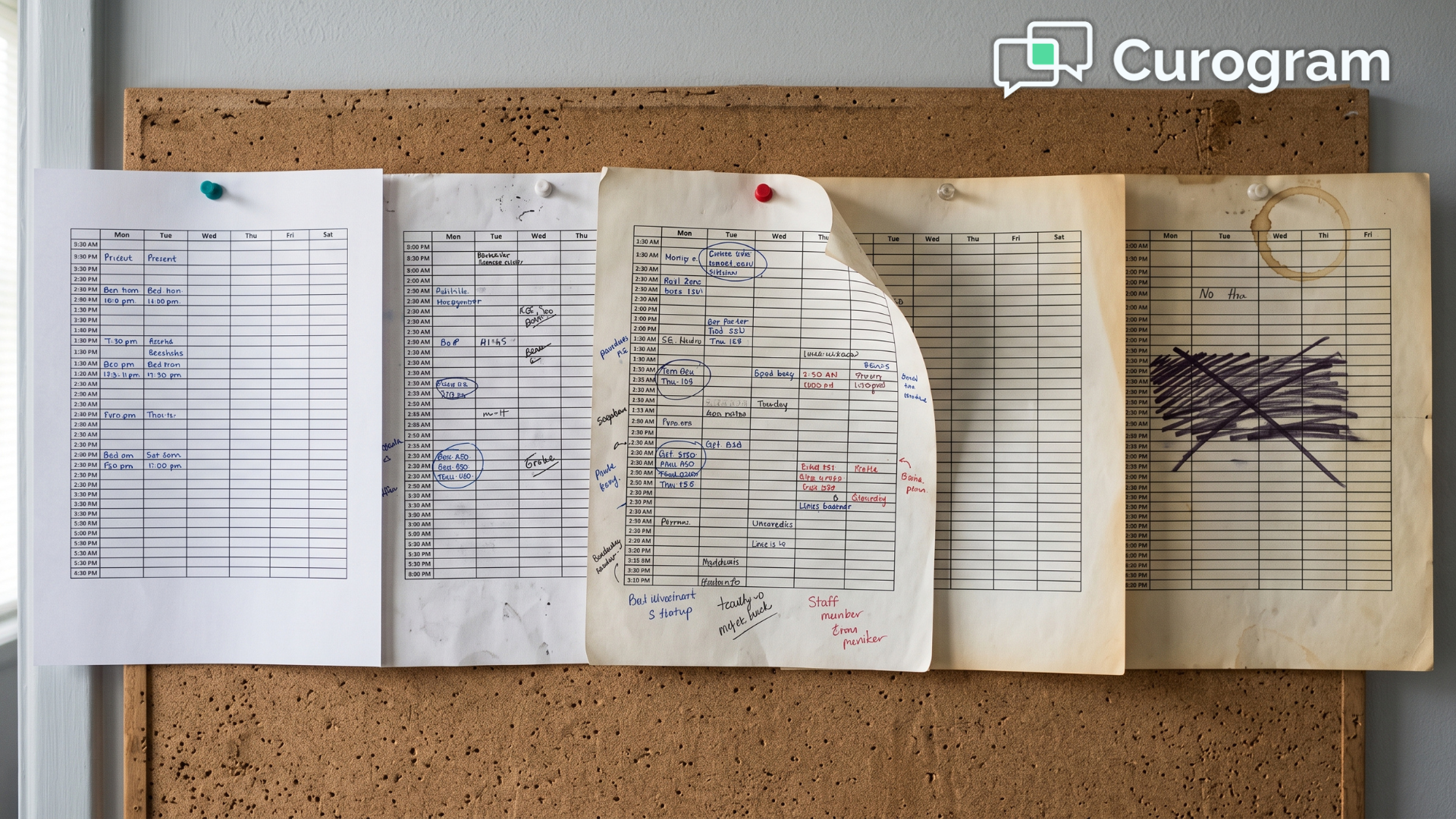
That is how most multi-office groups arrive here. Nobody chose a patchwork, but it grew anyway, because each office was configured on its own timeline by whoever happened to be available that week. Then the group added locations, and those original setups never got revisited.

Here is the part that stings.

The office holding 6% is proof that the office sitting at 16% can be fixed. Same care, same community, different reminder plan.

That gap is not bad luck. It is a configuration problem that has been running quietly in the background for years, and it costs real revenue every month.

An empty slot is never just an empty room. It is a lost visit, a delayed follow-up, and a front desk spending its afternoon on the phone trying to fill the hole before the day ends.

Most owners respond by sending an email. Text at 48 hours, use this wording, confirm every patient. It feels like a fix, and for a few weeks it looks like one.

Three months later, the patchwork has quietly reasserted itself. Not because anyone ignored the memo, but because a memo has no way to enforce itself once the week gets busy.

This article covers what actually holds. You will see why office setups drift apart, what that drift costs, and how one governed sequence closes the gap and keeps it closed.

Five Offices, Five Reminder Setups, Five No-Show Rates

Practice Fusion sends appointment reminders to reduce no-shows, and that part works fine. The trouble is how those reminders get governed once you have more than one location.

They live inside each office's own configuration, and they travel in one direction only. A text lands or a call plays, and the patient has no real way to answer back into your schedule.

For a solo practice, that is enough. At group scale, it quietly comes apart.

Here is what a five-office group tends to look like once somebody finally audits it:

Office Reminder timing Channel Can the patient reply? No-show rate
Maple 48 hours out Text No 6%
Oak Morning of visit Automated call No 15%
Elm Nothing since March None No 16%
Birch 24 hours out Text No 9%
Cedar 72 hours and 24 hours Text and call No 7%

Look at the last column. That spread is not random, because it tracks the timing and the channel almost exactly.

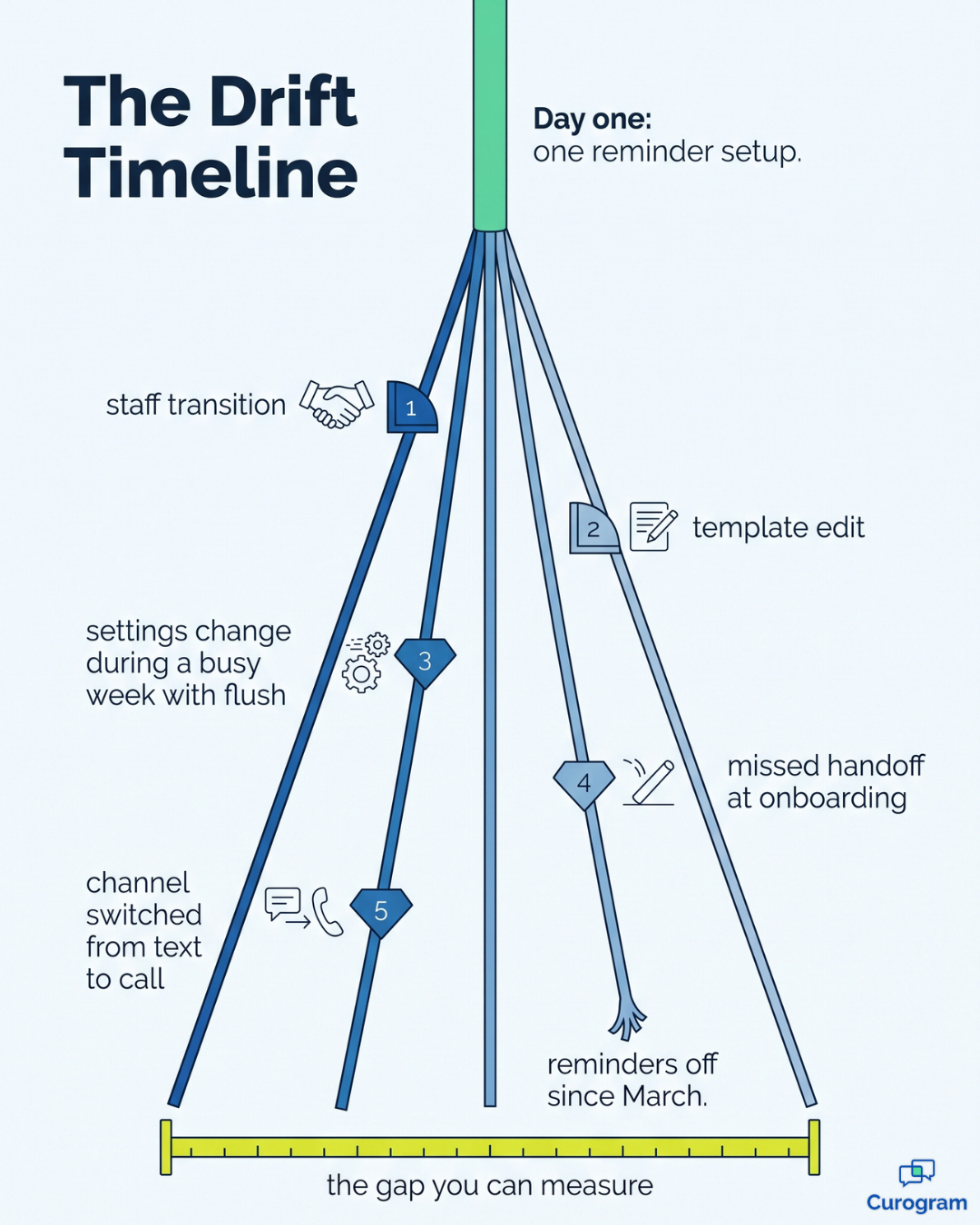
Practice Fusion appointment reminder settings sit at the office level, which means every location can wander on its own. Someone edits a template, a staff change interrupts a handoff, or a toggle gets flipped during a busy week and never flipped back.

That is per-office reminder drift, and it stays invisible until you go looking for it. Leadership usually discovers it during a no-show postmortem, by which point the quarter is already spent.

The money is the uncomfortable part. Industry estimates put no-show losses at $20,000 to $30,000 a month for a typical practice, and across five locations your weakest two are carrying most of it.

Make that concrete. Say each office books 400 visits a month at an average value of $150. A 16% no-show rate means 64 lost visits, or roughly $9,600 every month from that one location.

Bring the rate down to 6% and you keep 40 of those visits. That is about $6,000 a month, or $72,000 a year, recovered from a single office.

Those figures are a sample calculation rather than a client result. But the shape is right, and no-show variance by office is exactly where the money hides.

So the owner sends the policy email, spelling out timing, wording, and confirmation. Three months later, the drift is back, and not from defiance. A memo cannot enforce itself, and nothing in the system stops an office from doing its own thing.

Timeline showing five office reminder setups drifting apart from one shared standard

One Governed Sequence That Every Office Inherits

The fix is not a better memo. It is making the standard the default that every location starts from, and one it cannot quietly wander away from.

The Policy Becomes the Platform

Curogram runs on top of Practice Fusion as a governed reminder layer. You build the sequence once, and it applies everywhere.

Open a sixth office next year and it inherits that same sequence on day one. No setup meeting. No fresh chance to drift.

This is what a group-wide reminder policy for independent practices looks like in real use. The standard lives inside the system, not inside somebody's inbox.

Reminders Your Patients Can Answer

Built-in reminders talk at patients. A governed sequence talks with them.

The reminder goes out on the locked schedule. The patient replies to confirm, cancel, or ask to move the visit. That whole exchange happens in one thread, in plain language, on the phone already in their hand.

Sensitive details never ride inside the text. Standard SMS is not a secure channel, so anything clinical sits behind a link the patient opens.

Confirmations That Reach the Schedule

This is where most reminder tools stop short. Two-way confirmation flows back into the Practice Fusion schedule, so a patient reply updates the appointment your staff is actually looking at.

No-shows cost you money! Reduce missed appointments by up to 75% with Curogram's automated, customizable smart reminders.  

Your front desk stops guessing.

A confirmed visit reads as confirmed.

A cancellation opens the slot early, while there is still time to fill it.

Local Detail, Not Local Drift

Standardizing does not mean flattening every office into one script. The owner locks the reminder cadence standard the medical group runs on, plus the core wording, and each office controls approved details underneath it.

Provider names, parking directions, and language options stay local. Visit-type sequences stay steady everywhere, so well-child visits, chronic care follow-ups, and procedure prep each get the timing that fits them at all five locations.

What Changes When Managers Coach From Numbers

Atlas Medical Center cut no-shows from 14.20% to 4.91% after moving onto a standardized sequence. That is the benchmark a brand-new office can inherit on its first day, instead of spending three years working toward it.

For a 2,000-visit-a-month group at $150 a visit, closing a gap that size is worth roughly $27,900 a month, or about $335,000 a year. That is sample math applied to a hypothetical volume, not a promised result, but run it against your own numbers and the argument holds.

Three things shift once the sequence is actually governed:

  1. The spread collapses. Your best and worst offices stop sitting ten points apart, because they are finally running the same play. The gap was never really about patients.
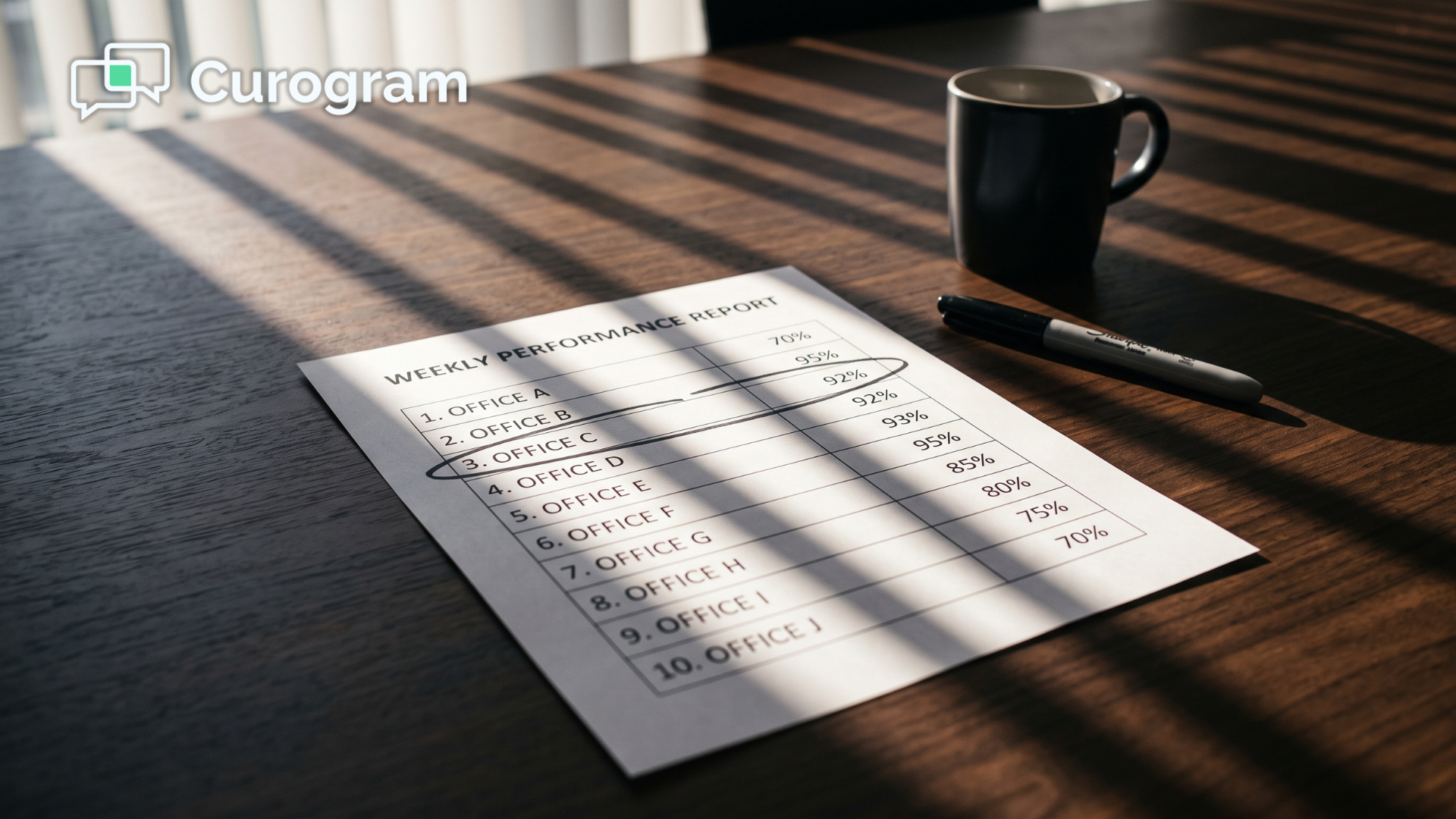
  2. Reminders become a weekly check instead of a project. The owner sets the sequence once, then reviews a per-office report. Drift shows up as a number on a dashboard rather than a surprise in a postmortem.
  3. The schedule starts telling the truth. When confirmations write back automatically, a full day on the calendar means a full day in the waiting room. Your team can plan staffing, callbacks, and same-day openings around information that is actually current.

That third point deserves a moment. A schedule nobody trusts generates its own busywork, including confirmation calls, guesswork about who will show, and a scramble every time a slot opens late in the day.

Governed reminders hand those hours back. For a five-office group, that is the difference between chasing the schedule and running it.

Make the Standard Something the System Enforces

No-show variance between your offices is a governance problem wearing a technology costume. The tools are not really the issue. The absence of one enforced standard is.

Practice Fusion is built to hold your schedule. Curogram is built to bring in their confirmations, governed centrally, delivered locally, and measured office by office so you can see exactly what is working and where.

Start with the evidence you already have. Pull last quarter's no-show rate for every location and line those numbers up beside each other. The spread between your strongest office and your weakest one is the size of your opportunity, and it is also the clearest proof you will ever get that the number can move.

Then look underneath the numbers at timing, channel, and whether a patient can reply at all. You will almost always find the lowest rates belong to the offices already doing what you would have written into the policy anyway.

That is the entire case for standardizing appointment reminders across Practice Fusion offices. You are not inventing anything new. You are taking what already works at one location and making it the floor everywhere else.

A memo asks each office to remember. A governed sequence removes the need to remember at all.

Your underperforming offices are not less committed than your best one. They are running a setup somebody chose years ago, for reasons nobody can recall, that never got a second look. Give them the same starting point.

Schedule a Demo and we will design your group-standard sequence together, then show you confirmations writing back to a live Practice Fusion schedule. Bring your per-office no-show numbers to the call. 


Frequently Asked Questions

Can individual offices still customize anything?

Yes, within limits. The owner locks the timing and the core message. Each office still controls approved details like provider names, parking notes, and language options. Local flavor survives, but drift does not.

How is this different from Practice Fusion's built-in reminders?

Built-in reminders go one way, and each office sets its own. A governed layer adds true two-way replies and rescheduling. It applies one standard everywhere and reports on each office. Statuses write back to Practice Fusion, so your schedule stays right.

Is automated reminder texting HIPAA and TCPA compliant?

Curogram is HIPAA compliant and SOC 2 certified. It handles consent and opt-outs for you, and the templates are built to stay within the rules. Standard SMS is not a secure channel. So clinical detail stays out of the text, and anything sensitive sits behind a secure link.

How long does it take to roll one sequence out across every office?

Most groups build the standard sequence in one working session. From there it applies to every office at once. You do not have to touch each setup one at a time. The harder part is usually agreeing on the timing, not building it.

What if one office genuinely needs a different reminder schedule?

Visit type is usually the real variable, not location. Procedure prep should differ from a well-child reminder in every office. So you build that difference into the standard itself, once, instead of granting one office an exception.