
6 min read
Group No-Show Playbook for Practice Fusion | Curogram
Aubreigh Lee Daculug
:
September 1, 2026
In a five-office group, the loss hides in plain sight. No single week looks alarming, so nobody owns the problem.
Curogram closes the gap with governed two-way reminder sequences that write confirmations straight back into the Practice Fusion schedule.
Groups on the sequence run no-show rates 53% below the industry average, and recovered visits lift revenue 10-20%.
Your Monday schedule looked full when the doors opened. By closing time, four slots sat empty, and nobody could say exactly why.
That is not a bad day. That is a pattern, and it repeats at every office you own.
Here is what makes it hard to see. One empty slot feels minor.
The front desk shrugs, moves on, and catches up on charting. Multiply that shrug across five offices and 20 working days, and you are staring at a serious hole in your revenue.
Most owners never run the math per site. They watch arrivals, collections, and maybe provider productivity. Almost nobody watches what the missing patients cost. That number lives nowhere, so it never gets managed.
Reducing no-show rates across Practice Fusion multi-location groups is not really a scheduling problem. It is a consistency problem, and consistency is an ownership question.
One office manager builds a confirmation habit that works. Another calls patients when she has a spare minute. A third gave up months ago. You end up with five different systems and no reliable way to compare them.
Meanwhile the money keeps leaving. Quietly. Every single week.
The good news is that this is one of the few problems in a medical group with a single lever. You do not need five projects, five champions, and five timelines. You need one reminder policy, enforced everywhere, feeding results back into the schedule your staff already lives in.
That is a considerably smaller undertaking than the coordinated rollout most owners imagine.
This group no-show reduction playbook walks through the real cost, why the usual fixes stall, and what changes when every site runs the same sequence. You will see the math, the workflow, and the numbers practices report after they standardize.
Start with what the leak actually costs you.
The Money Slipping Out of Every Schedule You Own
One prospect counted 222 no-shows in a single month at one practice. Not a year. One month.
Sit with that number for a second. That is roughly 11 wasted slots every working day, at one location, while the staff there worked flat out.
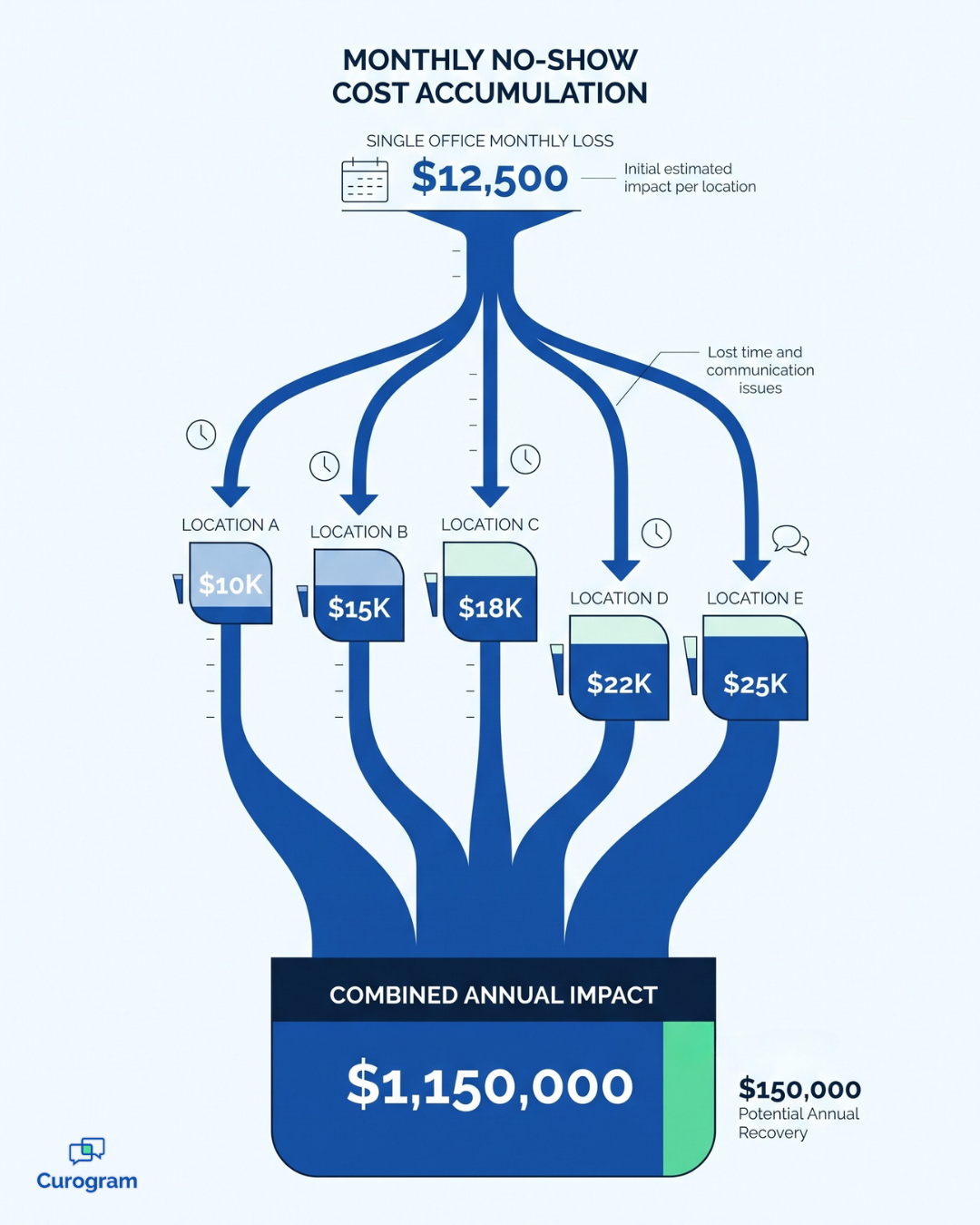
Now put a dollar figure on it. Missed appointments quietly cost individual practices $20,000 to $30,000 a month. That is the no-show cost per office small group owners almost never calculate, because no report in the building produces it.
Here is how it scales.
The table below uses an assumed average visit value of $125 as an illustrative example, not verified client data.
| What you are measuring | One office | Five-office group |
|---|---|---|
| Missed appointments a month | 222 | 1,110 |
| Average value of a visit | $125 | $125 |
| Lost revenue a month | $27,750 | $138,750 |
| Lost revenue a year | $333,000 | $1,665,000 |
This means the missed appointment revenue leak in a modest five-site group can rival the cost of an entire additional office. In practice, you are paying rent, payroll, and utilities on capacity that never gets used.
And the loss is bigger than the empty chair. Staff spend hours calling patients who were never going to arrive. Schedules get reshuffled at the last minute. Providers sit idle mid-morning, then run 40 minutes behind by late afternoon.
There is a second problem hiding underneath the first. Every office fights this alone.
Maple Street finds a confirmation rhythm that works and lifts its numbers. Oak Avenue never hears about it. Nothing moves a win from one site to the next, because nothing in a lean group is built to spread it.
That is why the gap between your best and worst location keeps widening. Call it the no-show variance offices metric: the distance between the site that confirms well and the site that does not. If you cannot see that gap on one page, you cannot close it.
For your team, the takeaway is simple. Five offices with five habits will always produce five different results.

One Reminder Policy, Running the Same Way Everywhere
The fix is not more effort. It is the same effort, governed.
Curogram acts as a reminder policy engine. It takes the discipline of your strongest office and makes it the default everywhere, so no manager has to reinvent it and no manager can quietly drop it.
Patients reply, and the reply does the work
Standard reminders are a broadcast. A patient reads the text, thinks "I need to move that," and does nothing, because there is nowhere to respond.
Two-way confirmation logic closes that loop. Patients confirm, cancel, or ask to rebook by replying to the message. A cancelled slot surfaces on Tuesday, when you can still fill it, instead of at Thursday check-in when you cannot.
That timing difference is the whole game.
A slot you learn about early is a booking.
A slot you learn about late is a loss.
It also helps that SMS gets read. Curogram messages see a 98% open rate, which is why confirmations arrive fast enough to act on. Note that standard SMS is not encrypted, so reminder content stays free of protected health information.
Statuses land in the schedule, not in someone's inbox
A confirmation only counts if the person working the front desk can see it.
Curogram writes statuses directly to the Practice Fusion schedule as they come in. Your staff open the same calendar they always open and see live truth, not a text thread someone forgot to check.
That gives you one front desk confirmation workflow group leaders can actually enforce. Same sequence, same timing, same write-back, whether the office has three providers or twelve.
A weekly report that takes five minutes to read
Governance without measurement is just a memo.
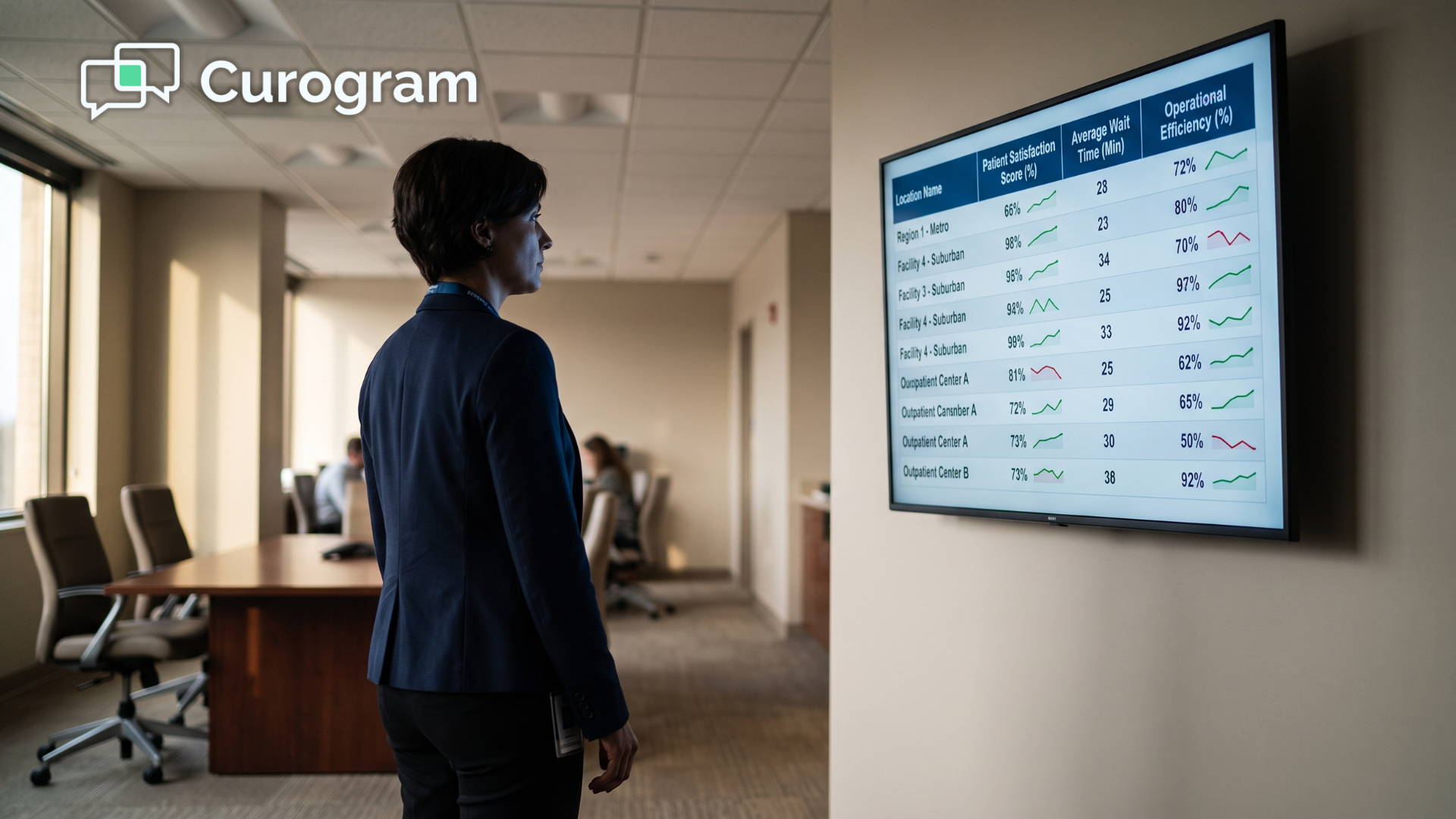
Each week you get no-show and confirmation numbers broken out by location. You see which site slipped, which site improved, and by how much. It is the schedule utilization multi-office practice owners assume they already have visibility into, delivered on one screen.
Five minutes of reading replaces five site visits and a dozen phone calls.
What Changes Once Every Site Runs the Same Sequence
The results show up in three places, and they compound.
Fewer empty slots. Practices on the governed sequence run no-show rates 53% below the industry average. Atlas Medical Center went from 14.20% to 4.91% in three months, which is roughly three times better than the industry norm.
More revenue from the same schedule. Recovered appointments drive a 10-20% revenue increase. Apply the low end of that to the five-office example above and you are looking at recovering a meaningful share of that $1.6 million a year, without adding a provider or a room.
Less work at the front desk. More than 75% of patients confirm on their own. Staff stop chasing the routine cases and handle only the exceptions that genuinely need a human voice.
The bigger shift is cultural. No-show management stops being heroic and becomes routine.
Before, a good month depended on whether a particular office manager had the time and energy to chase patients. After, it depends on a sequence that runs the same way at every location, every week, whether anyone is watching or not.
Freed slots get refilled. Provider hours stop evaporating. The five-figure monthly leak turns back into visits, which is what it was supposed to be all along.
Make the Number Yours to Own
No-shows look like a front desk issue. They are not. They are a group metric, and group metrics need a group instrument.
Practice Fusion runs your schedule beautifully. It documents precisely what you intend to happen. What it cannot do is influence whether patients show up, and that gap is where the money goes.
Curogram is designed to close that gap. Practice Fusion holds your schedule integrity; Curogram works on their commitment to arrive. One handles the plan. The other handles the follow-through.
So here is an exercise for this week. It takes ten minutes. Pull your combined no-shows for last month across all locations. Multiply that figure by your average visit value. Then multiply by 12.
Write the number down. Look at it.
Then ask an honest question. Does the patchwork of reminder habits deserve another year of that number?
Most owners find the answer obvious once that annual figure is sitting on paper. What stops them is rarely any doubt about the problem itself. It is the assumption that fixing it requires five separate rollouts, five training sessions, and months of change management across sites that already feel stretched.
It does not. One sequence, one integration, one weekly report. Your staff continue working in the schedule they know, and the reminder policy handles the rest quietly in the background.
The offices that standardize stop guessing. They know which location is slipping, they know by how much, and they know within a month whether the correction is holding.
Schedule a Demo and we will run your per-office leak using your own utilization data, then model what recovery looks like across your group. You bring the numbers you already have. We will show you what they are genuinely costing you, and what you get back when the sequence takes over.
Frequently Asked Questions
Confirmation rates move within the first few reminder cycles. Most groups see measurable no-show improvement in the first month, and it shows up per office on the weekly report, so you can tell which sites responded fastest.
The governed sequence usually sends fewer, better-timed messages than an ad-hoc setup does. Patients also get a way to resolve a conflict by replying, instead of silently skipping the visit. Opt-out rates stay consistently low.
Less. Confirmations and reschedules resolve inside the message thread and write back to the schedule automatically. Staff only touch the exceptions that genuinely need a person.
No. Many groups start with one or two sites, confirm the numbers on the weekly report, then extend the same sequence to the rest. Because the policy is centralized, expanding it is a settings change rather than a fresh rollout.
The weekly report breaks results out by location, so you can compare sites running the sequence against sites that have not started yet. That side-by-side view separates a genuine workflow gain from a normal seasonal swing.