

9 min read
How Oracle Health Practices Cut Call Volume by 50% With SMS | Curogram
Aubreigh Lee Daculug
:
April 29, 2026
Most medical practices finish setup in 2 to 4 weeks. Once live, the system can cut confirmation calls by up to 80% and drop no-show rates from around 14% to under 5%.
The result is a closed-loop workflow where every confirmed, canceled, or rescheduled text flows straight back into Cerner, giving your staff hours back each week.
Picture your front desk at 8:47 a.m. on a Monday.
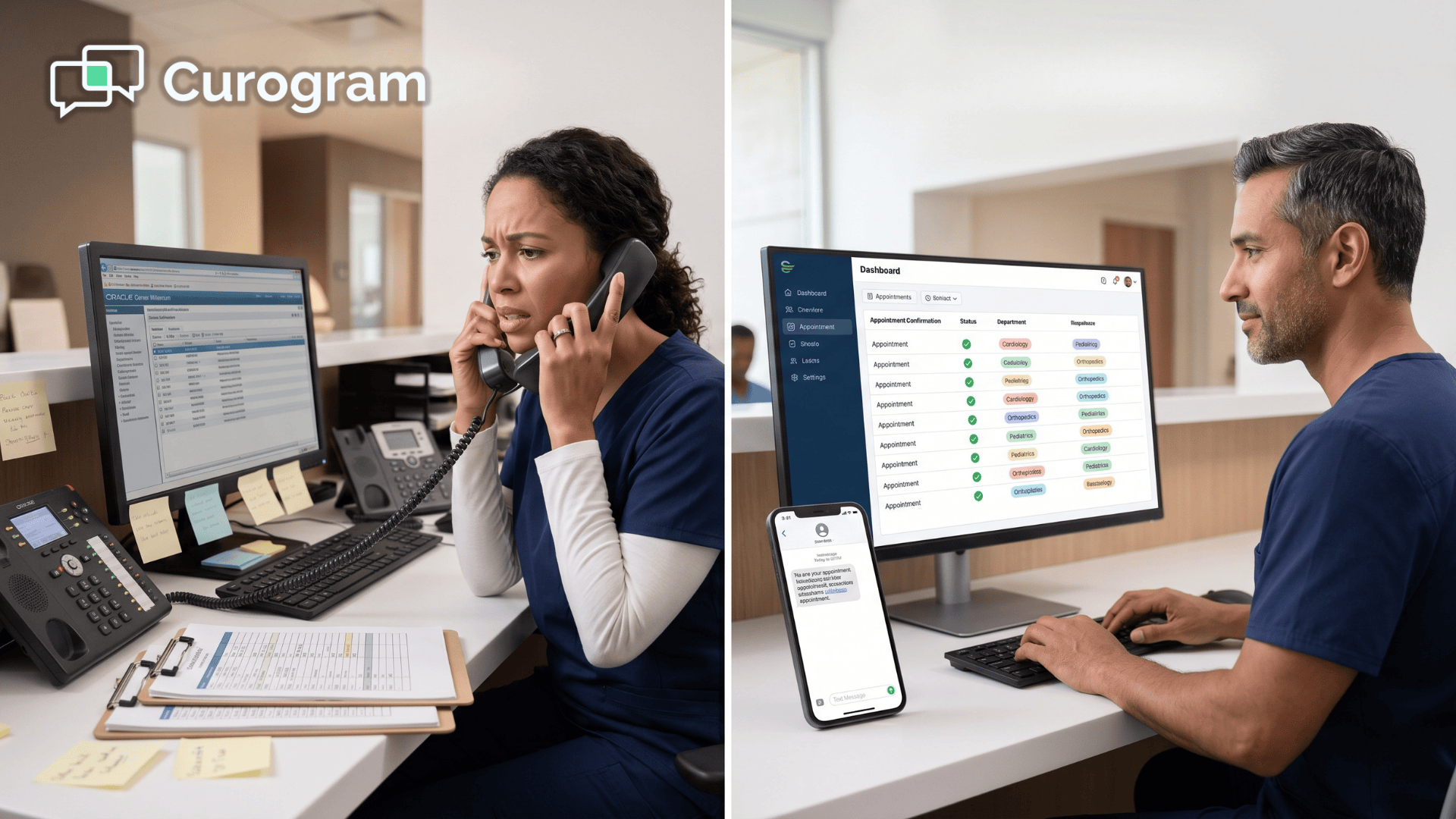
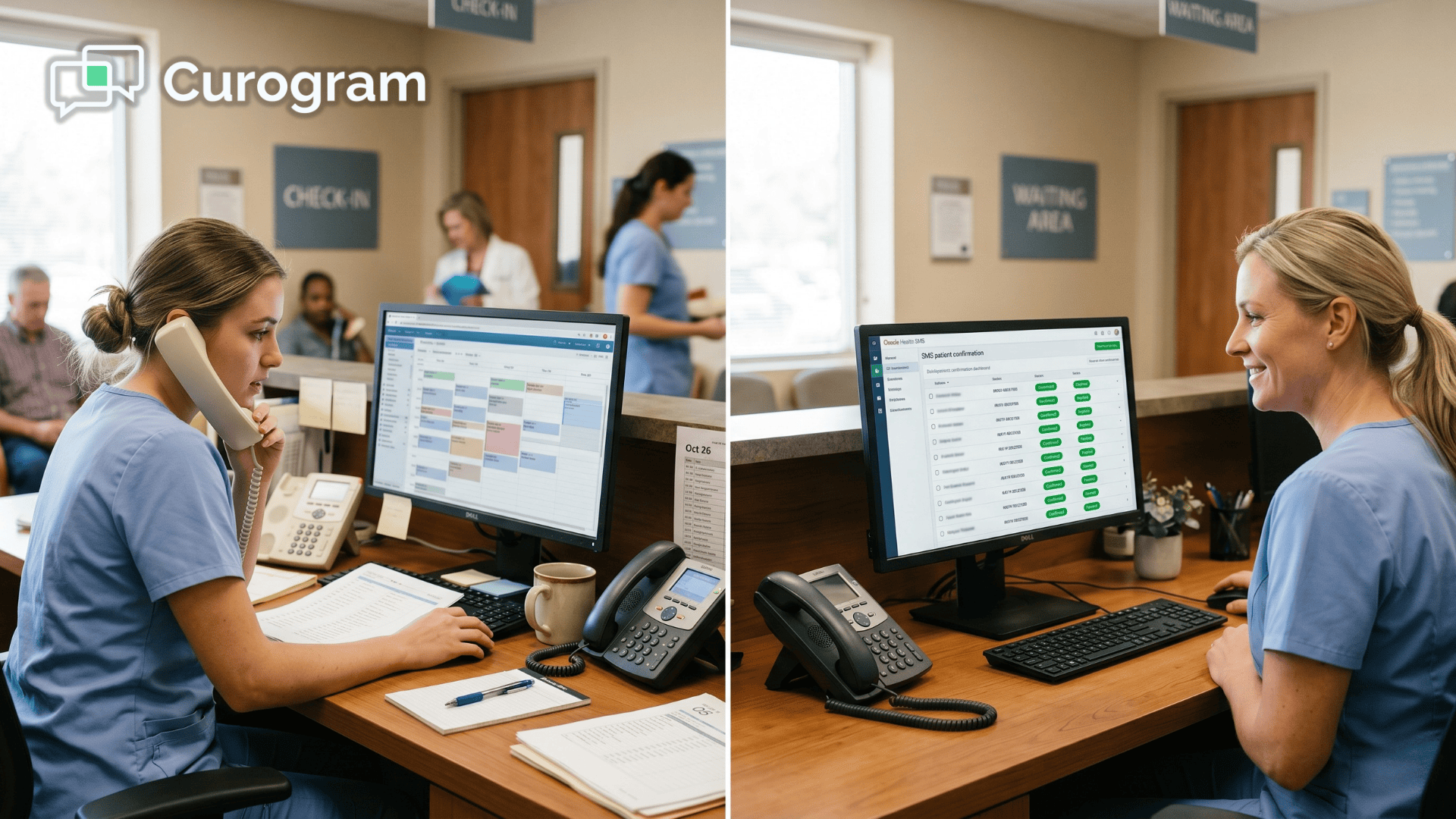
The phone lines are already lit up. Three staff members are working through a printed list of tomorrow's appointments, one call at a time.
By lunch, they've made 60 calls. Half went to voicemail. A few confirmed. The rest? No idea.
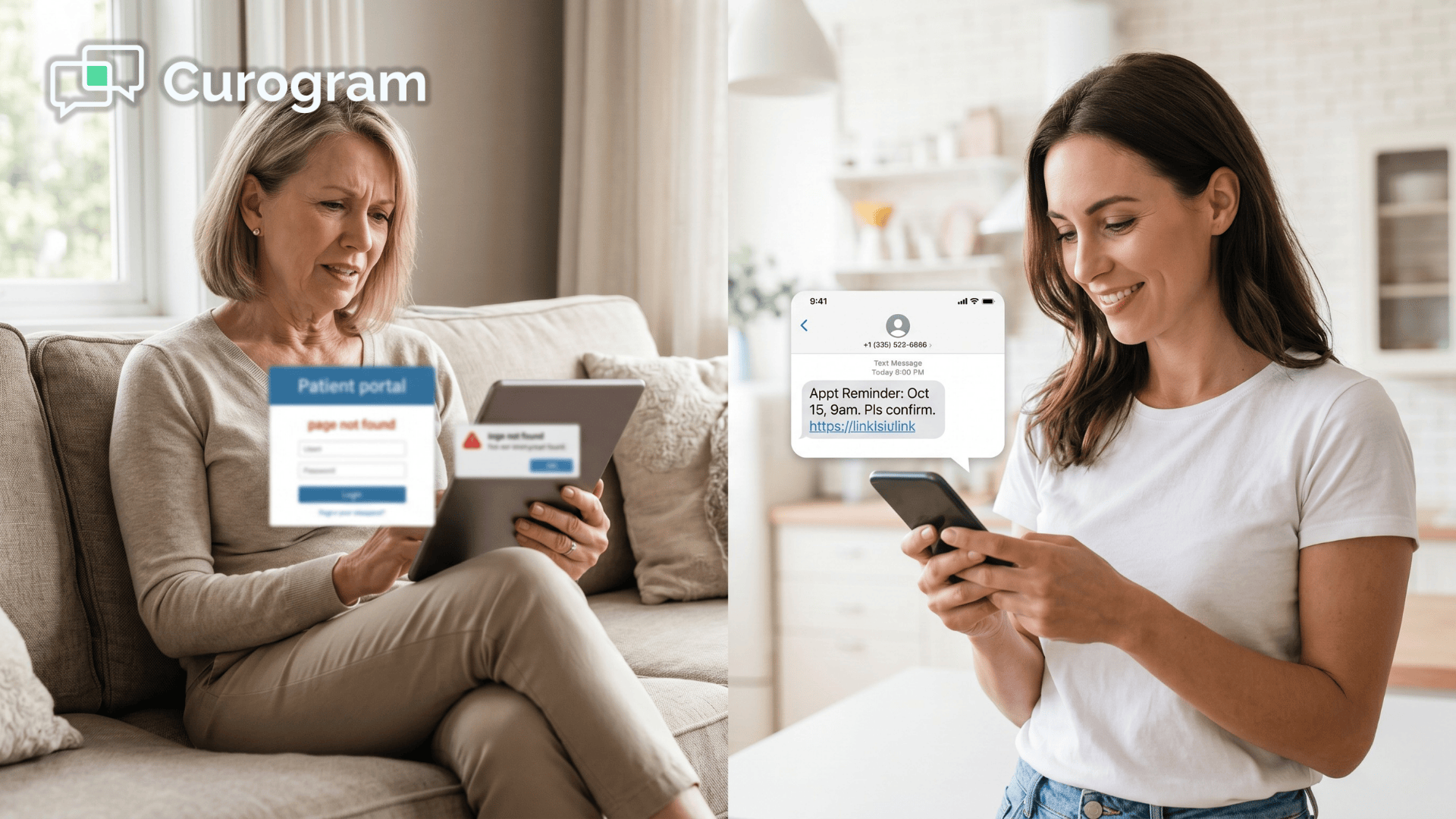
Now multiply that by every location you run. That's the reality for most practices still using Cerner without a proper texting layer on top.
Here's the frustrating part. Every one of those calls is about data that already exists in your system.
The appointment is scheduled. The patient has a phone. They just need a quick yes or no. Yet your team spends 15 to 20 hours a week chasing that yes or no by voice.
It sounds simple. It isn't.
Because even when a patient confirms, that confirmation rarely makes it back into Cerner's scheduling system in real time.
So your staff ends up with sticky notes, shared spreadsheets, and a schedule that doesn't actually match what's happening.
Meanwhile, the voicemail general mailbox piles up. Patients who wanted to cancel never get through.
Slots sit empty. And no-shows quietly cost you thousands every week.
This is what we mean by confirmation call chaos. It's not one broken thing. It's a pile of small inefficiencies stacked on top of each other, and Cerner alone can't solve it.
The good news? You can fix this without ripping out your EHR.
This guide walks you through exactly how to set up Oracle Health 2-way texting, how the Cerner appointment texting implementation works step by step, and what to expect once the system is live.
What to Lock Down Before You Start
Before you touch any settings, get your prep work in order. A clean pre-implementation checklist saves weeks of back-and-forth later.
Cerner Access and Permissions You'll Need
You'll need a Cerner domain admin account with OAuth app registration rights. Without admin privileges, you can't create the OAuth app that lets your texting platform talk to Cerner.
Before kickoff, confirm you have the three access pieces in place:
- Domain admin rights for OAuth app creation
- Read access to Cerner's AppointmentResource and PatientResource FHIR endpoints
- A confirmed list of departments mapped to their Cerner DepartmentResource IDs
Read permissions are usually enough because Curogram handles the write-back through Appointment.status updates. If you're not sure whether FHIR is even enabled in your Cerner instance, ask your Cerner support contact to confirm before moving forward.
This is the single biggest cause of kickoff delays, and a 5-minute email saves a 5-day setback.
Network and IT Infrastructure Basics
Your Cerner environment needs outbound network access on port 443 (HTTPS) to your texting platform's API endpoints.
If you run Cerner on-premise, check that your firewall rules allow outbound HTTPS to curogram.io. Cloud-hosted Cerner Healthe Cloud instances don't have this restriction.
Here's something that surprises a lot of IT directors.
No inbound firewall rules are required. Curogram polls Cerner every 2 minutes using outbound API calls, so Cerner never has to open a door inward.
That keeps your security posture clean.
On the SMS side, your short code or shared carrier needs to meet TCPA (Telephone Consumer Protection Act) requirements. Curogram handles carrier-level compliance. Your job is making sure patient opt-in records are documented and clean.
Getting Clinical, Ops, and Compliance on the Same Page
Technical setup is the easy part. Stakeholder alignment is where rollouts usually stall.
Three groups need to be looped in early, and each one cares about different things:
- Clinical leadership wants to know which departments receive texts and who responds
- Privacy and Compliance wants SOC 2, BAA, and retention documentation
- Call center management wants clarity on what their team does next
Start with clinical leadership. Pulling in one or two early-adopter departments first, like Cardiology or Orthopedics, gives you proof of concept before a wider rollout. Budget 1 to 2 weeks for the Compliance review.
And don't forget your call center. Their work isn't vanishing, it's shifting toward insurance verification, billing questions, and clinical triage.
That's a conversation worth having before go-live, not after.
Walking Through the Actual Setup
Once prep is done, the real work begins.
The setup breaks into three pieces:
OAuth, routing, and the feedback loop back into Cerner.
Connecting OAuth and Cerner's API
Step 1 is inside Cerner.
Log in with your domain admin account and find the OAuth Applications section. The exact path varies by Cerner version, so ping Cerner support if you can't find it.
Create a new OAuth app named something clear like "Curogram Appointment Confirmation,"
Then grant the three scopes it needs:
- Appointment read
- Patient read
- Department read
Copy the Client ID and Client Secret into a secure credential vault. Never store them in plain text, a shared doc, or a sticky note on someone's monitor.
Step 2 moves to Curogram's admin portal.
Paste in the Client ID, Client Secret, and your Cerner FHIR endpoint URL. The platform tests the connection instantly.
A green checkmark means you're in, and you'll see a list of every AppointmentResource available in your Cerner instance.
Step 3 is department mapping.
For each department that will send SMS confirmations, find its DepartmentResource ID in Cerner and assign it a Curogram routing group.
A routing group is just a list of phone numbers or inboxes that get alerts for that department's appointments.
Setting Up Department Routing and Rules
Step 4 is rule configuration.
For each routing group, set your triggers.
A common one looks like this: send SMS for Cardiology appointments scheduled 48 or more hours out, but skip same-day emergency bookings. The rule engine reads Cerner's ScheduleSlot and AppointmentType fields to decide what qualifies.
Step 5 handles templates.
The default template works for most practices:
"Hi [PATIENT_NAME], this is a reminder about your [APPOINTMENT_TYPE] appointment on [DATE] at [TIME] with [PROVIDER_NAME]. Reply CONFIRM, CANCEL, or RESCHEDULE."
Adjust the tone and fields to match your brand voice. Keep it short.
Patients don't read long texts. Studies on SMS-based inquiry systems show that shorter, structured messages drive higher response rates and faster engagement.
Step 6 decides where replies go.
When someone texts back CONFIRM, does it land in a shared mailbox, a Slack channel, or a department-specific SMS inbox?
Pick the destination that fits your team's existing workflow, not a new one they'll have to learn.

Closing the Loop with Real-Time Updates
Step 7 is where the magic happens.
When a patient confirms by text, Curogram fires a FHIR PUT request back to Cerner, updating Appointment.status to CONFIRMED.
This is the closed-loop step. Research on closed-loop SMS communication models highlights how automated feedback systems improve response tracking and reduce manual reconciliation.
Without it, your staff still has to manually reconcile text replies against the Cerner schedule, which defeats most of the time savings.
Step 8 is a pilot test.
Pick one department, run about 100 appointments over a week, and verify every confirmed patient shows as CONFIRMED in Cerner. Cross-check Curogram's dashboard against Cerner's audit log.
If both agree, you're good to scale.
Step 9 is edge-case monitoring.
Patients who reply CANCEL shouldn't trigger an automatic cancellation in Cerner. Instead, flag the appointment for clinical review so a provider can sign off.
Curogram can tie into Cerner's HL7 rules engine to handle this cleanly.
Pilot results tend to follow a predictable pattern. Daily confirmation calls per location drop from 80 or more down to 15 to 20. Staff hours spent on confirmations fall from around 20 hours a week to just 2 or 3.
No-show rates slide from roughly 14% to under 5%.
And confirmation data stops living in sticky notes because it syncs back to Cerner in real time.
For a practice with 5 locations, that's roughly 85 to 90 staff hours reclaimed every week. Translate that into dollars and most practices see $4,000 to $6,000 in weekly labor savings, not counting the revenue from recovered no-show slots.
Locking Down Security and Handling What Goes Wrong
The setup is only half the job. You also need a system that holds up under compliance audits and won't leave you guessing when something misfires.
Audit Trails, Encryption, and Access Controls
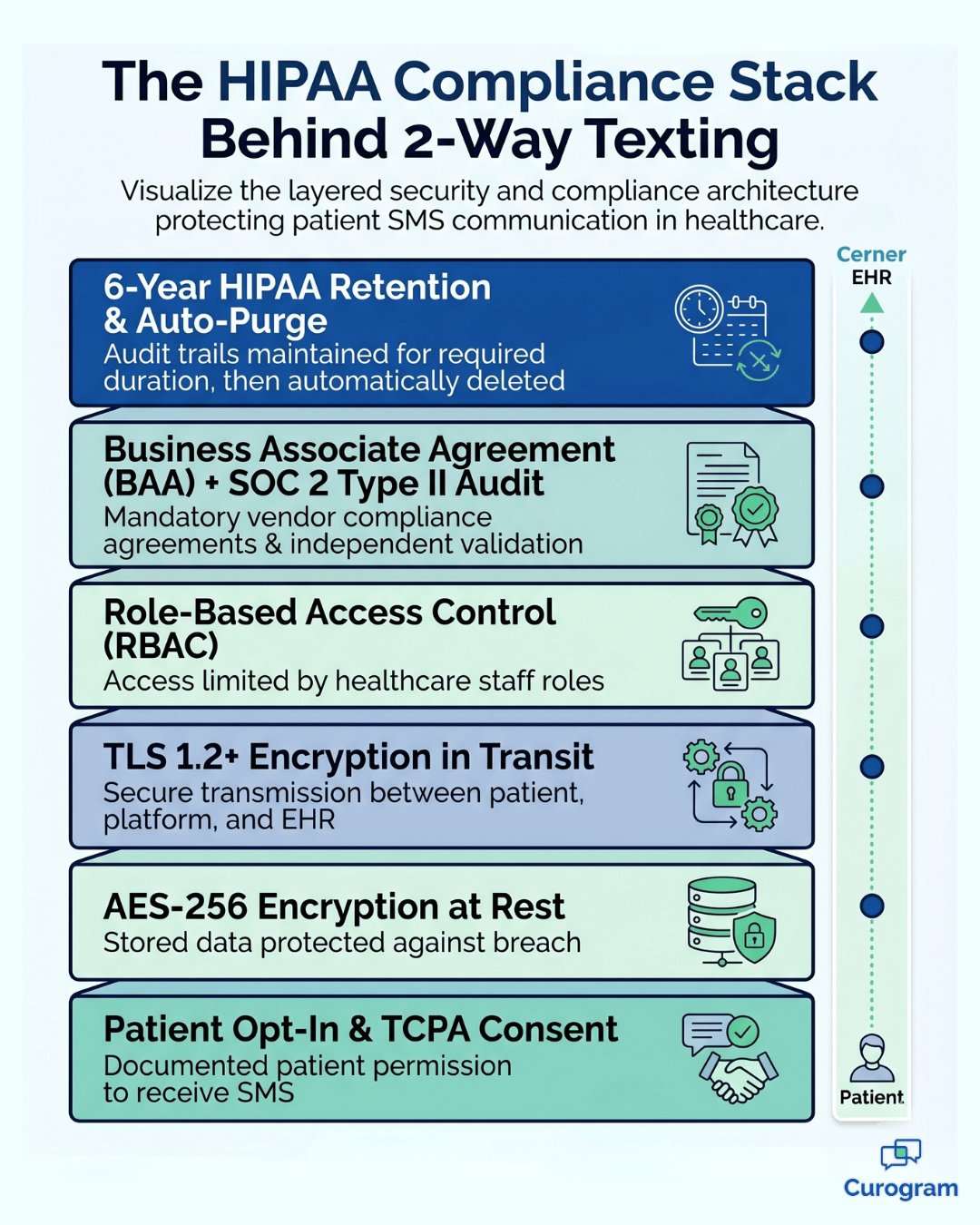
All SMS traffic runs over TLS 1.2 or higher in transit and is encrypted at rest with AES-256. Curogram keeps HIPAA audit logs for every message exchange, pulled up anytime through your admin dashboard.
That matters when Compliance asks for a report during a SOC review.
Role-based access control (RBAC) keeps patient SMS content visible only to staff assigned the "Confirmation Reviewer" role. Cross-reference this with Cerner's role hierarchy so no one gets accidental access through a side door.
Retention follows HIPAA's 6-year rule for medical records. After that window, data auto-purges unless you've got a legal hold.
The Cerner integration keeps Curogram's retention in sync with Cerner's patient record lifecycle, so nothing falls out of step.

Fixing the Issues You'll Actually Run Into
Most implementations hit the same small snags.
Here's how to handle them fast.
If OAuth fails with "Invalid Client Secret," the fix is usually boring. Copy the secret again, watching for trailing spaces. If it still fails, regenerate the credentials in Cerner and paste the fresh values into Curogram.
If appointments show up in Curogram but no SMS goes out, work through three checks in order:
- Is the appointment's department mapped to a routing group?
- Does the trigger rule apply? A 48-hour rule won't fire for an appointment booked 12 hours out.
- Is there a valid phone number in Cerner's patient contact fields?
Around 90% of "SMS not sending" tickets resolve on one of those three. Walk through them before escalating.
If confirmations aren't flowing back into Cerner's schedule, check the OAuth scope. Appointment.status write permission has to be enabled.
When that permission is missing, Curogram still sends the SMS and logs replies, but the Cerner callback fails silently with a warning in the dashboard. It's an easy miss and an easy fix.
Fixing the Issues You'll Actually Run Into
Most implementations hit the same small snags. Here's how to handle them fast.
If OAuth fails with "Invalid Client Secret," the fix is usually boring. Copy the secret again, watching for trailing spaces. If it still fails, regenerate the credentials in Cerner and paste the fresh values into Curogram.
If appointments show up in Curogram but no SMS goes out, work through three checks in order:
- Is the appointment's department mapped to a routing group?
- Does the trigger rule apply? A 48-hour rule won't fire for an appointment booked 12 hours out.
- Is there a valid phone number in Cerner's patient contact fields?
Around 90% of "SMS not sending" tickets resolve on one of those three. Walk through them before escalating.
If confirmations aren't flowing back into Cerner's schedule, check the OAuth scope. Appointment.status write permission has to be enabled. When that permission is missing, Curogram still sends the SMS and logs replies, but the Cerner callback fails silently with a warning in the dashboard.
It's an easy miss and an easy fix.
Ready to Stop Chasing Confirmations?
Think about the last 30 days at your practice. How many hours did your team spend on the phone confirming appointments that could have been handled in 30 seconds by text?
How many slots went empty because a patient couldn't reach anyone to cancel in time?
That time and money is recoverable. Not through a bigger call center or more staff on the phones.
Through a smarter workflow that connects Cerner directly to the tool patients actually use, which is their phone.
With a proper Cerner appointment texting implementation, you get three things at once. Department-routed SMS that lands in the right inbox. Real-time scheduling updates that keep Cerner accurate without manual entry.
And a confirmation workflow that cuts out 80% of the calls your team is making today.
The numbers matter. For a typical 5-location practice, that's roughly 90 staff hours reclaimed weekly, 10 to 15 additional appointments kept on the schedule, and a no-show rate that drops from around 14% to under 5%.
Over a year, the revenue recovery alone usually covers the platform many times over.
The setup itself isn't the hard part. It's 2 to 4 weeks, most of which is compliance review and stakeholder alignment. The technical configuration takes a few days. What you get on the other side is an operations team that spends its time on patients, not voicemail.
If you're ready to see how Oracle Health 2-way texting setup would look inside your specific Cerner environment, schedule a demo with Curogram.
We'll walk through your current confirmation workflow, map the departments, and show you exactly where the time and revenue come back.
If you're ready to see how Oracle Health 2-way texting setup would look inside your specific Cerner environment, schedule a demo with Curogram. We'll walk through your current confirmation workflow, map the departments, and show you exactly where the time and revenue come back.
Frequently Asked Questions
Yes, but it's not recommended. Curogram can run in read-only mode where SMS confirmations log in the dashboard but don't write back to Cerner. The problem is your staff still has to reconcile text replies against the Cerner schedule by hand, which removes most of the benefit. Keep the FHIR callback loop enabled unless your governance policy specifically blocks it.
You can set auto-escalation rules for non-respondents, typically after 24 to 48 hours. The appointment gets flagged in the admin dashboard, which triggers a manual follow-up through a call, a second SMS, or an email. Cerner's appointment status stays at PENDING until someone confirms manually or a clinician steps in.
No, and you shouldn't. Call volume drops 70 to 80% once SMS confirmations are live, which frees your team up instead of replacing them. Most practices redeploy call center staff to insurance verification, billing follow-up, and clinical support. Over time, you can right-size headcount based on real workload, not assumptions.
Most practices go from kickoff to live in 2 to 4 weeks. The technical setup takes a few days. The rest is compliance review, stakeholder alignment, and piloting with one or two departments before full rollout.
Yes, both work. Cloud-hosted instances are actually easier because there are no firewall rules to configure. On-premise setups just need outbound HTTPS on port 443 to Curogram's API endpoints.